AI Kick Start × Lesson Pack

AI Platform Mastery: ChatGPT, Codex, Claude and MCP

A complete course hub for the AI Kick Start lesson pack. Learners move through 11 modules covering the OpenAI and Anthropic work surfaces, then leave with a tool decision map, safe operating rules, screenshot/video production plan, and a practical AI workbench.
AI Kick Start course banner for OpenAI and Anthropic platform training

0 of 11 lessons complete

Complete course section - 11 modules

The lesson research pack turned into a structured course.

Each module opens as a dedicated page with the learner outcome, service-manual focus, production cues, practical task, safety notes, source links, and screenshot references already wired into the site.

01OpenAI
Lesson 01 · Module 1

Foundation: AI tools landscape, accounts and MCP

Give learners the map: which products exist, what surfaces they run on, how accounts and plans affect capability, and why MCP is a permissions boundary.

Open lesson
02OpenAI
Lesson 02 · Module 2

ChatGPT web and desktop applications

Teach the main ChatGPT work surfaces: web, desktop, projects, files, memory, canvas, deep research, voice, connectors and developer mode.

Open lesson
03
Lesson 03 · Module 3

ChatGPT mobile on iOS and Android

Use mobile for capture, voice, review and safe handoff without pretending it replaces the desktop workflow.

Open lesson
04OpenAI
Lesson 04 · Module 4

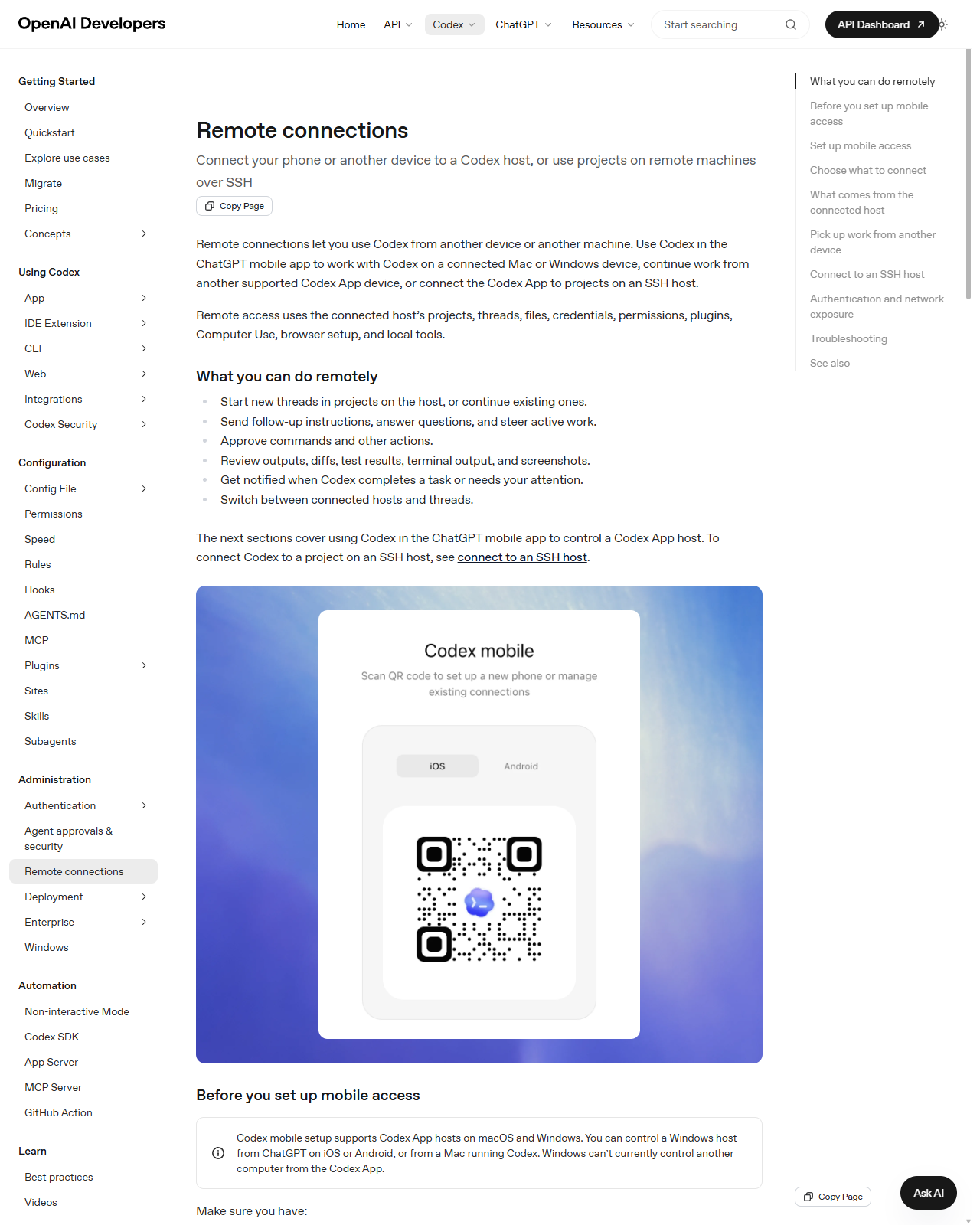
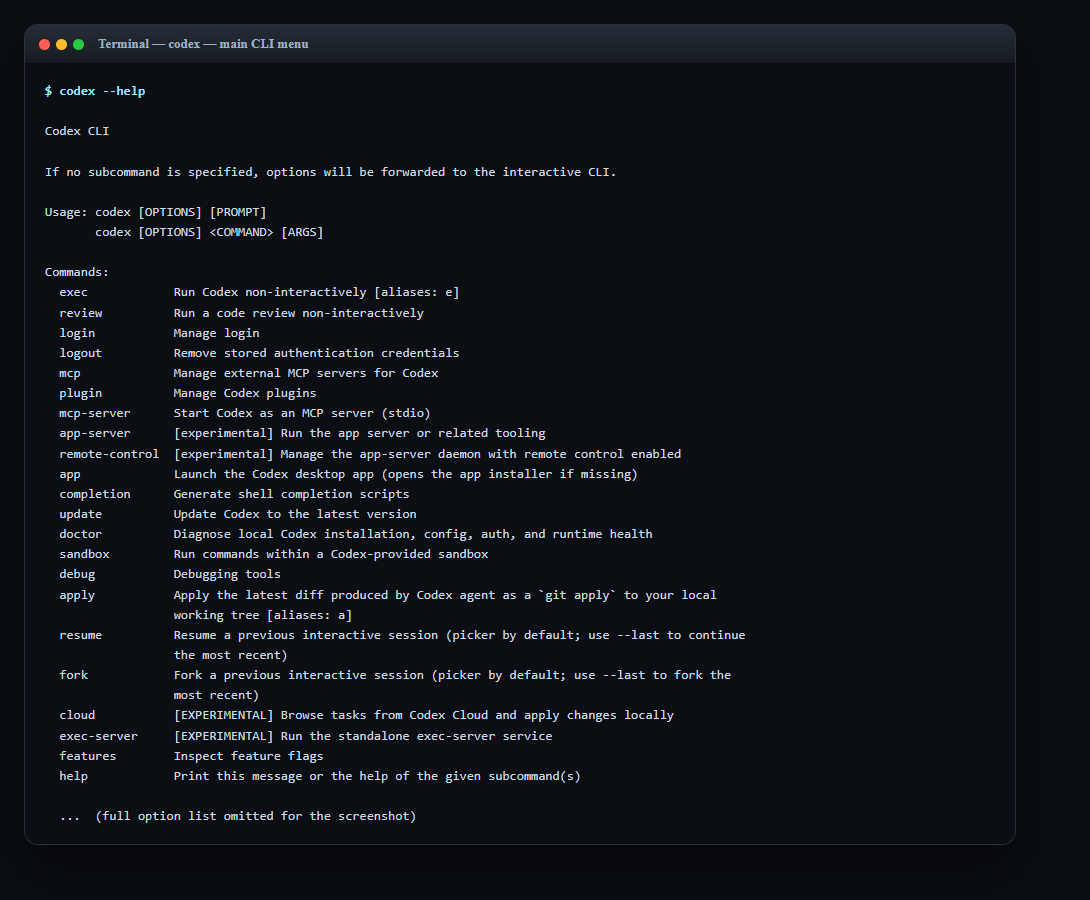
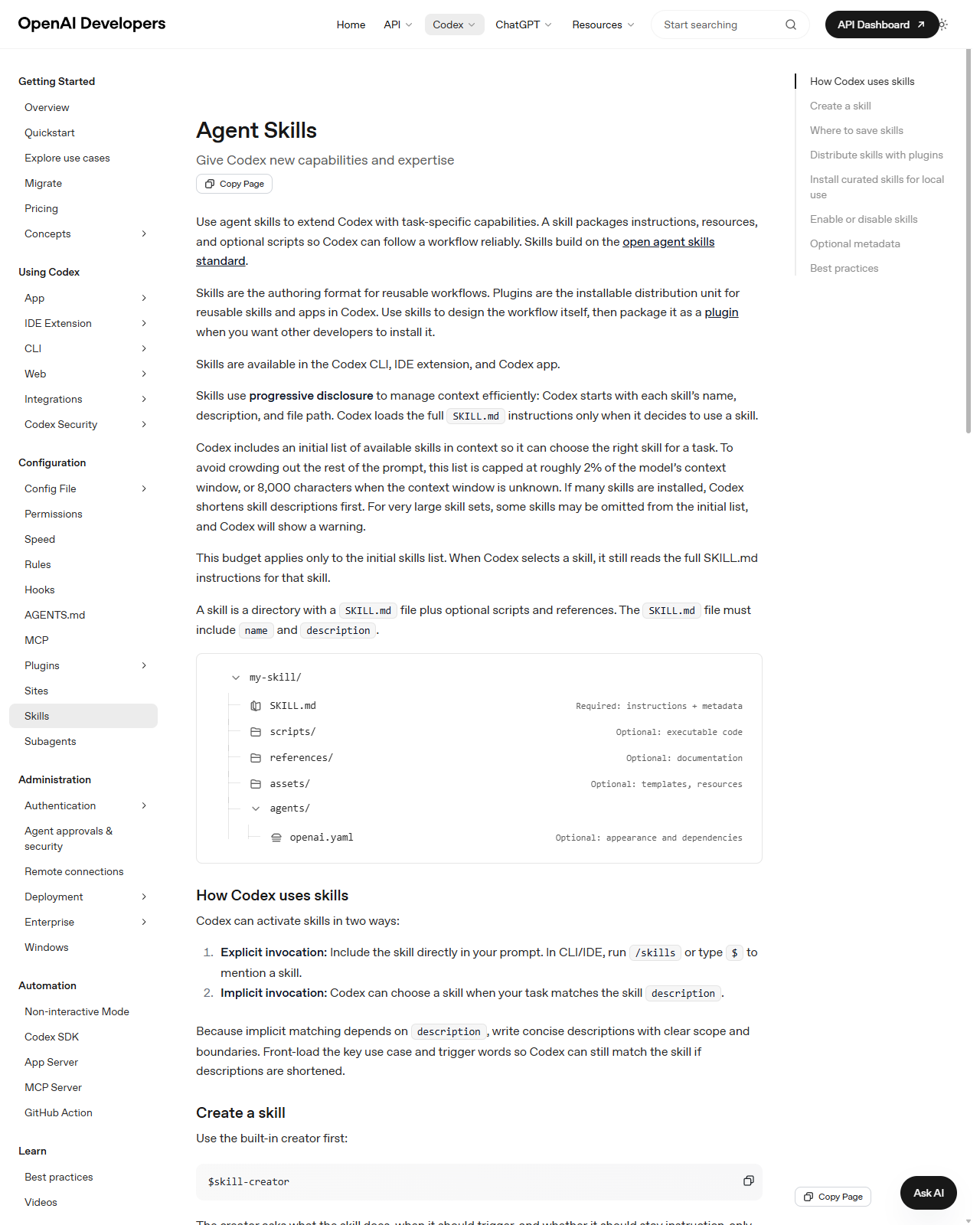
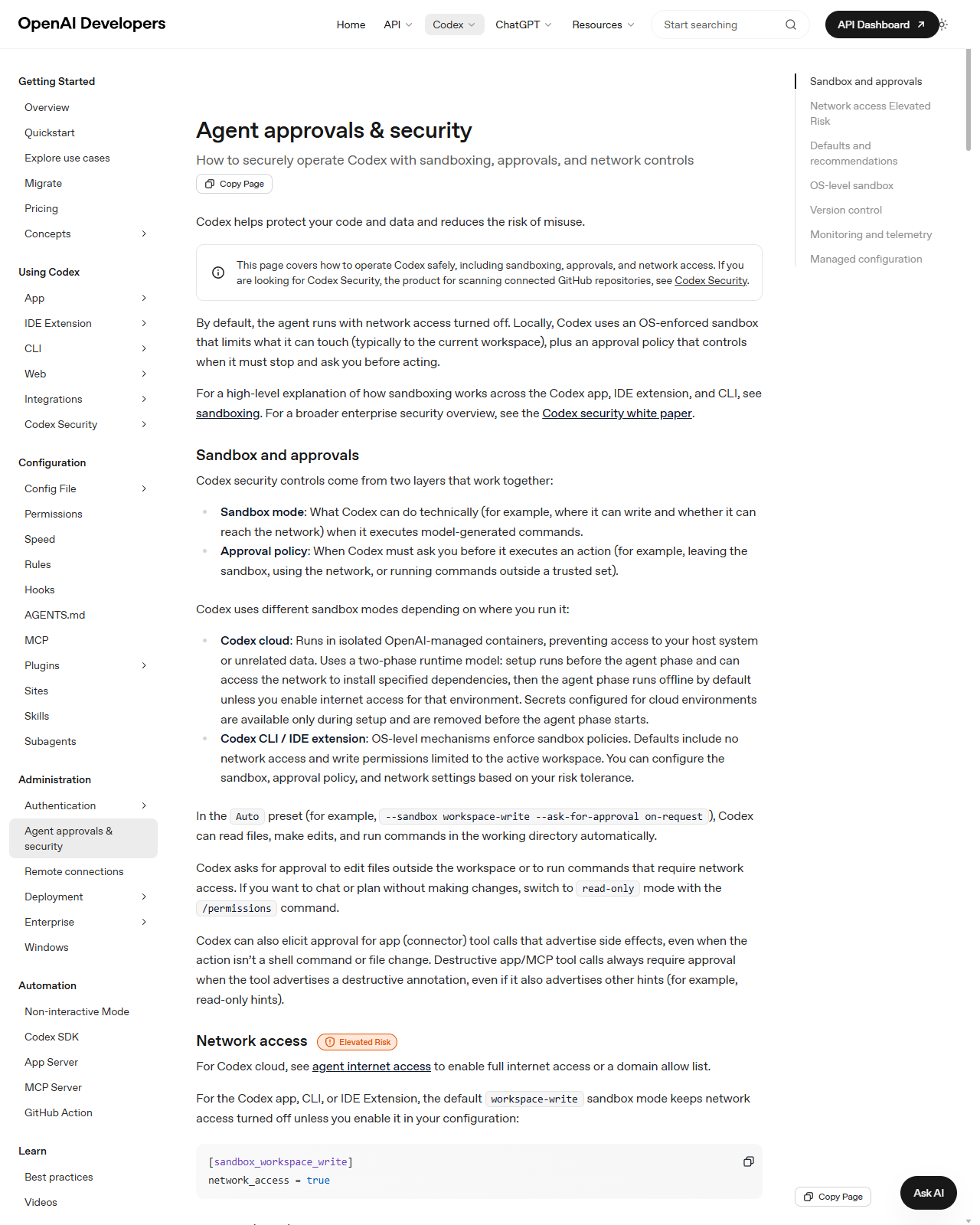
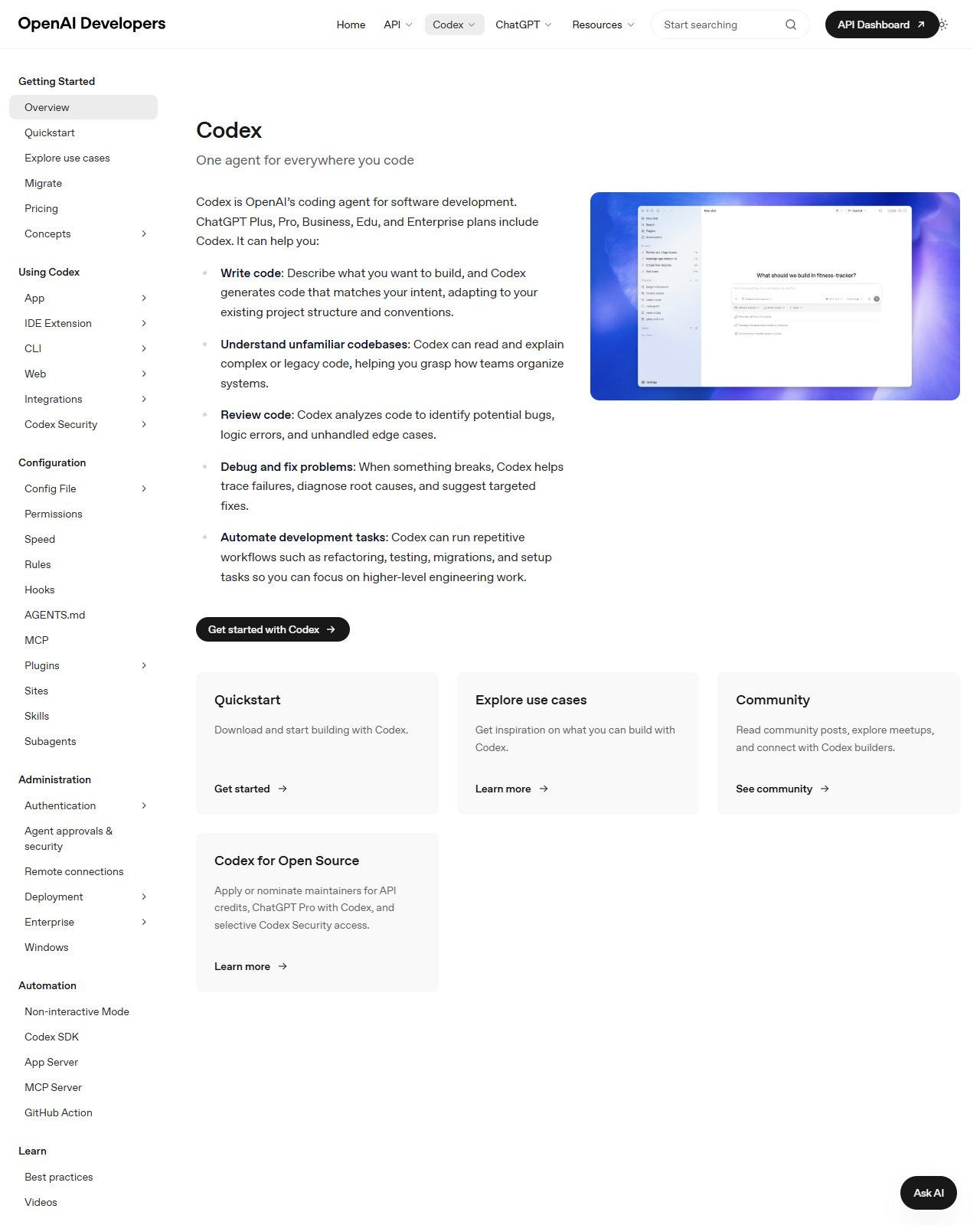
OpenAI Codex CLI and desktop command centre

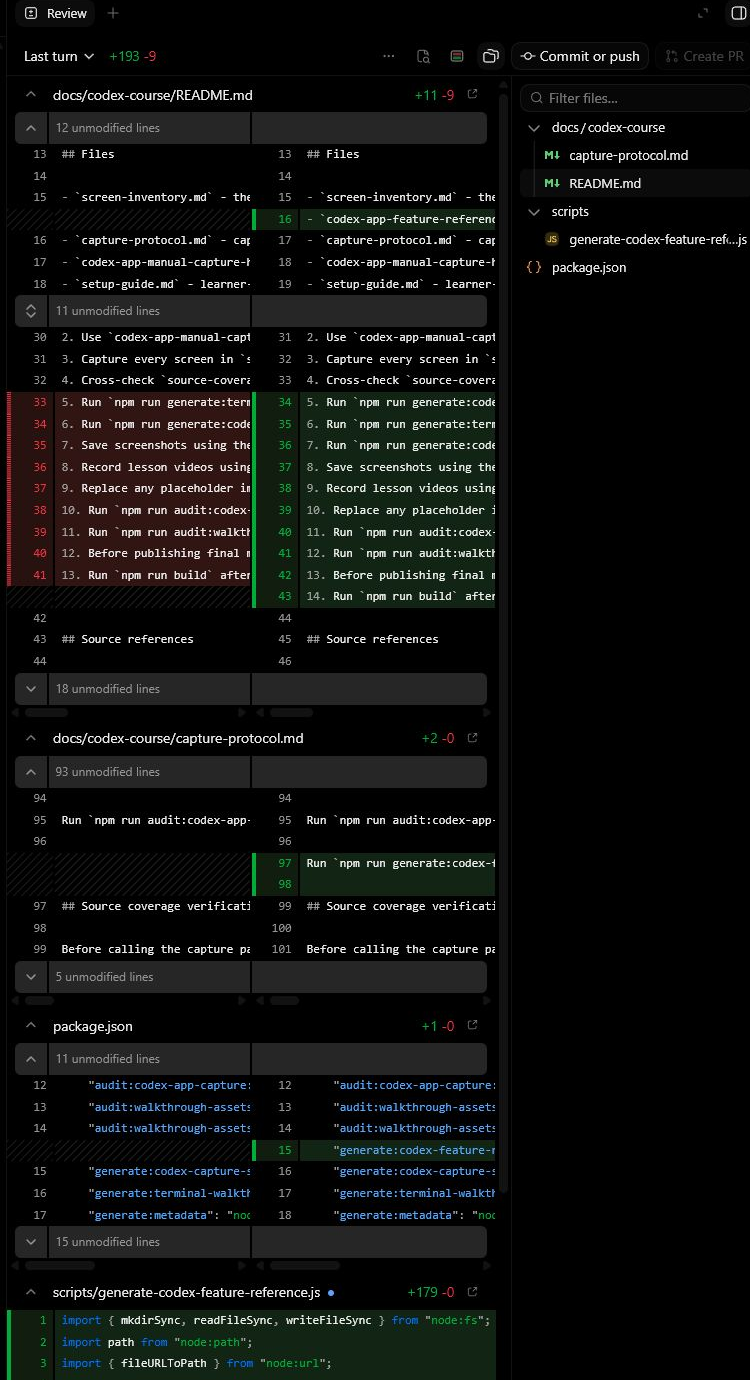
Teach Codex as a project agent across CLI, desktop, cloud, IDE and GitHub, with sandbox, approval and review habits first.

Open lesson
05Claude
Lesson 05 · Module 5

Claude Chat web and desktop

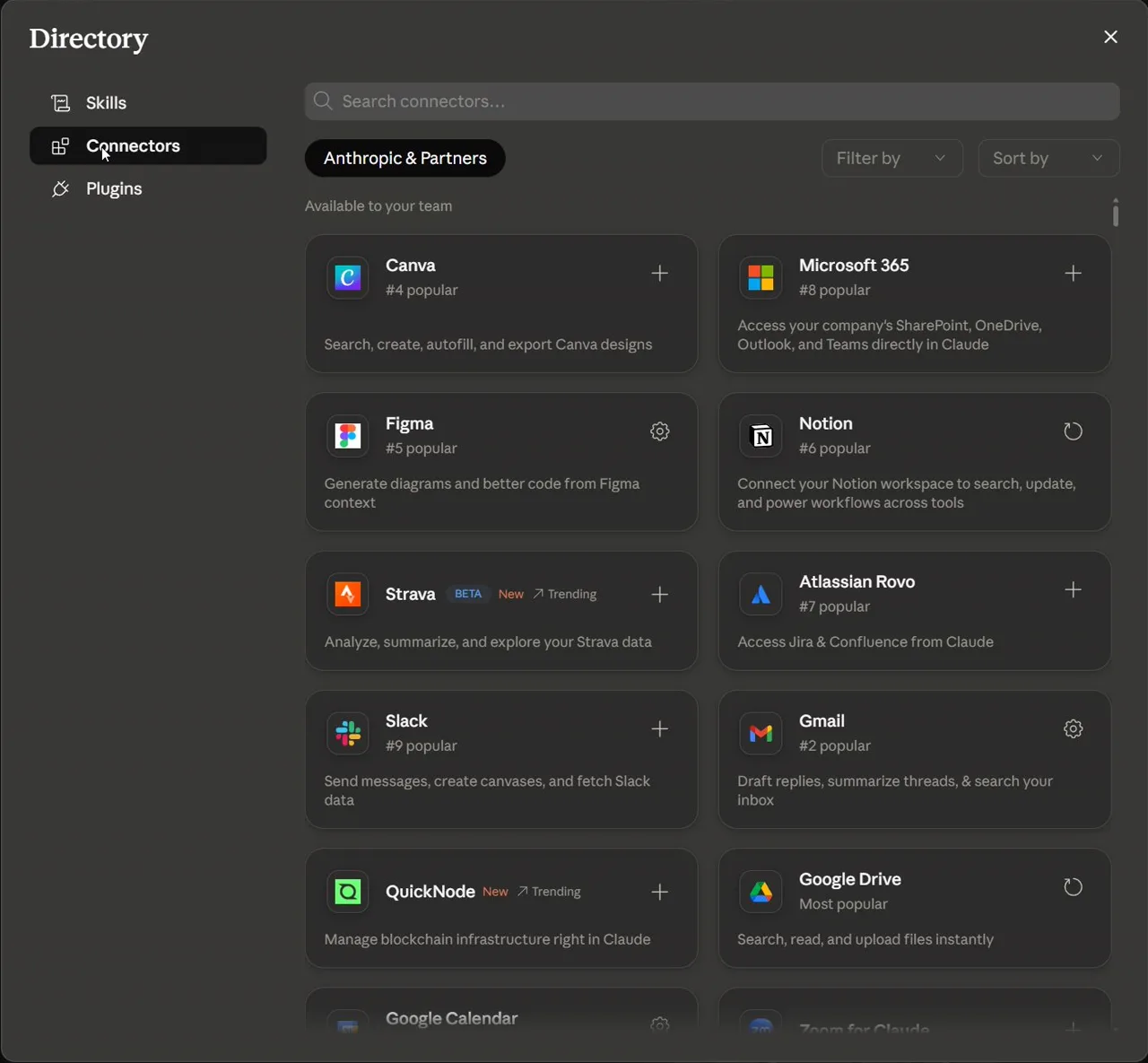
Teach Claude for long-context reasoning, projects, artifacts, research, files, connectors, skills and desktop workflows.

Open lesson
06Claude
Lesson 06 · Module 6

Claude mobile on iOS and Android

Show where Claude mobile is useful for capture and review, and where learners must switch to desktop.

Open lesson
07Claude
Lesson 07 · Module 7

Claude Cowork for agentic desktop delegation

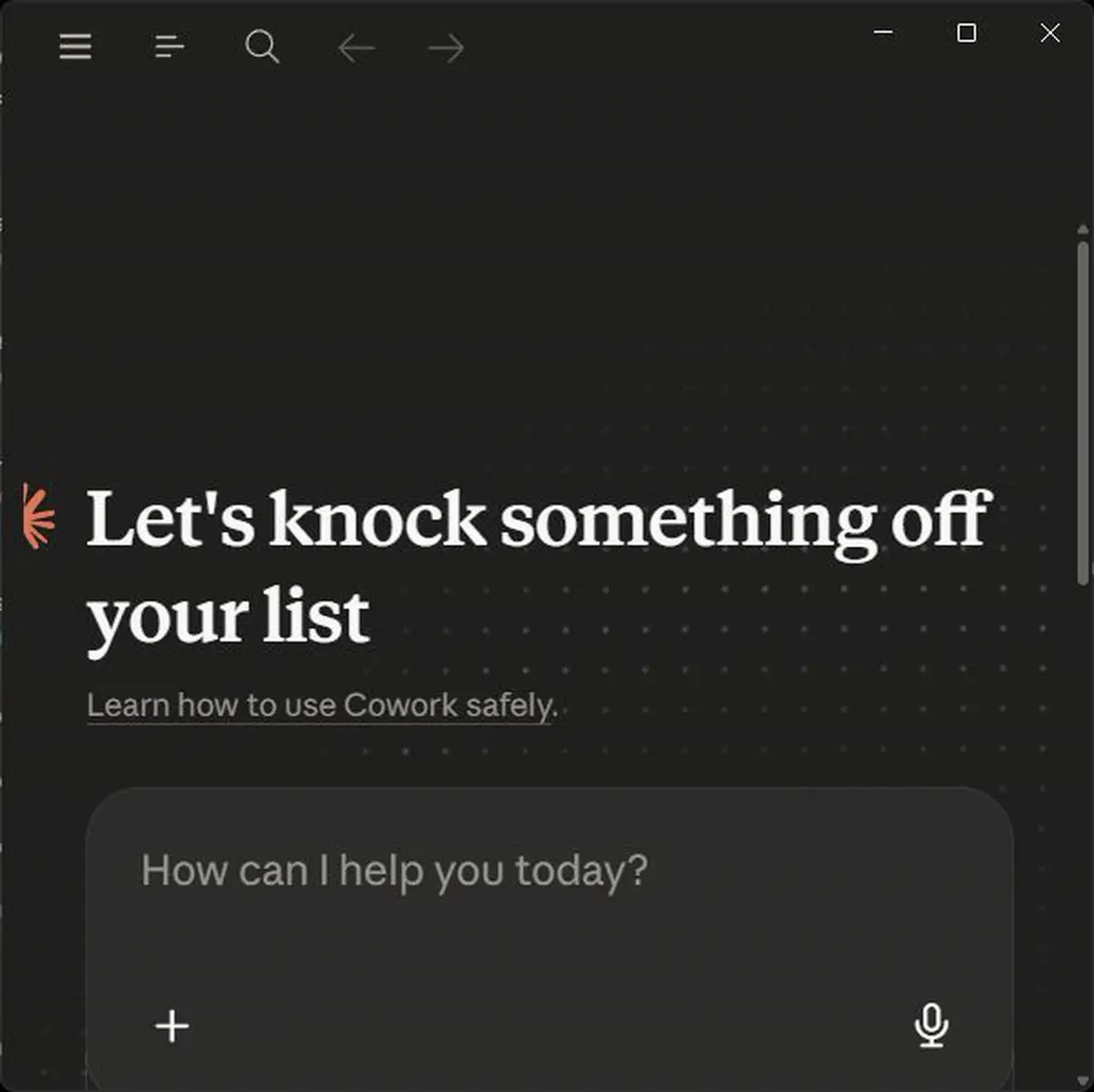
Delegate desktop work with clear folders, connectors, computer-use boundaries, scheduled tasks and review rules.

Open lesson
08Claude
Lesson 08 · Module 8

Claude Code CLI for terminal-first development

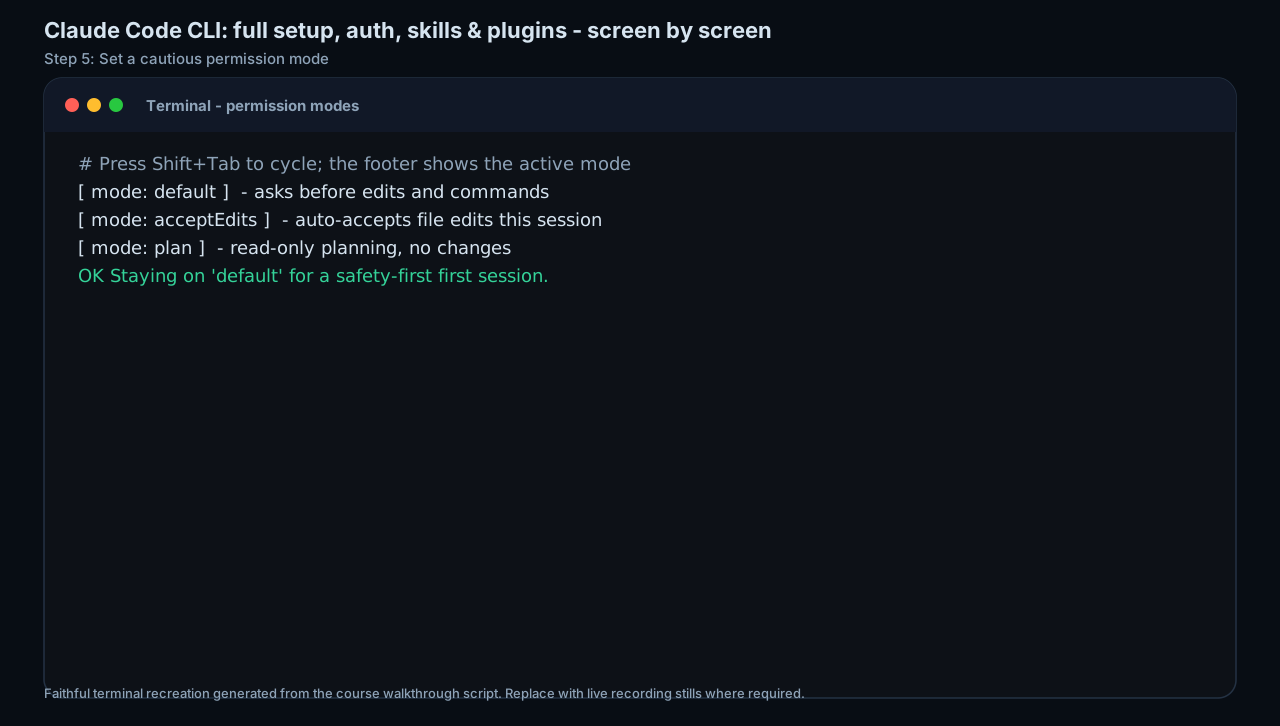
Teach installation, authentication, workspace trust, tools, permission modes, slash commands, memory, Git and MCP from the terminal.

Open lesson
09OpenAI
Lesson 09 · Module 9

Claude Code IDE and web workflows

Move deliberately between VS Code, JetBrains, web/cloud, GitHub actions and review surfaces.

Open lesson
10OpenAI
Lesson 10 · Module 10

Claude Code advanced features

Teach MCP, hooks, skills, plugins, subagents, checkpoints and remote control as extension layers with governance.

Open lesson
11
Lesson 11 · Module 11

Enterprise, security and best practices

Turn the course into a governance-ready rollout plan with source refresh, permission, data and operational checks.

Open lesson

Learner outcomes

What you can do by the end.

  • Map ChatGPT, Codex, Claude, Claude Code, Claude Cowork, MCP, plugins, skills and connectors to the right type of work.
  • Build production-ready lesson assets: service manuals, screenshot capture packs, video capture plans, lesson plans and narration scripts.
  • Operate with permission-first safety rules for files, browsers, connectors, MCP servers, computer use and enterprise rollout.
  • Create a reusable AI workbench with prompt templates, module checklists, source links and review checkpoints.
  • Explain where feature, pricing, platform and security claims need re-checking before a paid delivery or public launch.
OpenAIChatGPT and Codex for general AI work, app connectors, coding, review and agent workflows.AnthropicClaude Chat, Claude Code and Cowork for long-context reasoning, coding, desktop work and team workflows.GovernanceMCP, permissions, screenshots and source checks make the training safe enough for business use.

Source notes · checked 2026-06-09

Official references used to build these lessons.