
Lesson 10 of 11 · Module 10
Claude Code advanced features
Teach MCP, hooks, skills, plugins, subagents, checkpoints and remote control as extension layers with governance.
Built from aikickstart_sec10.md and advanced feature research
Advanced features are useful after the manual workflow is proven. The module should stop learners from building infrastructure before they know the workflow is worth repeating.
What to understand
- A skill is the lowest-cost way to encode a repeatable procedure.
- A plugin packages skills and integrations for distribution.
- An MCP server is deeper infrastructure and should exist only when existing connectors cannot reach the needed data or action.
Extension ladder
- PromptOne-off instruction for one task.
- SkillReusable procedure for one repeated job.
- PluginPackaged workflow for a user, team or role.
- MCP serverProgrammatic access to a data source or action surface.
- Governed rolloutAdmin-managed distribution, audit and policy.
Step by step
Place the workflow on the ladder
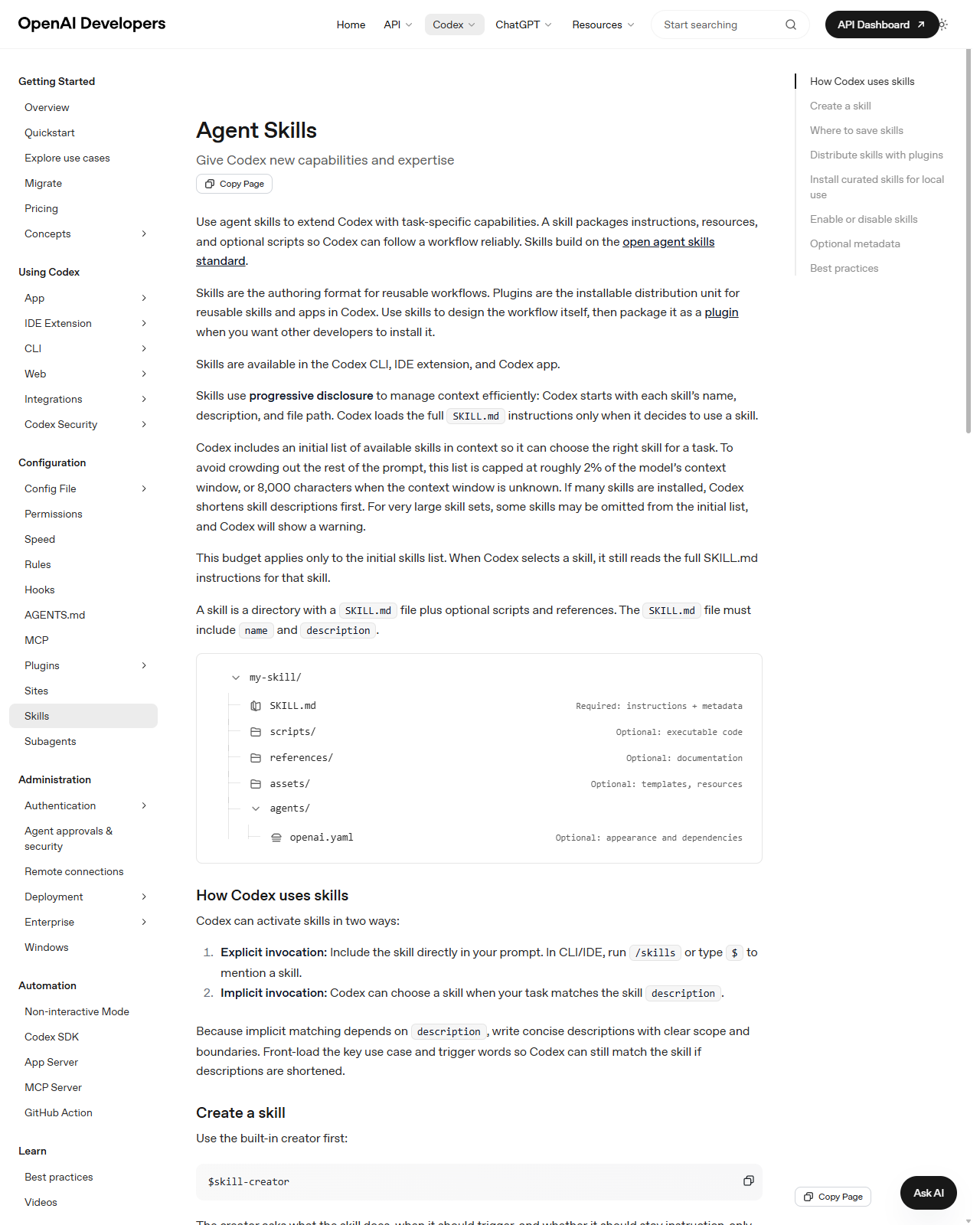
Take one repeated task and choose the lowest extension layer that solves it.
HintMost tasks should stop at skill or plugin, not MCP.
Reference screens
Course screenshots and visual references for the lesson flow. Re-check the live product before paid delivery or public launch.
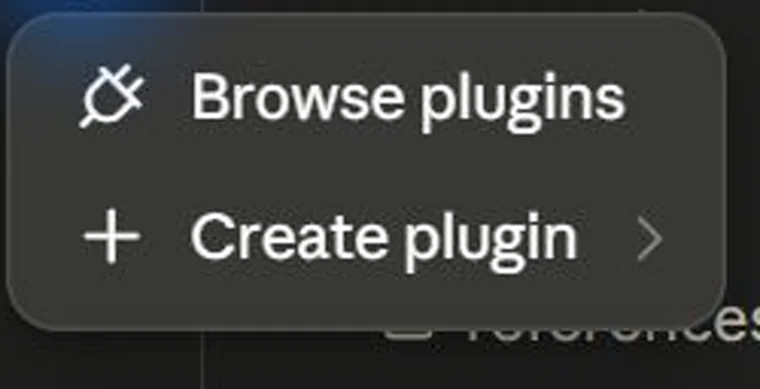
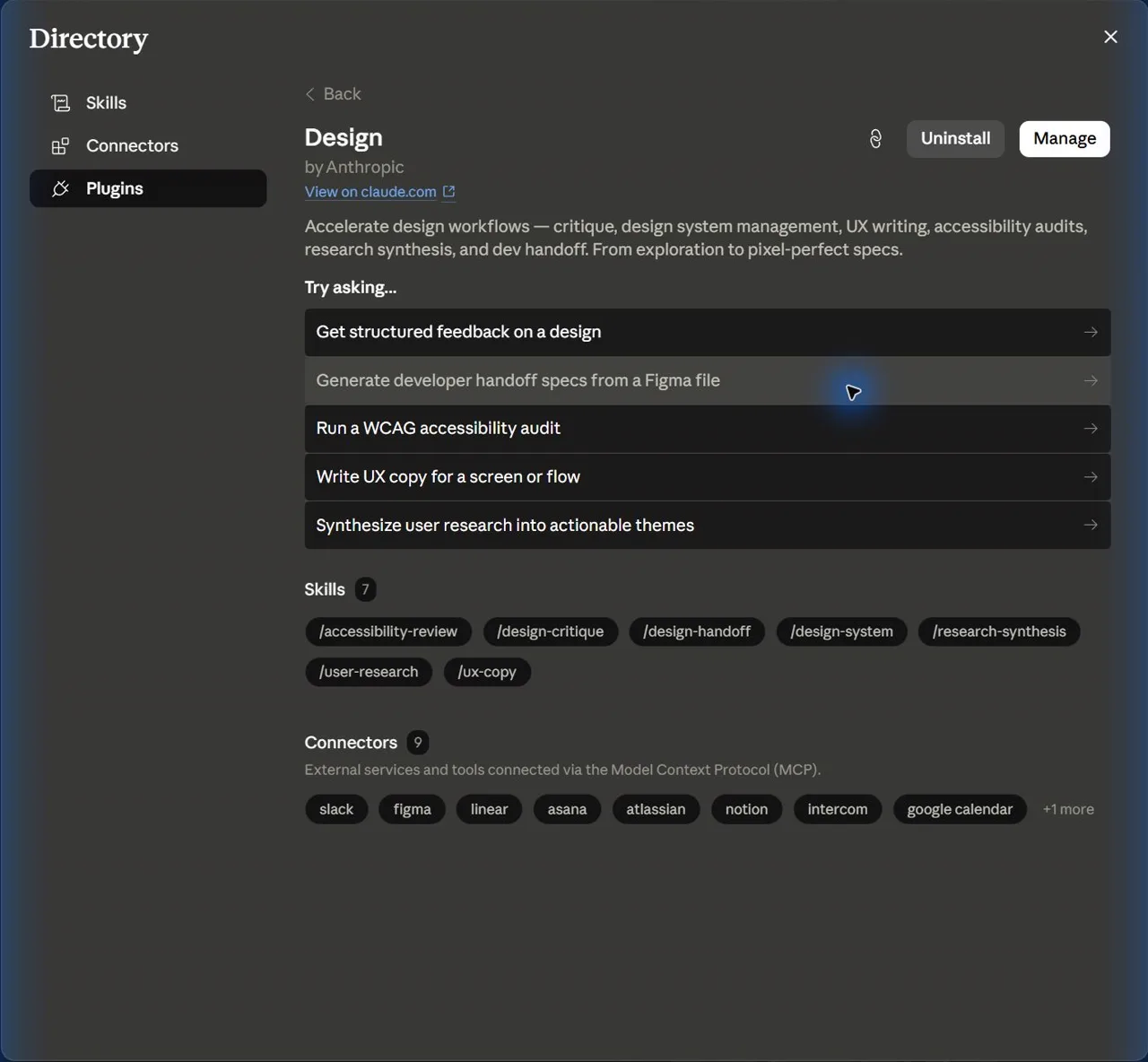
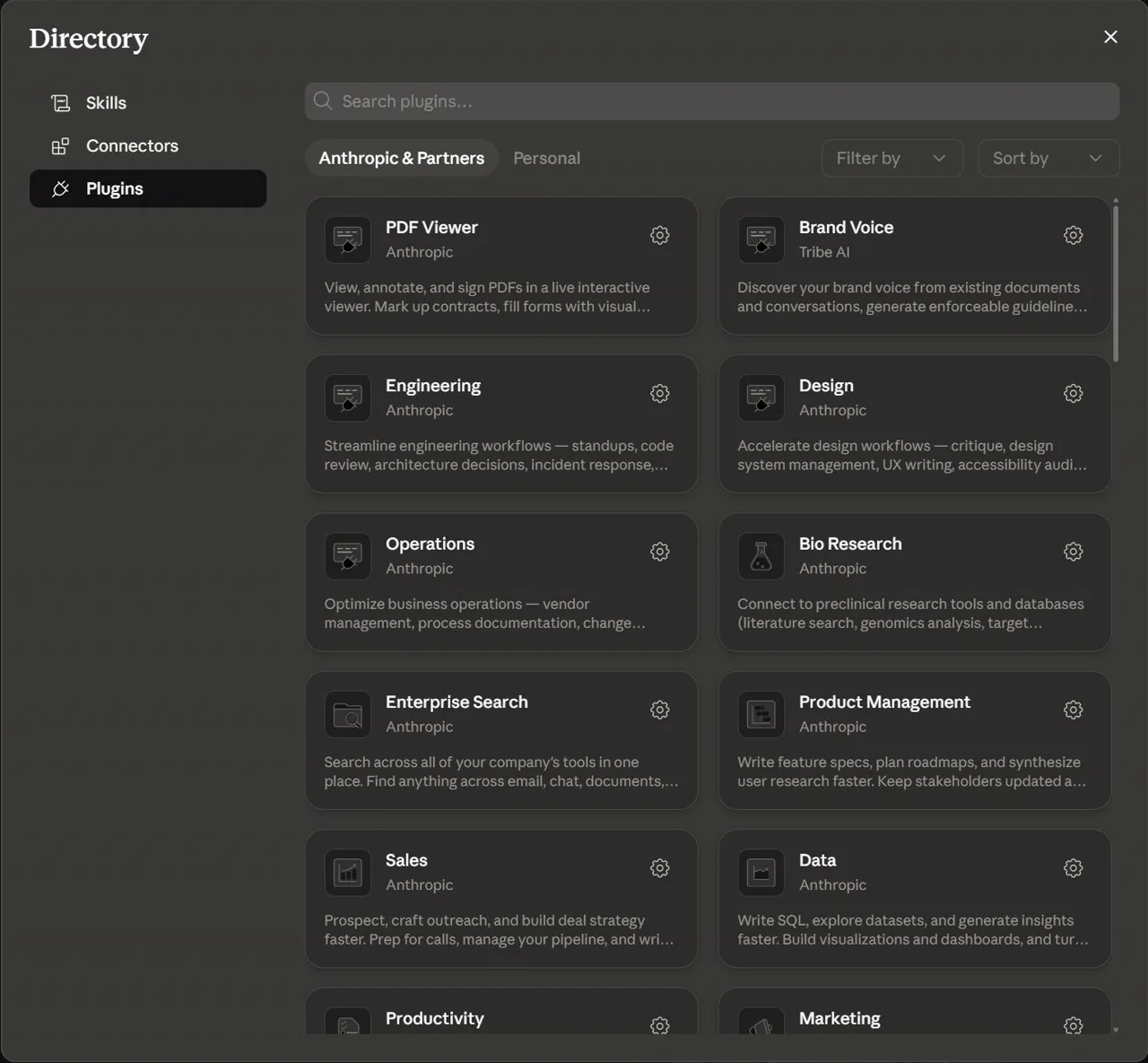
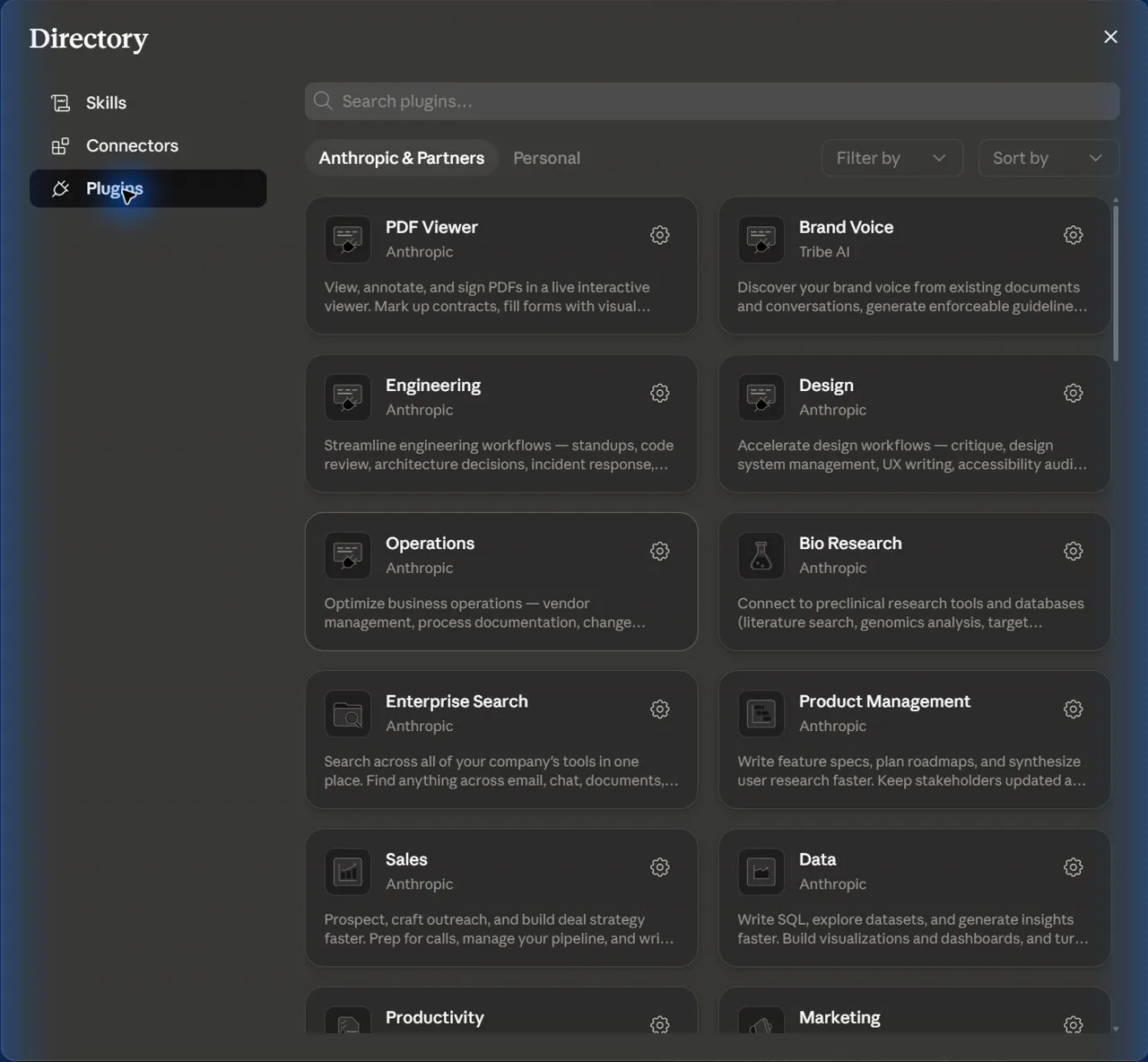
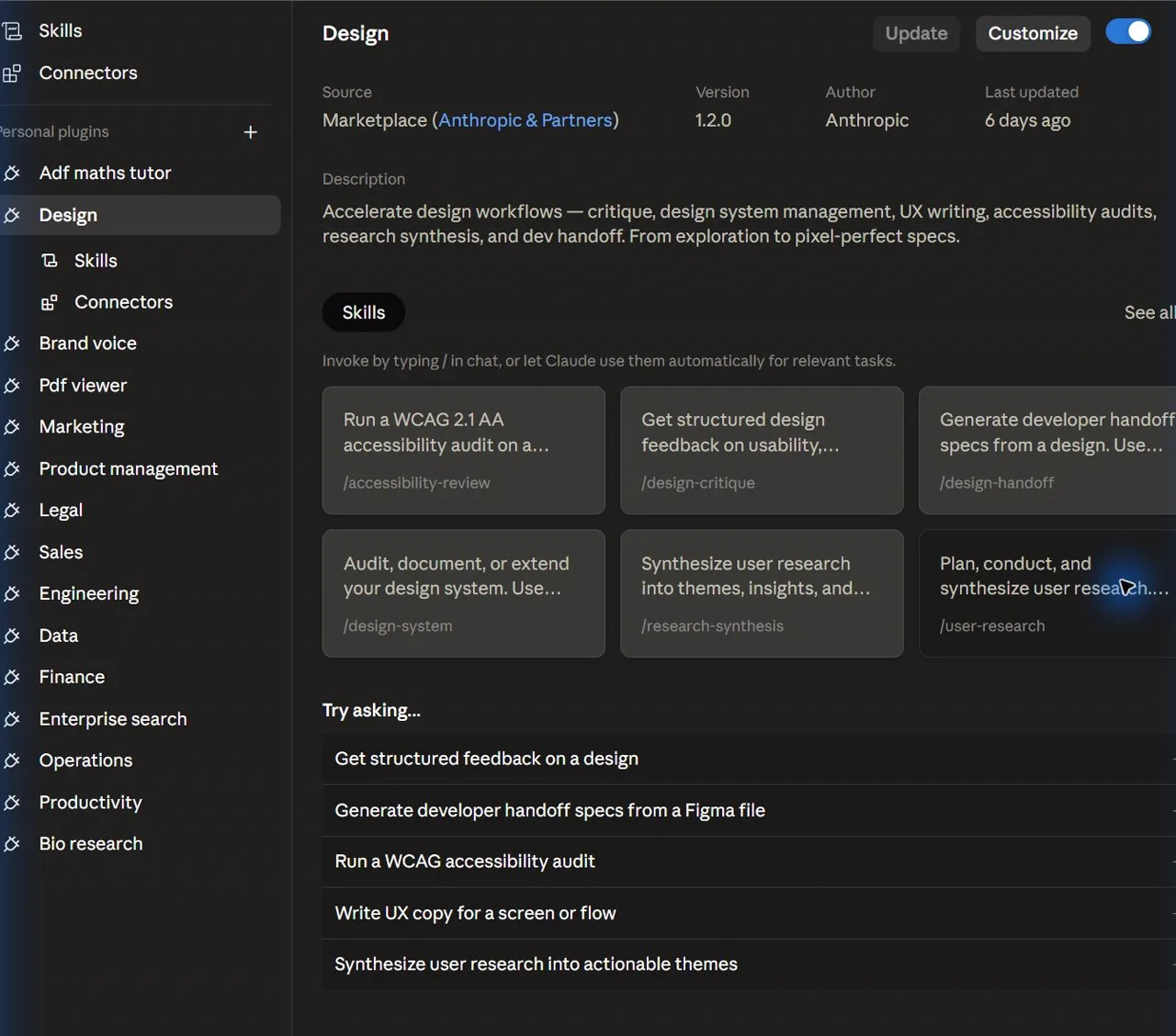
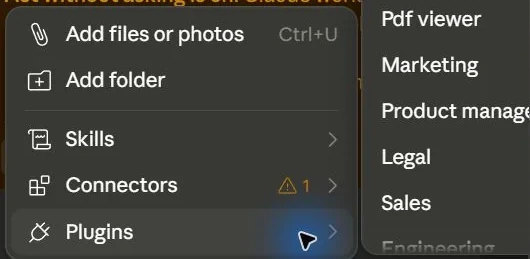
Design a skill-to-plugin promotion plan.
An extension plan with purpose, audience, permissions and review rules.
Production prompt examples
Goal:
[What outcome should exist by the end of this lesson?]

Context:
[Audience, account tier, device, constraints, and current workflow.]

Inputs:
[Screens, docs, local files, or example data allowed for this exercise.]

Allowed actions:
[Read, draft, compare, summarise, or inspect.]

Ask before:
[Connecting apps, writing to files, sending externally, spending quota, changing settings.]

Output:
[The exact worksheet, plan, checklist, or capture pack to produce.]

Definition of done:
[How the learner or facilitator checks the result.]

Start by restating the plan in five bullets before executing.
Common mistakes to avoid
- Building an MCP server for a problem a prompt or skill would solve.
- Shipping hooks or plugins without a trust note.
Key terms
- Skill
- A reusable instruction package for one task.
- Plugin
- A packaged bundle of skills and integration configuration.
- Hook
- Automation that runs at a defined lifecycle point.
Resources
Checkpoint