
Lesson 09 of 11 · Module 9
Claude Code IDE and web workflows
Move deliberately between VS Code, JetBrains, web/cloud, GitHub actions and review surfaces.
Built from aikickstart_sec09.md and IDE/web workflow research
This module makes entry points explicit. A task launched from an IDE, a web sandbox or GitHub can have different runtime, context and review behaviour.
What to understand
- IDE surfaces are best when the developer needs local context and visible diffs.
- Cloud/web surfaces are useful for async or isolated work, but need branch/review discipline.
- GitHub actions should be treated as production automation, with trigger and permission review.
Visualisation
Coding surface comparison
Good forRiskReview
IDELocal pairingLocal state driftDiff and tests
Web/cloudAsync sandbox workContext mismatchPR review
GitHubIssue/PR automationTrigger abuseWorkflow logs
Step by step
1
Map one task across surfaces
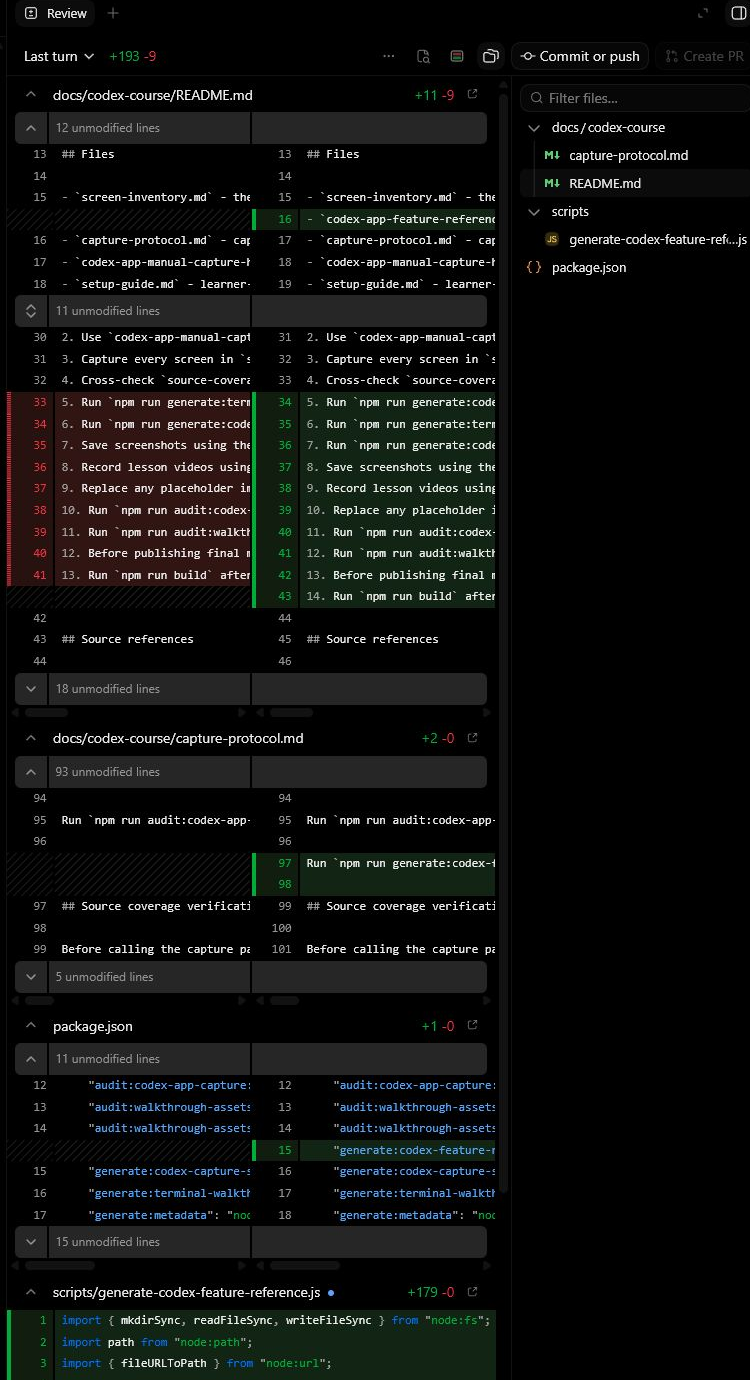
Pick a coding task and decide whether it belongs in IDE, web/cloud or GitHub action.
HintThe easiest trigger is not always the safest trigger.
Reference screens
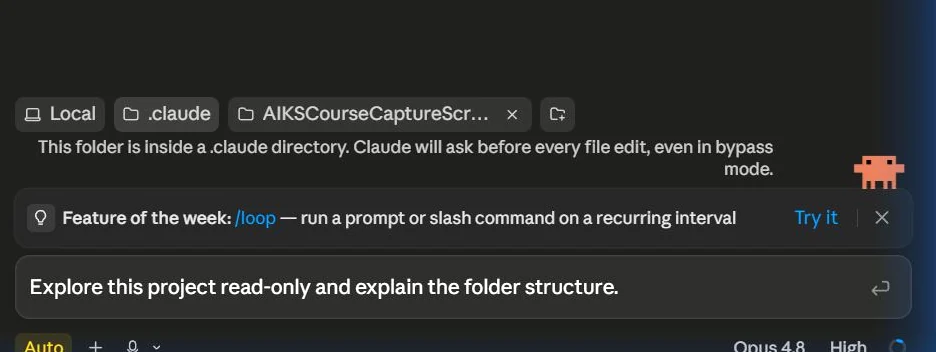
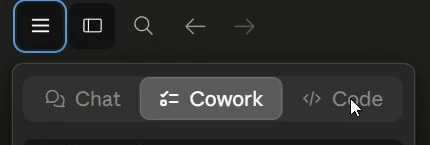
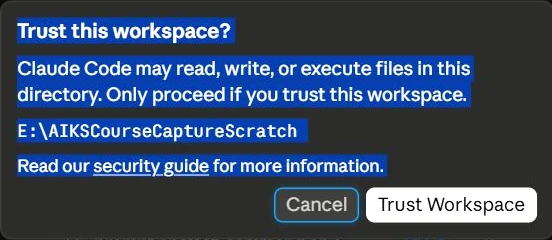
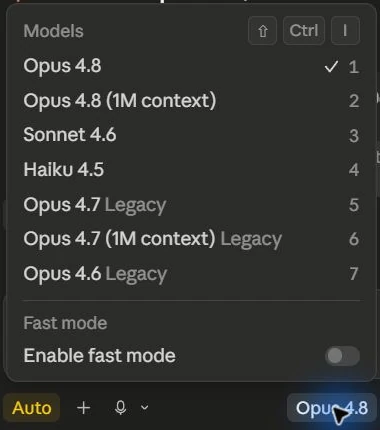
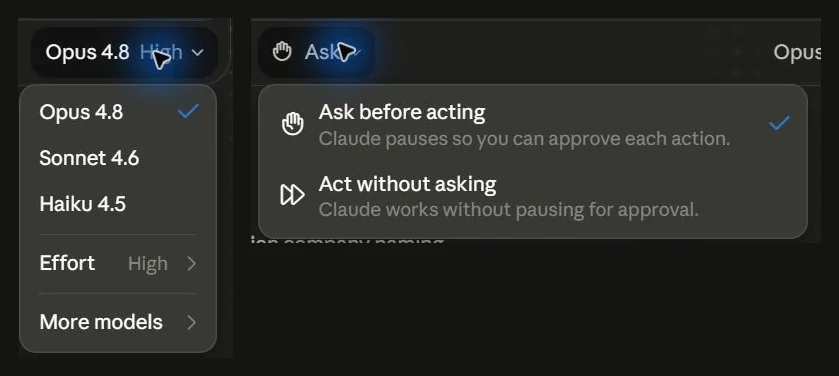
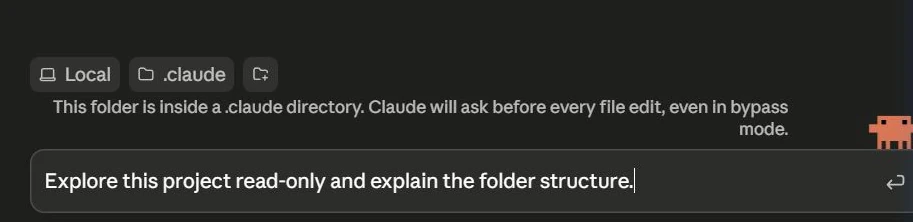
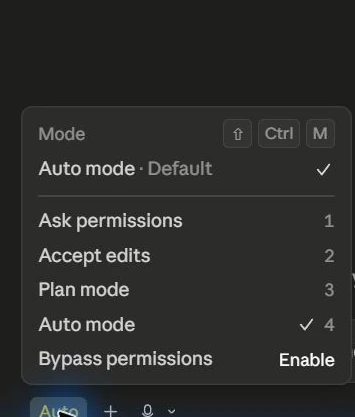
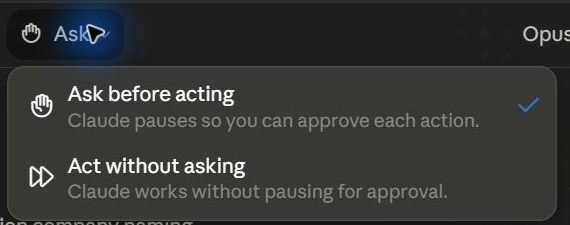
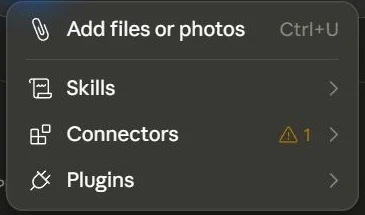
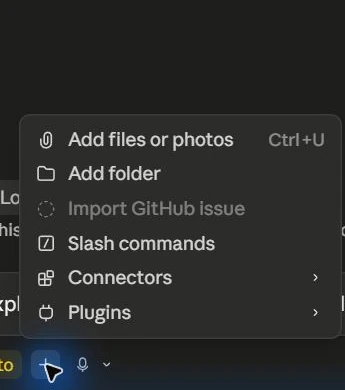
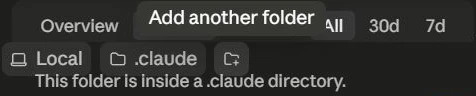
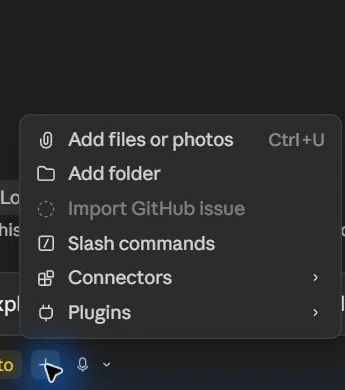
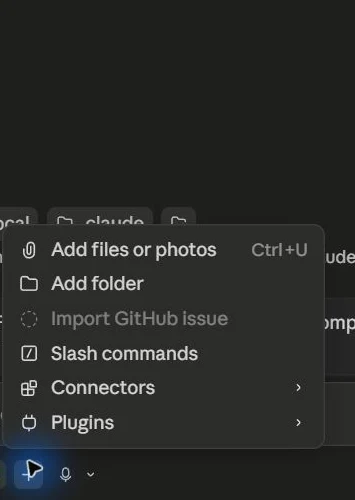
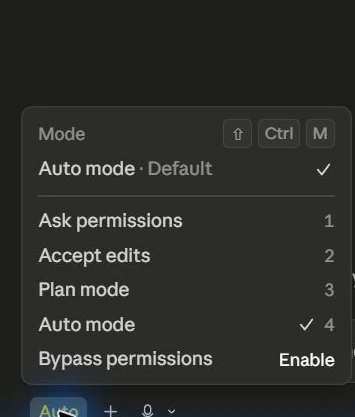
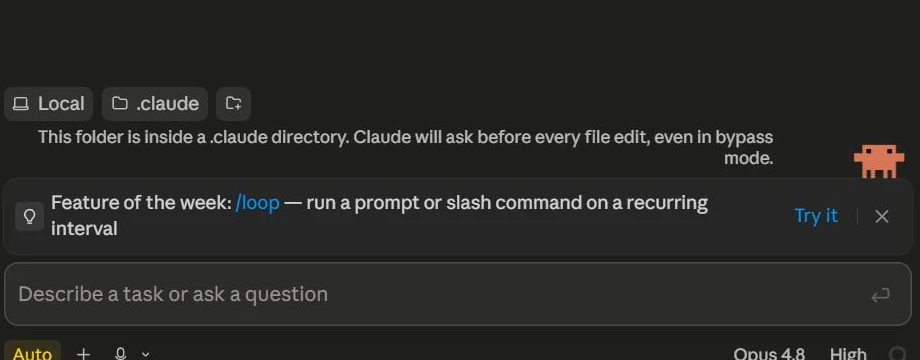
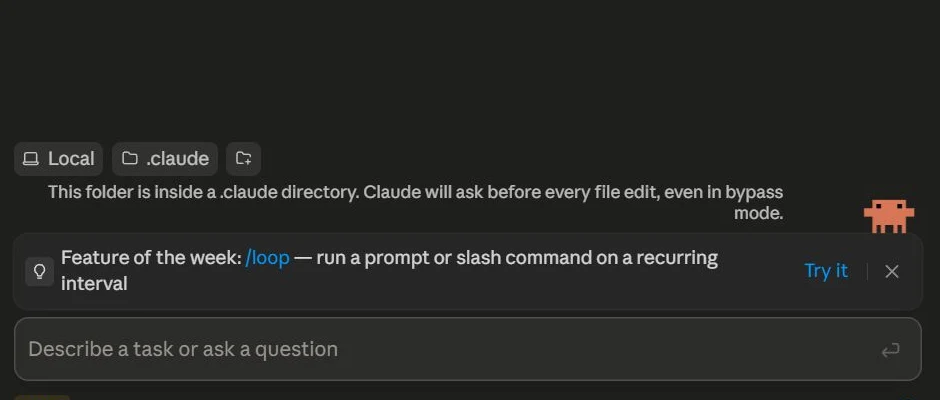
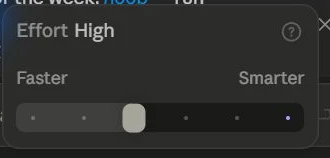
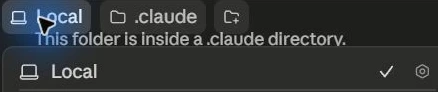
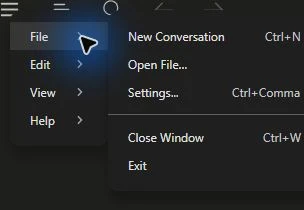
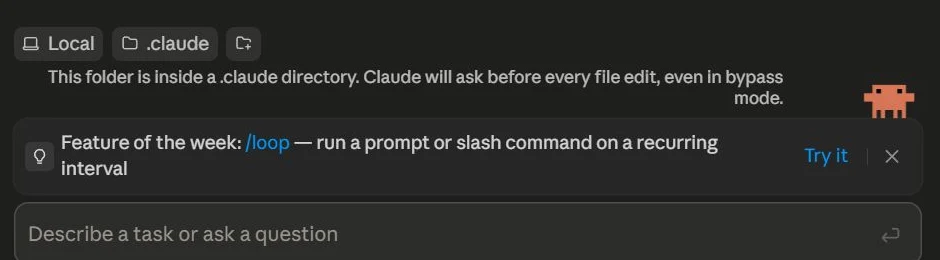
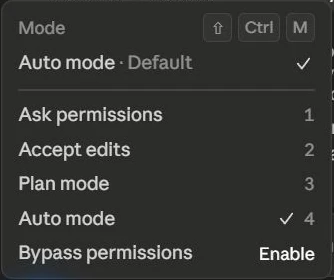
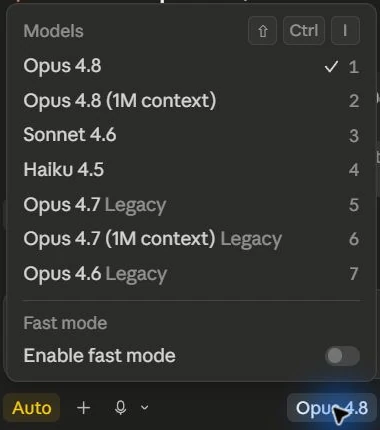
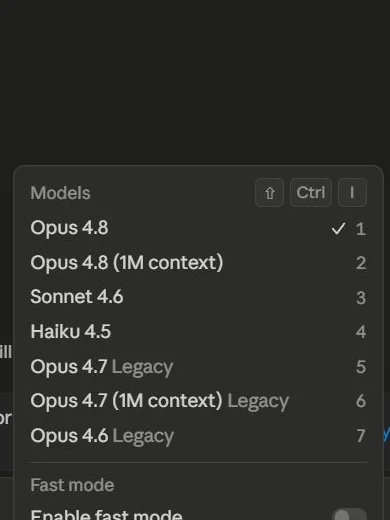
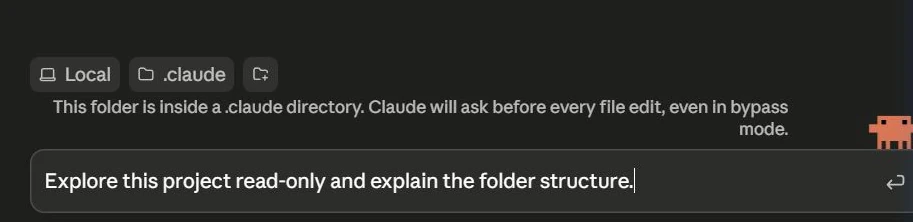
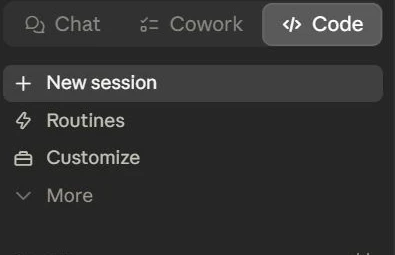
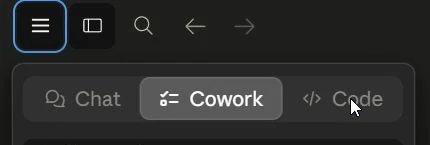
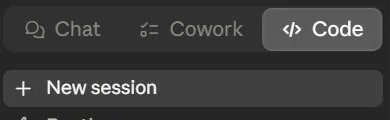
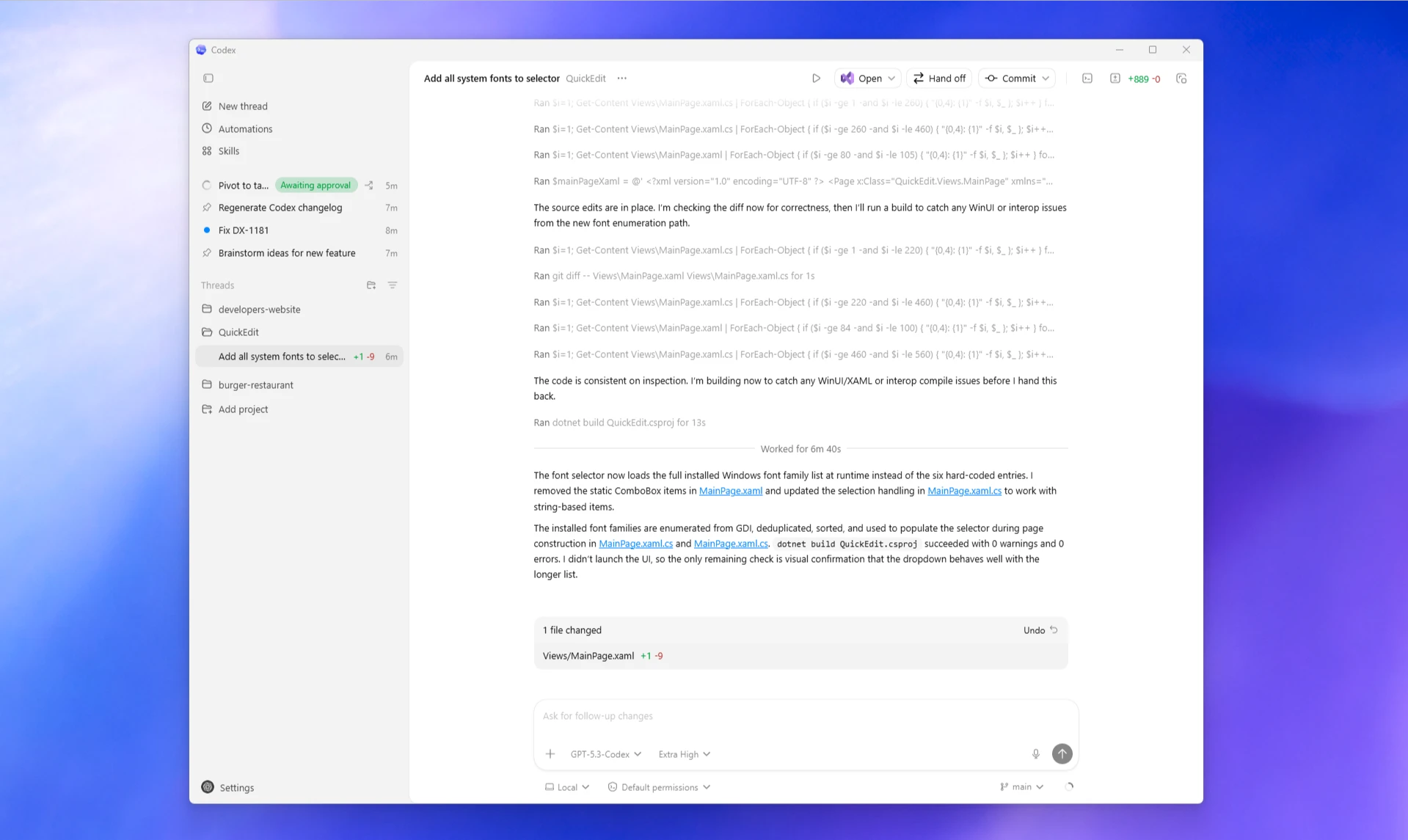
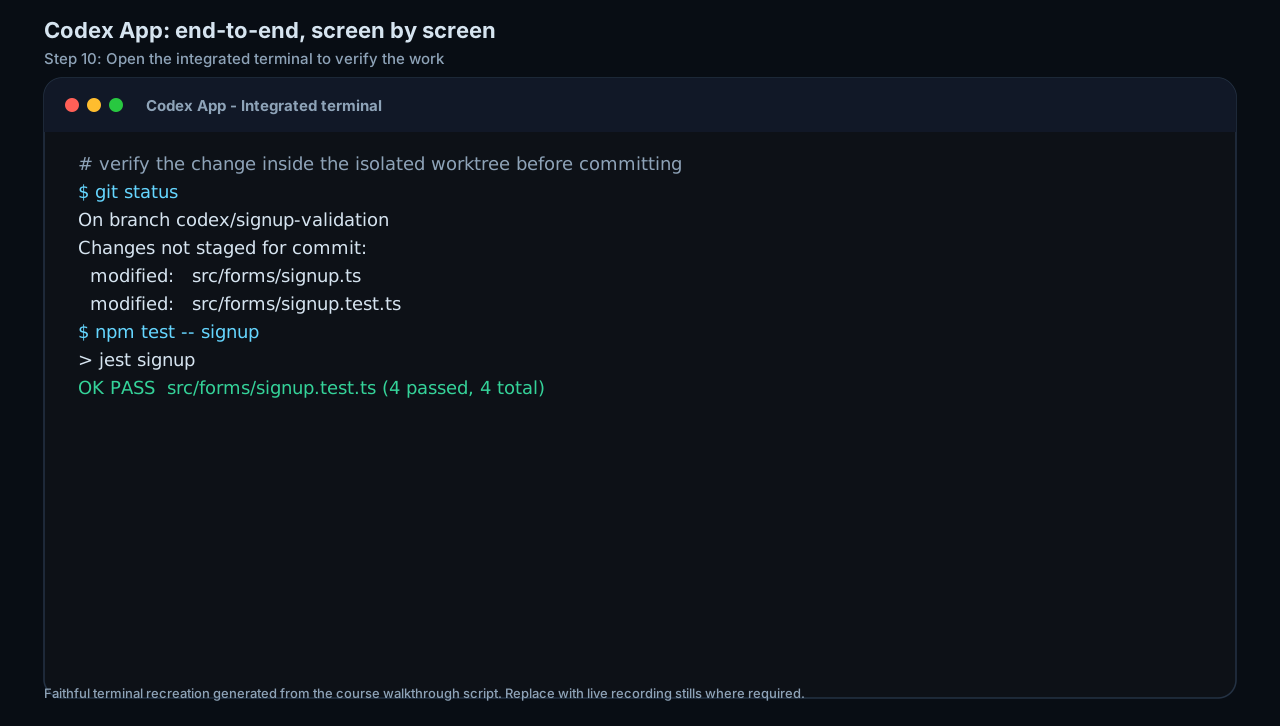
Course screenshots and visual references for the lesson flow. Re-check the live product before paid delivery or public launch.






Hands-on task
Create a coding surface decision card.
What you produce
A surface selection and review checklist for developer workflows.
Production prompt examples
Coding surface decision brief
Goal:
[What outcome should exist by the end of this lesson?]

Context:
[Audience, account tier, device, constraints, and current workflow.]

Inputs:
[Screens, docs, local files, or example data allowed for this exercise.]

Allowed actions:
[Read, draft, compare, summarise, or inspect.]

Ask before:
[Connecting apps, writing to files, sending externally, spending quota, changing settings.]

Output:
[The exact worksheet, plan, checklist, or capture pack to produce.]

Definition of done:
[How the learner or facilitator checks the result.]

Start by restating the plan in five bullets before executing.
Common mistakes to avoid
- Launching cloud/GitHub tasks without checking secrets, branch rules or workflow permissions.
Key terms
- Cloud sandbox
- An isolated remote environment for async coding tasks.
- Review surface
- The diff, PR, logs or app view where a human checks the result.
Resources
Checkpoint