
Lesson 08 of 11 · Module 8
Claude Code CLI for terminal-first development
Teach installation, authentication, workspace trust, tools, permission modes, slash commands, memory, Git and MCP from the terminal.
Built from aikickstart_sec08.md and Claude Code CLI material
Claude Code CLI is a high-leverage developer surface. The course should make mode selection, memory files and shell boundaries explicit before learners run real work.
What to understand
- Permission modes are operating controls, not convenience toggles.
- CLAUDE.md captures project-specific memory and must be short, current and reviewed.
- Shell and Git actions should be verified and reversible unless explicitly approved.
Claude Code CLI operating loop
- 1Trust workspace
Confirm the folder is the intended project.
- 2Explore
Read files and plan before editing.
- 3Set mode
Choose the least permissive mode that fits the task.
- 4Run
Edit or execute with visible checkpoints.
- 5Review
Inspect diff, tests and Git state.
Step by step
Choose the mode
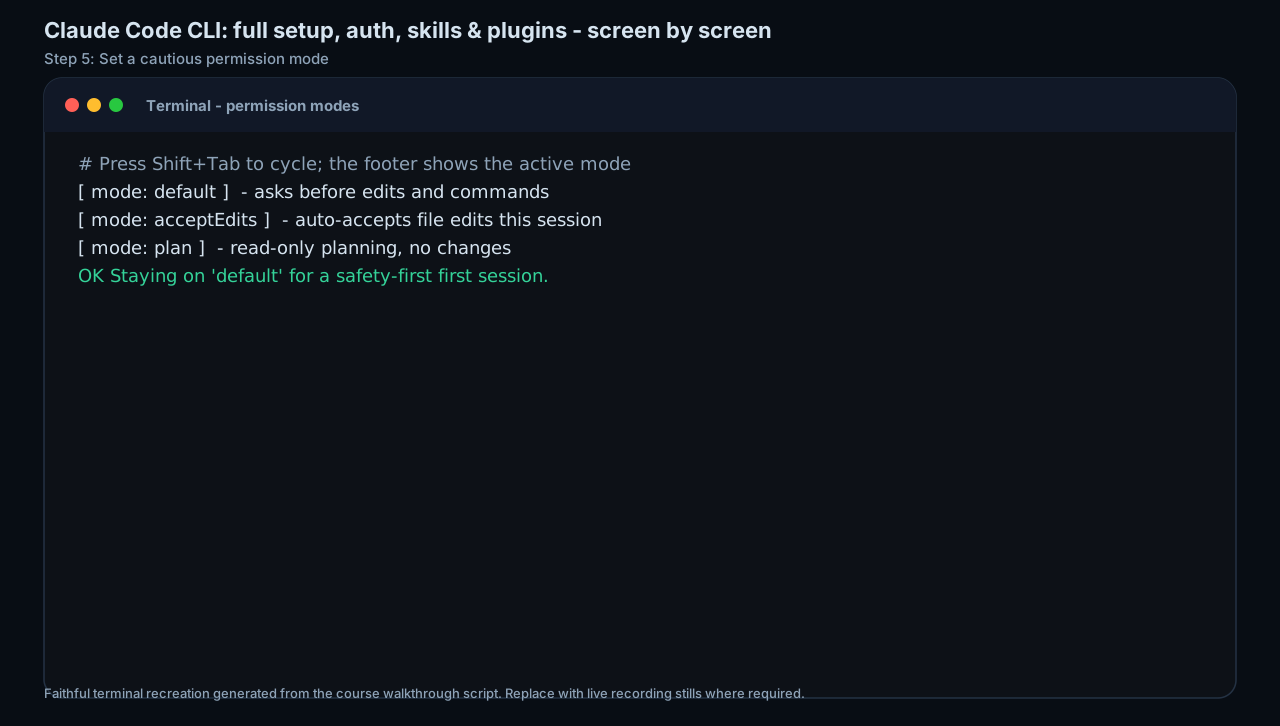
Map default, plan, accept-edits, auto and bypass-style modes to learner risk levels.
HintUse the cautious end until the task and folder are trusted.
Reference screens
Course screenshots and visual references for the lesson flow. Re-check the live product before paid delivery or public launch.
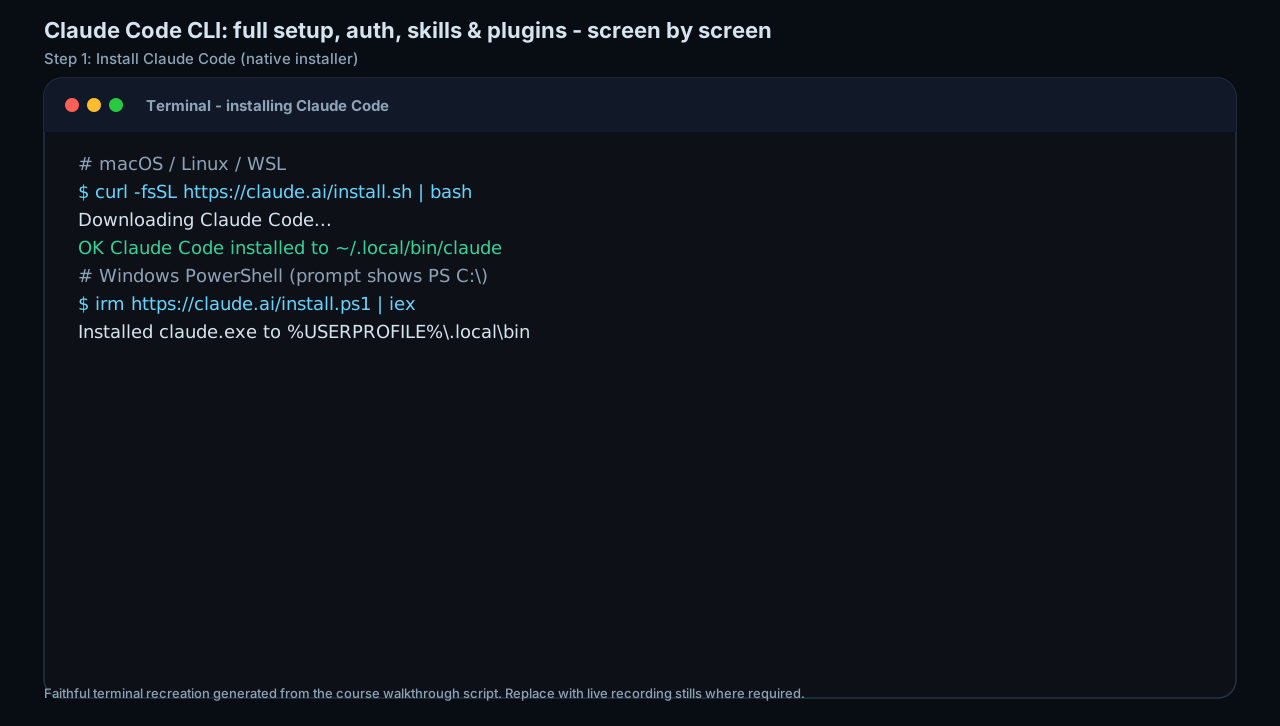
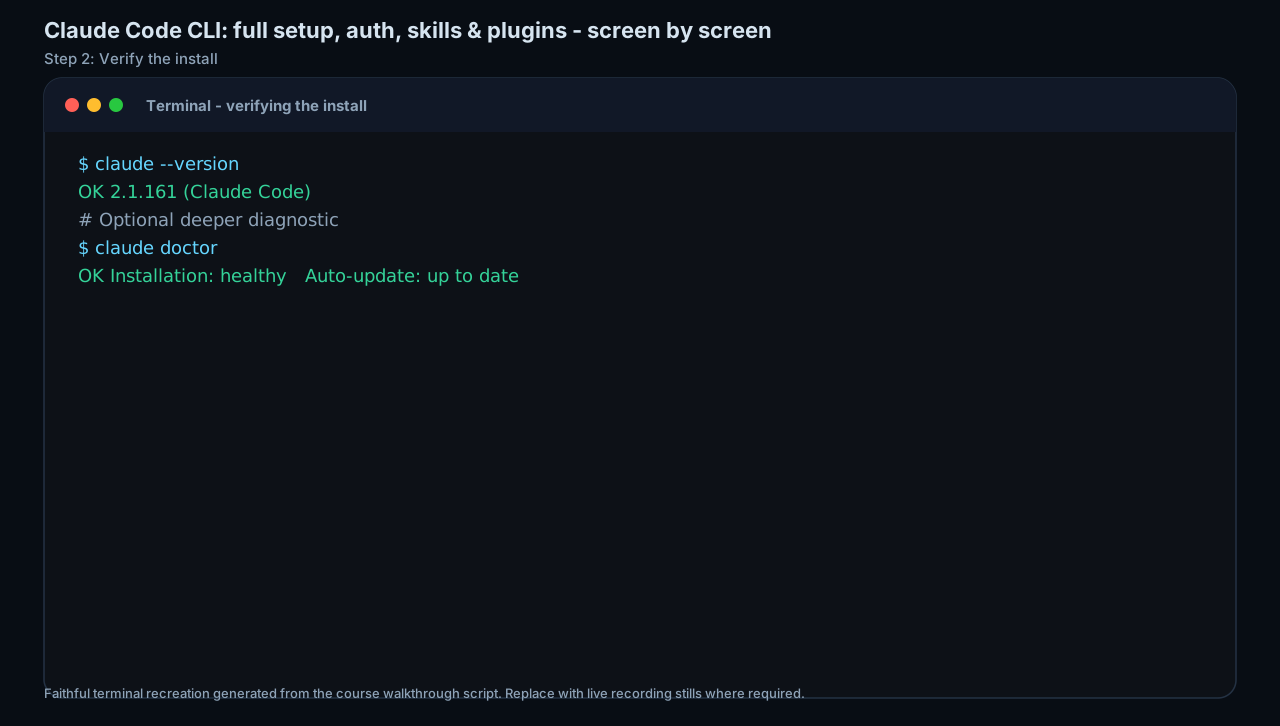
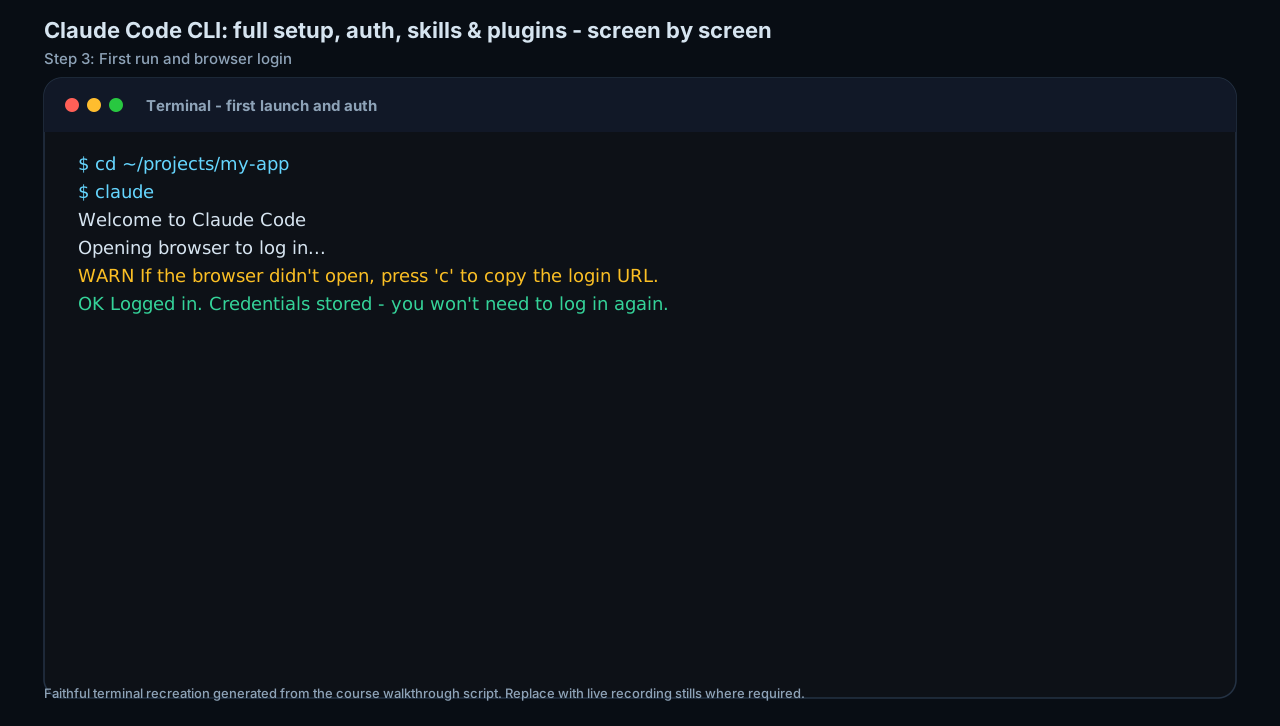
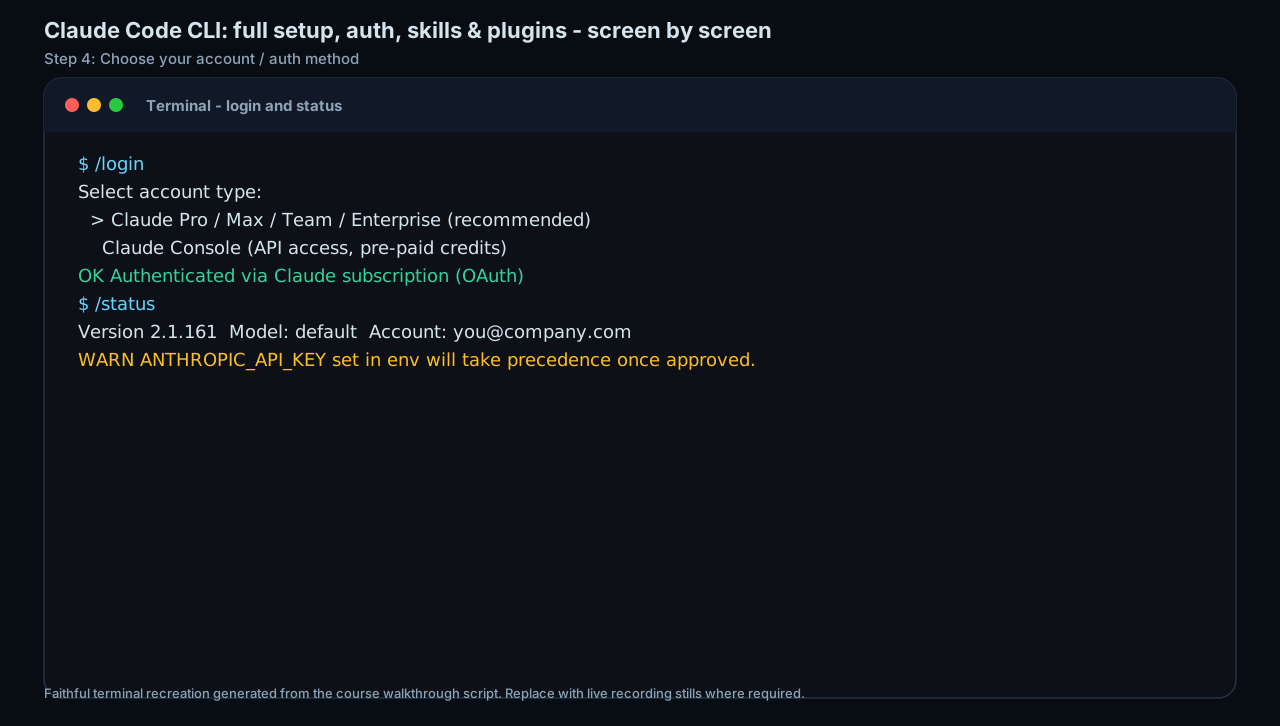
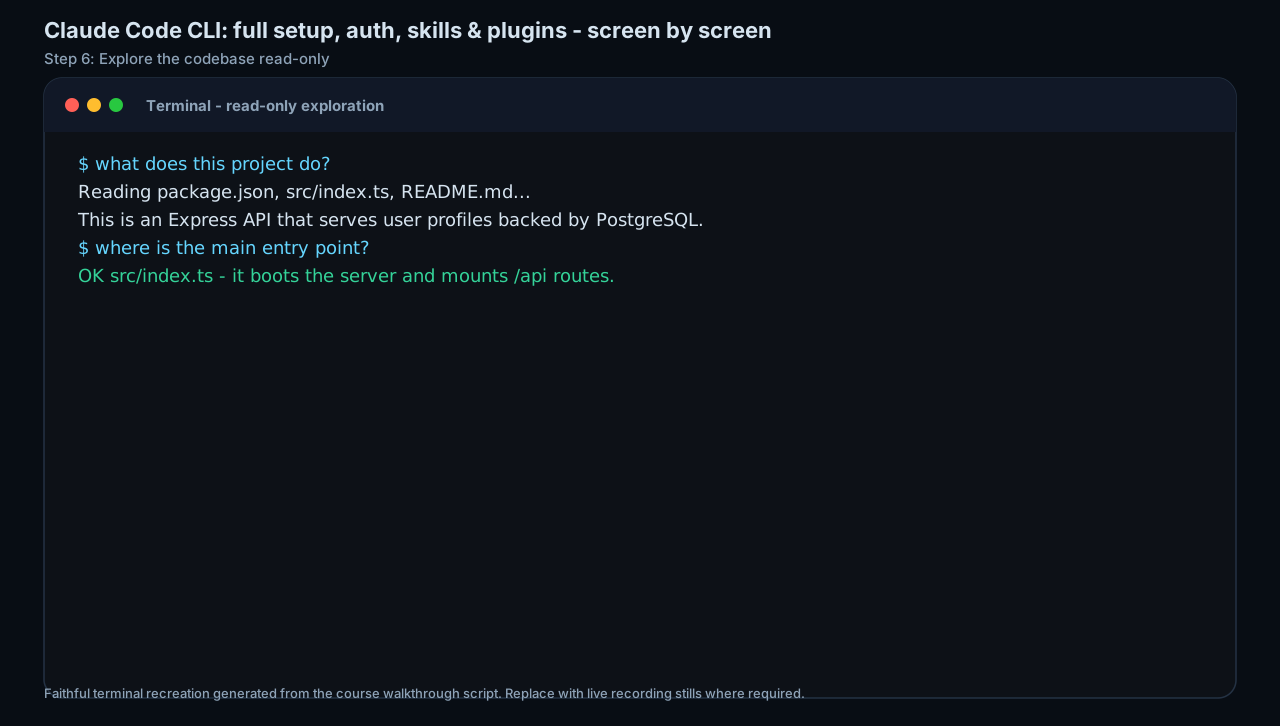
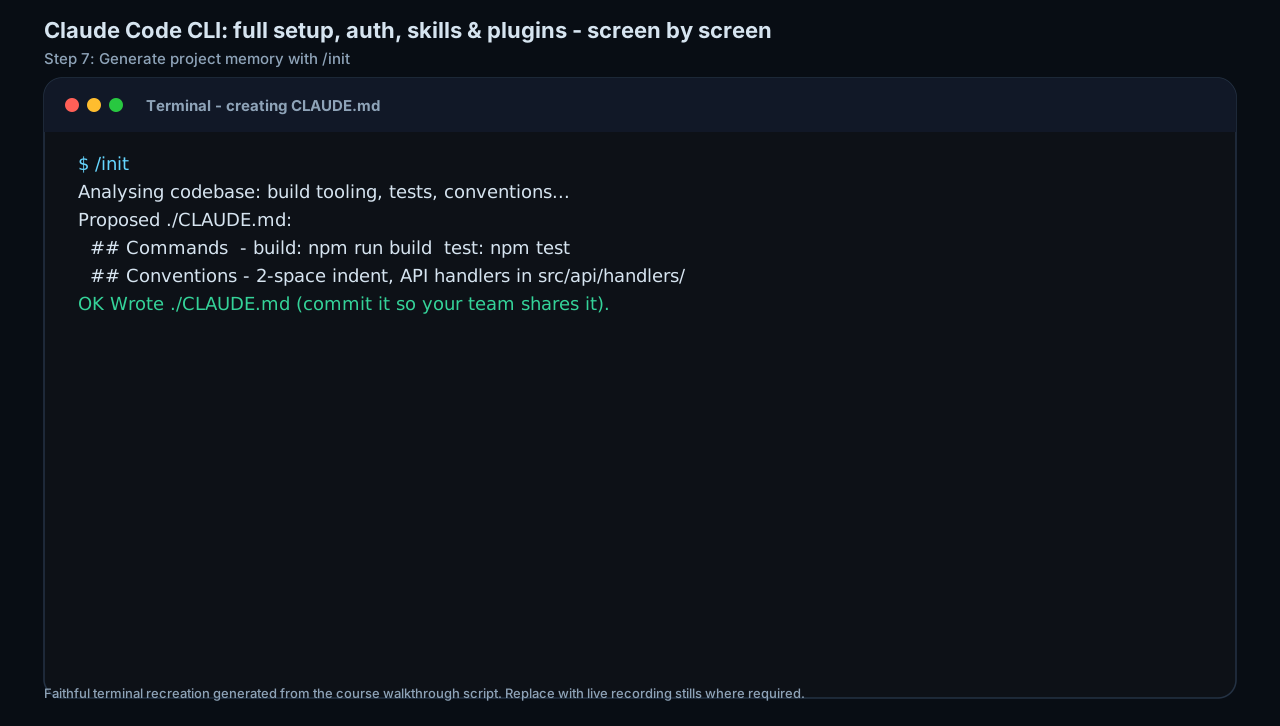
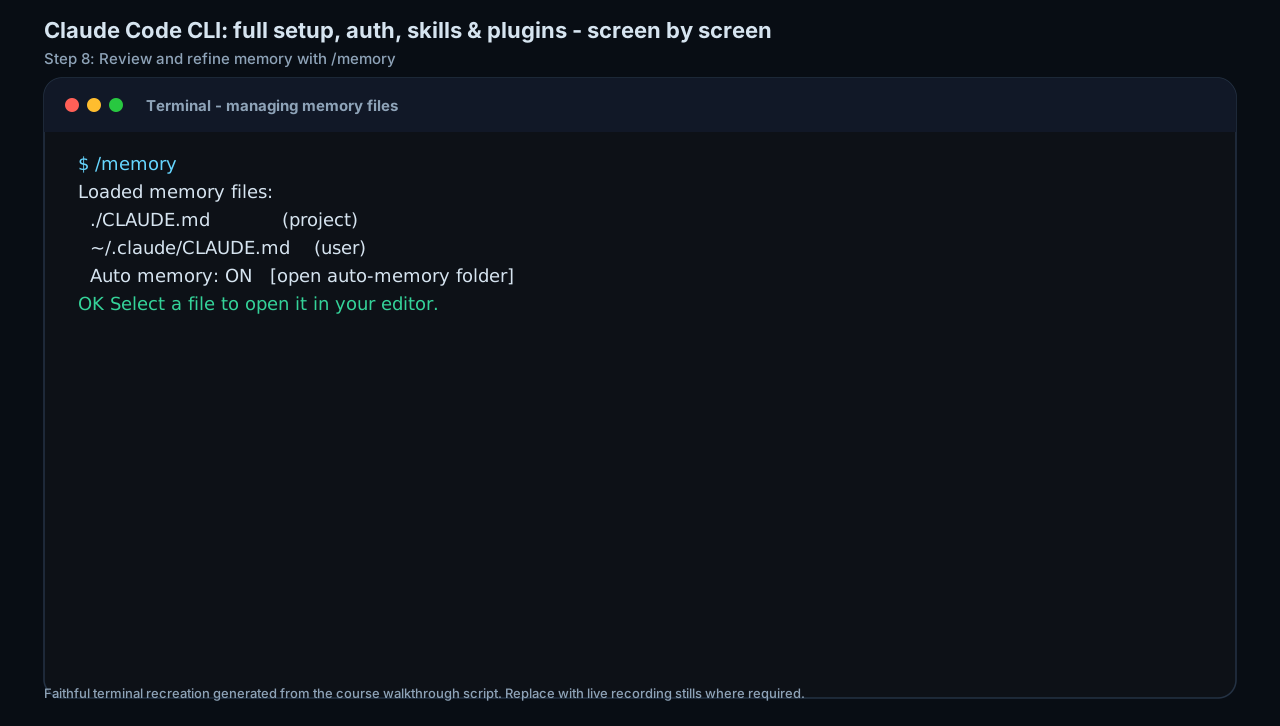
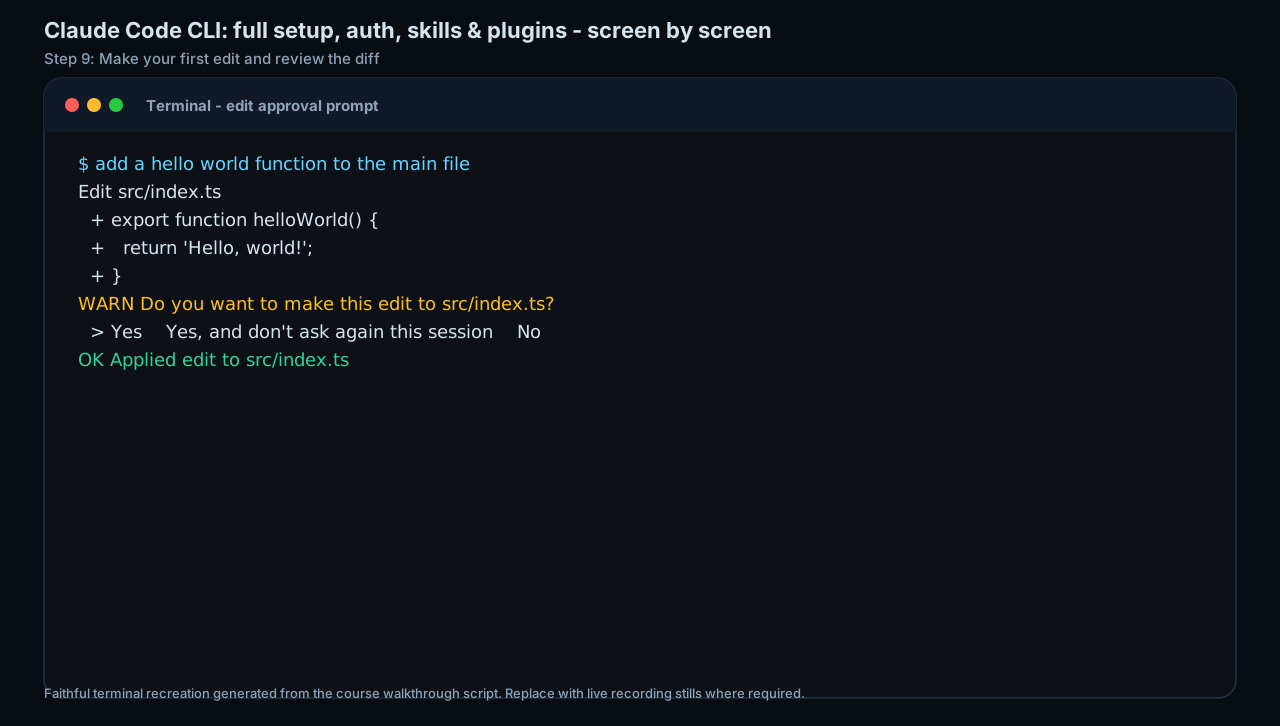
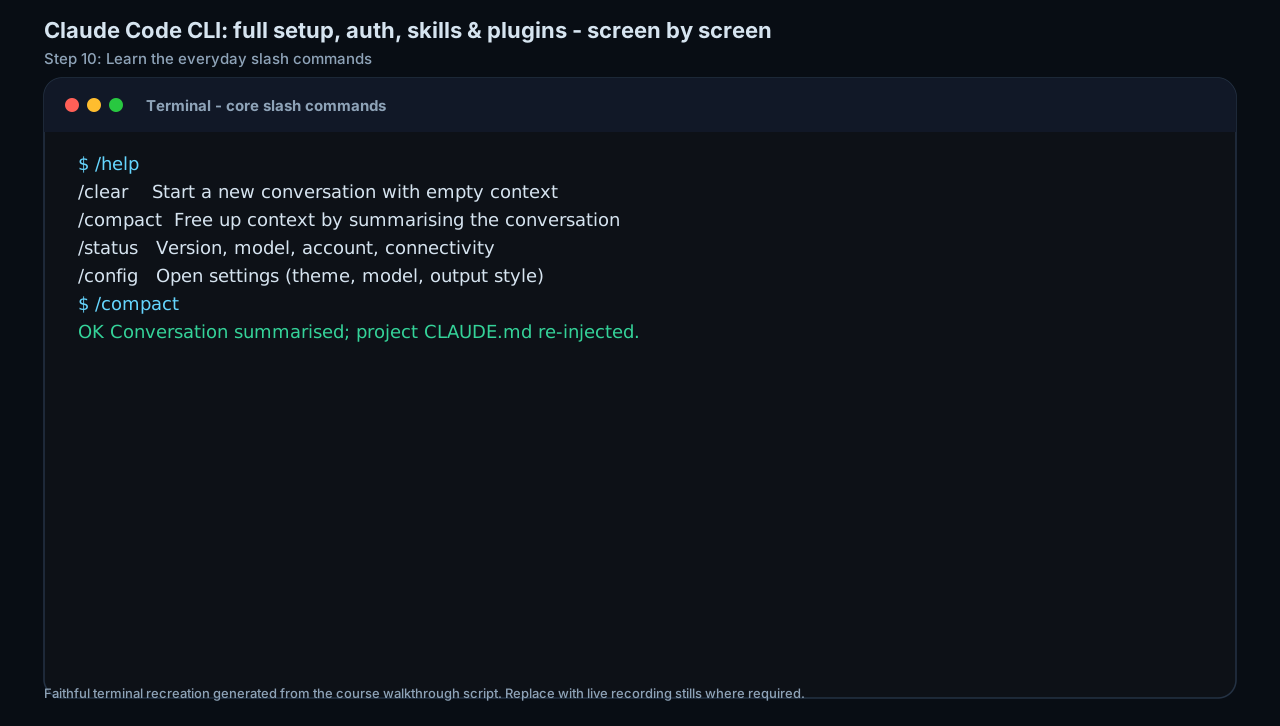
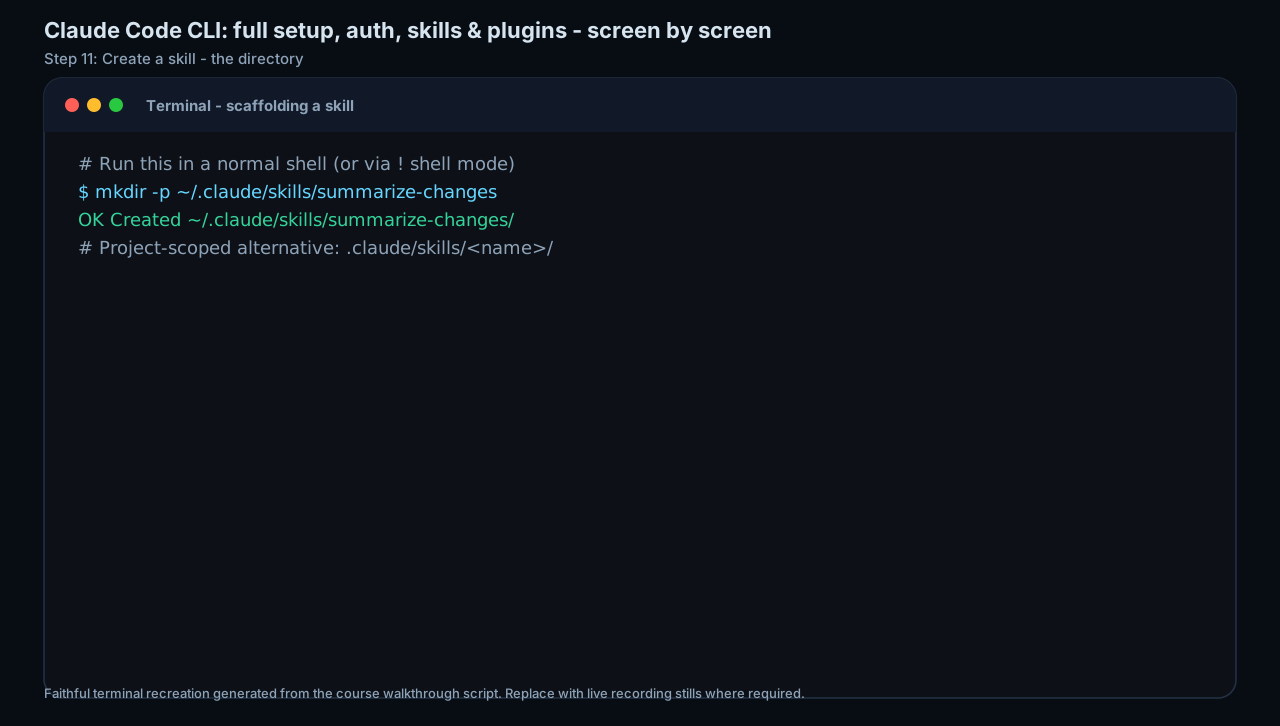
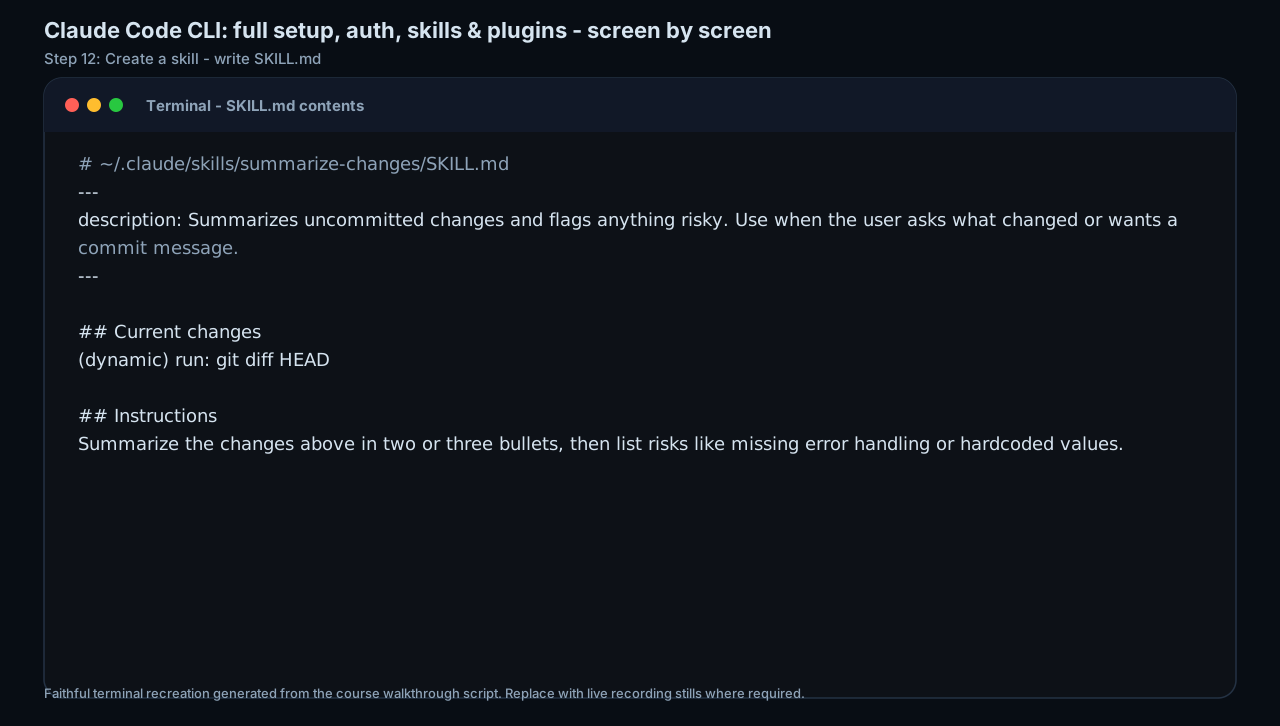
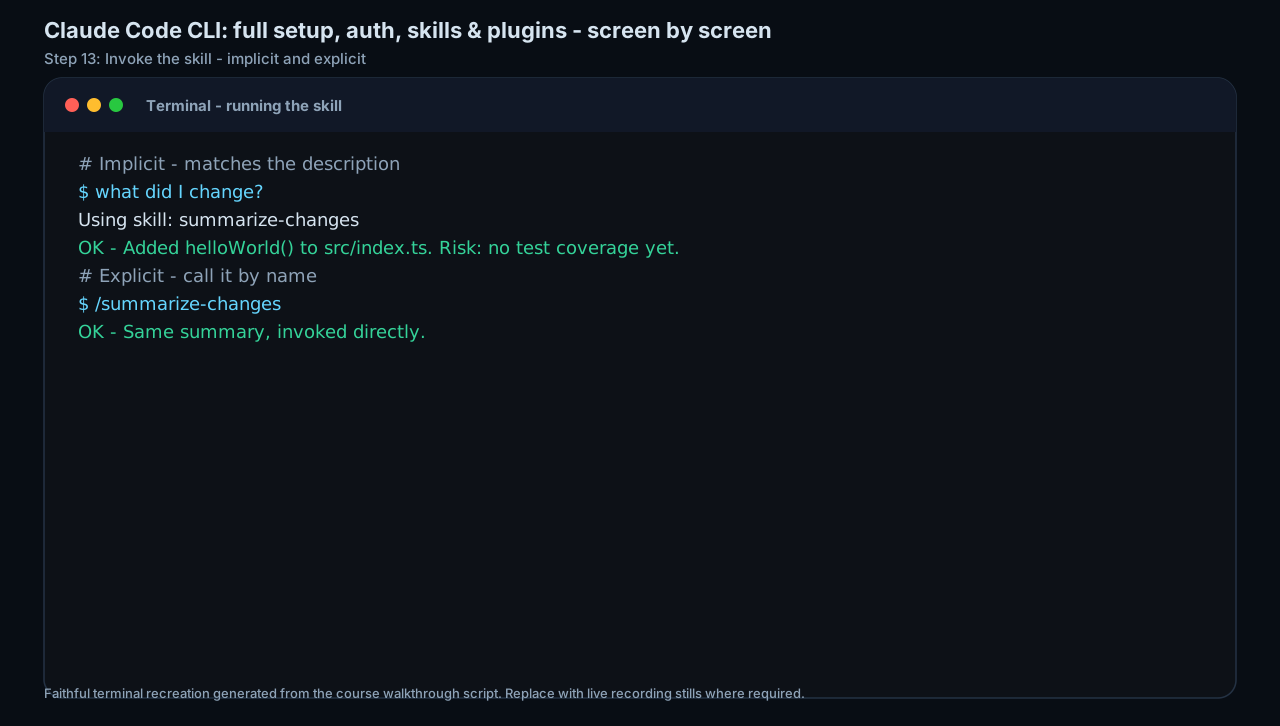
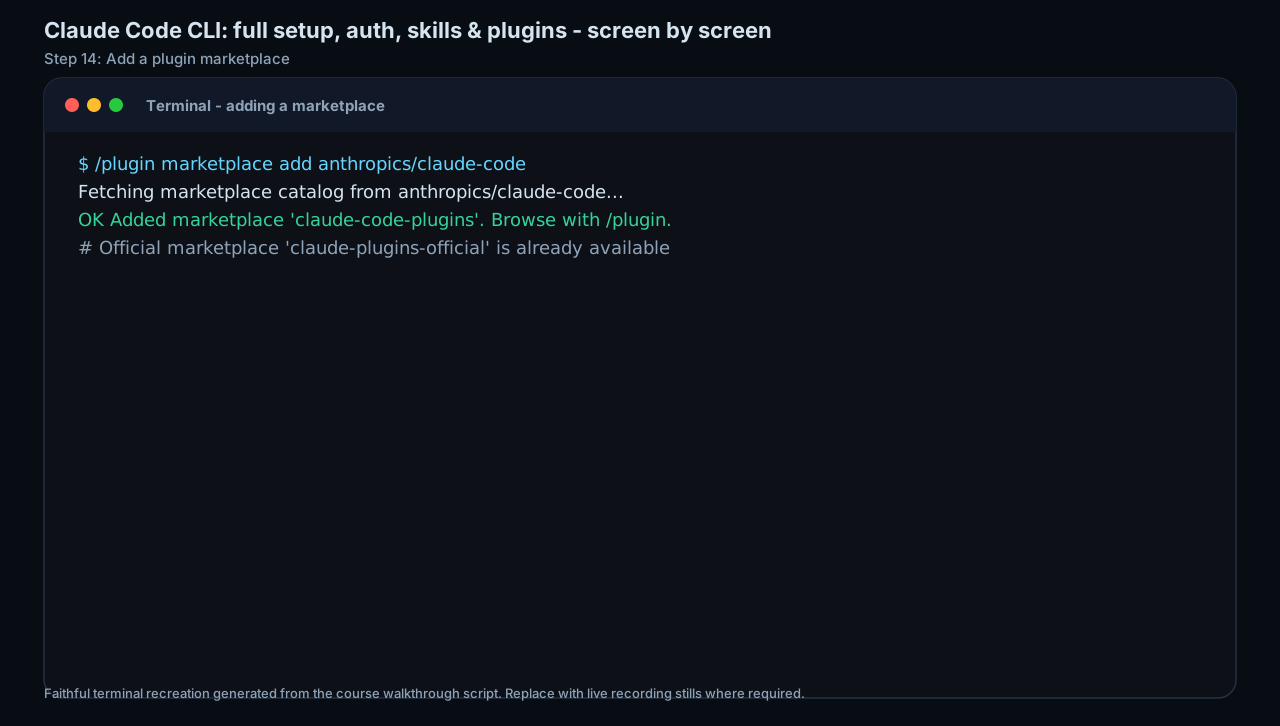
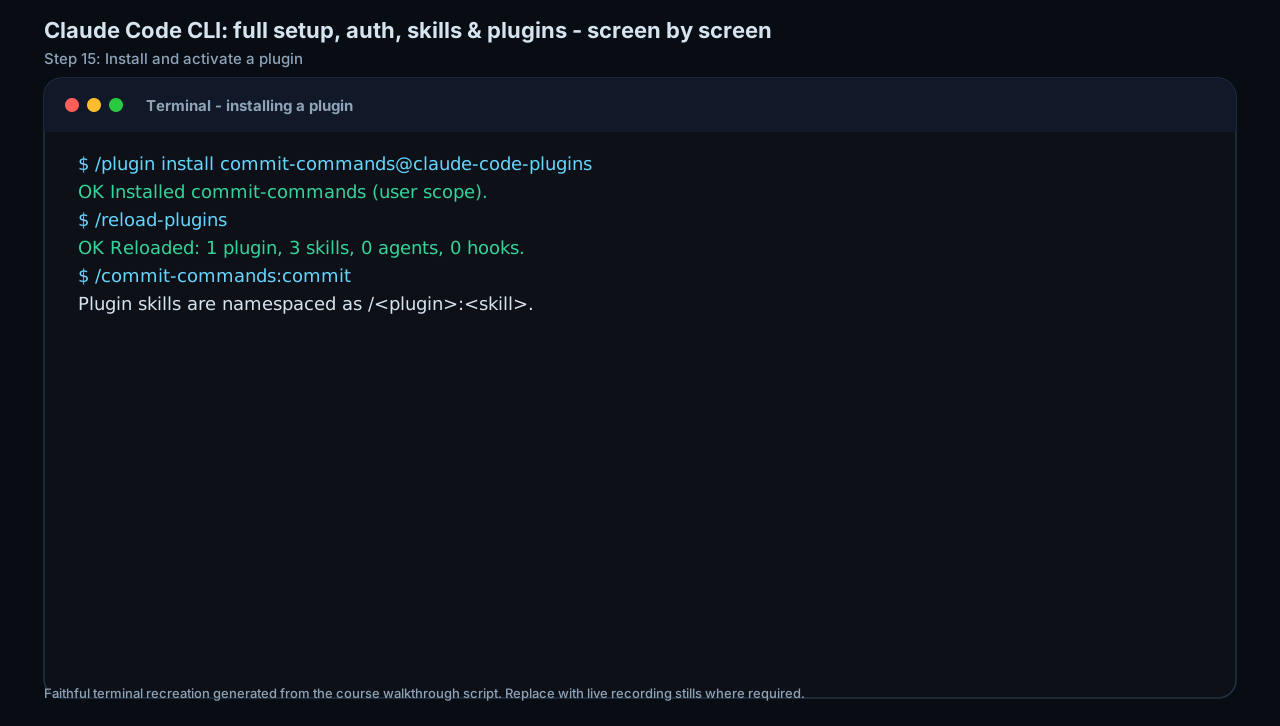
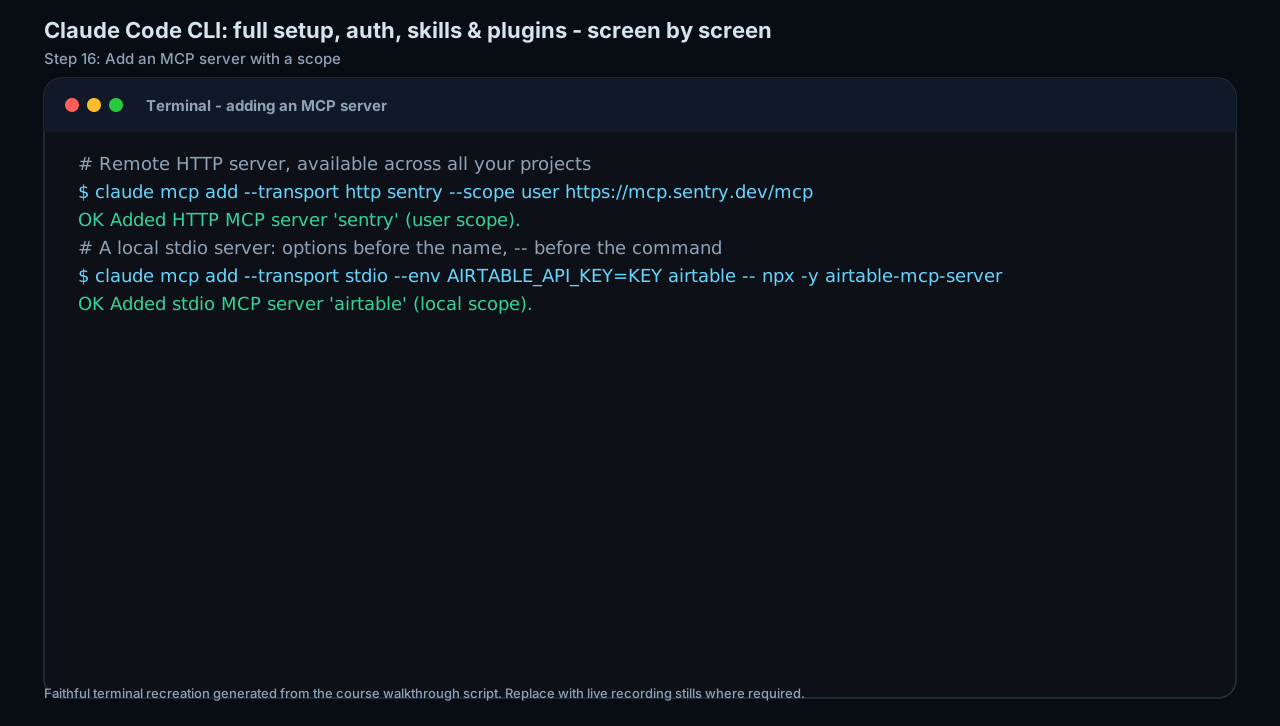
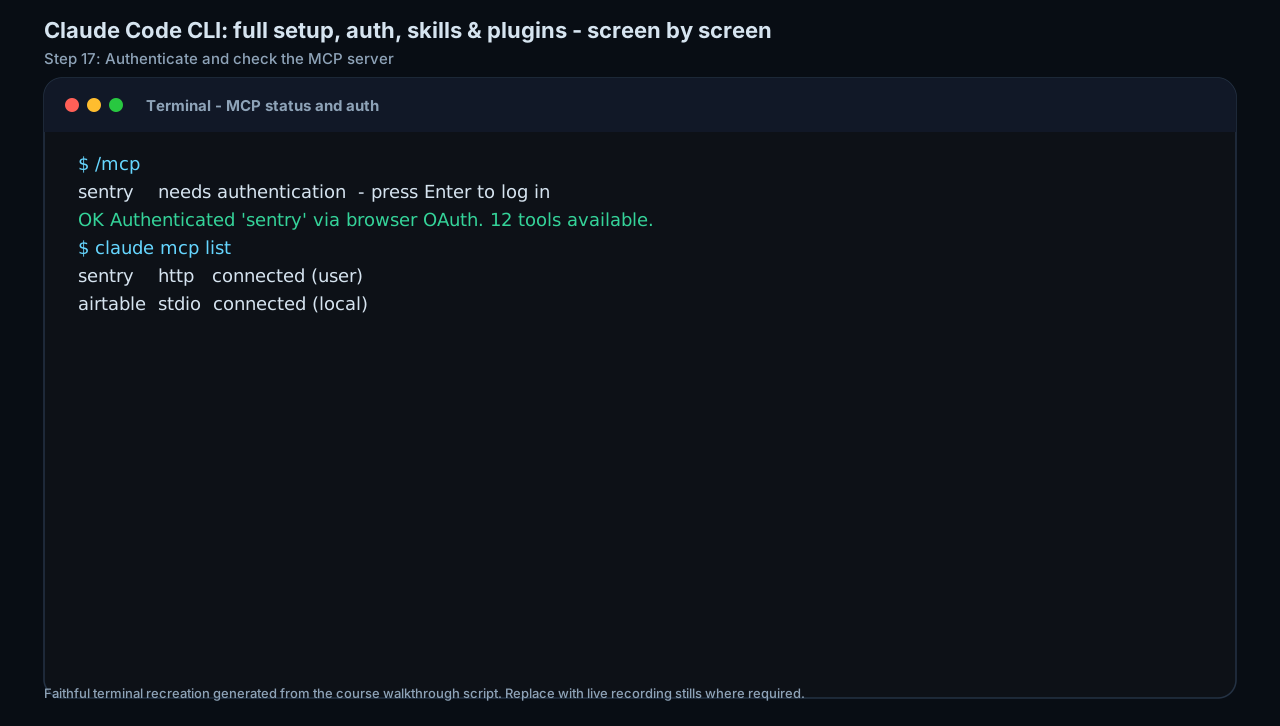
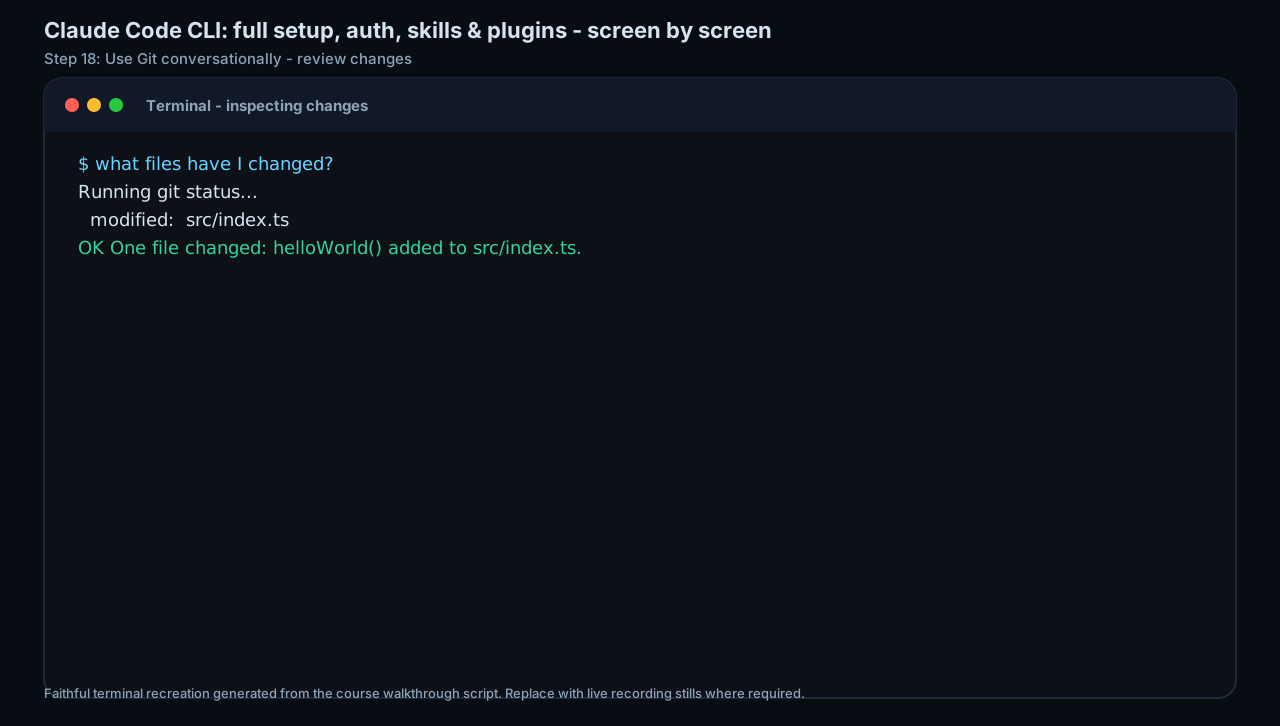
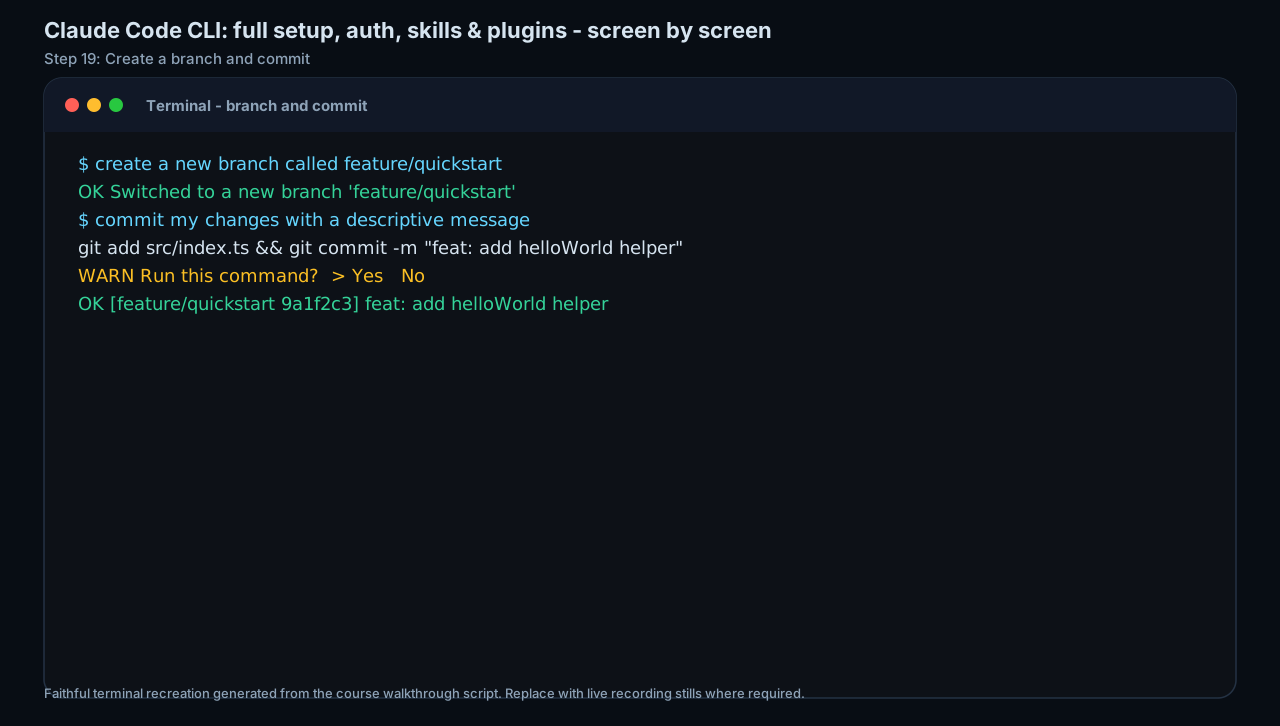
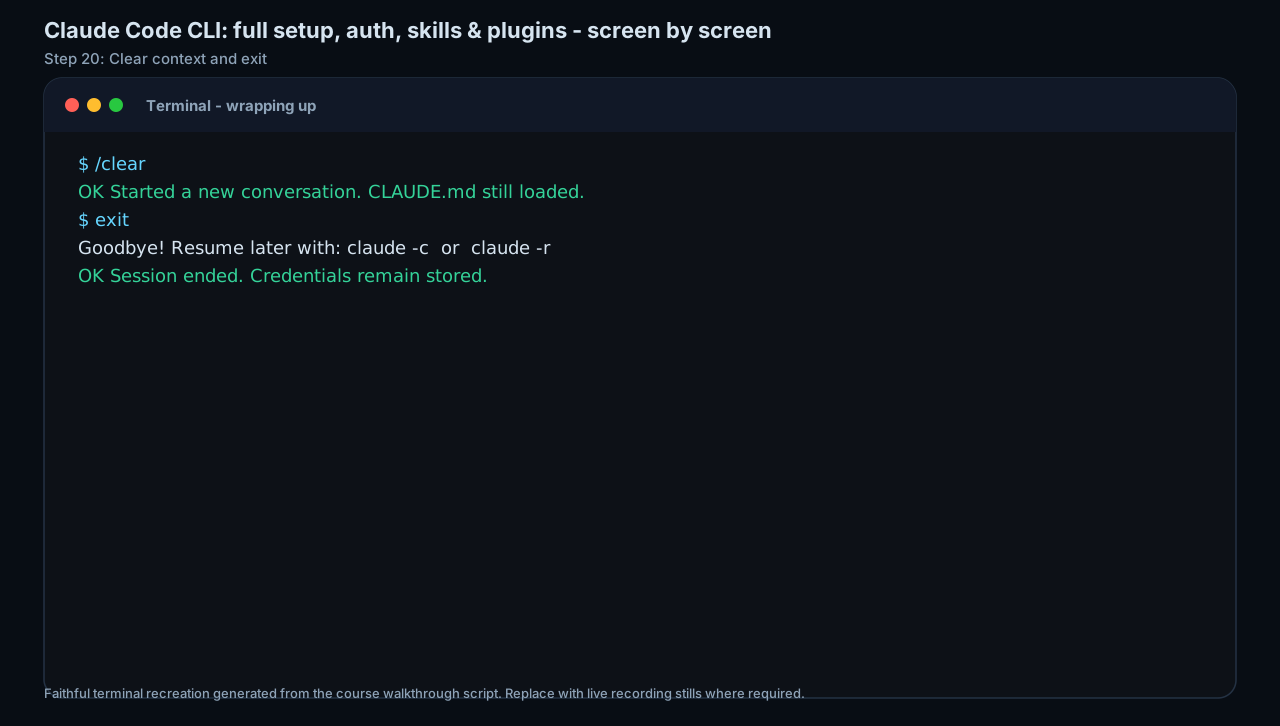
Write a CLAUDE.md and permission-mode checklist for one repo.
A Claude Code CLI first-run checklist.
Production prompt examples
Goal:
[What outcome should exist by the end of this lesson?]

Context:
[Audience, account tier, device, constraints, and current workflow.]

Inputs:
[Screens, docs, local files, or example data allowed for this exercise.]

Allowed actions:
[Read, draft, compare, summarise, or inspect.]

Ask before:
[Connecting apps, writing to files, sending externally, spending quota, changing settings.]

Output:
[The exact worksheet, plan, checklist, or capture pack to produce.]

Definition of done:
[How the learner or facilitator checks the result.]

Start by restating the plan in five bullets before executing.
Common mistakes to avoid
- Using permissive modes to avoid prompts.
- Letting a stale CLAUDE.md steer a new task.
Key terms
- CLAUDE.md
- A project memory/instruction file for Claude Code.
- Permission mode
- A setting controlling what the agent may do without asking.
Resources
Checkpoint