
Lesson 07 of 11 · Module 7
Claude Cowork for agentic desktop delegation
Delegate desktop work with clear folders, connectors, computer-use boundaries, scheduled tasks and review rules.
Built from aikickstart_sec07.md and Cowork screenshot/research material
Cowork-style delegation has a bigger operational footprint than chat. This lesson teaches learners to define the workspace and permissions before letting an agent act.
Claude Cowork — mastering the agentic desktop
Daniel presents how to route document deliverables to Cowork and codebase diffs to Claude Code, with folder and connector scope kept tight.
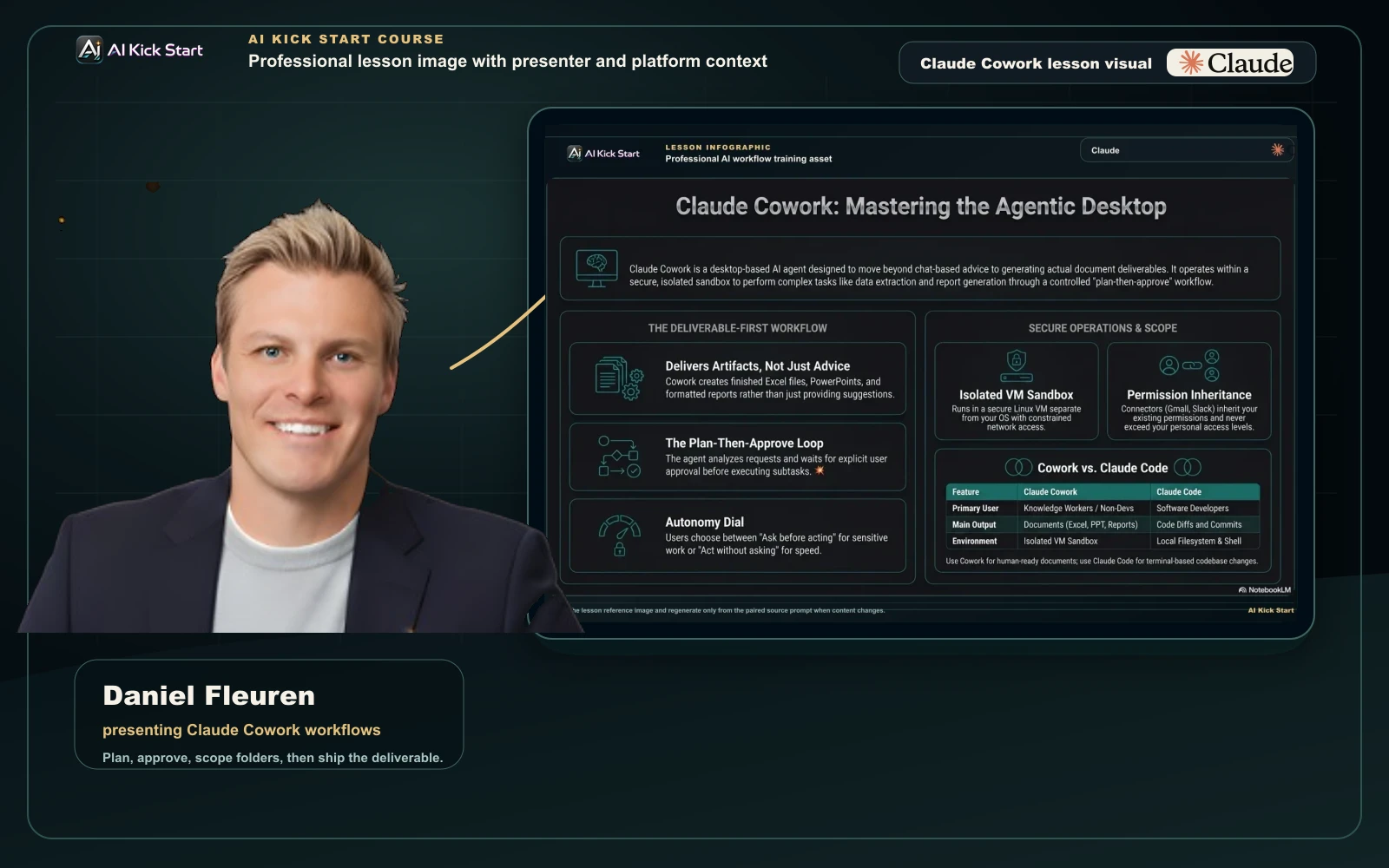
Claude Cowork — mastering the agentic desktop
A branded walkthrough: route document deliverables to Cowork's plan-then-approve workflow in an isolated VM, with autonomy and connector scope kept tight.
What to understand
- A dedicated working folder lowers risk and makes outputs easier to review.
- Computer use is a fallback when connectors or direct APIs do not fit.
- Scheduled work needs host, failure and review assumptions named up front.
Desktop delegation control order
- FolderGive the agent a constrained workspace.
- ConnectorUse permissioned app access when appropriate.
- BrowserUse browser control for inspectable web workflows.
- Computer useUse full desktop control only when the previous layers do not work.
Step by step
Write a Cowork task brief
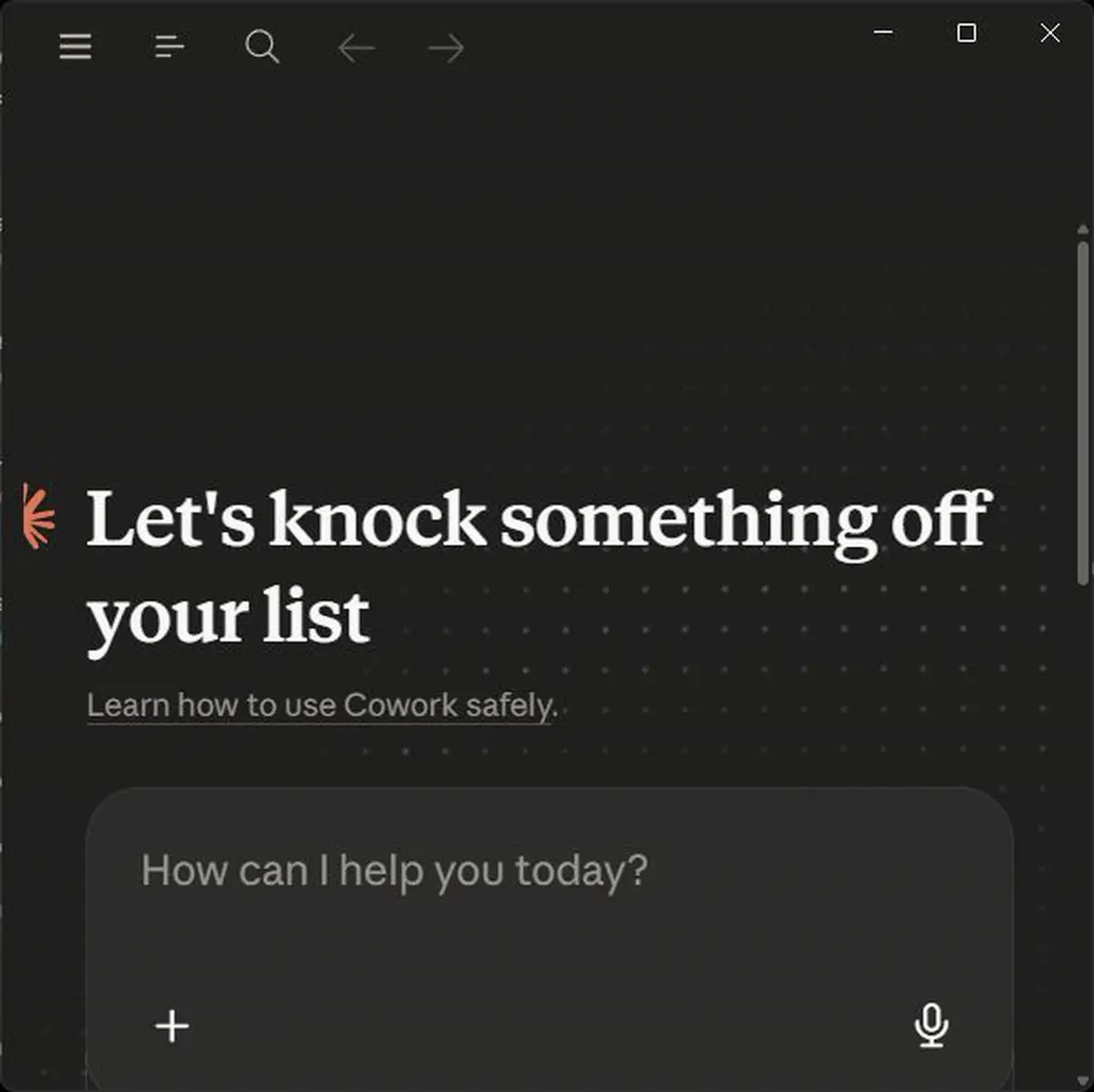
Name the folder, input files, allowed apps, forbidden actions and review point.
HintDo not start with open-ended desktop control.
Reference screens
Course screenshots and visual references for the lesson flow. Re-check the live product before paid delivery or public launch.
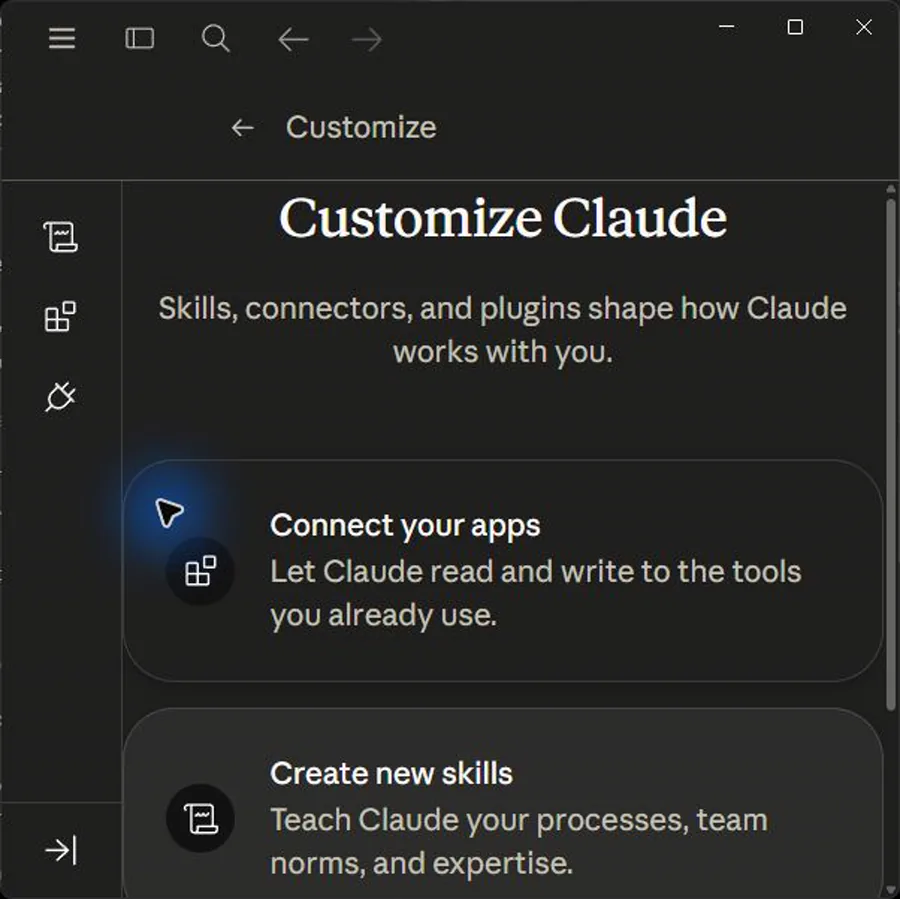
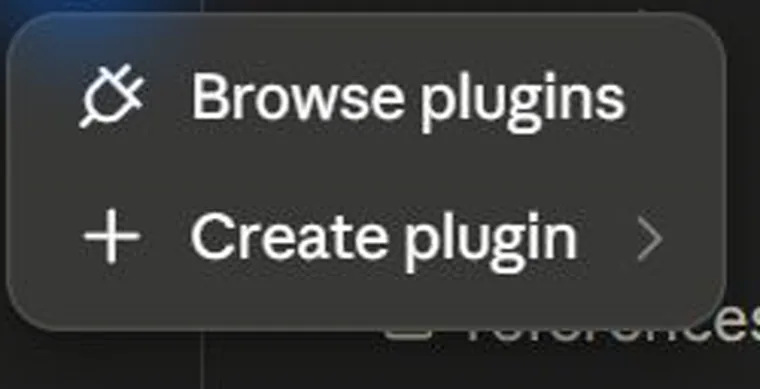
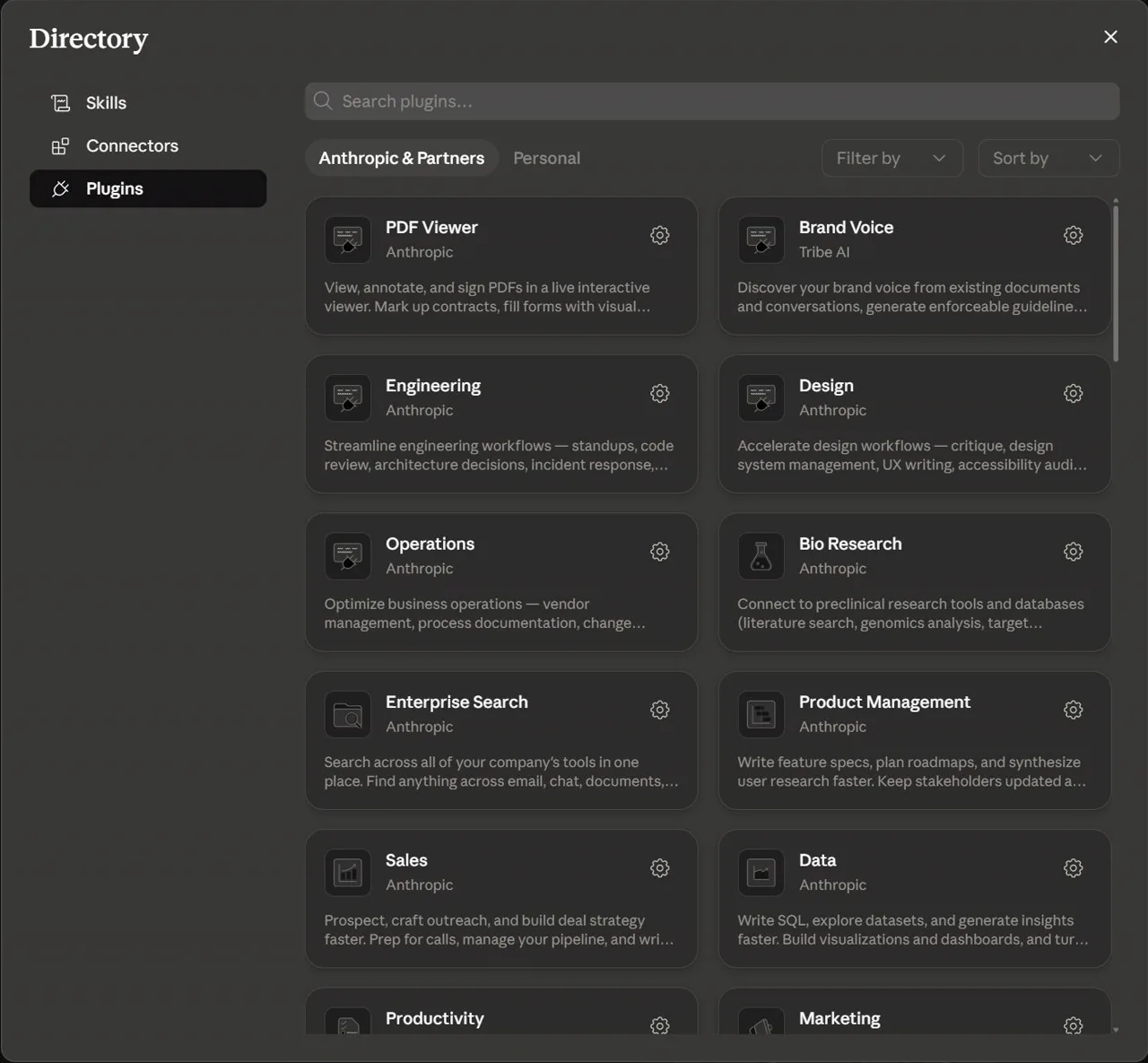
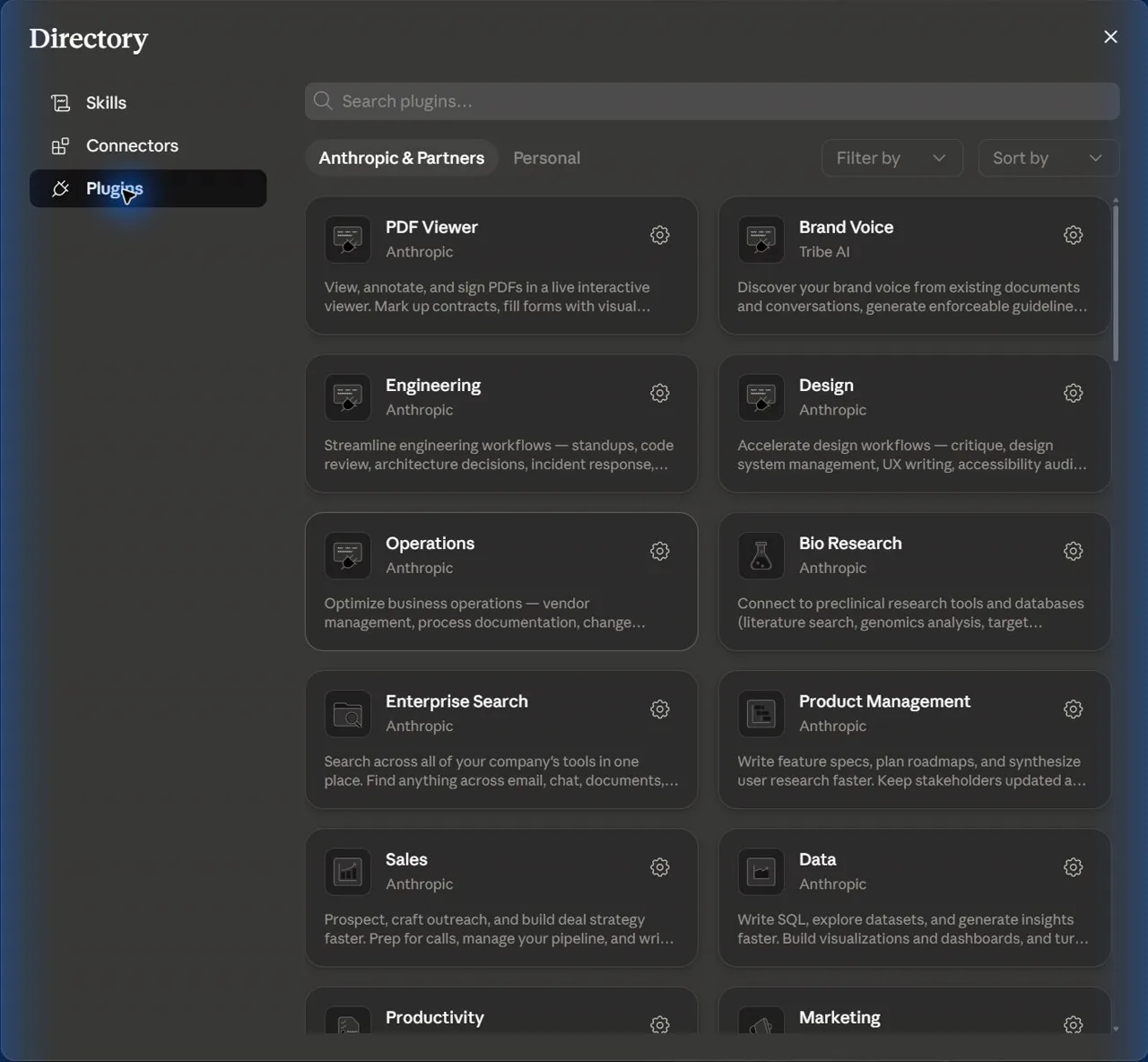
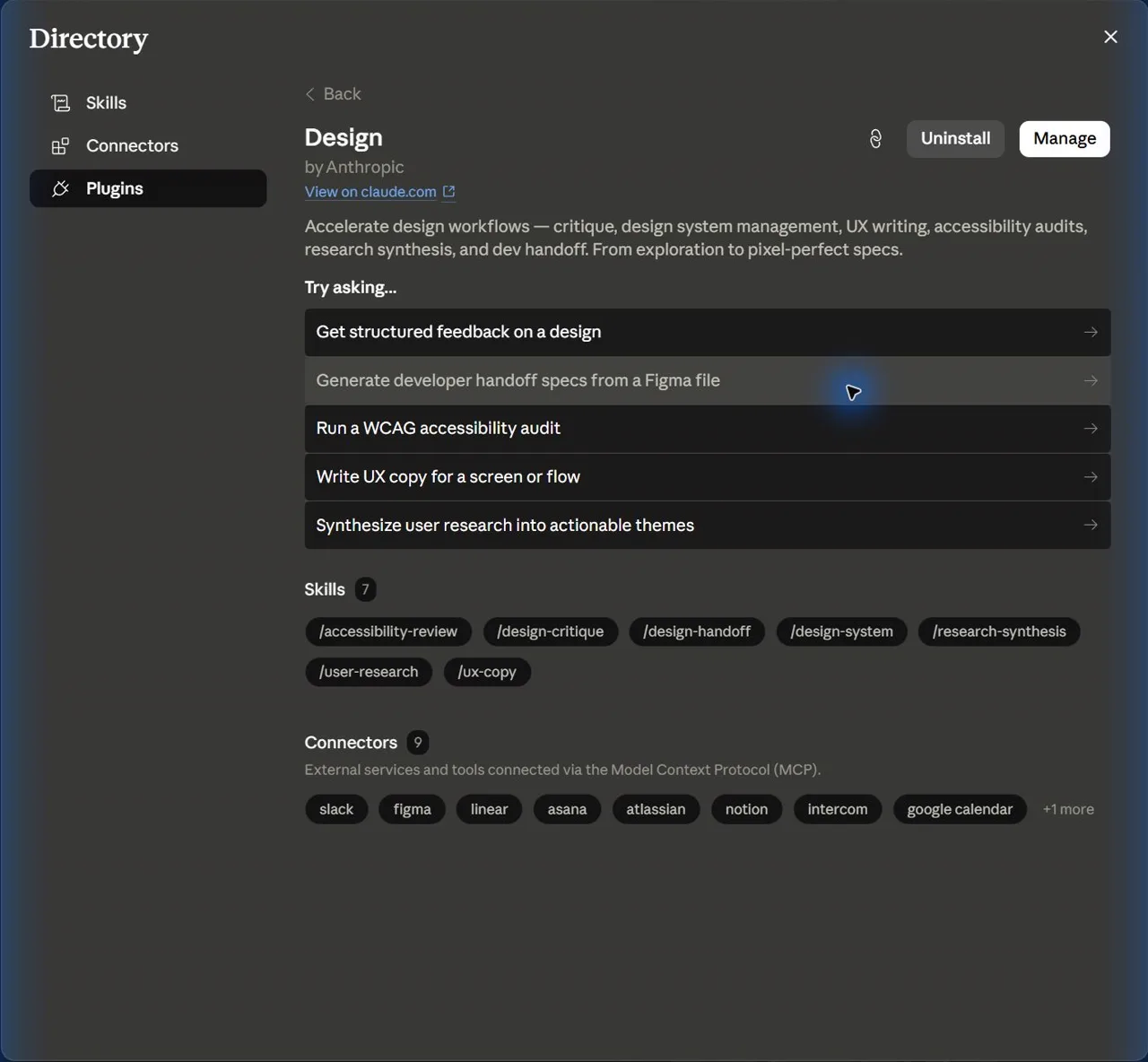
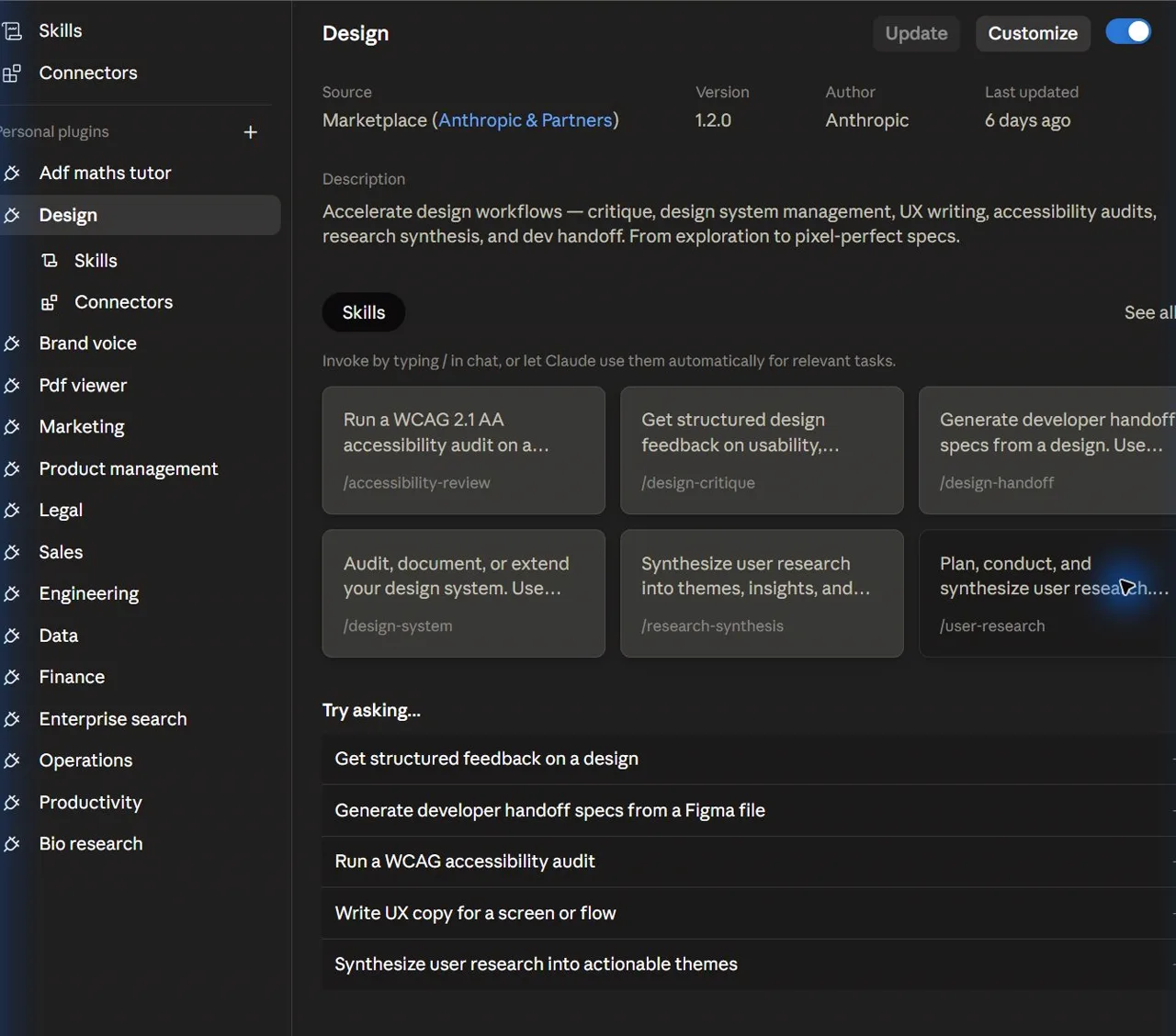
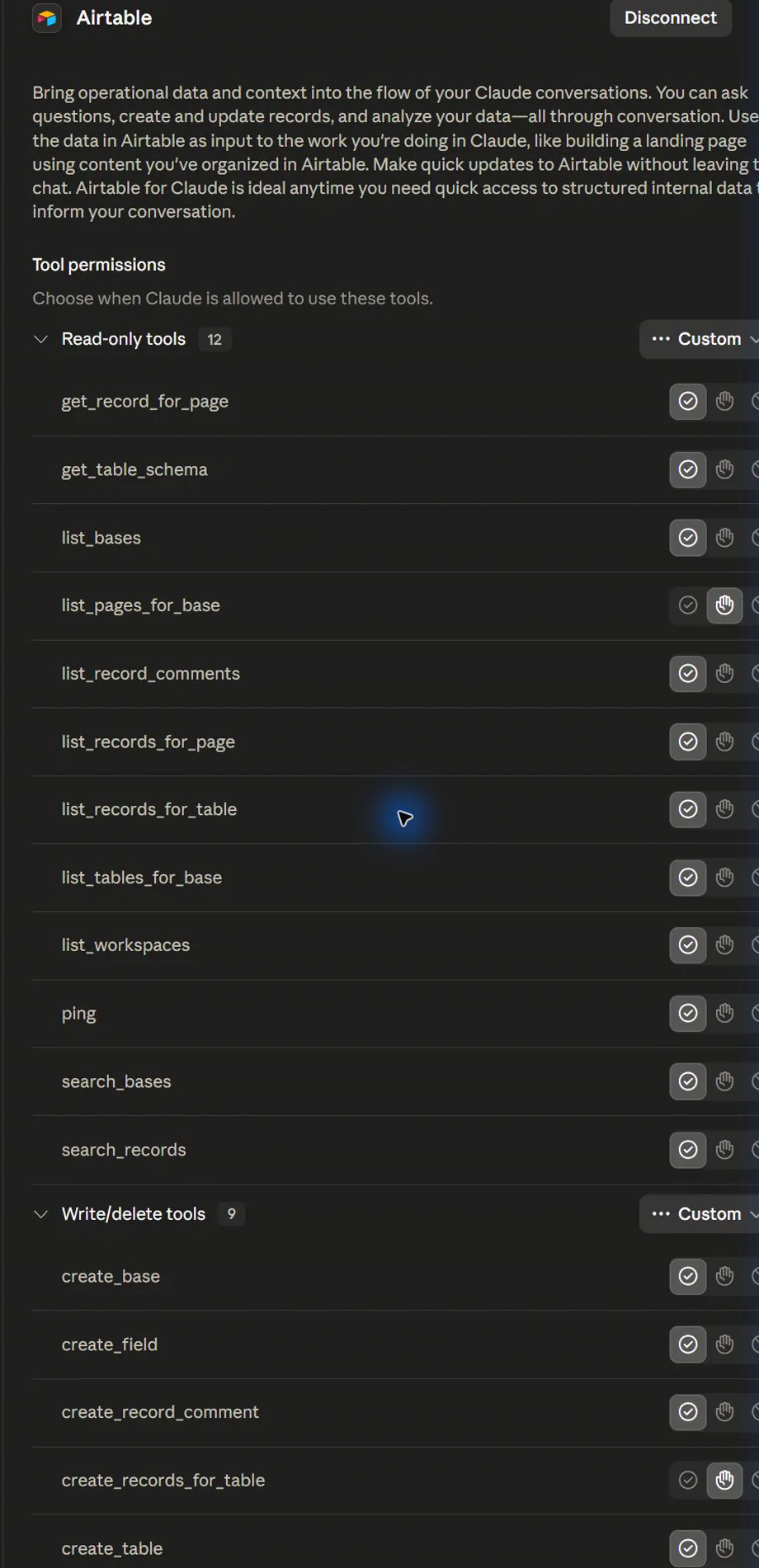
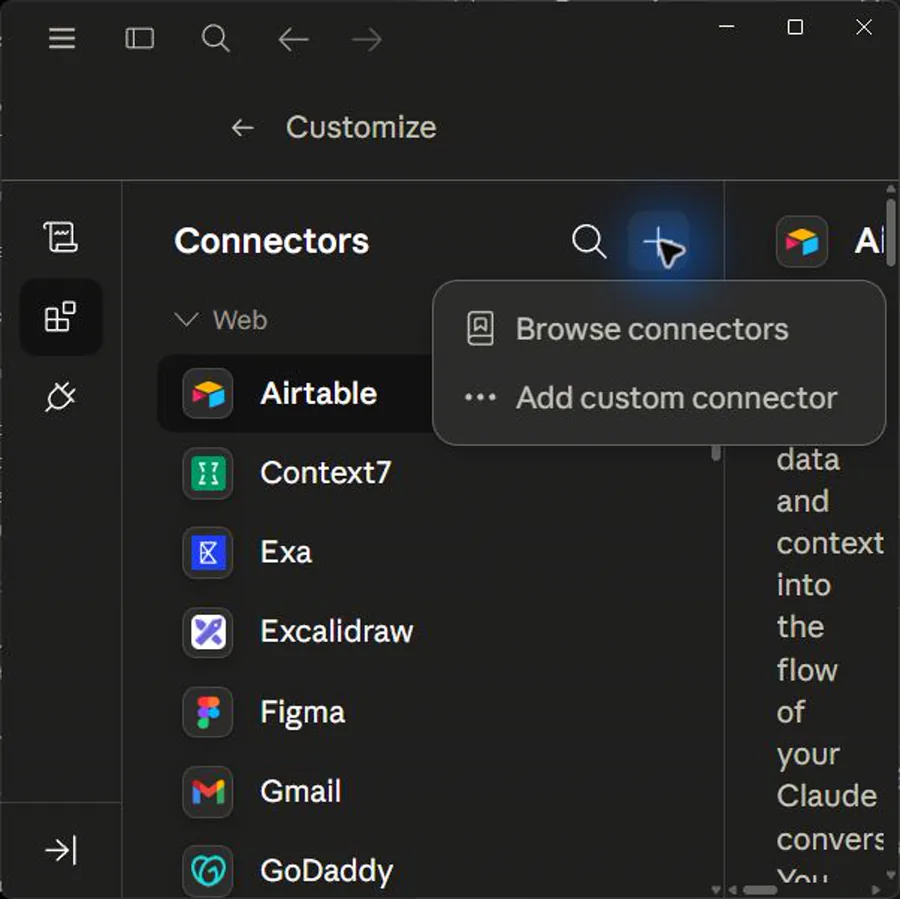

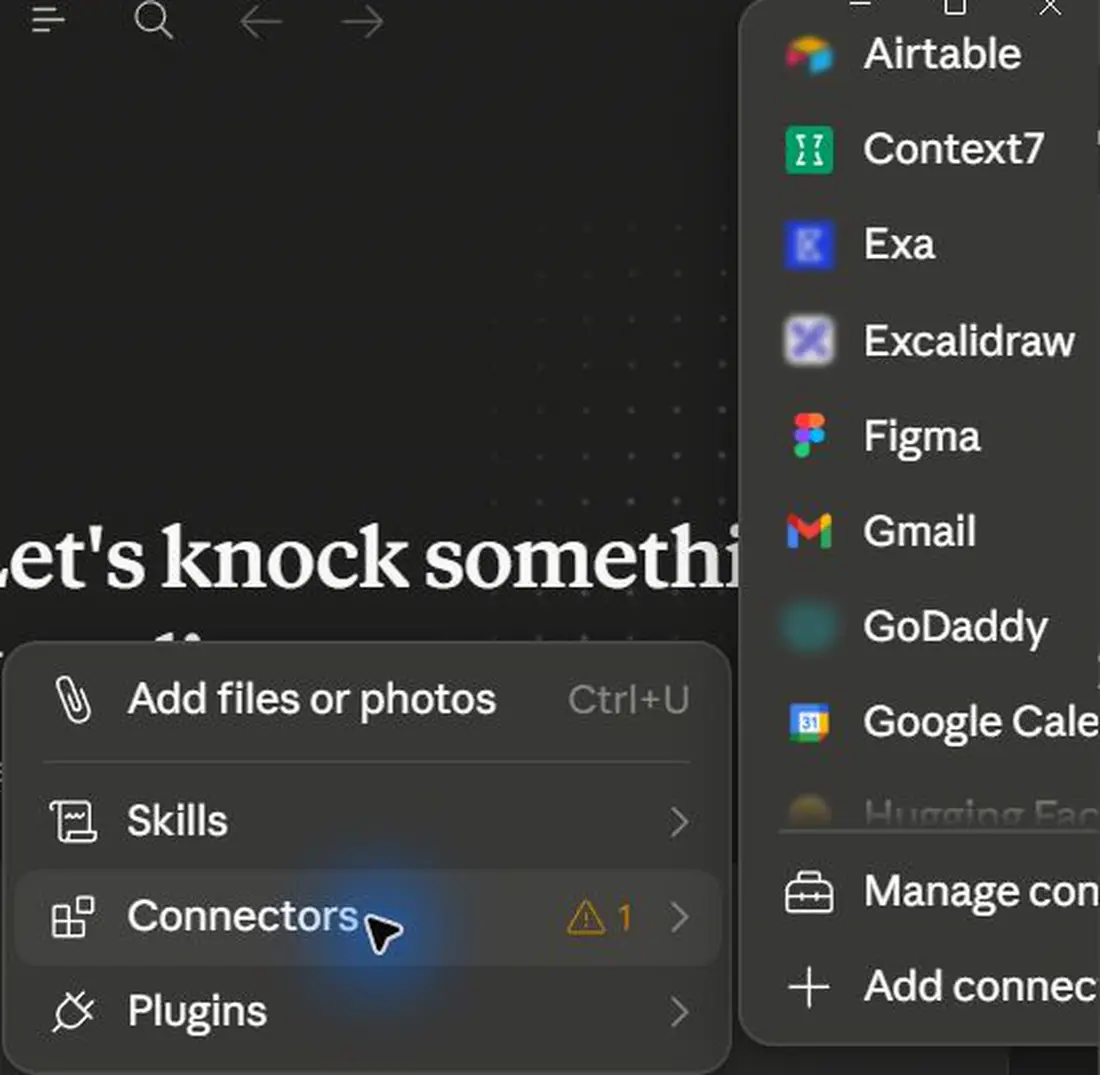
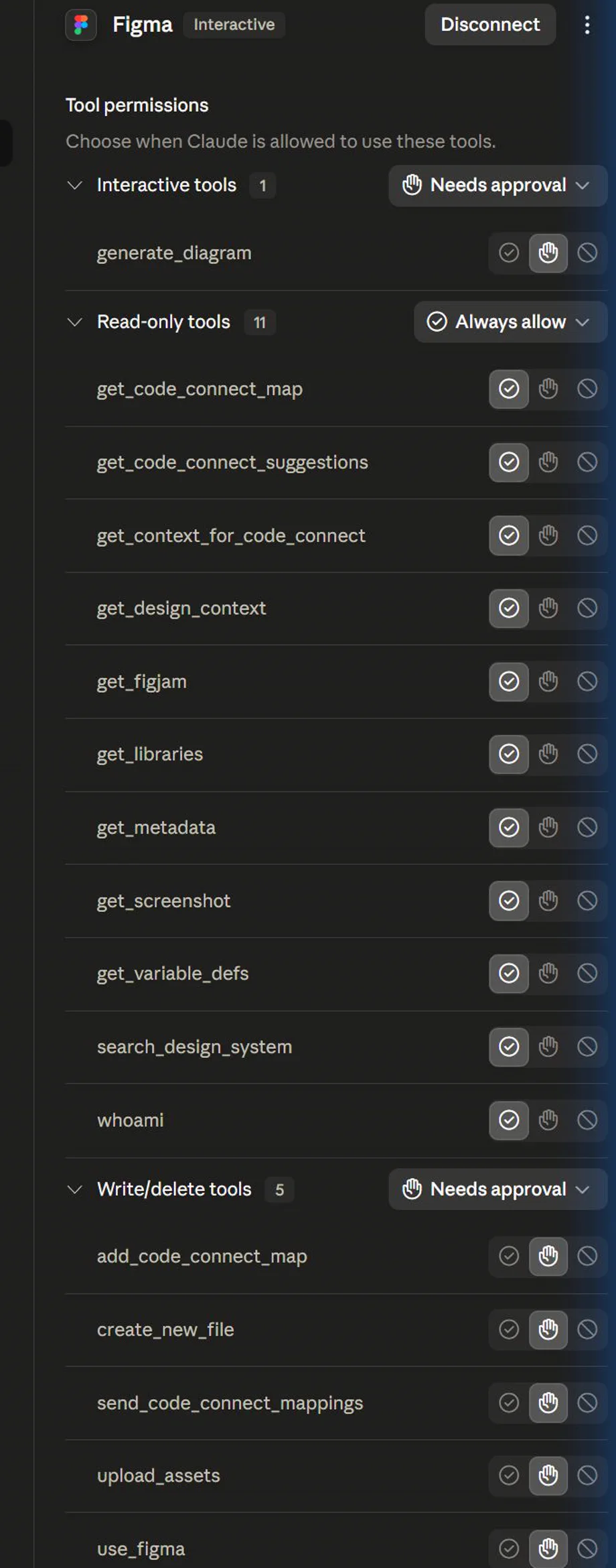
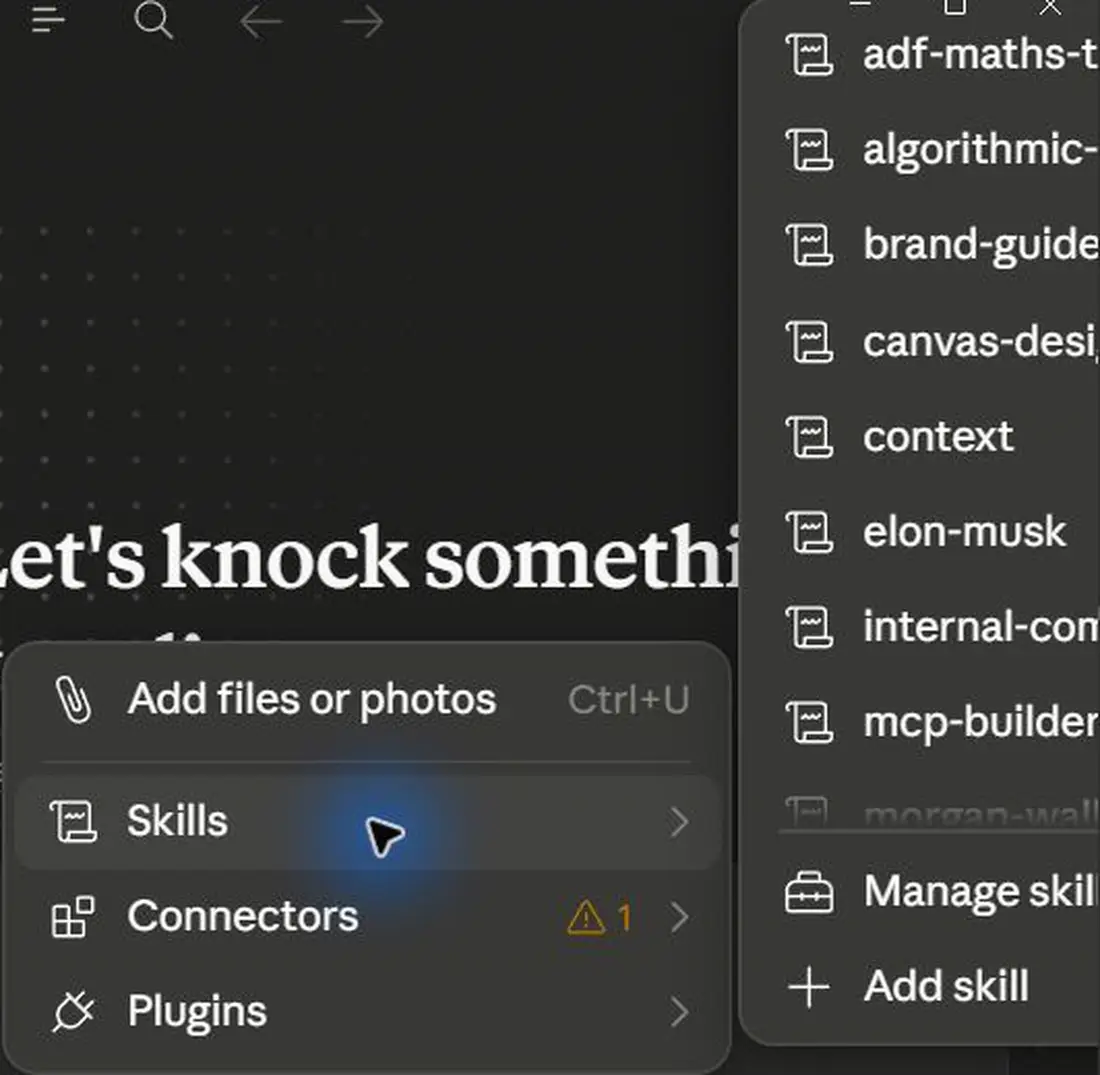


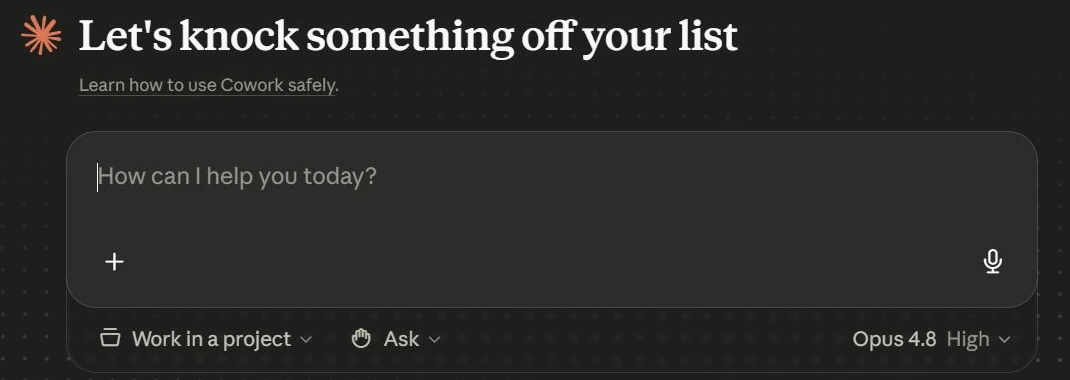

Create a Cowork task brief for a local document workflow.
A desktop delegation brief with safety boundaries.
Production prompt examples
Goal:
[What outcome should exist by the end of this lesson?]

Context:
[Audience, account tier, device, constraints, and current workflow.]

Inputs:
[Screens, docs, local files, or example data allowed for this exercise.]

Allowed actions:
[Read, draft, compare, summarise, or inspect.]

Ask before:
[Connecting apps, writing to files, sending externally, spending quota, changing settings.]

Output:
[The exact worksheet, plan, checklist, or capture pack to produce.]

Definition of done:
[How the learner or facilitator checks the result.]

Start by restating the plan in five bullets before executing.
Common mistakes to avoid
- Letting agents roam the desktop.
- Scheduling tasks without failure handling or review destination.
Key terms
- Computer use
- An agent operating a visible app or desktop surface.
- Working folder
- A constrained file area for inputs, outputs and logs.
Resources
Checkpoint