
Lesson 06 of 11 · Module 6
Claude mobile on iOS and Android
Show where Claude mobile is useful for capture and review, and where learners must switch to desktop.
Built from aikickstart_sec06.md and mobile feature research
This module prevents mobile overreach. Learners should know the useful mobile workflows and the limitations before they build a process around them.
What to understand
- Mobile is for capture, review and lightweight follow-up.
- Desktop remains the safer surface for local files, broad connectors and detailed inspection.
- Every mobile lesson needs accessibility and screen-size considerations.
Visualisation
Mobile versus desktop boundary
MobileDesktopRule
Voice captureDetailed editingCapture mobile, refine desktop
Quick reviewSource inspectionApprove only after enough context
Simple promptMulti-step taskNarrow mobile prompts aggressively
Step by step
1
Write a handoff checklist
Define when the learner should stop on mobile and continue on desktop.
HintIf the task touches files, accounts or external sends, switch surfaces.
Reference screens
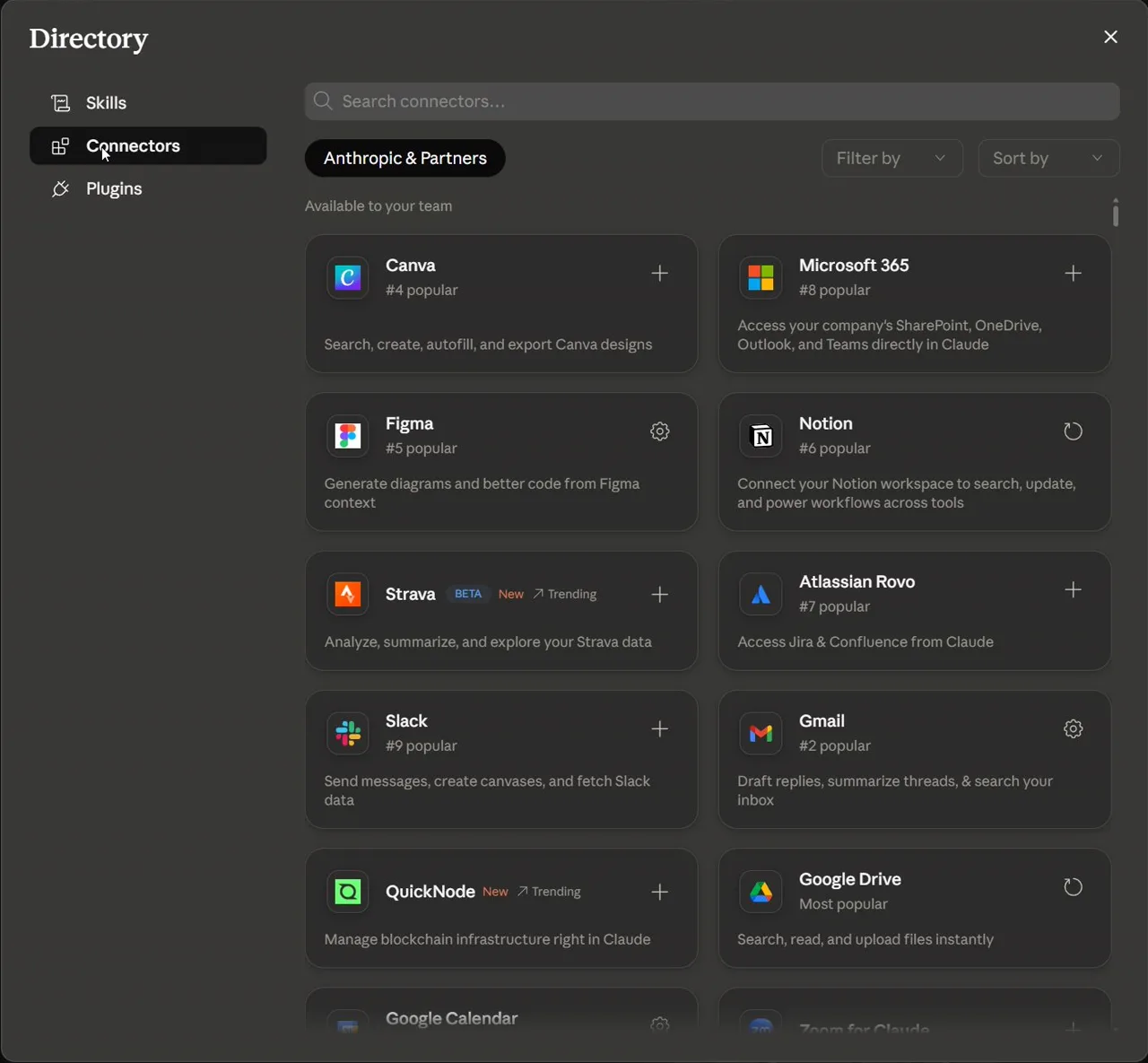
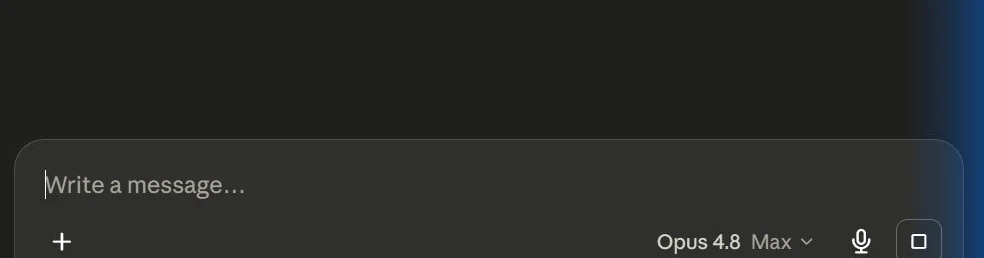
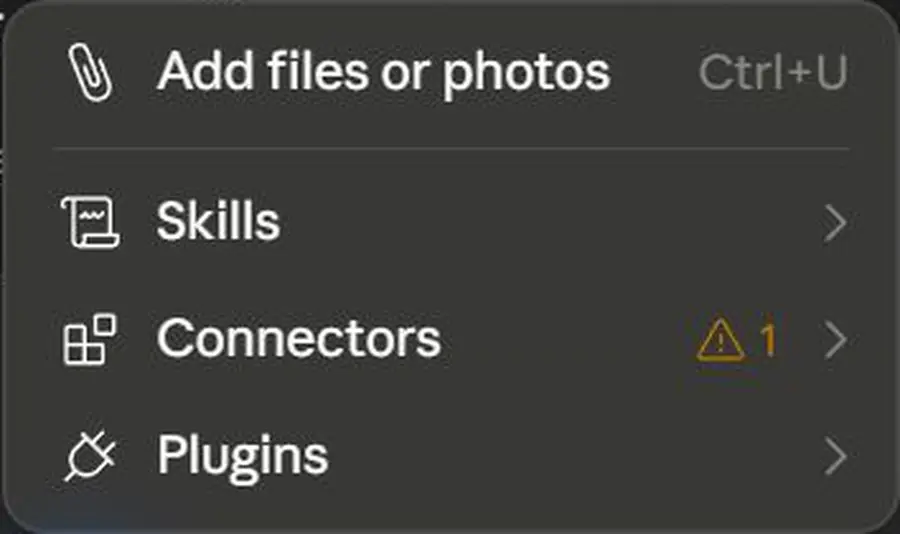
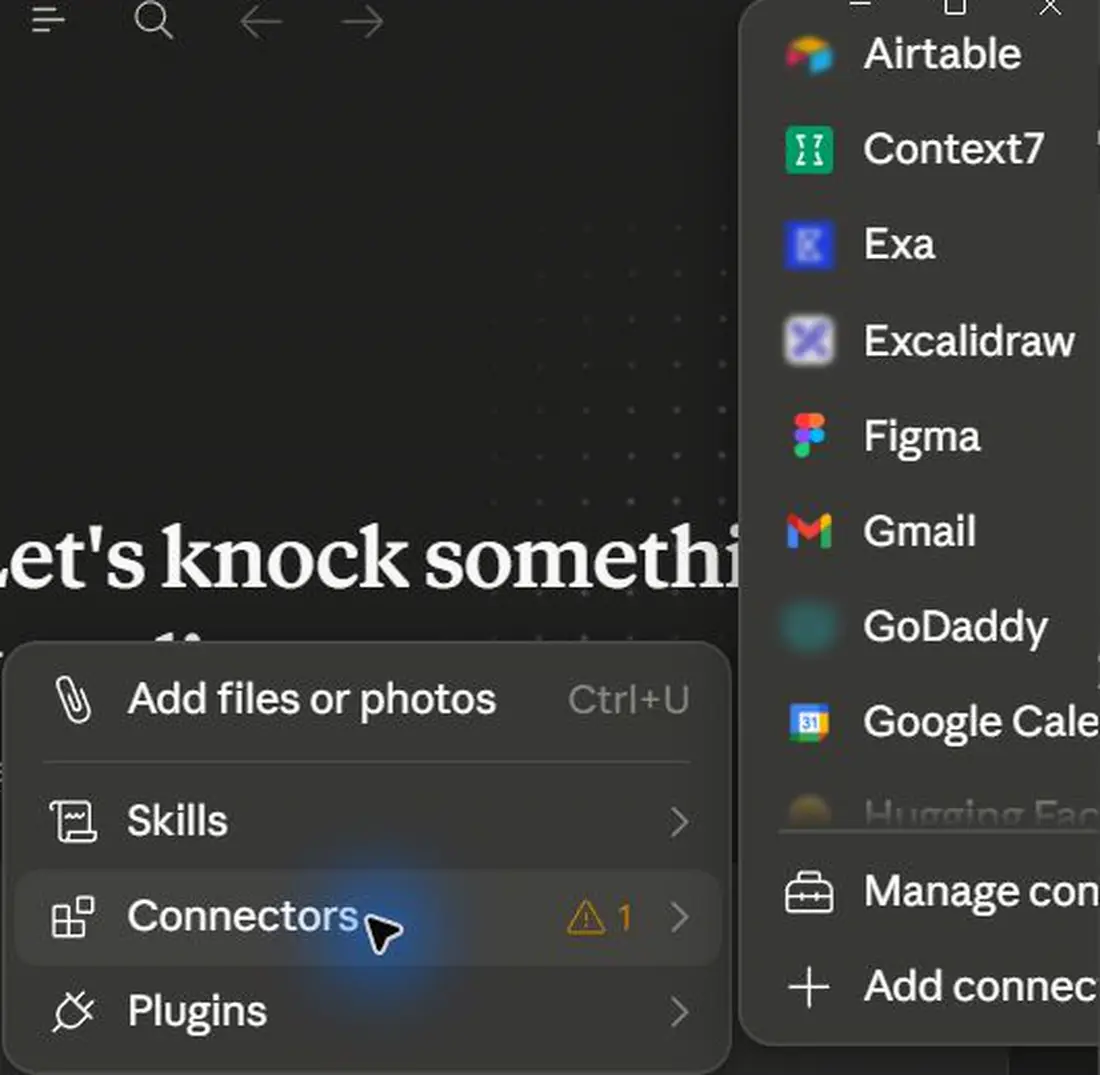
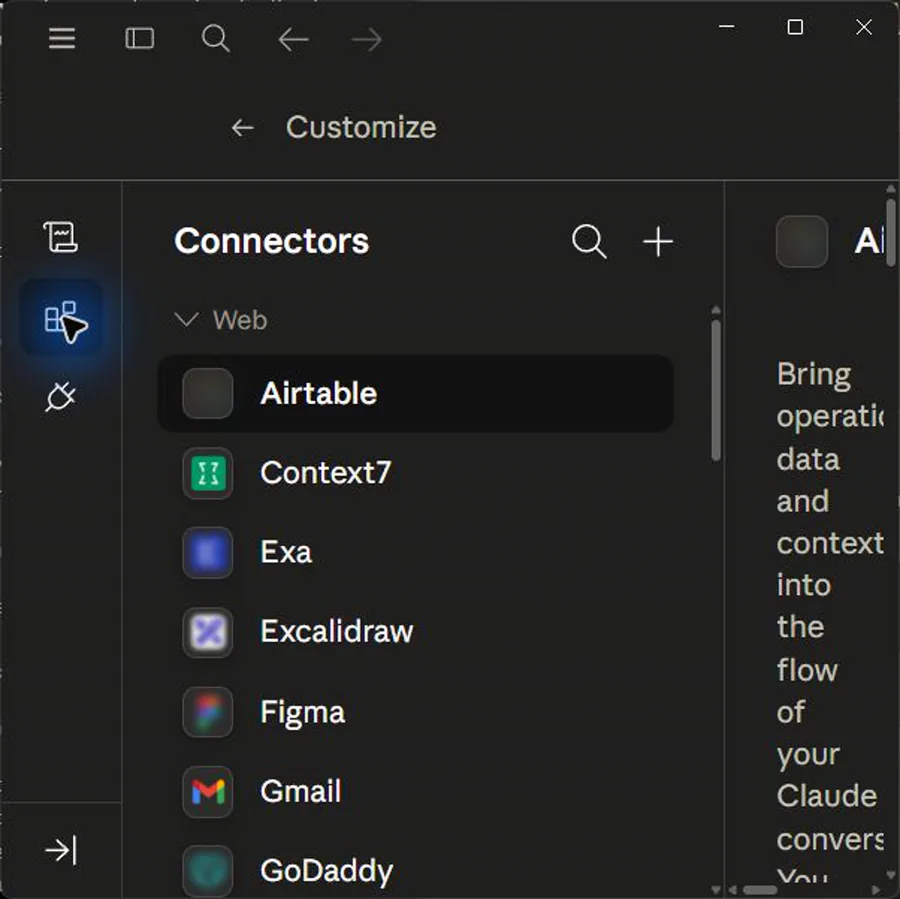
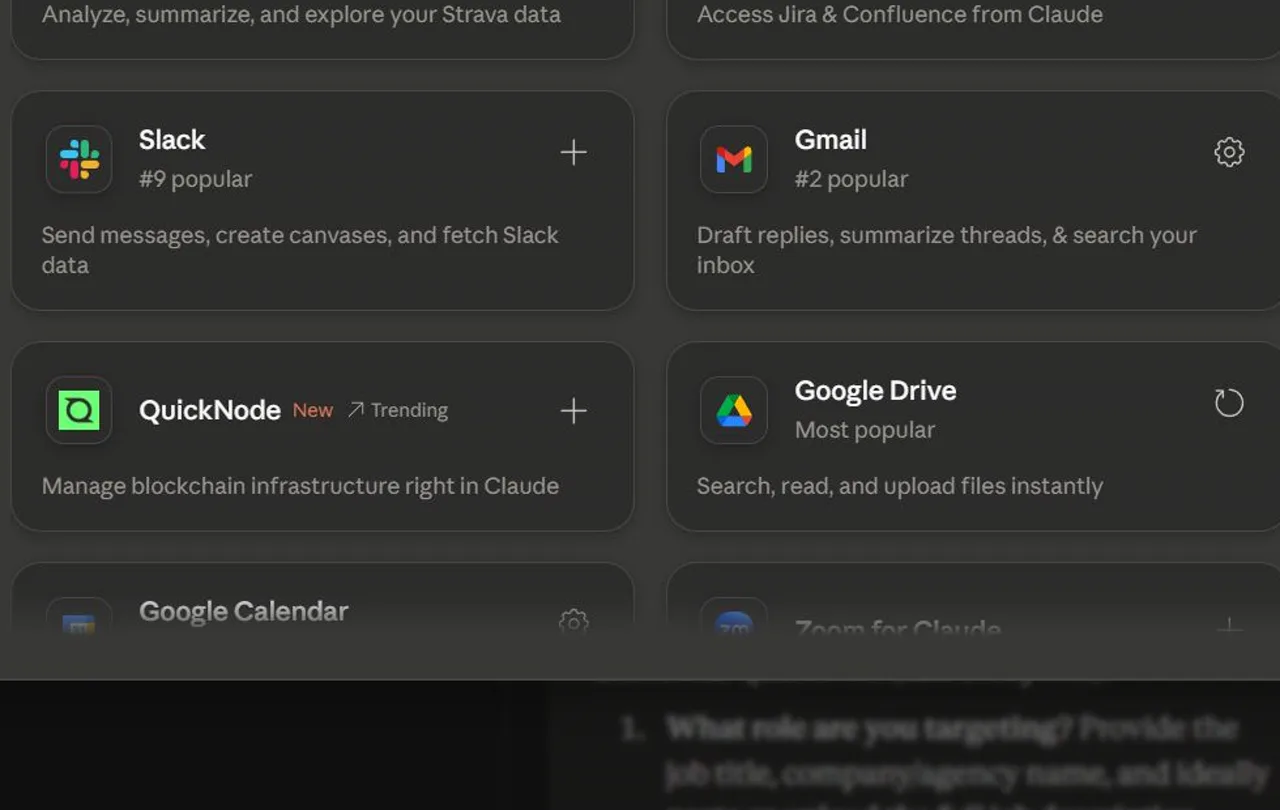
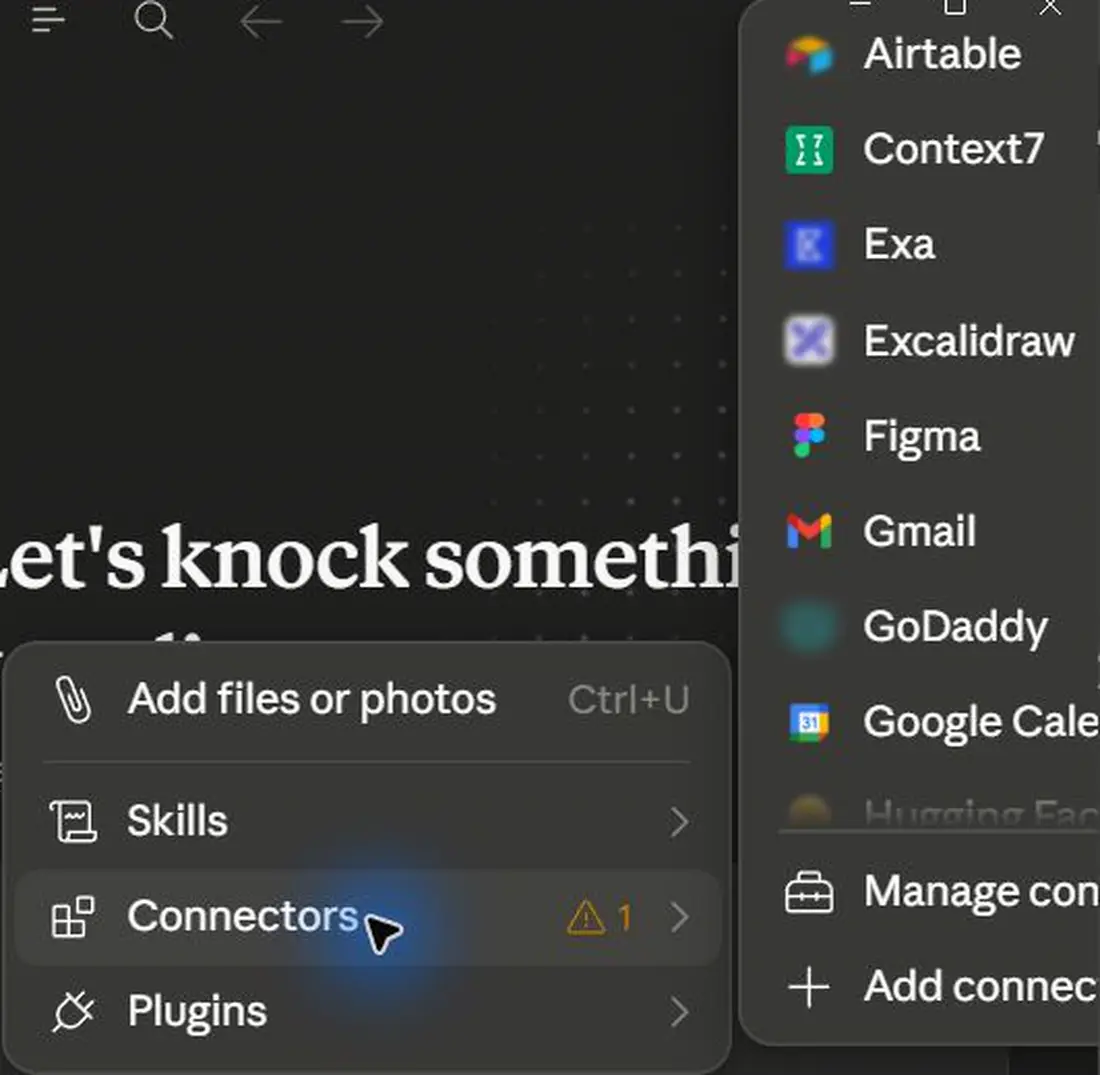
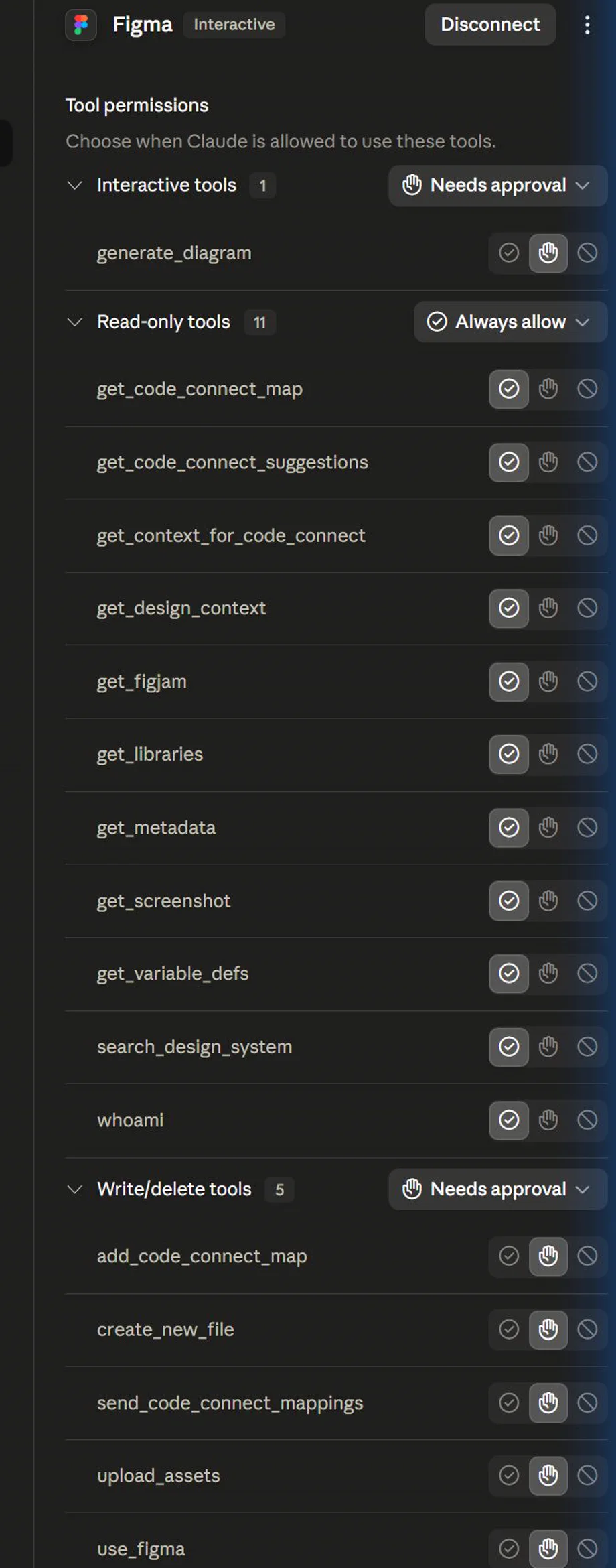
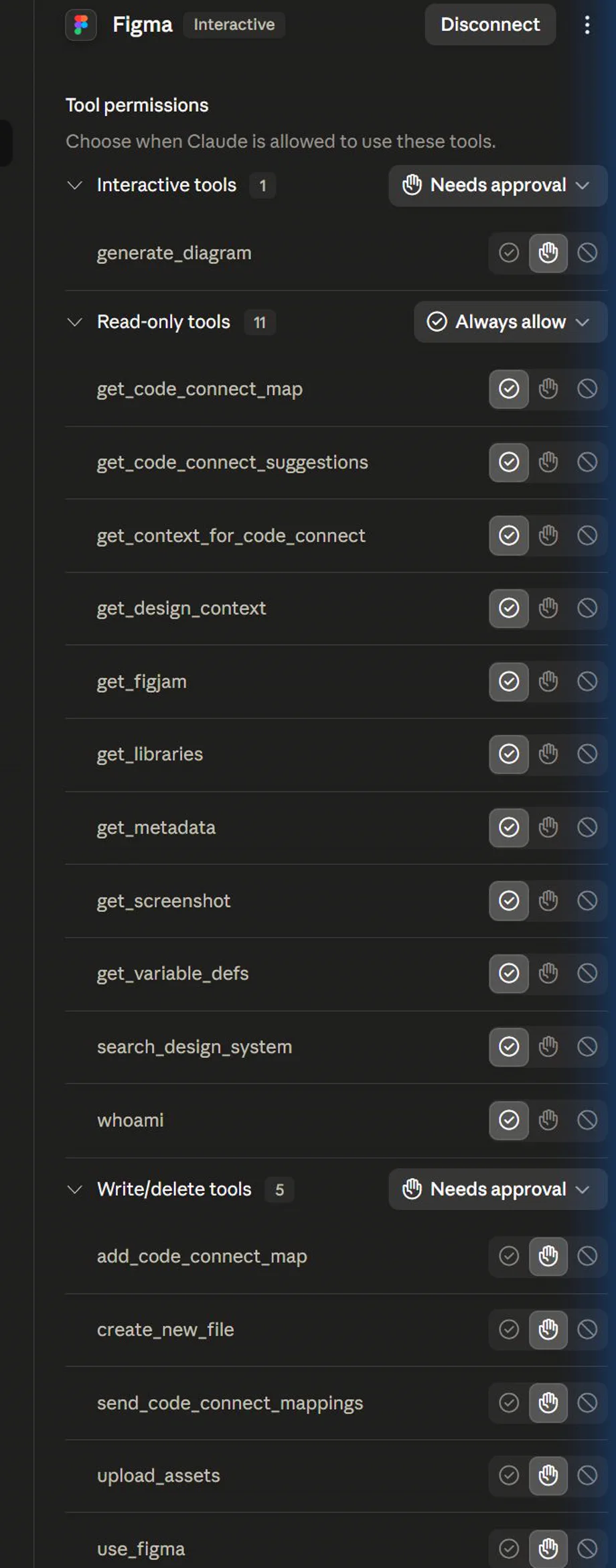
Course screenshots and visual references for the lesson flow. Re-check the live product before paid delivery or public launch.




Hands-on task
Create a Claude mobile capture checklist.
What you produce
A mobile capture and desktop handoff rule.
Production prompt examples
Claude mobile handoff
Goal:
[What outcome should exist by the end of this lesson?]

Context:
[Audience, account tier, device, constraints, and current workflow.]

Inputs:
[Screens, docs, local files, or example data allowed for this exercise.]

Allowed actions:
[Read, draft, compare, summarise, or inspect.]

Ask before:
[Connecting apps, writing to files, sending externally, spending quota, changing settings.]

Output:
[The exact worksheet, plan, checklist, or capture pack to produce.]

Definition of done:
[How the learner or facilitator checks the result.]

Start by restating the plan in five bullets before executing.
Common mistakes to avoid
- Letting a mobile prompt perform account or connector work without desktop review.
Key terms
- Desktop handoff
- Moving from a lightweight mobile instruction to a more inspectable desktop workflow.
Resources
Checkpoint