Lesson 05 of 11 · Module 5

Claude Chat web and desktop

Teach Claude for long-context reasoning, projects, artifacts, research, files, connectors, skills and desktop workflows.

Built from aikickstart_sec05.md and Claude research/screenshot material

Claude is often best when the work needs long context, careful reasoning or document-rich output. The lesson should keep that strength tied to permission and evidence habits.

What to understand

  • Claude Projects and Artifacts are production surfaces: give them clear source, review and export rules.
  • Connector access should follow least privilege and a clear use case.
  • Long context is not a substitute for source discipline.
Visualisation

Claude lesson readiness signals

Source boundary

The learner knows which files and links are allowed.

Output boundary

The final artifact, document or chart has a named reviewer.

Connector boundary

External access starts read-only and narrow.

Step by step

1

Create a Claude project rule

Create a Claude project rule - product screen reference

Write project instructions for sources, tone, output and data limits.

HintKeep project instructions short enough to maintain.

Reference screens

Course screenshots and visual references for the lesson flow. Re-check the live product before paid delivery or public launch.
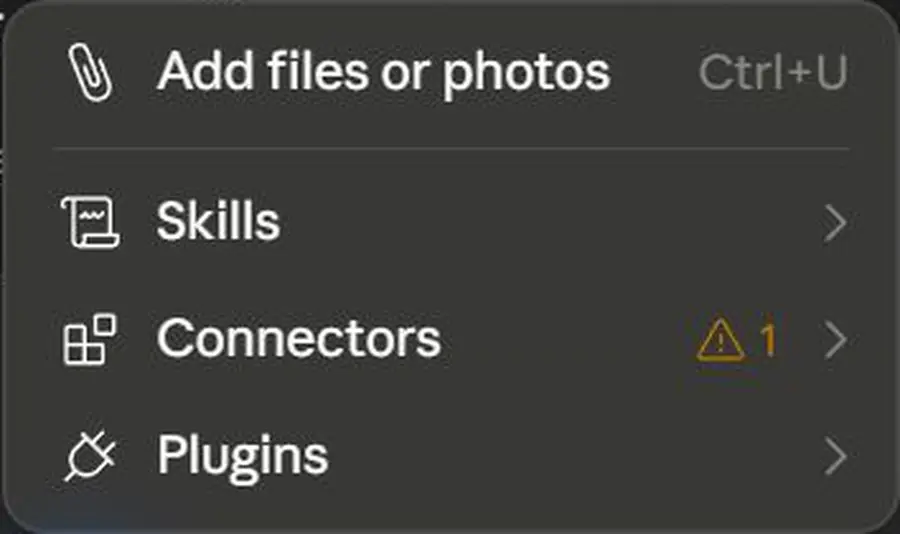
Screen reference
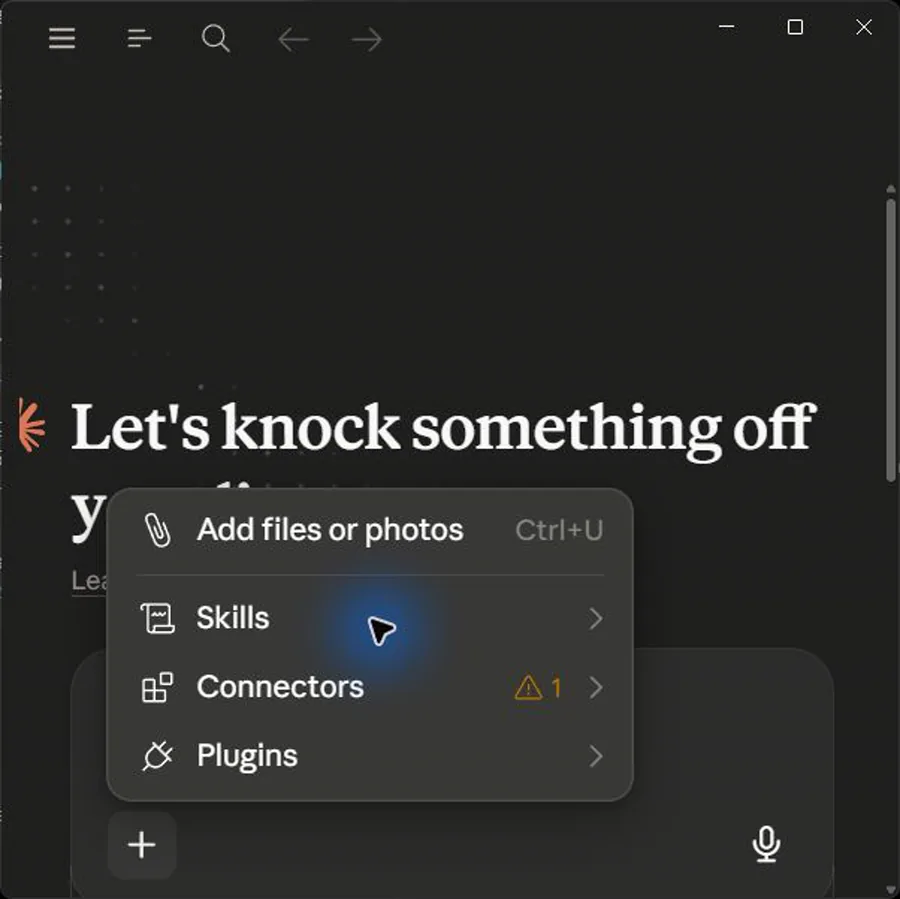
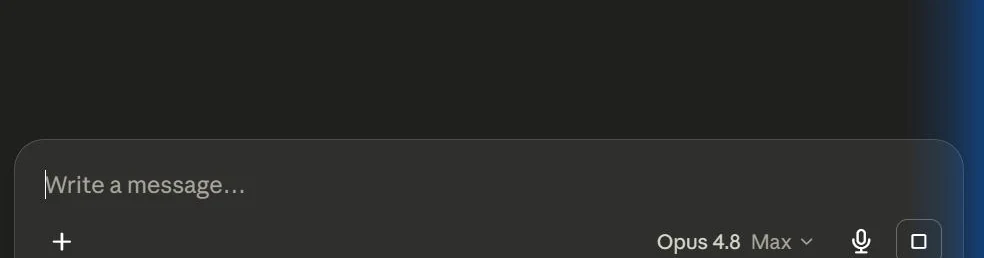
Claude Chat: Claude New Chat Composer Native
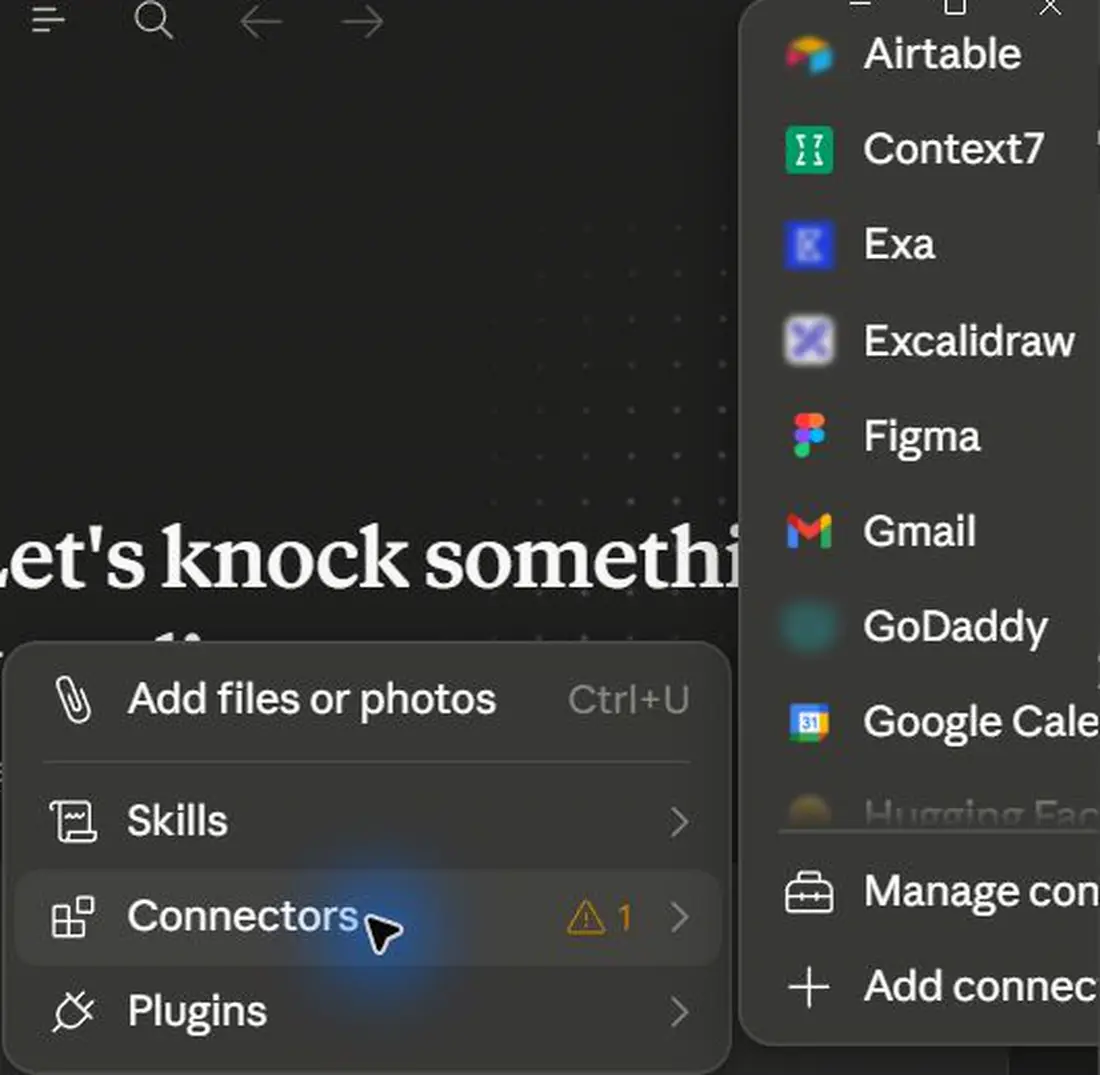
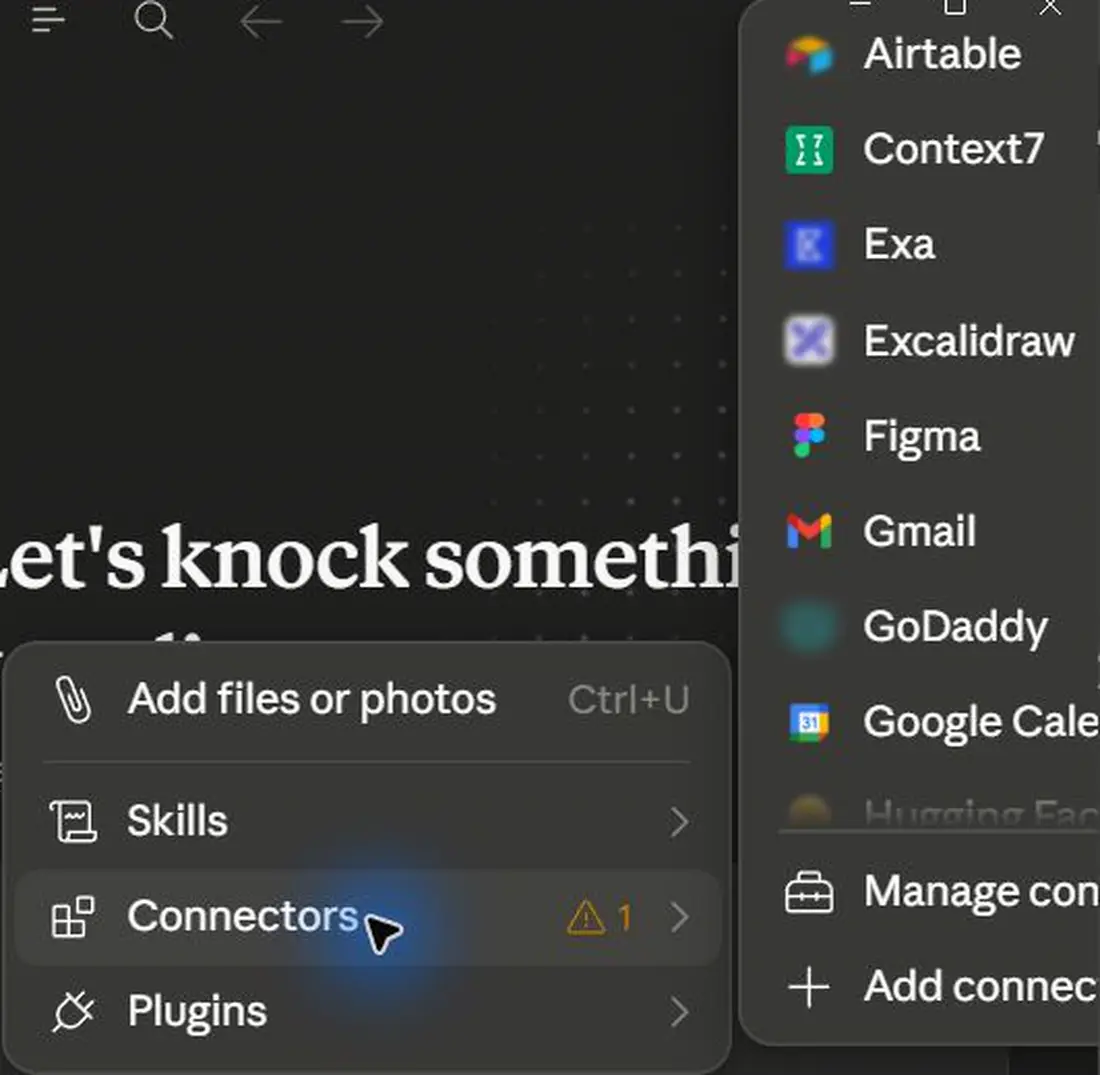
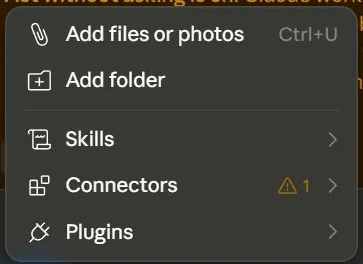
Claude Chat: Claude Menu Attachments Connectors
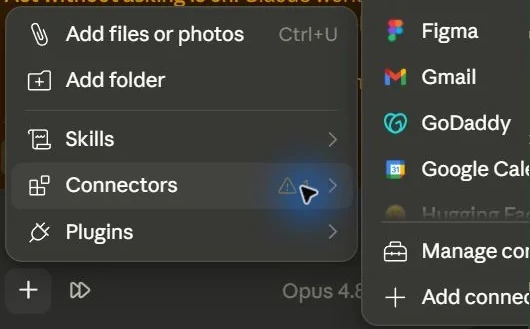
Claude Chat: Claude Connectors Submenu
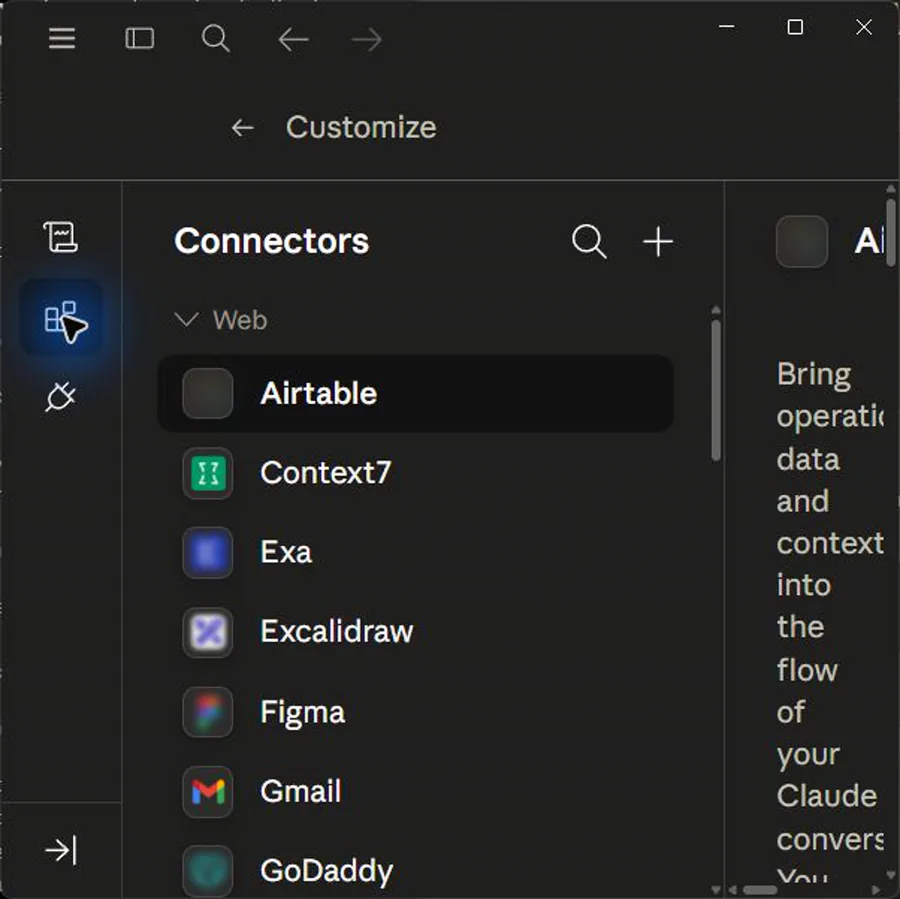
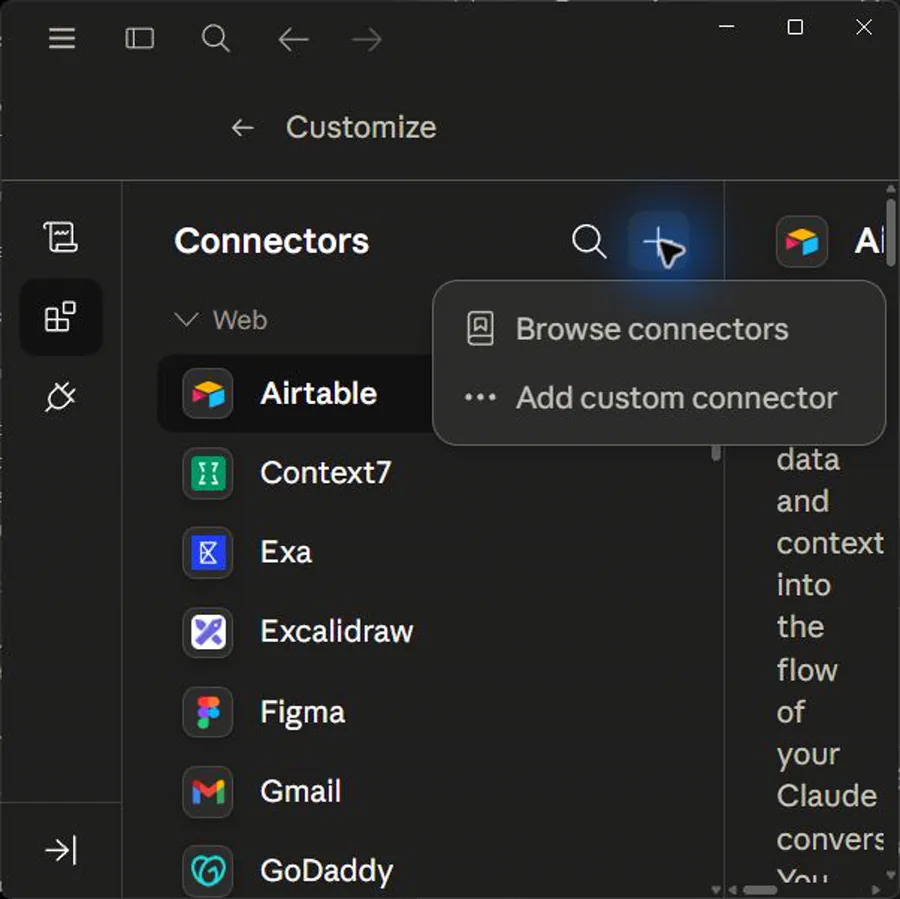
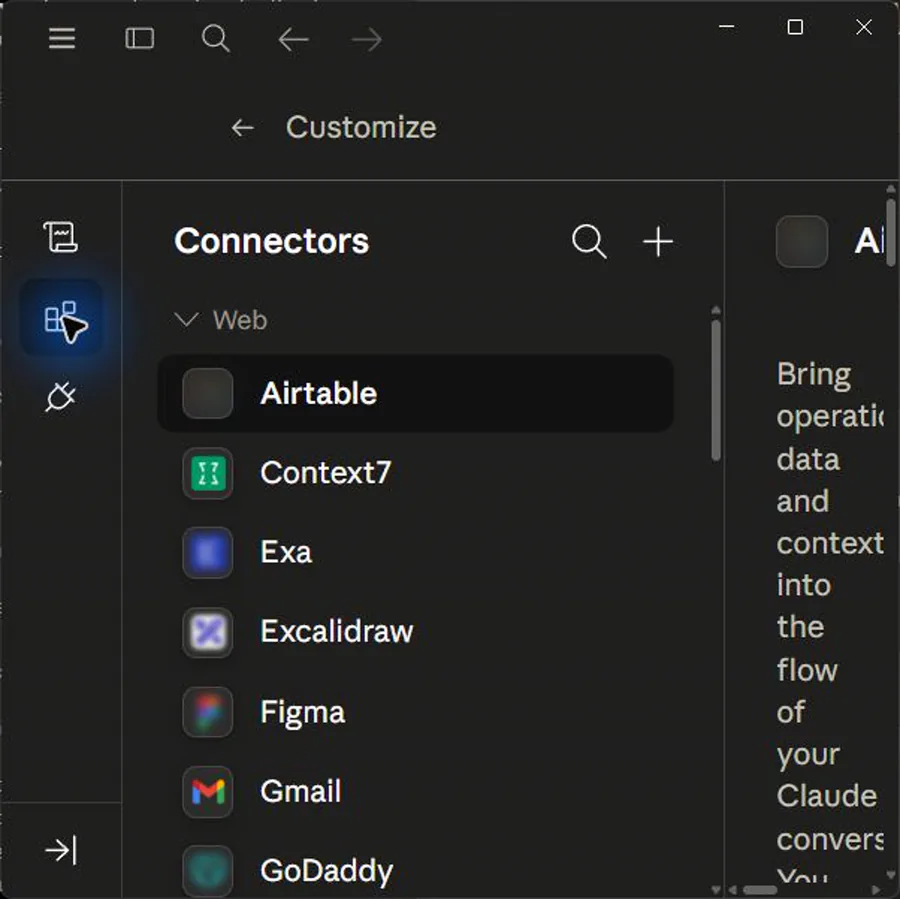
Claude Chat: Customize Connectors Your Connectors
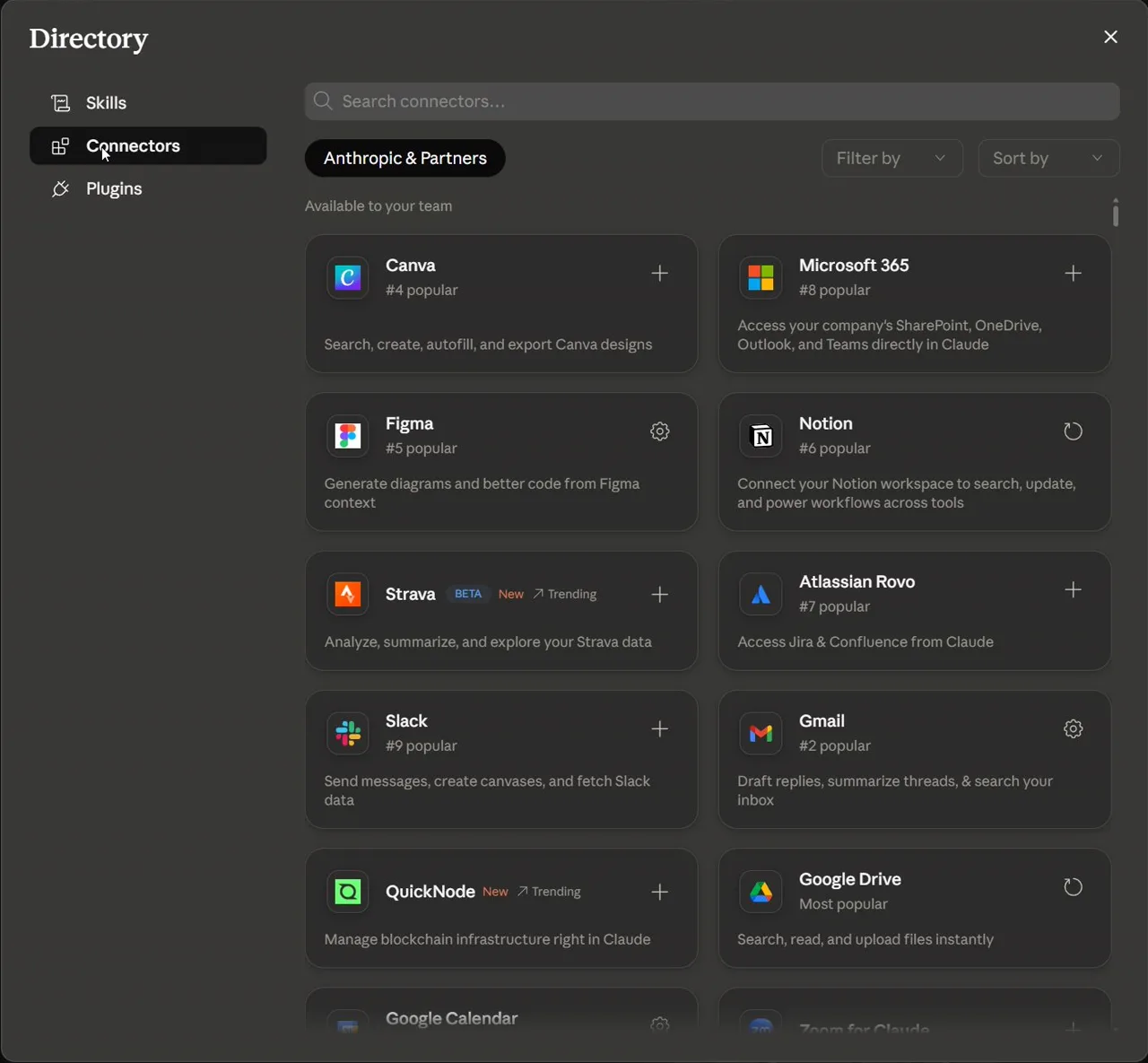
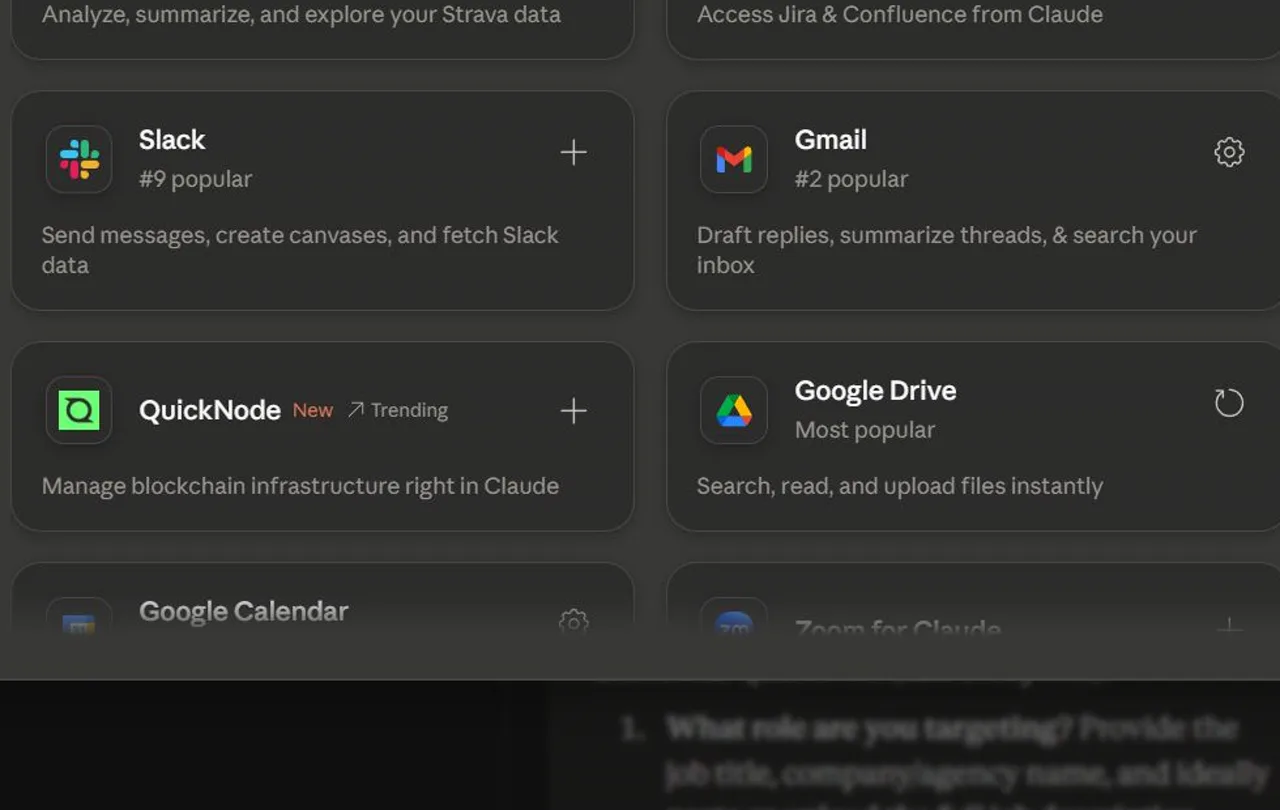
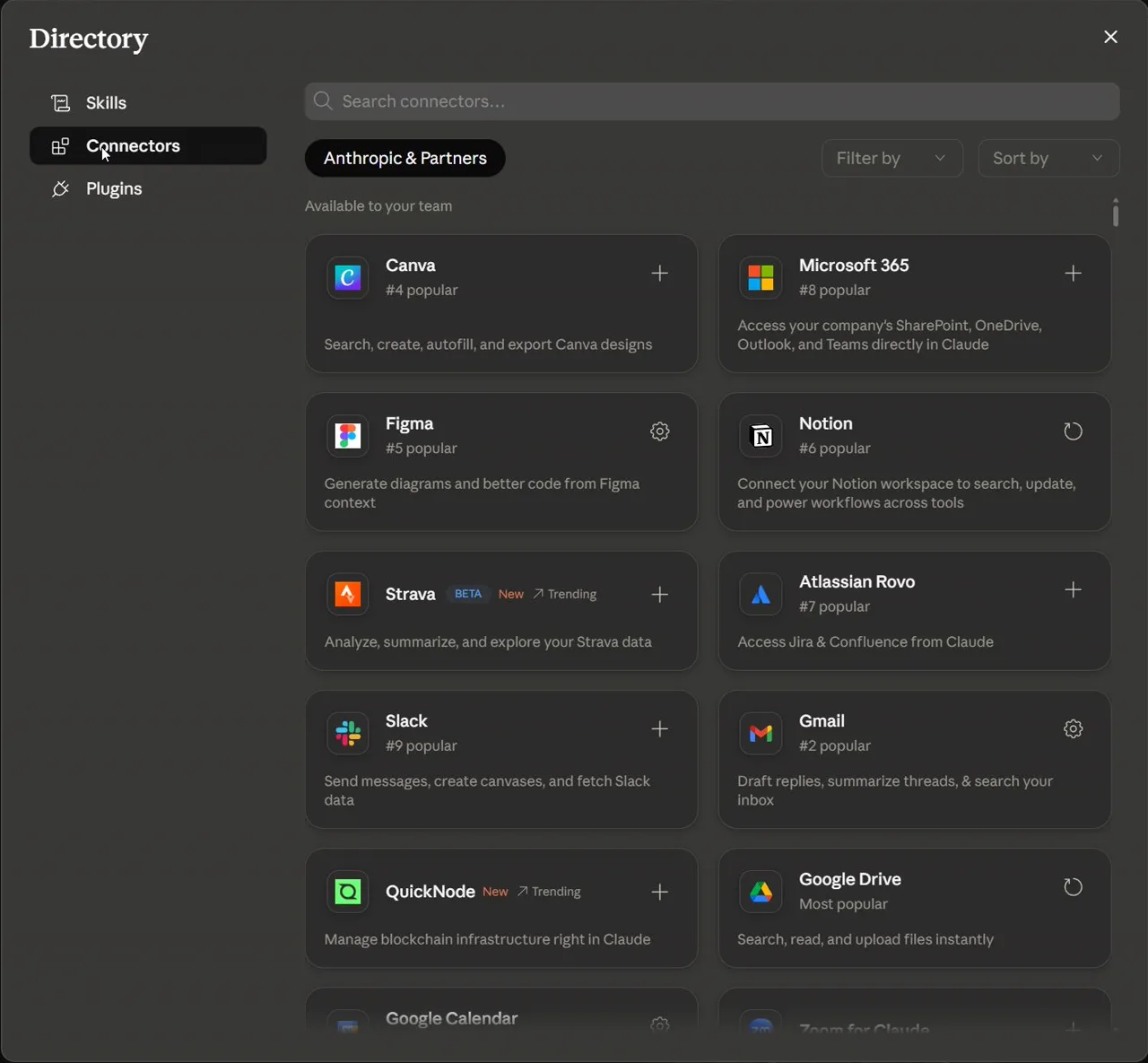
Claude Chat: Connectors Directory
Claude Chat: Connectors Directory Google Drive
Claude Chat: Google Authenticate And Grant Access To Claude
Claude Chat: Google Authenticate Gmail Access For Claude
Claude Chat: Claude Connectors Submenu Drive Gmail Listed
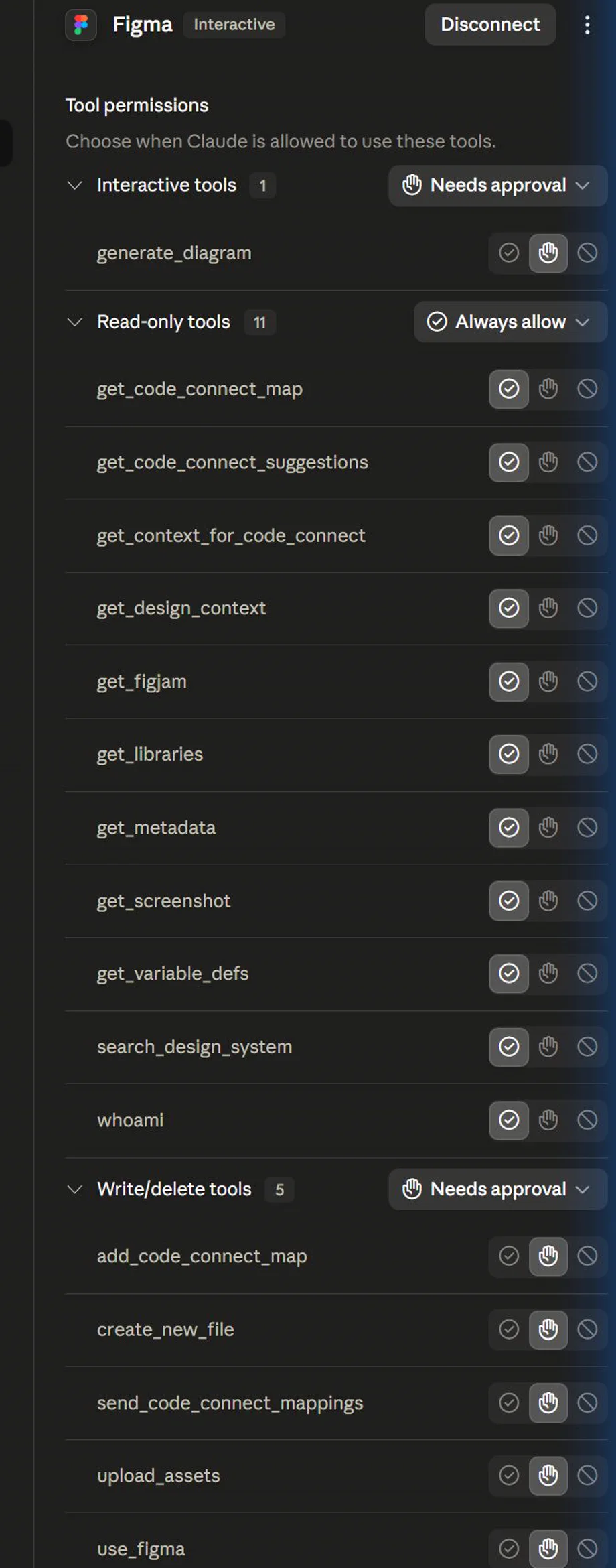
Claude Chat: Claude Connectors Tool Access
Claude Chat: Claude Connector Action Approval Prompt
Claude Chat: Claude Chat Using Google Drive Connector
Claude Chat: Claude Chat Using Gmail Connector
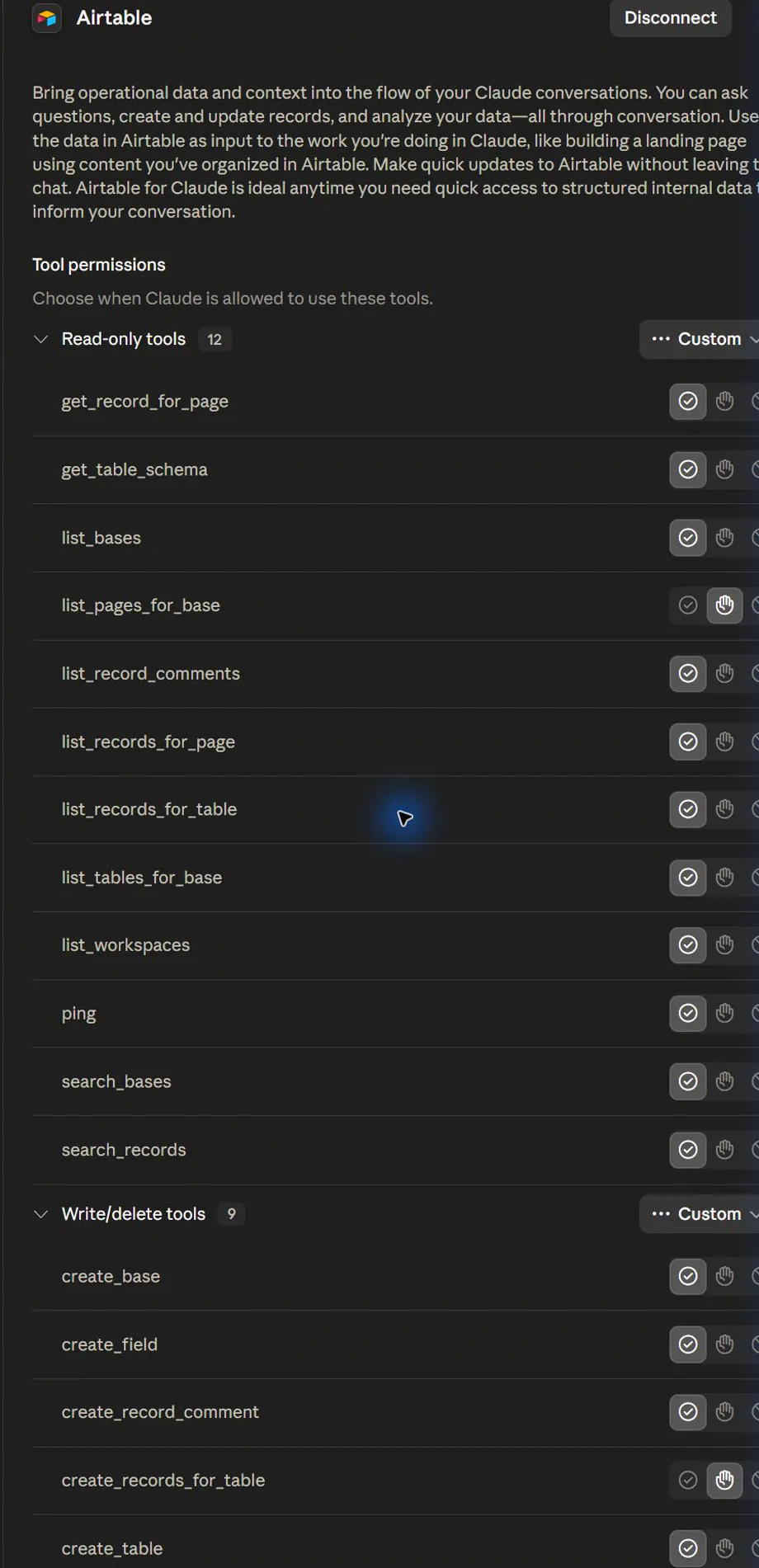
Claude Chat: Customize Connectors Tool Permissions Team Enterpris
Claude App Capture: Add Connector Menu
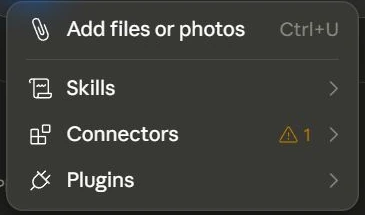
Claude App Capture: Add Menu
Claude App Capture: Add Menu Hires
Claude App Capture: Add Tooltip
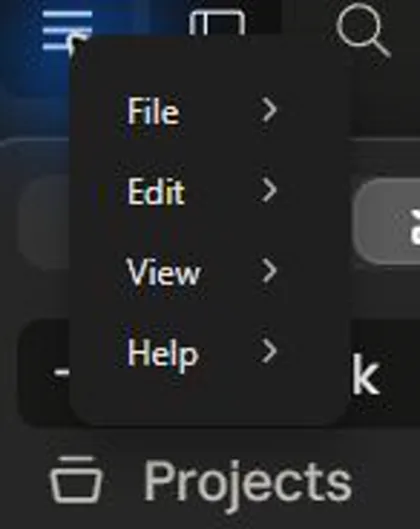
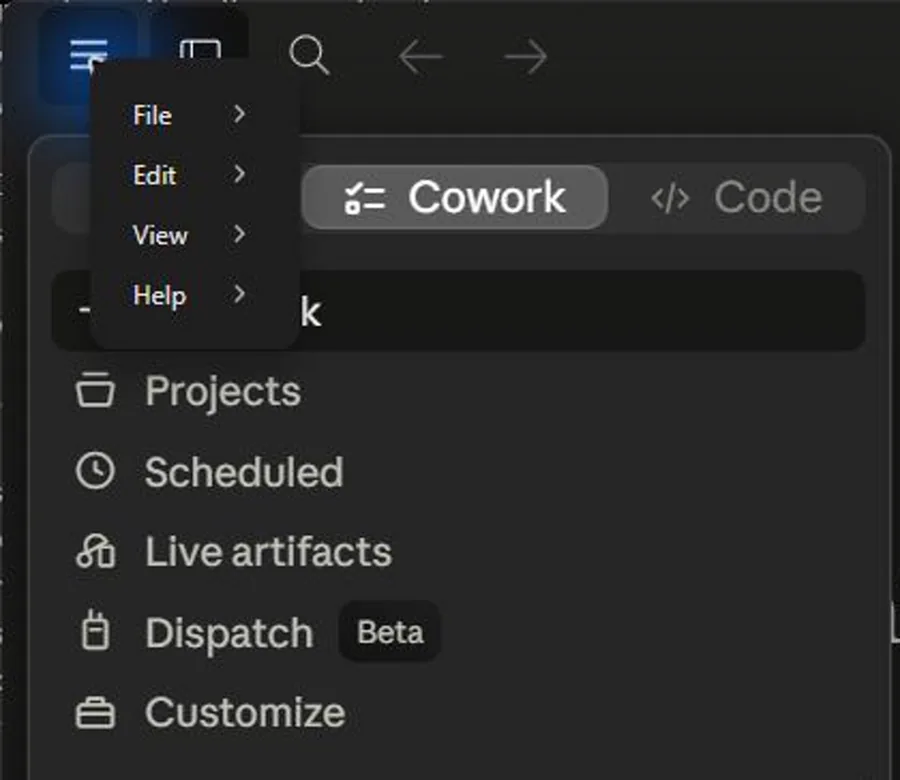
Claude App Capture: App Menu
Claude App Capture: App Menu Overlay
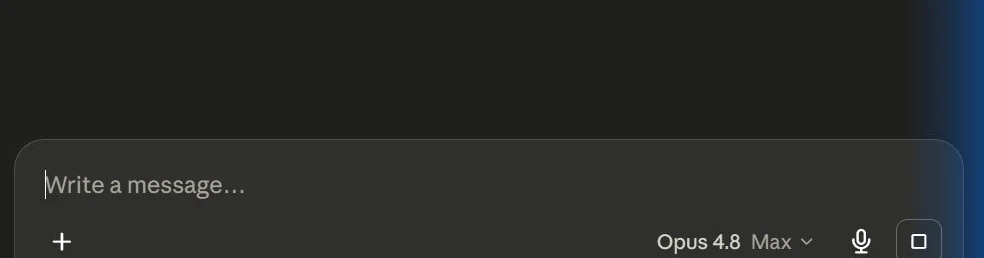
Claude App Capture: Chat Composer
Claude App Capture: Connectors Directory
Claude App Capture: Connectors Submenu
Claude App Capture: Connectors Tool Permissions
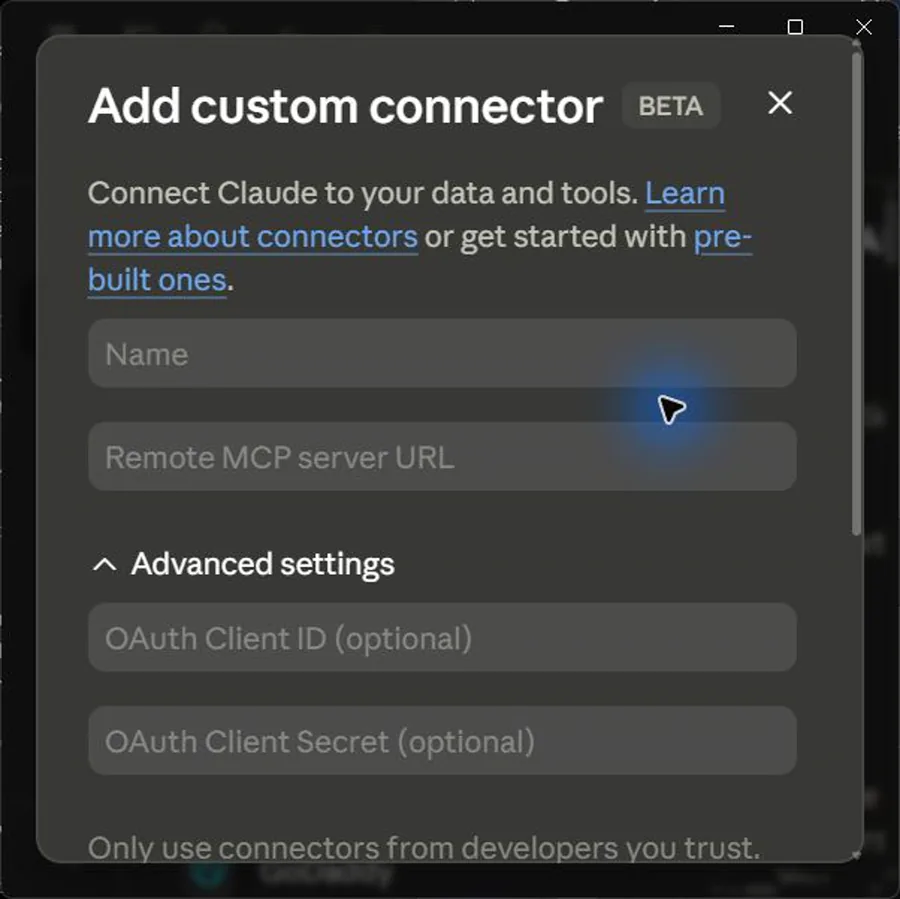
Claude App Capture: Custom Connector Form
Claude App Capture: Customize Connectors List
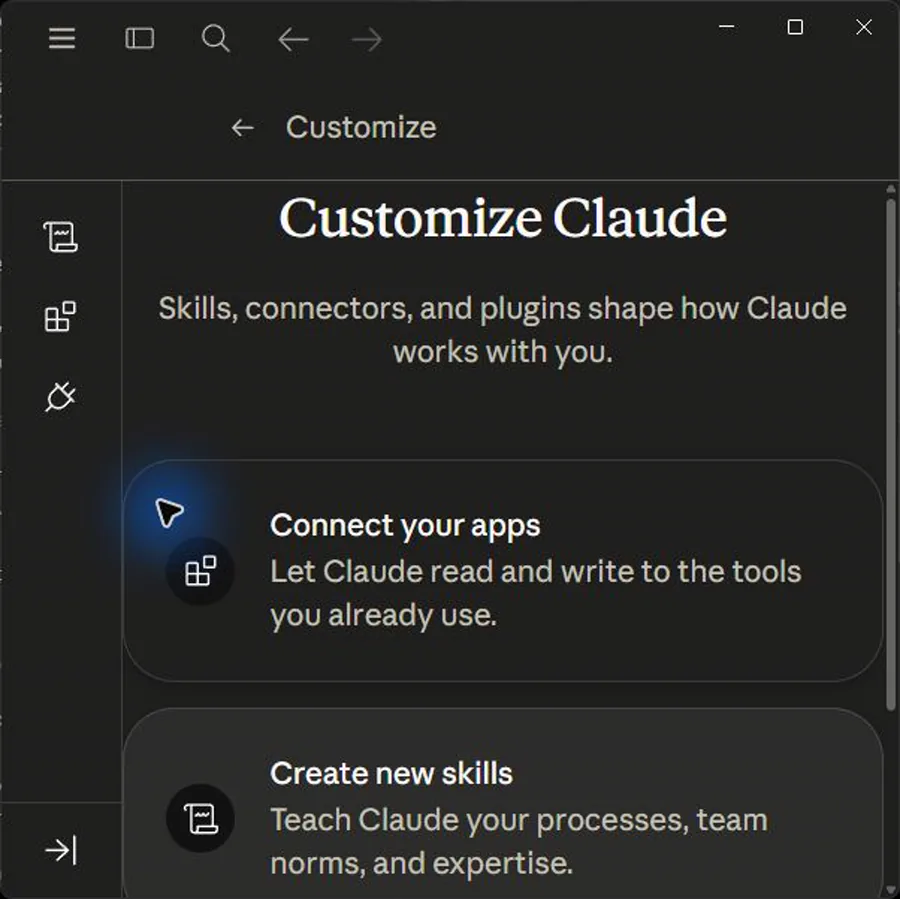
Claude App Capture: Customize Overview
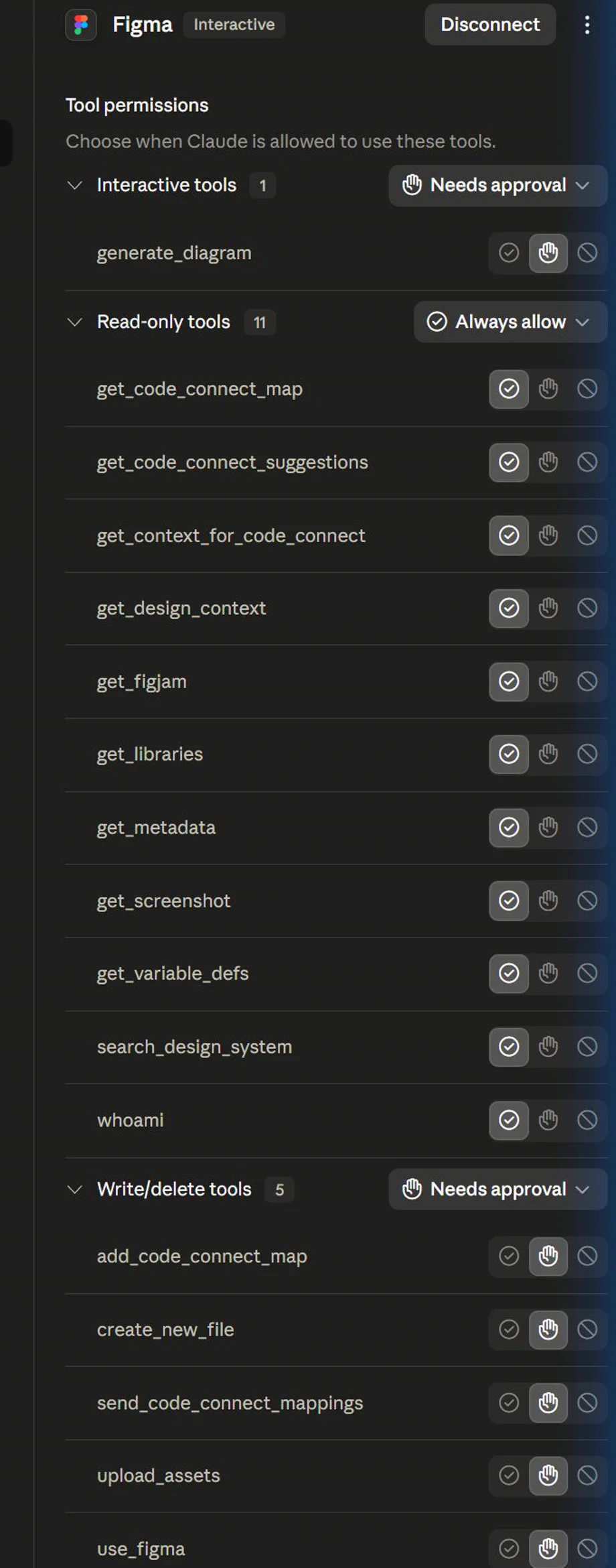
Claude App Capture: Figma Tool Permissions
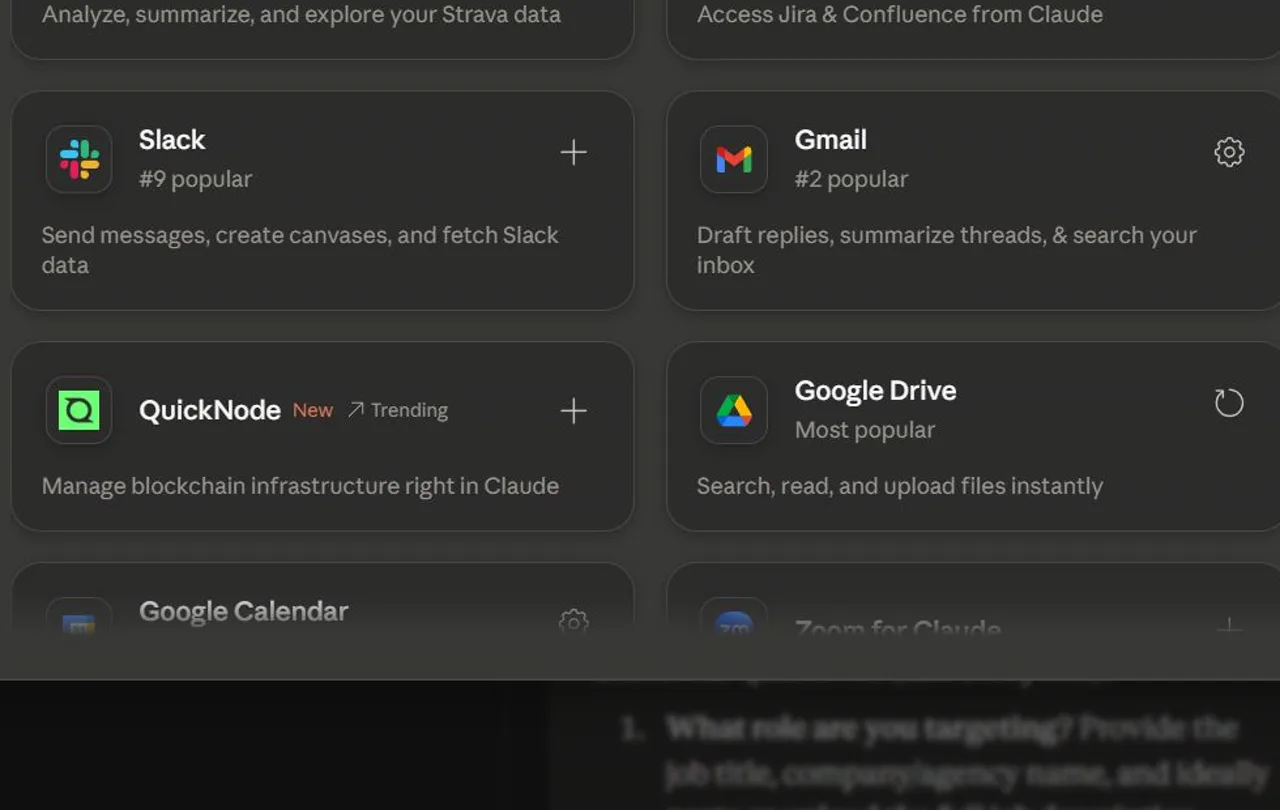
Claude App Capture: Google Drive Connector Card
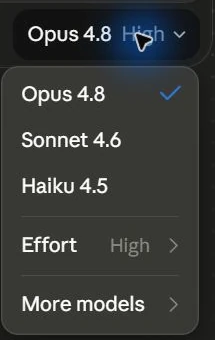
Claude App Capture: Model Effort Menu
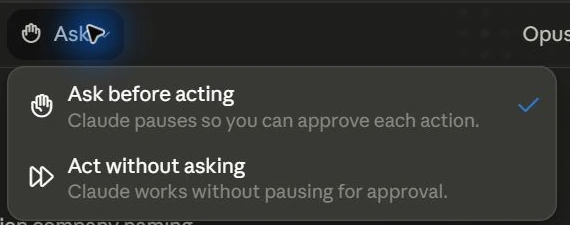
Claude App Capture: Permission Mode Menu
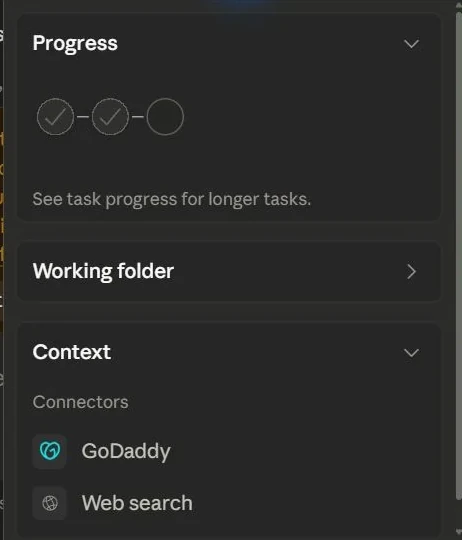
Claude App Capture: Progress Context Panel
Claude App Capture: Project Menu Actions
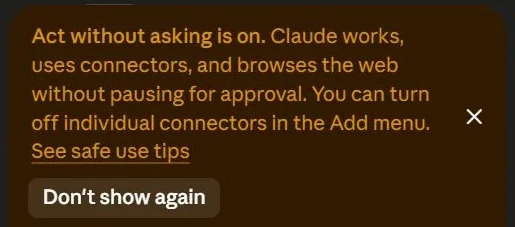
Claude App Capture: Safety Banner
Claude App Capture: Search Overlay Header
Claude App Capture: Search Tooltip
Claude App Capture: Sidebar Customize Menu
Hands-on task

Create a Claude project setup card for a document-heavy workflow.

What you produce

A Claude project brief with source and artifact rules.

Production prompt examples

Claude project setup brief
Goal:
[What outcome should exist by the end of this lesson?]

Context:
[Audience, account tier, device, constraints, and current workflow.]

Inputs:
[Screens, docs, local files, or example data allowed for this exercise.]

Allowed actions:
[Read, draft, compare, summarise, or inspect.]

Ask before:
[Connecting apps, writing to files, sending externally, spending quota, changing settings.]

Output:
[The exact worksheet, plan, checklist, or capture pack to produce.]

Definition of done:
[How the learner or facilitator checks the result.]

Start by restating the plan in five bullets before executing.

Common mistakes to avoid

  • Using long context as a dumping ground.
  • Trusting a polished artifact without checking source and assumptions.

Key terms

Artifact
A structured output surface for documents, code, visuals or interactive material.
Long context
A large working memory window that still needs curated inputs.

Resources

Checkpoint

What source rule keeps the first Claude project safe and useful?