
Lesson 04 of 11 · Module 4
OpenAI Codex CLI and desktop command centre
Teach Codex as a project agent across CLI, desktop, cloud, IDE and GitHub, with sandbox, approval and review habits first.
Built from aikickstart_sec04.md, Codex research and existing app walkthrough assets
This is the coding-agent module. The learner should understand that Codex is powerful because it can inspect, edit, run, review and coordinate work, so the first skill is controlling scope.
What to understand
- Codex CLI is best when the task lives in a folder, terminal or Git workflow.
- Codex desktop is a command centre for projects, threads, worktrees, review and browser-backed verification.
- Sandbox and approval settings define how the agent can act; the review pane defines how the human checks it.
Codex safe work loop
- 1Explore
Read repo shape and constraints.
- 2Plan
Restate implementation and verification path.
- 3Edit
Make the smallest scoped change.
- 4Verify
Run build/test/browser checks.
- 5Review
Inspect diff before commit or handoff.
Step by step
Start read-only
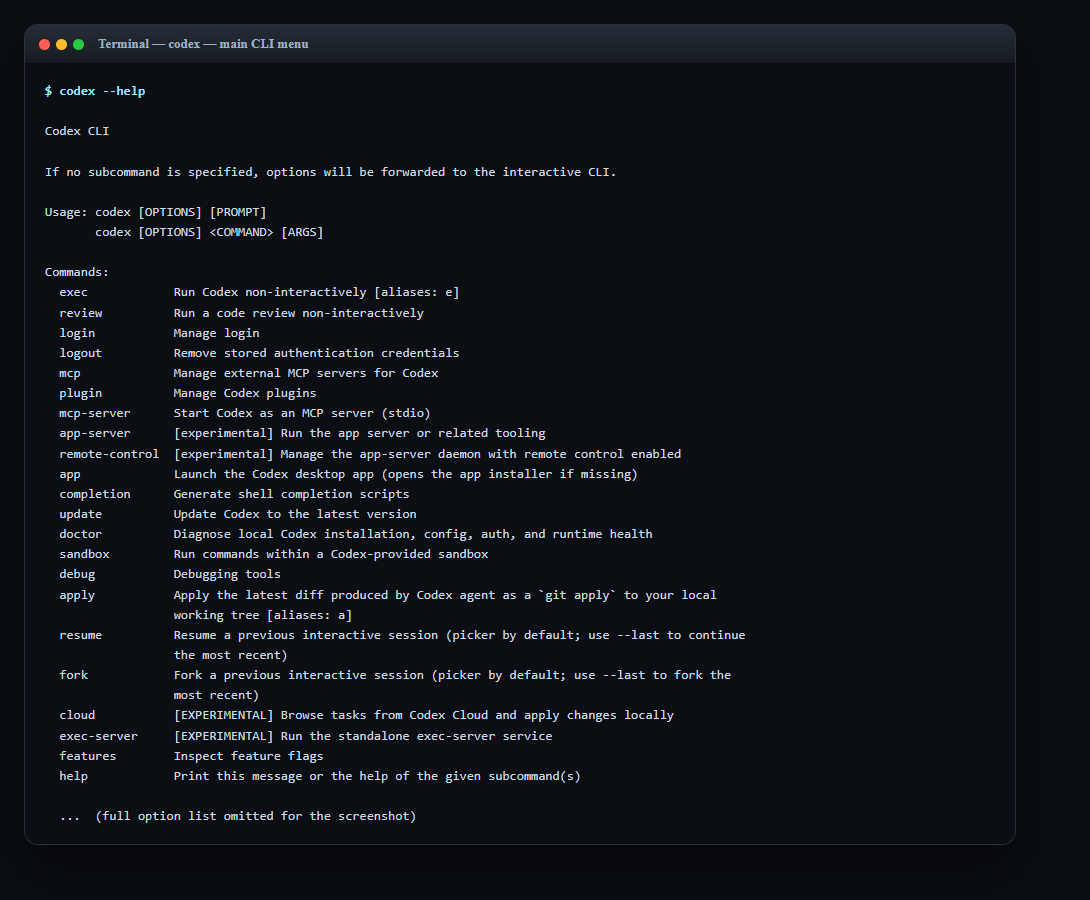
Have Codex inspect the repo and name the affected files before editing.
HintThe first useful output is a scoped plan, not a diff.
Review the app surface
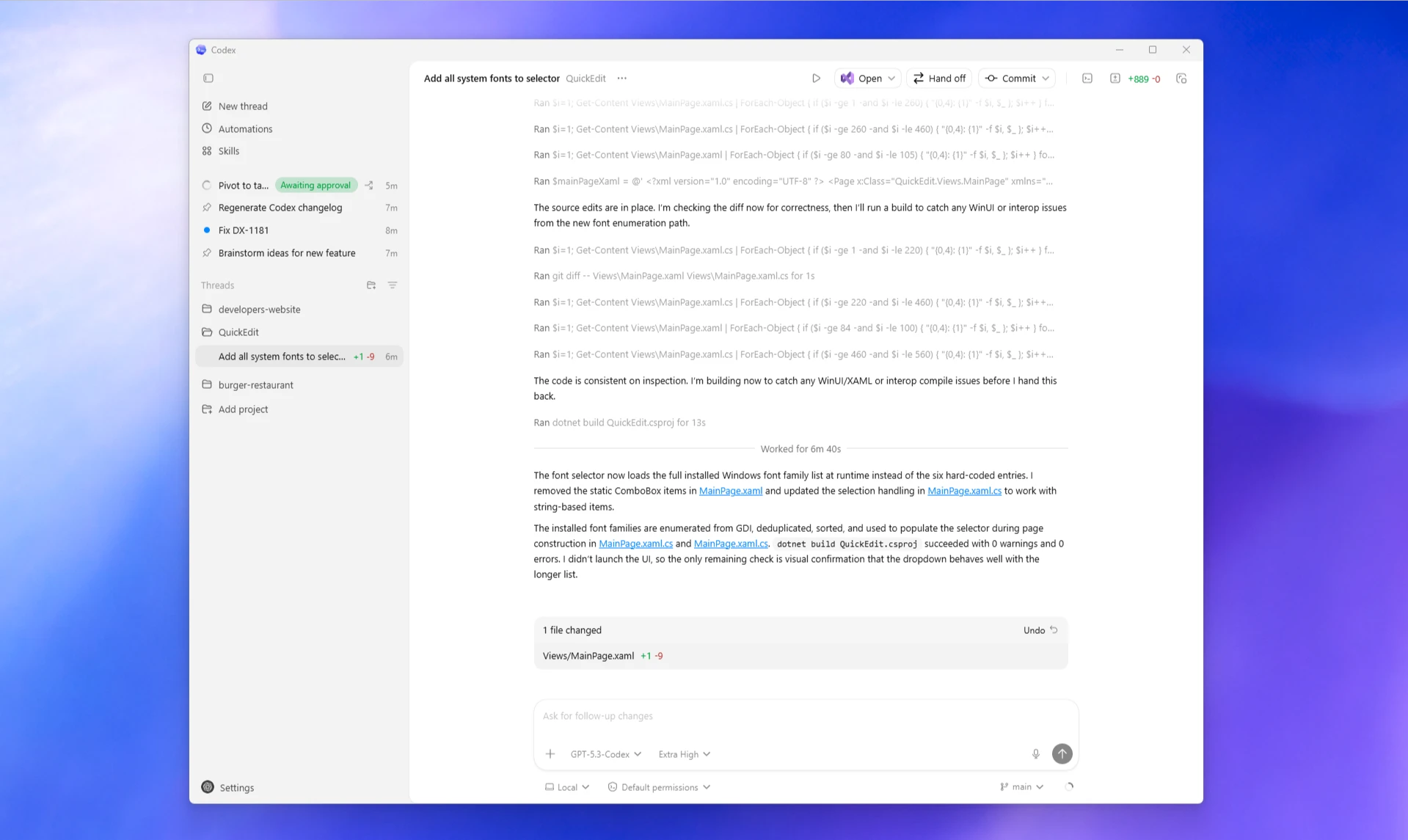
Open the relevant UI and verify the visible behaviour before claiming it is ready.
HintBrowser checks catch layout and routing mistakes builds cannot.
Reference screens
Course screenshots and visual references for the lesson flow. Re-check the live product before paid delivery or public launch.
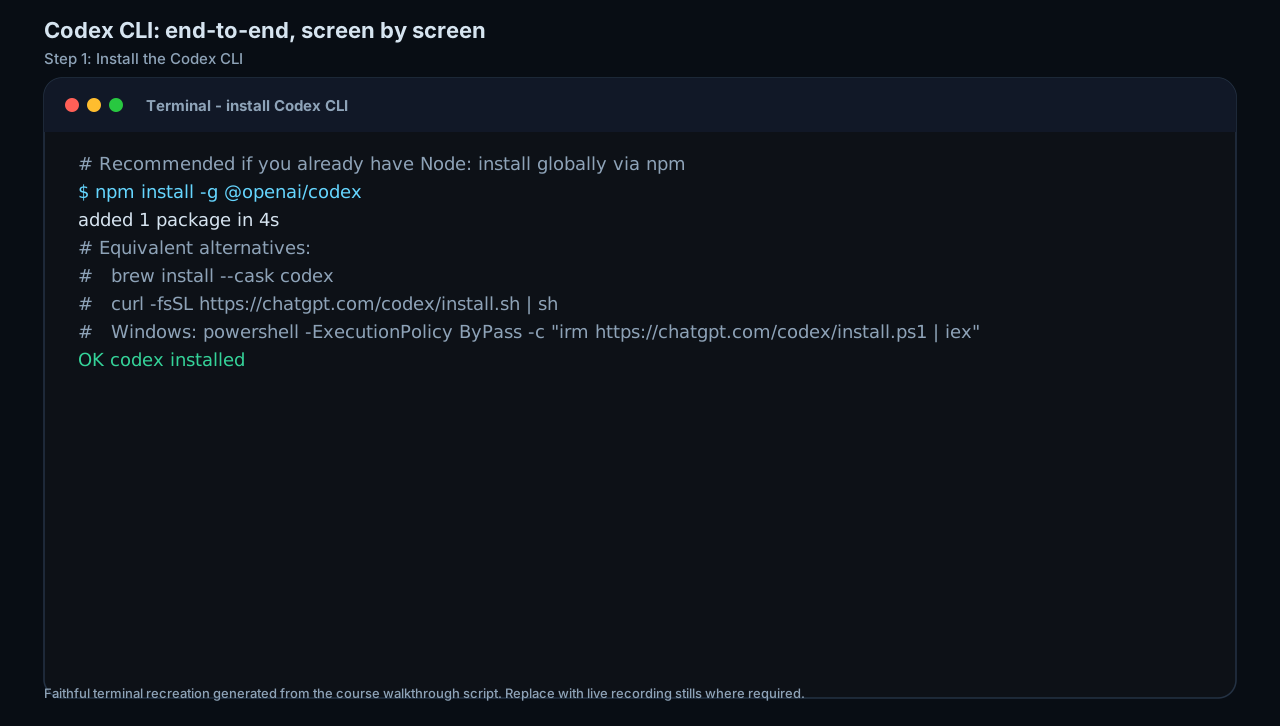
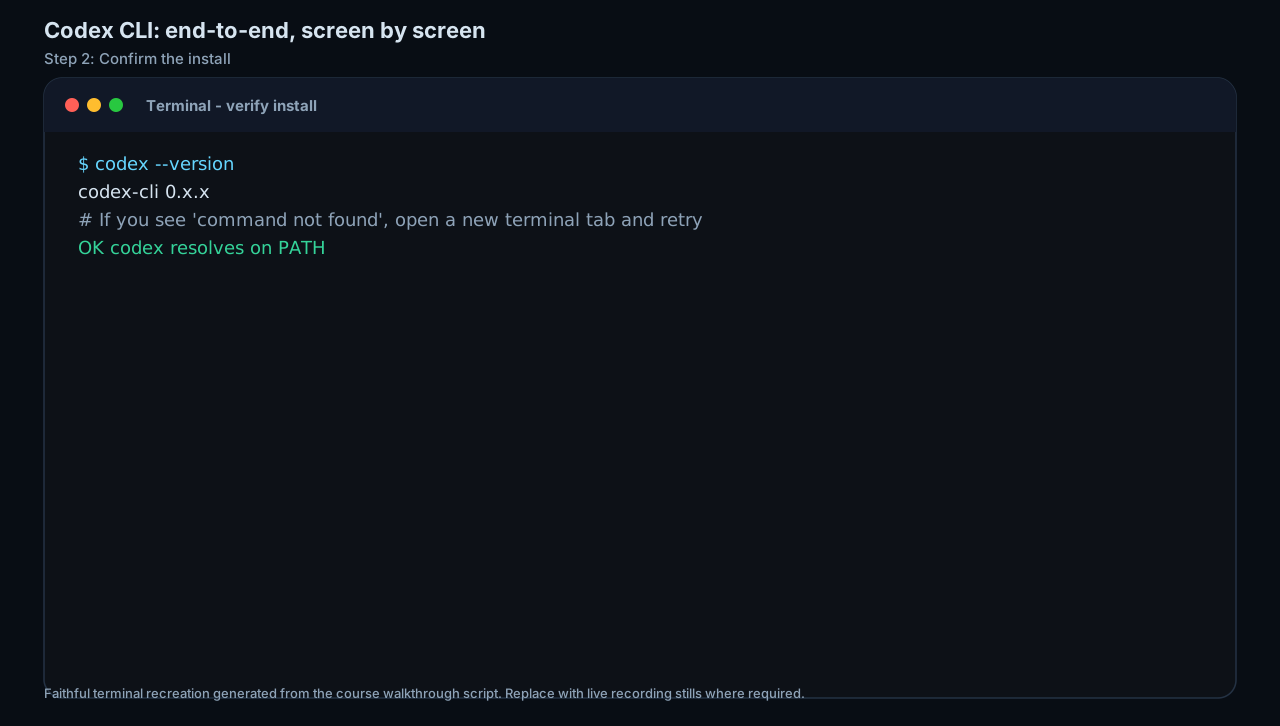
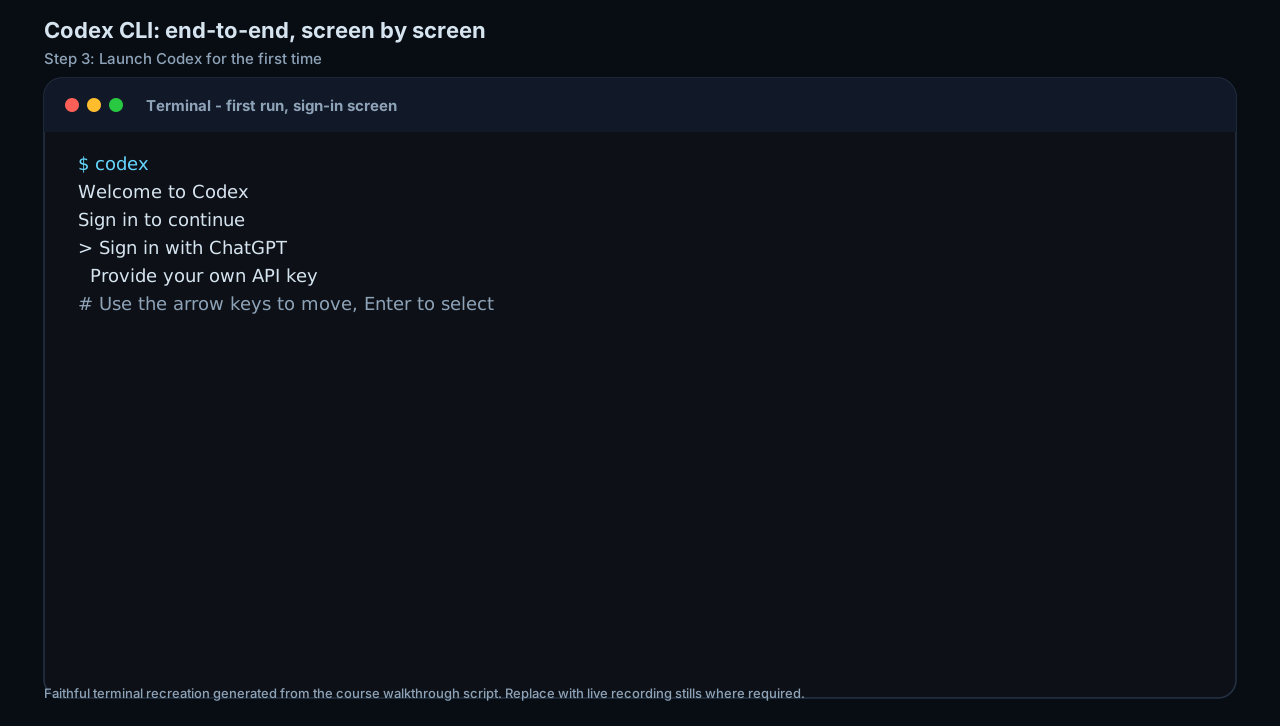
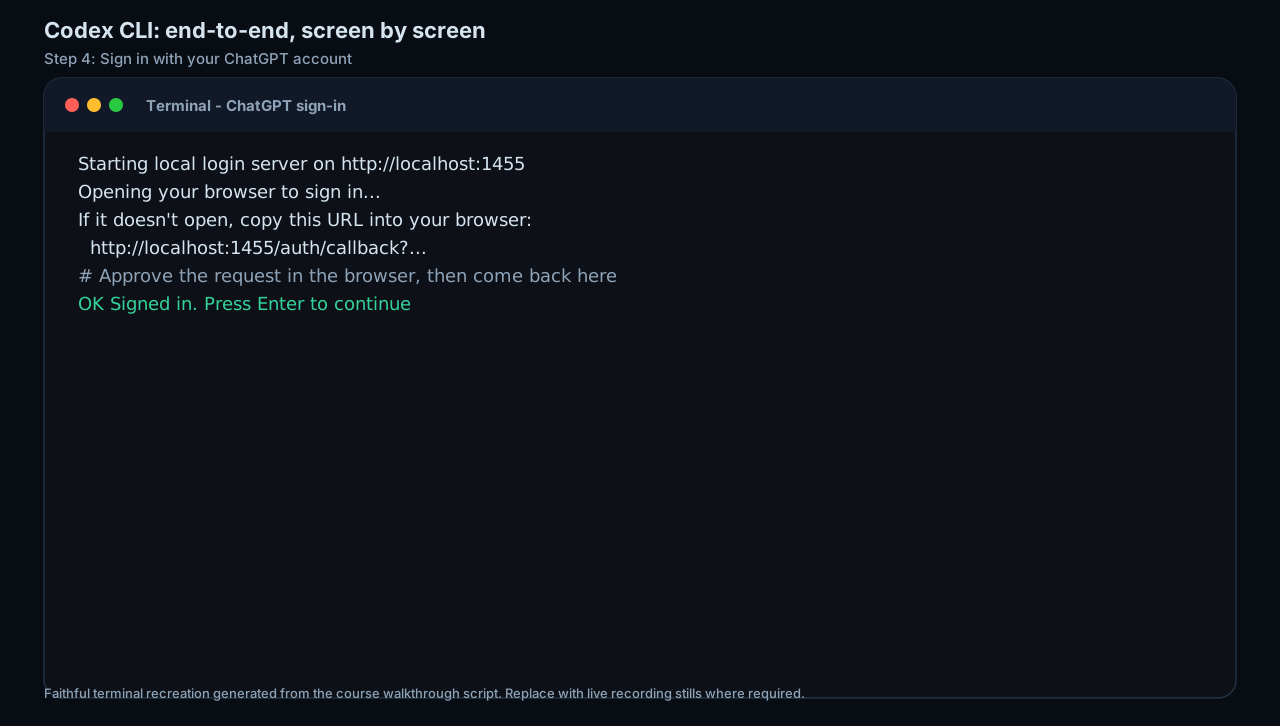
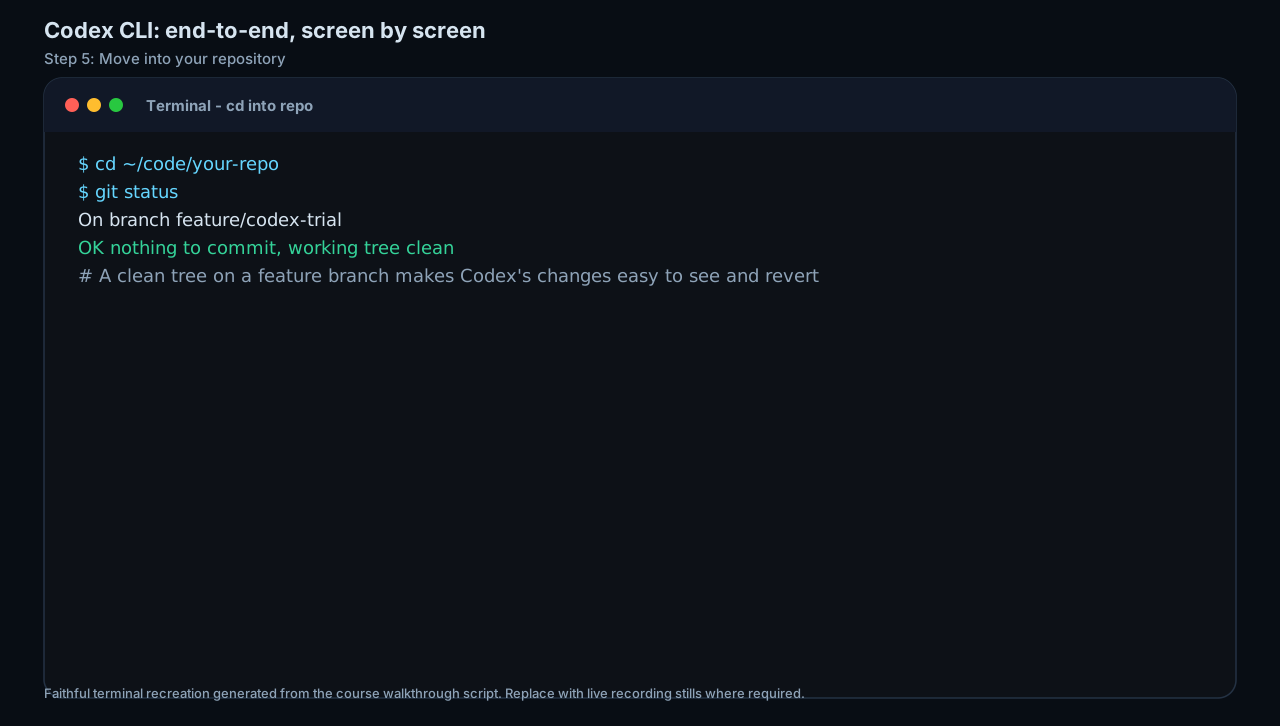
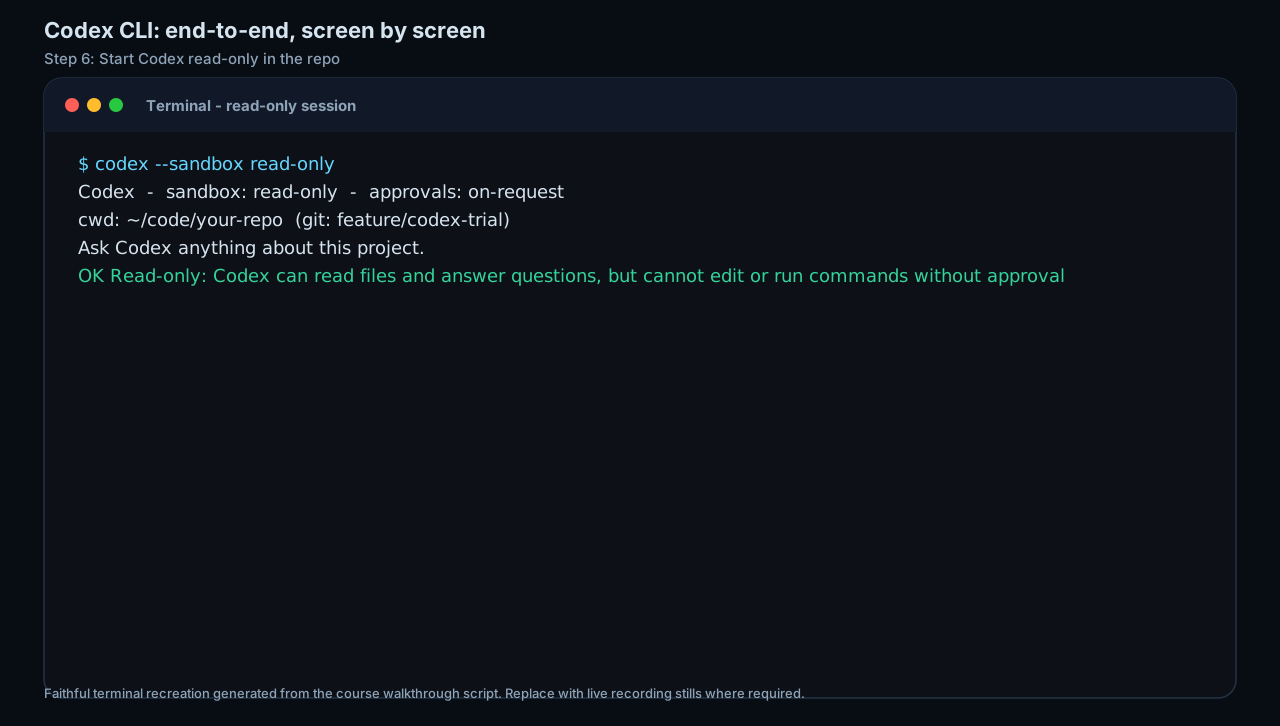
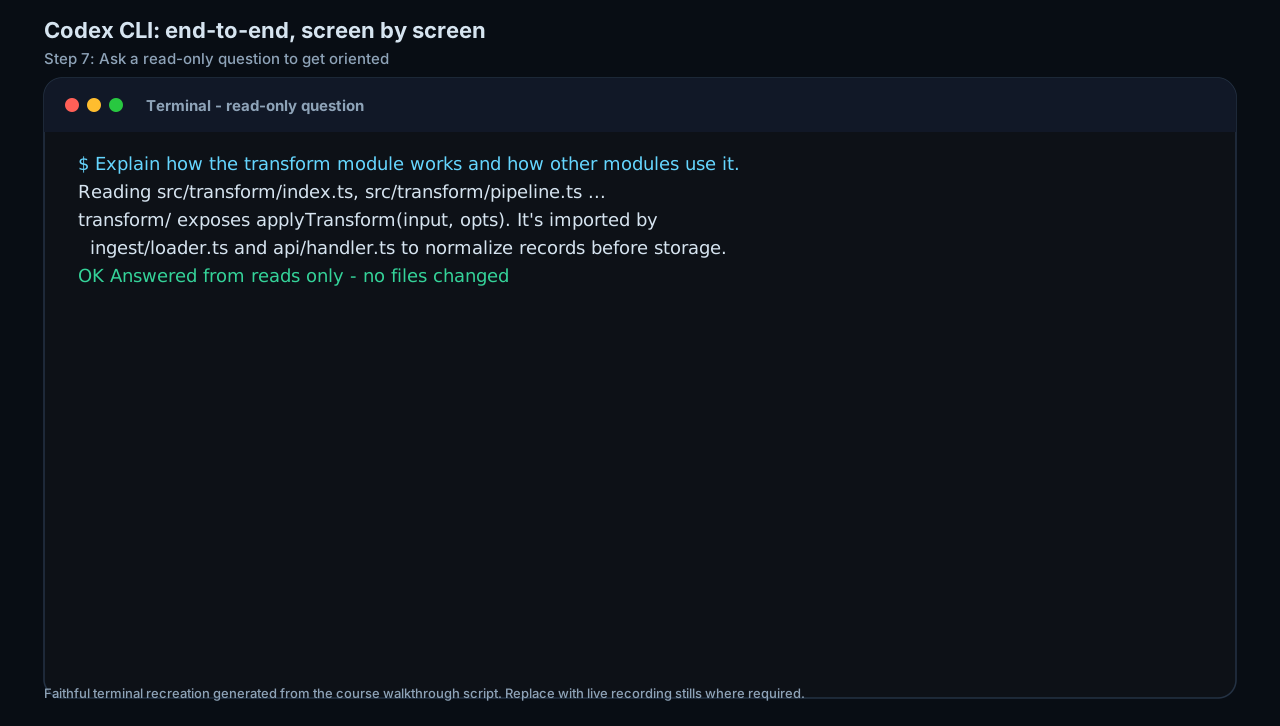
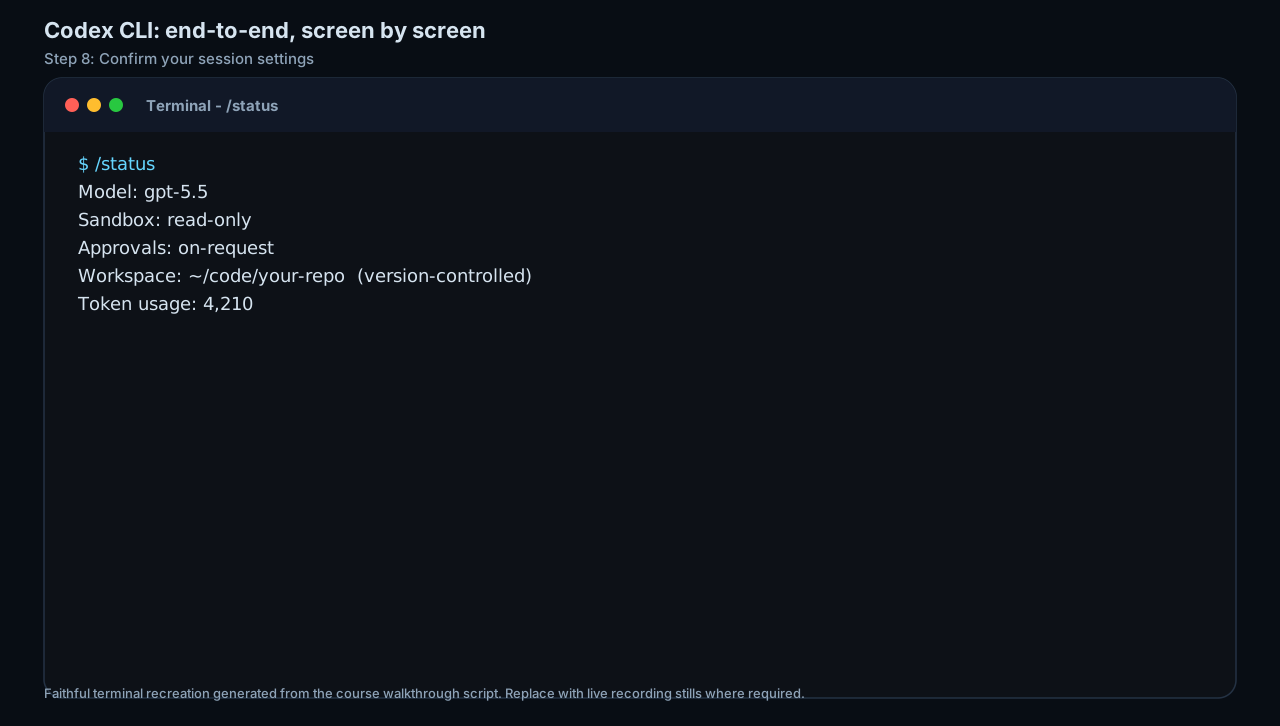
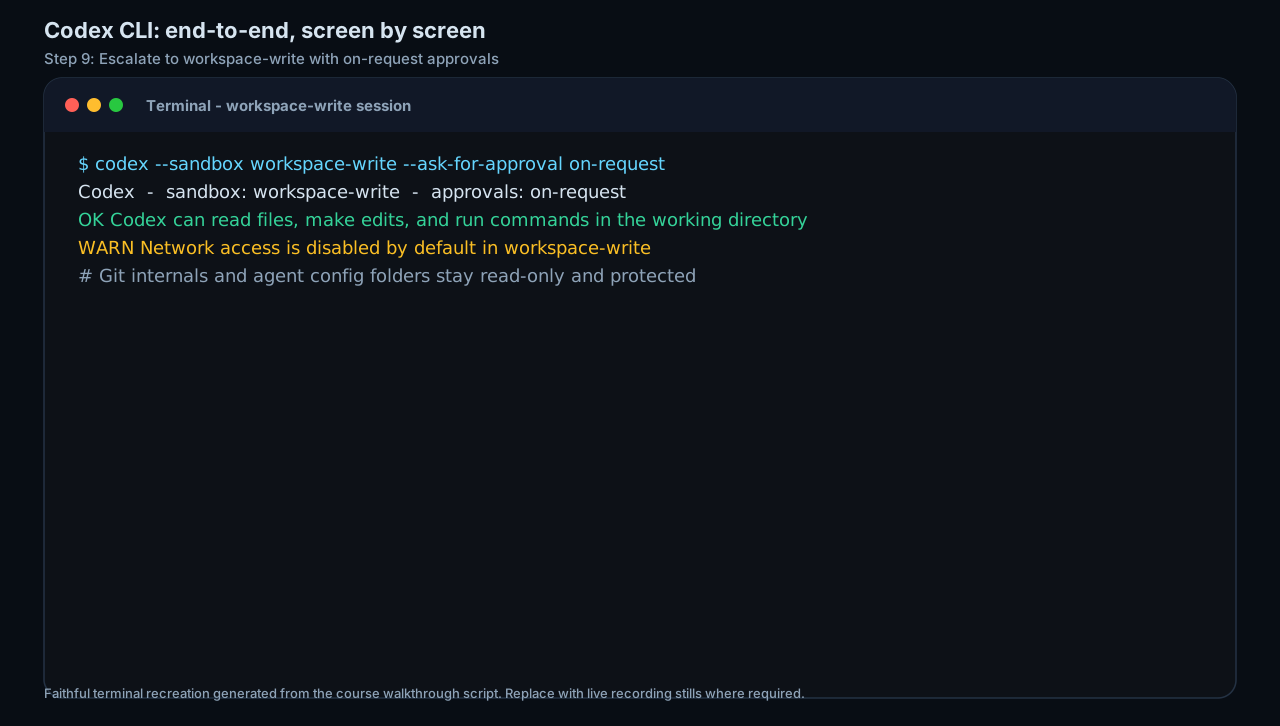
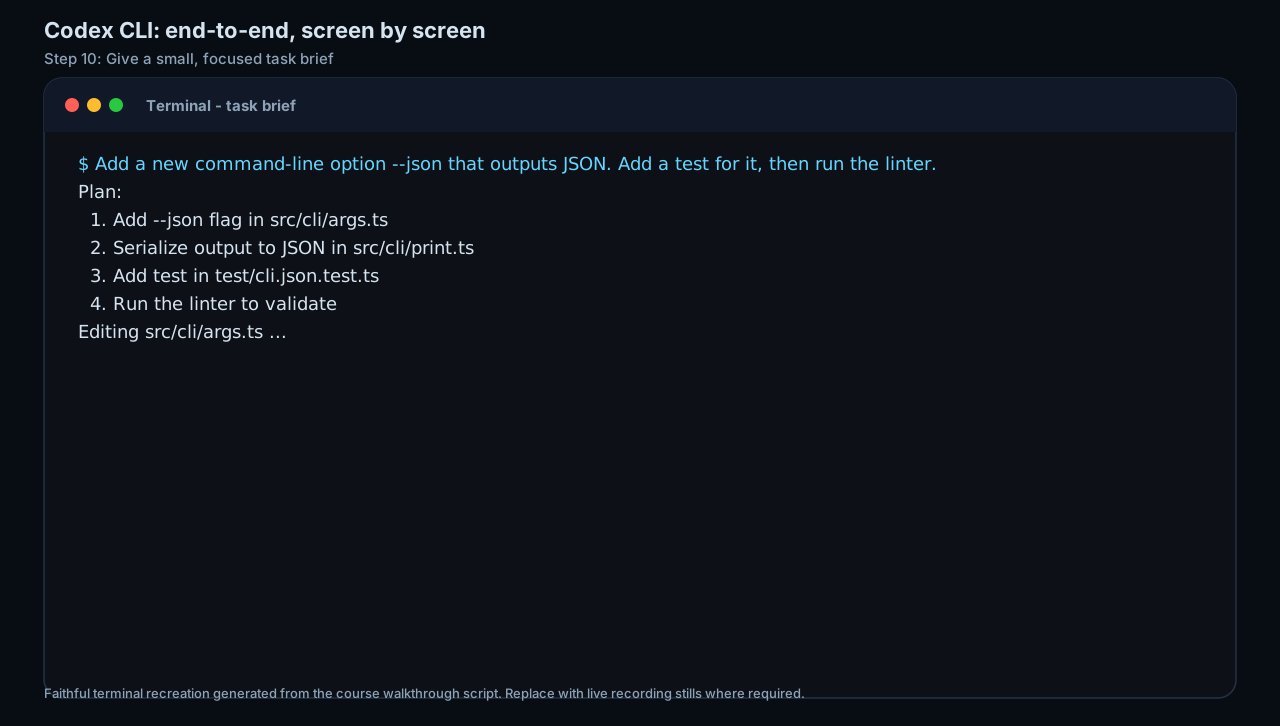
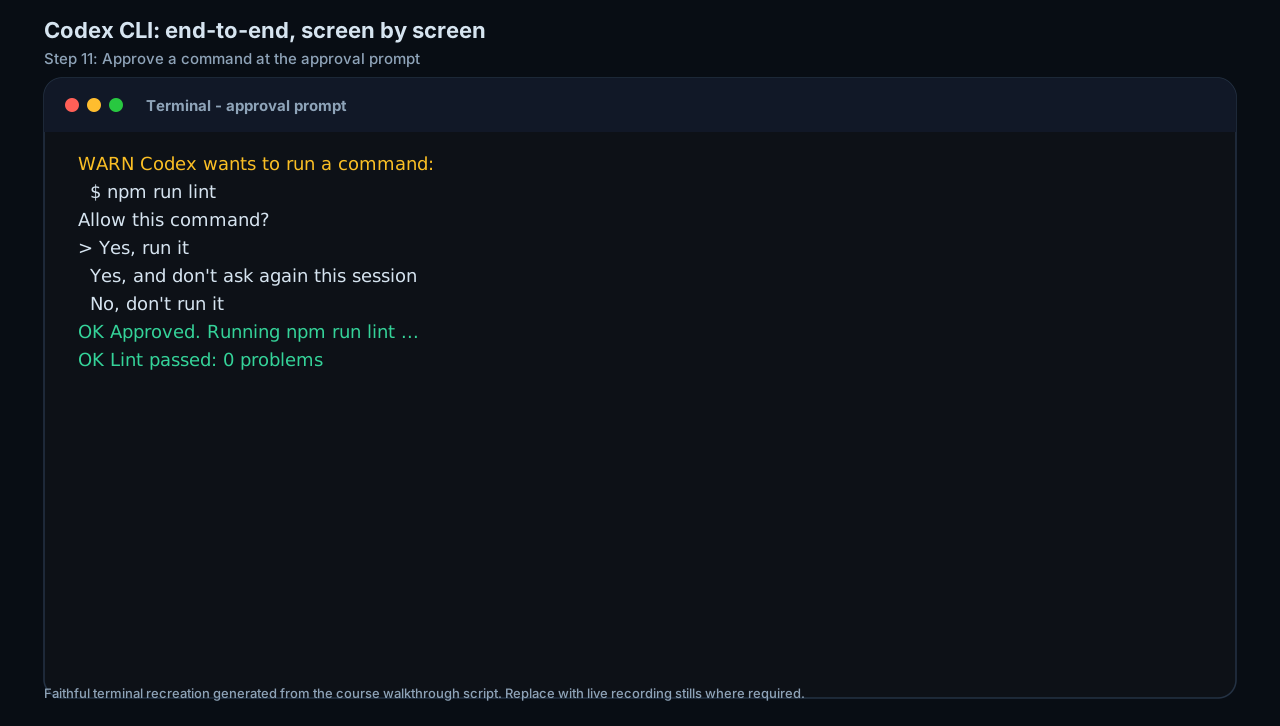
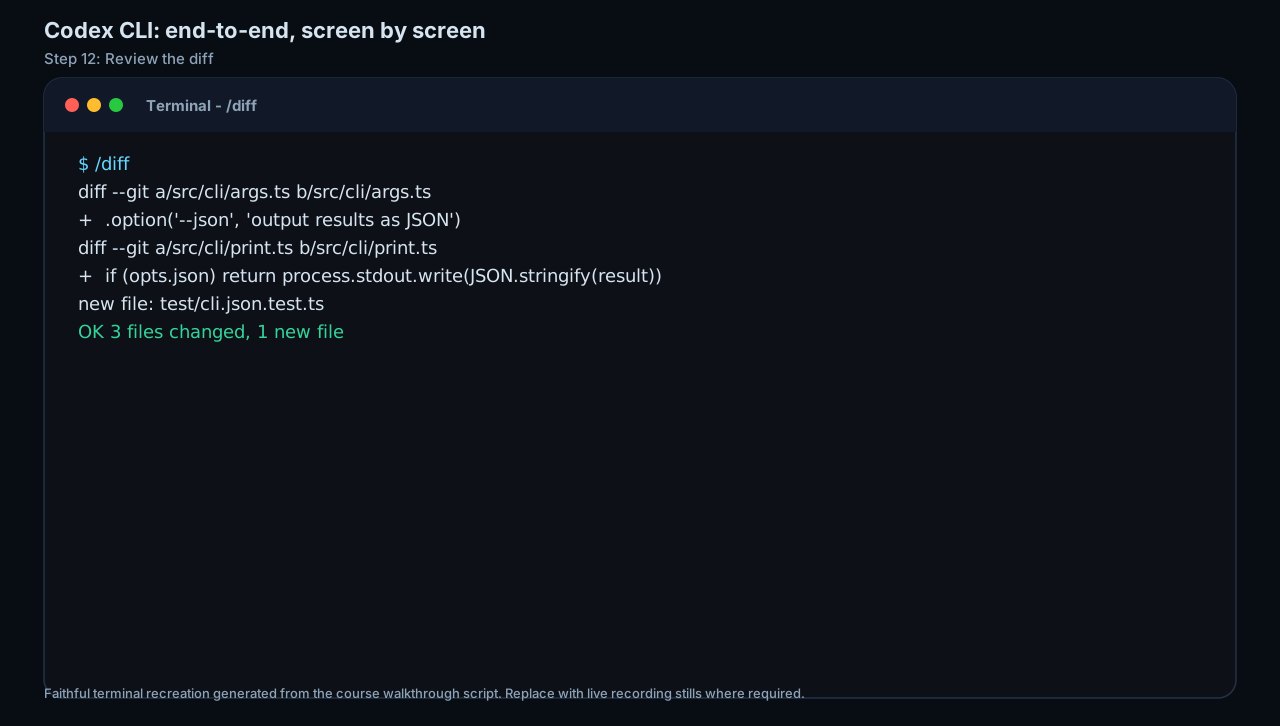
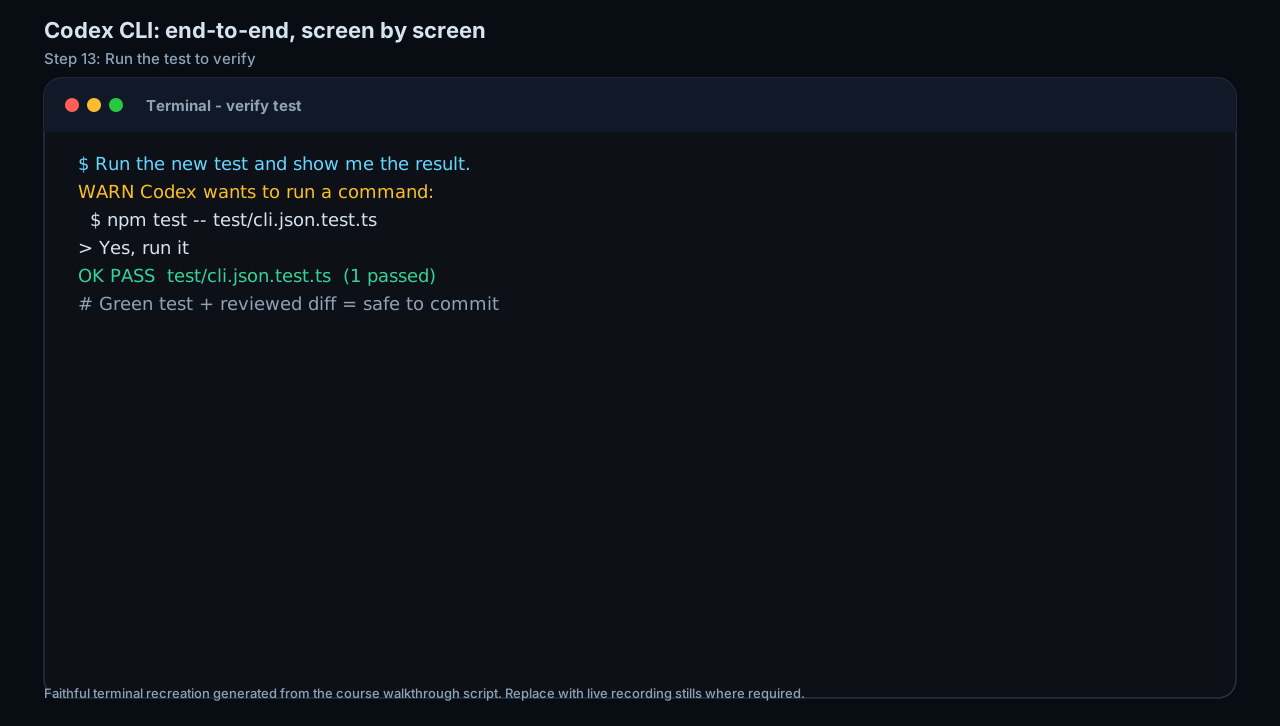
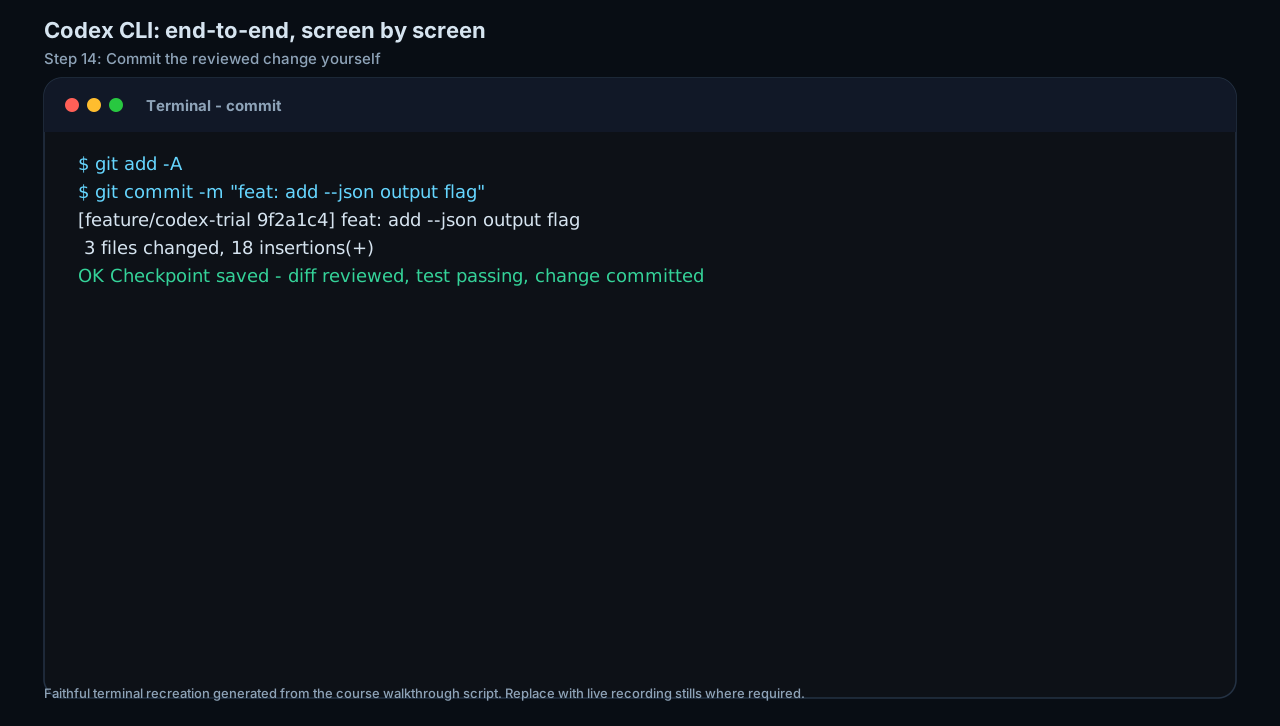
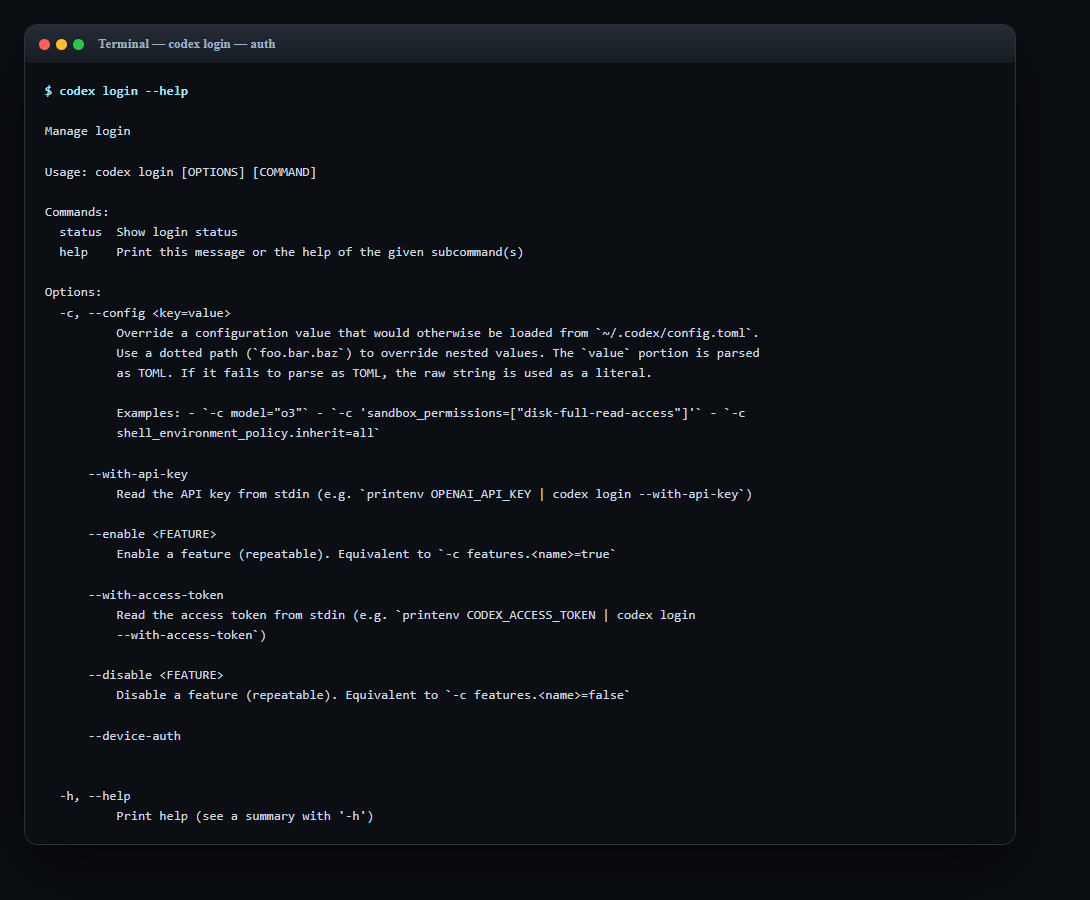
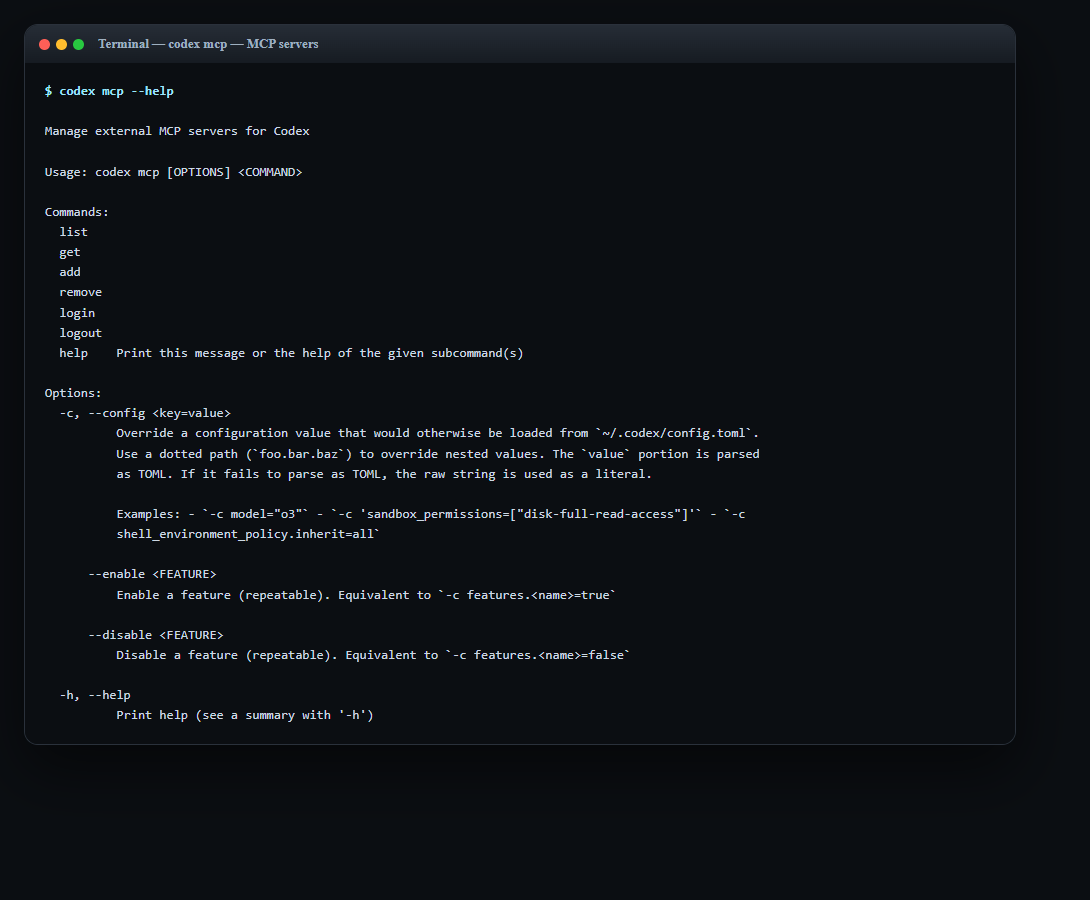
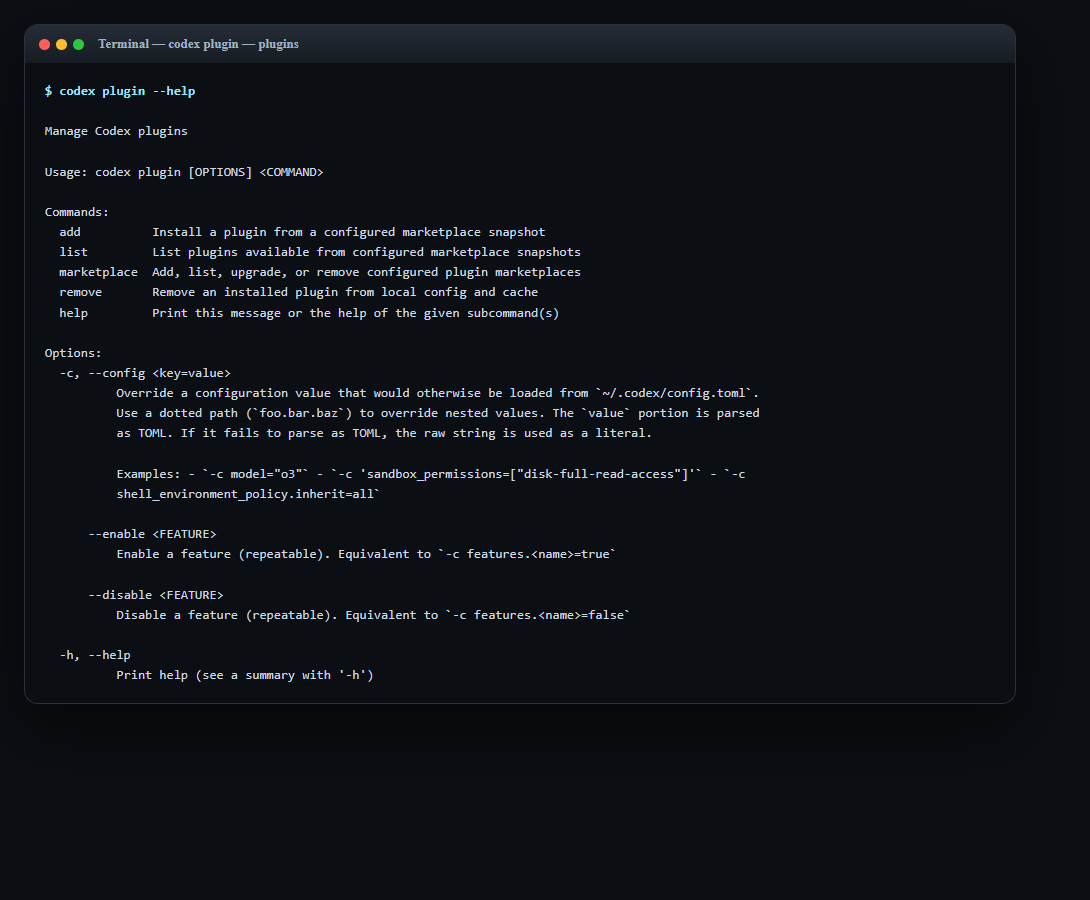
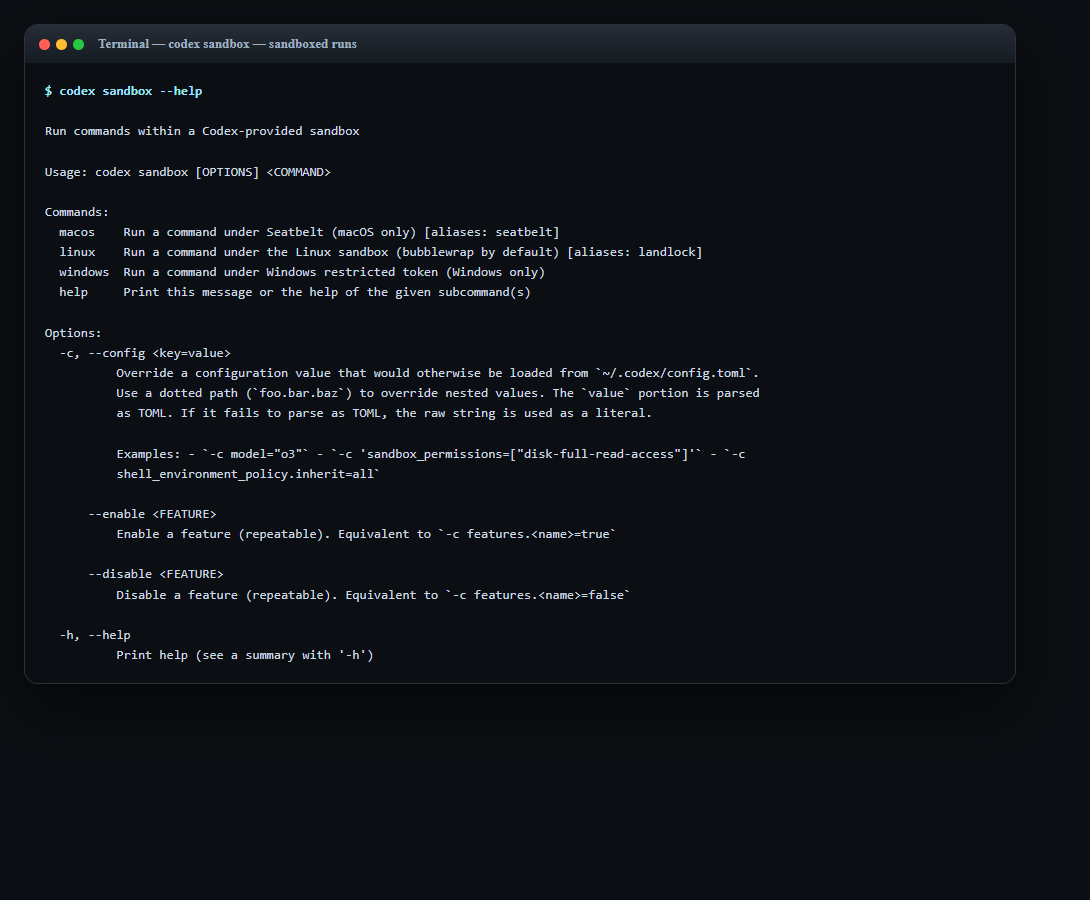
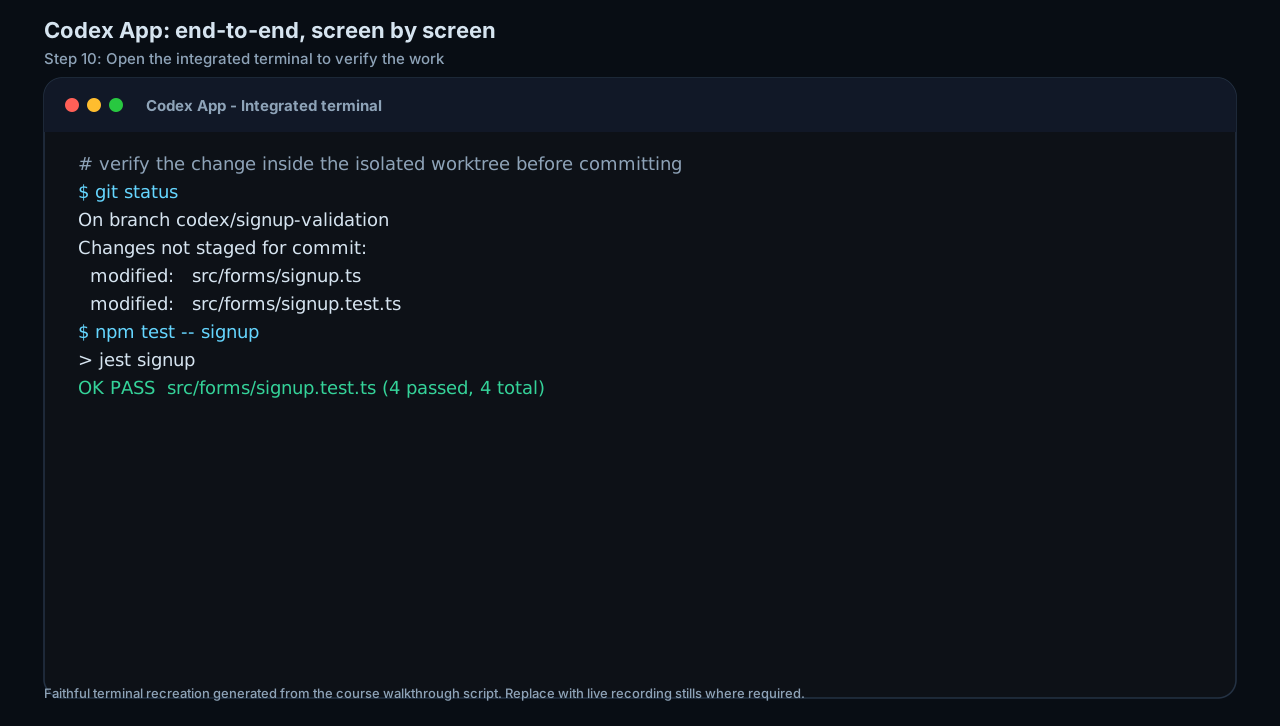
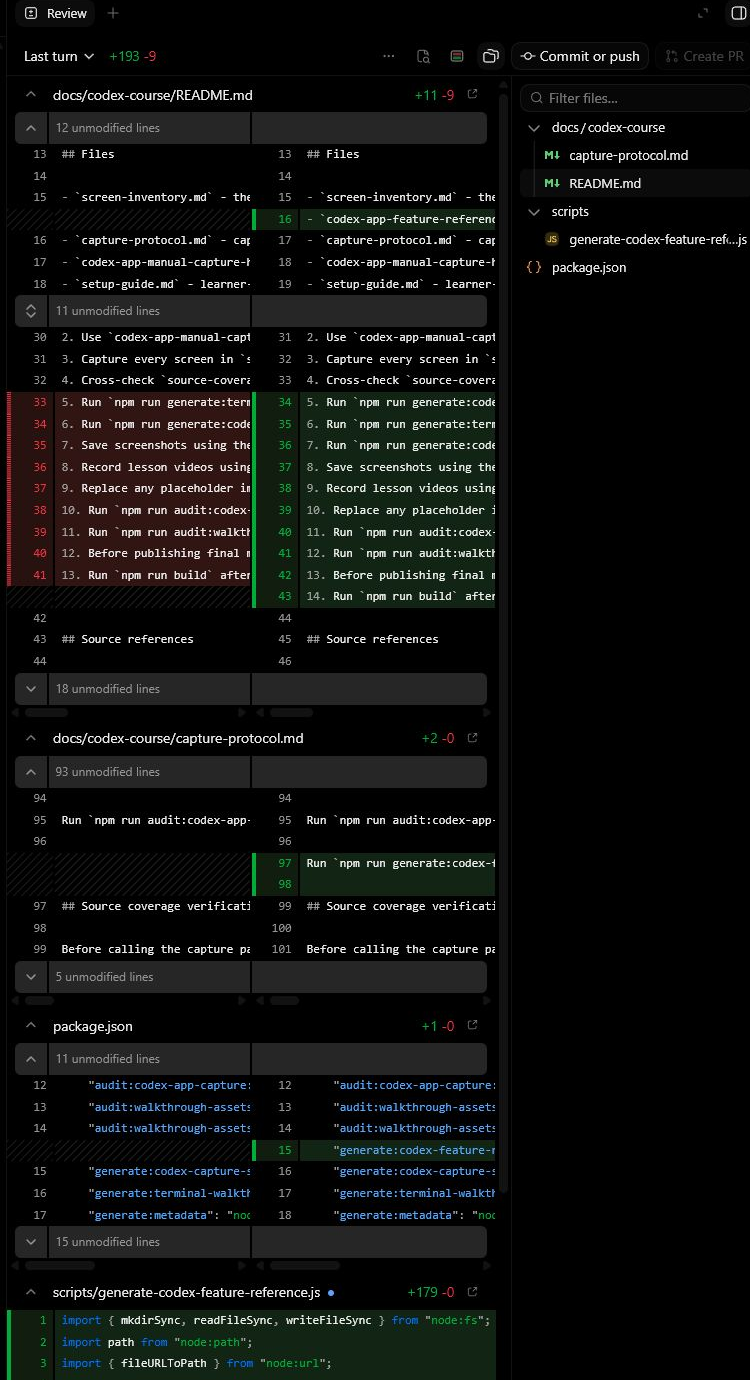
Build a Codex first-run checklist for a safe repo task: inspect, plan, edit, verify, review.
A Codex task brief and review checklist.
Production prompt examples
Goal:
[What outcome should exist by the end of this lesson?]

Context:
[Audience, account tier, device, constraints, and current workflow.]

Inputs:
[Screens, docs, local files, or example data allowed for this exercise.]

Allowed actions:
[Read, draft, compare, summarise, or inspect.]

Ask before:
[Connecting apps, writing to files, sending externally, spending quota, changing settings.]

Output:
[The exact worksheet, plan, checklist, or capture pack to produce.]

Definition of done:
[How the learner or facilitator checks the result.]

Start by restating the plan in five bullets before executing.
Common mistakes to avoid
- Running broad edits before mapping the repo.
- Committing without build/browser verification.
- Confusing approval policy with file-system sandboxing.
Key terms
- Sandbox
- The boundary controlling what files/commands/network access the agent can use.
- Review pane
- The human inspection surface for diffs and proposed changes.
Resources
Checkpoint