
Lesson 01 of 11 · Module 1
Foundation: AI tools landscape, accounts and MCP
Give learners the map: which products exist, what surfaces they run on, how accounts and plans affect capability, and why MCP is a permissions boundary.
Built from aikickstart_sec01.md, research/course_insight.md and screenshot catalogues
This module turns the source pack's broad research into the course operating map. The learner should leave able to explain the difference between chat assistants, coding agents, desktop agents, connectors, MCP servers, skills and plugins in plain English.
What to understand
- Start with jobs to be done, not brand preference. ChatGPT, Codex, Claude, Claude Code and Cowork overlap, but they are not interchangeable.
- MCP is an integration protocol and a trust boundary. A server can expose useful data and actions, so learners need approval, source and scope habits early.
- Account and plan choices affect feature access. Treat specific prices and limits as volatile and re-check official docs before a paid workshop.
Tool surface decision map
Step by step
Build the course map
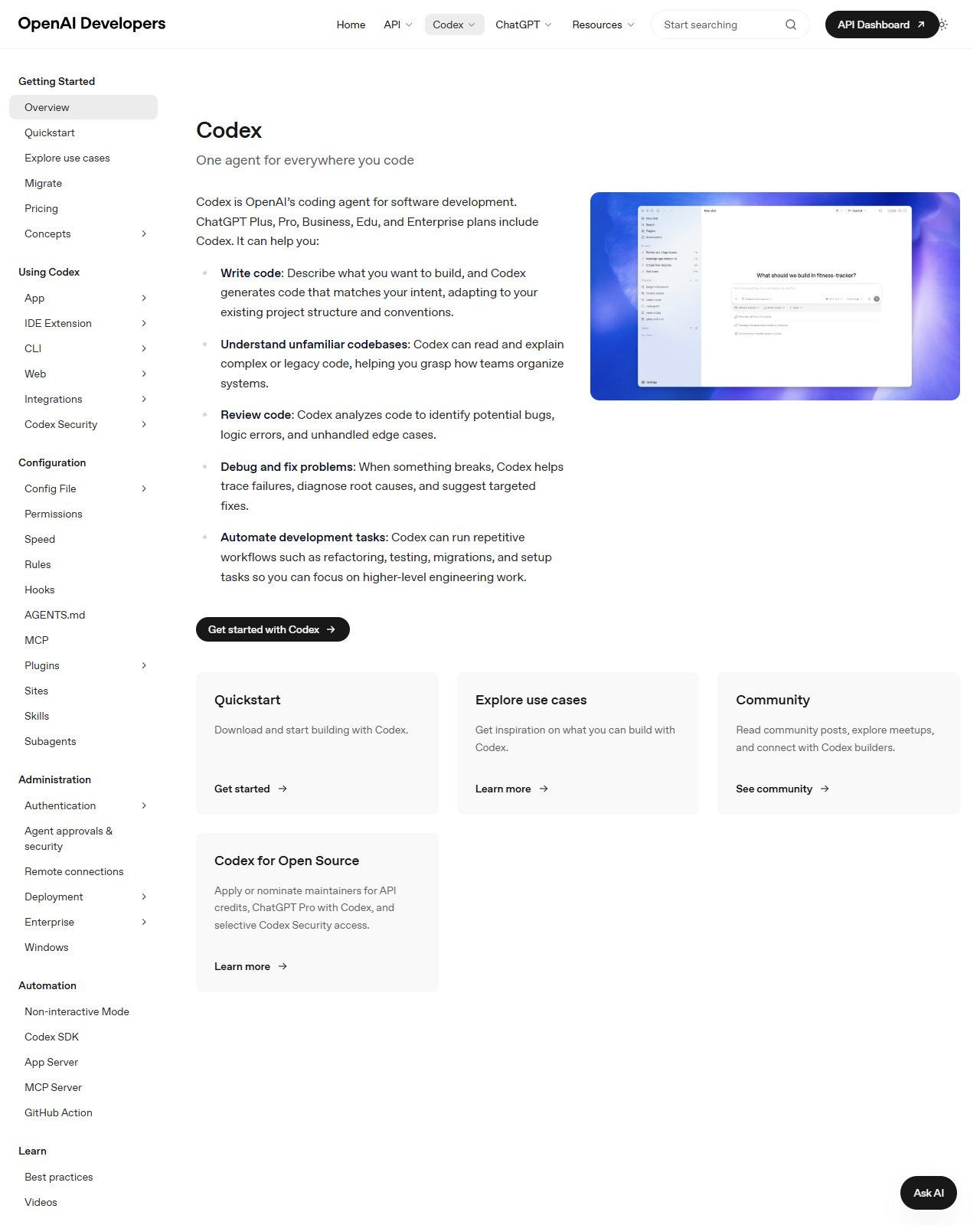
List every tool surface the learner will touch and classify it as chat, code, desktop automation, connector, MCP or extension.
HintUse plain roles: read, draft, edit, run, connect, schedule.
Mark permission boundaries
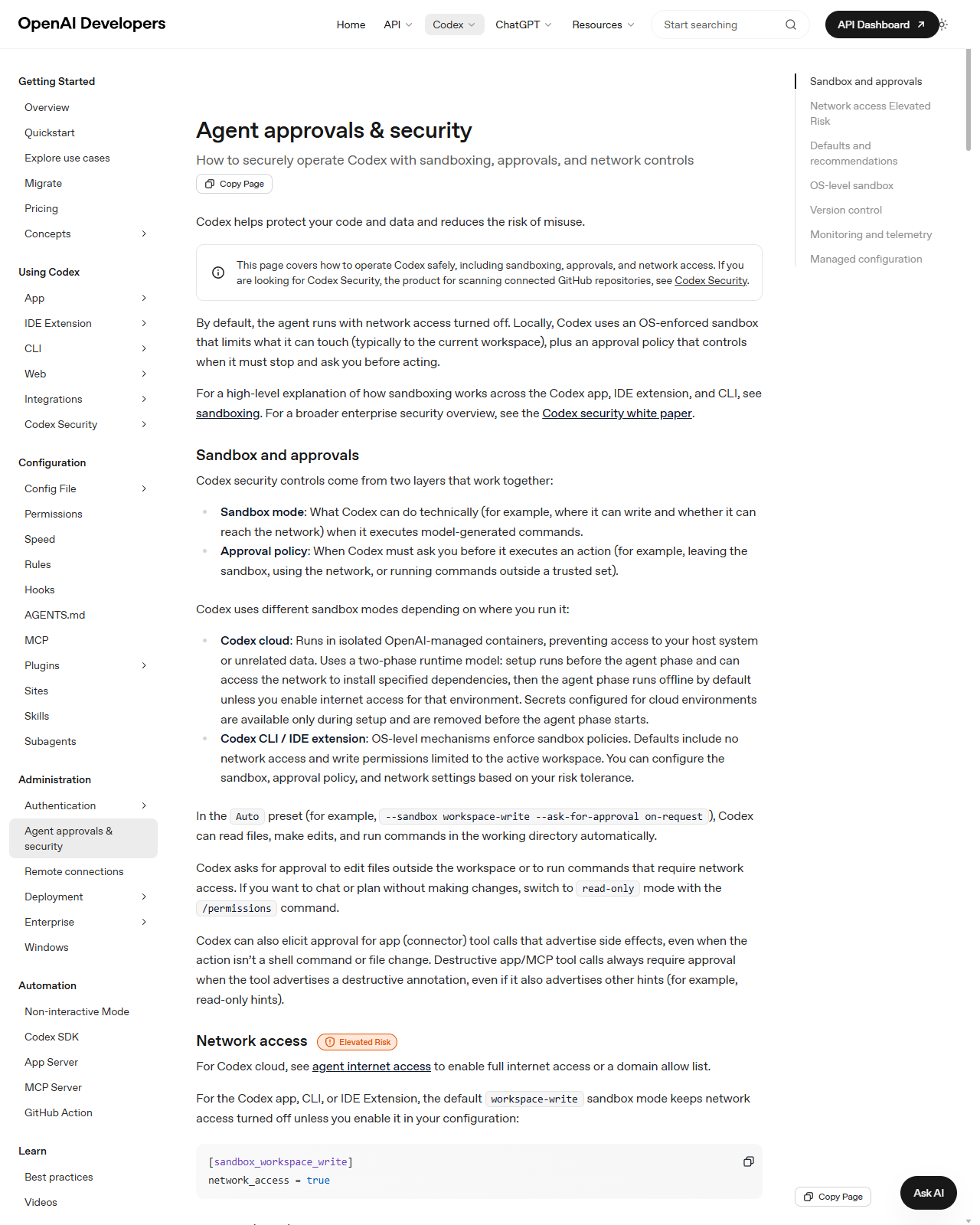
For each surface, mark what can read data, what can write data, and which action requires human approval.
HintApproval rules should be based on consequence, not confidence.
Reference screens
Course screenshots and visual references for the lesson flow. Re-check the live product before paid delivery or public launch.
Create a one-page course map that shows tool, surface, best use, permission boundary and first learner output.
A reusable AI platform decision map and account/setup checklist.
Production prompt examples
Goal:
[What outcome should exist by the end of this lesson?]

Context:
[Audience, account tier, device, constraints, and current workflow.]

Inputs:
[Screens, docs, local files, or example data allowed for this exercise.]

Allowed actions:
[Read, draft, compare, summarise, or inspect.]

Ask before:
[Connecting apps, writing to files, sending externally, spending quota, changing settings.]

Output:
[The exact worksheet, plan, checklist, or capture pack to produce.]

Definition of done:
[How the learner or facilitator checks the result.]

Start by restating the plan in five bullets before executing.
Common mistakes to avoid
- Teaching MCP as a technical side topic instead of a security and permissions topic.
- Letting exact pricing or feature-limit claims ship without a dated source review.
Key terms
- MCP
- A standard for connecting AI tools to external data and actions.
- Surface
- The place a learner interacts with an AI tool: web, desktop, mobile, CLI, IDE or GitHub.
Resources
Checkpoint