
Lesson 02 of 11 · Module 2
ChatGPT web and desktop applications
Teach the main ChatGPT work surfaces: web, desktop, projects, files, memory, canvas, deep research, voice, connectors and developer mode.
Built from aikickstart_sec02.md and ChatGPT screenshot/research material
This module is the learner's general-purpose AI workbench. It should remain practical: create, organise, analyse, review and connect only when the workflow needs it.
What to understand
- Projects, memory and files change the context available to ChatGPT; they should be deliberate, named and reviewable.
- Canvas, research and data workflows are lesson outputs, not generic feature demos.
- Connectors and developer mode require scope review before any write-capable workflow.
ChatGPT capability stack
- ChatFast drafting, explanation and first-pass analysis.
- Projects and memoryReusable context, files and working history.
- Canvas and dataStructured creation and analysis workflows.
- Voice and mobileCapture, review and hands-free work.
- Connectors and appsPermissioned access to external systems.
Step by step
Create a project workflow
Choose one business task and define the project files, instructions, output format and review owner.
HintProjects are for repeated context, not dumping everything into a chat.
Add the connector rule
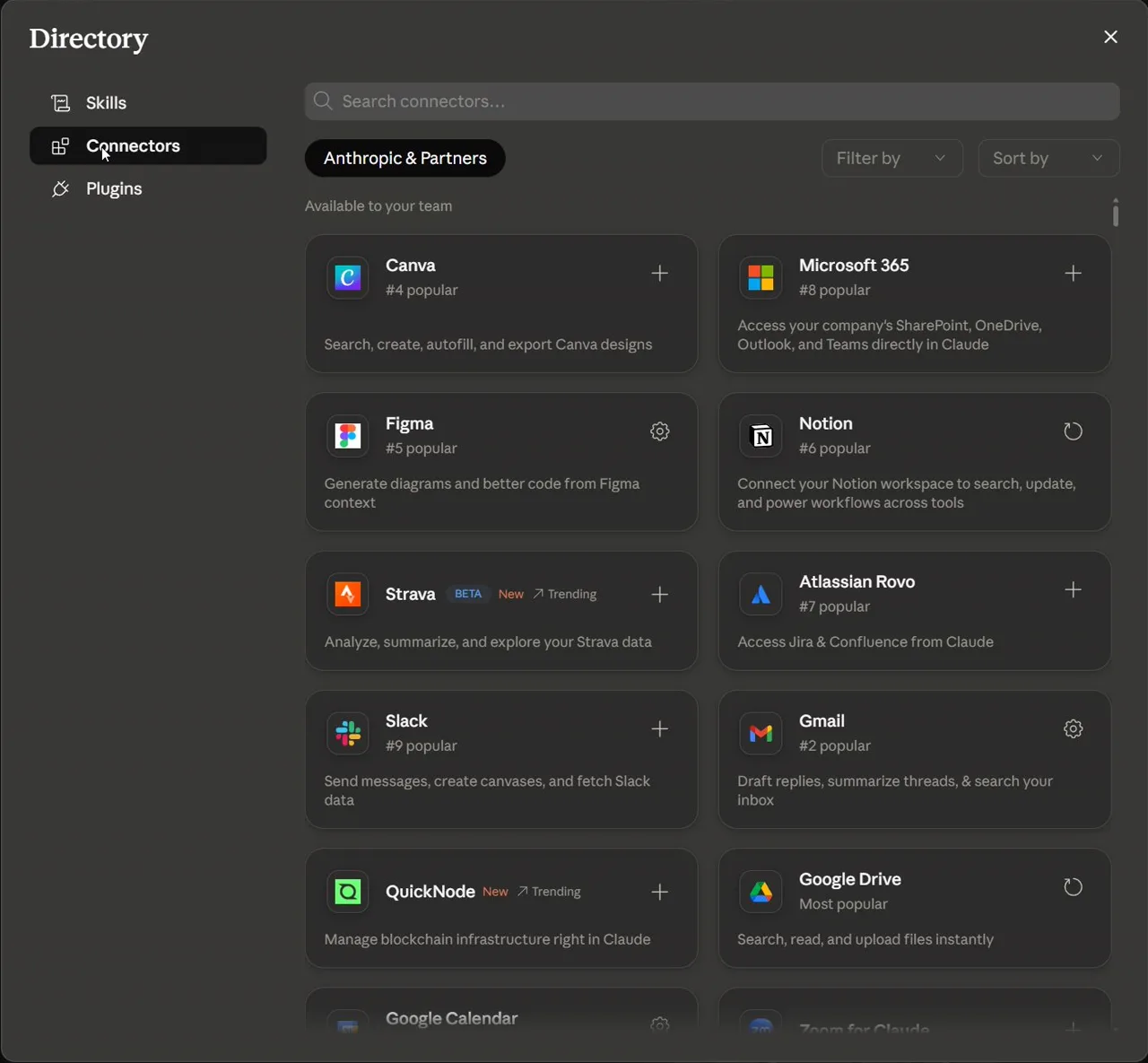
Write the rule for when a connector may be enabled and what it may do.
HintRead-only first is the default for training.
Reference screens
Course screenshots and visual references for the lesson flow. Re-check the live product before paid delivery or public launch.
Produce a ChatGPT workflow card: project purpose, inputs, memory rule, connector rule, output and review gate.
A reusable ChatGPT workflow checklist for one real work task.
Production prompt examples
Goal:
[What outcome should exist by the end of this lesson?]

Context:
[Audience, account tier, device, constraints, and current workflow.]

Inputs:
[Screens, docs, local files, or example data allowed for this exercise.]

Allowed actions:
[Read, draft, compare, summarise, or inspect.]

Ask before:
[Connecting apps, writing to files, sending externally, spending quota, changing settings.]

Output:
[The exact worksheet, plan, checklist, or capture pack to produce.]

Definition of done:
[How the learner or facilitator checks the result.]

Start by restating the plan in five bullets before executing.
Common mistakes to avoid
- Uploading sensitive files before deciding whether they belong in training.
- Leaving memory/custom instructions vague and then blaming the model for inconsistent output.
Key terms
- Project
- A workspace for related chats, files and instructions.
- Connector
- A permissioned link from the AI tool to an external service.
Resources
Checkpoint