

Introduction: Why This One Belongs on the Watchlist
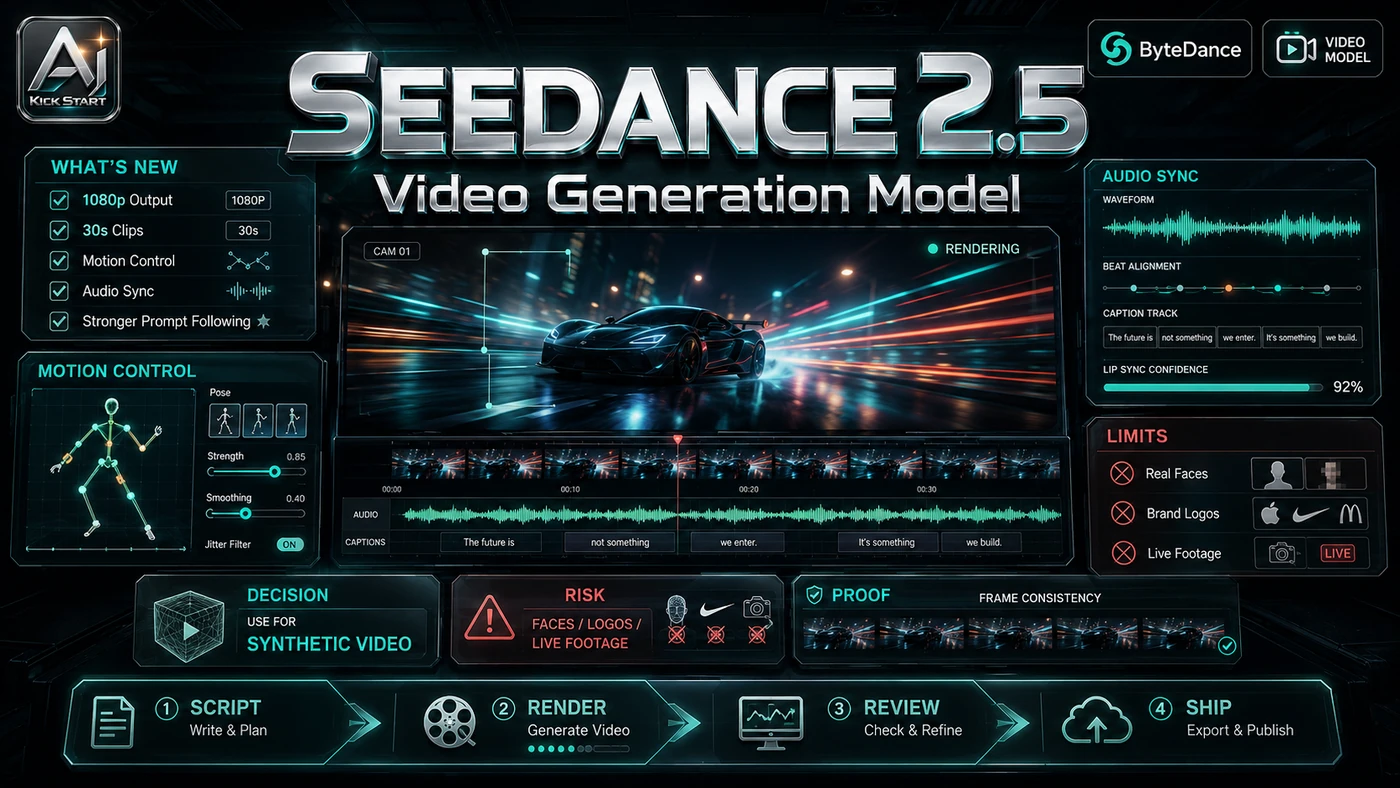
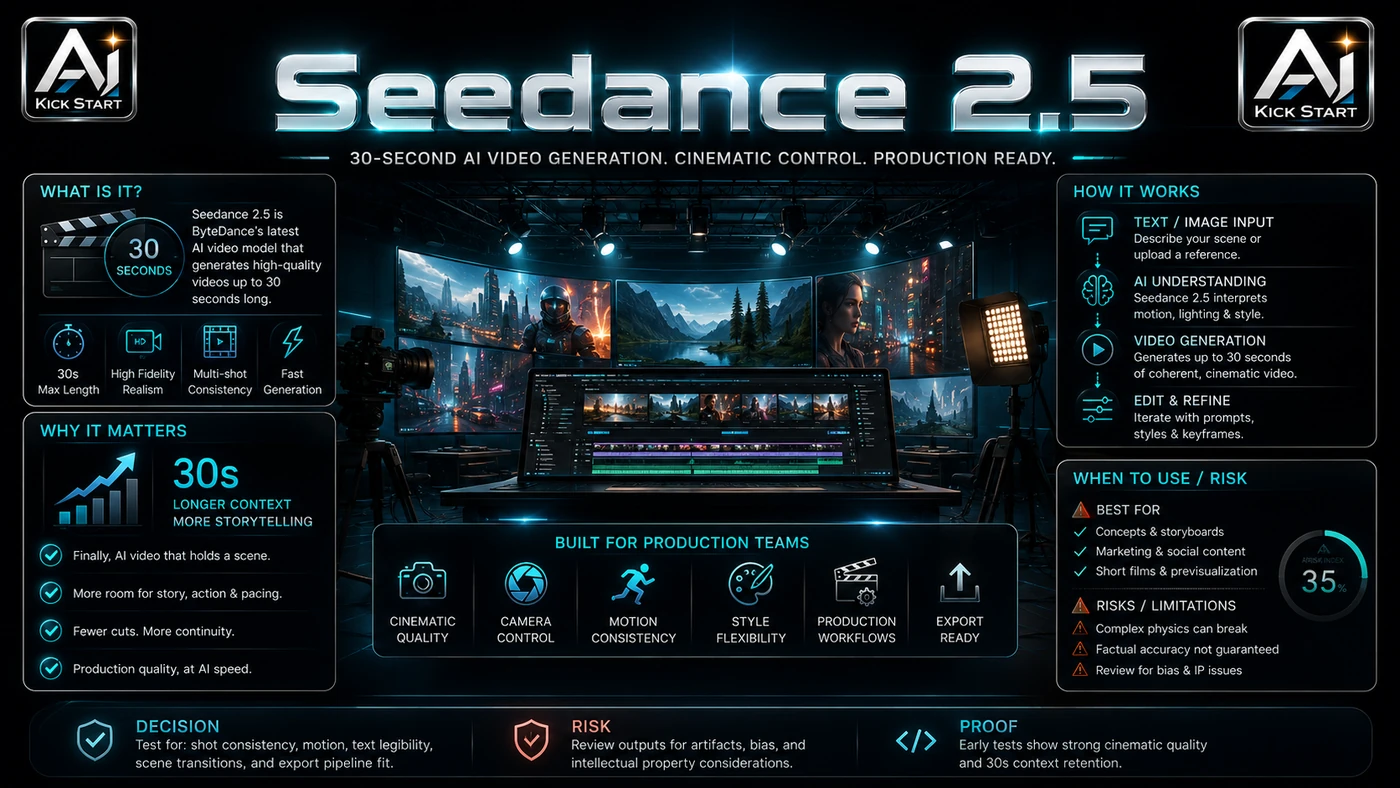
Most AI video tools top out at 10 to 15 seconds, so Seedance 2.5 - announced at the Volcano Engine FORCE conference on 23 June 2026 - belongs on the watchlist because it claims 30-second native generation, a larger reference budget, and localised editing. The reason it matters for AI Kick Start readers is practical: this is not just another launch to admire from a distance. It changes how founders, operators, and technical teams should think about AI Video work over the next few months. The source transcript repeatedly centres on Seedance 2.5, ByteDance, and 30-second native generation, with the video framing the topic as a practical workflow rather than a detached product announcement. That is the useful lens. The video is worth treating as implementation intelligence: what should be tested, what should be ignored for now, and what should become part of a repeatable operating system. Enterprise beta is live; general availability is targeted for early July 2026. For Australian small businesses and technical teams, the right question is not "is this impressive?" The right question is "where does this reduce friction without creating a larger governance, security, or maintenance problem?"
What the Video Actually Shows
The Aivoxy source video is a conference breakdown, not a demo, framing the upgrade past Google Veo, OpenAI Sora, and Kling. Claims include 30-second one-pass generation, up to 50 full-modal references, 3D blockout input, and a 20 per cent prompt-accuracy lift. The core pattern is simple: assemble a rich brief from text, images, video clips, audio, and 3D blockouts; generate a single coherent 30-second clip in one pass; then patch specific regions locally instead of re-rolling the entire shot. In practice, that means the update sits inside a broader shift from isolated AI prompts to managed systems. A tool, model, or method only becomes valuable when it has clear inputs, a measurable output, a review path, and a way to repeat the result next week. The video's most useful signal is the workflow shape. The moving parts can be summarised as: brief intake asset ingestion generation loop local editing. That is the level at which teams should evaluate it. A demo can be entertaining, but a workflow must survive messy source files, staff handoff, data boundaries, and real deadlines.
The Implementation Pattern
The first implementation lesson is to narrow the scope. Pick one repeatable video format and resist making Seedance 2.5 the default renderer before it is graded. Broad adoption is usually where AI systems fail first because nobody knows which decision the tool is allowed to make and which decision still belongs to a human. The second lesson is to create a test harness. Keep the agent's tool permissions small - for video, that means a tight scope, reference budget, and output duration. Build prompts, a fixed reference library, and a scoring rubric. A useful harness does not have to be complicated. It can be a short brief, a fixed sample dataset, a few expected outputs, and one person responsible for judging whether the result is good enough. The third lesson is to capture the process. Document how the agent is started, stopped, and reviewed - here, the prompt, reference set, render job, and review gate. When the process is documented, it can become a reusable skill, checklist, prompt pack, repo pattern, or operating procedure. When it is not documented, the team is back to improvising in chat.
Research Update: What To Correct
This update adds a current-source pass rather than treating the original video summary as enough. The important corrections are the product surface, plan or pricing constraints, and what should be verified before a team depends on the workflow. "30 seconds in one shot" is a stated spec, not a verified capability; no independent benchmark exists, and early July 2026 testing will first verify motion coherence, character consistency, and audio sync across the full duration. Enterprise beta is active, but consumer and general API availability is scheduled for early July 2026 - treat it as a target, not a commitment. Pricing is unannounced; any figure is an estimate extrapolated from Seedance 2.0 rates on providers such as fal.ai, so do not budget until official rates are published. The "changed the whole game" framing is premature. Seedance 2.0 4K is live now, a separate upgrade verifiable in Volcano Engine docs. Legally, Seedance 2.0's rollout stalled in February 2026 after Hollywood C&D letters; ByteDance has added content filters and an AI copyright commercialisation platform, starting with licensed partnerships such as Stephen Chow's films, which matters if your workflow touches recognisable IP.
Practical Setup and How-To
The useful next step is a controlled pilot with a named owner, fixed inputs, a measurable output, and a review point. Use the sequence below as the first implementation path before expanding the workflow. Register interest on Volcano Engine Model Ark and BytePlus ModelArk. Create Dreamina and CapCut accounts. Build a test harness with five to ten prompts, a reference asset library, and a scoring rubric. Set up an asset and prompt archive; with 50 reference inputs possible, version control matters. Plan a review gate for brand safety, copyright, and factual accuracy. When the API lands, expect a POST task with prompt, reference media, duration, resolution, and aspect ratio; resolution and duration are the main cost levers.
Pricing, Access, and Comparison Notes
Pricing and access should be checked at implementation time because AI products change quickly. The safer decision is to compare the tool against the job-to-be-done, not against launch hype. ByteDance has not published Seedance 2.5 pricing; the best temporary baseline is Seedance 2.0, where third-party providers list ~$0.24–$0.68 per second and Volcano Engine is closer to ¥1 per second. Video generation is priced per second, so pilots need a budget cap, max-duration limit, and sample workload. If Seedance 2.5 charges a comparable rate, a 30-second 1080p clip could land around $0.70–$2.00 per render - cheaper than traditional production but not free, so draft low and upsample only winners. Compare against Seedance 2.0, Kling, Veo, Sora, and Runway only after the v0 task proves repeatable. Do not upload unreleased assets or confidential references into a beta service without a data-boundary review; store credentials and prompts according to policy. Snapshot: Seedance 2.5 - 30s, 50 refs; Seedance 2.0 - ~15s, 12 refs; Veo 3.1 - ~8s; Kling 3.0 - ~10s, 4K60; Sora 2 - ~20s; Runway Gen-4.5 - ~10s, regional editing. The table is a snapshot, not a recommendation. Access Plan, preview status, region, account type, admin controls, and rate limits. Cost Subscription, credits, API tokens, retries, hardware, review time, and support burden. Fit Workflow reliability, data handling, output quality, observability, and human approval needs.
Implementation Notes for Teams
For AI Kick Start readers, this is the production filter: keep the first rollout narrow, make the evidence visible, and do not let the tool cross a business boundary until the review model is clear. Keep tool permissions narrow until the agent has passed a repeatable grading run; for video, that means one format, one owner, one rubric until it passes twice. Use source-controlled skills and examples so the agent can be relaunched by someone else - here, source-controlled prompts and reference libraries. Add review gates before external messages, customer data access, or write actions - i.e., before publication, customer-facing use, or high-cost finals. Confirm data residency with Volcano Engine and BytePlus; review copyright exposure even though filters block recognisable faces and characters; abstract generation behind an adapter to avoid lock-in; and implement per-user and per-project budgets with draft defaults and approval for 4K or 30-second finals.
Screenshot and Visual Guidance
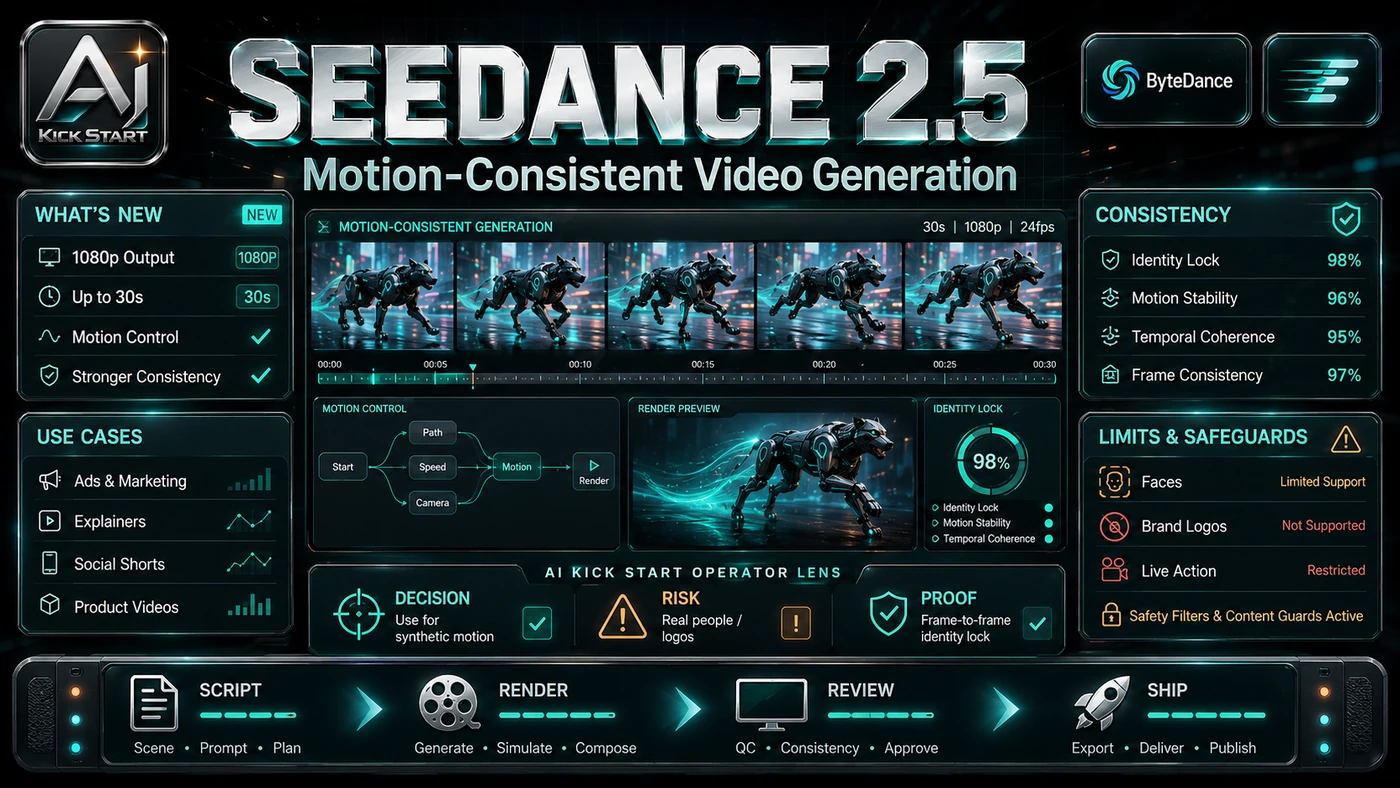
The second inline image for this article should make the implementation concrete: a clean project bench with a labelled prompt-and-reference folder, a v0 checklist, a 5/15/30-second frame comparison, and a graded render card. The original video has no interactive demo, so when access arrives capture side-by-side frames at 5, 15, and 30 seconds to check character drift, lighting shifts, and object morphing. If the team is documenting a real rollout, capture setup screens, before/after outputs, permission settings, cost meters, and review evidence rather than decorative screenshots.
Where It Fits for Real Teams
For founders, the opportunity is speed with evidence. Seedance 2.5 can reduce time-to-output, but artefacts must still be inspectable. For operators, the value is consistency. If the same social ad or product demo is produced slightly differently every time, AI can either make the inconsistency worse or help standardise the path, and the difference is whether the workflow has rules, examples, and review checkpoints. For technical teams, the value is leverage. A strong setup lets models or creative systems take on repeatable video work while the team keeps control over architecture, security, deployment, and final judgement. Seedance 2.5 suits high-volume short-form video with tight brand control: e-commerce spots, social ad variants, internal explainers, and localisation where references must stay stable. It is less compelling for one-off cinematic work or teams without prompt-and-asset discipline. The practical fit is strongest when the task has clear source material, a known output format, and a low-cost way to verify quality. It is weaker when the task is vague, politically sensitive, legally risky, or dependent on facts that cannot be checked.
Trade-offs and Risks
The main risk is treating announced specs as proven capabilities. That risk can be managed, but only if it is named before the workflow becomes normal. A second risk is motion quality degradation over 30 seconds. AI systems often look better in a screen recording than they feel inside a production workflow. The test is whether the result is repeatable when the source material changes, the operator changes, and the deadline is real. A third risk is legal and copyright exposure from generated video touching recognisable IP. This is why AI Kick Start generally recommends a staged rollout: sandbox first, internal use second, customer-facing deployment last. The biggest trade-off is certainty versus capability: Seedance 2.5 may lead on duration and reference control, but it is unproven outside ByteDance's announcements; other risks include uncanny audio sync, lagging regional availability, and unresolved Hollywood disputes.
The Next Sensible Test
The next sensible test is a small controlled implementation. Pick one workflow, one owner, one expected output, and one acceptance check. Run it twice. If the second run is easier than the first, the pattern is worth keeping. Do not judge the workflow by the best possible demo. Judge it by the worst acceptable production case. Ask: what happens when the source file is incomplete, the tool is unavailable, the output is wrong, or a staff member needs to explain the result to a customer? If those answers are clear, this belongs in the roadmap. If they are not, it belongs in the lab until the operating model catches up. Pick one repeatable video format, build the prompt and reference pack now, and when access arrives generate 20 variants, scoring against Seedance 2.0 and your current tool; document failure modes and decide within two weeks whether to expand, stay, or wait.