

Introduction: Why This One Belongs on the Watchlist
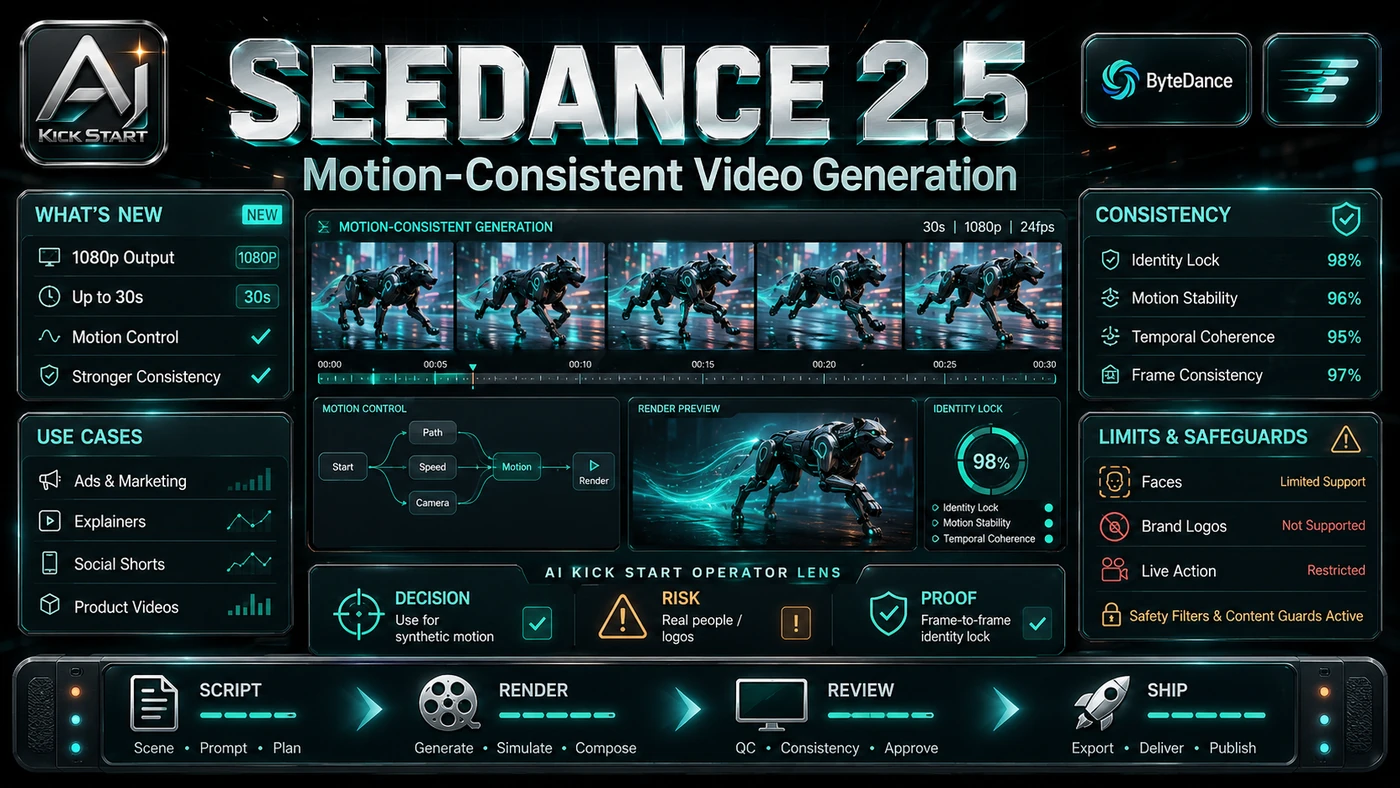
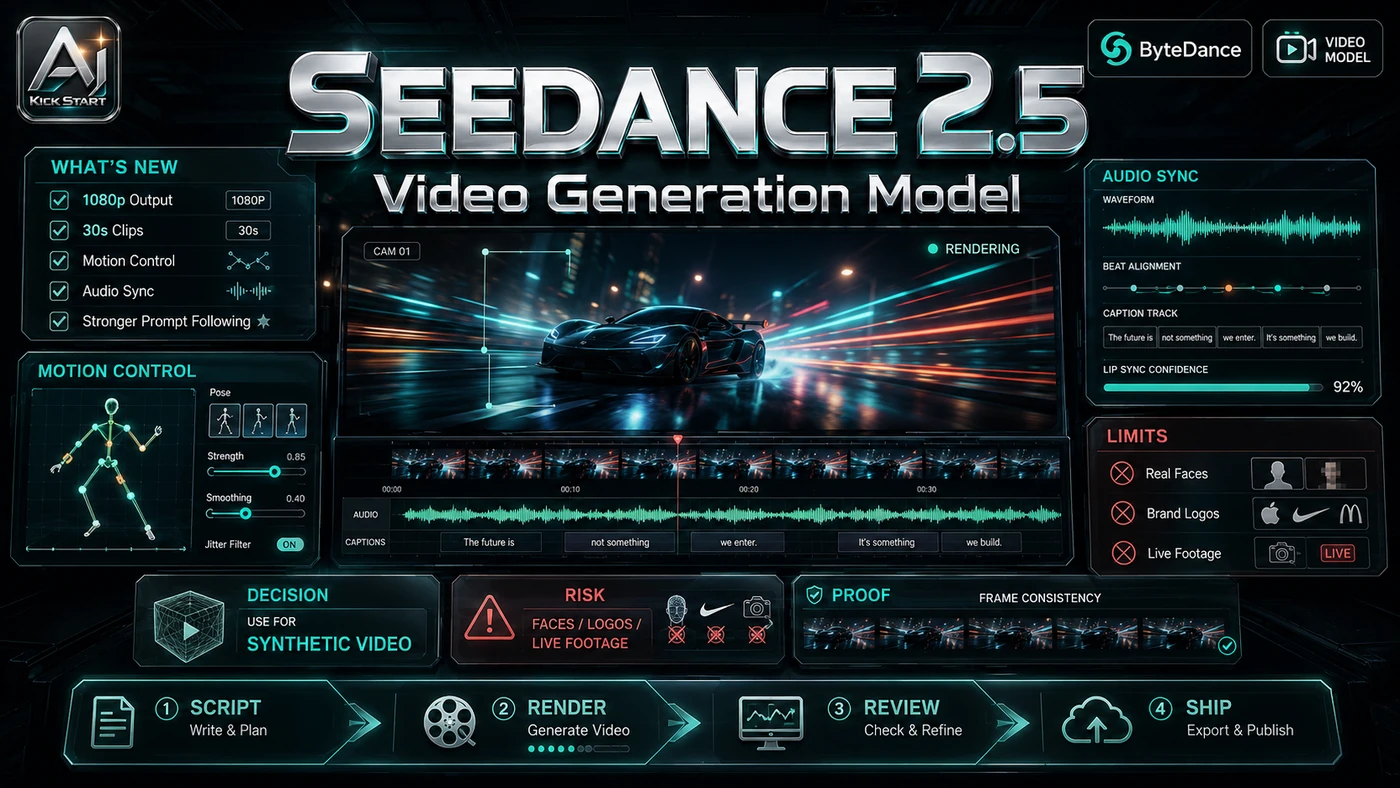
ByteDance's Seedance 2.5, previewed at the Volcano Engine FORCE Conference in Beijing on 23 June 2026, is pitched as a step past the usual five- to fifteen-second leash with a single native 30-second generation, up to 50 multimodal reference materials, and region-level editing that lets you change one element while keeping the rest of the shot intact. The reason it matters for AI Kick Start readers is practical: this is not just another launch to admire from a distance. It changes how founders, operators, and technical teams should think about AI Video work over the next few months. The source transcript repeatedly centres on Seedance 2.5, ByteDance and native 30-second generation, with the video framing the topic as a practical workflow rather than a detached product announcement. That is the useful lens. The video is worth treating as implementation intelligence: what should be tested, what should be ignored for now, and what should become part of a repeatable operating system. For Australian small businesses and technical teams, the right question is not "is this impressive?" The right question is "where does this reduce friction without creating a larger governance, security, or maintenance problem?"
What the Video Actually Shows
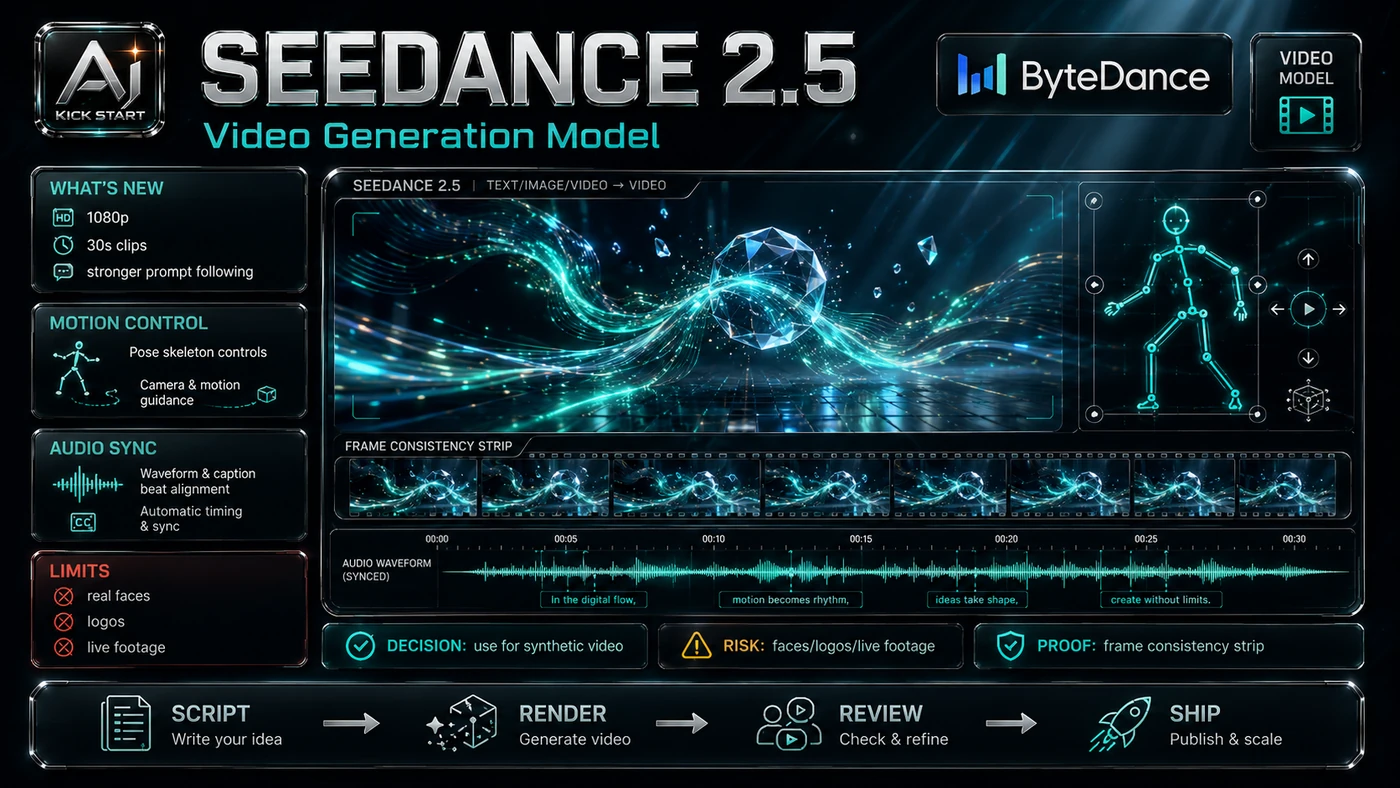
TheAIGRID's video walks through the keynote claims and highlights three headline capabilities: native 30-second generation, up to 50 multimodal reference materials, and region-level editing. The core pattern is simple: lock the visual identity first, write a shot-level prompt, generate cheap drafts and review them, then use region editing as a fix and upscale to final resolution only after sign-off. In practice, that means the update sits inside a broader shift from isolated AI prompts to managed systems. A tool, model, or method only becomes valuable when it has clear inputs, a measurable output, a review path, and a way to repeat the result next week. The video's most useful signal is the workflow shape. The moving parts can be summarised as: Reference library Shot prompt Draft-review loop Region editing. That is the level at which teams should evaluate it. A demo can be entertaining, but a workflow must survive messy source files, staff handoff, data boundaries, and real deadlines. The video also notes Seedance 2.0 is gaining native higher-resolution output, ByteDance previewed an AI copyright platform with filmmaker Stephen Chow, and the keynote linked Seedance to world-model research including robotics and manufacturing.
The Implementation Pattern
The first implementation lesson is to narrow the scope. Start with one narrow video use case, such as a single product showcase or training scenario, rather than treating Seedance as a general-purpose "make ad" button. Broad adoption is usually where AI systems fail first because nobody knows which decision the tool is allowed to make and which decision still belongs to a human. The second lesson is to create a test harness. Build a reference bank of approved character angles, product shots, style frames, colour palettes, and audio references before writing prompts, then standardise shot type, motion, camera move, duration, and style terms so outputs are comparable. A useful harness does not have to be complicated. It can be a short brief, a fixed sample dataset, a few expected outputs, and one person responsible for judging whether the result is good enough. The third lesson is to capture the process. Archive the prompt, references, seed, and output hash so the asset can be reproduced or audited later. When the process is documented, it can become a reusable skill, checklist, prompt pack, repo pattern, or operating procedure. When it is not documented, the team is back to improvising in chat.
Research Update: What To Correct
This update adds a current-source pass rather than treating the original video summary as enough. The important corrections are the product surface, plan or pricing constraints, and what should be verified before a team depends on the workflow. Seedance 2.5 is a preview, not a shipped product: ByteDance announced enterprise beta access with a target public launch in early July 2026, and independent benchmarks still describe Seedance 2.0, not 2.5. The "one to two weeks" public access timeline is optimistic because enterprise beta users get first access and general availability depends on rollout pacing and regional approval. Native 4K is tied to the Seedance 2.0 upgrade, not 2.5, since reports have folded the 2.0 resolution upgrade into the 2.5 spec sheet while ByteDance's keynote slides for 2.5 focus on duration, reference capacity, and controllability. World models and robotics are positioning, not a product. The Marvel and Avengers generation example is a warning, not a use case, because mimicking copyrighted characters creates legal exposure that should be treated as a risk to manage rather than a feature to exploit.
Practical Setup and How-To
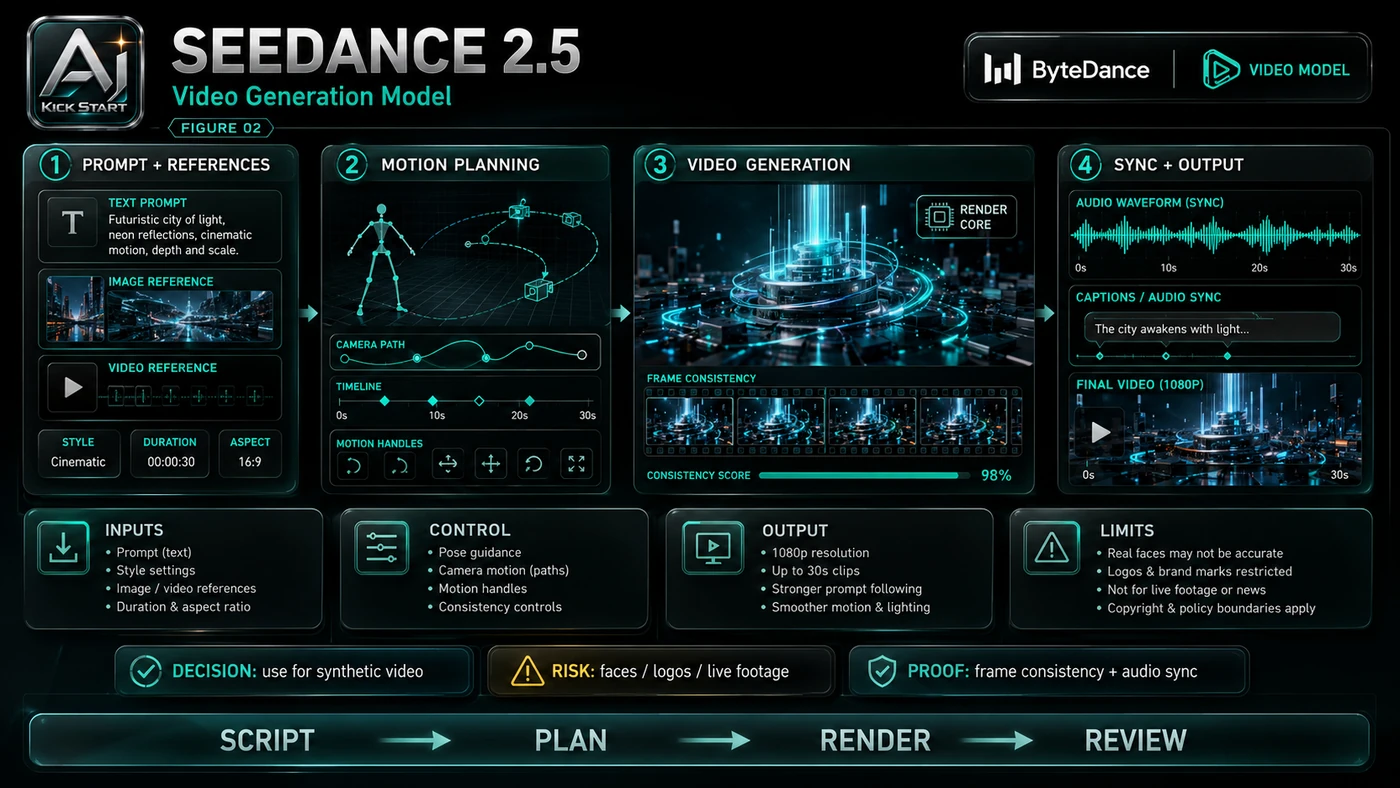
The useful next step is a controlled pilot with a named owner, fixed inputs, a measurable output, and a review point. Use the sequence below as the first implementation path before expanding the workflow. Register for the enterprise beta waitlist through BytePlus ModelArk or Volcano Engine, and open a Seedance 2.0 test account via Dreamina or BytePlus ModelArk so the team learns the prompt and reference patterns before 2.5 arrives. Build a clean reference library using five to ten high-quality images per subject, stripping watermarks, unowned logos, and unconsented likenesses. Create a prompt template that standardises shot type, motion, camera move, duration, and style terms. Set a test budget that caps variants and retries, starting with short, low-resolution clips. Review outputs against a checklist covering brand consistency, factual accuracy, artefacts, and audio sync. Iterate with region editing once available, using the 2.5 editing tools for targeted changes rather than regenerating whole scenes.
Pricing, Access, and Comparison Notes
Pricing and access should be checked at implementation time because AI products change quickly. The safer decision is to compare the tool against the job-to-be-done, not against launch hype. Access paths differ by region: BytePlus ModelArk already serves Seedance 2.0 and is the most likely first home for Seedance 2.5 outside China; Dreamina offers a credit-based UI with free daily credits and paid plans; and Volcano Engine, Doubao, and Jimeng are the primary surfaces in China. Seedance 2.5 pricing had not been published as of late June 2026, so use Seedance 2.0 as a planning anchor: BytePlus ModelArk token pricing works out to roughly US$0.06 to US$0.15 per output second at 720p, 1080p and 4K outputs cost significantly more, and Dreamina consumer plans are roughly US$15, US$35, and US$70 per month. Comparisons include Google Veo 3.1 through Vertex AI with stronger quality but more limited reference control; OpenAI Sora 2, whose API is deprecated and scheduled to shut down on 24 September 2026; and Kling, which offers a free tier and its own API for quick prototyping. Convert from USD for Australian budgets. Access Plan, preview status, region, account type, admin controls, and rate limits. Cost Subscription, credits, API tokens, retries, hardware, review time, and support burden. Fit Workflow reliability, data handling, output quality, observability, and human approval needs.
Implementation Notes for Teams
For AI Kick Start readers, this is the production filter: keep the first rollout narrow, make the evidence visible, and do not let the tool cross a business boundary until the review model is clear. Set an AI usage policy that defines what can be generated, what references are allowed, and who can approve external publication. Review every public asset because SynthID watermarking is a signal, not a legal shield. Clear intellectual property by never uploading copyrighted characters, celebrity likenesses, competitor footage, or music you do not have rights to. Protect sensitive data by avoiding customer footage, employee recordings, or confidential product designs until you understand data residency and retention terms. Build an abstraction layer if you are integrating through an API so you can swap to Veo, Kling, or a future model without a full rewrite. Cap costs by setting hard spend limits and alert thresholds from day one, because async video APIs can queue and retry.
Screenshot and Visual Guidance
The second inline image for this article should make the implementation concrete: a clean project bench with a labelled reference grid, prompt panel, region-edit overlay, and a graded output card showing pass or fail on brand consistency, artefacts, and legal clearance. Because the Seedance 2.5 interface is still in enterprise beta, we have not embedded live screenshots. If the team is documenting a real rollout, capture setup screens, before/after outputs, permission settings, cost meters, and review evidence rather than decorative screenshots.
Where It Fits for Real Teams
For founders, the opportunity is speed with evidence. Seedance 2.5 can reduce the time between idea and first useful output, but it should still produce artefacts that a customer, manager, or developer can inspect. For operators, the value is consistency. If the same task is done slightly differently every time, AI can either make the inconsistency worse or help standardise the path, and the difference is whether the workflow has rules, examples, and review checkpoints. For technical teams, the value is leverage. A strong setup lets agents, models, or creative systems take on repeatable work while engineers keep control over architecture, security, deployment, and final judgement. Seedance 2.5 is most useful where the 30-second format is already standard and consistency is worth paying for: marketing social ads, product showcases, and localised variants; learning and development training clips and safety simulations; product team app-store previews; and e-commerce product motion clips from static photography. The practical fit is strongest when the task has clear source material, a known output format, and a low-cost way to verify quality. It is weaker when the task is vague, politically sensitive, legally risky, or dependent on facts that cannot be checked, such as long-form narrative, broadcast advertising with talent likeness requirements, or any content where factual accuracy or legal indemnity is non-negotiable.
Trade-offs and Risks
The main risk is copyright and look-alike exposure. That risk can be managed, but only if it is named before the workflow becomes normal. A second risk is longer clips cost more and fail more often, because a 30-second native generation is more expensive than a five-second clip and a higher proportion of outputs may contain artefacts that force a retry. AI systems often look better in a screen recording than they feel inside a production workflow. The test is whether the result is repeatable when the source material changes, the operator changes, and the deadline is real. A third risk is vendor concentration, because building on BytePlus and ByteDance creates geopolitical and platform-risk exposure that some boards will want to scrutinise. This is why AI Kick Start generally recommends a staged rollout: sandbox first, internal use second, customer-facing deployment last.
The Next Sensible Test
The next sensible test is a small controlled implementation. Pick one workflow, one owner, one expected output, and one acceptance check. Run it twice. If the second run is easier than the first, the pattern is worth keeping. Do not judge the workflow by the best possible demo. Judge it by the worst acceptable production case. Ask: what happens when the source file is incomplete, the tool is unavailable, the output is wrong, or a staff member needs to explain the result to a customer? If those answers are clear, this belongs in the roadmap. If they are not, it belongs in the lab until the operating model catches up.