








Briefing
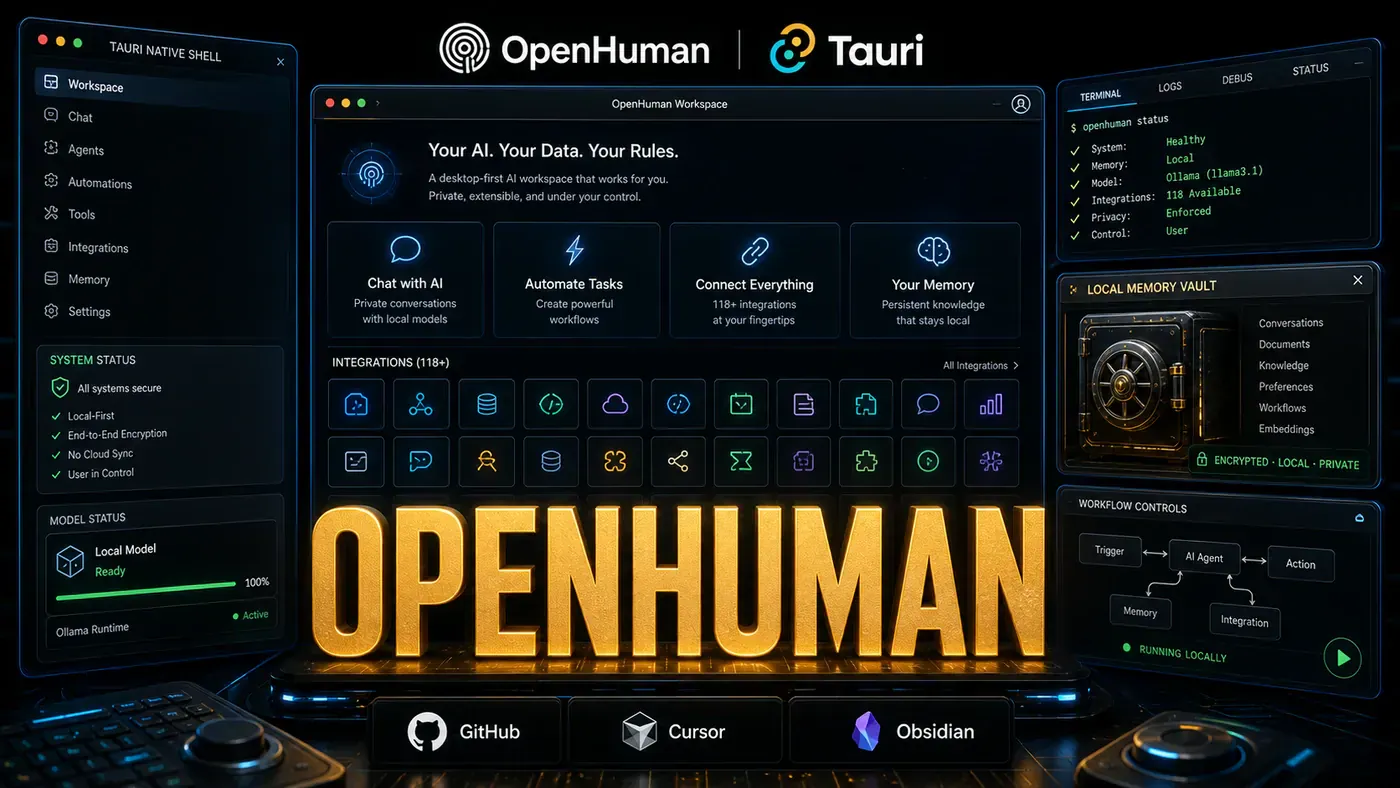
Most AI assistants forget you the moment a conversation ends. The next time you open the app, you start from scratch, re-explaining who's on the project, what was decided last week, and where that file lives. OpenHuman (opens in a new tab), an open-source desktop assistant, is built around the opposite idea: an AI that holds a running picture of your work and the people in it.
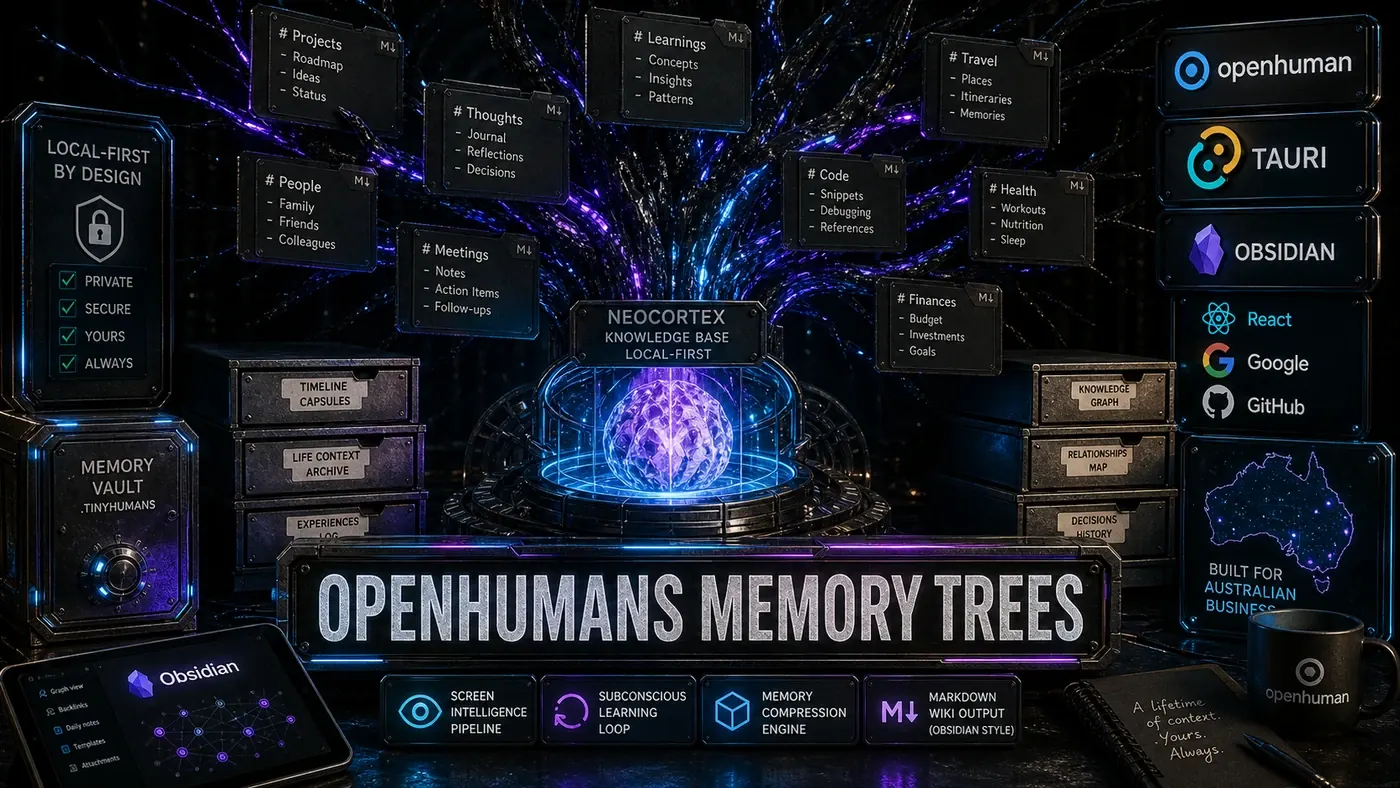
The piece doing the heavy lifting is a feature called Memory Trees (opens in a new tab). Instead of dumping your documents into a pile and fishing out whatever looks similar to your question, it keeps track of how things connect, which email belongs to which project, who's involved, what deadline is looming. And it does all of this on your own machine, with nothing shipped to a cloud server.
For a business team, the practical promise is simple: ask "what's the status of the Alpha project?" and get an answer that pulls from emails, chat, files, and meeting notes at once, rather than a single stray document. Whether the architecture lives up to that in daily use is the real test, but the design is a clear bet against the way most AI memory works today.
Here's how it actually works under the hood.
The Problem with Flat Memory
Most AI assistants use vector databases for memory. Documents get chunked, embedded, and stored as vectors. Retrieval happens by semantic similarity, find the chunks closest to your query. That's fine for simple lookups, but it falls apart on relationships.
Say you're working on a project called "Alpha." Flat memory might store:
- "Alpha project requirements document"
- "Email from John about Alpha timeline"
- "Slack message in #alpha about API design"
- "Meeting notes from Alpha kickoff"
What it misses is that these are all connected, same project, same people, same deadlines. Memory Trees are built to capture exactly that.
Hierarchical Organisation
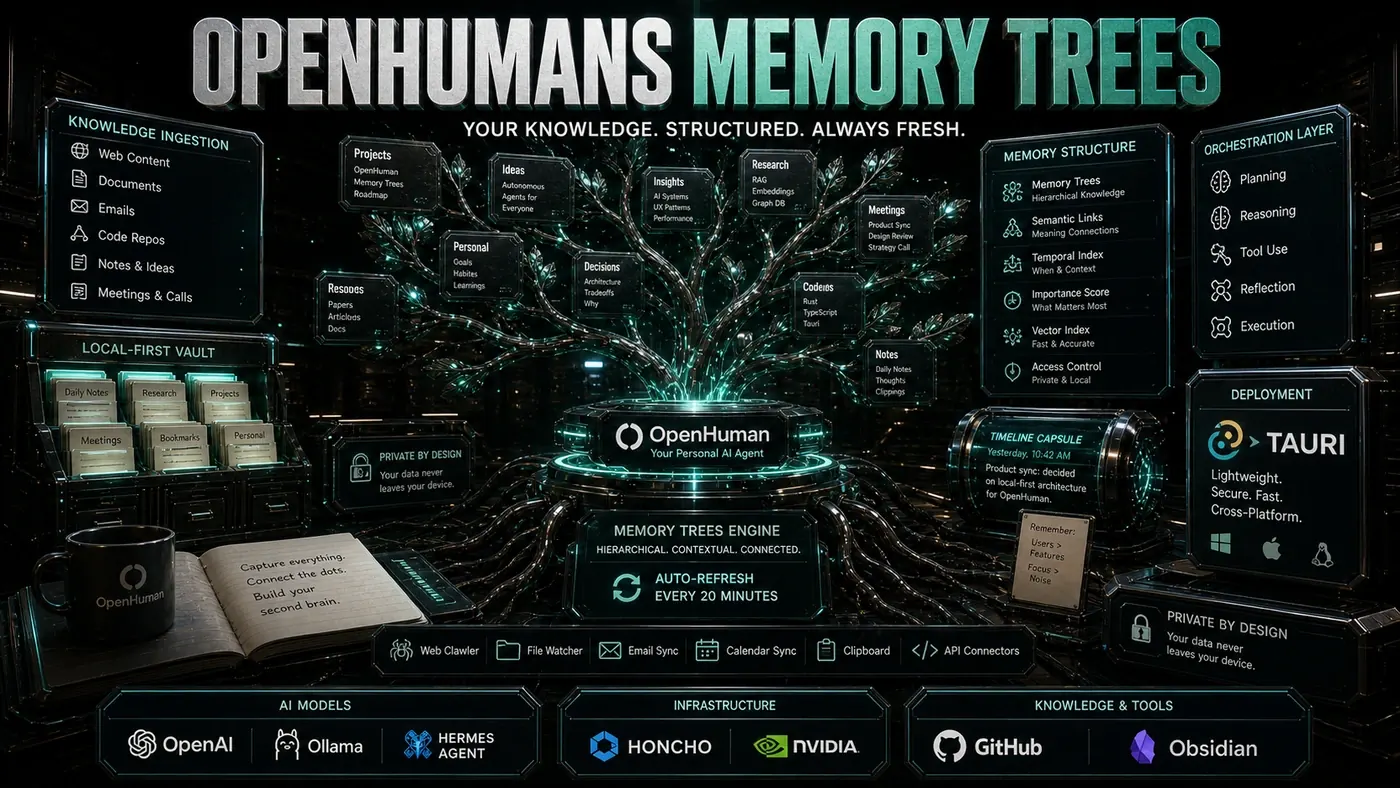
Memory Trees organise information as a tree structure with multiple levels:
Root: The user, everything connects back here.
Projects: Top-level containers for work streams. "Alpha," "Personal," "Learning."
Entities: People, organisations, and concepts that show up across contexts. "John Smith," "OpenAI API," "Q3 Goals."
Documents: Specific files, emails, messages. The leaf nodes of the tree.
Relationships: Edges connecting nodes, "John is on the Alpha project," "this email references the API design document."
A note on accuracy here: this Root/Projects/Entities/Documents framing is a simplified way to picture it. OpenHuman's own documentation (opens in a new tab) describes the real architecture as three tiers, Source Trees, Topic Trees, and a Global Tree, with an L0 buffer that seals into L1 summaries as it fills. The mental model above is useful for understanding the idea; the engineering is a summary cascade rather than a literal graph of named edges.
Either way, the behaviour is the part that matters. Ask "what's the status of the Alpha project?" and OpenHuman walks the tree: Alpha → related documents → recent emails → people involved → upcoming deadlines. Then it stitches that into one coherent answer.
Auto-Fetch: Keeping Current
Memory Trees [auto-fetch updates every 20 minutes](https://tinyhumans.gitbook.io/openhuman). In practice:
- New emails land in the relevant project context
- File changes show up in the document nodes
- Calendar updates adjust the timeline picture
- Slack messages fill out conversation threads
Twenty minutes is the balance point between staying current and hammering your machine. Background indexing leans on local processing, which keeps it workable on laptops and older hardware. The docs confirm a battery-aware scheduler that throttles this background work when you're unplugged; one reportedly stretches the interval out to around 60 minutes on battery, though that exact figure isn't confirmed in OpenHuman's official materials.
Technical Implementation
The Memory Trees system breaks down into a few parts:
Ingestion Pipeline: Connects to 118+ integrations (opens in a new tab), normalising data from all those sources into a common format.
Relationship Extractor: Reads content to find connections. When an email mentions a file and a person, it wires up edges between all three.
Tree Builder: Keeps the hierarchy intact, resolving conflicts and merging duplicate entities along the way.
Query Engine: Walks the tree to answer questions, mixing traversal with LLM-based synthesis.
Embedding Store: Supplementary vector storage for semantic search inside the tree.
Privacy by Design
All Memory Tree data stays local on your machine (opens in a new tab), stored in a SQLite database plus an Obsidian-compatible Markdown vault under your home folder. No cloud sync, no telemetry, no external access. The project is released under GPLv3. Worth being precise about what that license actually does, though: GPLv3's copyleft applies to distributed derivative works, not to network or hosted use, that's the domain of AGPL. So while the license keeps modified copies open, it wouldn't by itself force a SaaS operator running the code to publish their changes.
For backup, Memory Trees export to encrypted local files. For syncing across devices, you set up your own encrypted sync, rsync, Syncthing, whatever you prefer.
CPU-Only Inference
One of the design choices is running indexing without a GPU. That brings some real advantages:
- No GPU required
- Works on older hardware
- Lower power draw
- No dependency on NVIDIA drivers
To be accurate, "CPU-only" overstates it slightly. Local inference is optional, OpenHuman routes it through Ollama or LM Studio (opens in a new tab) (for example, a small Gemma3 model that runs on most laptops without a GPU), and where a GPU is available, those tools can use it. Low-level tasks like summarization run locally either way. The trade-off is slower indexing, but the 20-minute interval makes that easy to live with. Query-time inference can lean on a GPU when you want faster responses.
Comparison with Other Systems
vs Vector DBs: Memory Trees keep the relationships that flat vectors throw away. The tree structure makes contextual answers possible where plain semantic search can't.
vs Graph RAG: Same family, both use graph structures, but Memory Trees are tuned for personal knowledge, with relationship extraction happening automatically.
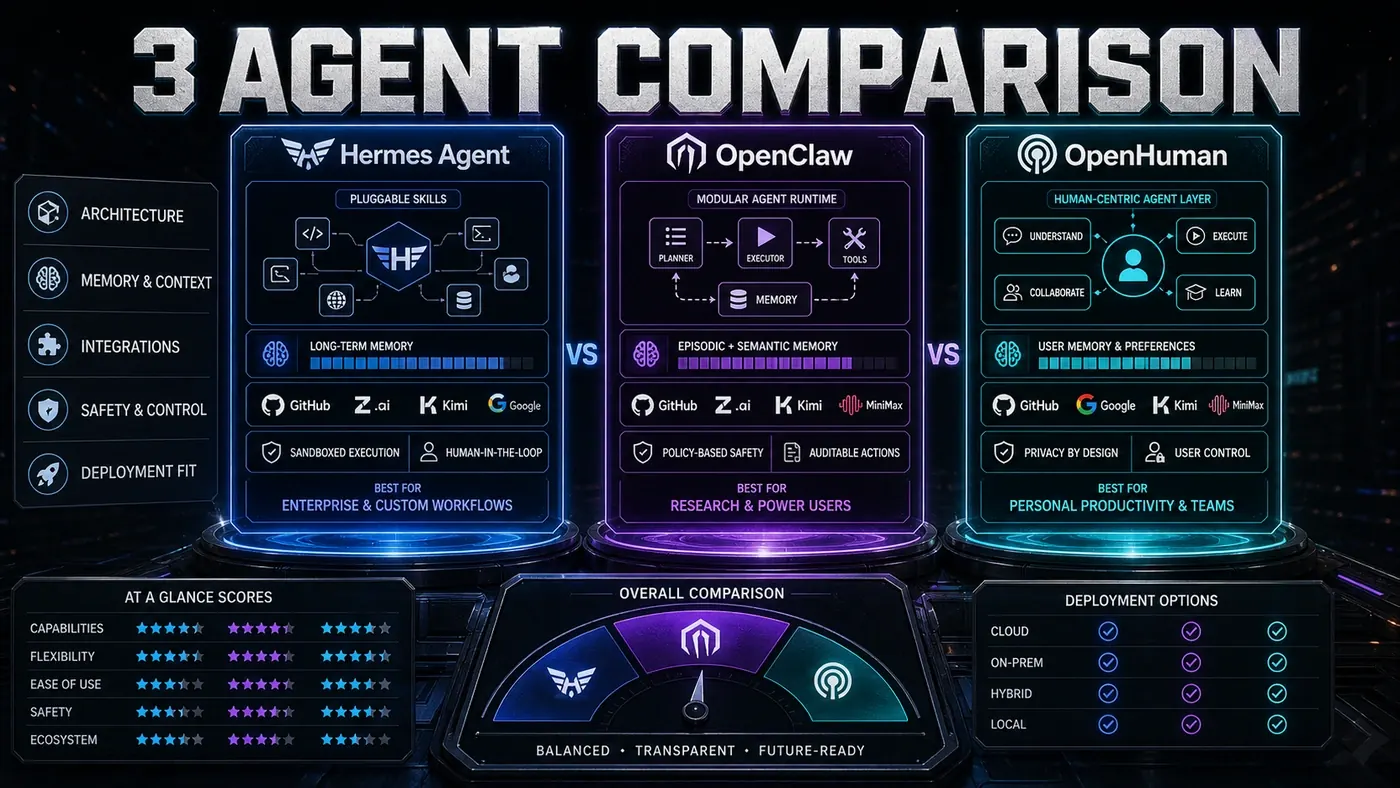
vs Honcho (Hermes): This one is more of an editorial read than an established fact; OpenHuman's own materials don't spell out the relationship. The rough idea is that Honcho leans toward user modelling and dialectic memory while Memory Trees focus on organising information and preserving relationships, which would make them complementary. Treat that as an unconfirmed comparison rather than a documented integration.
Real-World Impact
Users say Memory Trees change the way they work:
- Project context: "What did we decide about the API last week?" returns an answer drawn from several sources at once.
- People awareness: "When did I last talk to John?" pulls up emails, Slack messages, and meeting notes in order.
- Document discovery: "Find that spreadsheet with the Q3 numbers" tracks down the file even when you've forgotten what it was called.
OpenHuman's momentum on GitHub (opens in a new tab), tens of thousands of stars and climbing, points to a real appetite for AI that knows your actual context, not just your last few messages. Memory Trees are the bet on how to deliver that while keeping everything private and local.
OpenHuman's Memory Trees: answer-first summary
OpenHuman's Memory Trees matters because it can change how Founders and operators plan, build, or govern an tool evaluation workflow. How OpenHuman's Memory Trees work: a hierarchical knowledge system that refreshes every 20 minutes and keeps your files, emails, and notes linked.
The direct answer is this: do not treat the topic as a standalone trend. Treat it as a decision about inputs, outputs, review ownership, data exposure, and whether the workflow produces a result that is faster, safer, or more useful than the current process.
OpenHuman's Memory Trees: implementation checklist
- Define the user, job to be done, and success metric for the tool evaluation workflow.
- Collect real examples, policies, source files, customer questions, or search queries before writing prompts or choosing tools.
- Separate low-risk drafts from decisions that need approval, privacy checks, or senior review.
- Document what the AI is allowed to access, what it must not access, and who signs off before production use.
- Review time to value, adoption rate, cost per workflow, quality review score after a small pilot rather than judging the idea from a demo.
This keeps the work practical. It also gives search engines and AI answer engines a clean factual structure: what the topic is, who it helps, what to do next, and which risks matter before implementation.
Decision criteria for OpenHuman's Memory Trees
| Decision area | What to check | Production signal |
|---|---|---|
| Intent | Does OpenHuman's Memory Trees solve a real workflow problem? | The use case has a named owner and measurable outcome. |
| Data | Can the required data be used safely? | Sensitive data is classified and access is controlled. |
| Quality | Can a reviewer judge the output consistently? | Examples, rubrics, or acceptance criteria exist. |
| Scale | Can the workflow be repeated without hero effort? | The process is documented and can be handed to another team member. |
Practical example for OpenHuman's Memory Trees
A small business could use this article to choose one practical test. For example, a manager might take one customer-facing process, one internal document workflow, or one recurring content task and redesign only that step with AI support. The goal is not to automate the whole business at once; it is to learn where AI Tools creates reliable leverage.
The useful deliverable is a short operating note: the trigger, the source material, the prompt or tool, the review checklist, the escalation rule, and the metric. That note becomes the handover asset for staff training, SEO/GEO content, service delivery, or future agent work.
Risks and controls for OpenHuman's Memory Trees
The common failure pattern is moving too quickly from a promising idea into an unmanaged workflow. For OpenHuman's Memory Trees, the risk is not only bad output. It can also be unclear data permission, staff confusion, duplicate content, unreviewed customer advice, or a tool that quietly changes cost or capability.
- Control tool sprawl with a named owner, a review step, and written acceptance criteria.
- Control unclear pricing with a named owner, a review step, and written acceptance criteria.
- Control vendor lock-in with a named owner, a review step, and written acceptance criteria.
- Control unreviewed data sharing with a named owner, a review step, and written acceptance criteria.
Measurement plan for OpenHuman's Memory Trees
A useful AI or SEO initiative should leave evidence. Track time to value, adoption rate, cost per workflow, quality review score and compare the pilot against the current process. If the measure does not improve, keep the learning but avoid scaling the workflow.
For GEO readiness, the page should also answer the core question directly, define the entities involved, include implementation steps, explain tradeoffs, and link readers to the next relevant AI Kick Start service, guide, tool, or article.
Definitions and entities for OpenHuman's Memory Trees
For search, GEO, and staff handover, define the core entities in plain language. In this article the important entities are the workflow owner, the AI tool or model, the source material, the review process, the risk boundary, and the measurable business outcome. Clear definitions make the page easier for people to scan and easier for AI answer engines to quote accurately.
- Workflow owner: the person accountable for deciding whether OpenHuman's Memory Trees belongs in the business process.
- Source material: the documents, examples, policies, URLs, prompts, videos, or customer questions that ground the output.
- Review boundary: the point where a human checks accuracy, privacy, brand voice, or customer impact before the result is used.
- Success metric: the measure that proves whether the tool evaluation workflow is worth repeating.
OpenHuman's Memory Trees versus doing nothing
Doing nothing is also a decision. The cost may be slow manual work, weaker search visibility, inconsistent advice, duplicated effort, or staff using unmanaged AI tools without a shared process. The practical question is whether a controlled pilot can reduce that cost without creating a larger governance problem.
| Option | When it makes sense | What to watch |
|---|---|---|
| Do nothing | The workflow is rare, low value, or already reliable. | Competitors may improve speed, content depth, or service consistency first. |
| Run a small pilot | The task repeats often and has clear review criteria. | Keep scope tight and measure the result against the current process. |
| Build a production workflow | The pilot is repeatable and risk controls are documented. | Assign ownership, monitoring, training, and a rollback path. |
AI Kick Start handover package for OpenHuman's Memory Trees
A production handover should be concrete enough that another person can run it. For OpenHuman's Memory Trees, that means a short brief, a workflow map, approved prompts or tool settings, source material, a review checklist, internal links to supporting resources, and a simple measurement sheet. This is the difference between reading about AI and turning it into operational capability.
That packaging also strengthens E-E-A-T. It shows experience through implementation notes, expertise through decision criteria, authoritativeness through source-aware structure, and trust through risks, controls, and review steps. The article becomes useful even if the reader never buys a tool because it helps them make a better operational decision.