

Analysis
Everyone wants AI agents. Almost nobody finds them easy to ship.
That gap is the whole reason Google's Agents CLI exists. The official Google Developers Blog announced it on 22 April 2026 (opens in a new tab) and pitched it as a single tool that carries an agent through its full lifecycle on Google Cloud, from first build to running in production. (You'll see some write-ups date the launch to May 2026; that appears to trace back to a community blog post from late May rather than the actual release.)
For a business reader, here's the "so what." Today, standing up a working agent usually means stitching together a framework, model access, tool connections, deployment plumbing, and monitoring, each with its own quirks. That puts agents firmly in the hands of senior engineers. Google is betting it can collapse that work into one consistent command-line workflow that coding assistants can also operate on your behalf. If that bet pays off, the people who can ship an agent grows well beyond the DevOps crowd.
The catch, as you'd expect, is that Agents CLI is deeply wired into Google Cloud. That's a gift if you already live there, and a wall if you don't.
For all the noise around AI agents, building and shipping one is still harder than it looks. The usual path runs through a stack of separate steps: pick a framework (OpenClaw (opens in a new tab), LangChain, or something hand-rolled), wire up model access, connect your tools, write the agent logic, test it locally, package it, set up infrastructure, then watch it in production. Each step brings its own tooling, its own docs, and its own ways to break. The net effect is that serious agent work has mostly stayed with experienced engineers who already know their way around DevOps. Google's own framing for why Agents CLI exists (opens in a new tab) leans on exactly this point.
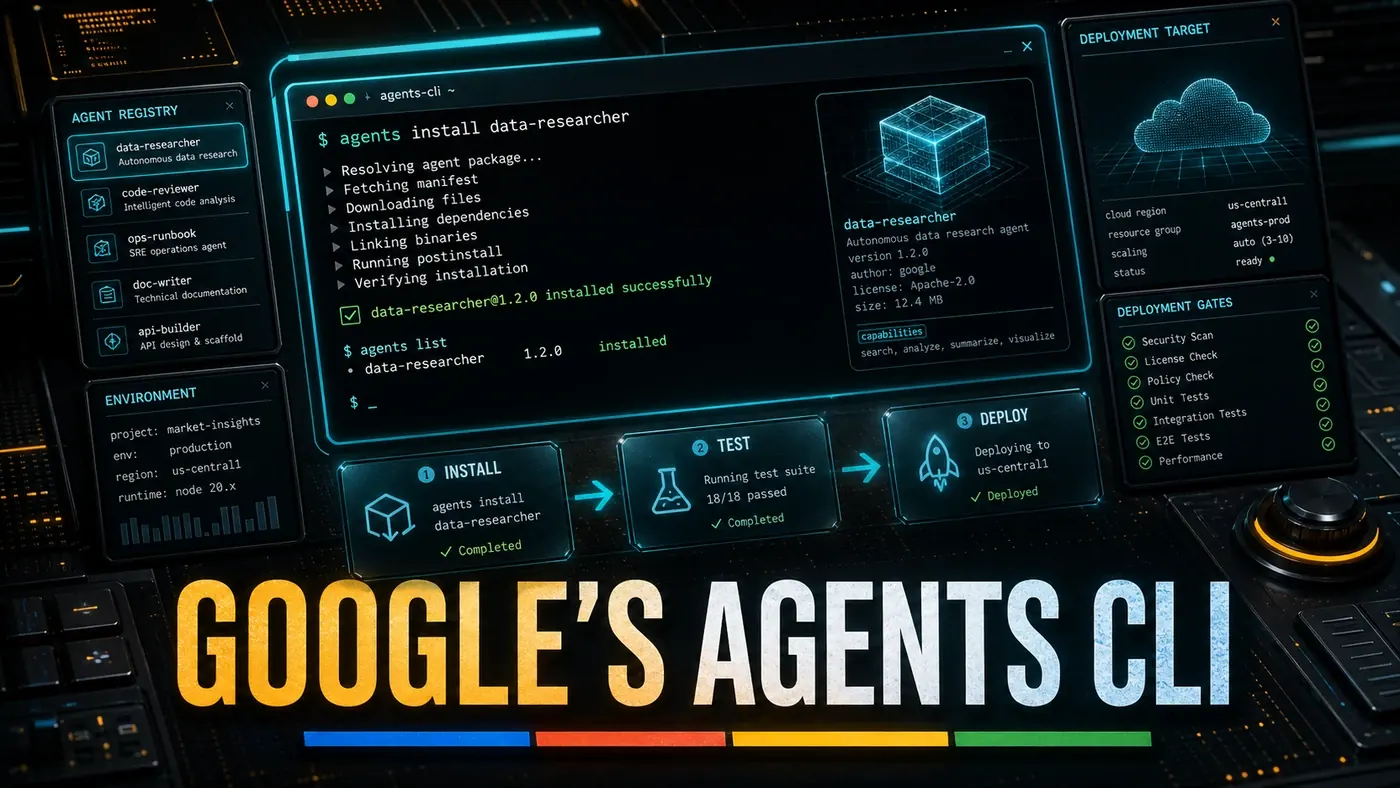
Agents CLI sets out to flatten that. Google describes it as a unified programmatic backbone for the agent development lifecycle on Google Cloud, covering the build, evaluate, and deploy phases through one interface, with Google Cloud's infrastructure underneath.
The Developer Experience
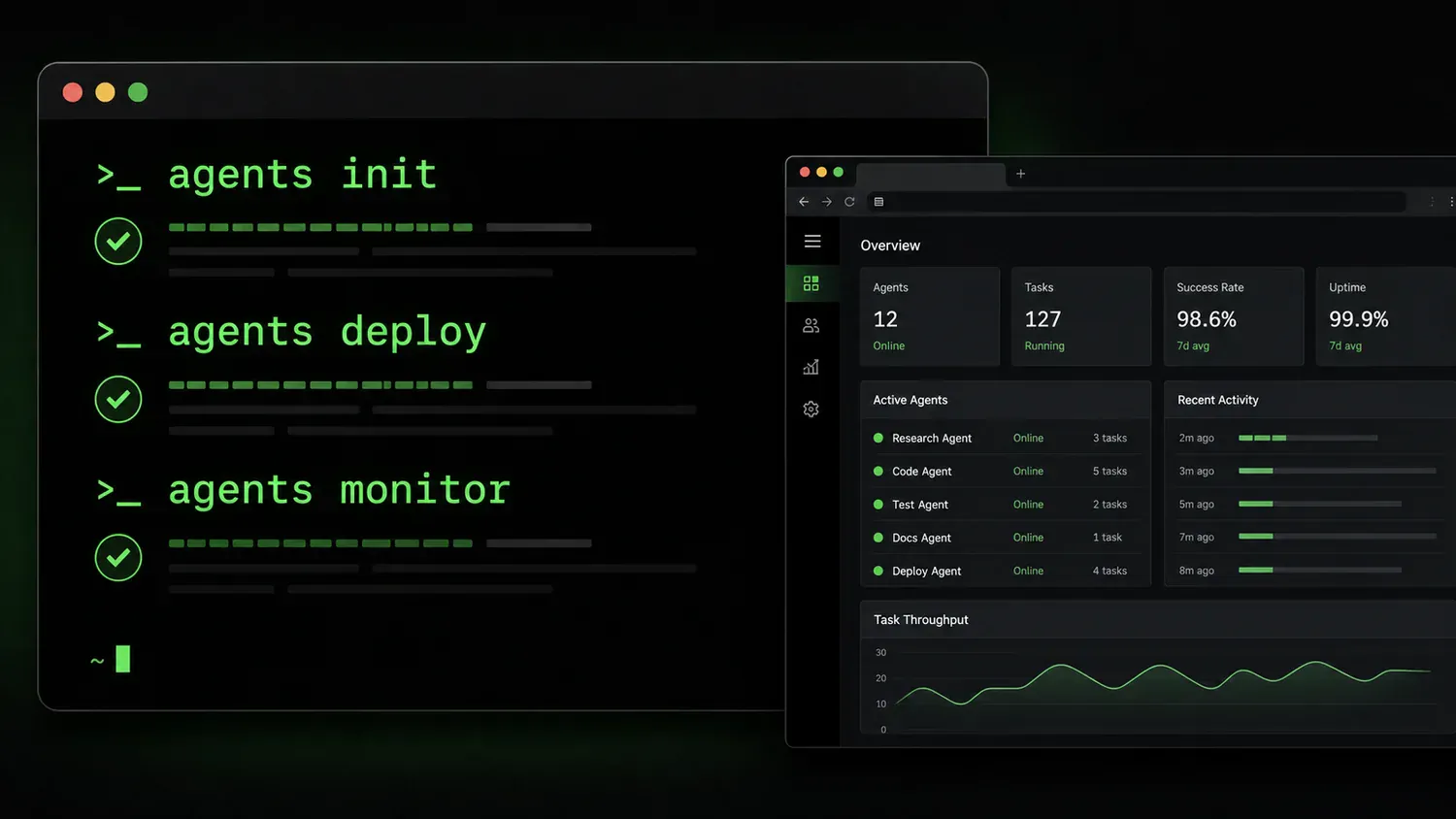
Here it's worth being careful about specifics. The version of the developer story that circulated in early coverage, scaffold with agents init, run a hot-reloading local server with agents dev, then ship with agents deploy, doesn't match the documented tool. Google's published command list (opens in a new tab) is built around commands like agents-cli create, agents-cli eval run, agents-cli eval compare, agents-cli infra, agents-cli deploy, and agents-cli publish. There's no documented agents init or agents dev, and no hot-reloading dev server described anywhere official. Treat the snappier three-command pitch as unconfirmed.
Some early descriptions also claimed configuration is declarative through an agent.yaml file holding the agent's name, description, model setup, tool integrations, and deployment settings. That format doesn't appear in any source. The real tool is built around Google's Agent Development Kit (ADK) and the google/agents-cli (opens in a new tab) repo, and acts as an interface for coding assistants rather than a YAML-driven scaffolder, so the agent.yaml story looks invented.
The same goes for the reported plugin commands, things like agents add-tool google-search or agents add-tool bigquery to bolt on capabilities. No agents add-tool command shows up in the documentation or the official command list, so that's unverified too.
One more piece to flag. Early coverage described a web-based testing interface, supposedly like OpenAI's Playground, with step-through execution, tool-call inspection, and state visualisation. No source backs this up. The tool is designed as a machine-readable interface for coding agents such as Gemini CLI, Claude Code, and Cursor, not a standalone web playground, so this reportedly-existing interface appears fabricated.
Integration with Google Cloud
Where Agents CLI clearly earns its keep is Google Cloud itself. Agents deployed through it land on Google's infrastructure, with the Agent Runtime, Cloud Run, and GKE all in the picture per Google's sources. From there, the deployment story reportedly includes access to the wider Google Cloud stack, BigQuery, Firestore, Cloud Storage, Pub/Sub, plus Google's security layers like VPC Service Controls, Identity-Aware Proxy, and Cloud Audit Logs. The Google Cloud deployment is confirmed; that specific menu of services and controls is plausible but not individually pinned down in the official material, so read the detailed list as indicative rather than gospel.
The Gemini side is real but worth stating precisely. Both Gemini 3.1 Pro (opens in a new tab) (released 19 February 2026) and Gemini 3.5 Flash (shipped at I/O 2026) exist. The broader claim, that Agents CLI supports every Gemini model and picks one automatically based on task complexity, isn't documented. The tool reads more like an interface for coding agents than an automatic model router, so the auto-selection behaviour is unconfirmed.
Community and Ecosystem
Google has put effort into the surrounding ecosystem, with community-contributed tools, templates for common patterns, and ties into its docs and support. It has also published tutorials and sample projects spanning everything from a basic FAQ bot to a multi-agent research setup.
The adoption numbers are where caution matters most. Some coverage cited over 80,000 downloads, 12,000 active projects, and 4,500 deployed agents in the first month. Those figures appear in no Google announcement, blog, or doc, and they sit far above what the public GitHub repo (opens in a new tab) shows (roughly 3,000 stars, 360 forks). They look fabricated, so don't bank on them.
For scale, the usual point of comparison is OpenClaw, one of the most-starred projects on GitHub. Reported star counts have run from about 250,000 in early March 2026 to roughly 355,000 by April, so the often-quoted "345,000" is in the right ballpark, even if the count moves too fast to pin to a single source (The New Stack (opens in a new tab)).
Limitations
Agents CLI has real edges. The tight Google Cloud coupling helps existing Google customers and hurts everyone on another cloud. Its plugin ecosystem is growing but younger than OpenClaw's, though the often-cited "2,800+ integrations" figure for OpenClaw is itself unverified; available sources point more to around 700+ skills via ClawHub (opens in a new tab) and a dozen messaging platforms. And the tooling is aimed at fairly straightforward agent designs; heavy multi-agent orchestration still drops you back into lower-level frameworks.
Google Agents CLI: answer-first summary
Google Agents CLI matters because it can change how Founders and operators plan, build, or govern an agent workflow. Google's Agents CLI, out in May 2026, wants to strip the friction from building and shipping AI agents.
The direct answer is this: do not treat the topic as a standalone trend. Treat it as a decision about inputs, outputs, review ownership, data exposure, and whether the workflow produces a result that is faster, safer, or more useful than the current process.
Google Agents CLI: implementation checklist
- Define the user, job to be done, and success metric for the agent workflow.
- Collect real examples, policies, source files, customer questions, or search queries before writing prompts or choosing tools.
- Separate low-risk drafts from decisions that need approval, privacy checks, or senior review.
- Document what the AI is allowed to access, what it must not access, and who signs off before production use.
- Review successful task completion, review time, fallback rate, operator corrections after a small pilot rather than judging the idea from a demo.
This keeps the work practical. It also gives search engines and AI answer engines a clean factual structure: what the topic is, who it helps, what to do next, and which risks matter before implementation.
Decision criteria for Google Agents CLI
| Decision area | What to check | Production signal |
|---|---|---|
| Intent | Does Google Agents CLI solve a real workflow problem? | The use case has a named owner and measurable outcome. |
| Data | Can the required data be used safely? | Sensitive data is classified and access is controlled. |
| Quality | Can a reviewer judge the output consistently? | Examples, rubrics, or acceptance criteria exist. |
| Scale | Can the workflow be repeated without hero effort? | The process is documented and can be handed to another team member. |
Practical example for Google Agents CLI
A small business could use this article to choose one practical test. For example, a manager might take one customer-facing process, one internal document workflow, or one recurring content task and redesign only that step with AI support. The goal is not to automate the whole business at once; it is to learn where AI News creates reliable leverage.
The useful deliverable is a short operating note: the trigger, the source material, the prompt or tool, the review checklist, the escalation rule, and the metric. That note becomes the handover asset for staff training, SEO/GEO content, service delivery, or future agent work.
Risks and controls for Google Agents CLI
The common failure pattern is moving too quickly from a promising idea into an unmanaged workflow. For Google Agents CLI, the risk is not only bad output. It can also be unclear data permission, staff confusion, duplicate content, unreviewed customer advice, or a tool that quietly changes cost or capability.
- Control unclear tool permissions with a named owner, a review step, and written acceptance criteria.
- Control silent failures with a named owner, a review step, and written acceptance criteria.
- Control prompt drift with a named owner, a review step, and written acceptance criteria.
- Control weak audit trails with a named owner, a review step, and written acceptance criteria.
Measurement plan for Google Agents CLI
A useful AI or SEO initiative should leave evidence. Track successful task completion, review time, fallback rate, operator corrections and compare the pilot against the current process. If the measure does not improve, keep the learning but avoid scaling the workflow.
For GEO readiness, the page should also answer the core question directly, define the entities involved, include implementation steps, explain tradeoffs, and link readers to the next relevant AI Kick Start service, guide, tool, or article.
Definitions and entities for Google Agents CLI
For search, GEO, and staff handover, define the core entities in plain language. In this article the important entities are the workflow owner, the AI tool or model, the source material, the review process, the risk boundary, and the measurable business outcome. Clear definitions make the page easier for people to scan and easier for AI answer engines to quote accurately.
- Workflow owner: the person accountable for deciding whether Google Agents CLI belongs in the business process.
- Source material: the documents, examples, policies, URLs, prompts, videos, or customer questions that ground the output.
- Review boundary: the point where a human checks accuracy, privacy, brand voice, or customer impact before the result is used.
- Success metric: the measure that proves whether the agent workflow is worth repeating.
Google Agents CLI versus doing nothing
Doing nothing is also a decision. The cost may be slow manual work, weaker search visibility, inconsistent advice, duplicated effort, or staff using unmanaged AI tools without a shared process. The practical question is whether a controlled pilot can reduce that cost without creating a larger governance problem.
| Option | When it makes sense | What to watch |
|---|---|---|
| Do nothing | The workflow is rare, low value, or already reliable. | Competitors may improve speed, content depth, or service consistency first. |
| Run a small pilot | The task repeats often and has clear review criteria. | Keep scope tight and measure the result against the current process. |
| Build a production workflow | The pilot is repeatable and risk controls are documented. | Assign ownership, monitoring, training, and a rollback path. |
AI Kick Start handover package for Google Agents CLI
A production handover should be concrete enough that another person can run it. For Google Agents CLI, that means a short brief, a workflow map, approved prompts or tool settings, source material, a review checklist, internal links to supporting resources, and a simple measurement sheet. This is the difference between reading about AI and turning it into operational capability.
That packaging also strengthens E-E-A-T. It shows experience through implementation notes, expertise through decision criteria, authoritativeness through source-aware structure, and trust through risks, controls, and review steps. The article becomes useful even if the reader never buys a tool because it helps them make a better operational decision.