


Briefing
The question sounds dramatic, but it's a fair one to ask. Will AI agents replace the IDE, or will the IDE swallow the agents? In mid-2026 the honest answer is neither. What's actually forming is a new kind of tool that blends editing, agents, and knowledge management into something that no longer fits the old idea of an IDE at all.
Here's the plain-English version for anyone whose job depends on software getting built faster. For decades, the people who write your company's code have done it inside an IDE: a code editor that knows the grammar of the language, catches mistakes, and lets a developer hop between files by hand. That setup assumed a human was reading and typing every line. That assumption is now wobbling.
The shift is that AI can now hold a whole codebase in its head, find the right place to make a change from a plain description ("find the login logic"), and edit several files at once. When the machine can do the navigating, a lot of what the editor was built for starts to look like scaffolding around a problem that's been solved a different way.
So the story isn't a single winner knocking out a loser. It's a reshuffle. A handful of tools, from Cursor (opens in a new tab) to Anthropic's terminal-first Claude Code (opens in a new tab), are each pulling the developer's day in a different direction, and the team that picks the right tool for the right job is the one that gets the speed. The rest of this piece walks through who's doing what, what fades away, and what sticks around because humans still need it.
The IDE is Dying (Slowly)
Traditional IDEs are built around a model that is starting to age out:
- File-centric: Code lives in files, organised in directories
- Syntax-aware: The IDE understands language grammar
- Manual navigation: Developers find, read, and edit code by hand
- Static analysis: Errors get caught at compile or lint time
That model made sense when a human wrote every line while reading the docs. It makes less sense when an agent can keep your entire codebase in context, navigate by intent ("find the authentication logic"), and edit several files at once from a plain description of what you want.
The Agent-Native Model
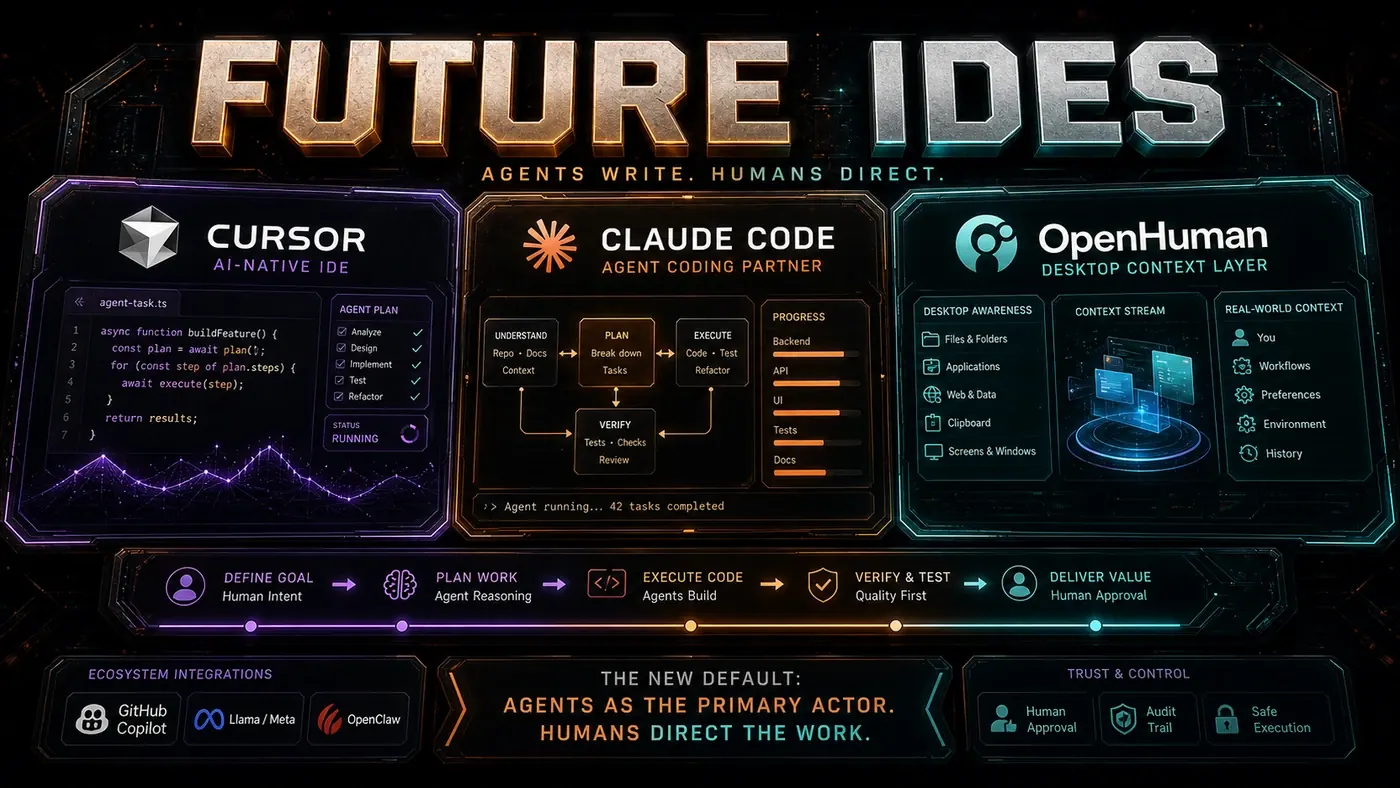
Cursor (opens in a new tab) is the closest thing we have to an agent-native development environment. It's a fork of VS Code built around AI from the start, not an extension stapled on after the fact. Even so, Cursor is a halfway house: it still looks like an IDE, because that's what people expect to see.
A true agent-native environment might not resemble an IDE at all. It could look more like:
- A conversation interface where you describe what you want and the system builds it
- A dashboard of active agents working on different parts of your system
- A decision log that records what changed, why, and what the alternatives were
- A knowledge graph of your codebase that you query instead of navigate
- A verification panel with live test results, security scans, and quality metrics
What Each Tool Tells Us
Cursor proves IDEs can be rebuilt around AI. Its tab-to-complete, Composer multi-file editing, and AI code review (opens in a new tab) are IDE features made better by AI, not thrown out for it.
Claude Code proves that terminal-based agents (opens in a new tab) can handle hard tasks with no IDE at all. The terminal is the interface and the agent is the environment. Plan Mode and Hooks (opens in a new tab) aren't IDE features; they're agent-native capabilities. (The article's series also refers to "Dynamic Workflows" here, though that isn't a confirmed Claude Code feature name; autonomous and subagent workflows are the documented reality.)
OpenHuman suggests the future might be desktop-native rather than code-native. The open-source desktop agent from tinyhumans.ai (opens in a new tab), with its desktop mascot, screen intelligence, and Memory Trees, points at a world where the agent watches everything you do, not just the code you write.
GitHub Copilot Workspace (the older project name) showed GitHub wanting to move from editor extension to a standalone agent environment, independent of the IDE. That direction is now real: GitHub's agent-native desktop Copilot app (opens in a new tab) went generally available on 17 June 2026 as a separate product from VS Code.
The Hybrid Future
The likeliest future is hybrid: different interfaces for different jobs.
| Task | Tool |
|---|---|
| Quick edits | Cursor (IDE) |
| Complex refactors | Claude Code (terminal agent) |
| Exploration and research | OpenHuman (desktop companion) |
| Code review | Copilot Workspace (GitHub-native) |
| Knowledge management | OpenHuman Memory Trees |
| Team coordination | OpenClaw (opens in a new tab) (messaging gateway) |
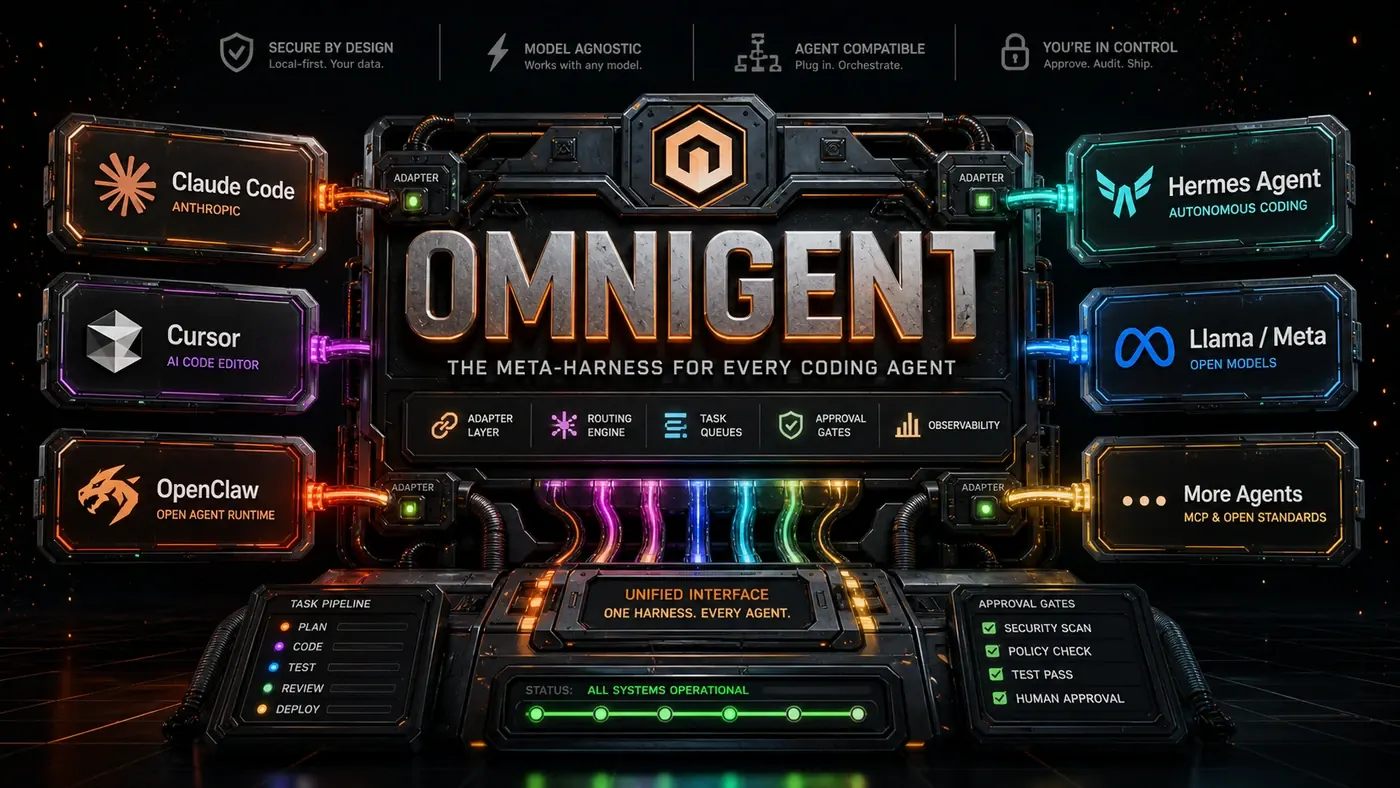
No single tool wins because no single tool can be best at everything. The "IDE of the future" isn't one application. It's an ecosystem of specialised agents coordinated by a meta-harness like Omnigent (opens in a new tab) (article 20), the open-source orchestrator that strings together Claude Code, Codex, Cursor, and custom agents.
What Will Disappear
Some IDE features will likely fade out:
- Manual refactoring wizards: Agents handle refactoring faster and better
- Static code templates: Agents generate code that fits the context, not boilerplate
- Basic linting: Agents write correct code, so linting shifts from correction to verification
- File navigation: Semantic search replaces directory trees
- Manual documentation: Agents write docs from intent, not just docstrings
What Will Remain
Other features should stick around, because they serve human needs an agent can't take over:
- Visual debugging: People need to see state, not read a description of it
- Interactive exploration: REPLs, notebooks, and playgrounds for experimentation
- Design tools: UI layout, visual editing, and creative work
- Human review interfaces: Diffs, annotations, and approval workflows
- Customisation: Personal workflows that resist being standardised
Conclusion
Agents won't replace IDEs. They'll move past them. The future isn't VS Code with smarter AI; it's a different setup where the agent does the work and the human directs it. The tools we use to give that direction, whether terminals, dashboards, conversations, or yes, a code editor, are the new interface layer. The IDE as we know it looks like a transitional form, the way the horse-drawn carriage looked just before the car. We're still laying the roads.
The Future of IDEs: answer-first summary
The Future of IDEs matters because it can change how Australian business teams plan, build, or govern an agent workflow. Whether AI agents will replace the IDE or absorb it, and how a new agent-led tool is reshaping how software actually gets built in 2026.
The direct answer is this: do not treat the topic as a standalone trend. Treat it as a decision about inputs, outputs, review ownership, data exposure, and whether the workflow produces a result that is faster, safer, or more useful than the current process.
The Future of IDEs: implementation checklist
- Define the user, job to be done, and success metric for the agent workflow.
- Collect real examples, policies, source files, customer questions, or search queries before writing prompts or choosing tools.
- Separate low-risk drafts from decisions that need approval, privacy checks, or senior review.
- Document what the AI is allowed to access, what it must not access, and who signs off before production use.
- Review successful task completion, review time, fallback rate, operator corrections after a small pilot rather than judging the idea from a demo.
This keeps the work practical. It also gives search engines and AI answer engines a clean factual structure: what the topic is, who it helps, what to do next, and which risks matter before implementation.
Decision criteria for The Future of IDEs
| Decision area | What to check | Production signal |
|---|---|---|
| Intent | Does The Future of IDEs solve a real workflow problem? | The use case has a named owner and measurable outcome. |
| Data | Can the required data be used safely? | Sensitive data is classified and access is controlled. |
| Quality | Can a reviewer judge the output consistently? | Examples, rubrics, or acceptance criteria exist. |
| Scale | Can the workflow be repeated without hero effort? | The process is documented and can be handed to another team member. |
Practical example for The Future of IDEs
A small business could use this article to choose one practical test. For example, a manager might take one customer-facing process, one internal document workflow, or one recurring content task and redesign only that step with AI support. The goal is not to automate the whole business at once; it is to learn where Code creates reliable leverage.
The useful deliverable is a short operating note: the trigger, the source material, the prompt or tool, the review checklist, the escalation rule, and the metric. That note becomes the handover asset for staff training, SEO/GEO content, service delivery, or future agent work.
Risks and controls for The Future of IDEs
The common failure pattern is moving too quickly from a promising idea into an unmanaged workflow. For The Future of IDEs, the risk is not only bad output. It can also be unclear data permission, staff confusion, duplicate content, unreviewed customer advice, or a tool that quietly changes cost or capability.
- Control unclear tool permissions with a named owner, a review step, and written acceptance criteria.
- Control silent failures with a named owner, a review step, and written acceptance criteria.
- Control prompt drift with a named owner, a review step, and written acceptance criteria.
- Control weak audit trails with a named owner, a review step, and written acceptance criteria.
Measurement plan for The Future of IDEs
A useful AI or SEO initiative should leave evidence. Track successful task completion, review time, fallback rate, operator corrections and compare the pilot against the current process. If the measure does not improve, keep the learning but avoid scaling the workflow.
For GEO readiness, the page should also answer the core question directly, define the entities involved, include implementation steps, explain tradeoffs, and link readers to the next relevant AI Kick Start service, guide, tool, or article.
Definitions and entities for The Future of IDEs
For search, GEO, and staff handover, define the core entities in plain language. In this article the important entities are the workflow owner, the AI tool or model, the source material, the review process, the risk boundary, and the measurable business outcome. Clear definitions make the page easier for people to scan and easier for AI answer engines to quote accurately.
- Workflow owner: the person accountable for deciding whether The Future of IDEs belongs in the business process.
- Source material: the documents, examples, policies, URLs, prompts, videos, or customer questions that ground the output.
- Review boundary: the point where a human checks accuracy, privacy, brand voice, or customer impact before the result is used.
- Success metric: the measure that proves whether the agent workflow is worth repeating.
The Future of IDEs versus doing nothing
Doing nothing is also a decision. The cost may be slow manual work, weaker search visibility, inconsistent advice, duplicated effort, or staff using unmanaged AI tools without a shared process. The practical question is whether a controlled pilot can reduce that cost without creating a larger governance problem.
| Option | When it makes sense | What to watch |
|---|---|---|
| Do nothing | The workflow is rare, low value, or already reliable. | Competitors may improve speed, content depth, or service consistency first. |
| Run a small pilot | The task repeats often and has clear review criteria. | Keep scope tight and measure the result against the current process. |
| Build a production workflow | The pilot is repeatable and risk controls are documented. | Assign ownership, monitoring, training, and a rollback path. |
AI Kick Start handover package for The Future of IDEs
A production handover should be concrete enough that another person can run it. For The Future of IDEs, that means a short brief, a workflow map, approved prompts or tool settings, source material, a review checklist, internal links to supporting resources, and a simple measurement sheet. This is the difference between reading about AI and turning it into operational capability.
That packaging also strengthens E-E-A-T. It shows experience through implementation notes, expertise through decision criteria, authoritativeness through source-aware structure, and trust through risks, controls, and review steps. The article becomes useful even if the reader never buys a tool because it helps them make a better operational decision.