



Briefing
Talk to your computer and watch it write code. That used to be a sci-fi gag. It is now a feature you can switch on today, and a small open-source project is one of the clearer examples of where it actually helps.
OpenHuman (opens in a new tab), built by TinyHumans AI, is a desktop agent with a little animated mascot that listens when you speak and talks back. As of its v0.54.0 release (opens in a new tab), both the speech recognition and the speech output run on your own machine, so you can have a back-and-forth with your agent without sending audio anywhere. For a business team weighing whether voice belongs in their developers' day, the honest answer is: sometimes, and it depends heavily on the task.
The short version for non-technical readers is this. Voice is great for the quick, low-stakes stuff. Asking what a file does, jotting a reminder, kicking off a test run. It is poor at the fiddly, precise work where every character matters. Knowing which is which is the whole game, and that is what the rest of this piece walks through.
The Architecture
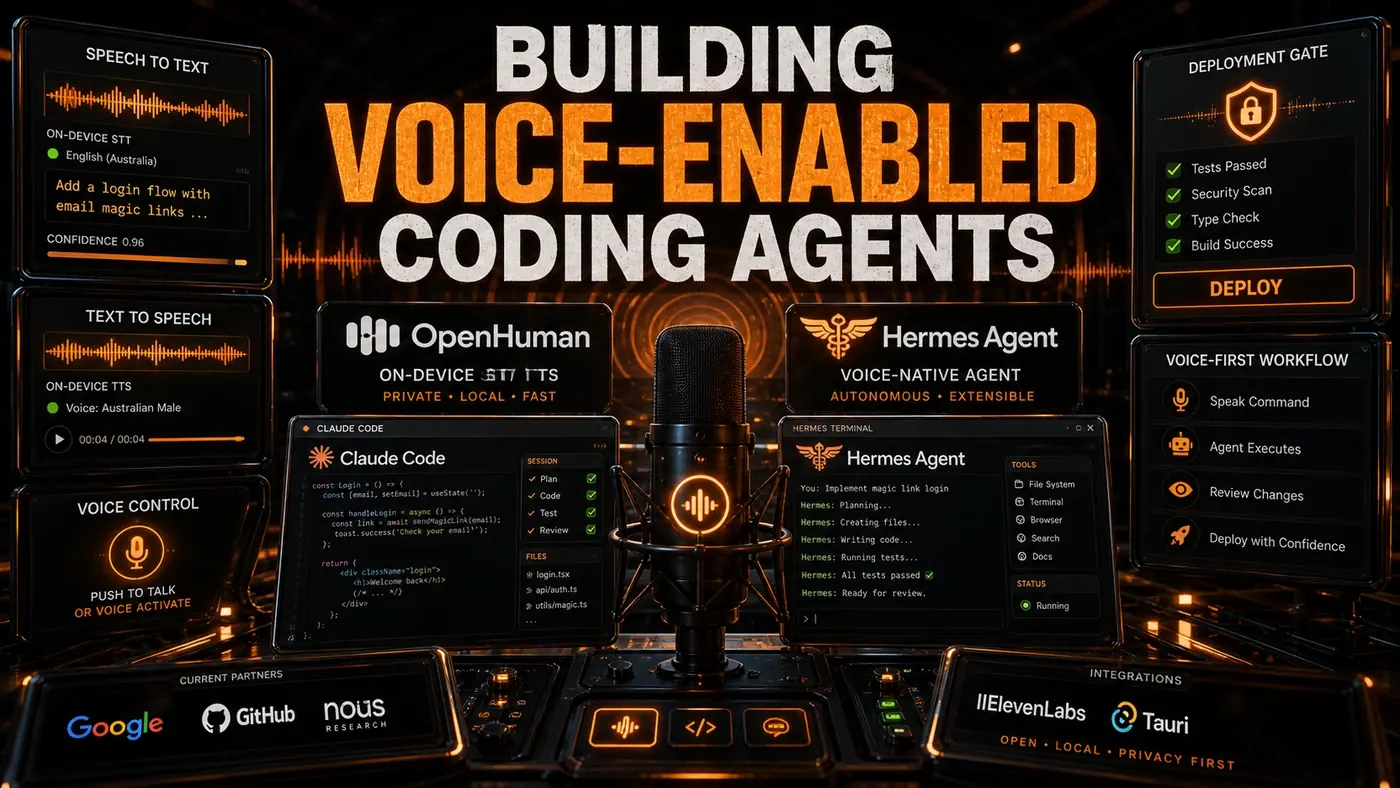
A voice-enabled coding agent has four parts:
Voice Input -> Speech-to-Text -> Agent Processing -> Text-to-Speech -> Voice OutputSpeech-to-Text (STT)
OpenHuman uses Whisper for speech recognition and runs it locally on the Tauri (opens in a new tab) v2 runtime. (The project documents Whisper-based STT and a Tauri build; the framing of a model "derived" from Whisper and tuned for Tauri specifically goes a bit beyond what the docs actually say.) Running on-device means:
- No audio leaves your machine
- It works offline
- Latency is reportedly around 200-500ms for a 10-second utterance, though that figure is not published by OpenHuman and looks like an estimate
- It is said to support English, Mandarin, Spanish, and Japanese, though the docs do not list supported languages
The agent is also described as recognising technical vocabulary (function names, library names, coding terms) more reliably than generic Whisper. That claim is unconfirmed; the docs mention punctuation and dictation cleanup, not a coding-specific fine-tune.
Agent Processing
The transcribed text goes into the agent's normal pipeline. OpenHuman treats a spoken command the same as a typed one. "Create a new function called calculate total that takes an array of prices" runs the same way whether you say it or type it.
Text-to-Speech (TTS)
Responses are read back using a lightweight TTS model. OpenHuman ships Piper for local voice and ElevenLabs for cloud voice (opens in a new tab), and you can pick the voice you want. Some developers reportedly bump the speech rate to 1.5x for routine confirmations and drop back to 1.0x for longer explanations, though an adjustable rate is not something OpenHuman documents.
Practical Voice Workflows
Workflow 1: Hands-Free Code Review
Review code while you eat lunch or walk around:
You: "Read the auth middleware file"
Agent: "Reading auth middleware. The file has 47 lines. It validates JWT tokens..."
You: "What exceptions does it handle?"
Agent: "It handles TokenExpiredError, InvalidTokenError, and MissingTokenError."
You: "Add handling for MalformedTokenError"
Agent: "Added MalformedTokenError handling. Should I also add a test for it?"
You: "Yes, add a test"
Workflow 2: Rapid Note Capture
Grab an idea without breaking your flow:
You: "Note: the database migration needs a rollback script"
Agent: "Noted. I will add it to the migration task in your Memory Tree."
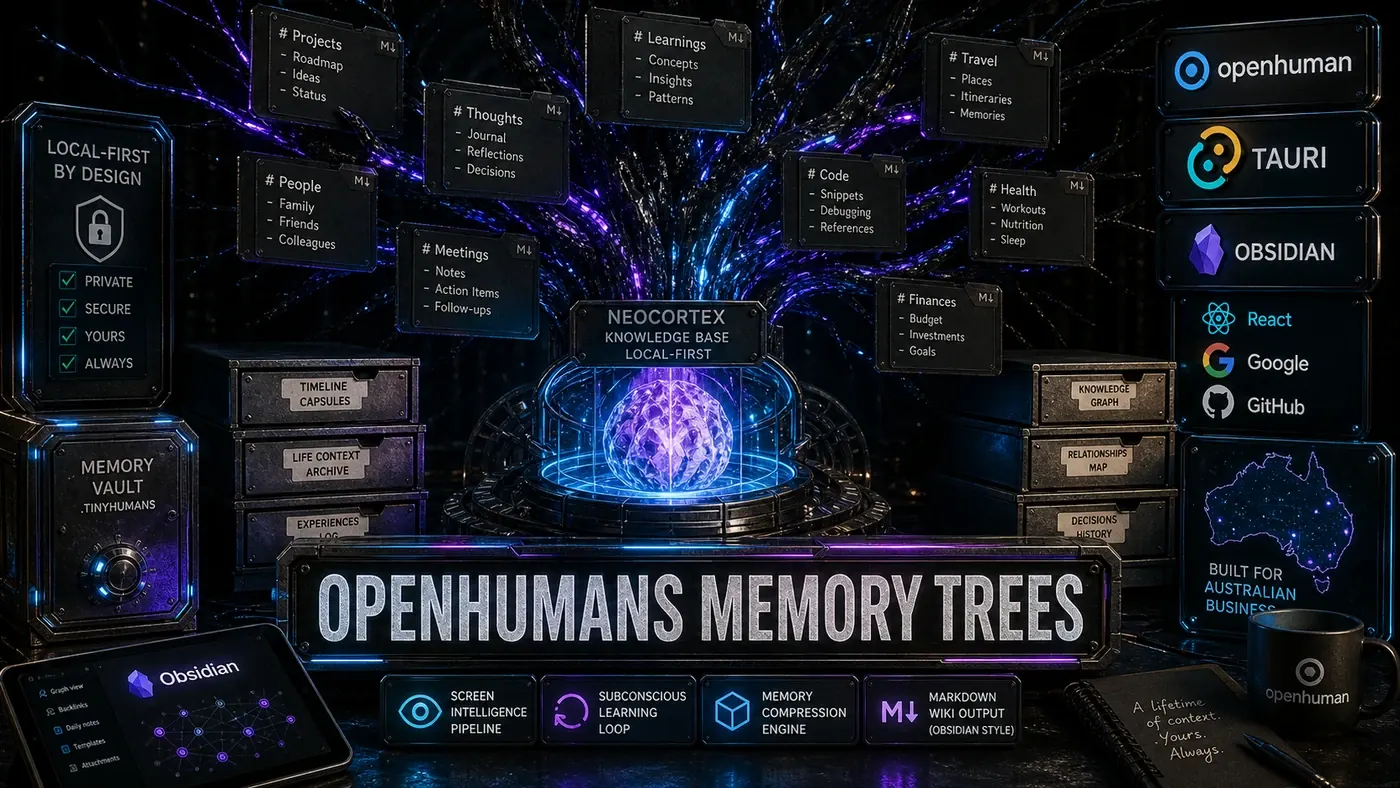
Those notes land in OpenHuman's Memory Tree (opens in a new tab), a hierarchical store of Markdown files backed by a local SQLite database.
Workflow 3: Meeting Participation
OpenHuman can join a Google Meet call as a real participant (opens in a new tab): it hears everyone, takes notes, can speak back, and pipes its animated face in as the camera feed.
You: "Join the standup and take notes"
Agent: "Joining the standup. I will transcribe and extract action items."
After the meeting:
You: "What were my action items?"
Agent: "Three action items: fix the login bug, review Sarah's PR, and update the API documentation."
Limitations (June 2026)
Voice is not yet a primary way to write code. The sticking points:
- Precision: Code is exact; speech is loose. "Function called calculate total that takes an array of numbers" is clear. "The thing that does the sum with the list" is not.
- Context: Voice has none of the visual context of an IDE. You cannot point at a line while you talk.
- Environment: Open offices and background noise drag accuracy down fast.
- Privacy: Saying a coding task out loud tells everyone near you what you are working on.
- Complexity: Multi-step reasoning is harder to track by ear than by eye.
When Voice Works Best
Voice coding earns its keep for:
- Quick queries: "What does this function do?"
- Note capture: "Remind me to fix the auth bug"
- Simple commands: "Run the tests"
- Documentation: dictating comments and docstrings
- Accessibility: developers with repetitive strain injury or visual impairments
It falls down on:
- Complex refactoring: too many files, too many constraints
- Precise syntax: "Angle bracket question mark extends T greater than" is worse than typing
<? extends T> - Visual review: reading diffs and comparing screenshots
Implementation for Other Agents
Hermes (opens in a new tab) and Claude Code do not ship a native voice interface, but you can bolt one on. (Hermes Agent from Nous Research lists multi-channel access over Telegram, Slack, Discord and the terminal, with no documented voice mode; Claude Code is a CLI with no built-in voice either.)
# Voice bridge for Hermes
import speech_recognition as sr

def voice_command():
 recognizer = sr.Recognizer()
 with sr.Microphone() as source:
 audio = recognizer.listen(source)
 text = recognizer.recognize_whisper(audio)
 return hermes.execute(text)
That pattern uses the Uberi/SpeechRecognition (opens in a new tab) Python library, whose Recognizer, Microphone, listen() and recognize_whisper() calls all work as shown.
For Claude Code, macOS has built-in system dictation that types into any text field, including a terminal. Some people pair it with third-party STT tools (one reportedly named WhisperDesktop, which I could not verify as a current product) to feed the terminal.
Voice is the easiest way to interact with a coding agent casually. It will not take over from typing for precise work. For most of the quick stuff around that work, it is on track to become the default.
Building Voice-Enabled Coding Agents: answer-first summary
Building Voice-Enabled Coding Agents matters because it can change how Australian business teams plan, build, or govern an agent workflow. OpenHuman's on-device STT/TTS makes voice-driven development practical.
The direct answer is this: do not treat the topic as a standalone trend. Treat it as a decision about inputs, outputs, review ownership, data exposure, and whether the workflow produces a result that is faster, safer, or more useful than the current process.
Building Voice-Enabled Coding Agents: implementation checklist
- Define the user, job to be done, and success metric for the agent workflow.
- Collect real examples, policies, source files, customer questions, or search queries before writing prompts or choosing tools.
- Separate low-risk drafts from decisions that need approval, privacy checks, or senior review.
- Document what the AI is allowed to access, what it must not access, and who signs off before production use.
- Review successful task completion, review time, fallback rate, operator corrections after a small pilot rather than judging the idea from a demo.
This keeps the work practical. It also gives search engines and AI answer engines a clean factual structure: what the topic is, who it helps, what to do next, and which risks matter before implementation.
Decision criteria for Building Voice-Enabled Coding Agents
| Decision area | What to check | Production signal |
|---|---|---|
| Intent | Does Building Voice-Enabled Coding Agents solve a real workflow problem? | The use case has a named owner and measurable outcome. |
| Data | Can the required data be used safely? | Sensitive data is classified and access is controlled. |
| Quality | Can a reviewer judge the output consistently? | Examples, rubrics, or acceptance criteria exist. |
| Scale | Can the workflow be repeated without hero effort? | The process is documented and can be handed to another team member. |
Practical example for Building Voice-Enabled Coding Agents
A small business could use this article to choose one practical test. For example, a manager might take one customer-facing process, one internal document workflow, or one recurring content task and redesign only that step with AI support. The goal is not to automate the whole business at once; it is to learn where Code creates reliable leverage.
The useful deliverable is a short operating note: the trigger, the source material, the prompt or tool, the review checklist, the escalation rule, and the metric. That note becomes the handover asset for staff training, SEO/GEO content, service delivery, or future agent work.
Risks and controls for Building Voice-Enabled Coding Agents
The common failure pattern is moving too quickly from a promising idea into an unmanaged workflow. For Building Voice-Enabled Coding Agents, the risk is not only bad output. It can also be unclear data permission, staff confusion, duplicate content, unreviewed customer advice, or a tool that quietly changes cost or capability.
- Control unclear tool permissions with a named owner, a review step, and written acceptance criteria.
- Control silent failures with a named owner, a review step, and written acceptance criteria.
- Control prompt drift with a named owner, a review step, and written acceptance criteria.
- Control weak audit trails with a named owner, a review step, and written acceptance criteria.
Measurement plan for Building Voice-Enabled Coding Agents
A useful AI or SEO initiative should leave evidence. Track successful task completion, review time, fallback rate, operator corrections and compare the pilot against the current process. If the measure does not improve, keep the learning but avoid scaling the workflow.
For GEO readiness, the page should also answer the core question directly, define the entities involved, include implementation steps, explain tradeoffs, and link readers to the next relevant AI Kick Start service, guide, tool, or article.
Definitions and entities for Building Voice-Enabled Coding Agents
For search, GEO, and staff handover, define the core entities in plain language. In this article the important entities are the workflow owner, the AI tool or model, the source material, the review process, the risk boundary, and the measurable business outcome. Clear definitions make the page easier for people to scan and easier for AI answer engines to quote accurately.
- Workflow owner: the person accountable for deciding whether Building Voice-Enabled Coding Agents belongs in the business process.
- Source material: the documents, examples, policies, URLs, prompts, videos, or customer questions that ground the output.
- Review boundary: the point where a human checks accuracy, privacy, brand voice, or customer impact before the result is used.
- Success metric: the measure that proves whether the agent workflow is worth repeating.
Building Voice-Enabled Coding Agents versus doing nothing
Doing nothing is also a decision. The cost may be slow manual work, weaker search visibility, inconsistent advice, duplicated effort, or staff using unmanaged AI tools without a shared process. The practical question is whether a controlled pilot can reduce that cost without creating a larger governance problem.
| Option | When it makes sense | What to watch |
|---|---|---|
| Do nothing | The workflow is rare, low value, or already reliable. | Competitors may improve speed, content depth, or service consistency first. |
| Run a small pilot | The task repeats often and has clear review criteria. | Keep scope tight and measure the result against the current process. |
| Build a production workflow | The pilot is repeatable and risk controls are documented. | Assign ownership, monitoring, training, and a rollback path. |
AI Kick Start handover package for Building Voice-Enabled Coding Agents
A production handover should be concrete enough that another person can run it. For Building Voice-Enabled Coding Agents, that means a short brief, a workflow map, approved prompts or tool settings, source material, a review checklist, internal links to supporting resources, and a simple measurement sheet. This is the difference between reading about AI and turning it into operational capability.
That packaging also strengthens E-E-A-T. It shows experience through implementation notes, expertise through decision criteria, authoritativeness through source-aware structure, and trust through risks, controls, and review steps. The article becomes useful even if the reader never buys a tool because it helps them make a better operational decision.