




Briefing
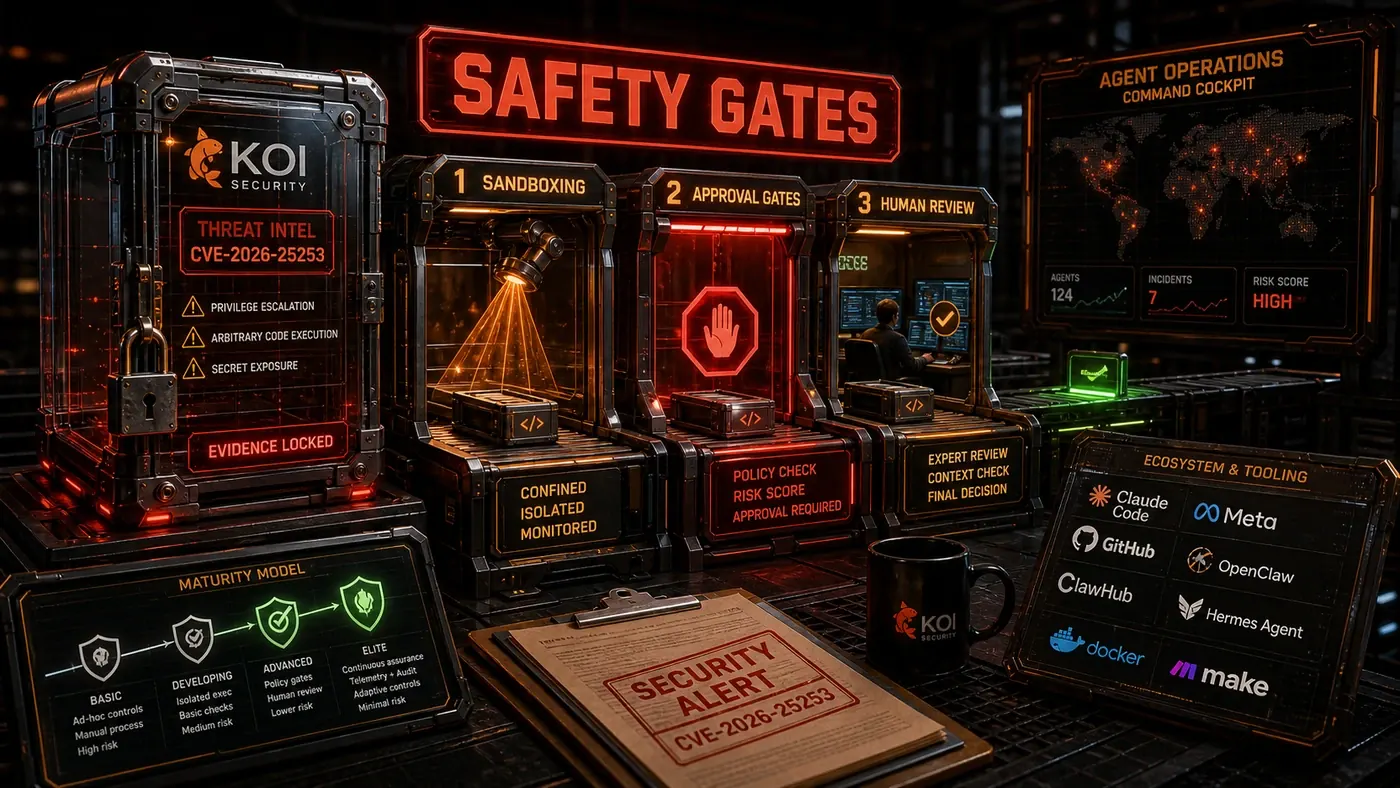
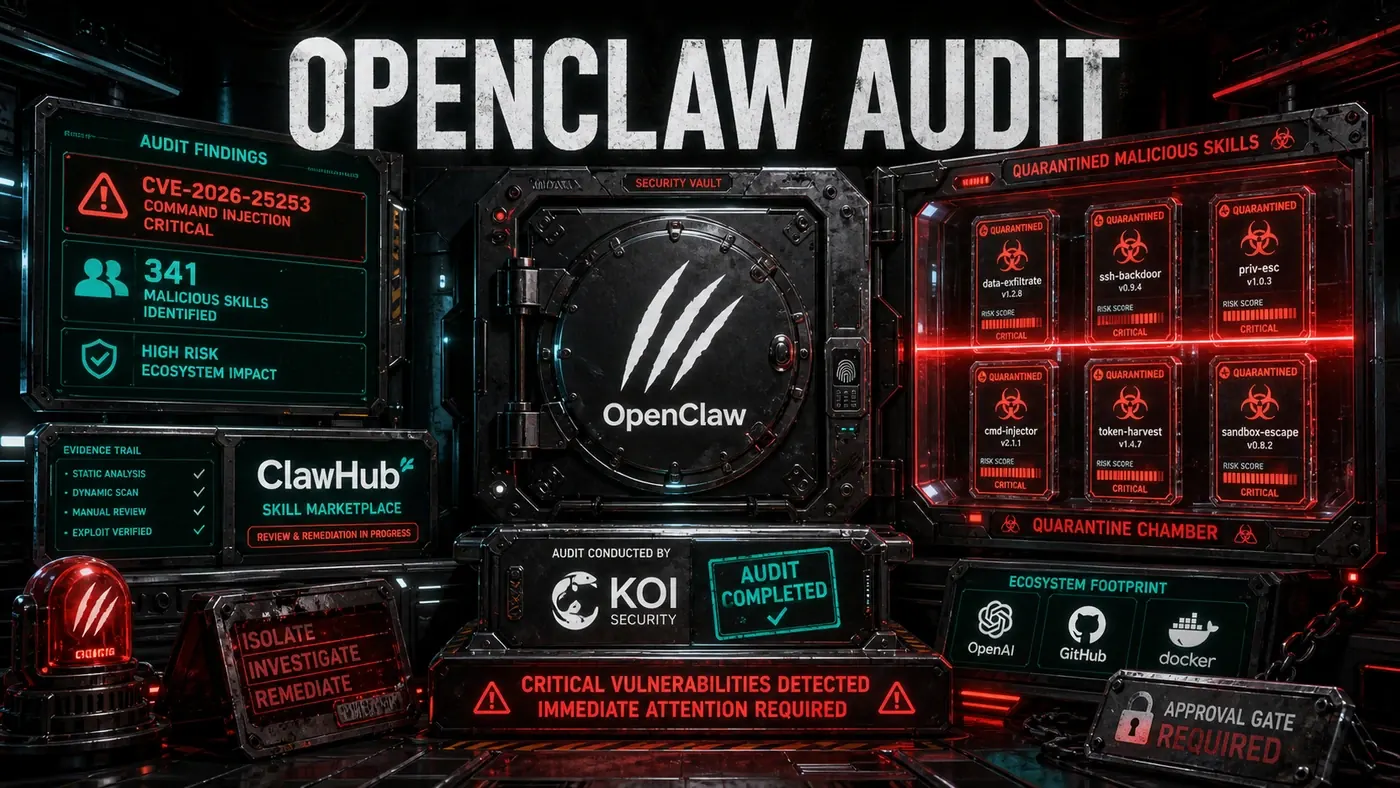
In late January 2026, a flaw in the OpenClaw agent platform turned a popular AI coding tool into a doorway onto its own host machine. The bug, tracked as CVE-2026-25253 (opens in a new tab) and rated 8.8 on the CVSS severity scale, let an attacker steal the agent's auth token and run code on the box it was sitting on.
For business teams now handing real work to AI agents, that is the uncomfortable lesson. The danger was not that the model said something dumb. The danger was the room it was standing in. The agent had full shell and filesystem access, so once an attacker got in, there was nothing left to stop them.
This piece is about the walls you put around that room. Not the model, the environment. Below we walk through the threat model and the four practical ways teams are boxing agents in: containers, virtual machines, capability limits, and human approval gates. None of them is a silver bullet, and the right answer is usually a stack of them.
Threat Model
Before you pick a sandboxing strategy, you need to be clear about what you are defending against. Agent risk breaks into three classes.
Class 1: Accidental damage. The agent deletes the wrong directory, overwrites production config, or burns through resources in a runaway loop. Nobody meant any harm, but the damage is real all the same.
Class 2: Malicious skills or tools. A third-party skill (the OpenClaw scenario), a compromised dependency, or a poisoned model response tricks the agent into running harmful code. The agent is not malicious. It is being used.
Class 3: Agent misalignment. The agent chases its goal in ways that break the rules: shipping data out to finish a task "more efficiently," removing the guardrails that slow it down, or talking a human operator into doing something it cannot do itself. This is the hardest class to defend against, and the one no tool fully solves.
Strategy 1: Container-Based Isolation
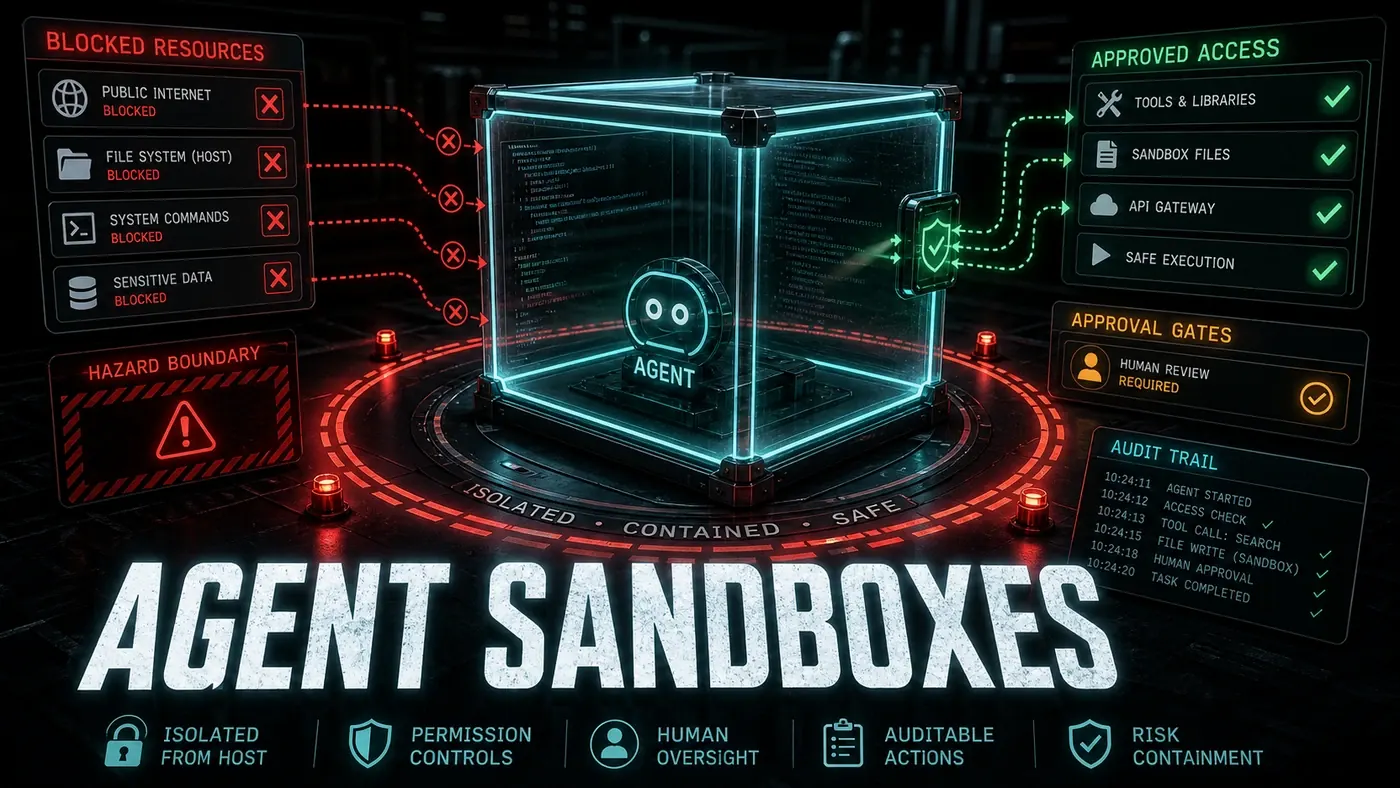
Docker containers are the most common way teams sandbox agents (opens in a new tab). Each agent runs in its own container with restricted filesystem mounts, network policies, and resource limits.
# Agent sandbox container
FROM python:3.11-slim
RUN useradd -m -s /bin/bash agent
USER agent
WORKDIR /workspace
# Mount project as read-only, scratch directory as read-write
VOLUME ["/workspace/project:ro", "/workspace/scratch:rw"]
# No network access by default
NETWORK none
# Resource limits
CMD ["python", "-m", "hermes", "--sandbox"]
Containers hold up well against Class 1 and Class 2. The read-only project mount stops accidental overwrites. Network restrictions block data from leaking out. Resource limits keep a runaway agent from taking the host down. They are not airtight, though. A container escape (rare in practice, but not impossible) could reach the host. And Class 3 problems, where the agent manipulates a person or finds a clever way around the rules, sit outside what a container can catch.
Strategy 2: VM-Based Isolation
When the security bar is higher, agents run in lightweight VMs (Firecracker (opens in a new tab), Cloud Hypervisor) instead of containers. Each VM gets its own kernel, which makes escaping it far harder than breaking out of a container.
The cost is speed and overhead. VMs take longer to start than containers, and they eat more resources. For a long-running agent that is a fair trade. For an agent that spins up and down constantly, the startup latency adds up fast.
Strategy 3: Capability-Based Isolation
The most fine-grained approach hands out capabilities rather than blanket permissions. Instead of giving an agent read access to a whole directory, you give it read access to specific files. Instead of network access, you give it access to specific API endpoints. OpenHuman (opens in a new tab) takes a version of this with its integration system: each of its 118+ integrations is granted only the capabilities it needs, and calls to those third-party services are routed through the OpenHuman backend rather than made directly by the agent. (The agent does, for the record, have a direct coder toolset for filesystem, git, and test work out of the box, so the gating applies mainly to external integrations rather than everything the agent touches.)
// Capability-based permission system
const agentCapabilities = {
 filesystem: {
 read: ["/project/src/**", "/project/tests/**"],
 write: ["/project/scratch/**"],
 delete: [] // No delete capability
 },
 network: {
 allowedHosts: ["api.github.com", "openrouter.ai"],
 allowedMethods: ["GET", "POST"],
 maxRequestSize: "1MB"
 },
 shell: {
 allowedCommands: ["npm", "node", "git status", "git diff"],
 blockedPatterns: ["*rm -rf*", "*curl*|*sh*", "*sudo*"]
 }
};
Strategy 4: Approval Gates
For the riskiest operations, no automatic sandbox is enough. Approval gates put a human in the loop before the agent can run certain actions. Claude Code's Plan Mode (opens in a new tab) is built around this: the agent proposes, the human approves. Reportedly, OpenClaw's hardened sandbox mode released after CVE-2026-25253 also leans on approval-gated controls, including verbose approval prompts, for sensitive actions such as network access from skills.
A good approval gate needs to be:
- Contextual: show what the agent is about to do and why, not just "approve this action?"
- Scoped: apply only to high-risk operations, not every file read
- Overrideable: let the human grant a temporary or permanent exception
- Auditable: log every approval decision so it can be reviewed later
The Defense-in-Depth Stack
Real production deployments stack these strategies rather than betting on one:
- Capability-based permissions for routine operations
- Container isolation for the agent runtime
- Approval gates for high-risk operations
- Network restrictions preventing external communication
- Audit logging of all agent actions for forensic analysis
- Resource limits preventing denial of service
Sandboxing Benchmarks
The figures below are illustrative estimates rather than measured benchmarks, but they line up with the general trade-offs in the literature (opens in a new tab): containers start faster than VMs, microVMs land in the low hundreds of milliseconds, and capability checks add little overhead.
| Strategy | Startup | Isolation Strength | Overhead | Class 1 | Class 2 | Class 3 |
|---|---|---|---|---|---|---|
| None | Instant | None | None | Fail | Fail | Fail |
| Container | 100ms | Good | Low | Pass | Pass | Partial |
| VM | 2s | Strong | Medium | Pass | Pass | Partial |
| Capability-based | 10ms | Granular | Low | Pass | Pass | Partial |
| Approval gates | Variable | Human | High | Pass | Pass | Partial |
| Full stack | 2.1s | Maximum | High | Pass | Pass | Mitigated |
No strategy fully closes off Class 3 threats. The best you can do today is layer capability limits, approval gates, and human oversight, and accept that the combination is mitigation, not a cure. The takeaway from CVE-2026-25253 is simple enough: sandboxing has to be the default, not a setting someone remembers to turn on. An agent framework that does not sandbox out of the box is not ready for production.
Agent Sandboxes: answer-first summary
Agent Sandboxes matters because it can change how Operations and governance teams plan, build, or govern an agent workflow. Once agents get filesystem, network and shell access, sandboxing is non-negotiable.
The direct answer is this: do not treat the topic as a standalone trend. Treat it as a decision about inputs, outputs, review ownership, data exposure, and whether the workflow produces a result that is faster, safer, or more useful than the current process.
Agent Sandboxes: implementation checklist
- Define the user, job to be done, and success metric for the agent workflow.
- Collect real examples, policies, source files, customer questions, or search queries before writing prompts or choosing tools.
- Separate low-risk drafts from decisions that need approval, privacy checks, or senior review.
- Document what the AI is allowed to access, what it must not access, and who signs off before production use.
- Review successful task completion, review time, fallback rate, operator corrections after a small pilot rather than judging the idea from a demo.
This keeps the work practical. It also gives search engines and AI answer engines a clean factual structure: what the topic is, who it helps, what to do next, and which risks matter before implementation.
Decision criteria for Agent Sandboxes
| Decision area | What to check | Production signal |
|---|---|---|
| Intent | Does Agent Sandboxes solve a real workflow problem? | The use case has a named owner and measurable outcome. |
| Data | Can the required data be used safely? | Sensitive data is classified and access is controlled. |
| Quality | Can a reviewer judge the output consistently? | Examples, rubrics, or acceptance criteria exist. |
| Scale | Can the workflow be repeated without hero effort? | The process is documented and can be handed to another team member. |
Practical example for Agent Sandboxes
A small business could use this article to choose one practical test. For example, a manager might take one customer-facing process, one internal document workflow, or one recurring content task and redesign only that step with AI support. The goal is not to automate the whole business at once; it is to learn where Code creates reliable leverage.
The useful deliverable is a short operating note: the trigger, the source material, the prompt or tool, the review checklist, the escalation rule, and the metric. That note becomes the handover asset for staff training, SEO/GEO content, service delivery, or future agent work.
Risks and controls for Agent Sandboxes
The common failure pattern is moving too quickly from a promising idea into an unmanaged workflow. For Agent Sandboxes, the risk is not only bad output. It can also be unclear data permission, staff confusion, duplicate content, unreviewed customer advice, or a tool that quietly changes cost or capability.
- Control unclear tool permissions with a named owner, a review step, and written acceptance criteria.
- Control silent failures with a named owner, a review step, and written acceptance criteria.
- Control prompt drift with a named owner, a review step, and written acceptance criteria.
- Control weak audit trails with a named owner, a review step, and written acceptance criteria.
Measurement plan for Agent Sandboxes
A useful AI or SEO initiative should leave evidence. Track successful task completion, review time, fallback rate, operator corrections and compare the pilot against the current process. If the measure does not improve, keep the learning but avoid scaling the workflow.
For GEO readiness, the page should also answer the core question directly, define the entities involved, include implementation steps, explain tradeoffs, and link readers to the next relevant AI Kick Start service, guide, tool, or article.
Definitions and entities for Agent Sandboxes
For search, GEO, and staff handover, define the core entities in plain language. In this article the important entities are the workflow owner, the AI tool or model, the source material, the review process, the risk boundary, and the measurable business outcome. Clear definitions make the page easier for people to scan and easier for AI answer engines to quote accurately.
- Workflow owner: the person accountable for deciding whether Agent Sandboxes belongs in the business process.
- Source material: the documents, examples, policies, URLs, prompts, videos, or customer questions that ground the output.
- Review boundary: the point where a human checks accuracy, privacy, brand voice, or customer impact before the result is used.
- Success metric: the measure that proves whether the agent workflow is worth repeating.
Agent Sandboxes versus doing nothing
Doing nothing is also a decision. The cost may be slow manual work, weaker search visibility, inconsistent advice, duplicated effort, or staff using unmanaged AI tools without a shared process. The practical question is whether a controlled pilot can reduce that cost without creating a larger governance problem.
| Option | When it makes sense | What to watch |
|---|---|---|
| Do nothing | The workflow is rare, low value, or already reliable. | Competitors may improve speed, content depth, or service consistency first. |
| Run a small pilot | The task repeats often and has clear review criteria. | Keep scope tight and measure the result against the current process. |
| Build a production workflow | The pilot is repeatable and risk controls are documented. | Assign ownership, monitoring, training, and a rollback path. |
AI Kick Start handover package for Agent Sandboxes
A production handover should be concrete enough that another person can run it. For Agent Sandboxes, that means a short brief, a workflow map, approved prompts or tool settings, source material, a review checklist, internal links to supporting resources, and a simple measurement sheet. This is the difference between reading about AI and turning it into operational capability.
That packaging also strengthens E-E-A-T. It shows experience through implementation notes, expertise through decision criteria, authoritativeness through source-aware structure, and trust through risks, controls, and review steps. The article becomes useful even if the reader never buys a tool because it helps them make a better operational decision.