




Briefing
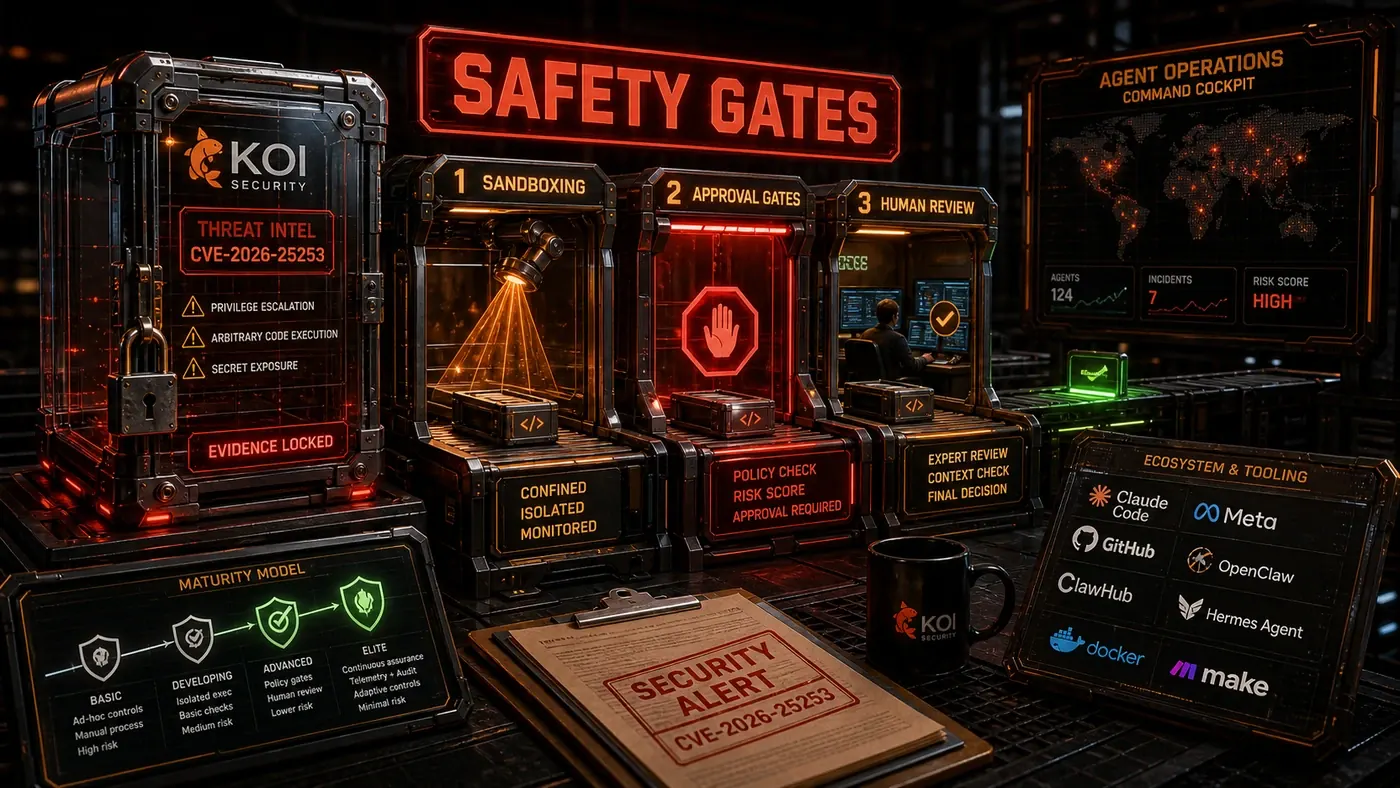
Agent safety is not a feature you add later. It is an architectural property you design in from the start. The lessons from CVE-2026-25253, the Koi Security audit of OpenClaw skills, and real-world agent deployments point to the same three things: sandboxing, approval gates, and human review.
Analysis
Earlier this year a single OpenClaw vulnerability gave the security world a fright. CVE-2026-25253 (opens in a new tab) was a one-click remote code execution flaw: the app accepted a gateway URL from a query string and quietly opened a WebSocket that handed over the user's auth token. One click, and an attacker could be running code on your machine. It was patched in version 2026.1.29, but by then it had made a wider point. The risk with AI agents is not just that they make mistakes. It is that they hold real credentials and can act on the world.
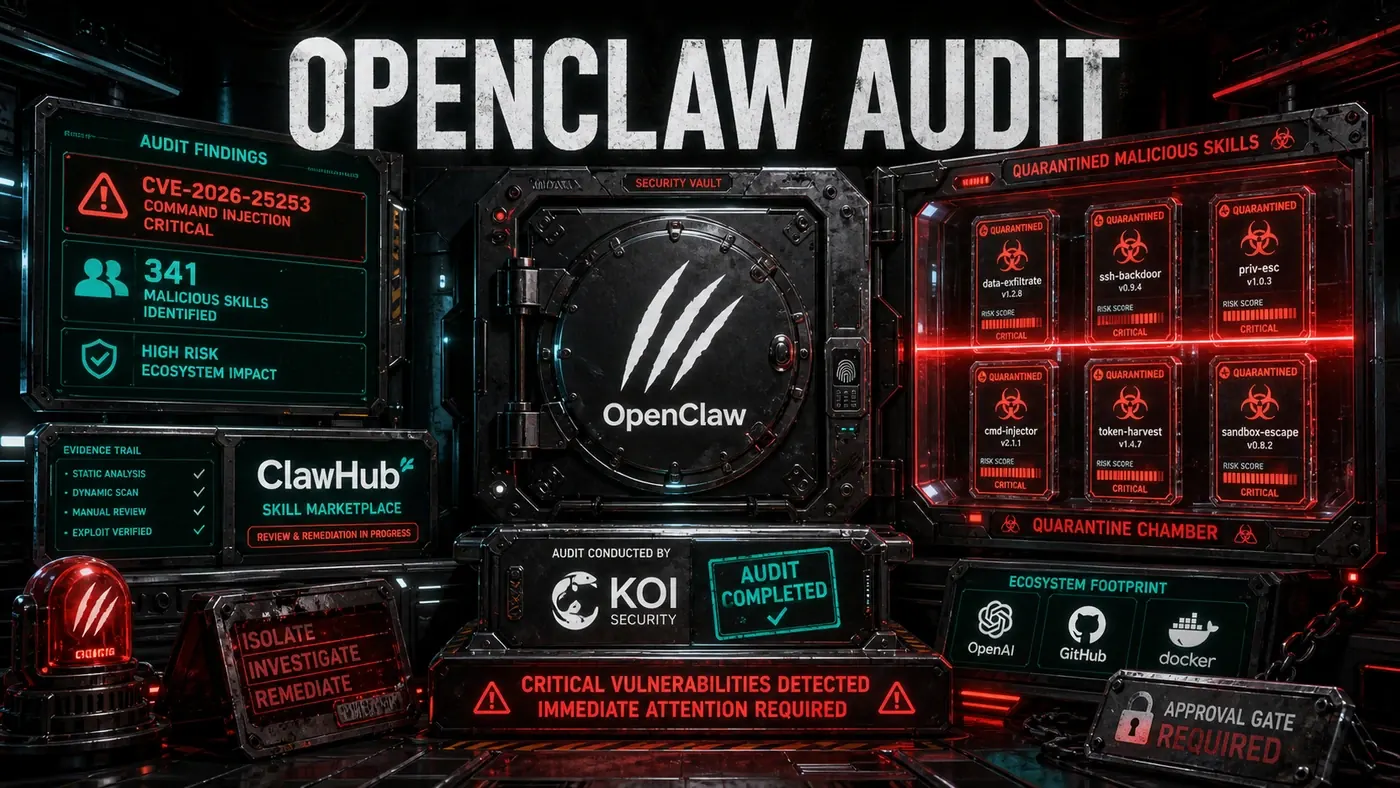
Around the same time, researchers at Koi Security (opens in a new tab) audited every skill in OpenClaw's skill marketplace. Of 2,857 skills, they flagged 341 as malicious, with 335 tied to a single campaign they named ClawHavoc. The malicious skills used fake setup instructions to drop keyloggers on Windows and AMOS-family malware on macOS. The audit was run, fittingly, with the help of the same kind of agent the attackers were targeting.
For an Australian business team thinking about putting an agent to work, the takeaway is not "agents are dangerous, stay away". It is that an agent is a piece of software with hands. You would not give a new contractor your production database password and walk away. The same instinct applies here. The rest of this article is the practical version of that instinct, broken into the three controls that actually contain the risk.
Pillar 1: Sandboxing
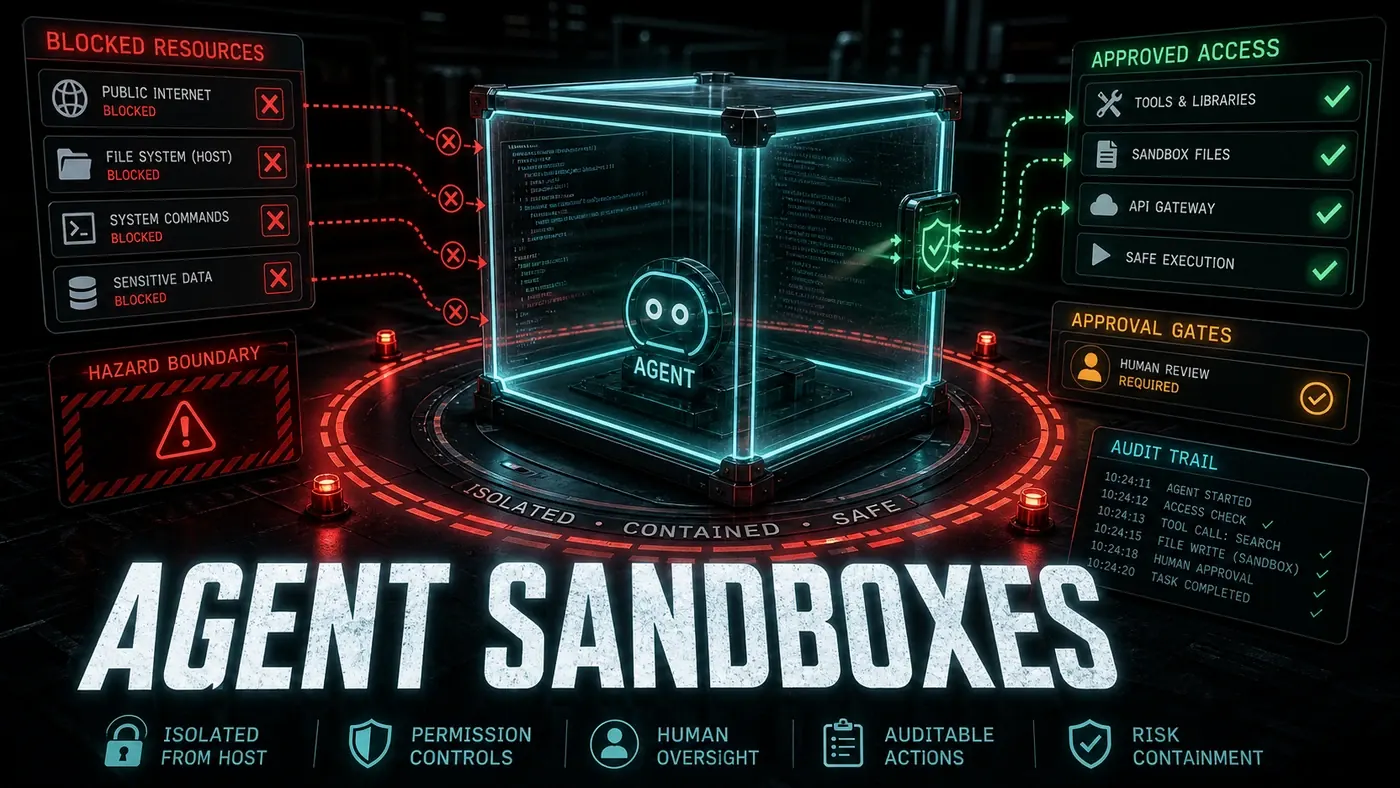
Sandboxing keeps the agent away from anything critical. Article 10 went through the technical strategies in detail. For production, these are the principles that matter:
- Default deny: Agents start with no permissions. Grant only what is needed.
- Filesystem isolation: Read-only access to source code, read-write only to designated scratch directories.
- Network restrictions: No outbound network by default. Whitelist required endpoints.
- Resource limits: CPU, memory, and execution time caps prevent runaway agents.
- Process isolation: Agent code runs in separate processes or containers.
# Production sandbox configuration
sandbox:
 type: container
 filesystem:
 - mount: /workspace/project
 access: read_only
 - mount: /workspace/output
 access: read_write
 network:
 mode: restricted
 allowed_hosts:
 - github.com
 - registry.npmjs.org
 resources:
 cpu_limit: 2
 memory_limit: 4G
 max_execution_time: 600
OpenClaw's post-CVE sandbox mode (opens in a new tab) implements most of these, restricting filesystem and network access for skills. Worth saying plainly: that sandbox has since had its own escape bugs (CVE-2026-32048 among them), so it is a layer of defence, not a guarantee. Hermes (opens in a new tab) supports container-based sandboxing via Docker, with read-only bind mounts for skills and credentials. Claude Code runs in a managed environment with permission and approval controls, which is closer to gated execution than a formal container sandbox, so treat "implicit sandboxing" as shorthand rather than a hard spec.
Pillar 2: Approval Gates
Approval gates make a human confirm high-risk operations before they run. The tricky part is calibrating what counts as "high-risk". Ask for approval on everything and people stop reading the prompts. Ask for too little and you are exposed.
Here is a workable set of gate levels:
| Level | Trigger | Action |
|---|---|---|
| Critical | Database mutation, secret access, deployment | Hard block, require approval |
| High | File deletion, API key usage, config change | Block, show impact analysis |
| Medium | New dependency, >10 files modified | Notify, allow override |
| Low | Single file edit, test addition | Log only |
Claude Code's Plan Mode (opens in a new tab) is the most mature approval gate I have used. It reads the codebase, writes out a numbered plan of the files it will touch and the commands it will run, and refuses to change anything until you approve. You can edit the plan or cancel it first. Hermes offers configurable approval gates (opens in a new tab) too: it can require manual sign-off before destructive commands, and generated code has to pass constraint checks (unit tests, file-size limits) before it runs.
Treat the levels above as a starting template, not gospel. They are a sensible default, but you will tune them to your own risk appetite.
Pillar 3: Human Review
Human review catches what automation misses: subtle bugs, work that technically passes but heads the wrong architectural direction, security holes that static analysis walks straight past. The trick is to make review fast, not bureaucratic.
What works in practice:
- Automated pre-review: Run lint, tests, and security scans before a human sees the code
- Diff-only review: Show only what changed, with clear context
- Risk-based routing: High-risk changes go to senior engineers; low-risk changes can be self-merged
- Review time limits: Review within 4 hours or auto-approve with logging
- Review feedback loops: When reviewers catch agent bugs, update the harness
The Three-Pillar Maturity Model
| Maturity | Sandboxing | Approval Gates | Human Review |
|---|---|---|---|
| Level 1 (Basic) | Container isolation | Plan Mode for complex tasks | All changes reviewed |
| Level 2 (Intermediate) | Capability-based + container | Risk-calibrated gates | Risk-based routing |
| Level 3 (Advanced) | VM-based + capability-based | Context-aware gates | Review sample + spot checks |
| Level 4 (Elite) | Defence-in-depth stack | Minimal gates, high trust | Trust-but-verify with audit |
This model and the thresholds that follow are my recommendation rather than an industry standard, so weigh them against your own data. Most teams should start at Level 1 and move up based on rollback rates. If your rollback rate sits below 2%, you can think about easing off the approval gates. If it climbs above 10%, tighten them.
Agent-Specific Security Risks
Beyond ordinary software security, agents bring their own set of risks (opens in a new tab):
- Prompt injection: Malicious input that overrides system instructions
- Tool misuse: Agent using a legitimate tool for unintended purposes
- Information leakage: Agent exfiltrating sensitive data through tool outputs
- Goal misalignment: Agent pursuing the literal goal in ways that violate implicit constraints
- Supply chain via skills: Malicious skills or dependencies, the kind Koi Security uncovered in the ClawHavoc campaign
Each one needs its own mitigation:
- Prompt injection: Input validation, prompt boundaries, output encoding
- Tool misuse: Capability-based restrictions, tool-specific guards
- Information leakage: Network restrictions, output filtering, audit logging
- Goal misalignment: Constraint specification, approval gates, human oversight
- Supply chain: Skill signing, sandboxing, audit (the Koi Security model)
Incident Response
When an agent causes a security incident:
- Contain: Disable the agent, revoke its credentials
- Assess: Determine scope of impact (what did it access, modify, or exfiltrate)
- Recover: Roll back changes, rotate secrets, patch vulnerabilities
- Analyse: Root cause analysis. Was it a bug, a malicious input, or a design flaw?
- Remediate: Update harness, add constraints, improve monitoring
- Document: Incident report for the team and, if severe, the community
Agent safety is not about eliminating risk. It is about keeping risk in line with the value the agents return. The teams that deploy agents safely are the ones that treat safety as something they keep doing, not a box they tick once.
Agent Safety: answer-first summary
Agent Safety matters because it can change how Operations and governance teams plan, build, or govern an agent workflow. A three-pillar safety model for production agents, sandboxing, approval gates, and human review, with lessons from CVE-2026-25253.
The direct answer is this: do not treat the topic as a standalone trend. Treat it as a decision about inputs, outputs, review ownership, data exposure, and whether the workflow produces a result that is faster, safer, or more useful than the current process.
Agent Safety: implementation checklist
- Define the user, job to be done, and success metric for the agent workflow.
- Collect real examples, policies, source files, customer questions, or search queries before writing prompts or choosing tools.
- Separate low-risk drafts from decisions that need approval, privacy checks, or senior review.
- Document what the AI is allowed to access, what it must not access, and who signs off before production use.
- Review successful task completion, review time, fallback rate, operator corrections after a small pilot rather than judging the idea from a demo.
This keeps the work practical. It also gives search engines and AI answer engines a clean factual structure: what the topic is, who it helps, what to do next, and which risks matter before implementation.
Decision criteria for Agent Safety
| Decision area | What to check | Production signal |
|---|---|---|
| Intent | Does Agent Safety solve a real workflow problem? | The use case has a named owner and measurable outcome. |
| Data | Can the required data be used safely? | Sensitive data is classified and access is controlled. |
| Quality | Can a reviewer judge the output consistently? | Examples, rubrics, or acceptance criteria exist. |
| Scale | Can the workflow be repeated without hero effort? | The process is documented and can be handed to another team member. |
Practical example for Agent Safety
A small business could use this article to choose one practical test. For example, a manager might take one customer-facing process, one internal document workflow, or one recurring content task and redesign only that step with AI support. The goal is not to automate the whole business at once; it is to learn where Code creates reliable leverage.
The useful deliverable is a short operating note: the trigger, the source material, the prompt or tool, the review checklist, the escalation rule, and the metric. That note becomes the handover asset for staff training, SEO/GEO content, service delivery, or future agent work.
Risks and controls for Agent Safety
The common failure pattern is moving too quickly from a promising idea into an unmanaged workflow. For Agent Safety, the risk is not only bad output. It can also be unclear data permission, staff confusion, duplicate content, unreviewed customer advice, or a tool that quietly changes cost or capability.
- Control unclear tool permissions with a named owner, a review step, and written acceptance criteria.
- Control silent failures with a named owner, a review step, and written acceptance criteria.
- Control prompt drift with a named owner, a review step, and written acceptance criteria.
- Control weak audit trails with a named owner, a review step, and written acceptance criteria.
Measurement plan for Agent Safety
A useful AI or SEO initiative should leave evidence. Track successful task completion, review time, fallback rate, operator corrections and compare the pilot against the current process. If the measure does not improve, keep the learning but avoid scaling the workflow.
For GEO readiness, the page should also answer the core question directly, define the entities involved, include implementation steps, explain tradeoffs, and link readers to the next relevant AI Kick Start service, guide, tool, or article.
Definitions and entities for Agent Safety
For search, GEO, and staff handover, define the core entities in plain language. In this article the important entities are the workflow owner, the AI tool or model, the source material, the review process, the risk boundary, and the measurable business outcome. Clear definitions make the page easier for people to scan and easier for AI answer engines to quote accurately.
- Workflow owner: the person accountable for deciding whether Agent Safety belongs in the business process.
- Source material: the documents, examples, policies, URLs, prompts, videos, or customer questions that ground the output.
- Review boundary: the point where a human checks accuracy, privacy, brand voice, or customer impact before the result is used.
- Success metric: the measure that proves whether the agent workflow is worth repeating.
Agent Safety versus doing nothing
Doing nothing is also a decision. The cost may be slow manual work, weaker search visibility, inconsistent advice, duplicated effort, or staff using unmanaged AI tools without a shared process. The practical question is whether a controlled pilot can reduce that cost without creating a larger governance problem.
| Option | When it makes sense | What to watch |
|---|---|---|
| Do nothing | The workflow is rare, low value, or already reliable. | Competitors may improve speed, content depth, or service consistency first. |
| Run a small pilot | The task repeats often and has clear review criteria. | Keep scope tight and measure the result against the current process. |
| Build a production workflow | The pilot is repeatable and risk controls are documented. | Assign ownership, monitoring, training, and a rollback path. |
AI Kick Start handover package for Agent Safety
A production handover should be concrete enough that another person can run it. For Agent Safety, that means a short brief, a workflow map, approved prompts or tool settings, source material, a review checklist, internal links to supporting resources, and a simple measurement sheet. This is the difference between reading about AI and turning it into operational capability.
That packaging also strengthens E-E-A-T. It shows experience through implementation notes, expertise through decision criteria, authoritativeness through source-aware structure, and trust through risks, controls, and review steps. The article becomes useful even if the reader never buys a tool because it helps them make a better operational decision.