





Analysis
There is a quiet assumption in a lot of AI projects right now: that building an "agent" means adopting a heavyweight framework first. Pick the platform, learn its abstractions, wire up its config, then maybe get to the thing you wanted to build. For plenty of teams that ordering feels backwards, and it slows the first useful result down to a crawl.
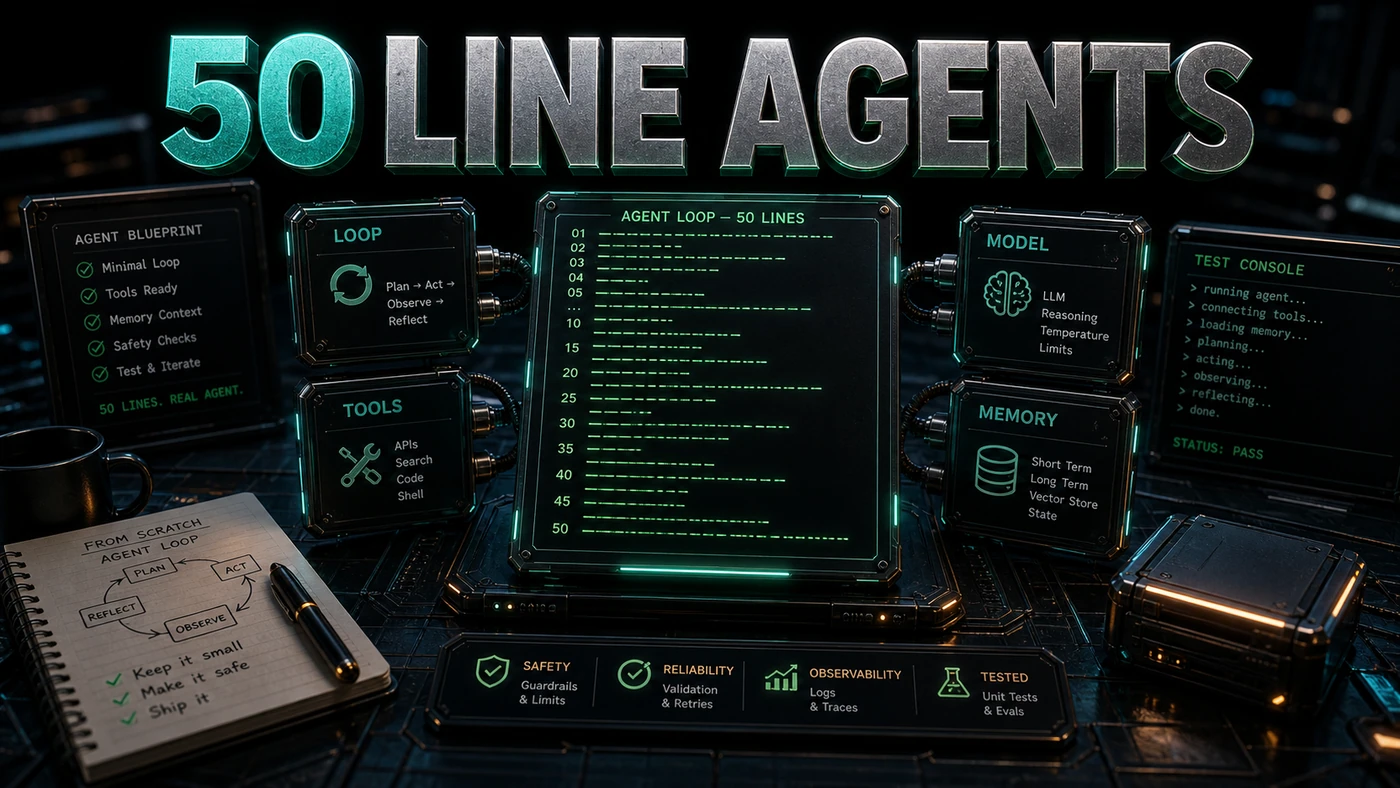
Here is the part that tends to surprise people. The thing those frameworks wrap is small. An agent that reads files, writes files, and runs a command on your behalf fits in a single Python file you can read in one sitting. No magic, no hidden machinery. Just a model, a short list of tools, and a loop.
That matters for a working business because it changes the question. Instead of "which framework do we standardise on," you can ask "what is the smallest thing that solves this job," build it in an afternoon, and only reach for a framework once you actually hit a wall. The example below is the whole pattern, start to finish, and everything that the big platforms add sits on top of it.
The Minimal Agent
# agent.py - A minimal coding agent in 50 lines
import json
from openai import OpenAI

client = OpenAI()

# Define tools
def read_file(path):
    try:
        return open(path).read()
    except:
        return f'Error reading {path}'

def write_file(path, content):
    open(path, 'w').write(content)
    return f'Wrote {path}'

def run_command(cmd):
    import subprocess
    result = subprocess.run(cmd, shell=True, capture_output=True, text=True)
    return result.stdout[:2000] or result.stderr[:2000]

# Tool schema for the model
tools = [{
    'type': 'function',
    'function': {'name': 'read_file', 'description': 'Read a file',
                 'parameters': {'type': 'object', 'properties': {'path': {'type': 'string'}}, 'required': ['path']}}
}, {
    'type': 'function',
    'function': {'name': 'write_file', 'description': 'Write a file',
                 'parameters': {'type': 'object', 'properties': {'path': {'type': 'string'}, 'content': {'type': 'string'}},
                                'required': ['path', 'content']}}
}, {
    'type': 'function',
    'function': {'name': 'run_command', 'description': 'Run a shell command',
                 'parameters': {'type': 'object', 'properties': {'cmd': {'type': 'string'}}, 'required': ['cmd']}}
}]

# The agent loop
messages = [{'role': 'system', 'content': 'You are a coding assistant. Use tools to help.'}]
messages.append({'role': 'user', 'content': input('Task: ')})

while True:
    response = client.chat.completions.create(model='gpt-4.1', messages=messages, tools=tools)
    message = response.choices[0].message
    messages.append(message)

    if not message.tool_calls:
        print(message.content)
        break

    for call in message.tool_calls:
        fn = {'read_file': read_file, 'write_file': write_file, 'run_command': run_command}[call.function.name]
        result = fn(**json.loads(call.function.arguments))
        messages.append({'role': 'tool', 'tool_call_id': call.id, 'content': result})
How It Works
- Define tools: Three tools cover the basics: read a file, write a file, and run a command.
- Describe tools: The model can't guess what your functions do. It needs a JSON schema for each one, which is what the
toolslist provides. The OpenAI function calling guide is worth a read here, because the API generates the function name and arguments but never runs the function for you. That part is your job. - Run the loop: Call the model with the full conversation so far. If it asks for tool calls, run them and append the results. If it answers with plain text instead, print it and stop. This call-execute-feed-back rhythm is the standard agentic loop for OpenAI chat completions.
- Maintain history: The
messageslist is the agent's memory. Every model reply and every tool result gets appended to it, so the next turn sees everything that came before.
A couple of mechanics worth naming, since they trip people up. The SDK call is client.chat.completions.create(model=..., messages=..., tools=...), and the reply lands at response.choices[0].message with a tool_calls attribute on it. Each tool call carries call.id, call.function.name, and call.function.arguments (which arrives as a JSON string, hence the json.loads). You hand the result back as a message with role set to 'tool' and the matching tool_call_id. The model used here, gpt-4.1, is a current OpenAI model built for instruction following and tool calling, with a million-token context window (GPT-4.1 docs).
Extending the Agent
You can grow this in obvious directions. Add more tools (search_code, list_directory, fetch_url, send_slack) by writing the function and adding its schema. Give it memory across sessions by saving messages to SQLite and reloading it next time. Add a guardrail that rejects any tool call matching a forbidden pattern. Put in an approval gate so it asks before it runs write_file or run_command. Or insert a planning step that thinks through the work before it touches a single tool.
None of these require throwing out the loop. They bolt onto it.
When to Use the Minimal Agent
Reach for this pattern when you need a single-purpose agent, when the overhead of a framework isn't earning its keep, when you want to actually understand how agents work under the hood, or when you're prototyping before you commit to anything bigger.
Move to a framework like Hermes or OpenClaw when the requirements grow past it: messaging integrations, a learning loop, multi-agent orchestration, or sharing agents across a team. Both are described in 2026 write-ups as the two dominant agent frameworks, though the specifics there come from secondary coverage rather than firsthand testing (The New Stack, innFactory).
The 50-line agent isn't a toy. It's the core pattern those frameworks are built around, and once you've seen it work, the bigger platforms stop looking like magic and start looking like sensible additions to a loop you already understand.