




Analysis
For most of the last twenty years, the goal of search marketing was simple to state, if not to do: get your page near the top of Google. Win the blue link, win the click.
That deal is quietly breaking. People increasingly ask Perplexity, ChatGPT, or Gemini a question and read the answer the AI writes back, sources folded in as little footnotes. If the AI doesn't quote you, you're invisible, even if you'd have ranked first on a normal results page. As one industry line puts it: SEO gets you clicked, GEO gets you quoted.
So now there are two games running at once. The old one still matters, because plenty of buyers still type a query and scan the results. The new one matters because a growing slice of them never see a results page at all. The catch is that the two games reward slightly different things, and you can't win both by accident.
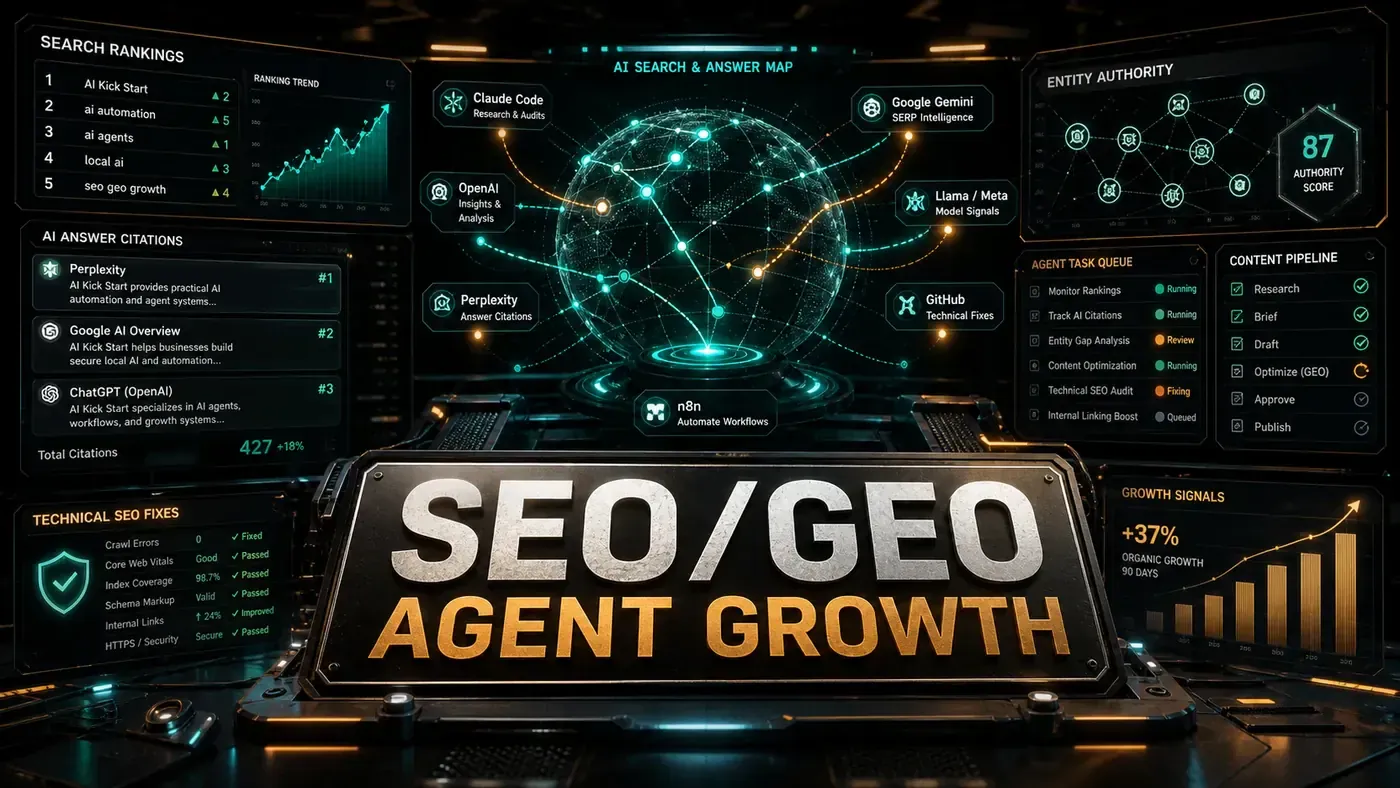
This guide shows how to run both on purpose, with a small fleet of AI agents doing the repetitive work: one set watching rankings and fixing technical faults, another set rewriting content so AI engines find it worth citing. None of it is magic, and as you'll see, some of the example code is illustrative rather than copy-paste ready. But the system underneath is real, and you can build it today.
Analysis
Prerequisites
- Google Search Console API access
- Website with 50+ pages
- Claude Code with custom skills
- n8n or similar automation platform
- Semrush or Ahrefs API (optional)
Step-by-Step Framework
Step 1: The SEO Agent Architecture
Start with the structure. Four agents, each with one job, so you can debug and improve them one at a time instead of wrestling a single tangled script.
SEO Agent System:
├── Rank Monitor Agent
│ ├── Fetches ranking data daily
│ ├── Detects drops > 3 positions
│ └── Triggers optimisation for dropped pages
├── Technical SEO Agent
│ ├── Crawls site weekly
│ ├── Fixes: broken links, redirects, meta tags
│ └── Generates sitemap updates
├── Content Optimiser Agent
│ ├── Analyses top 10 SERP competitors
│ ├── Suggests content improvements
│ └── Rewrites underperforming content
└── Internal Link Agent
 ├── Maps content clusters
 ├── Suggests contextual links
 └── Auto-adds links (with approval)
Step 2: Rank Monitor Agent
This agent pulls your Search Console data on a schedule, compares the current period against the one before it, and flags any page that has slipped more than a few positions. It runs against the Google Search Console API (opens in a new tab), which exposes searchanalytics.query with the page and query dimensions and read-only access through the webmasters.readonly scope.
One note before you reach for the keyboard: the code below uses Claude Code's skills as a worked example. The real skills API is built around Markdown SKILL.md files, so treat the defineSkill() and claude.generate() calls here as scaffolding that shows the shape of the logic, not as something you can run verbatim.
// .claude/skills/rank-monitor.ts
import { google } from 'googleapis';

const searchconsole = google.searchconsole('v1');

export default defineSkill({
 name: 'rank-monitor',
 description: 'Monitor search rankings and detect drops',

 input: z.object({
 siteUrl: z.string(),
 lookbackDays: z.number().default(7),
 dropThreshold: z.number().default(3) // Positions
 }),

 output: z.object({
 pagesWithDrops: z.array(z.object({
 page: z.string(),
 query: z.string(),
 previousPosition: z.number(),
 currentPosition: z.number(),
 drop: z.number()
 })),
 totalClicksChange: z.number(),
 totalImpressionsChange: z.number()
 }),

 async execute({ siteUrl, lookbackDays, dropThreshold }) {
 const auth = await google.auth.getClient({
 scopes: ['https://www.googleapis.com/auth/webmasters.readonly']
 });

 // Get current period data
 const endDate = new Date().toISOString().split('T')[0];
 const startDate = new Date(Date.now() - lookbackDays * 86400000).toISOString().split('T')[0];

 const response = await searchconsole.searchanalytics.query({
 siteUrl,
 requestBody: {
 startDate,
 endDate,
 dimensions: ['page', 'query'],
 rowLimit: 1000
 }
 }, { auth });

 // Compare with previous period
 const prevResponse = await searchconsole.searchanalytics.query({
 siteUrl,
 requestBody: {
 startDate: new Date(Date.now() - lookbackDays * 2 * 86400000).toISOString().split('T')[0],
 endDate: new Date(Date.now() - lookbackDays * 86400000).toISOString().split('T')[0],
 dimensions: ['page', 'query'],
 rowLimit: 1000
 }
 }, { auth });

 // Detect drops
 const drops = [];
 for (const row of response.data.rows || []) {
 const prevRow = (prevResponse.data.rows || []).find(
 p => p.keys[0] === row.keys[0] && p.keys[1] === row.keys[1]
 );

 if (prevRow && (prevRow.position - row.position) > dropThreshold) {
 drops.push({
 page: row.keys[0],
 query: row.keys[1],
 previousPosition: prevRow.position,
 currentPosition: row.position,
 drop: row.position - prevRow.position
 });
 }
 }

 return {
 pagesWithDrops: drops,
 totalClicksChange: this.calculateChange(response, prevResponse, 'clicks'),
 totalImpressionsChange: this.calculateChange(response, prevResponse, 'impressions')
 };
 }
});
Step 3: GEO Agent, Optimise for AI Citation
Here's where the second track lives. This agent takes a piece of content and reworks it to be the kind of thing an AI engine wants to quote: a confident tone, real numbers with sources, clear topic sentences, structured tables, and the odd expert line. That's the same logic the Princeton GEO research (opens in a new tab) points at, which reportedly found these methods can lift visibility in generative-engine answers by up to roughly 40%.
A caveat on the scoring at the bottom of this skill. The calculateGeoScore formula, base 50, plus 10 for statistics, citations, quotes, tables, and length, is an author-invented heuristic, not a published or standardised GEO metric. The same goes for treating geoScore / 100 as a citation probability. Use it as a rough internal signal to compare your own pages over time, not as a number you can take to the bank.
// .claude/skills/geo-optimiser.ts
export default defineSkill({
 name: 'geo-optimiser',
 description: 'Optimise content for Generative Engine citation',

 input: z.object({
 content: z.string(),
 topic: z.string(),
 targetAiEngines: z.array(z.enum(['perplexity', 'chatgpt', 'gemini', 'claude'])).default(['perplexity', 'chatgpt'])
 }),

 output: z.object({
 optimisedContent: z.string(),
 changes: z.array(z.string()),
 geoScore: z.number(), // 0-100
 citationProbability: z.number() // 0-1
 }),

 async execute({ content, topic, targetAiEngines }) {
 // GEO optimisation principles:
 // 1. Authoritative, fluent tone
 // 2. Statistics and citations
 // 3. Clear topic sentences
 // 4. Structured data (tables, lists)
 // 5. Quotations from experts
 // 6. Technical depth

 const optimisation = await claude.generate({
 prompt: `Optimise this content for AI search engine citation.

Current content (first 2000 chars): ${content.slice(0, 2000)}

Apply these GEO principles:
1. Add 2-3 relevant statistics with sources
2. Strengthen the authoritative tone
3. Add clear "According to [source]" citations
4. Include a comparison table
5. Add an expert quotation
6. Improve topic sentences for each paragraph
7. Add technical depth with specific numbers

Return the complete optimised content and a list of changes made.`,
 maxTokens: 4000
 });

 // Calculate GEO score
 const geoScore = this.calculateGeoScore(optimisation, targetAiEngines);

 return {
 optimisedContent: optimisation.content,
 changes: optimisation.changes,
 geoScore,
 citationProbability: geoScore / 100
 };
 },

 calculateGeoScore(content: string, engines: string[]): number {
 let score = 50; // Base score

 // Statistics present
 if (/\d+\s*(%|percent|million|billion)/.test(content)) score += 10;
 // Citations
 if (/According to|Research from|Study by/.test(content)) score += 10;
 // Expert quotes
 if (/"[^"]{20,}"/.test(content)) score += 10;
 // Comparison table
 if (/\|.*\|/.test(content)) score += 10;
 // Technical depth
 if (content.length > 2000) score += 10;

 return Math.min(score, 100);
 }
});
A word of warning that belongs right here: optimising for citation means adding *real* statistics from real sources. Do not let an agent invent numbers to game its own score. AI engines are getting better at sniffing out unsupported claims, and a fabricated stat that gets quoted is a reputation problem, not a win.
Step 4: Technical SEO Agent
The technical agent does the unglamorous housekeeping. It crawls your site, checks each page for the usual faults, overlong titles, missing or bloated meta descriptions, absent canonical tags, and writes the problems to a list you can act on. The thresholds here (titles over 60 characters, descriptions over 160) aren't penalties; they're the points where Google tends to truncate (opens in a new tab), which is why most audits flag them.
If you'd rather not maintain your own crawler, Screaming Frog's SEO Spider runs headless from the CLI (opens in a new tab) and ties straight into the Search Console URL Inspection API, up to 2,000 URLs per property per day. The Python below is for teams who want full control of the crawl.
# technical_seo.py
import requests
from bs4 import BeautifulSoup
from urllib.parse import urljoin, urlparse
import json

class TechnicalSEOAgent:
 def __init__(self, base_url):
 self.base_url = base_url
 self.visited = set()
 self.issues = []

 def crawl(self, max_pages=100):
 to_visit = [self.base_url]

 while to_visit and len(self.visited) < max_pages:
 url = to_visit.pop(0)
 if url in self.visited:
 continue

 try:
 response = requests.get(url, timeout=10)
 self.visited.add(url)

 soup = BeautifulSoup(response.text, 'html.parser')

 # Check title
 title = soup.find('title')
 if not title or len(title.text) > 60:
 self.issues.append({
 'url': url,
 'type': 'title_issue',
 'detail': f"Title length: {len(title.text) if title else 0}"
 })

 # Check meta description
 meta_desc = soup.find('meta', attrs={'name': 'description'})
 if not meta_desc or len(meta_desc.get('content', '')) > 160:
 self.issues.append({
 'url': url,
 'type': 'meta_description_issue',
 'detail': 'Missing or too long'
 })

 # Check canonical
 canonical = soup.find('link', attrs={'rel': 'canonical'})
 if not canonical:
 self.issues.append({
 'url': url,
 'type': 'missing_canonical',
 'detail': 'No canonical tag'
 })

 # Find internal links
 for link in soup.find_all('a', href=True):
 href = link['href']
 full_url = urljoin(url, href)
 if self.is_internal(full_url) and full_url not in self.visited:
 to_visit.append(full_url)

 except Exception as e:
 self.issues.append({
 'url': url,
 'type': 'crawl_error',
 'detail': str(e)
 })

 return {
 'pages_crawled': len(self.visited),
 'issues_found': len(self.issues),
 'issues': self.issues
 }

 def is_internal(self, url):
 return urlparse(url).netloc == urlparse(self.base_url).netloc

 def generate_fixes(self):
 """Generate Claude Code commands to fix issues."""
 fixes = []
 for issue in self.issues:
 if issue['type'] == 'title_issue':
 fixes.append(f"claude run skill fix-title --url {issue['url']}")
 elif issue['type'] == 'missing_canonical':
 fixes.append(f"claude run skill add-canonical --url {issue['url']}")
 return fixes
Step 5: The Dual-Track Dashboard
You can't manage what you don't measure, and the whole point of running two tracks is to see them separately. This interface keeps SEO metrics and GEO metrics in their own blocks, then rolls up a combined view so you can argue ROI to whoever signs off the budget. The AI citation rate, what share of AI answers actually quote you, is the number that didn't exist five years ago and now deserves a column of its own.
// dashboard.ts
interface SEODashboard {
 // Traditional SEO metrics
 seo: {
 totalKeywords: number;
 avgPosition: number;
 top10Count: number;
 organicTraffic: number;
 technicalIssues: number;
 pagesOptimized: number;
 };
 // GEO metrics
 geo: {
 aiCitationRate: number; // % of AI responses citing your content
 perplexityCitations: number;
 chatgptCitations: number;
 geminiCitations: number;
 avgGeoScore: number;
 pagesGeoOptimized: number;
 };
 // Combined
 combined: {
 totalGrowth: number;
 pagesWithBoth: number;
 roi: number;
 };
}
Step 6: n8n Automation Workflows
The last piece is the scheduling layer that ties the agents together. n8n publishes ready-made SEO workflow templates (opens in a new tab) that connect Search Console, Screaming Frog, Ahrefs, and SEMrush into cron-driven pipelines, so you don't have to build the plumbing from nothing. The three workflows below, a daily ranking check, a weekly GEO pass, and a monthly full audit, are a sensible starting layout. Treat them as a sketch to adapt, not a literal export.
Workflow 1: Daily SEO Check
Trigger: Cron (daily 6 AM)
→ Fetch Search Console data
→ Detect ranking drops > 3 positions
→ For each drop:
 → Trigger content optimiser
 → If technical issue → trigger technical SEO agent
 → Send Slack notification

Workflow 2: Weekly GEO Optimisation
Trigger: Cron (weekly Monday 9 AM)
→ Fetch pages with < 70 GEO score
→ Run GEO optimiser on each
→ Queue for human review if changes > 30%
→ Auto-publish if changes < 30%
→ Track citation rate before/after

Workflow 3: Monthly Audit
Trigger: Cron (monthly 1st)
→ Full technical crawl
→ Generate issue report
→ Prioritise fixes by impact
→ Create tickets in project management tool
→ Executive summary email
Do/Don't
| Do | Don't |
|---|---|
| Track both SEO and GEO metrics separately | Focus only on traditional rankings |
| Optimise for AI citation with statistics | Fabricate statistics for citation |
| Run technical audits weekly | Wait for manual SEO audits |
| A/B test GEO changes | Apply GEO optimisations without measuring |
| Use authoritative, expert tone | Write generic, shallow content |
Conclusion
Search optimisation now runs on two tracks. SEO still earns your Google rankings, and it still pays, the technical foundation of crawlability, fresh content, and clean rankings hasn't gone anywhere. GEO is the new track: structuring content so AI engines find it worth quoting. The agents in this guide handle the grind of both, but the judgement stays yours. Keep a human reviewing the changes that matter, never let an agent invent a statistic, and measure the two tracks apart so you know which one is actually moving. Do that and you're earning attention from both directions at once, which is roughly where the next few years of search are headed.