


Introduction: Why This One Belongs on the Watchlist
Local AI is moving from experiment to operational requirement, and AMD's latest moves are worth watching. The reason it matters for AI Kick Start readers is practical: this is not just another launch to admire from a distance. It changes how founders, operators, and technical teams should think about Hardware & Edge AI work over the next few months. The source transcript repeatedly centres on Advanced Shader Delivery, Ryzen CPU refreshes and the MacBook Neo comparison, with the video framing the topic as a practical workflow rather than a detached product announcement. That is the useful lens. The video is worth treating as implementation intelligence: what should be tested, what should be ignored for now, and what should become part of a repeatable operating system. For Australian small businesses and technical teams, the right question is not "is this impressive?" The right question is "where does this reduce friction without creating a larger governance, security, or maintenance problem?"
What the Video Actually Shows
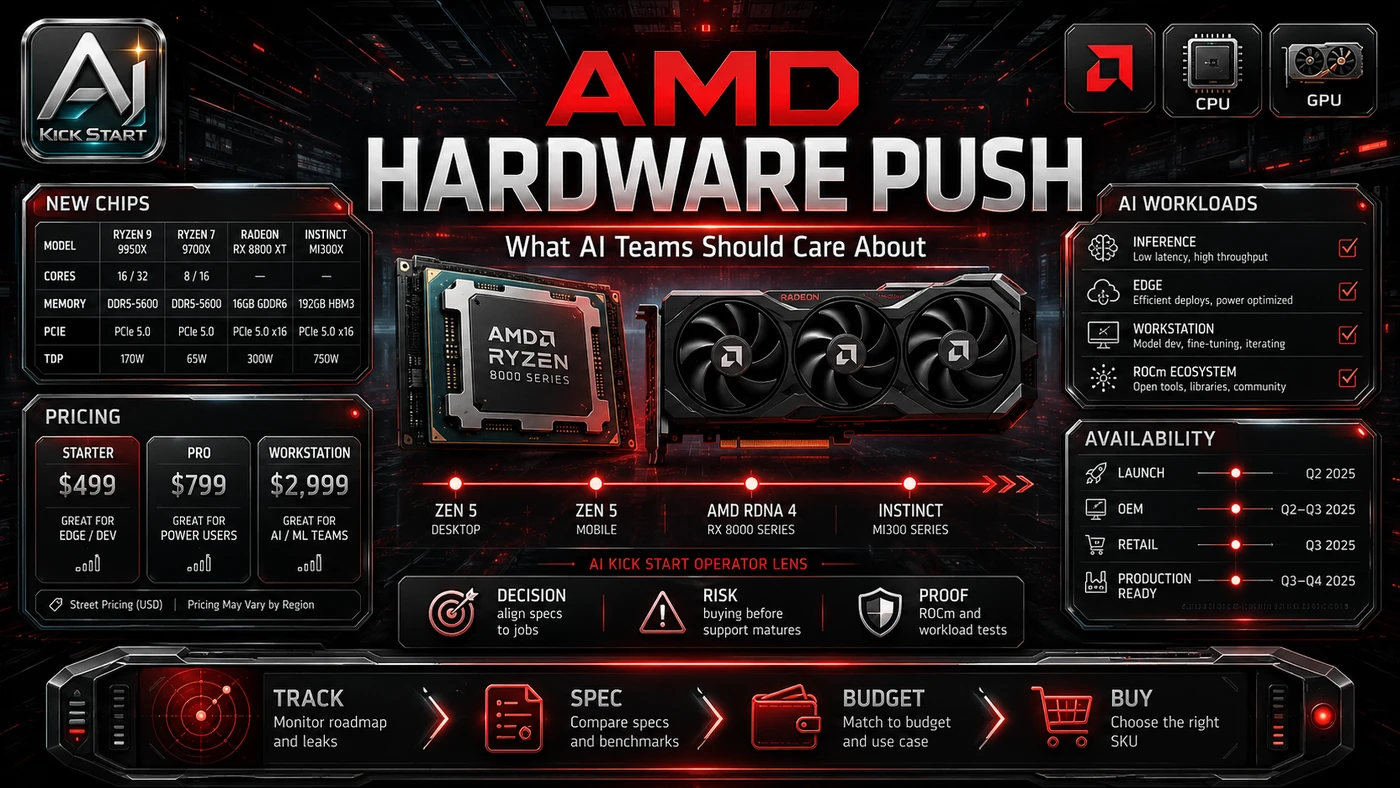
The core pattern is simple: treat hardware evaluation as a workload-driven test, pick one real task, one runtime, and one acceptance metric. The video covers three AMD moves: Advanced Shader Delivery now supports RDNA 1, RDNA 2, and APUs, with pre-compiled shaders claimed to cut first-launch load times by up to 95%; AMD re-released the Ryzen 7 5800X3D and launched low-end Zen Plus and Zen 2 mobile CPUs (Ryzen 3 3100U, Ryzen 5 3501U, Ryzen 7 4700LE); and AMD compared an HP OmniBook X Flip with a Ryzen 5 220 against the MacBook Neo, claiming 15 of the top 20 PC games do not run natively on the Neo. In practice, that means the update sits inside a broader shift from isolated AI prompts to managed systems. A tool, model, or method only becomes valuable when it has clear inputs, a measurable output, a review path, and a way to repeat the result next week. The video's most useful signal is the workflow shape. The moving parts can be summarised as: workload definition device selection runtime stack grading run. That is the level at which teams should evaluate it. A demo can be entertaining, but a workflow must survive messy source files, staff handoff, data boundaries, and real deadlines.
The Implementation Pattern
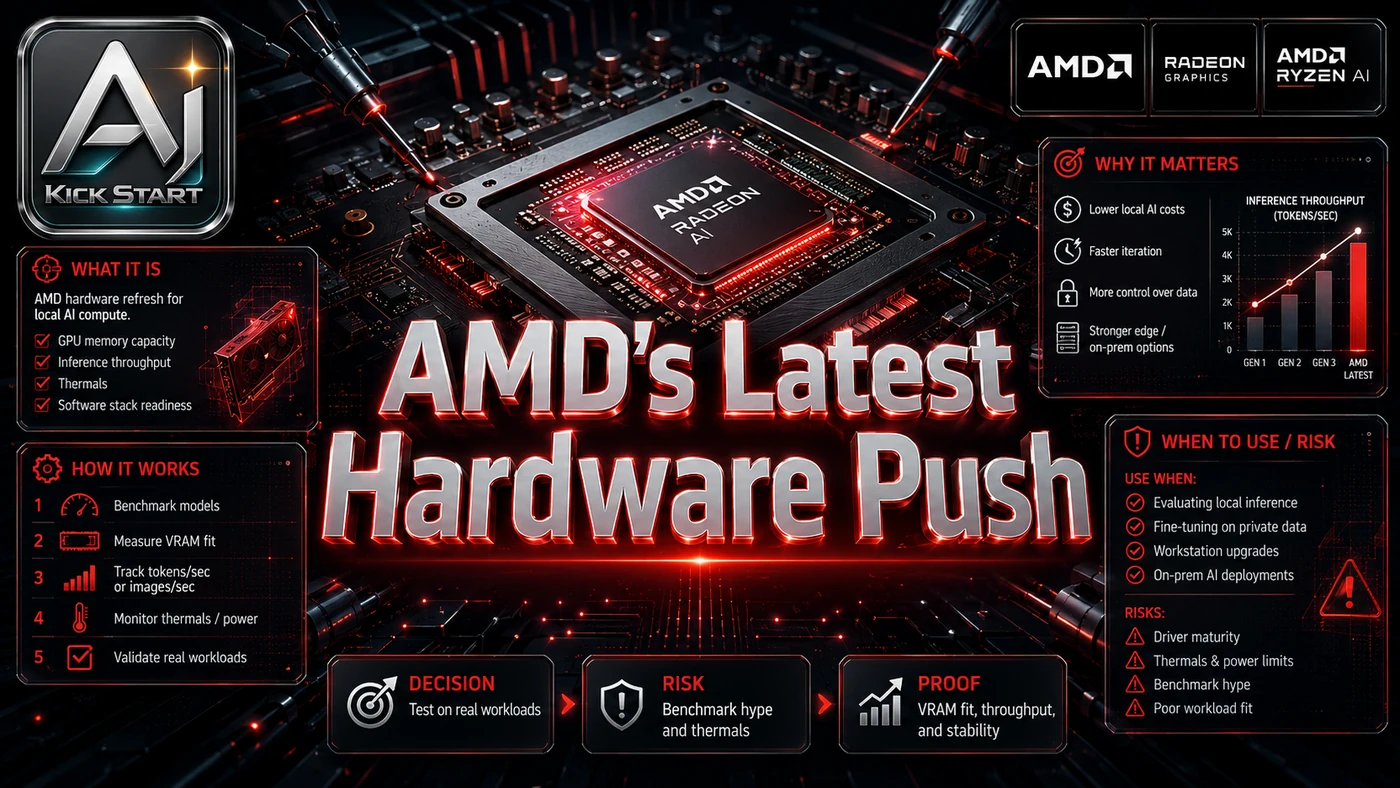
The first implementation lesson is to narrow the scope. Start with one narrow workload and one success metric, because broad adoption is usually where AI systems fail first because nobody knows which decision the tool is allowed to make and which decision still belongs to a human. The second lesson is to create a test harness. Keep the first device configuration close to the real fleet with locked driver versions. A useful harness does not have to be complicated. It can be a short brief, a fixed sample dataset, a few expected outputs, and one person responsible for judging whether the result is good enough. The third lesson is to capture the process. Document the exact device SKU, driver version, runtime, and benchmark procedure. When the process is documented, it can become a reusable skill, checklist, prompt pack, repo pattern, or operating procedure. When it is not documented, the team is back to improvising in chat.
Research Update: What To Correct
This update adds a current-source pass rather than treating the original video summary as enough. The important corrections are the product surface, plan or pricing constraints, and what should be verified before a team depends on the workflow. "Up to 95% faster load times" is a vendor claim, not a universal result: the figure is game- and hardware-specific and describes first-launch shader caching, not general performance. Advanced Shader Delivery is currently Xbox PC app only and requires Windows 11 24H2 or higher and a supported AMD GPU driver. The MacBook Neo comparison uses a Ryzen 5 220 with no Ryzen AI NPU, making it a Windows-versus-macOS argument rather than a meaningful AI hardware showdown. The new Zen Plus and Zen 2 CPUs are not AI hardware; they extend cheap machine life but lack modern NPU and GPU compute. "Ryzen AI" branding does not guarantee capability across SKUs: a Ryzen AI 7 350 with a 50 TOPS NPU is very different from a Ryzen 5 220 with no NPU.
Practical Setup and How-To
The useful next step is a controlled pilot with a named owner, fixed inputs, a measurable output, and a review point. Use the sequence below as the first implementation path before expanding the workflow. Audit the workload, then pick a representative device such as a Ryzen AI 7 350 laptop with 8 cores / 16 threads, a Radeon 860M iGPU, and a 50 TOPS XDNA 2 NPU. Install a runtime and verify your target model runs on the intended path, then build a benchmark harness that measures tokens per second, latency, and power draw. Update to Windows 11 24H2, install the latest AMD drivers, and document driver versions, BIOS settings, thermal behaviour, and failed model loads.
Pricing, Access, and Comparison Notes
Pricing and access should be checked at implementation time because AI products change quickly. The safer decision is to compare the tool against the job-to-be-done, not against launch hype. Advanced Shader Delivery is free through the Xbox PC app public preview, while the CPU refreshes are cost-saving options, though Australian pricing often diverges from US figures once GST, shipping, and local distribution are added. For local AI, compare price-to-capability: as of late June 2026, indicative US pricing puts the MacBook Neo at $599, the MacBook Air M4 around $849–$899, and Ryzen AI 7 350 machines as low as $469. Comparable options include the HP OmniBook 5 with Ryzen AI 7 350 (~50 NPU TOPS), the MacBook Neo with A18 Pro (~35 TOPS), the MacBook Air M4 (~38 TOPS), and Intel Lunar Lake (~40 TOPS); TOPS ratings are marketing shorthand and do not translate directly into usable inference speed. Access Plan, preview status, region, account type, admin controls, and rate limits. Cost Subscription, credits, API tokens, retries, hardware, review time, and support burden. Fit Workflow reliability, data handling, output quality, observability, and human approval needs.
Implementation Notes for Teams
For AI Kick Start readers, this is the production filter: keep the first rollout narrow, make the evidence visible, and do not let the tool cross a business boundary until the review model is clear. The practical risks are software maturity, because the Windows NPU stack is less polished than Apple's Neural Engine or NVIDIA's CUDA; SKU confusion, because "Ryzen AI" covers very different capabilities; thermal variance, depending on cooling and cTDP; management overhead; and vendor marketing, because AMD's MacBook Neo page is competitive positioning. Keep the first rollout narrow until the device has passed a repeatable grading run. Use documented device configurations and benchmark scripts so the test can be repeated by someone else. Add review gates before production data access, external deployment, or fleet-wide procurement.
Screenshot and Visual Guidance
The second inline image for this article should make the implementation concrete: a clean test bench with a labelled device SKU, driver version panel, benchmark script output, and a graded hardware scorecard. Record processor and driver versions, NPU/GPU/CPU utilisation, benchmark output showing tokens per second and latency, and thermal behaviour. If the team is documenting a real rollout, capture setup screens, before/after outputs, permission settings, cost meters, and review evidence rather than decorative screenshots.
Where It Fits for Real Teams
For founders, the opportunity is speed with evidence. This kind of evaluation can reduce the time between idea and first useful output, but it should still produce artefacts that a customer, manager, or developer can inspect. For operators, the value is consistency. If the same task is done slightly differently every time, AI can either make the inconsistency worse or help standardise the path. The difference is whether the workflow has rules, examples, and review checkpoints. For technical teams, the value is leverage. A strong setup lets local models take on repeatable work while engineers keep control over architecture, security, deployment, and final judgement. AMD's moves suit Windows-heavy fleets that need x86 compatibility and lower hardware cost, less so Apple-centric teams or those expecting large on-device models. A 50 TOPS NPU is useful for small models and specific tasks, but not a replacement for cloud inference or a discrete GPU. The practical fit is strongest when the task has clear source material, a known output format, and a low-cost way to verify quality. It is weaker when the task is vague, politically sensitive, legally risky, or dependent on facts that cannot be checked.
Trade-offs and Risks
The main risk is marketing-driven SKU confusion. That risk can be managed, but only if it is named before the workflow becomes normal. A second risk is thermal throttling and benchmark peaks that do not survive real workloads. AI systems often look better in a screen recording than they feel inside a production workflow. The test is whether the result is repeatable when the source material changes, the operator changes, and the deadline is real. A third risk is treating older hardware refreshes such as the DDR4 CPU line as capable local AI platforms. This is why AI Kick Start generally recommends a staged rollout: sandbox first, internal use second, customer-facing deployment last.
The Next Sensible Test
The next sensible test is a small controlled implementation. Pick one workflow, one owner, one expected output, and one acceptance check. Run it twice. If the second run is easier than the first, the pattern is worth keeping. Do not judge the workflow by the best possible demo. Judge it by the worst acceptable production case. Ask: what happens when the source file is incomplete, the tool is unavailable, the output is wrong, or a staff member needs to explain the result to a customer? If those answers are clear, this belongs in the roadmap. If they are not, it belongs in the lab until the operating model catches up.