




Analysis
Ask most people what makes an AI agent smart and they'll point at the model behind it. That's the wrong place to look. The thing that decides whether an agent feels like a capable colleague or a goldfish with a keyboard is memory: what it can hold onto, recall, and act on later.
An agent with no memory starts every job from zero. It can't tell you what worked last time, can't remember that you hate morning meetings, can't pick up a half-finished task where it left off yesterday. An agent that remembers well can do all of that. So the design question that matters most is the one nobody markets: how does this thing keep track of what it has done?
In 2026, there's no settled answer. The major platforms have gone in genuinely different directions, and each choice comes with a bill attached. Below, we go through the four memory designs you're most likely to run into in production, what each gets right, and where each one will bite you.
OpenClaw: Context Window as Memory
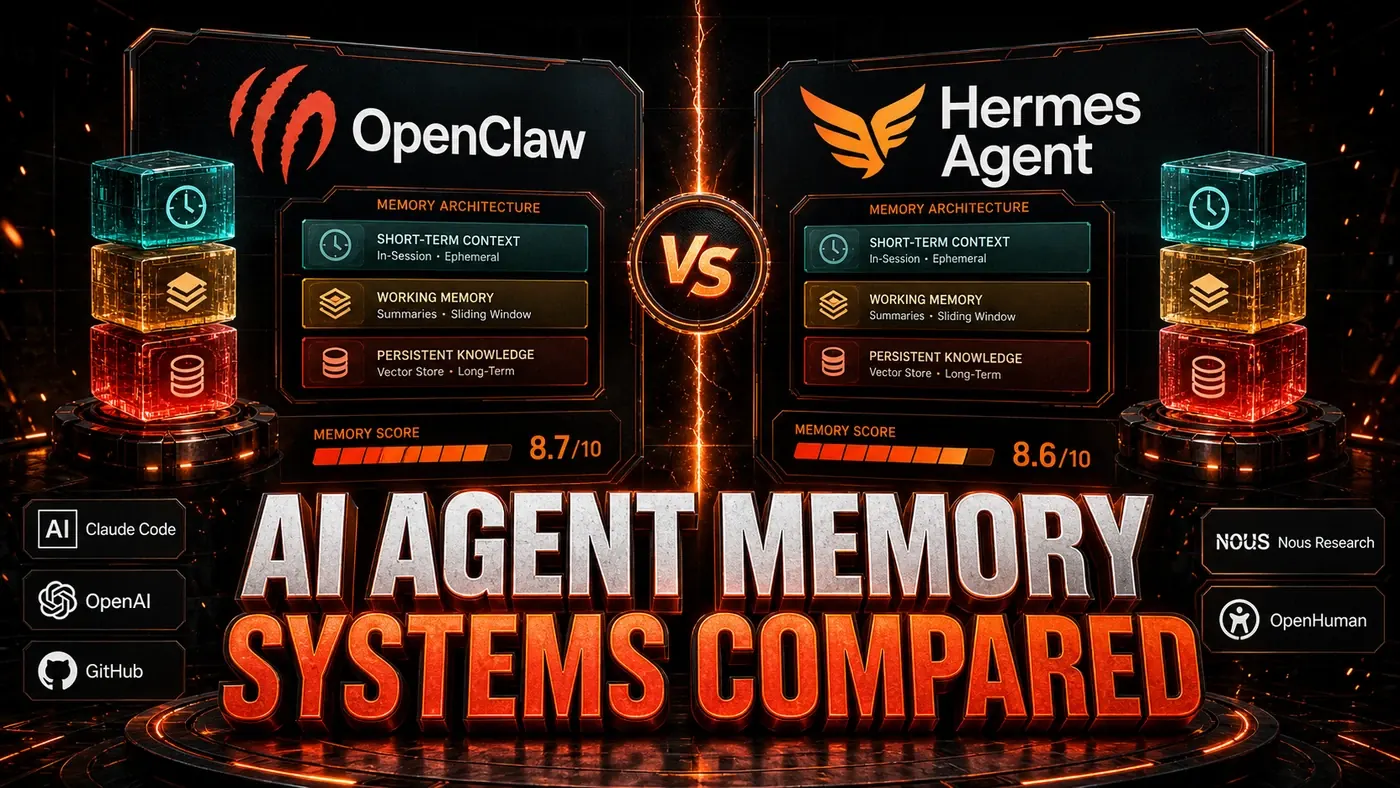
OpenClaw's (opens in a new tab) default approach is the plainest one going: the agent remembers whatever fits in the context window, and forgets the rest (OpenClaw, Memory overview (opens in a new tab)). The upside is that there's nothing to babysit. No external database, no retrieval to tune, no chance of the agent dredging up something stale. Whatever is in context is what it knows.
The catch is the obvious one. Context windows are finite, even the big ones. (OpenClaw's usable context depends on the model and config behind it; some setups cap out well below the 1M-token figure people like to quote.) A long-running agent eventually loses the early part of a conversation, and an agent chewing through a large task can't keep the whole task state in front of it at once.
OpenClaw's answer is optional "memory extensions", vector-database integrations that let an agent store and pull back information from outside the window. They're good at factual lookups: "what did the customer ask about last week?" They're weaker at procedural memory: "what approach actually worked for this kind of job?" The retrieval runs on semantic similarity, which is fine for surfacing related text but doesn't capture the cause-and-effect links that make up real learning.
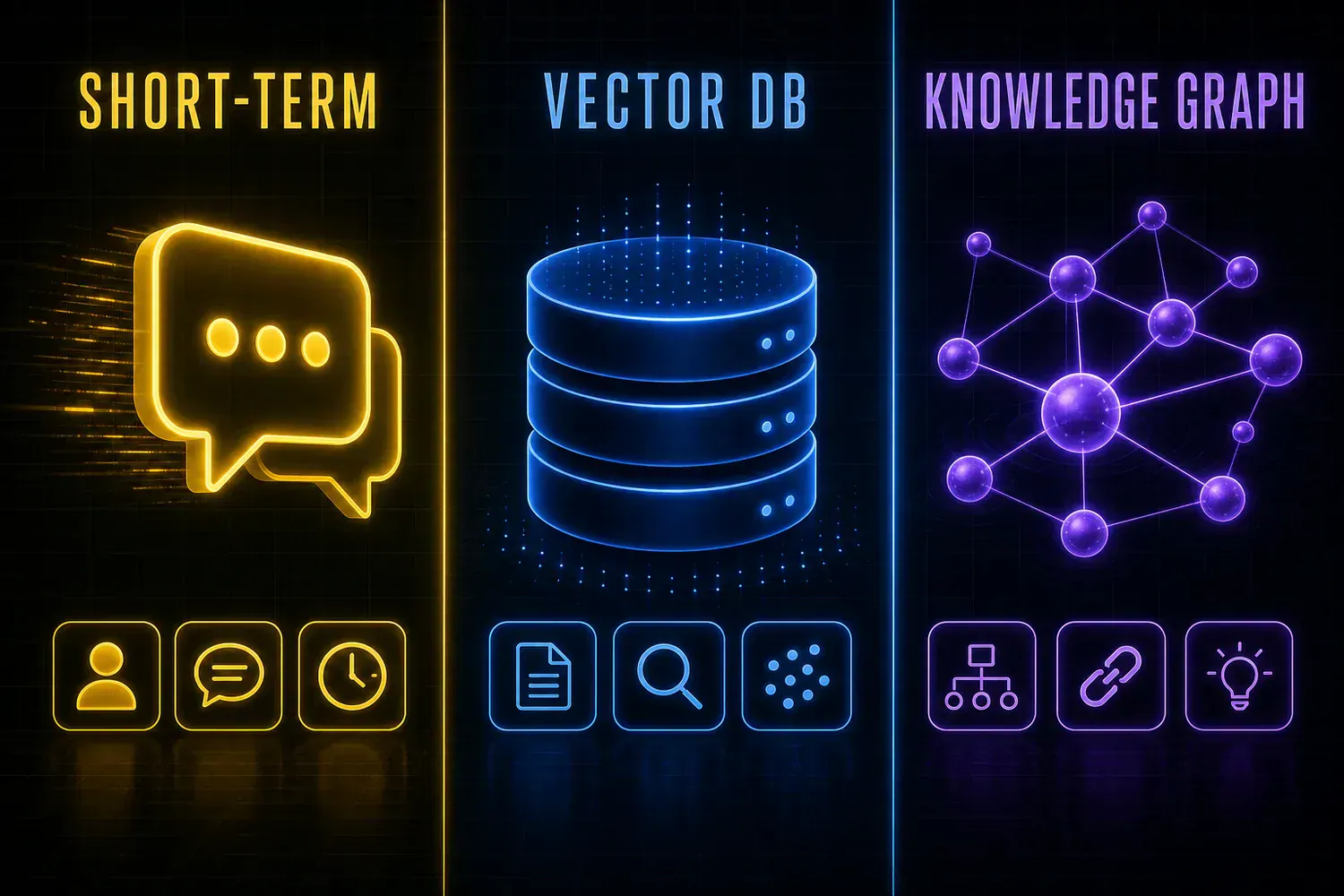
Hermes Agent: Layered Episodic Memory
Hermes Agent (opens in a new tab), from Nous Research, has the most developed memory design of the production systems here. It splits memory into separate layers rather than treating it as one bucket (Hermes Agent, Persistent Memory (opens in a new tab)).
In practice those layers are an episodic store (a local SQLite full-text database of past sessions), a semantic layer (plain Markdown files holding what the agent knows about you and the work), and a procedural layer (auto-generated skill files it builds up as it goes). Episodic memory keeps a searchable record of what happened. The semantic and procedural layers are where lasting knowledge lives, so the agent can carry lessons from one session into the next.
This is what lets Hermes get better at jobs it has done before. The independent benchmark people point to is TokenMix's April 2026 testing, which found that agents that had accumulated 20-plus self-created skills finished similar later tasks roughly 40% faster, measured in both tokens and wall-clock time. (Nous and some commentators frame this as the agent "accumulating competence," though that exact phrase isn't confirmed Nous terminology, and the often-repeated "34% faster, 28% fewer errors between the first and tenth attempt" pairing doesn't trace back to any source we could find, treat it as unverified.)
The price is complexity. A layered store needs real storage behind it, and episodic records reportedly pile up over time without much automatic pruning, though that hasn't been confirmed. Retrieval adds work on top of every session, and a corrupted memory record can throw the agent off. (You'll also see a "200-500ms per request" latency figure floating around; the docs actually cite about 20ms for a session search and describe memory being loaded once as a frozen snapshot at session start rather than fetched per request, so the slower number looks overstated.)
OpenHuman: Local-First Personal Memory
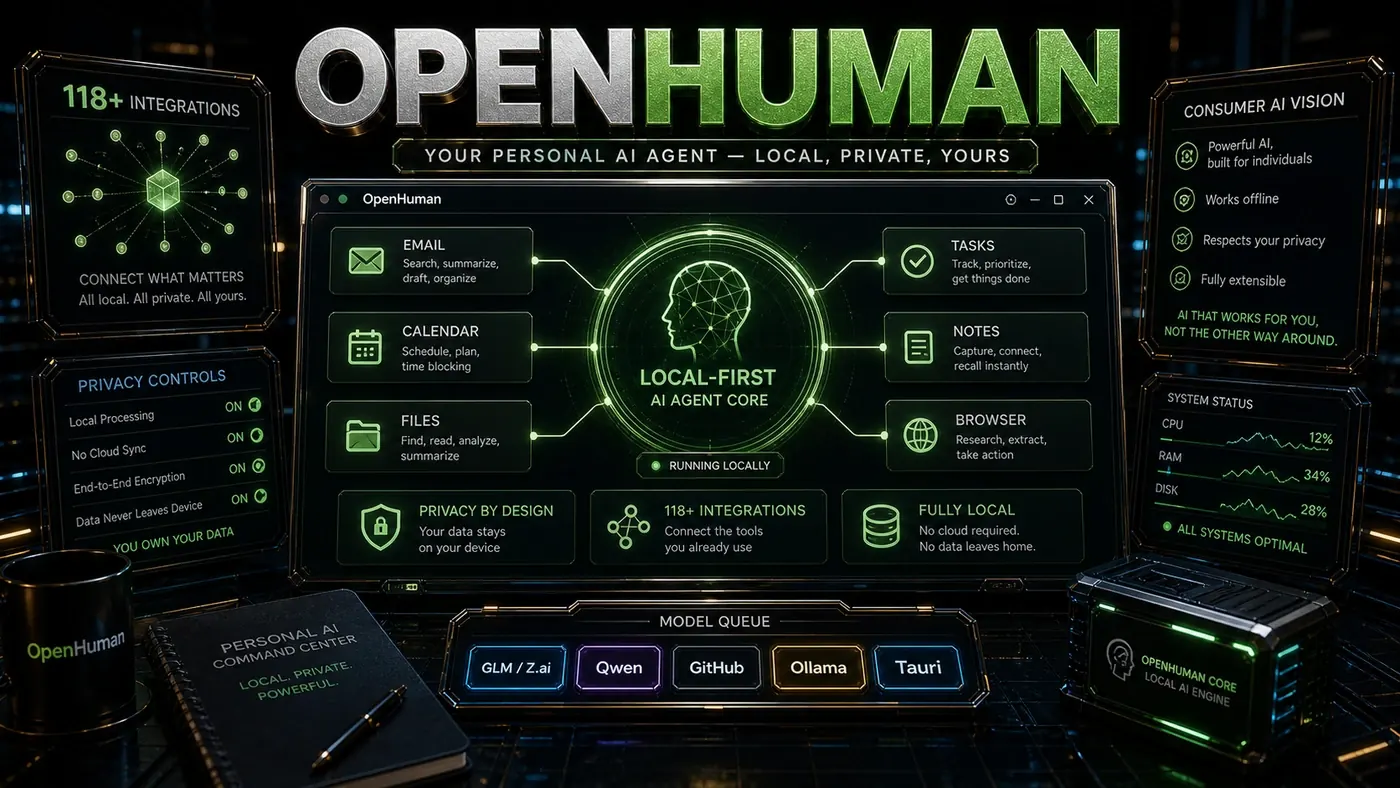
OpenHuman (opens in a new tab) is the odd one out, and deliberately so. Its memory is personal, not task-shaped. The system keeps a running model of you, your preferences, habits, relationships, and goals, stored on your own device, and it's available across OpenHuman's 118-plus integrations (tinyhumansai/openhuman on GitHub (opens in a new tab)).
That's what makes the behaviour feel personalised rather than generic. OpenHuman picks up that you prefer afternoon meetings, that you always want to see the raw data behind a summary, that you've got a standing order at a particular restaurant, that you're mid-project with deadlines that matter. That knowledge sticks across sessions and across tools, so you get one coherent assistant instead of a string of disconnected tasks.
Keeping it local is a real privacy win. Storing everything on-device sidesteps the surveillance problem that hangs over cloud assistants. The downside is the same decision: a personal device can't hold the enormous corpora a cloud system can reach (OpenHuman's architecture is built to keep a large personal store on-device, but it's still a different scale), and local storage makes backup and syncing across multiple devices something the user has to think about.
AI Agent Memory Systems Compared: answer-first summary
AI Agent Memory Systems Compared matters because it can change how Founders and operators plan, build, or govern an agent workflow. How leading agent platforms handle memory, from short-term context windows to persistent knowledge, and which approaches actually hold up.
The direct answer is this: do not treat the topic as a standalone trend. Treat it as a decision about inputs, outputs, review ownership, data exposure, and whether the workflow produces a result that is faster, safer, or more useful than the current process.
AI Agent Memory Systems Compared: implementation checklist
- Define the user, job to be done, and success metric for the agent workflow.
- Collect real examples, policies, source files, customer questions, or search queries before writing prompts or choosing tools.
- Separate low-risk drafts from decisions that need approval, privacy checks, or senior review.
- Document what the AI is allowed to access, what it must not access, and who signs off before production use.
- Review successful task completion, review time, fallback rate, operator corrections after a small pilot rather than judging the idea from a demo.
This keeps the work practical. It also gives search engines and AI answer engines a clean factual structure: what the topic is, who it helps, what to do next, and which risks matter before implementation.
Decision criteria for AI Agent Memory Systems Compared
| Decision area | What to check | Production signal |
|---|---|---|
| Intent | Does AI Agent Memory Systems Compared solve a real workflow problem? | The use case has a named owner and measurable outcome. |
| Data | Can the required data be used safely? | Sensitive data is classified and access is controlled. |
| Quality | Can a reviewer judge the output consistently? | Examples, rubrics, or acceptance criteria exist. |
| Scale | Can the workflow be repeated without hero effort? | The process is documented and can be handed to another team member. |
Practical example for AI Agent Memory Systems Compared
A small business could use this article to choose one practical test. For example, a manager might take one customer-facing process, one internal document workflow, or one recurring content task and redesign only that step with AI support. The goal is not to automate the whole business at once; it is to learn where AI News creates reliable leverage.
The useful deliverable is a short operating note: the trigger, the source material, the prompt or tool, the review checklist, the escalation rule, and the metric. That note becomes the handover asset for staff training, SEO/GEO content, service delivery, or future agent work.
Risks and controls for AI Agent Memory Systems Compared
The common failure pattern is moving too quickly from a promising idea into an unmanaged workflow. For AI Agent Memory Systems Compared, the risk is not only bad output. It can also be unclear data permission, staff confusion, duplicate content, unreviewed customer advice, or a tool that quietly changes cost or capability.
- Control unclear tool permissions with a named owner, a review step, and written acceptance criteria.
- Control silent failures with a named owner, a review step, and written acceptance criteria.
- Control prompt drift with a named owner, a review step, and written acceptance criteria.
- Control weak audit trails with a named owner, a review step, and written acceptance criteria.
Measurement plan for AI Agent Memory Systems Compared
A useful AI or SEO initiative should leave evidence. Track successful task completion, review time, fallback rate, operator corrections and compare the pilot against the current process. If the measure does not improve, keep the learning but avoid scaling the workflow.
For GEO readiness, the page should also answer the core question directly, define the entities involved, include implementation steps, explain tradeoffs, and link readers to the next relevant AI Kick Start service, guide, tool, or article.
Definitions and entities for AI Agent Memory Systems Compared
For search, GEO, and staff handover, define the core entities in plain language. In this article the important entities are the workflow owner, the AI tool or model, the source material, the review process, the risk boundary, and the measurable business outcome. Clear definitions make the page easier for people to scan and easier for AI answer engines to quote accurately.
- Workflow owner: the person accountable for deciding whether AI Agent Memory Systems Compared belongs in the business process.
- Source material: the documents, examples, policies, URLs, prompts, videos, or customer questions that ground the output.
- Review boundary: the point where a human checks accuracy, privacy, brand voice, or customer impact before the result is used.
- Success metric: the measure that proves whether the agent workflow is worth repeating.
AI Agent Memory Systems Compared versus doing nothing
Doing nothing is also a decision. The cost may be slow manual work, weaker search visibility, inconsistent advice, duplicated effort, or staff using unmanaged AI tools without a shared process. The practical question is whether a controlled pilot can reduce that cost without creating a larger governance problem.
| Option | When it makes sense | What to watch |
|---|---|---|
| Do nothing | The workflow is rare, low value, or already reliable. | Competitors may improve speed, content depth, or service consistency first. |
| Run a small pilot | The task repeats often and has clear review criteria. | Keep scope tight and measure the result against the current process. |
| Build a production workflow | The pilot is repeatable and risk controls are documented. | Assign ownership, monitoring, training, and a rollback path. |
AI Kick Start handover package for AI Agent Memory Systems Compared
A production handover should be concrete enough that another person can run it. For AI Agent Memory Systems Compared, that means a short brief, a workflow map, approved prompts or tool settings, source material, a review checklist, internal links to supporting resources, and a simple measurement sheet. This is the difference between reading about AI and turning it into operational capability.
That packaging also strengthens E-E-A-T. It shows experience through implementation notes, expertise through decision criteria, authoritativeness through source-aware structure, and trust through risks, controls, and review steps. The article becomes useful even if the reader never buys a tool because it helps them make a better operational decision.