

Introduction: Why This One Belongs on the Watchlist
Most Australian teams we work with do not fail because the model is bad; they fail because the founder, operator, and engineer are using the same words to mean different things. The reason it matters for AI Kick Start readers is practical: this is not just another launch to admire from a distance. It changes how founders, operators, and technical teams should think about AI literacy and implementation work over the next few months. The source transcript repeatedly centres on tokens, LLMs and RAG, with the video framing the topic as a practical workflow rather than a detached product announcement. That is the useful lens. The video is worth treating as implementation intelligence: what should be tested, what should be ignored for now, and what should become part of a repeatable operating system. For Australian small businesses and technical teams, the right question is not "is this impressive?" The right question is "where does this reduce friction without creating a larger governance, security, or maintenance problem?"
What the Video Actually Shows
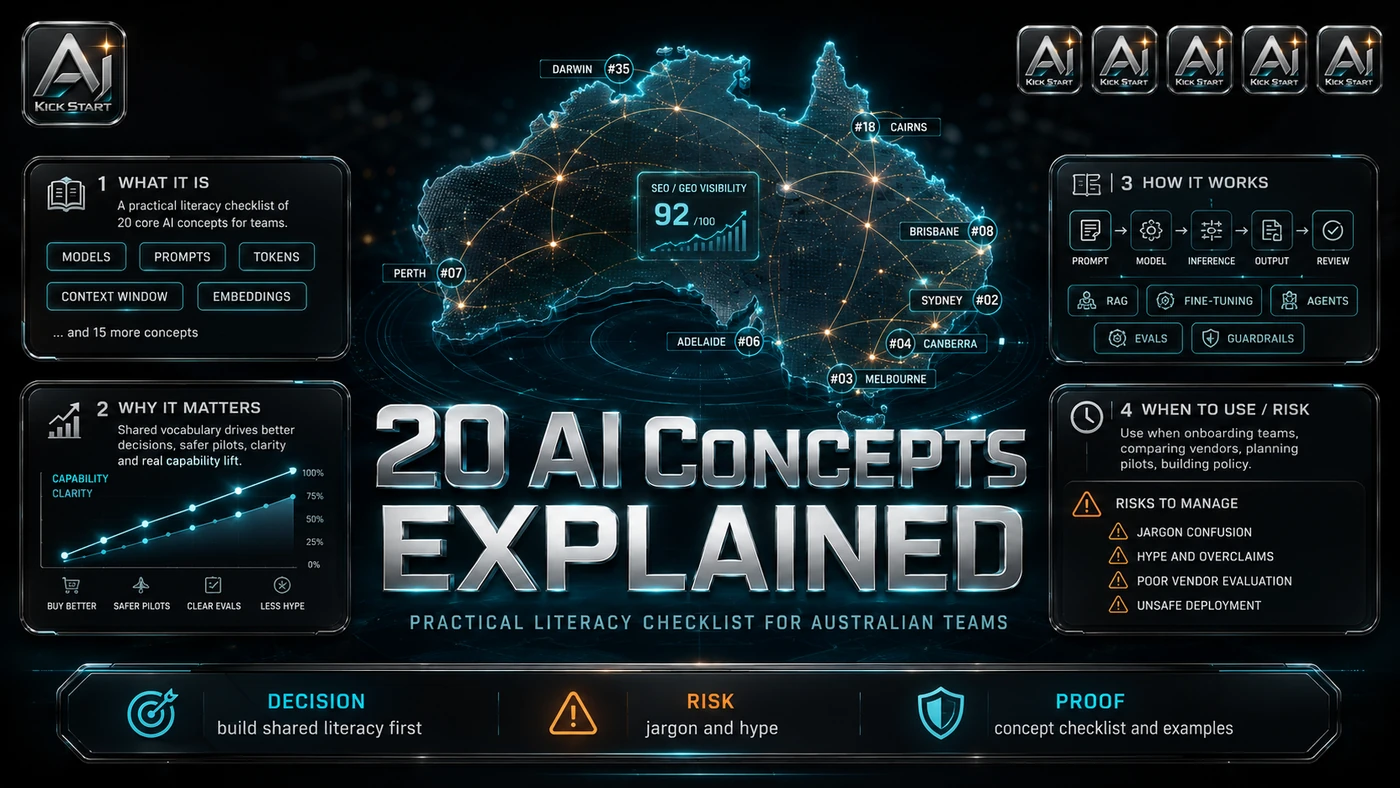
The core pattern is simple: treat each concept as a decision gate, not vocabulary to memorise. Use a shared glossary to map every term to a business risk, cost control, or rollout rule, and validate understanding before buying tools. In practice, that means the update sits inside a broader shift from isolated AI prompts to managed systems. A tool, model, or method only becomes valuable when it has clear inputs, a measurable output, a review path, and a way to repeat the result next week. The video's most useful signal is the workflow shape. The moving parts can be summarised as: Shared vocabulary Decision gates Cost controls Rollout rules. That is the level at which teams should evaluate it. A demo can be entertaining, but a workflow must survive messy source files, staff handoff, data boundaries, and real deadlines.
The Implementation Pattern
The first implementation lesson is to narrow the scope. Start with one concept, one workflow, and one expected output - for example, turning "context window" into a rule for chunking, caching, or retrieval. Broad adoption is usually where AI systems fail first because nobody knows which decision the tool is allowed to make and which decision still belongs to a human. The second lesson is to create a test harness. Keep the first retrieval layer, tool set, and model choice small. A useful harness does not have to be complicated. It can be a short brief, a fixed sample dataset, a few expected outputs, and one person responsible for judging whether the result is good enough. The third lesson is to capture the process. Document who owns each gate and what evidence passes it. When the process is documented, it can become a reusable skill, checklist, prompt pack, repo pattern, or operating procedure. When it is not documented, the team is back to improvising in chat.
Research Update: What To Correct
This update adds a current-source pass rather than treating the original video summary as enough. The important corrections are the product surface, plan or pricing constraints, and what should be verified before a team depends on the workflow. Tokens are not words; code or multilingual text can consume far more tokens than expected, so word-based estimates understate bills. Temperature is randomness, not creativity, and stays low for extraction, classification, and code. RAG does not eliminate hallucinations; a bad chunk produces a confident wrong answer. Fine-tuning shapes tone, not facts; use RAG or a structured knowledge base for changing information. Context windows are finite and expensive, not long-term memory. Agents are not autopilots; unconstrained loops can make expensive calls or compound errors. MCP is promising but still maturing, so do not make it load-bearing. Reasoning models bill hidden chain-of-thought tokens and often overthink simple tasks. Prompt injection is a well-known security risk that needs input filtering, privilege separation, output review, and adversarial testing.
Practical Setup and How-To
The useful next step is a controlled pilot with a named owner, fixed inputs, a measurable output, and a review point. Use the sequence below as the first implementation path before expanding the workflow. Build a one-page glossary that rewrites each concept as a business risk or control; count tokens and cap context before users get access; version-control system prompts through a review gate; evaluate retrieval before generation; try prompt engineering before fine-tuning; prototype agents as deterministic workflows first; maintain an MCP allow-list with credential rotation and call audits; add adversarial tests such as prompt-injection attempts; log prompts, outputs, tool calls, costs, and user feedback for debugging and compliance.
Pricing, Access, and Comparison Notes
Pricing and access should be checked at implementation time because AI products change quickly. The safer decision is to compare the tool against the job-to-be-done, not against launch hype. All the concepts can be explored through ChatGPT, Claude.ai, or Gemini, but production work will almost always move to an API. As of mid-2026, representative per-million-token prices are: OpenAI GPT-4.1 at roughly US$2/$8, GPT-4.1 Nano at ~$0.10/$0.40, and reasoning models such as o3 and o4-mini from ~$1.10/$4.40 to ~$2/$8. Anthropic Claude Sonnet 4.6 is ~US$3/$15, Haiku 4.5 ~$1/$5, and Opus 4.8 ~$5/$25, with prompt caching cutting repeated input costs. Google Gemini 2.5 Flash is ~US$0.30/$2.50, Gemini 2.0 Flash ~$0.10/$0.40, and Gemini 2.5 Pro ~$1.25/$10 under 200K tokens. Output tokens are typically four to eight times the price of input tokens, so verbose responses hurt; caching, batch APIs, and smaller models for simple tasks are the easiest cost wins. Embeddings are cheap, but vector databases, re-indexing, and chunking pipelines add hosting costs. For Australian teams, remember pricing is in USD, FX and GST shift the effective rate, and data residency may affect provider choice. Access Plan, preview status, region, account type, admin controls, and rate limits. Cost Subscription, credits, API tokens, retries, hardware, review time, and support burden. Fit Workflow reliability, data handling, output quality, observability, and human approval needs.
Implementation Notes for Teams
For AI Kick Start readers, this is the production filter: keep the first rollout narrow, make the evidence visible, and do not let the tool cross a business boundary until the review model is clear. Run a 90-minute watch-and-map session, playing the video chapter by chapter and asking where each concept creates cost, risk, or maintenance load. Assign a translator who converts vendor demos into these concepts before the team commits budget. Use narrow pilots of one workflow, one team, and one week, measuring accuracy, cost per task, and time saved, and do not launch an "agent" until the deterministic version works. Keep a decision log that records model, context size, temperature, retrieval approach, tools, and review gates. Govern prompts and tools like code by reviewing, versioning, and deploying them through the same pipeline as your application; never put production data into public chat apps without an explicit training opt-out. Set spend alerts from day one because token costs are predictable in the small and surprising in the large.
Screenshot and Visual Guidance
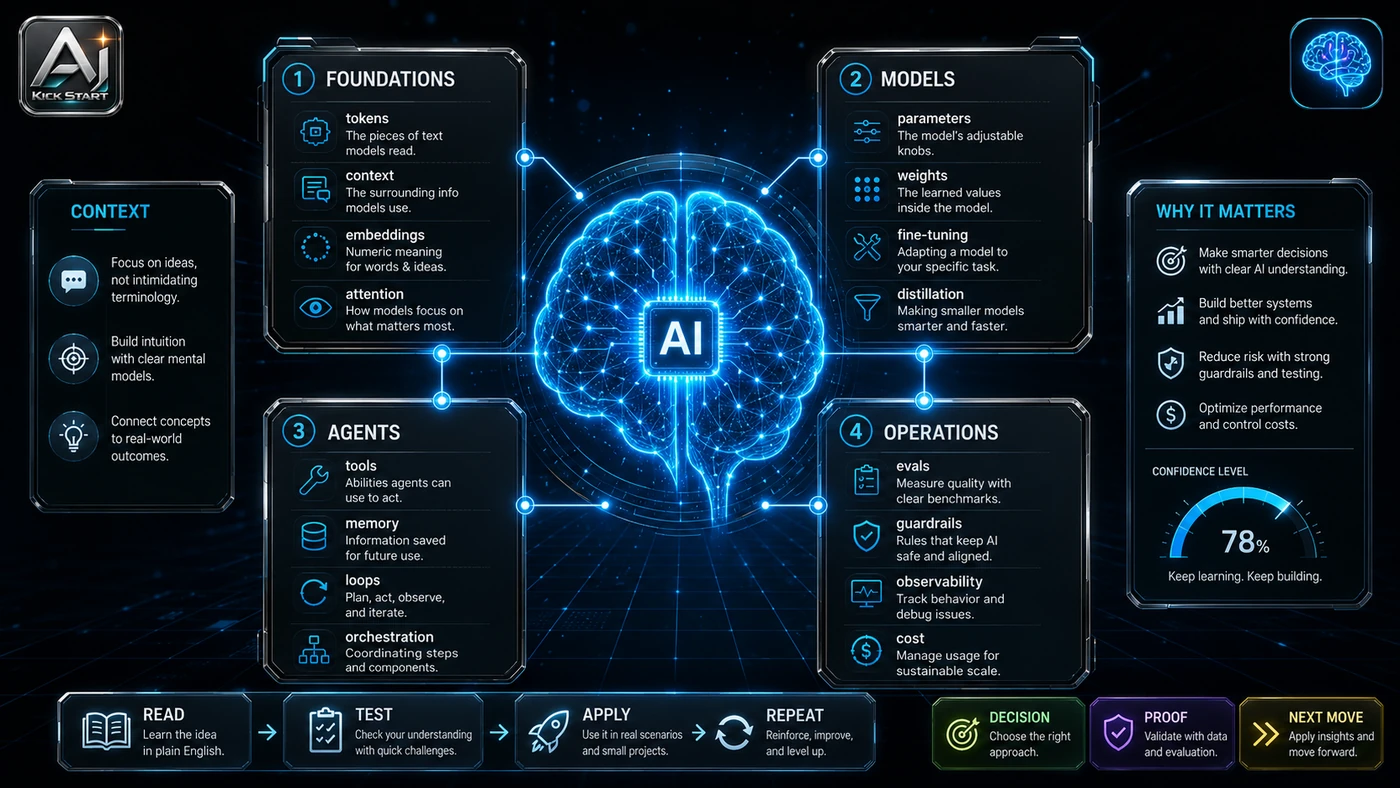
The second inline image for this article should make the implementation concrete: a clean one-page concept map with the 21 concepts on the left, implementation choices in the middle, and risks on the right, annotated with examples such as a support ticket as a token count, a handbook as a RAG source, and a customer email as a prompt-injection test. If the team is documenting a real rollout, capture setup screens, before/after outputs, permission settings, cost meters, and review evidence rather than decorative screenshots.
Where It Fits for Real Teams
For founders, the opportunity is speed with evidence. This kind of literacy helps cut through vendor demos: if a vendor calls something an "agent," ask what tools it calls, what loop it runs, and what happens when it misreads a result. For operators, the value is consistency. If the same task is done slightly differently every time, AI can either make the inconsistency worse or help standardise the path; the difference is whether the workflow has rules, examples, and review checkpoints. For technical teams, the value is leverage. A strong setup gives engineers a decision framework for when to chunk, when to cache, when to fine-tune, and when a deterministic workflow is safer than an agent loop. The practical fit is strongest when the task has clear source material, a known output format, and a low-cost way to verify quality. It is weaker when the task is vague, politically sensitive, legally risky, or dependent on facts that cannot be checked.
Trade-offs and Risks
The main risk is vocabulary inflation. When "agent," "RAG," and "fine-tuning" become synonyms for "better AI," teams buy tools they do not need and skip controls they cannot afford to miss. That risk can be managed, but only if it is named before the workflow becomes normal. A second risk is hidden cost escalation. AI systems often look better in a screen recording than they feel inside a production workflow. The test is whether the result is repeatable when the source material changes, the operator changes, and the deadline is real. A third risk is treating agents, MCP, or reasoning models as universal before the review model is ready. This is why AI Kick Start generally recommends a staged rollout: sandbox first, internal use second, customer-facing deployment last.
The Next Sensible Test
The next sensible test is a small controlled implementation. Pick one workflow, one owner, one expected output, and one acceptance check. Run it twice. If the second run is easier than the first, the pattern is worth keeping. Do not judge the workflow by the best possible demo. Judge it by the worst acceptable production case. Ask: what happens when the source file is incomplete, the tool is unavailable, the output is wrong, or a staff member needs to explain the result to a customer? If those answers are clear, this belongs in the roadmap. If they are not, it belongs in the lab until the operating model catches up.