







Analysis
Journalist's Take
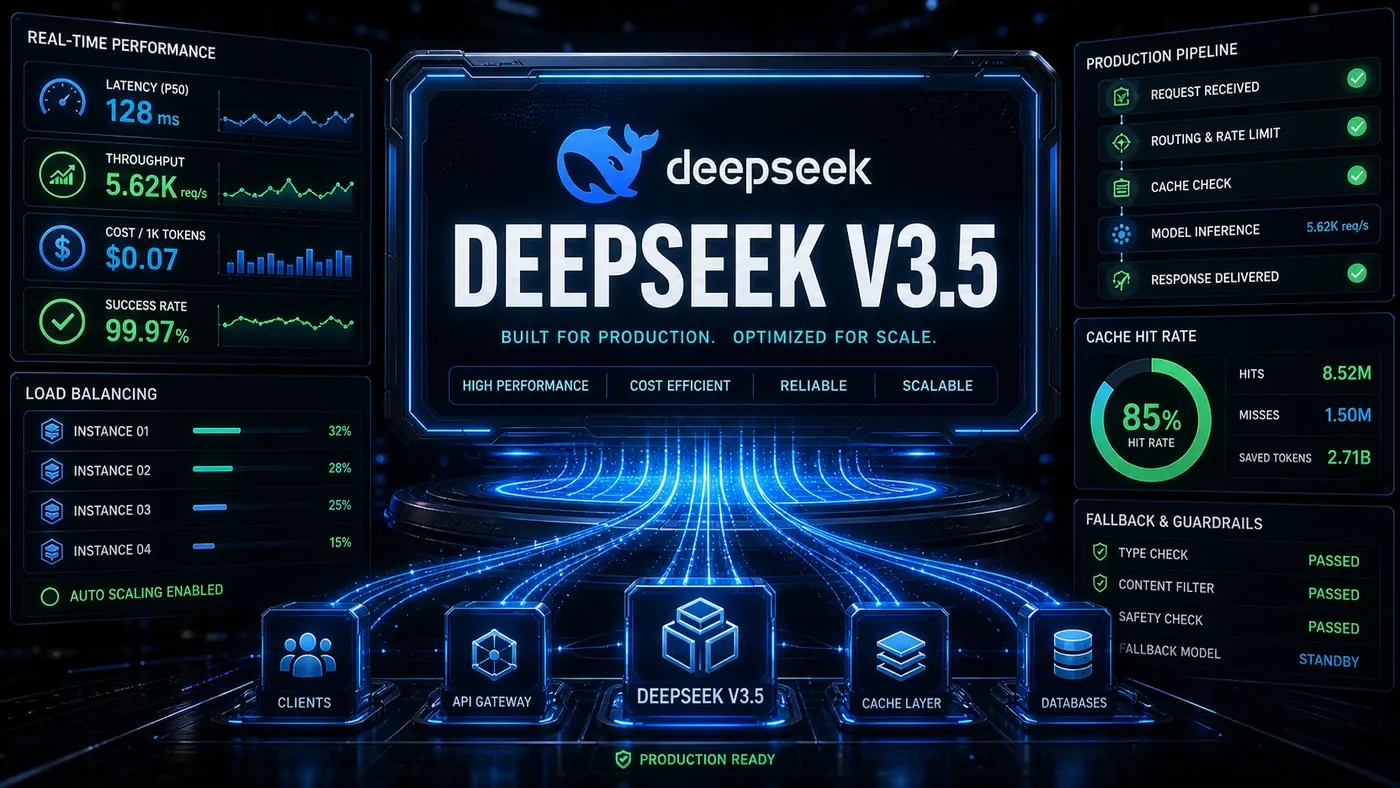
Cheap, capable AI models have become the story of the year, and the rumour mill keeps feeding it. The latest version doing the rounds is a "DeepSeek V3.5" supposedly offering a million tokens of context for $0.15 in and $0.60 out, a price that, if real, would undercut the big American models by an order of magnitude.
Here's the catch worth saying plainly before anyone reworks a budget around it: there is no DeepSeek V3.5. DeepSeek's published lineup is V3, the V3.2 update released in December 2025 (opens in a new tab), and V4. The "$0.15/$0.60 at 1M context" combination matches none of them. The real numbers are close enough to feel plausible, V3 sits near $0.14/$0.28 at 128K context, and V4 Flash reportedly hits $0.14/$0.28 at 1M, which is exactly why a fabricated spec spreads so easily.
So treat the model name and headline price in this guide as unconfirmed. What is solid is the engineering. DeepSeek's open-weight models are genuinely cheap to run, genuinely self-hostable, and the production architecture for serving them, batching, caching, sensible fallbacks, is the same regardless of which version you pick. That's the part worth your time.
The rest of this piece walks through that architecture. Swap in a real model id (DeepSeek V3.2 or V4 (opens in a new tab)) where the samples say deepseek-v3.5, and the patterns carry over cleanly.
Analysis
Prerequisites
- GPU server with 8x A100 80GB or 4x H100 (for self-hosting)
- OR: DeepSeek API key (for managed access)
- Python 3.10+, vLLM, transformers
- Docker for containerised deployment
Step-by-Step Framework
Step 1: API Access (Quickest Start)
Start here if you just want a working call. Note the model id below uses deepseek-v3.5; substitute a real one (such as the V3.2 or V4 id from DeepSeek's docs) before you ship.
# deepseek_api.py
from openai import OpenAI

client = OpenAI(
 api_key="sk-your-deepseek-key",
 base_url="https://api.deepseek.com/v1"
)

response = client.chat.completions.create(
 model="deepseek-v3.5",
 messages=[{"role": "user", "content": "Explain quantum computing"}],
 max_tokens=1000
)
print(response.choices[0].message.content)
Step 2: Self-Host with vLLM
Self-hosting is where the cost story gets real, since DeepSeek's weights are open (opens in a new tab) and nothing leaves your own infrastructure. One caveat on the download line: the deepseek-ai/DeepSeek-V3.5 path and the ~475GB figure are tied to a model that doesn't exist publicly. Point this at a real checkpoint (the V3 FP8 weights land in a similar size range). vLLM does support the DeepSeek family (opens in a new tab).
# Install vLLM with DeepSeek support
pip install vllm==0.6.0

# Download model (this is large, ~475GB for FP8)
huggingface-cli download deepseek-ai/DeepSeek-V3.5 --local-dir ./deepseek-v3.5

# Launch server with tensor parallelism
python -m vllm.entrypoints.openai.api_server \
 --model ./deepseek-v3.5 \
 --tensor-parallel-size 8 \
 --pipeline-parallel-size 1 \
 --max-num-seqs 256 \
 --max-model-len 65536 \
 --quantization fp8 \
 --port 8000
Step 3: Implement Request Batching
Batching is the single biggest lever for throughput once you're past prototyping. vLLM's continuous batching handles this at the serving layer, but if you're sitting in front of a managed API, a client-side batcher like this groups requests by size or a short deadline before firing them off.
# batching.py
import asyncio
from openai import AsyncOpenAI
import time

class BatchedDeepSeek:
 def __init__(self, base_url: str, api_key: str):
 self.client = AsyncOpenAI(base_url=base_url, api_key=api_key)
 self.batch_size = 32
 self.max_wait_ms = 50
 self.queue = asyncio.Queue()
 self.results = {}

 async def submit(self, request_id: str, messages: list) -> str:
 future = asyncio.Future()
 await self.queue.put((request_id, messages, future))
 return await future

 async def _batch_processor(self):
 while True:
 batch = []
 deadline = time.time() + self.max_wait_ms / 1000

 # Collect requests until batch is full or deadline
 while len(batch) < self.batch_size:
 timeout = max(0, deadline - time.time())
 try:
 item = await asyncio.wait_for(self.queue.get(), timeout=timeout)
 batch.append(item)
 except asyncio.TimeoutError:
 break

 if not batch:
 continue

 # Execute batch
 try:
 response = await self.client.chat.completions.create(
 model="deepseek-v3.5",
 messages=[{"role": "user", "content": b[1][0]["content"]} for b in batch],
 max_tokens=1000
 )

 for i, (req_id, _, future) in enumerate(batch):
 if not future.done():
 future.set_result(response.choices[i].message.content)
 except Exception as e:
 for _, _, future in batch:
 if not future.done():
 future.set_exception(e)

 async def start(self):
 asyncio.create_task(self._batch_processor())
Step 4: Response Caching
A lot of production traffic is the same question asked over and over. Cache the answer and you stop paying for it twice. This decorator keys on the message payload plus parameters, checks Redis first, and only hits the model on a miss.
# caching.py
import hashlib
import redis
import json
from functools import wraps

cache = redis.Redis(host='localhost', port=6379, db=0)
CACHE_TTL = 3600 # 1 hour

def cached_llm_call(ttl_seconds: int = CACHE_TTL):
 def decorator(func):
 @wraps(func)
 async def wrapper(messages, **kwargs):
 # Create cache key from messages + params
 cache_data = json.dumps({"messages": messages, **kwargs}, sort_keys=True)
 cache_key = f"llm:{hashlib.sha256(cache_data.encode()).hexdigest()}"

 # Check cache
 cached = cache.get(cache_key)
 if cached:
 return json.loads(cached)

 # Call LLM
 result = await func(messages, **kwargs)

 # Cache result
 cache.setex(cache_key, ttl_seconds, json.dumps(result))
 return result
 return wrapper
 return decorator

@cached_llm_call(ttl_seconds=3600)
async def deepseek_call(messages, **kwargs):
 response = await client.chat.completions.create(
 model="deepseek-v3.5",
 messages=messages,
 **kwargs
 )
 return response.choices[0].message.content
Step 5: Fallback Chain
One provider will eventually have a bad day, so don't bet the whole system on it. This chain tries DeepSeek first, then falls back to MiniMax M3 (opens in a new tab) (a real 1M-context model launched in June 2026) and OpenRouter in order of priority, returning the first response that succeeds.
# fallback.py
import asyncio
from openai import AsyncOpenAI

class FallbackLLM:
 def __init__(self):
 self.providers = [
 {"name": "deepseek", "client": AsyncOpenAI(base_url="https://api.deepseek.com/v1"), "model": "deepseek-v3.5", "priority": 1},
 {"name": "minimax", "client": AsyncOpenAI(base_url="https://api.minimax.chat/v1"), "model": "minimax-m3", "priority": 2},
 {"name": "openrouter", "client": AsyncOpenAI(base_url="https://openrouter.ai/api/v1"), "model": "deepseek-v3.5", "priority": 3}
 ]

 async def complete(self, messages, max_tokens=1000, timeout=30):
 for provider in sorted(self.providers, key=lambda x: x["priority"]):
 try:
 response = await asyncio.wait_for(
 provider["client"].chat.completions.create(
 model=provider["model"],
 messages=messages,
 max_tokens=max_tokens
 ),
 timeout=timeout
 )
 print(f"Response from {provider['name']}")
 return response.choices[0].message.content
 except Exception as e:
 print(f"{provider['name']} failed: {e}")
 continue

 raise Exception("All providers failed")
Do/Don't
| Do | Don't |
|---|---|
| Use vLLM with FP8 quantisation for serving | Run FP16 without 16x A100 80GB |
| Implement response caching for repeated queries | Call the API for identical requests |
| Use batching for high-throughput scenarios | Send one request at a time |
| Set up fallback to other providers | Rely on a single provider |
| Monitor token usage and latency per request | Deploy without usage monitoring |
Cost Comparison
A note before reading the table: the DeepSeek column uses the unconfirmed $0.15/$0.60 figure, so treat the DeepSeek row and the resulting savings as illustrative, not gospel. The competitor prices are accurate, GPT-5.5 is $5.00/$30.00 (opens in a new tab) and Claude Sonnet 4.6 is $3.00/$15.00 (opens in a new tab) per million tokens. Run the comparison again with a real DeepSeek price (V3 at roughly $0.14/$0.28, for instance) before you quote any of it to a finance team.
| Usage | DeepSeek V3.5 | GPT-5.5 | Claude Sonnet 4.6 | Savings |
|---|---|---|---|---|
| 1M input tokens | $0.15 | $5.00 | $3.00 | 20-33x |
| 1M output tokens | $0.60 | $30.00 | $15.00 | 25-50x |
| 10M tokens/day | $7,500/mo | $1,050,000/mo | $540,000/mo | 72-140x |
The 10M-tokens/day row is the most speculative line in the table: the GPT-5.5 monthly figure leans on the $30/M output rate at very high volume, the blended assumptions behind it aren't stated, and the DeepSeek baseline rests on the unconfirmed V3.5 price. Useful as a rough sense of the gap, not a quote.
Conclusion
The real takeaway survives the fact-check even if the headline model doesn't. DeepSeek's open-weight models are among the cheapest capable options around, and the architecture in this guide, vLLM with FP8 quantisation, request batching, response caching, and a fallback chain, is what makes them dependable in production. Just build it around a model that actually exists: check DeepSeek's own docs (opens in a new tab) for the current V3.2 or V4 ids and pricing, then run your own cost numbers before you commit. The gap between open-weight and proprietary pricing is real and large; the specific "V3.5 at $0.15/$0.60" framing is not something I'd bank on yet.
How to use DeepSeek V3.5 for production workloads: answer-first summary
How to use DeepSeek V3.5 for production workloads matters because it can change how Australian business teams plan, build, or govern an tool evaluation workflow. Deploy DeepSeek V3.5, the open-weights model with 1M context at $0.15/$0.60, for high-throughput production workloads with load balancing, caching, and fallback strategies.
The direct answer is this: do not treat the topic as a standalone trend. Treat it as a decision about inputs, outputs, review ownership, data exposure, and whether the workflow produces a result that is faster, safer, or more useful than the current process.
How to use DeepSeek V3.5 for production workloads: implementation checklist
- Define the user, job to be done, and success metric for the tool evaluation workflow.
- Collect real examples, policies, source files, customer questions, or search queries before writing prompts or choosing tools.
- Separate low-risk drafts from decisions that need approval, privacy checks, or senior review.
- Document what the AI is allowed to access, what it must not access, and who signs off before production use.
- Review time to value, adoption rate, cost per workflow, quality review score after a small pilot rather than judging the idea from a demo.
This keeps the work practical. It also gives search engines and AI answer engines a clean factual structure: what the topic is, who it helps, what to do next, and which risks matter before implementation.
Decision criteria for How to use DeepSeek V3.5 for production workloads
| Decision area | What to check | Production signal |
|---|---|---|
| Intent | Does How to use DeepSeek V3.5 for production workloads solve a real workflow problem? | The use case has a named owner and measurable outcome. |
| Data | Can the required data be used safely? | Sensitive data is classified and access is controlled. |
| Quality | Can a reviewer judge the output consistently? | Examples, rubrics, or acceptance criteria exist. |
| Scale | Can the workflow be repeated without hero effort? | The process is documented and can be handed to another team member. |
Practical example for How to use DeepSeek V3.5 for production workloads
A small business could use this article to choose one practical test. For example, a manager might take one customer-facing process, one internal document workflow, or one recurring content task and redesign only that step with AI support. The goal is not to automate the whole business at once; it is to learn where How-to Guide creates reliable leverage.
The useful deliverable is a short operating note: the trigger, the source material, the prompt or tool, the review checklist, the escalation rule, and the metric. That note becomes the handover asset for staff training, SEO/GEO content, service delivery, or future agent work.
Risks and controls for How to use DeepSeek V3.5 for production workloads
The common failure pattern is moving too quickly from a promising idea into an unmanaged workflow. For How to use DeepSeek V3.5 for production workloads, the risk is not only bad output. It can also be unclear data permission, staff confusion, duplicate content, unreviewed customer advice, or a tool that quietly changes cost or capability.
- Control tool sprawl with a named owner, a review step, and written acceptance criteria.
- Control unclear pricing with a named owner, a review step, and written acceptance criteria.
- Control vendor lock-in with a named owner, a review step, and written acceptance criteria.
- Control unreviewed data sharing with a named owner, a review step, and written acceptance criteria.
Measurement plan for How to use DeepSeek V3.5 for production workloads
A useful AI or SEO initiative should leave evidence. Track time to value, adoption rate, cost per workflow, quality review score and compare the pilot against the current process. If the measure does not improve, keep the learning but avoid scaling the workflow.
For GEO readiness, the page should also answer the core question directly, define the entities involved, include implementation steps, explain tradeoffs, and link readers to the next relevant AI Kick Start service, guide, tool, or article.
Definitions and entities for How to use DeepSeek V3.5 for production workloads
For search, GEO, and staff handover, define the core entities in plain language. In this article the important entities are the workflow owner, the AI tool or model, the source material, the review process, the risk boundary, and the measurable business outcome. Clear definitions make the page easier for people to scan and easier for AI answer engines to quote accurately.
- Workflow owner: the person accountable for deciding whether How to use DeepSeek V3.5 for production workloads belongs in the business process.
- Source material: the documents, examples, policies, URLs, prompts, videos, or customer questions that ground the output.
- Review boundary: the point where a human checks accuracy, privacy, brand voice, or customer impact before the result is used.
- Success metric: the measure that proves whether the tool evaluation workflow is worth repeating.
How to use DeepSeek V3.5 for production workloads versus doing nothing
Doing nothing is also a decision. The cost may be slow manual work, weaker search visibility, inconsistent advice, duplicated effort, or staff using unmanaged AI tools without a shared process. The practical question is whether a controlled pilot can reduce that cost without creating a larger governance problem.
| Option | When it makes sense | What to watch |
|---|---|---|
| Do nothing | The workflow is rare, low value, or already reliable. | Competitors may improve speed, content depth, or service consistency first. |
| Run a small pilot | The task repeats often and has clear review criteria. | Keep scope tight and measure the result against the current process. |
| Build a production workflow | The pilot is repeatable and risk controls are documented. | Assign ownership, monitoring, training, and a rollback path. |
AI Kick Start handover package for How to use DeepSeek V3.5 for production workloads
A production handover should be concrete enough that another person can run it. For How to use DeepSeek V3.5 for production workloads, that means a short brief, a workflow map, approved prompts or tool settings, source material, a review checklist, internal links to supporting resources, and a simple measurement sheet. This is the difference between reading about AI and turning it into operational capability.
That packaging also strengthens E-E-A-T. It shows experience through implementation notes, expertise through decision criteria, authoritativeness through source-aware structure, and trust through risks, controls, and review steps. The article becomes useful even if the reader never buys a tool because it helps them make a better operational decision.