

Analysis
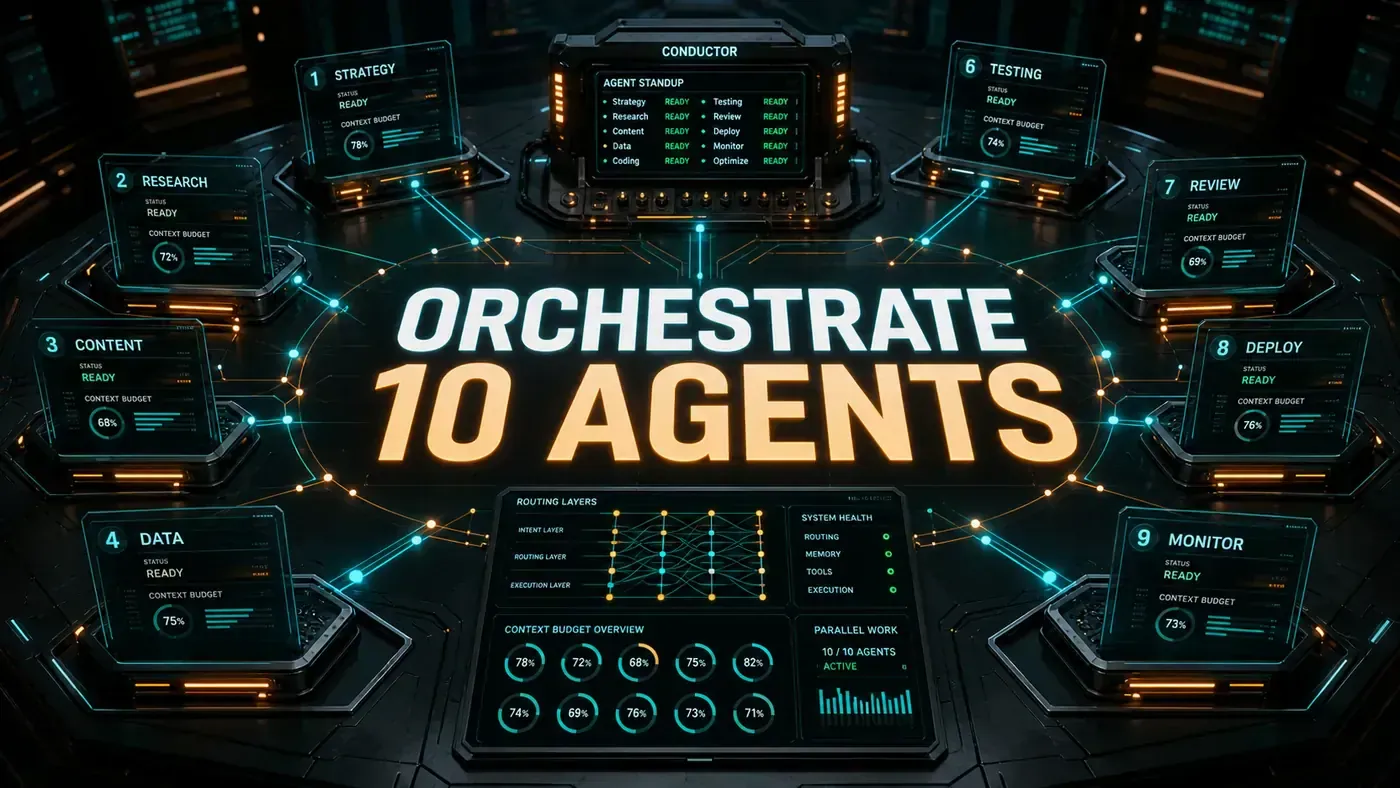
Picture a small team where everyone is good at their job, nobody talks to each other, and they all edit the same document at the same time. That is roughly what happens when you point ten AI agents at one project and hope for the best. Files get clobbered. Two agents wait on each other forever. Your API bill quietly triples overnight.
The fix isn't smarter agents. It's better management. A handful of orchestration patterns borrowed from ordinary distributed-systems work will keep a swarm of specialist agents productive instead of stepping on each other.
Worth being upfront about one thing. IndyDevDan is a genuine voice in the agentic-coding world, with a YouTube channel (opens in a new tab), a course platform, and an open-source toolbox called indydevtools (opens in a new tab). But that toolbox handles prompt management and YouTube metadata, not the orchestration system below. The "framework" name has stuck to these ideas in places online; the underlying techniques are standard, well-documented multi-agent patterns (opens in a new tab). So take the brand label with a grain of salt and judge the patterns on their own merits.
What follows is the working code: a router, an agent pool, context budgets, a daily standup, container isolation, and a metrics dashboard. Nothing here needs you to buy anything. It's plain engineering you can lift into your own stack.
Analysis
Prerequisites
- Node.js 20+ or Python 3.11+
- Redis for agent state persistence
- Docker for agent isolation
- LLM API keys (Claude, GPT, or local)
Step-by-Step Framework
Step 1: The Router, Central Ingress
Every task comes in through one router. It reads the intent and hands the work to the right agent:
// router.ts
import { AgentPool } from './agent-pool';
import { TaskAnalyzer } from './task-analyzer';

interface TaskRequest {
 id: string;
 content: string;
 priority: 'critical' | 'high' | 'normal' | 'low';
 context?: Record<string, unknown>;
 maxBudget?: number; // dollars
 deadline?: Date;
}

export class AgentRouter {
 private pool = new AgentPool({ maxAgents: 10 });
 private analyzer = new TaskAnalyzer();

 async route(task: TaskRequest): Promise<TaskResult> {
 // Phase 1: Analyse task
 const analysis = await this.analyzer.classify(task.content);

 // Phase 2: Select or create agent
 const agent = await this.pool.acquire({
 type: analysis.requiredSkills,
 priority: task.priority,
 budget: task.maxBudget ?? 5.00
 });

 // Phase 3: Execute with monitoring
 const result = await agent.execute(task, {
 onProgress: (p) => this.emitProgress(task.id, p),
 onBudgetWarning: (b) => this.handleBudgetWarning(task.id, b)
 });

 // Phase 4: Release and log
 await this.pool.release(agent);
 await this.logResult(task, result);

 return result;
 }

 private async handleBudgetWarning(taskId: string, budget: BudgetStatus) {
 if (budget.used / budget.allocated > 0.8) {
 console.warn(`Task ${taskId} at 80% budget. Pausing for review.`);
 await this.requestHumanApproval(taskId);
 }
 }
}
The reason for one front door is simple: if agents call each other directly, you lose track of who's doing what, and debugging becomes a nightmare. A router gives you one place to see, control, and audit the whole flow. This maps to the supervisor or hierarchical routing pattern that shows up in most serious multi-agent designs (opens in a new tab).
Step 2: The Agent Pool
The pool keeps up to 10 agents alive and manages their lifecycle:
// agent-pool.ts
import { Redis } from 'ioredis';

interface Agent {
 id: string;
 type: string;
 status: 'idle' | 'running' | 'paused' | 'error';
 contextTokensUsed: number;
 budgetUsed: number;
 budgetAllocated: number;
 currentTask?: string;
 lastHeartbeat: Date;
}

export class AgentPool {
 private redis: Redis;
 private agents: Map<string, Agent> = new Map();
 private maxAgents: number;

 constructor(config: { maxAgents: number }) {
 this.maxAgents = config.maxAgents;
 this.redis = new Redis(process.env.REDIS_URL);
 }

 async acquire(spec: AgentSpec): Promise<Agent> {
 // Check for idle agent with matching skills
 const idle = Array.from(this.agents.values())
 .filter(a => a.status === 'idle' && spec.type.every(t => a.type.includes(t)))
 .sort((a, b) => a.contextTokensUsed - b.contextTokensUsed)[0];

 if (idle) {
 idle.status = 'running';
 idle.budgetAllocated = spec.budget;
 return idle;
 }

 // Create new if under limit
 if (this.agents.size < this.maxAgents) {
 return this.spawnAgent(spec);
 }

 // Queue and wait
 return this.waitForAgent(spec);
 }

 private async spawnAgent(spec: AgentSpec): Promise<Agent> {
 const agent: Agent = {
 id: `agent_${Date.now()}_${Math.random().toString(36).slice(2)}`,
 type: spec.type,
 status: 'running',
 contextTokensUsed: 0,
 budgetUsed: 0,
 budgetAllocated: spec.budget,
 lastHeartbeat: new Date()
 };

 this.agents.set(agent.id, agent);

 // Persist to Redis for recovery
 await this.redis.hset(`agent:${agent.id}`, agent);
 await this.redis.expire(`agent:${agent.id}`, 86400);

 return agent;
 }

 async release(agent: Agent): Promise<void> {
 agent.status = 'idle';
 agent.currentTask = undefined;
 agent.contextTokensUsed = 0;
 await this.redis.hset(`agent:${agent.id}`, { status: 'idle' });
 }

 // Heartbeat, agents must check in every 30s so we know they're alive
 async heartbeat(agentId: string): Promise<void> {
 await this.redis.hset(`agent:${agentId}`, {
 lastHeartbeat: new Date().toISOString()
 });
 }
}
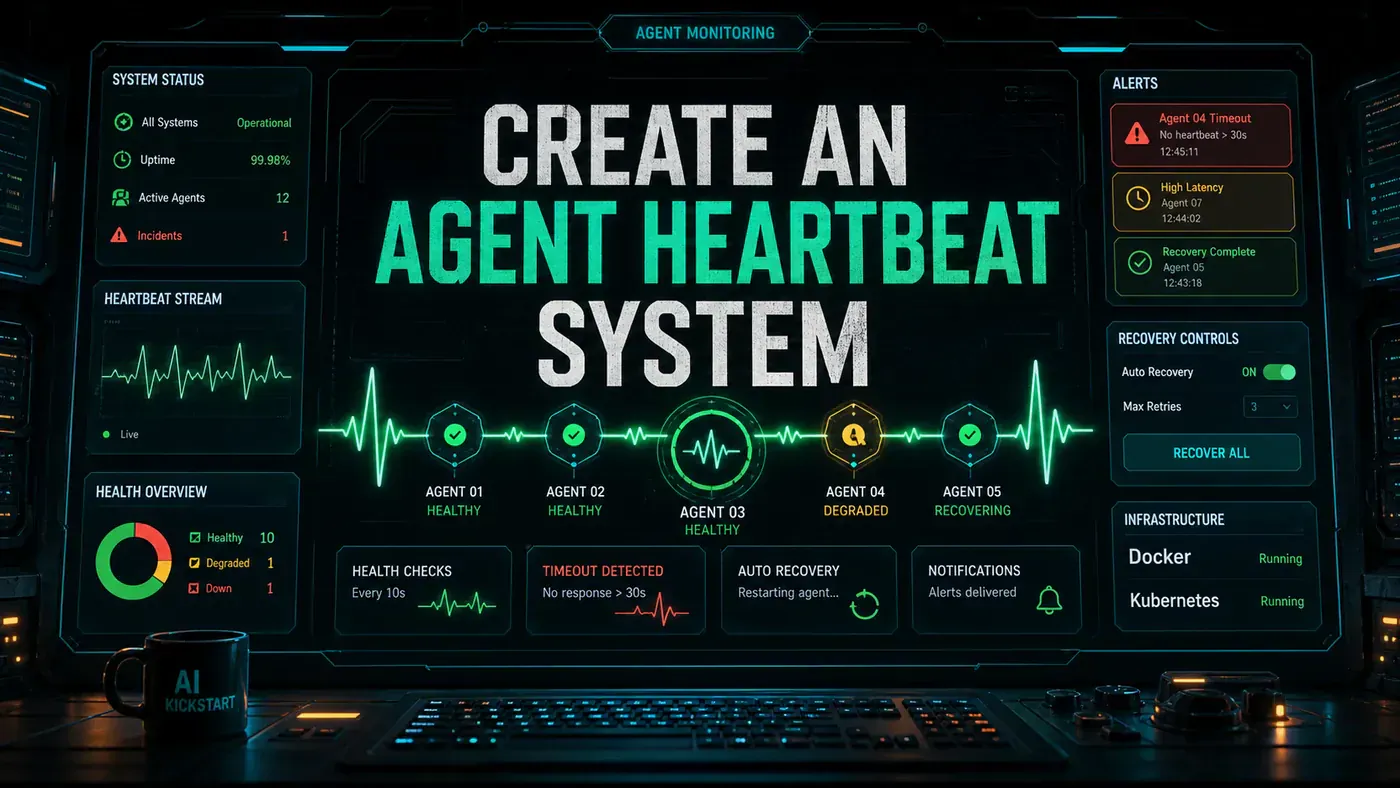
Two things to notice. State goes into Redis, not just memory, so if the process dies you can recover rather than starting from zero. And the heartbeat (each agent checking in every 30 seconds) is a plain liveness check borrowed from distributed systems; it isn't a named IndyDevDan concept, just a way to spot an agent that has silently fallen over.
Step 3: Context Budget Enforcement
Each agent gets a hard ceiling on how much context it can use:
// context-budget.ts
const CONTEXT_BUDGETS = {
 'code-reviewer': 200_000, // 200K tokens, code review needs context
 'test-writer': 150_000,
 'doc-writer': 100_000,
 'researcher': 500_000, // Researchers need the most
 'debugger': 300_000,
 'refactorer': 200_000,
 'deployer': 50_000,
 'monitor': 50_000,
 'planner': 100_000,
 'default': 100_000
};

export class ContextBudget {
 private used: number = 0;
 private limit: number;

 constructor(agentType: string) {
 this.limit = CONTEXT_BUDGETS[agentType] || CONTEXT_BUDGETS.default;
 }

 consume(tokens: number): boolean {
 if (this.used + tokens > this.limit) {
 return false; // Budget exhausted
 }
 this.used += tokens;
 return true;
 }

 get remaining(): number {
 return this.limit - this.used;
 }

 get utilisation(): number {
 return this.used / this.limit;
 }
}
The budgets differ by job for a reason. A researcher chewing through documents needs far more room (500K tokens) than a deployer firing off a release (50K). When an agent hits its ceiling, consume returns false and the agent stops instead of quietly burning money. This is the token-budget or circuit-breaker idea applied per agent.
Step 4: The Daily Standup
This is the part most often pitched as the "signature" move. Whatever you call it, it's an automated daily sync where agents report in and conflicts get resolved before they pile up:
// standup.ts
export class AgentStandup {
 async run(): Promise<StandupReport> {
 const agents = await this.getAllAgents();

 // Phase 1: Each agent reports status
 const reports = await Promise.all(
 agents.map(a => this.getAgentReport(a))
 );

 // Phase 2: Detect conflicts
 const conflicts = this.findConflicts(reports);

 // Phase 3: Resolve conflicts
 for (const conflict of conflicts) {
 await this.resolveConflict(conflict);
 }

 // Phase 4: Rebalance work
 const idleAgents = agents.filter(a => a.status === 'idle');
 const queuedTasks = await this.getQueuedTasks();

 for (const agent of idleAgents) {
 const task = queuedTasks.find(t =>
 t.requiredSkills.every(s => agent.type.includes(s))
 );
 if (task) {
 await this.router.route({ ...task, priority: 'high' });
 }
 }

 return { reports, conflicts, rebalanced: idleAgents.length };
 }

 private findConflicts(reports: AgentReport[]): Conflict[] {
 const conflicts: Conflict[] = [];

 // Find agents editing the same file
 const fileEdits: Record<string, string[]> = {};
 for (const r of reports) {
 for (const file of r.filesModified || []) {
 (fileEdits[file] ||= []).push(r.agentId);
 }
 }

 for (const [file, agents] of Object.entries(fileEdits)) {
 if (agents.length > 1) {
 conflicts.push({ type: 'file-collision', file, agents });
 }
 }

 // Find circular dependencies
 const dependencies = reports.map(r => ({
 agent: r.agentId,
 waitingFor: r.blockedBy || []
 }));

 const cycle = this.findCycle(dependencies);
 if (cycle) {
 conflicts.push({ type: 'deadlock', agents: cycle });
 }

 return conflicts;
 }
}
The standup earns its keep through findConflicts. It catches two failure modes that wreck multi-agent runs: two agents editing the same file (a collision), and a circular wait where agent A blocks on B while B blocks on A (a deadlock). Catch those on a schedule and you stop small messes from compounding. The "daily standup" framing is the article's own; the conflict detection underneath is standard.
Step 5: Container Isolation
Each agent runs in its own Docker container, so a misbehaving one can't take down the rest:
# Dockerfile.agent
FROM node:20-alpine
WORKDIR /workspace
COPY package*.json ./
RUN npm ci --only=production
COPY . .
EXPOSE 8080
HEALTHCHECK --interval=30s --timeout=10s --start-period=5s \
 CMD node -e "fetch('http://localhost:8080/health').then(r => r.ok ? process.exit(0) : process.exit(1))"
CMD ["node", "agent-server.js"]
// docker-orchestrator.ts
export class DockerAgentRunner {
async startAgent(agentId: string, type: string): Promise<string> {
const container = await docker.createContainer({
Image: 'agent-base:latest',
name: `agent-${agentId}`,
Env: [
`AGENT_ID=${agentId}`,
`AGENT_TYPE=${type}`,
`REDIS_URL=${process.env.REDIS_URL}`
],
HostConfig: {
Memory: 512 * 1024 * 1024, // 512MB per agent
CpuQuota: 50000, // 50% of one CPU
AutoRemove: true
}
});
await container.start();
return container.id;
}
}Capping each container at 512MB of memory and half a CPU does two jobs. It stops one runaway agent from starving the others, and it gives you a hard boundary if an agent runs code you'd rather keep sandboxed.
Do/Don't
| Do | Don't |
|---|---|
| Use a single router for all task ingress | Let agents call each other directly |
| Enforce context budgets strictly | Let agents consume unlimited tokens |
| Run the standup daily | Skip standups and let conflicts fester |
| Containerise every agent | Run agents in the same process space |
| Persist agent state to Redis | Store state only in memory |
Monitoring Dashboard
You can't manage what you can't see, so expose metrics from the start:
// metrics.ts
import { prometheus } from 'prom-client';

const agentGauge = new prometheus.Gauge({
 name: 'active_agents',
 help: 'Number of currently active agents',
 labelNames: ['type', 'status']
});

const budgetGauge = new prometheus.Gauge({
 name: 'agent_budget_utilisation',
 help: 'Budget utilisation per agent',
 labelNames: ['agent_id', 'type']
});

// Expose on /metrics
app.get('/metrics', async (req, res) => {
 res.set('Content-Type', prometheus.register.contentType);
 res.send(await prometheus.register.metrics());
});
Wire these gauges into Prometheus and you get a live view of how many agents are running, what state they're in, and how close each one is to blowing its budget. That's the difference between catching a cost spike at 80% and finding out from the invoice.
Conclusion
Ten agents stay manageable when the architecture does the discipline for you. One router keeps the flow legible. Hard budgets keep costs from running away. A scheduled standup catches collisions and deadlocks early. Containers keep one bad agent from sinking the rest. Build those four pieces and a swarm of specialists runs about as smoothly as a single agent did.
One last reminder: the patterns here are solid and battle-tested, but the "IndyDevDan framework" label is the way these ideas circulate online, not a system he has formally published. The code samples are illustrative pseudocode to adapt, not a drop-in library you'll find under his name. Build from the concepts, not the branding.