




Analysis
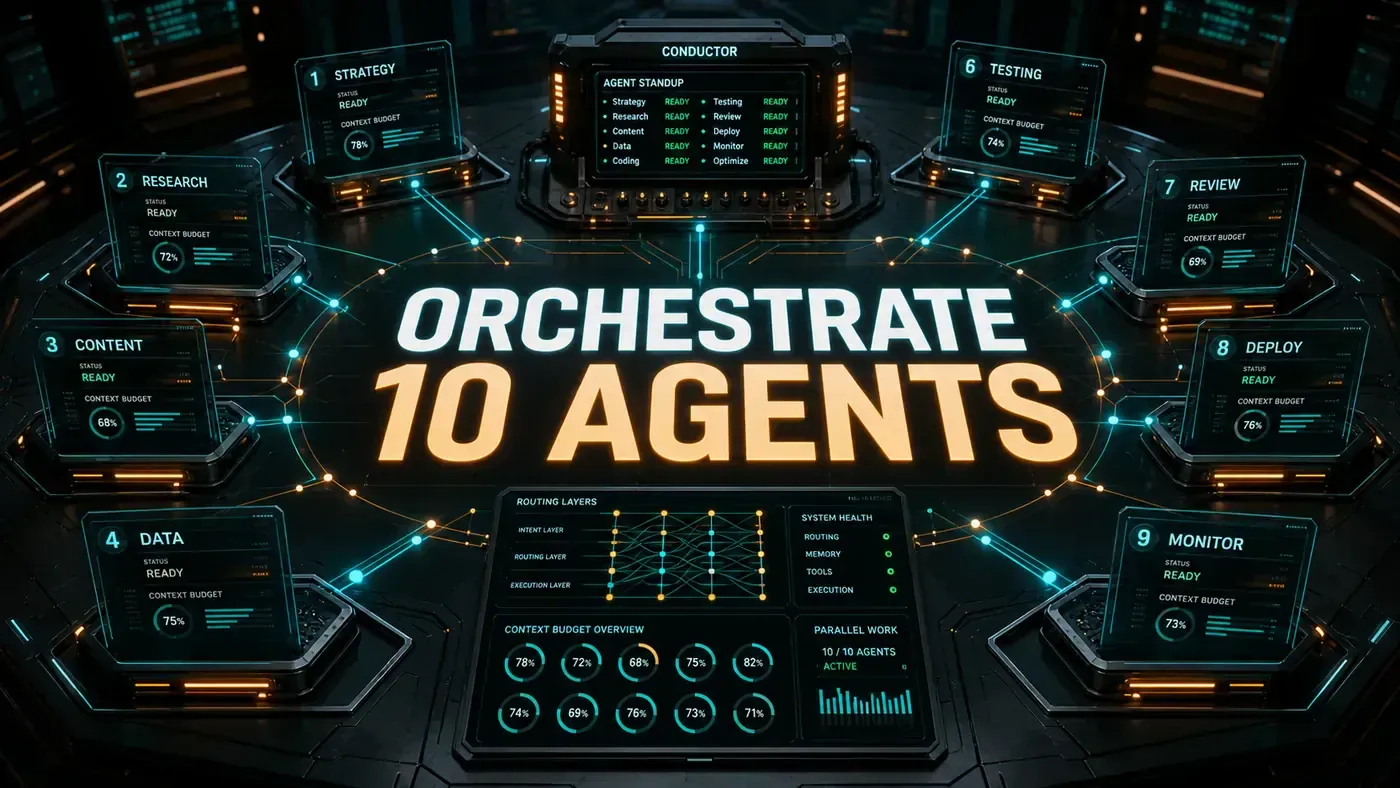
The idea is simple enough to explain over coffee. Instead of asking one AI to do everything, you give it a team. One agent runs the show. The others do the legwork: one digs through your code, one writes new code, one checks the work, one runs the tests. The boss agent hands out the jobs and stitches the answers back together.
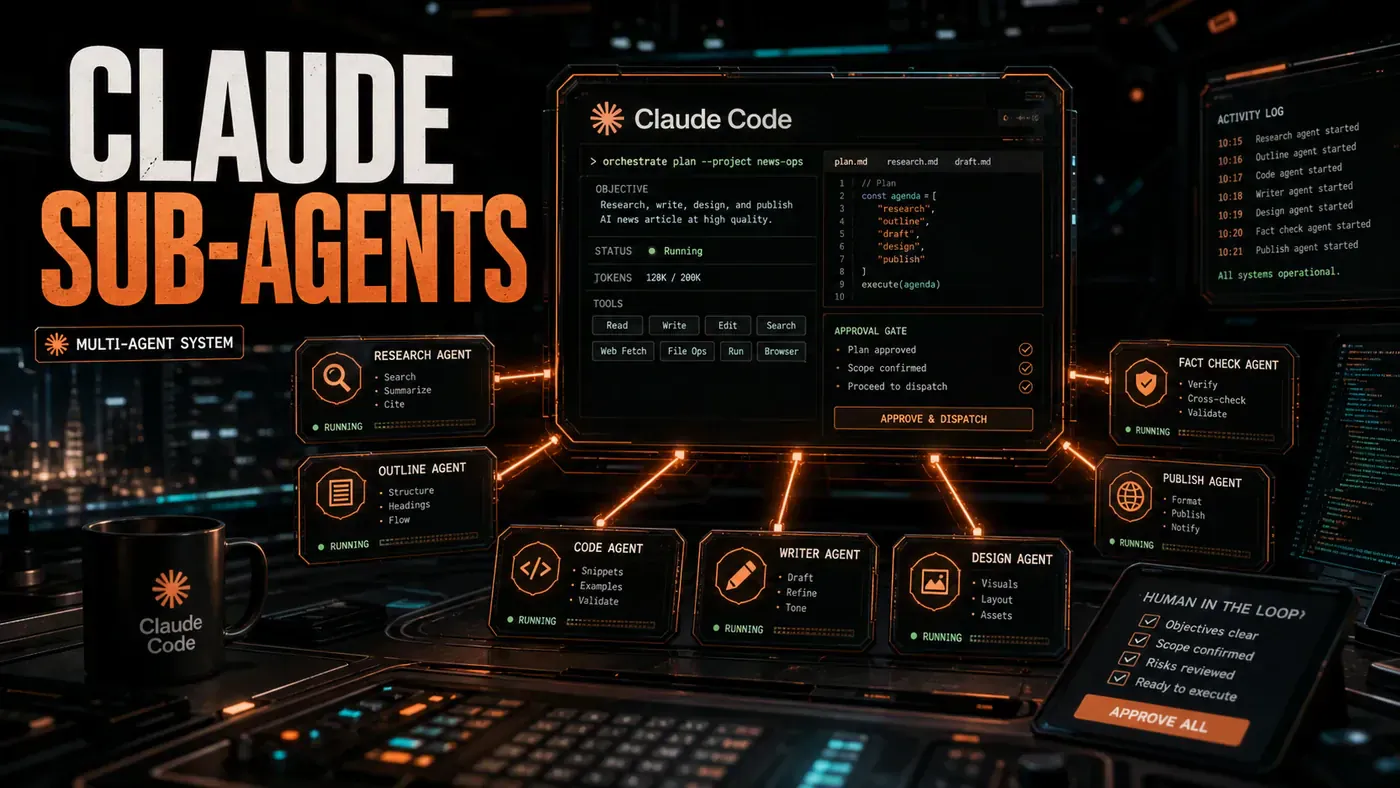
That's a multi-agent system, and Claude Code can run one out of the box. It ships with a Task tool that spins up sub-agents (opens in a new tab), each with its own fresh context and a clear job to do, and it can run several of them side by side (opens in a new tab). The orchestrator-worker shape this guide describes maps straight onto that.
There's a fair-warning note before we start. The code samples below are written as a TypeScript SDK, things like new Claude() and claude.useSkill(). Treat that as illustrative pseudocode for the architecture, not a copy-paste API. In real Claude Code, sub-agents are Markdown files with YAML frontmatter (opens in a new tab) in .claude/agents/, and skills are SKILL.md files in .claude/skills/ folders. The pattern is real and worth building. The exact function names here are a teaching device.
Analysis
Prerequisites
- Claude Code installed and authenticated (the article cites
claude --version>= 0.35, though that exact version threshold is unconfirmed, any recent build with sub-agent support is fine) - A project directory initialised (
claude init) - Basic TypeScript or Python knowledge
- Understanding of JSON schema
Step-by-Step Framework
Step 1: Define Your Agent Topology
Most multi-agent setups fall into a handful of shapes. For day-to-day project work, the orchestrator-workers shape earns its keep:
Orchestrator Agent
├── Research Worker (finds relevant files/context)
├── Code Writer Worker (generates/modifies code)
├── Review Worker (checks quality and style)
└── Test Runner Worker (executes and validates)
Work out the topology before you write a line. Two questions sort it: what does each agent need to be good at, and what has to pass from one agent to the next?
Step 2: Create the Orchestrator Skill
In Claude Code, skills live in .claude/skills/. (One correction to the code below: each skill is a folder with a SKILL.md Markdown file inside, not a .ts file, the TypeScript here is shorthand for the logic.) Create the orchestrator:
// .claude/skills/orchestrator.ts
import { Claude, TaskEnvelope } from './types';

const WORKER_SKILLS = [
 'research-agent',
 'code-writer',
 'review-agent',
 'test-runner'
];

export async function orchestrate(task: string): Promise<string> {
 const claude = new Claude();

 // Phase 1: Decompose the task
 const plan = await claude.generate({
 prompt: `Break this task into sub-tasks for a multi-agent system: ${task}`,
 outputSchema: {
 subtasks: 'array of {id, skill, description, dependencies}'
 }
 });

 // Phase 2: Execute in dependency order
 const results: Record<string, unknown> = {};

 for (const subtask of topologicalSort(plan.subtasks)) {
 const worker = await claude.useSkill(subtask.skill);
 const envelope: TaskEnvelope = {
 taskId: subtask.id,
 skill: subtask.skill,
 input: subtask.description,
 context: gatherContext(subtask.dependencies, results),
 budget: { maxTokens: 100000, maxCost: 5.00 }
 };

 results[subtask.id] = await worker.execute(envelope);
 }

 // Phase 3: Synthesise results
 return claude.generate({
 prompt: `Synthesise these results into a coherent output: ${JSON.stringify(results)}`
 });
}
The three phases are the whole story: break the job apart, run the pieces in the right order, then pull the answers back together.
Step 3: Build Individual Worker Skills
Each worker is a Claude Code skill with a tight, focused system prompt:
// .claude/skills/research-agent.ts
export const researchAgentConfig = {
 name: 'research-agent',
 systemPrompt: `You are a research specialist. Your job is to:
1. Search the codebase for relevant files using ripgrep and find
2. Read and summarise file contents
3. Return a structured report with file paths, relevant line ranges, and summaries
4. NEVER modify files, only read and report

Return your findings as JSON matching the ResearchOutput schema.`,

 tools: ['ripgrep', 'file_read', 'git_log'],

 outputSchema: {
 files: 'array of {path, relevanceScore, relevantLines, summary}',
 confidence: 'number 0-1'
 }
};
// .claude/skills/code-writer.ts
export const codeWriterConfig = {
name: 'code-writer',
systemPrompt: `You are a senior TypeScript developer. Your job is to:
1. Write clean, typed, well-documented code
2. Follow the project's existing patterns and conventions
3. Generate unit tests alongside implementation
4. Return the full file content, not diffs
Always include error handling and input validation.`,
tools: ['file_write', 'file_read', 'shell_exec'],
constraints: {
maxFileSize: '500 lines',
requireTests: true,
requireTypes: true
}
};Notice the research agent is read-only by design. Giving each worker the narrowest set of tools it needs keeps it in its lane and stops a stray write from doing damage.
Step 4: Wire Up Task Delegation
The orchestrator hands work to the workers through Claude Code's built-in task tool:
// In your orchestrator skill
async function delegateToWorker(envelope: TaskEnvelope) {
 const result = await claude.task({
 description: `${envelope.skill}: ${envelope.input}`,
 prompt: `You are the ${envelope.skill} agent.

TASK: ${envelope.input}

CONTEXT FROM OTHER AGENTS:
${JSON.stringify(envelope.context, null, 2)}

BUDGET: ${envelope.budget.maxTokens} tokens max.

Follow your skill definition precisely. Return structured JSON output.`,
 skills: [envelope.skill],
 timeout: 300000 // 5 minutes
 });

 return validateOutput(result, envelope.skill);
}
The envelope carries everything the worker needs: the task, what the other agents already found, and a token ceiling. The validateOutput call at the end matters more than it looks, it's where you catch a worker that wandered off-schema before its answer poisons the next step.
Step 5: Implement Error Recovery
Workers fail. Plan for it:
async function executeWithRetry(
 envelope: TaskEnvelope,
 maxRetries = 2
): Promise<WorkerResult> {
 for (let attempt = 0; attempt <= maxRetries; attempt++) {
 try {
 const result = await delegateToWorker(envelope);
 if (result.confidence < 0.7 && attempt < maxRetries) {
 console.warn(`Low confidence (${result.confidence}), retrying...`);
 envelope.input += '\n\n[Previous attempt had low confidence. Please be more thorough.]';
 continue;
 }
 return result;
 } catch (error) {
 if (attempt === maxRetries) throw error;
 await sleep(1000 * (attempt + 1));
 }
 }
 throw new Error('Max retries exceeded');
}
Two safety nets here. A worker that comes back unsure of itself gets asked to try again with a nudge to dig deeper. A worker that throws an outright error gets a backoff before the next attempt. After the retries run dry, the orchestrator gives up cleanly rather than pretending the work is done.
Step 6: Add Human-in-the-Loop Gates
For anything pricey or destructive, put a human in front of the button:
// .claude/skills/gatekeeper.ts
export async function requireApproval(
 action: string,
 estimatedCost: number
): Promise<boolean> {
 if (estimatedCost < 1.00) return true; // Auto-approve cheap ops

 const approval = await claude.prompt({
 type: 'confirm',
 message: `Agent requests: ${action}\nEstimated cost: $${estimatedCost}\nApprove?`
 });

 return approval;
}
Cheap operations wave straight through. Anything over a dollar stops and asks. Tune that threshold to whatever number makes you nervous.
Do/Don't
| Do | Don't |
|---|---|
| Define clear output schemas for every worker | Let agents return free-form text |
| Set token budgets per sub-task | Let a single agent consume your whole context window |
| Use topological sort for dependency ordering | Fire all agents simultaneously without planning |
| Log every delegation decision | Run agents as black boxes with no observability |
| Implement graceful degradation | Fail the entire workflow if one worker errors |
Testing Your Multi-Agent System
Build yourself a test harness:
# Test the full pipeline
claude run skill orchestrator --input "Refactor the auth module to use JWT tokens"

# Test individual workers
claude run skill research-agent --input "Find all API endpoint definitions"
claude run skill code-writer --input "Write a rate-limiting middleware"
claude run skill review-agent --input "Review src/auth.ts for security issues"
Run each worker on its own first. If a single agent misbehaves in isolation, you don't want to be untangling that from inside the full pipeline.
Advanced: Dynamic Agent Creation
A word of caution before this section: the code below describes a runtime that generates and loads new agents on the fly via calls like claude.createSkill() and claude.loadAgent(). As far as Claude Code's documented framework goes, no such runtime API exists, sub-agents and skills are authored as static Markdown files, not conjured mid-run. Read what follows as a sketch of where the pattern could head, not a feature you can wire up today:
async function spawnSpecialist(domain: string): Promise<Agent> {
 const skillDefinition = await claude.generate({
 prompt: `Create a Claude Code skill definition for a specialist agent in: ${domain}`,
 outputSchema: { name, systemPrompt, tools, constraints }
 });

 await claude.createSkill(skillDefinition);
 return claude.loadAgent(skillDefinition.name);
}
The pitch is a system that grows new abilities when it meets a problem it hasn't seen, the rough shape of a self-improving agent. Worth understanding as a direction of travel; not something to depend on in a build today.
Conclusion
A multi-agent system in Claude Code rests on three real things: the native Task tool (opens in a new tab), skill definitions (opens in a new tab), and the ability to delegate to sub-agents, including several at once (opens in a new tab). Start small with one orchestrator and a few workers, draw firm contracts between them, then add retries and approval gates. And there's a genuine reason the coordination gets easier on newer models: Claude Sonnet 4.6 ships with a 1M-token context window in beta (opens in a new tab), at the same $3/$15 per million tokens as 4.5, so the orchestrator can hold a large codebase and the whole workflow's state in one pass instead of leaning on an external message queue.