

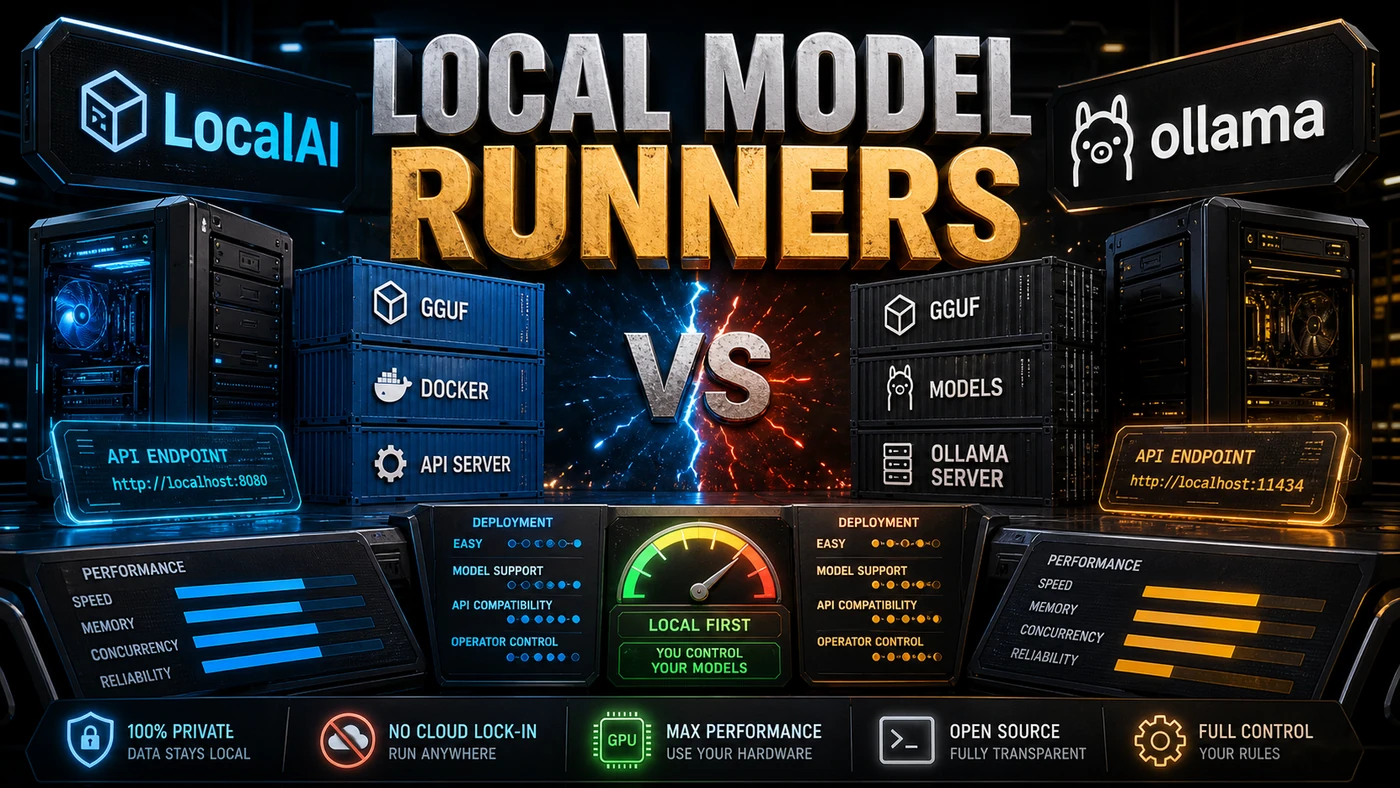








Briefing
Running AI models on your own hardware has stopped being a fringe hobby. Privacy rules, cloud bills, latency, and the plain need to work offline have pushed local inference into mainstream business use. Two open-source tools have become the obvious starting points: LocalAI, which currently sits at around 47,000 GitHub stars (the figure was closer to 44,000 at an earlier point in time), and Ollama. They tackle the same job from opposite ends.
Analysis
Here's the short version of why this matters to a business team. For years, "use AI" meant "send your data to someone else's servers and pay per request." That model is fine until it isn't. Until your compliance team asks where customer records are going. Until the monthly API bill stops looking like a rounding error. Until you need the thing to keep working when the internet doesn't.
Local model runners are the answer to all three problems, and the two tools everyone reaches for could not be more different in spirit. LocalAI is built so that the rest of your software doesn't notice the swap. Point it at your hardware, and the apps you already wrote for OpenAI just keep working. Ollama is built so that a curious developer can go from nothing to chatting with a model in about a minute.
Neither one is "better." They're aimed at different moments in the same project. The interesting part, which we'll get into below, is that the migration cost between them is low enough that you rarely have to commit to one.
LocalAI: The API-Compatible Powerhouse
LocalAI's headline feature is OpenAI API compatibility. It works as a drop-in replacement for OpenAI's API, except everything runs on your own hardware (mudler/LocalAI).
# This code works with both OpenAI and LocalAI, zero changes needed
from openai import OpenAI
client = OpenAI(base_url="http://localhost:8080/v1", api_key="not-needed")
That compatibility changes what's possible. Anything built against OpenAI's API, LangChain, CrewAI, Dify, and a long list of others, talks to LocalAI straight away. You don't rewrite code, swap SDKs, or run a migration.
Strengths
Broad Model Support: LLMs, vision models, embeddings, diffusion, audio, TTS/STT. If you want to run it locally, LocalAI most likely supports it.
Multiple Backends: llama.cpp, Vulkan, and CUDA are confirmed in the current docs; OpenVINO and ONNX Runtime have historically been supported but aren't called out in the latest README, so check before you rely on them. LocalAI picks a backend automatically based on the hardware it finds.
CPU Inference: It runs on CPU-only machines through quantisation and optimised backends. No GPU needed.
Flexible Deployment: Docker and Kubernetes are documented. Bare metal and embedded ARM have been supported in the past, though the current README doesn't spell those out in full.
Production Features: Rate limiting, load balancing, model caching, request queuing. This is built to run in production, not just to play with.
Ideal For
- Production deployments that need API compatibility
- Running a mix of model types (LLM + vision + embedding + audio)
- CPU-only environments
- Kubernetes and containerised deployments
- Teams moving off OpenAI to local inference
Ollama: The Developer Experience Leader
Ollama puts developer experience first. One command to install. One command to run a model. The CLI is clean and easy to follow.
# Install Ollama
curl -fsSL https://ollama.com/install.sh | sh

# Run a model
ollama run llama3

# Done. You're chatting with a local LLM.
Those commands are exactly what the official setup process looks like (SitePoint Ollama Setup 2026 guide).
Strengths
Simplicity: The quickest way to start running local models. Single-command install, single-command execution.
Model Library: ollama pull llama3 grabs an optimised, ready-to-run model. No manual config, no format conversion, no quantisation decisions to agonise over.
Mac Optimisation: Strong performance on Apple Silicon through Metal GPU acceleration. On a Mac it detects Metal and uses the GPU by default, with no extra setup (llmhardware.io Ollama + MLX Mac guide).
Modelfile: A Dockerfile-inspired format for building custom models. It makes adding system prompts, tuning parameters, and attaching adapter weights straightforward (SitePoint Ollama Setup 2026 guide).
Community: A large, active community, with plenty of model contributions and third-party tools.
Ideal For
- Developers new to local AI
- Mac users (the Metal optimisation is genuinely good)
- Rapid prototyping and experimentation
- Personal use and small projects
- Teams that want simplicity over flexibility
Feature Comparison
| Feature | LocalAI (~47k stars) | Ollama |
|---|---|---|
| API Compatibility | OpenAI API | Ollama API (similar to OpenAI) |
| Model Types | LLM, vision, embedding, diffusion, audio | Primarily LLM |
| GPU Support | CUDA, Vulkan, Metal, (OpenVINO historically) | CUDA, Metal, ROCm |
| CPU-Only | Yes (optimised) | Yes |
| Docker | First-class support | Available |
| Kubernetes | Helm charts, production-ready | Basic support |
| Installation | Docker / package manager | Single shell command |
| Model Pulling | Manual configuration | ollama pull model |
| Embedding Models | Extensive support | Limited |
| Vision Models | Full support | Limited |
| Custom Models | Complex but powerful | Easy (Modelfile) |
| CLI Experience | Functional | Excellent |
| Production Features | Extensive | Basic |
Performance
Both tools lean on the same underlying inference engines (primarily llama.cpp), so raw speed lands in much the same place (mudler/LocalAI). The differences that users report, and these are impressions rather than published benchmarks, show up elsewhere:
Startup Time: Ollama is reportedly faster to first token on common models, thanks to aggressive caching.
Throughput: LocalAI is said to handle higher concurrent load better, owing to request queuing and load balancing.
Memory Usage: Ollama is generally described as more memory-efficient for single-model use, while LocalAI is reportedly more efficient for multi-model deployments because the infrastructure is shared.
Mac Performance: On Apple Silicon, Ollama is usually credited with better Metal GPU utilisation. LocalAI has been closing the gap, but Ollama is still seen as holding the edge here.
The Many Teams Use Both Pattern
The most common setup among serious users is to run both tools side by side:
Development: Ollama for quick experiments, testing prompts, and trying out different models.
Production: LocalAI for deployed applications, API compatibility, and serving more than one model.
That split plays to each tool's strengths. Ollama's ease of use suits exploration. LocalAI's production features suit serving.
Migration Path
Moving from Ollama to LocalAI, or the other way, is reasonably painless because both build on llama.cpp and use the GGUF model format (mudler/LocalAI). Models you've already downloaded are usable across the two, and most of the work is updating your API client config. One caveat: Ollama keeps models in its own manifest-and-blob layout, so it's interchange at the format level rather than a literal copy-paste of files.
The Self-Hosting Movement
LocalAI and Ollama both sit at the centre of the self-hosting movement, the shift toward running AI locally for privacy, control, and cost. It keeps growing as models get more capable and more efficient. The common claim is that a 7B-parameter model on your own machine can now match what cloud APIs delivered a year or so ago; that's an unconfirmed, qualitative comparison rather than a benchmarked result, but it points in a direction most practitioners recognise.
If you're building AI applications, it's worth knowing both tools. They're less rivals than two routes to the same destination: keeping your AI on your own terms.