




Briefing
Building an AI agent used to mean opening a code editor. You hired a developer, or you became one. For most business teams, that single barrier kept agents in the "someday" pile.
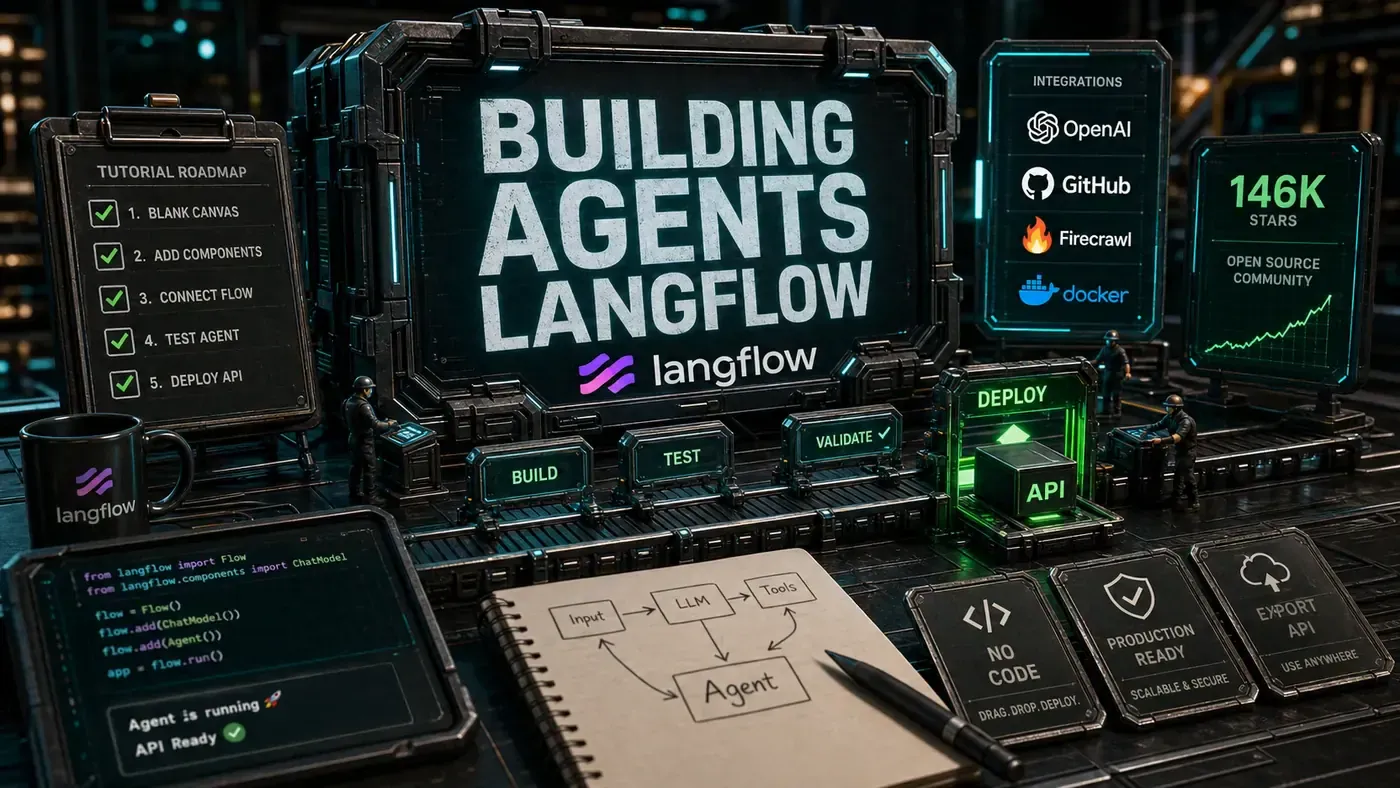
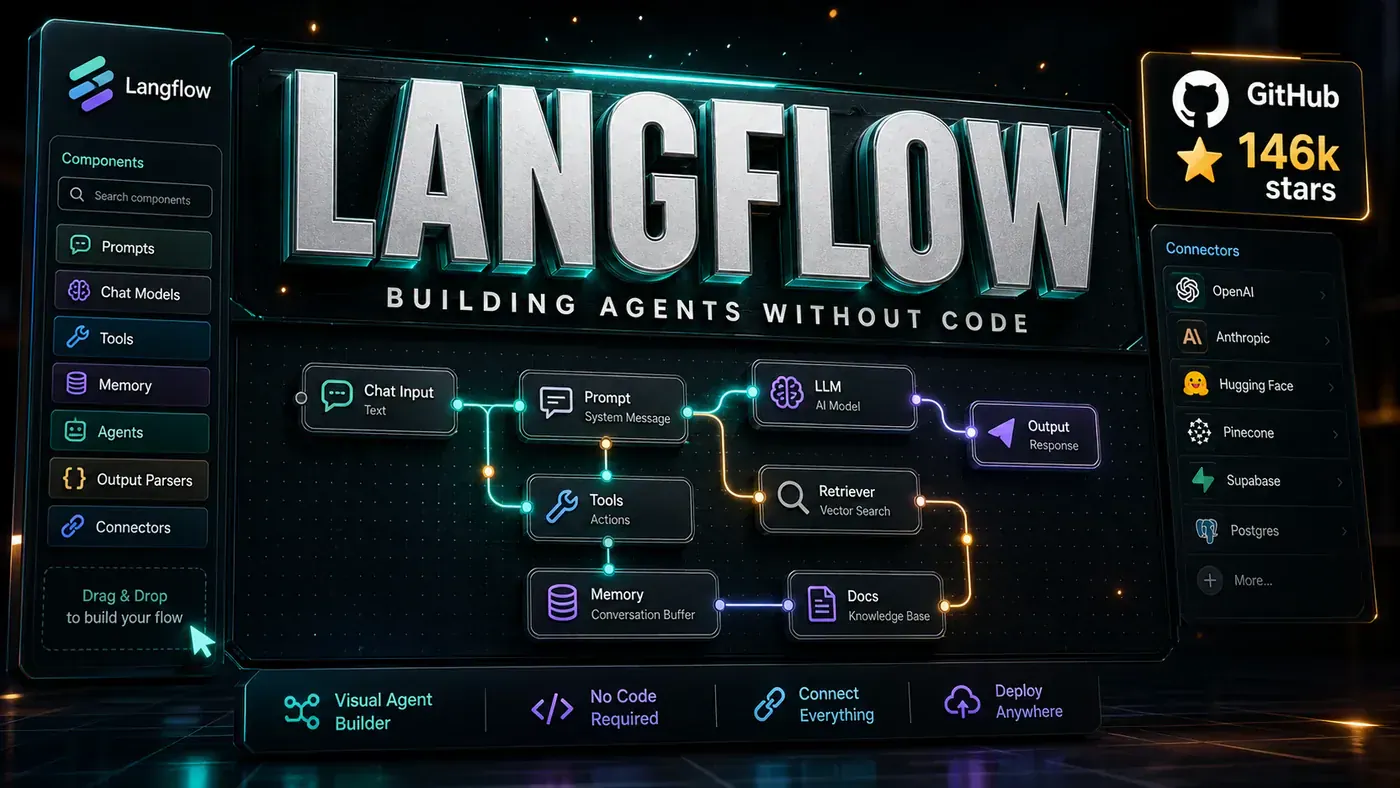
Langflow (opens in a new tab) is one of the tools chipping away at that barrier. It hands you a canvas, a box of building blocks, and lets you wire up an agent by dragging boxes and joining them with lines. No Python required to get started. The project has pulled in roughly 146,000 GitHub stars (langflow-ai/langflow on GitHub (opens in a new tab)), which puts it among the most-starred visual agent builders going around.
The pitch for an Australian business team is simple. Your product manager, your analyst, or whoever actually understands the problem can sketch a working agent themselves, then hand it to a developer to harden for production. That's the bit worth paying attention to: the prototype isn't a throwaway.
The Visual Paradigm
If you've ever used a flowchart tool, the Langflow interface will feel familiar. Each piece of work, an LLM call, a tool, a bit of conditional logic, a data transform, is a node on the canvas. You connect nodes with edges. Building an agent is dragging the pieces you need onto the canvas and joining them in the right order (Langflow Documentation (opens in a new tab)).
The point of this is reach. People who'd never write Python, product managers, business analysts, designers, can put together a working agent prototype without waiting on the engineering queue. When a prototype earns its keep, a developer steps in to refine it and get it ready for real use.
Component Ecosystem
Langflow comes with hundreds of components out of the box (langflow-ai/langflow on GitHub (opens in a new tab)):
LLM Connectors: OpenAI, Anthropic, Google, local models via Ollama/LMStudio, and dozens more providers.
Tool Integrations: Web search, database queries, API calls, file operations, code execution.
Data Processing: Text splitters, embedding generators, vector store connectors, document loaders.
Logic Control: Conditional branches, loops, error handling, parallel execution.
Output Formatters: Structured output parsers, template engines, response formatters.
If something's missing, you can write your own component in Python and share it through the component marketplace (Langflow Documentation (opens in a new tab)).
By The Numbers
- 146,000 GitHub stars, among the most-starred visual agent builders (langflow-ai/langflow on GitHub (opens in a new tab))
- Hundreds of components, extensive built-in library
- Active community, daily contributions and support
- Enterprise adoption, reportedly used by large enterprises, though specific Fortune 500 names aren't publicly confirmed
- MIT License, permissive and business-friendly (langflow-ai/langflow on GitHub (opens in a new tab))
Under the Hood
The visual interface is the front door, not the whole house. Underneath, Langflow produces real code. Any flow can be exported as a Python script or stood up as an API endpoint (langflow-ai/langflow on GitHub (opens in a new tab)). That's the difference between a toy and a tool, a prototype you can actually ship.
The execution engine deals with the unglamorous parts: async operations, retries, error recovery, and monitoring. Flows can run on a webhook trigger or on-demand, and the platform includes built-in logging and observability through LangSmith integration (langflow-ai/langflow on GitHub (opens in a new tab)). Scheduled runs are commonly cited too, though that's less clearly documented than the trigger and API options.
Real-World Use Cases
Customer Support: Multi-step support bots that query knowledge bases, escalate complex issues, and log interactions.
Research Assistants: Agents that search multiple sources, synthesise findings, and generate reports.
Data Pipelines: ETL workflows that extract from APIs, transform with LLM assistance, and load to databases.
Content Generation: Marketing copy, social media posts, and documentation generated from templates and research.
The Langflow Ecosystem
Langflow sits comfortably alongside the rest of the AI tooling most teams already touch. It's commonly used with LangChain-compatible components, supports LangSmith for observability, and works with any LLM that exposes an API (Langflow Documentation (opens in a new tab)). The project moves quickly, it's well past its early 1.0 releases and into the 1.10 development cycle, with ongoing work on performance, collaboration, and the component library (Langflow Releases on GitHub (opens in a new tab)).
For teams that want to move fast without painting themselves into a corner, that combination is the appeal: prototype visually, export to code when it's time to go live. It's a reasonable explanation for why so many developers have starred it.
Langflow: answer-first summary
Langflow matters because it can change how Founders and operators plan, build, or govern an tool evaluation workflow. Langflow's visual agent builder has hit 146,000 GitHub stars.
The direct answer is this: do not treat the topic as a standalone trend. Treat it as a decision about inputs, outputs, review ownership, data exposure, and whether the workflow produces a result that is faster, safer, or more useful than the current process.
Langflow: implementation checklist
- Define the user, job to be done, and success metric for the tool evaluation workflow.
- Collect real examples, policies, source files, customer questions, or search queries before writing prompts or choosing tools.
- Separate low-risk drafts from decisions that need approval, privacy checks, or senior review.
- Document what the AI is allowed to access, what it must not access, and who signs off before production use.
- Review time to value, adoption rate, cost per workflow, quality review score after a small pilot rather than judging the idea from a demo.
This keeps the work practical. It also gives search engines and AI answer engines a clean factual structure: what the topic is, who it helps, what to do next, and which risks matter before implementation.
Decision criteria for Langflow
| Decision area | What to check | Production signal |
|---|---|---|
| Intent | Does Langflow solve a real workflow problem? | The use case has a named owner and measurable outcome. |
| Data | Can the required data be used safely? | Sensitive data is classified and access is controlled. |
| Quality | Can a reviewer judge the output consistently? | Examples, rubrics, or acceptance criteria exist. |
| Scale | Can the workflow be repeated without hero effort? | The process is documented and can be handed to another team member. |
Practical example for Langflow
A small business could use this article to choose one practical test. For example, a manager might take one customer-facing process, one internal document workflow, or one recurring content task and redesign only that step with AI support. The goal is not to automate the whole business at once; it is to learn where AI Tools creates reliable leverage.
The useful deliverable is a short operating note: the trigger, the source material, the prompt or tool, the review checklist, the escalation rule, and the metric. That note becomes the handover asset for staff training, SEO/GEO content, service delivery, or future agent work.
Risks and controls for Langflow
The common failure pattern is moving too quickly from a promising idea into an unmanaged workflow. For Langflow, the risk is not only bad output. It can also be unclear data permission, staff confusion, duplicate content, unreviewed customer advice, or a tool that quietly changes cost or capability.
- Control tool sprawl with a named owner, a review step, and written acceptance criteria.
- Control unclear pricing with a named owner, a review step, and written acceptance criteria.
- Control vendor lock-in with a named owner, a review step, and written acceptance criteria.
- Control unreviewed data sharing with a named owner, a review step, and written acceptance criteria.
Measurement plan for Langflow
A useful AI or SEO initiative should leave evidence. Track time to value, adoption rate, cost per workflow, quality review score and compare the pilot against the current process. If the measure does not improve, keep the learning but avoid scaling the workflow.
For GEO readiness, the page should also answer the core question directly, define the entities involved, include implementation steps, explain tradeoffs, and link readers to the next relevant AI Kick Start service, guide, tool, or article.
Definitions and entities for Langflow
For search, GEO, and staff handover, define the core entities in plain language. In this article the important entities are the workflow owner, the AI tool or model, the source material, the review process, the risk boundary, and the measurable business outcome. Clear definitions make the page easier for people to scan and easier for AI answer engines to quote accurately.
- Workflow owner: the person accountable for deciding whether Langflow belongs in the business process.
- Source material: the documents, examples, policies, URLs, prompts, videos, or customer questions that ground the output.
- Review boundary: the point where a human checks accuracy, privacy, brand voice, or customer impact before the result is used.
- Success metric: the measure that proves whether the tool evaluation workflow is worth repeating.
Langflow versus doing nothing
Doing nothing is also a decision. The cost may be slow manual work, weaker search visibility, inconsistent advice, duplicated effort, or staff using unmanaged AI tools without a shared process. The practical question is whether a controlled pilot can reduce that cost without creating a larger governance problem.
| Option | When it makes sense | What to watch |
|---|---|---|
| Do nothing | The workflow is rare, low value, or already reliable. | Competitors may improve speed, content depth, or service consistency first. |
| Run a small pilot | The task repeats often and has clear review criteria. | Keep scope tight and measure the result against the current process. |
| Build a production workflow | The pilot is repeatable and risk controls are documented. | Assign ownership, monitoring, training, and a rollback path. |
AI Kick Start handover package for Langflow
A production handover should be concrete enough that another person can run it. For Langflow, that means a short brief, a workflow map, approved prompts or tool settings, source material, a review checklist, internal links to supporting resources, and a simple measurement sheet. This is the difference between reading about AI and turning it into operational capability.
That packaging also strengthens E-E-A-T. It shows experience through implementation notes, expertise through decision criteria, authoritativeness through source-aware structure, and trust through risks, controls, and review steps. The article becomes useful even if the reader never buys a tool because it helps them make a better operational decision.