





Analysis
Anyone who has used an AI assistant for real work knows the frustration. You tell it on Monday that your team writes everything in TypeScript and that you're building a payments app called PayFlow. By Tuesday it has forgotten both, and you're typing the same context all over again. Every chat starts from zero.
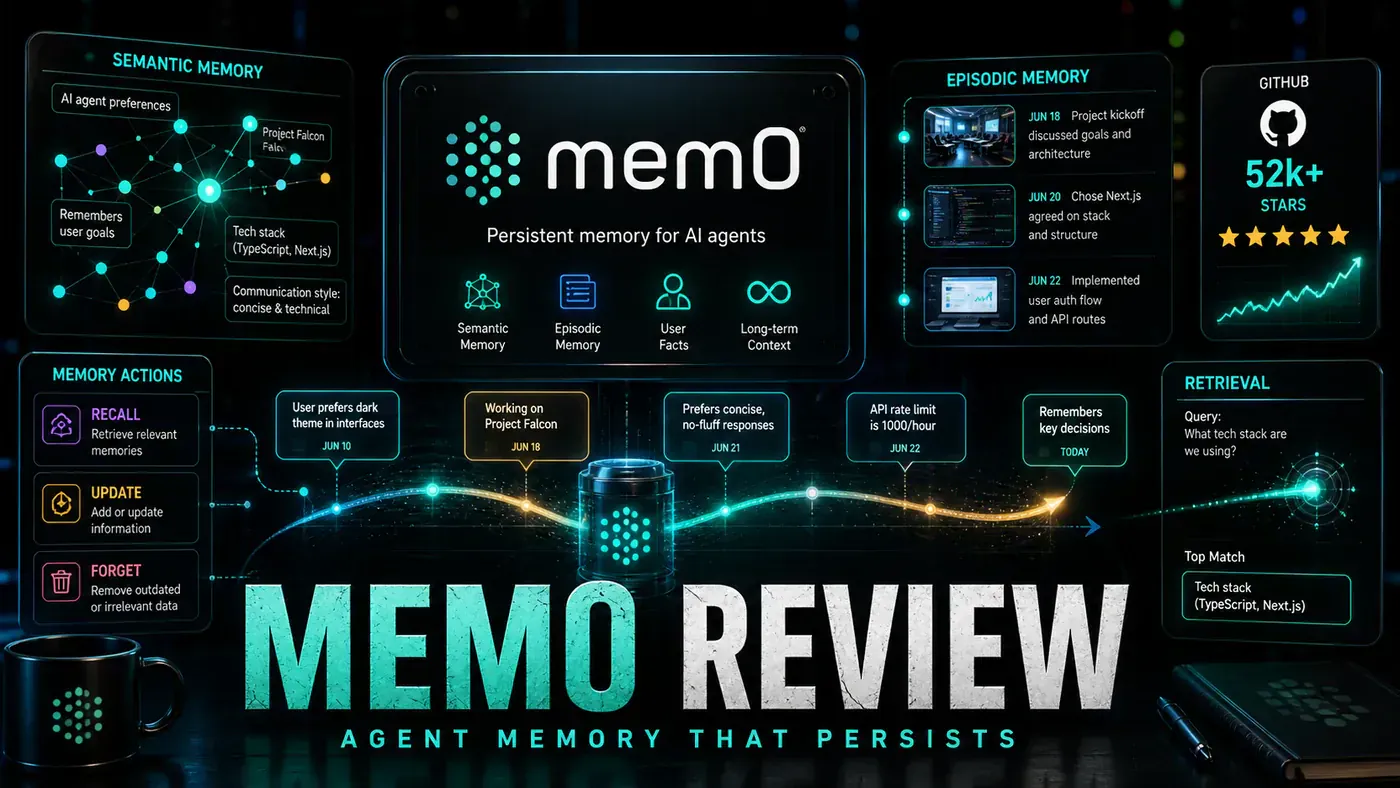
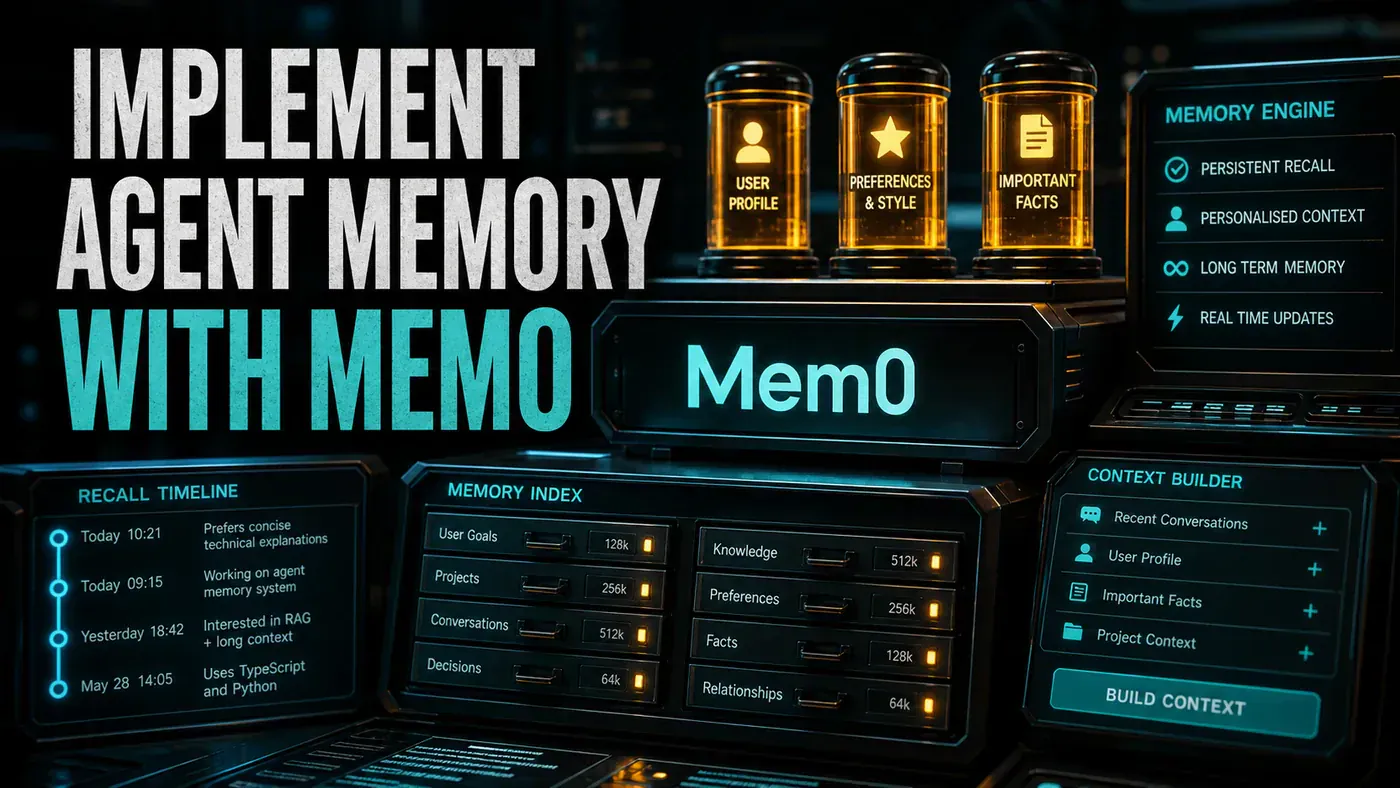
That gap is what Mem0 (opens in a new tab) sets out to close. It's an open-source "memory layer" that sits between your agent and its conversations, quietly pulling out the facts worth keeping (preferences, project details, decisions) and handing them back when they're relevant later. The agent stops being a goldfish and starts behaving like a colleague who actually remembers what you told it.
For Australian teams weighing up where to put their AI effort, the practical appeal is twofold. The memory stays useful across sessions, so your staff stop re-explaining themselves, and because Mem0 can run on your own servers, the sensitive context never has to leave your infrastructure. The rest of this guide shows how to wire it up.
Analysis
Prerequisites
- Python 3.10 or later
pip install mem0ai- A vector store (Chroma, Qdrant, or PostgreSQL)
- An LLM API key for the memory extraction step
The version and install requirements above match Mem0's Python quickstart (opens in a new tab), and the supported vector stores are listed in its vector store overview (opens in a new tab), where Qdrant is the default.
Step-by-Step Framework
Step 1: Install and Configure
pip install mem0ai# mem0_config.py
from mem0 import Memory
m = Memory(
vector_store={
"provider": "qdrant",
"config": {
"host": "localhost",
"port": 6333,
"embedding_model_dims": 1536
}
},
llm={
"provider": "anthropic",
"config": {
"model": "claude-sonnet-4.6",
"api_key": "sk-ant-your-key"
}
},
embedder={
"provider": "openai",
"config": {
"model": "text-embedding-3-small",
"api_key": "sk-your-key"
}
}
)One thing to watch in the config above: the model string claude-sonnet-4.6 won't resolve against the API. Sonnet 4.6 is a real Anthropic model, but the canonical identifier is hyphenated, claude-sonnet-4-6, per the Claude API model IDs (opens in a new tab). Swap in the hyphenated form before you run this. The embedder side is correct as written: OpenAI's text-embedding-3-small (opens in a new tab) returns 1536-dimensional vectors by default, which is why embedding_model_dims is set to 1536.
You don't have to use Anthropic, by the way. Mem0 works with any LLM through the same API, and OpenAI, Ollama, and local models are all configurable options for the extraction step (see the quickstart (opens in a new tab)).
Step 2: Add Memories
# add_memories.py
# Mem0 automatically extracts facts from conversations

result = m.add(
 messages=[
 {"role": "user", "content": "I prefer TypeScript over Python for frontend work."},
 {"role": "assistant", "content": "Noted! I'll use TypeScript for all frontend code I generate for you."}
 ],
 user_id="alex-chen",
 metadata={"category": "preferences", "topic": "programming"}
)

print(result)
# {'message': 'ok', 'memories': [
# {'id': 'mem_001', 'text': 'User prefers TypeScript over Python for frontend', 'event': 'ADD'}
# ]}

# More memories
m.add(
 messages=[
 {"role": "user", "content": "I'm working on a fintech app called PayFlow."},
 {"role": "assistant", "content": "I'll remember that you're building PayFlow, a fintech app."}
 ],
 user_id="alex-chen"
)
You're not telling Mem0 what to store. You hand it the raw exchange and add() works out which facts are worth keeping, in this case the TypeScript preference and the PayFlow project. The exact shape of the printed return dict here is illustrative; treat it as a guide to the idea rather than a contract, since the current SDK may format its output slightly differently.
Step 3: Retrieve Relevant Memories
# retrieve.py
# Automatically retrieves relevant memories for a query

memories = m.search(
 query="Write a React component for my app",
 user_id="alex-chen"
)

for mem in memories:
 print(f"[{mem['score']:.2f}] {mem['text']}")

# [0.92] User prefers TypeScript over Python for frontend
# [0.78] User is building PayFlow, a fintech app
This is where the embeddings earn their keep. search() compares the query against stored memories semantically and returns the closest matches with a relevance score on each, so only the memories that actually bear on the question surface. A request to "write a React component" pulls the frontend preference to the top, not some unrelated fact buried in last month's chat.
Step 4: Integrate with an Agent
# agent_with_memory.py
from mem0 import Memory

class MemoryAugmentedAgent:
 def __init__(self, llm_client):
 self.llm = llm_client
 self.memory = Memory()

 async def chat(self, user_id: str, message: str) -> str:
 # 1. Retrieve relevant memories
 relevant_memories = self.memory.search(
 query=message,
 user_id=user_id
 )

 # 2. Build context from memories
 memory_context = "\n".join([
 f"- {m['text']}" for m in relevant_memories[:5]
 ])

 # 3. Generate response with memory context
 system_prompt = f"""You are a helpful assistant. Here are relevant facts about the user:
{memory_context}

Use these facts to personalise your response."""

 response = await self.llm.complete(
 system=system_prompt,
 messages=[{"role": "user", "content": message}]
 )

 # 4. Store the interaction
 self.memory.add(
 messages=[
 {"role": "user", "content": message},
 {"role": "assistant", "content": response}
 ],
 user_id=user_id
 )

 return response
The loop is the whole pattern in four steps: search before you answer, fold the top few memories into the system prompt, generate the reply, then store the new exchange so the next turn is a little smarter. Capping it at the top five (relevant_memories[:5]) keeps the prompt tight; you don't want to dump a user's entire history into every call.
Step 5: Memory Management
# memory_management.py

# Update a memory
m.update(memory_id="mem_001", data="User prefers TypeScript for frontend and Rust for backend")

# Delete a memory
m.delete(memory_id="mem_001")

# Get all memories for a user
all_memories = m.get_all(user_id="alex-chen")
print(f"Total memories: {len(all_memories)}")

# History of changes
history = m.history(memory_id="mem_001")
for event in history:
 print(f"{event['created_at']}: {event['event']} - {event['text']}")
Memories aren't write-once. People change their minds, projects wrap up, and stale facts cause more harm than no facts at all. The update, delete, get_all, and history methods (all part of the documented Memory API (opens in a new tab)) give you the controls to keep the store honest. The history call in particular is handy for auditing: it shows how a given memory has changed over time.
Step 6: Self-Hosted Deployment
# docker-compose.yml
version: '3.8'
services:
 mem0:
 image: mem0/mem0:latest
 ports:
 - "8000:8000"
 environment:
 - VECTOR_STORE_PROVIDER=qdrant
 - VECTOR_STORE_HOST=qdrant
 - LLM_PROVIDER=anthropic
 - ANTHROPIC_API_KEY=${ANTHROPIC_API_KEY}
 - EMBEDDER_PROVIDER=openai
 - OPENAI_API_KEY=${OPENAI_API_KEY}
 depends_on:
 - qdrant
 - postgres

 qdrant:
 image: qdrant/qdrant:latest
 ports:
 - "6333:6333"
 volumes:
 - qdrant_data:/qdrant/storage

 postgres:
 image: postgres:16
 environment:
 POSTGRES_DB: mem0
 POSTGRES_PASSWORD: password
 volumes:
 - postgres_data:/var/lib/postgresql/data

volumes:
 qdrant_data:
 postgres_data:
This is the part that matters most if you're handling client data under Australian privacy obligations: Mem0 ships an open-source FastAPI server you can run on your own infrastructure via Docker Compose, so the memory store never leaves your control (see the self-hosted setup (opens in a new tab)).
Two caveats on the compose file above. The image tag mem0/mem0:latest is illustrative; the official self-host image is published as `mem0/mem0-api-server` (opens in a new tab) on Docker Hub, with the server listening on internal port 8000 and the official compose mapping it to host port 8888. And the Qdrant-plus-Postgres combination shown here is a valid setup, but it isn't Mem0's documented default; the default self-host stack pairs Postgres with pgvector and Neo4j. Adapt the file to the official image and your chosen stores before deploying.
Do/Don't
| Do | Don't |
|---|---|
| Store user preferences and project context | Store sensitive credentials or PII |
| Use memory to personalise responses | Rely solely on conversation history |
| Update memories when user preferences change | Let stale memories override current context |
| Self-host for data privacy | Send user data to managed memory without consent |
| Periodically clean irrelevant memories | Keep all memories forever |
A note on the performance figure
The "sub-50ms retrieval for 10,000 memories" number quoted earlier should be treated as unconfirmed. We couldn't find a published source backing it, and it runs against Mem0's own LOCOMO benchmark paper (opens in a new tab), which reports search latency closer to 148ms at the median and around 200ms at p95. Fast enough for interactive use, but plan against the published figures rather than the rounder claim.
Conclusion
Mem0 turns a stateless agent into one that remembers who it's talking to. The embedding-based retrieval keeps only relevant memories in front of the model, and the automatic fact extraction spares you from hand-curating what's worth keeping. If privacy is a concern, self-host it; if you're already running an agent framework, the API drops in without much ceremony. Either way, the payoff is continuity, agents that build on past conversations instead of starting cold every time.
How to implement agent memory with Mem0: answer-first summary
How to implement agent memory with Mem0 matters because it can change how Australian business teams plan, build, or govern an agent workflow. Add persistent, intelligent memory to your AI agents using Mem0, the memory layer that remembers user preferences, facts, and conversation history across sessions.
The direct answer is this: do not treat the topic as a standalone trend. Treat it as a decision about inputs, outputs, review ownership, data exposure, and whether the workflow produces a result that is faster, safer, or more useful than the current process.
How to implement agent memory with Mem0: implementation checklist
- Define the user, job to be done, and success metric for the agent workflow.
- Collect real examples, policies, source files, customer questions, or search queries before writing prompts or choosing tools.
- Separate low-risk drafts from decisions that need approval, privacy checks, or senior review.
- Document what the AI is allowed to access, what it must not access, and who signs off before production use.
- Review successful task completion, review time, fallback rate, operator corrections after a small pilot rather than judging the idea from a demo.
This keeps the work practical. It also gives search engines and AI answer engines a clean factual structure: what the topic is, who it helps, what to do next, and which risks matter before implementation.
Decision criteria for How to implement agent memory with Mem0
| Decision area | What to check | Production signal |
|---|---|---|
| Intent | Does How to implement agent memory with Mem0 solve a real workflow problem? | The use case has a named owner and measurable outcome. |
| Data | Can the required data be used safely? | Sensitive data is classified and access is controlled. |
| Quality | Can a reviewer judge the output consistently? | Examples, rubrics, or acceptance criteria exist. |
| Scale | Can the workflow be repeated without hero effort? | The process is documented and can be handed to another team member. |
Practical example for How to implement agent memory with Mem0
A small business could use this article to choose one practical test. For example, a manager might take one customer-facing process, one internal document workflow, or one recurring content task and redesign only that step with AI support. The goal is not to automate the whole business at once; it is to learn where How-to Guide creates reliable leverage.
The useful deliverable is a short operating note: the trigger, the source material, the prompt or tool, the review checklist, the escalation rule, and the metric. That note becomes the handover asset for staff training, SEO/GEO content, service delivery, or future agent work.
Risks and controls for How to implement agent memory with Mem0
The common failure pattern is moving too quickly from a promising idea into an unmanaged workflow. For How to implement agent memory with Mem0, the risk is not only bad output. It can also be unclear data permission, staff confusion, duplicate content, unreviewed customer advice, or a tool that quietly changes cost or capability.
- Control unclear tool permissions with a named owner, a review step, and written acceptance criteria.
- Control silent failures with a named owner, a review step, and written acceptance criteria.
- Control prompt drift with a named owner, a review step, and written acceptance criteria.
- Control weak audit trails with a named owner, a review step, and written acceptance criteria.
Measurement plan for How to implement agent memory with Mem0
A useful AI or SEO initiative should leave evidence. Track successful task completion, review time, fallback rate, operator corrections and compare the pilot against the current process. If the measure does not improve, keep the learning but avoid scaling the workflow.
For GEO readiness, the page should also answer the core question directly, define the entities involved, include implementation steps, explain tradeoffs, and link readers to the next relevant AI Kick Start service, guide, tool, or article.
Definitions and entities for How to implement agent memory with Mem0
For search, GEO, and staff handover, define the core entities in plain language. In this article the important entities are the workflow owner, the AI tool or model, the source material, the review process, the risk boundary, and the measurable business outcome. Clear definitions make the page easier for people to scan and easier for AI answer engines to quote accurately.
- Workflow owner: the person accountable for deciding whether How to implement agent memory with Mem0 belongs in the business process.
- Source material: the documents, examples, policies, URLs, prompts, videos, or customer questions that ground the output.
- Review boundary: the point where a human checks accuracy, privacy, brand voice, or customer impact before the result is used.
- Success metric: the measure that proves whether the agent workflow is worth repeating.
How to implement agent memory with Mem0 versus doing nothing
Doing nothing is also a decision. The cost may be slow manual work, weaker search visibility, inconsistent advice, duplicated effort, or staff using unmanaged AI tools without a shared process. The practical question is whether a controlled pilot can reduce that cost without creating a larger governance problem.
| Option | When it makes sense | What to watch |
|---|---|---|
| Do nothing | The workflow is rare, low value, or already reliable. | Competitors may improve speed, content depth, or service consistency first. |
| Run a small pilot | The task repeats often and has clear review criteria. | Keep scope tight and measure the result against the current process. |
| Build a production workflow | The pilot is repeatable and risk controls are documented. | Assign ownership, monitoring, training, and a rollback path. |
AI Kick Start handover package for How to implement agent memory with Mem0
A production handover should be concrete enough that another person can run it. For How to implement agent memory with Mem0, that means a short brief, a workflow map, approved prompts or tool settings, source material, a review checklist, internal links to supporting resources, and a simple measurement sheet. This is the difference between reading about AI and turning it into operational capability.
That packaging also strengthens E-E-A-T. It shows experience through implementation notes, expertise through decision criteria, authoritativeness through source-aware structure, and trust through risks, controls, and review steps. The article becomes useful even if the reader never buys a tool because it helps them make a better operational decision.