

Introduction: Why This One Belongs on the Watchlist
Gemini 3.5 Live Translate stands out because it is a shipping Google product with a public API, a free tier in Google AI Studio, and availability in the Google Translate app on Android and iOS. The reason it matters for AI Kick Start readers is practical: this is not just another launch to admire from a distance. It changes how founders, operators, and technical teams should think about AI Voice & Translation work over the next few months. The source transcript repeatedly centres on Gemini 3.5 Live Translate, Google AI Studio and the Gemini Live API, with the video framing the topic as a practical workflow rather than a detached product announcement. That is the useful lens. The video is worth treating as implementation intelligence: what should be tested, what should be ignored for now, and what should become part of a repeatable operating system. For Australian small businesses and technical teams, the right question is not "is this impressive?" The right question is "where does this reduce friction without creating a larger governance, security, or maintenance problem?"
What the Video Actually Shows
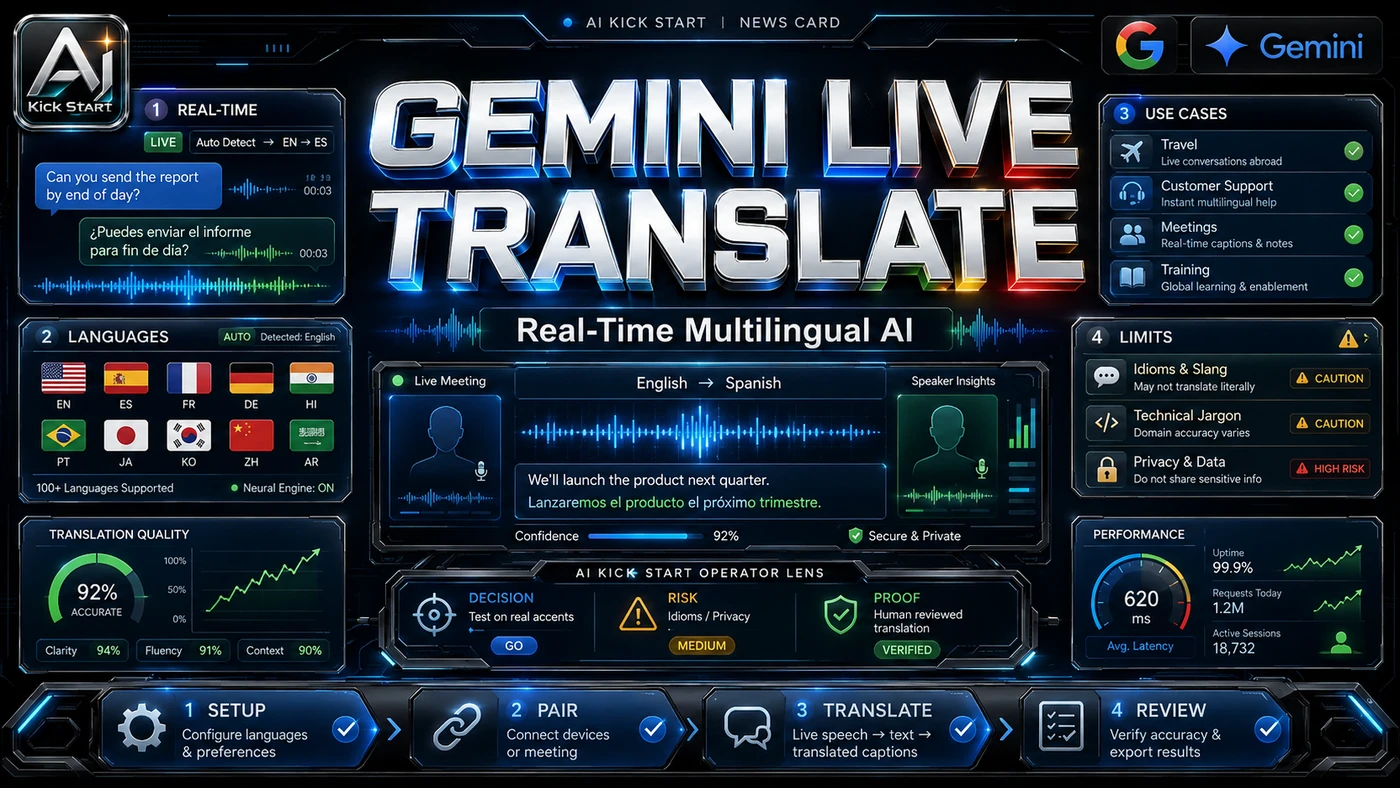
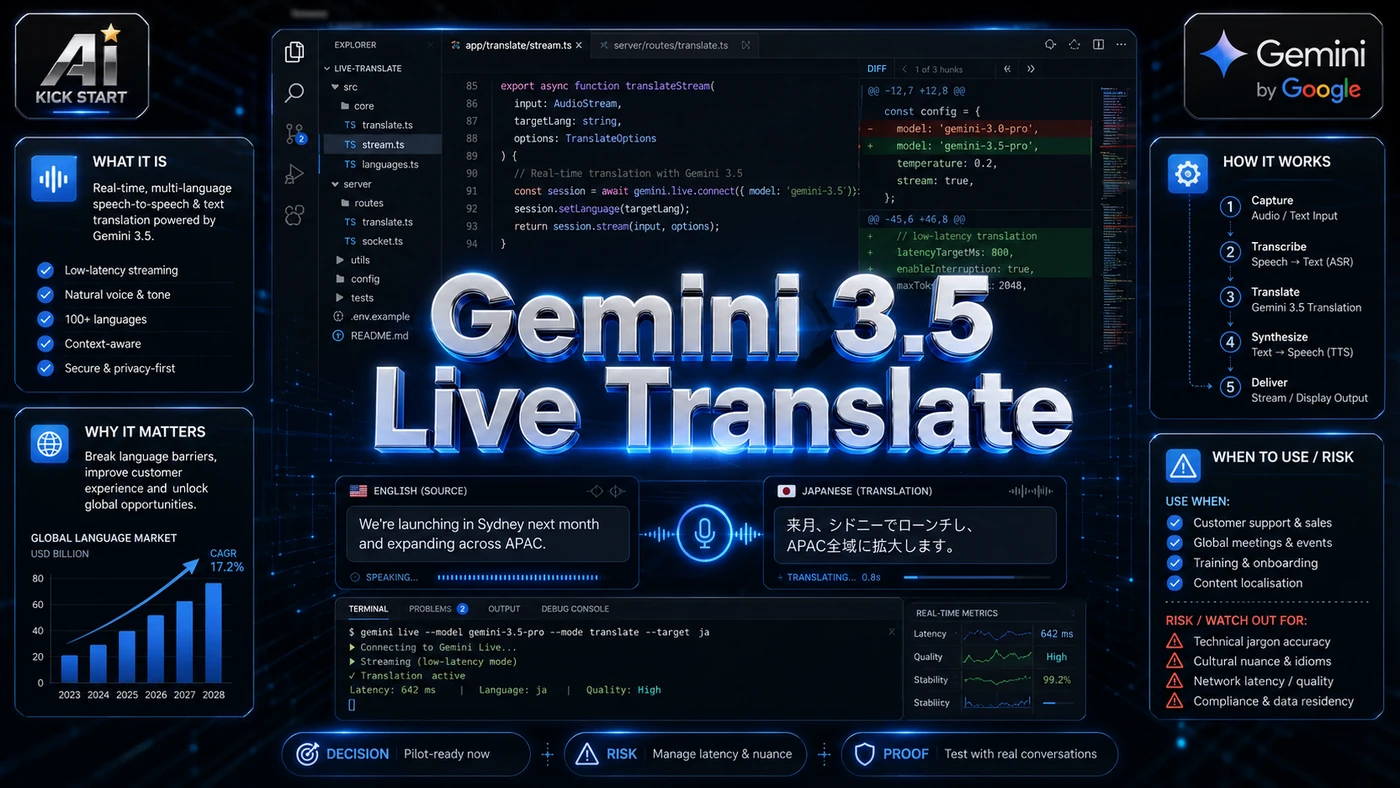
The segment claims speech-to-speech translation across more than 70 languages with automatic language detection, preservation of intonation, pacing, and pitch, continuous streaming that stays a few seconds behind the speaker, and an Android listening mode, shown through polished marketing footage. The core pattern is simple: capture audio, stream it to the Gemini Live API with a translation target, receive translated audio and transcripts in near real time, and log the session for review. In practice, that means the update sits inside a broader shift from isolated AI prompts to managed systems. A tool, model, or method only becomes valuable when it has clear inputs, a measurable output, a review path, and a way to repeat the result next week. The video's most useful signal is the workflow shape. The moving parts can be summarised as: Audio capture Streaming translation Output and transcript Review loop That is the level at which teams should evaluate it. A demo can be entertaining, but a workflow must survive messy source files, staff handoff, data boundaries, and real deadlines.
The Implementation Pattern
The first implementation lesson is to narrow the scope. Start with one narrow conversation type. Broad adoption is usually where AI systems fail first because nobody knows which decision the tool is allowed to make and which decision still belongs to a human. The second lesson is to create a test harness. A useful harness does not have to be complicated. It can be a short brief, a fixed sample dataset, a few expected outputs, and one person responsible for judging whether the result is good enough. The third lesson is to capture the process. Document how the session is started, stopped, and reviewed. When the process is documented, it can become a reusable skill, checklist, prompt pack, repo pattern, or operating procedure. When it is not documented, the team is back to improvising in chat.
Research Update: What To Correct
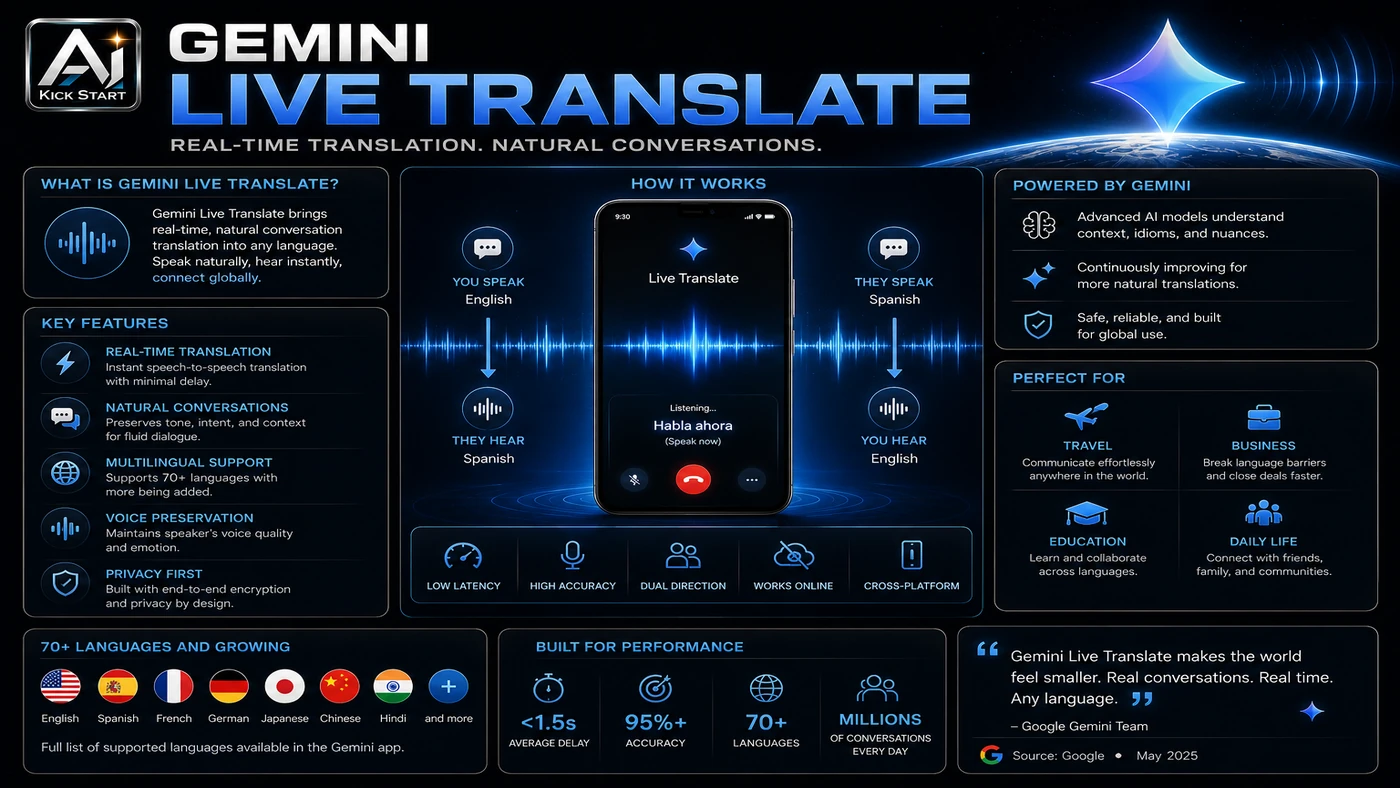
This update adds a current-source pass rather than treating the original video summary as enough. The important corrections are the product surface, plan or pricing constraints, and what should be verified before a team depends on the workflow. The "70+ languages" claim is a supported set, not a quality guarantee. Preserving intonation, pacing, and pitch is a design goal, not a guarantee. Continuous translation trades latency against accuracy, so early translations may be revised as more context arrives. It is not a substitute for certified interpreters in legal, medical, or emergency settings. The free tier may use data to improve Google products, so move to a paid tier for production. Google Meet integration is in private preview, so enterprise-wide deployment is not ready today.
Practical Setup and How-To
The useful next step is a controlled pilot with a named owner, fixed inputs, a measurable output, and a review point. Use the sequence below as the first implementation path before expanding the workflow. Sign in with a Google Cloud account and open the Gemini Live API or Live Translate section in Google AI Studio. Start with the free tier, but keep sensitive conversations out of it. Test the Google Translate app first to gauge latency and voice quality. Move to the paid Gemini API when ready, checking the current model identifier. Build a small test harness with ten to twenty representative phrases and score accuracy, latency, and naturalness. Log everything. Google provides example code in the Gemini Cookbook, and platforms such as Agora, Fishjam, LiveKit, Pipecat, and Vision Agents have announced integrations for real-time media streaming.
Pricing, Access, and Comparison Notes
Pricing and access should be checked at implementation time because AI products change quickly. The safer decision is to compare the tool against the job-to-be-done, not against launch hype. Google's pricing page, last updated 9 June 2026, lists a free tier with free input and output but a note that data may be used to improve Google products, and a paid tier at roughly US$3.50 per 1M input tokens and US$21.00 per 1M output tokens, with an effective blended rate of roughly US$0.0368 per minute. That is dramatically cheaper than human interpretation, but costs scale linearly. For text-heavy use cases, DeepL or Azure may still win; Azure Speech Translation can feel robotic and turn-by-turn, AWS Translate plus Amazon Polly is mature but not a single streaming speech-to-speech model, and DeepL has high text quality without live speech. For live, natural voice conversation, Gemini 3.5 Live Translate is the strongest new entrant. Access Plan, preview status, region, account type, admin controls, and rate limits. Cost Subscription, credits, API tokens, retries, hardware, review time, and support burden. Fit Workflow reliability, data handling, output quality, observability, and human approval needs.
Implementation Notes for Teams
For AI Kick Start readers, this is the production filter: keep the first rollout narrow, make the evidence visible, and do not let the tool cross a business boundary until the review model is clear. For Australian teams, the risks sit in five areas: privacy and data residency, so confirm your Google Cloud region and terms meet Privacy Act obligations; accuracy and liability, so define in-scope conversation types; bias and fairness, so test with actual speakers; cost governance, so set per-session and per-month budgets; and vendor lock-in, so abstract the translation layer behind an internal service.
Screenshot and Visual Guidance
The second inline image for this article should make the implementation concrete: a clean Google AI Studio Live Translate test bench showing the input language selector, the translated transcript panel, a latency meter, and a review checklist. If the team is documenting a real rollout, capture setup screens, before/after outputs, permission settings, cost meters, and review evidence rather than decorative screenshots. For your own pilot, capture original and translated transcripts plus a short audio sample for each session, focusing on pauses, interruptions, and slang.
Where It Fits for Real Teams
For founders, the opportunity is speed with evidence. This kind of workflow can reduce the time between idea and first useful output, but it should still produce artefacts that a customer, manager, or developer can inspect. For operators, the value is consistency. If the same task is done slightly differently every time, AI can either make the inconsistency worse or help standardise the path. The difference is whether the workflow has rules, examples, and review checkpoints. For technical teams, the value is leverage. A strong setup lets agents, models, or creative systems take on repeatable work while engineers keep control over architecture, security, deployment, and final judgement. Gemini 3.5 Live Translate is most useful where the conversation is routine, the cost of delay is high, and a human interpreter is impractical: customer support, field services, internal meetings with offshore staff, tourism and hospitality, and healthcare triage with escalation rules. It is less appropriate for negotiations, disciplinary conversations, clinical diagnoses, legal proceedings, or any setting where a single wrong word carries serious consequences. The practical fit is strongest when the task has clear source material, a known output format, and a low-cost way to verify quality. It is weaker when the task is vague, politically sensitive, legally risky, or dependent on facts that cannot be checked.
Trade-offs and Risks
The main risk is over-translation and meaning drift. That risk can be managed, but only if it is named before the workflow becomes normal. A second risk is loss of nuance and context. AI systems often look better in a screen recording than they feel inside a production workflow. The test is whether the result is repeatable when the source material changes, the operator changes, and the deadline is real. A third risk is privacy, compliance, and regulatory exposure, including audio watermarking with SynthID, connectivity dependency, and evolving guidance from AHPRA, ASIC, the OAIC, and industry bodies. This is why AI Kick Start generally recommends a staged rollout: sandbox first, internal use second, customer-facing deployment last.
The Next Sensible Test
The next sensible test is a small controlled implementation. Pick one workflow, one owner, one expected output, and one acceptance check. Run it twice. If the second run is easier than the first, the pattern is worth keeping. Do not judge the workflow by the best possible demo. Judge it by the worst acceptable production case. Ask: what happens when the source file is incomplete, the tool is unavailable, the output is wrong, or a staff member needs to explain the result to a customer? If those answers are clear, this belongs in the roadmap. If they are not, it belongs in the lab until the operating model catches up. For translation teams, run a bounded two-week pilot: pick one team and conversation type, run 20 to 50 conversations, score accuracy, latency, naturalness, and satisfaction, document failure modes, compare against current, and decide whether to expand, limit scope, or wait.