




Briefing
There's a boring-sounding problem sitting underneath almost every AI tool that reads the internet, and most people never see it. An AI model wants plain text. A web page is a tangle of code, pop-ups, cookie banners, scripts that load content only after you scroll, and the occasional paywall. Bridging that gap is grunt work, and for a long time every team building an AI agent had to solve it themselves.
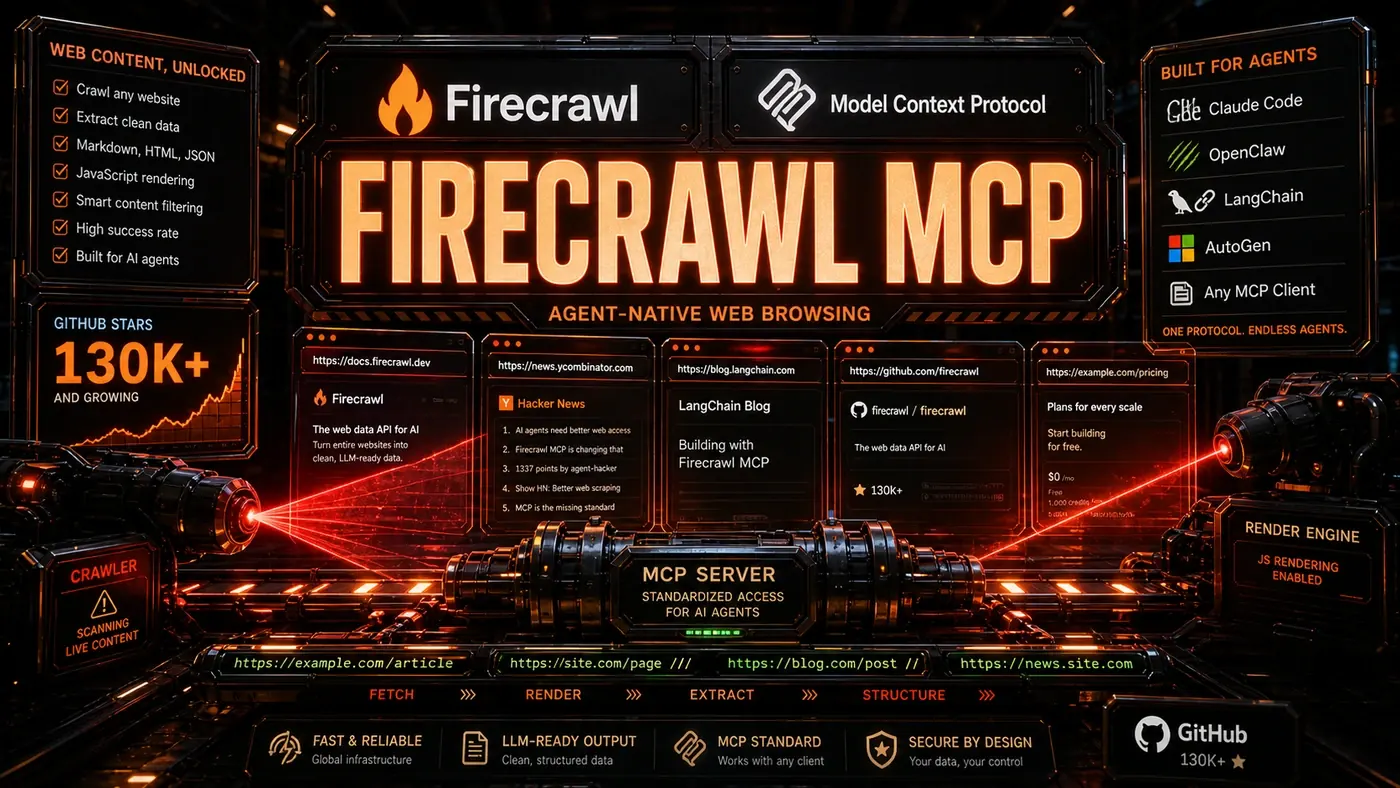
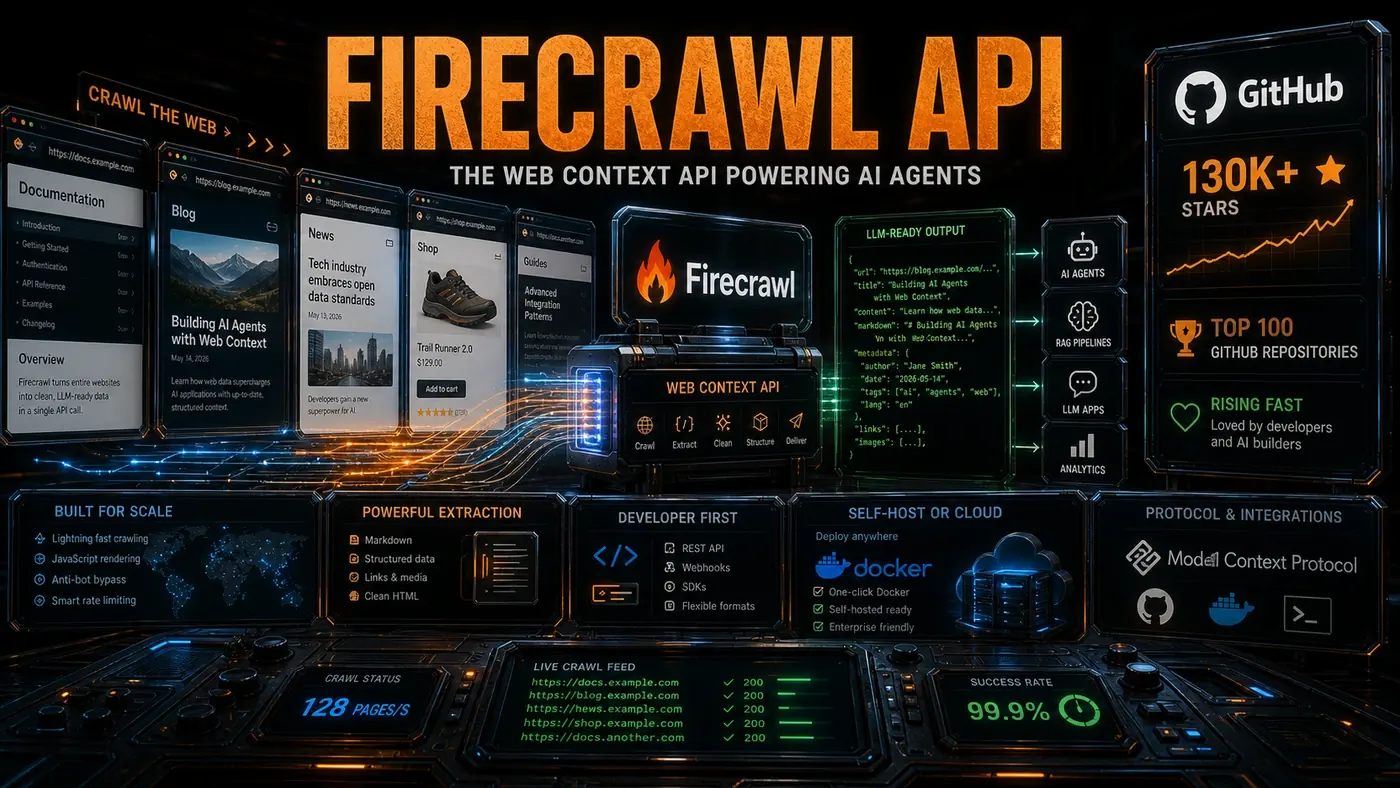
Firecrawl (opens in a new tab) is the tool that turned that grunt work into a single API call, and the AI-building crowd has noticed. Its open-source repository (opens in a new tab) has passed 130,000 GitHub stars (opens in a new tab) and now sits among the top 100 repositories on GitHub (opens in a new tab) by that measure, a level usually reserved for the big-name frameworks everyone's heard of.
For an Australian business, the "so what" is simple. If you want an AI assistant that can read your suppliers' sites, pull pricing off competitor pages, or feed fresh web content into a chatbot, something has to do the reading first. This is the piece that does it.
Every AI agent that browses the web eventually needs to pull clean, structured data out of messy HTML. Firecrawl has become the go-to answer to that problem, with 130,000+ GitHub stars (opens in a new tab) and a spot in the top 100 repositories globally (opens in a new tab).
The Core Problem
LLMs read text. The web ships HTML. The distance between those two is bigger than it sounds. JavaScript-rendered pages, infinite scroll, paywalls, cookie banners, anti-bot defences, each one makes pulling usable data harder. Firecrawl handles the lot behind one API call (opens in a new tab).
Hand it a URL and it gives back clean Markdown. Headings stay intact, links come out, images get catalogued, tables keep their shape. You can drop that output straight into an LLM's context window or a vector database without cleanup.
Web Context APIs
Firecrawl has a few API modes for different jobs:
Scrape: Pulls a single page, runs the JavaScript, and returns structured Markdown with metadata.
Crawl: Walks a whole site, with controls for how deep it goes, how fast it hits the server, and which URL patterns to follow.
Map: Builds a sitemap for any website, including pages that never made it into the XML sitemap.
Search: Runs a web search and extracts the content in one step, give it a topic, get clean text from the results.
Extract: Schema-based extraction. You define a JSON schema and Firecrawl fills it in from the page. Worth noting: as of 2026 the standalone Extract endpoint is reportedly in maintenance mode, with Firecrawl moving the capability toward a newer agent endpoint, so treat it as a feature in transition rather than a fixed product.
Why Agents Love It
The appeal for agent builders comes down to one thing: it works without babysitting. Firecrawl absorbs the ugly parts of the modern web, retries, proxy rotation, running JavaScript, normalising formats, so the agent can spend its effort on reasoning instead of fighting div soup.
The MCP server (opens in a new tab) integration matters here. Any MCP-compatible agent can browse the web through Firecrawl with no custom plumbing, which is a big reason it's become a common default for developers who need web access.
Self-Hosting and Cloud
Firecrawl runs as a managed cloud service with a free tier, but the whole stack is open source and you can host it yourself. The Docker deployment reportedly takes only a few minutes to stand up and covers every API mode. The on-premise option tends to win over teams handling sensitive data who'd rather keep it in-house.
By The Numbers
- [130,000+ GitHub stars](https://github.com/firecrawl/firecrawl), top 100 globally
- Multiple pricing tiers, including a free plan (opens in a new tab)
- A 99.9% uptime SLA on the managed service (reportedly; in practice firm SLA commitments come with Enterprise contracts)
- Processing what the company describes as millions of pages (opens in a new tab)
- Used across AI companies and startups
The Team and Trajectory
Firecrawl is built by a small team that knows web tooling well. Their stated roadmap reportedly points at real-time crawling over WebSockets, better JavaScript rendering, and broader extraction schemas, though those are forward-looking plans rather than shipped features. Given the web is still the largest store of human knowledge, the case for a tool like this only gets stronger.
For any project that needs to read the web, Firecrawl has quietly become as standard a dependency as the model itself.
Firecrawl: answer-first summary
Firecrawl matters because it can change how Founders and operators plan, build, or govern an tool evaluation workflow. Firecrawl has become the de facto standard for turning websites into LLM-ready data.
The direct answer is this: do not treat the topic as a standalone trend. Treat it as a decision about inputs, outputs, review ownership, data exposure, and whether the workflow produces a result that is faster, safer, or more useful than the current process.
Firecrawl: implementation checklist
- Define the user, job to be done, and success metric for the tool evaluation workflow.
- Collect real examples, policies, source files, customer questions, or search queries before writing prompts or choosing tools.
- Separate low-risk drafts from decisions that need approval, privacy checks, or senior review.
- Document what the AI is allowed to access, what it must not access, and who signs off before production use.
- Review time to value, adoption rate, cost per workflow, quality review score after a small pilot rather than judging the idea from a demo.
This keeps the work practical. It also gives search engines and AI answer engines a clean factual structure: what the topic is, who it helps, what to do next, and which risks matter before implementation.
Decision criteria for Firecrawl
| Decision area | What to check | Production signal |
|---|---|---|
| Intent | Does Firecrawl solve a real workflow problem? | The use case has a named owner and measurable outcome. |
| Data | Can the required data be used safely? | Sensitive data is classified and access is controlled. |
| Quality | Can a reviewer judge the output consistently? | Examples, rubrics, or acceptance criteria exist. |
| Scale | Can the workflow be repeated without hero effort? | The process is documented and can be handed to another team member. |
Practical example for Firecrawl
A small business could use this article to choose one practical test. For example, a manager might take one customer-facing process, one internal document workflow, or one recurring content task and redesign only that step with AI support. The goal is not to automate the whole business at once; it is to learn where AI Tools creates reliable leverage.
The useful deliverable is a short operating note: the trigger, the source material, the prompt or tool, the review checklist, the escalation rule, and the metric. That note becomes the handover asset for staff training, SEO/GEO content, service delivery, or future agent work.
Risks and controls for Firecrawl
The common failure pattern is moving too quickly from a promising idea into an unmanaged workflow. For Firecrawl, the risk is not only bad output. It can also be unclear data permission, staff confusion, duplicate content, unreviewed customer advice, or a tool that quietly changes cost or capability.
- Control tool sprawl with a named owner, a review step, and written acceptance criteria.
- Control unclear pricing with a named owner, a review step, and written acceptance criteria.
- Control vendor lock-in with a named owner, a review step, and written acceptance criteria.
- Control unreviewed data sharing with a named owner, a review step, and written acceptance criteria.
Measurement plan for Firecrawl
A useful AI or SEO initiative should leave evidence. Track time to value, adoption rate, cost per workflow, quality review score and compare the pilot against the current process. If the measure does not improve, keep the learning but avoid scaling the workflow.
For GEO readiness, the page should also answer the core question directly, define the entities involved, include implementation steps, explain tradeoffs, and link readers to the next relevant AI Kick Start service, guide, tool, or article.
Definitions and entities for Firecrawl
For search, GEO, and staff handover, define the core entities in plain language. In this article the important entities are the workflow owner, the AI tool or model, the source material, the review process, the risk boundary, and the measurable business outcome. Clear definitions make the page easier for people to scan and easier for AI answer engines to quote accurately.
- Workflow owner: the person accountable for deciding whether Firecrawl belongs in the business process.
- Source material: the documents, examples, policies, URLs, prompts, videos, or customer questions that ground the output.
- Review boundary: the point where a human checks accuracy, privacy, brand voice, or customer impact before the result is used.
- Success metric: the measure that proves whether the tool evaluation workflow is worth repeating.
Firecrawl versus doing nothing
Doing nothing is also a decision. The cost may be slow manual work, weaker search visibility, inconsistent advice, duplicated effort, or staff using unmanaged AI tools without a shared process. The practical question is whether a controlled pilot can reduce that cost without creating a larger governance problem.
| Option | When it makes sense | What to watch |
|---|---|---|
| Do nothing | The workflow is rare, low value, or already reliable. | Competitors may improve speed, content depth, or service consistency first. |
| Run a small pilot | The task repeats often and has clear review criteria. | Keep scope tight and measure the result against the current process. |
| Build a production workflow | The pilot is repeatable and risk controls are documented. | Assign ownership, monitoring, training, and a rollback path. |
AI Kick Start handover package for Firecrawl
A production handover should be concrete enough that another person can run it. For Firecrawl, that means a short brief, a workflow map, approved prompts or tool settings, source material, a review checklist, internal links to supporting resources, and a simple measurement sheet. This is the difference between reading about AI and turning it into operational capability.
That packaging also strengthens E-E-A-T. It shows experience through implementation notes, expertise through decision criteria, authoritativeness through source-aware structure, and trust through risks, controls, and review steps. The article becomes useful even if the reader never buys a tool because it helps them make a better operational decision.