




Briefing
For years, getting an AI agent to read the live web was a plumbing job. Every framework rolled its own scraper, every team patched around blocked requests and broken page formats, and none of it travelled when you switched tools. The work was real, but almost none of it was the work you actually wanted to do.
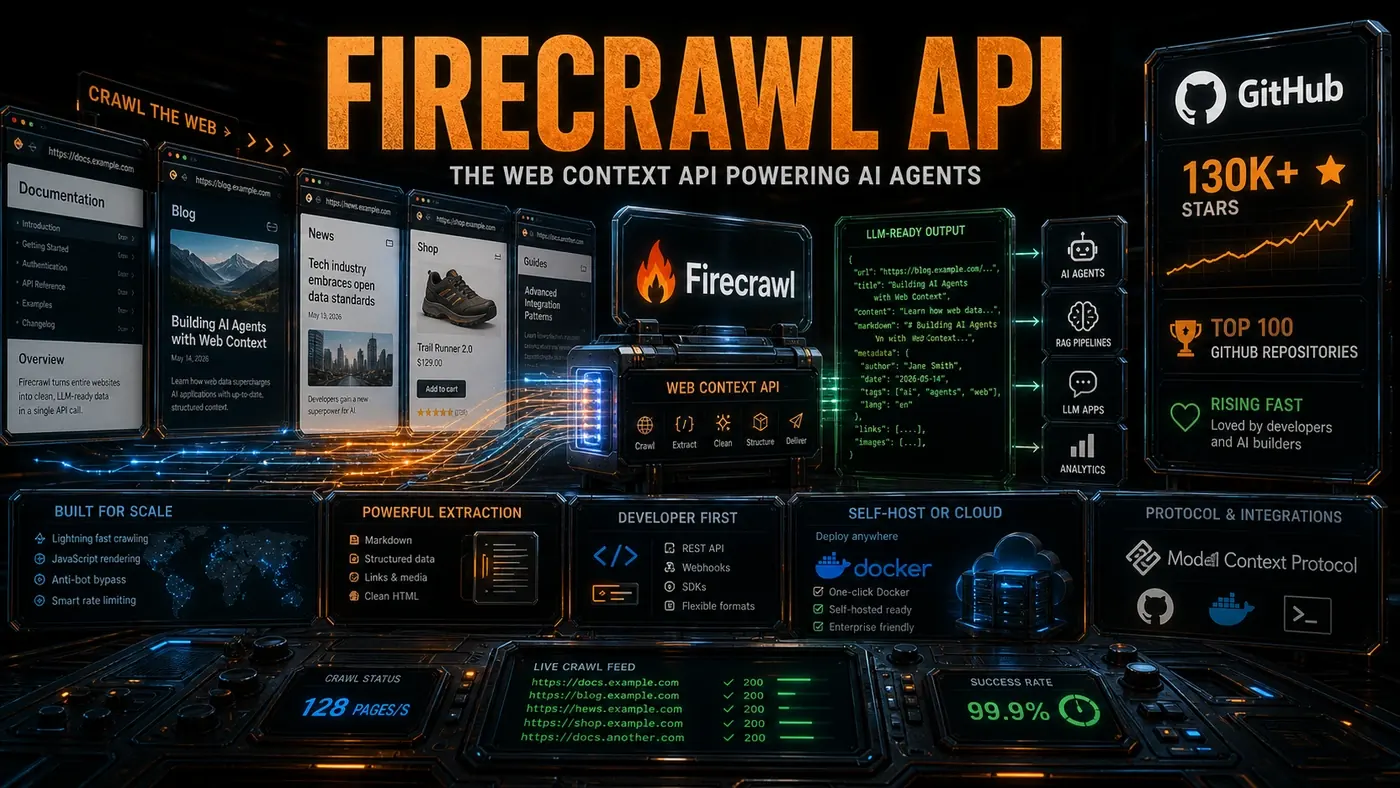
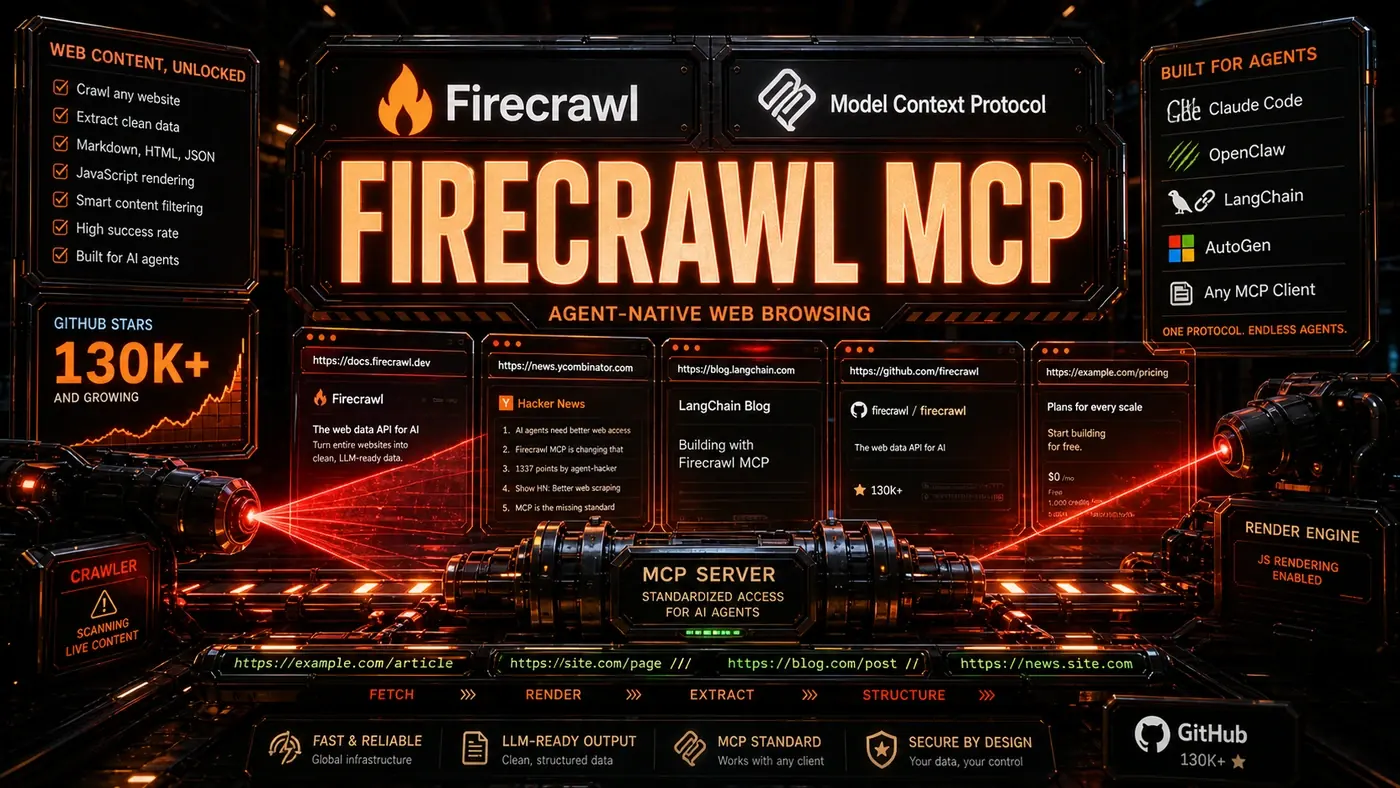
The Model Context Protocol (MCP) is changing that by giving agents and tools a shared language. And Firecrawl's MCP server (opens in a new tab) has become one of the more popular ways for an agent to go and fetch a page, riding on the back of a project that now carries more than 130,000 GitHub stars (opens in a new tab).
For an Australian business team, the practical upshot is this: the tools you already use to build or run agents can browse the web through one well-maintained service, instead of each app reinventing the same fragile scraper. Less glue code, fewer surprises, and a setup that moves with you when your stack changes.
What Is MCP?
MCP (Model Context Protocol) is an open standard for how agents find and use tools. Instead of every agent framework writing its own custom tool integrations, MCP gives them a common interface. Any MCP-compatible tool works with any MCP-compatible agent.
The protocol covers a few things:
- Tool discovery: Agents find out what tools exist and what each one does
- Schema negotiation: Agents read each tool's inputs and outputs
- Execution: Agents call tools with the right parameters
- Error handling: Errors get reported and recovered in a consistent way
Firecrawl as an MCP Server
Firecrawl puts its full feature set behind an MCP server, which makes its web context APIs available to any MCP-compatible agent:
{
 "tools": [
 {
 "name": "firecrawl_scrape",
 "description": "Scrape a single webpage and return clean Markdown",
 "parameters": {
 "url": { "type": "string" },
 "formats": { "type": "array", "enum": ["markdown", "html", "screenshot"] }
 }
 },
 {
 "name": "firecrawl_crawl",
 "description": "Crawl a website up to a specified depth",
 "parameters": {
 "url": { "type": "string" },
 "maxDepth": { "type": "integer" },
 "limit": { "type": "integer" }
 }
 }
 ]
}
(That snippet is a trimmed-down illustration, not the verbatim published schema, the real firecrawl_scrape tool also takes options like onlyMainContent, includeTags, and excludeTags. See the Firecrawl Developers & MCP docs (opens in a new tab) for the full set.)
Any agent that speaks MCP can browse the web through Firecrawl with no custom integration code.
Why This Matters
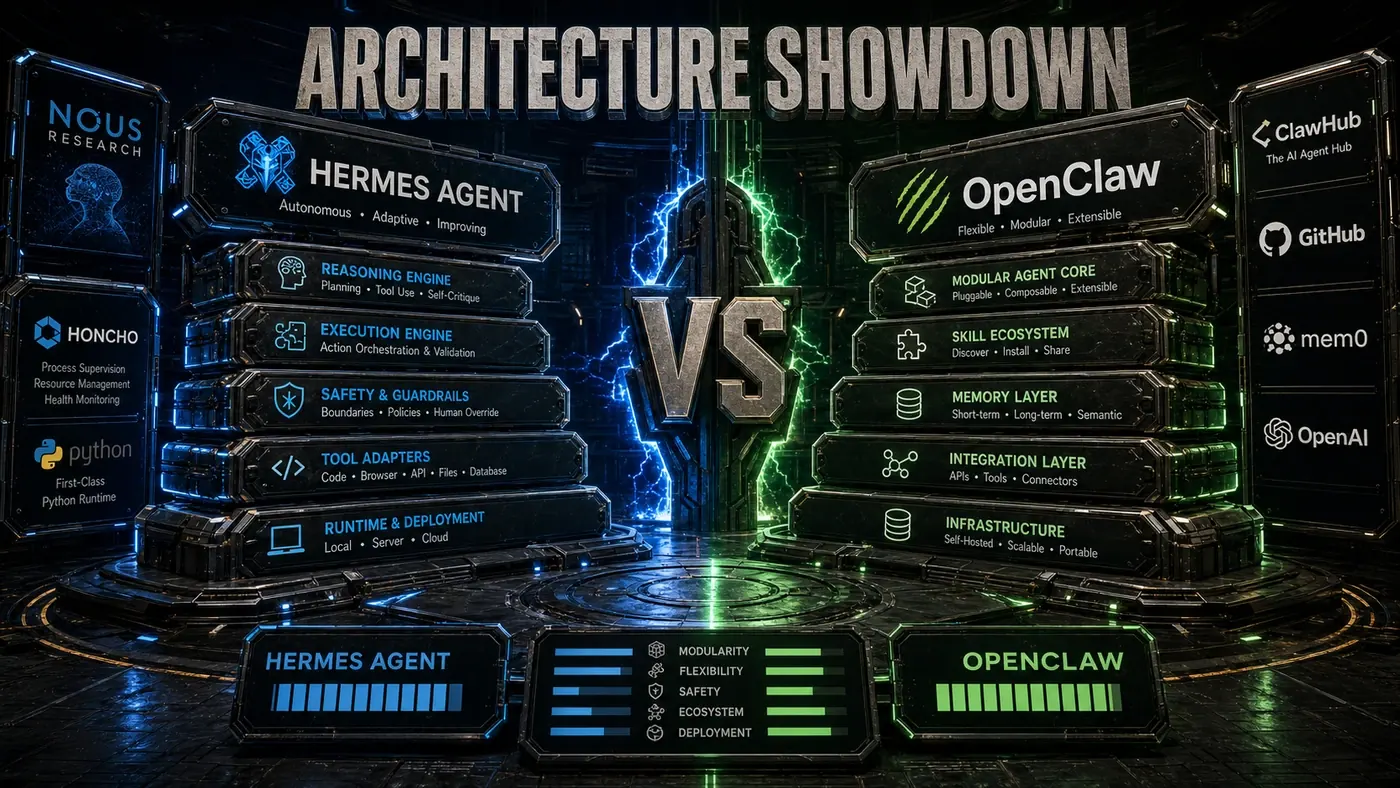
Before MCP, each agent framework brought its own web browsing setup. LangChain had its document loaders, OpenClaw had its browser skill, AutoGen had its web surfer tool. Each one was built separately, configured differently, and kept up to varying degrees.
MCP splits the tool from the agent. Firecrawl keeps one good MCP server going. Agent frameworks write one MCP client. The investment is shared rather than duplicated five times over.
Integration Examples
With OpenClaw: Install the MCP skill, point it at the Firecrawl endpoint, and every OpenClaw agent can browse the web.
With Claude Code: Add Firecrawl to Claude Code's MCP configuration, and Claude can browse the web for you.
With Custom Agents: Any Python or TypeScript agent using an MCP client library picks up Firecrawl in a few minutes.
Capabilities Exposed
The MCP server covers all of Firecrawl's API modes:
- scrape: Single-page extraction to Markdown
- crawl: Multi-page site traversal
- map: Sitemap generation
- search: Web search with content extraction
- extract: Schema-based structured data extraction
Each tool carries enough metadata for an agent to work out when and how to use it. The "search" tool, for instance, spells out when it beats "scrape" or "crawl."
Reliability Benefits
Running Firecrawl through MCP brings reliability that home-grown scrapers tend to struggle with. Firecrawl's documented capabilities include:
- JavaScript rendering: Full browser execution for modern web apps
- Rate limiting: Throttling that keeps you from getting blocked
- Retry logic: Automatic retries with exponential backoff
- Proxy rotation: Requests spread across multiple IPs
- Format normalisation: Consistent Markdown out, whatever goes in
These are genuinely hard problems, and solving them at scale is what lets an agent spend its effort on reasoning instead of scraping logistics. (Firecrawl publicly documents the JS rendering, proxy handling, and Markdown normalisation; the finer internals like exact backoff and IP-rotation behaviour are reasonable but not all separately confirmed. See the Firecrawl site (opens in a new tab) for the capability list.)
The Standardisation Trend
Firecrawl's MCP integration sits inside a wider shift. Other tools are adopting MCP too:
- Database connectors: Query PostgreSQL, MongoDB, and others
- File system tools: Read and write files with permission controls
- API clients: Call REST and GraphQL APIs with schema awareness
- Code execution: Run Python, JavaScript, and shell commands safely
This kind of standardisation pays off across the board. Tool developers maintain one integration. Agent developers get access to hundreds of tools. Users get agents that can actually do more.
By The Numbers
- 130,000+ GitHub stars on the main Firecrawl project (Source: firecrawl/firecrawl GitHub repository (opens in a new tab))
- Top 100 GitHub repo globally, ranked around #64 (Source: GitHub Top-100 most-starred list (opens in a new tab))
- MCP server with full API coverage (Source: Official Firecrawl MCP Server repo (opens in a new tab))
- Reportedly millions of pages processed daily (vendor figure; no independent source located)
- Compatible with all major agent frameworks
One caveat worth keeping straight: the 130,000+ stars belong to the main firecrawl/firecrawl repo. The dedicated MCP server repo is a separate, smaller project (around 6,600 stars at last check).
For agents that need web access, Firecrawl's MCP server is a strong option, though it's worth saying it's one of several MCP browsing tools, not the only road in. It pairs a mature project with an open standard, and the star count suggests plenty of developers rate it.
Firecrawl MCP server: answer-first summary
Firecrawl MCP server matters because it can change how Founders and operators plan, build, or govern an tool evaluation workflow. How Firecrawl's MCP integration is becoming the standard way for AI agents to access web content, with 130k+ stars backing the approach.
The direct answer is this: do not treat the topic as a standalone trend. Treat it as a decision about inputs, outputs, review ownership, data exposure, and whether the workflow produces a result that is faster, safer, or more useful than the current process.
Firecrawl MCP server: implementation checklist
- Define the user, job to be done, and success metric for the tool evaluation workflow.
- Collect real examples, policies, source files, customer questions, or search queries before writing prompts or choosing tools.
- Separate low-risk drafts from decisions that need approval, privacy checks, or senior review.
- Document what the AI is allowed to access, what it must not access, and who signs off before production use.
- Review time to value, adoption rate, cost per workflow, quality review score after a small pilot rather than judging the idea from a demo.
This keeps the work practical. It also gives search engines and AI answer engines a clean factual structure: what the topic is, who it helps, what to do next, and which risks matter before implementation.
Decision criteria for Firecrawl MCP server
| Decision area | What to check | Production signal |
|---|---|---|
| Intent | Does Firecrawl MCP server solve a real workflow problem? | The use case has a named owner and measurable outcome. |
| Data | Can the required data be used safely? | Sensitive data is classified and access is controlled. |
| Quality | Can a reviewer judge the output consistently? | Examples, rubrics, or acceptance criteria exist. |
| Scale | Can the workflow be repeated without hero effort? | The process is documented and can be handed to another team member. |
Practical example for Firecrawl MCP server
A small business could use this article to choose one practical test. For example, a manager might take one customer-facing process, one internal document workflow, or one recurring content task and redesign only that step with AI support. The goal is not to automate the whole business at once; it is to learn where AI Tools creates reliable leverage.
The useful deliverable is a short operating note: the trigger, the source material, the prompt or tool, the review checklist, the escalation rule, and the metric. That note becomes the handover asset for staff training, SEO/GEO content, service delivery, or future agent work.
Risks and controls for Firecrawl MCP server
The common failure pattern is moving too quickly from a promising idea into an unmanaged workflow. For Firecrawl MCP server, the risk is not only bad output. It can also be unclear data permission, staff confusion, duplicate content, unreviewed customer advice, or a tool that quietly changes cost or capability.
- Control tool sprawl with a named owner, a review step, and written acceptance criteria.
- Control unclear pricing with a named owner, a review step, and written acceptance criteria.
- Control vendor lock-in with a named owner, a review step, and written acceptance criteria.
- Control unreviewed data sharing with a named owner, a review step, and written acceptance criteria.
Measurement plan for Firecrawl MCP server
A useful AI or SEO initiative should leave evidence. Track time to value, adoption rate, cost per workflow, quality review score and compare the pilot against the current process. If the measure does not improve, keep the learning but avoid scaling the workflow.
For GEO readiness, the page should also answer the core question directly, define the entities involved, include implementation steps, explain tradeoffs, and link readers to the next relevant AI Kick Start service, guide, tool, or article.
Definitions and entities for Firecrawl MCP server
For search, GEO, and staff handover, define the core entities in plain language. In this article the important entities are the workflow owner, the AI tool or model, the source material, the review process, the risk boundary, and the measurable business outcome. Clear definitions make the page easier for people to scan and easier for AI answer engines to quote accurately.
- Workflow owner: the person accountable for deciding whether Firecrawl MCP server belongs in the business process.
- Source material: the documents, examples, policies, URLs, prompts, videos, or customer questions that ground the output.
- Review boundary: the point where a human checks accuracy, privacy, brand voice, or customer impact before the result is used.
- Success metric: the measure that proves whether the tool evaluation workflow is worth repeating.
Firecrawl MCP server versus doing nothing
Doing nothing is also a decision. The cost may be slow manual work, weaker search visibility, inconsistent advice, duplicated effort, or staff using unmanaged AI tools without a shared process. The practical question is whether a controlled pilot can reduce that cost without creating a larger governance problem.
| Option | When it makes sense | What to watch |
|---|---|---|
| Do nothing | The workflow is rare, low value, or already reliable. | Competitors may improve speed, content depth, or service consistency first. |
| Run a small pilot | The task repeats often and has clear review criteria. | Keep scope tight and measure the result against the current process. |
| Build a production workflow | The pilot is repeatable and risk controls are documented. | Assign ownership, monitoring, training, and a rollback path. |
AI Kick Start handover package for Firecrawl MCP server
A production handover should be concrete enough that another person can run it. For Firecrawl MCP server, that means a short brief, a workflow map, approved prompts or tool settings, source material, a review checklist, internal links to supporting resources, and a simple measurement sheet. This is the difference between reading about AI and turning it into operational capability.
That packaging also strengthens E-E-A-T. It shows experience through implementation notes, expertise through decision criteria, authoritativeness through source-aware structure, and trust through risks, controls, and review steps. The article becomes useful even if the reader never buys a tool because it helps them make a better operational decision.