



CrewAI Review: Multi-Agent Collaboration Framework
TL;DR: CrewAI is the most approachable multi-agent framework we've used. Its role-based design makes it easy to sketch out a team of agents and put them to work. It gives up some power compared with AutoGen on tricky orchestration, but it's far easier to pick up. If your team is new to multi-agent systems, start here.
If you've spent any time around AI tooling lately, you've heard the pitch: instead of one model doing everything, you give a handful of specialised "agents" their own jobs and let them work together. The catch has always been the plumbing. Wiring up agents that hand work between each other usually means a steep learning curve and a lot of debugging.
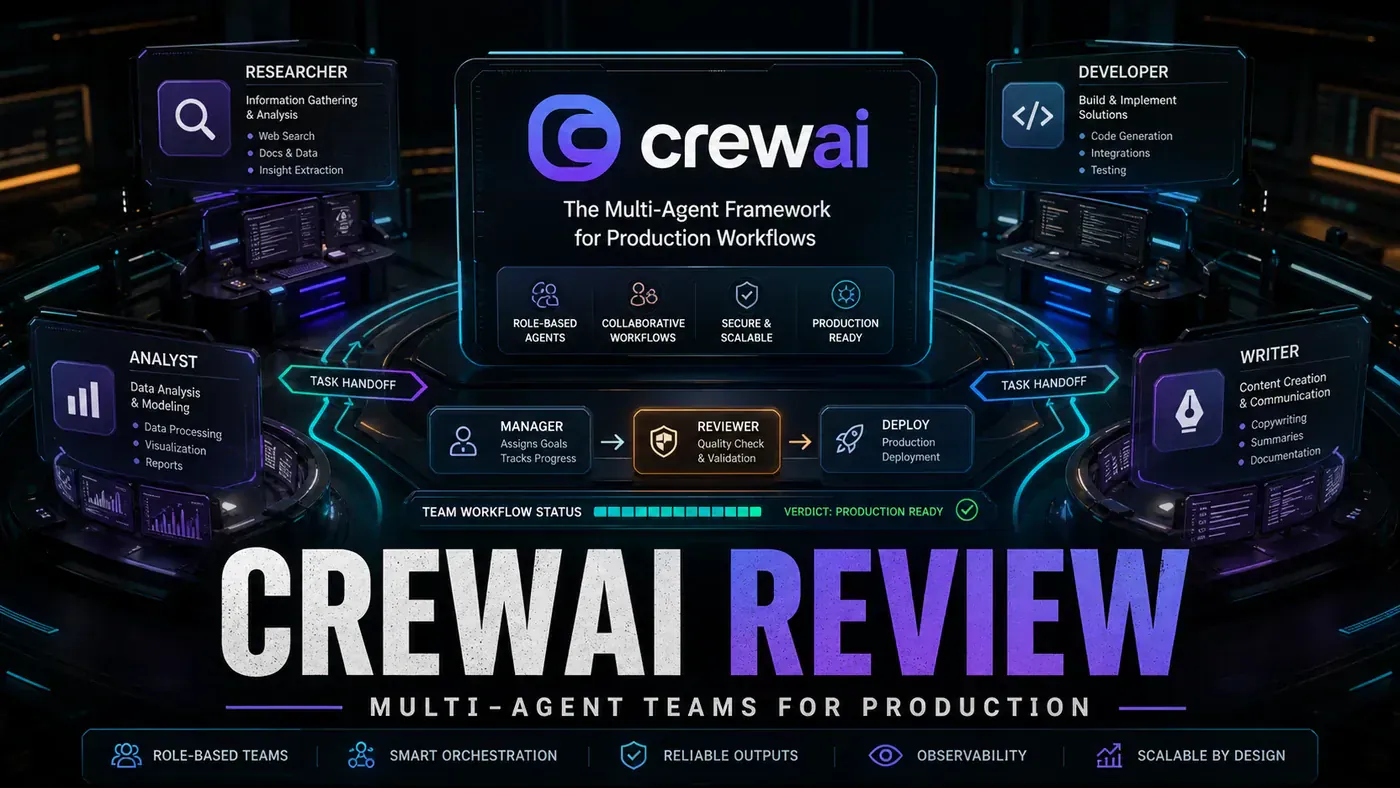
CrewAI is the framework that bet on making that part simple. You give each agent a role, like researcher, writer, or reviewer, hand them a list of tasks, and tell them how to coordinate. It reads less like programming and more like staffing a small project team.
For an Australian business looking to test whether multi-agent automation is worth the effort, the appeal is obvious. You can get a working crew running quickly without hiring a specialist or burning a fortnight on setup. The trade-off is that the easy on-ramp comes with some ceilings, and you'll feel them once the workflows get genuinely complicated.
Here's how it held up when we built something with it.
What Is CrewAI?
CrewAI (opens in a new tab) is a framework for building teams of agents that work together. The core ideas:
- Role-based agents, you assign each agent a role, such as researcher, writer, or reviewer (CrewAI Docs, Introduction (opens in a new tab))
- Collaboration patterns, sequential, hierarchical, and consensual (CrewAI Docs, Processes (opens in a new tab))
- Task delegation, agents hand work off to whichever specialist should handle it
- Process definition, structured workflows that govern how agents move work between them
- Tool sharing, agents can draw on the same set of tools
The framework is open source and lives on GitHub (opens in a new tab).
Price: Free (open source)
Building a Research Crew
We put together a research team of three agents:
researcher = Agent(role="Researcher", goal="Find information")
writer = Agent(role="Writer", goal="Draft report")
reviewer = Agent(role="Reviewer", goal="Check quality")

crew = Crew(
 agents=[researcher, writer, reviewer],
 tasks=[research_task, write_task, review_task],
 process=Process.sequential
)
result = crew.kickoff()
The sequential process runs in order: the researcher finds the information, the writer drafts from it, and the reviewer checks the result. In our test run, the crew reportedly produced a two-page research summary in about three minutes. Treat that as one hands-on data point rather than a benchmark; your timing will depend on the model and the task.
vs AutoGen
| Feature | CrewAI | AutoGen |
|---|---|---|
| Learning curve | Gentle | Steep |
| Role definition | Explicit | Conversational |
| Orchestration | Process-based | Conversational |
| Debugging | Easy | Hard |
| Flexibility | Medium | High |
| Community | Growing | Large (Microsoft) |
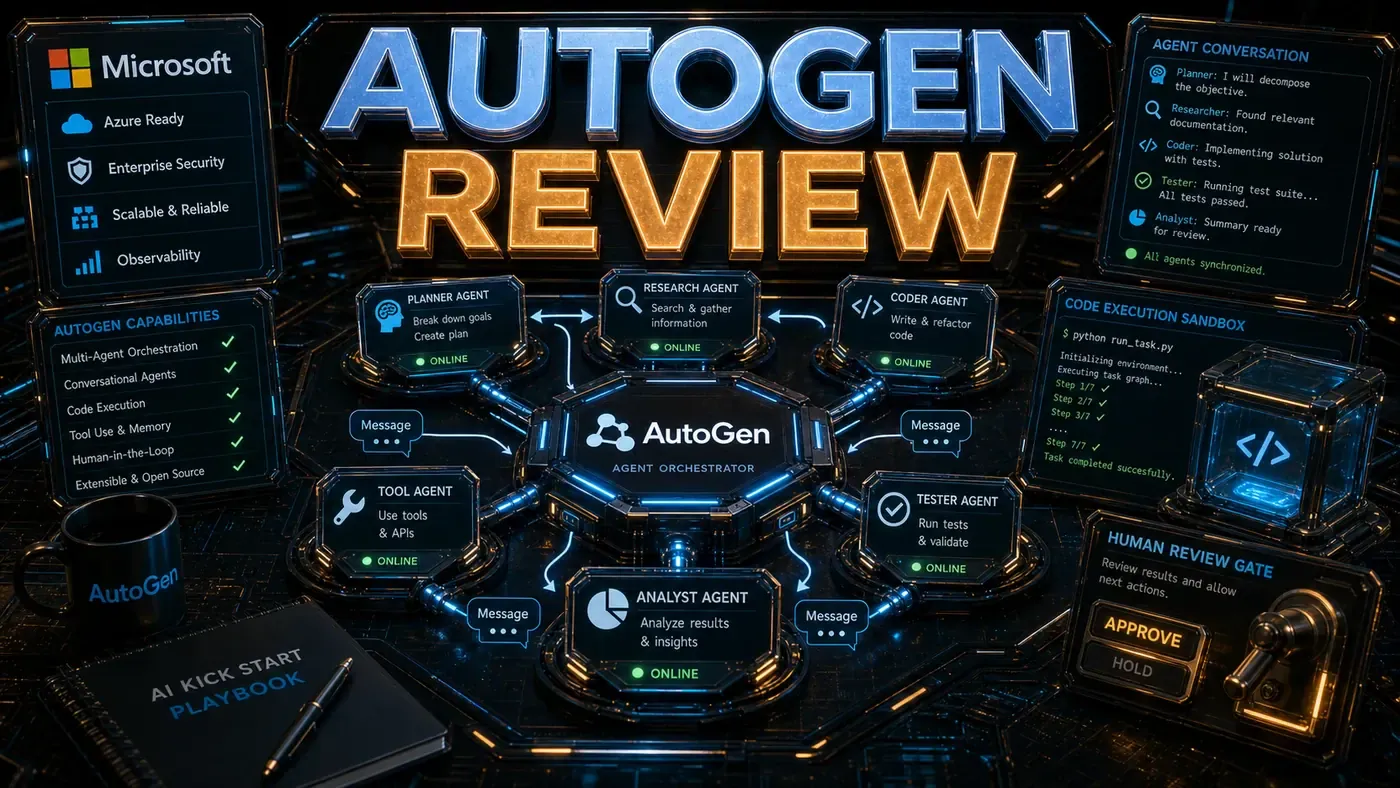
AutoGen (opens in a new tab) is Microsoft's open-source framework, and it leans on conversational orchestration, where agents talk to each other to get work done. In our experience CrewAI is the easier of the two to learn and debug, while AutoGen gives you more room to do something unusual. Both readings are subjective, though they line up with the broader picture in published comparisons. Pick based on how much your team already knows.
Pros and Cons
| Pros | Cons |
|---|---|
| Intuitive role-based design | Less flexible than AutoGen |
| Easy to debug | Can be slow (agents run sequentially) |
| Good documentation | Limited error recovery |
| Active community | Not ideal for real-time systems |
| Free and open source | Tool sharing can conflict |
On the community point: CrewAI says it's backed by more than 100,000 developers, which shows up in the steady stream of docs, examples, and answers when you get stuck (CrewAI, Open Source (opens in a new tab)).
Verdict
Score: 8.3/10 (our editorial rating)
CrewAI is the sensible place to start with multi-agent development. The role-based model is easy to reason about, and the sequential process behaves predictably. Once you need heavier orchestration, look at AutoGen or LangGraph. But for a team taking its first run at multi-agent systems, CrewAI is hard to beat.
One caveat on this review: it's dated against an early CrewAI build (the project is now well into its 1.x line), so check the current release before you copy any version-specific setup. The API shapes shown here are stable, but the version you install won't be the one in the original test notes.
*Published June 20, 2026 (planned) | CrewAI early-release build tested*
CrewAI Review: answer-first summary
CrewAI Review matters because it can change how Founders and operators plan, build, or govern an tool evaluation workflow. CrewAI lets you build teams of AI agents that work together.
The direct answer is this: do not treat the topic as a standalone trend. Treat it as a decision about inputs, outputs, review ownership, data exposure, and whether the workflow produces a result that is faster, safer, or more useful than the current process.
CrewAI Review: implementation checklist
- Define the user, job to be done, and success metric for the tool evaluation workflow.
- Collect real examples, policies, source files, customer questions, or search queries before writing prompts or choosing tools.
- Separate low-risk drafts from decisions that need approval, privacy checks, or senior review.
- Document what the AI is allowed to access, what it must not access, and who signs off before production use.
- Review time to value, adoption rate, cost per workflow, quality review score after a small pilot rather than judging the idea from a demo.
This keeps the work practical. It also gives search engines and AI answer engines a clean factual structure: what the topic is, who it helps, what to do next, and which risks matter before implementation.
Decision criteria for CrewAI Review
| Decision area | What to check | Production signal |
|---|---|---|
| Intent | Does CrewAI Review solve a real workflow problem? | The use case has a named owner and measurable outcome. |
| Data | Can the required data be used safely? | Sensitive data is classified and access is controlled. |
| Quality | Can a reviewer judge the output consistently? | Examples, rubrics, or acceptance criteria exist. |
| Scale | Can the workflow be repeated without hero effort? | The process is documented and can be handed to another team member. |
Practical example for CrewAI Review
A small business could use this article to choose one practical test. For example, a manager might take one customer-facing process, one internal document workflow, or one recurring content task and redesign only that step with AI support. The goal is not to automate the whole business at once; it is to learn where AI Tools creates reliable leverage.
The useful deliverable is a short operating note: the trigger, the source material, the prompt or tool, the review checklist, the escalation rule, and the metric. That note becomes the handover asset for staff training, SEO/GEO content, service delivery, or future agent work.
Risks and controls for CrewAI Review
The common failure pattern is moving too quickly from a promising idea into an unmanaged workflow. For CrewAI Review, the risk is not only bad output. It can also be unclear data permission, staff confusion, duplicate content, unreviewed customer advice, or a tool that quietly changes cost or capability.
- Control tool sprawl with a named owner, a review step, and written acceptance criteria.
- Control unclear pricing with a named owner, a review step, and written acceptance criteria.
- Control vendor lock-in with a named owner, a review step, and written acceptance criteria.
- Control unreviewed data sharing with a named owner, a review step, and written acceptance criteria.
Measurement plan for CrewAI Review
A useful AI or SEO initiative should leave evidence. Track time to value, adoption rate, cost per workflow, quality review score and compare the pilot against the current process. If the measure does not improve, keep the learning but avoid scaling the workflow.
For GEO readiness, the page should also answer the core question directly, define the entities involved, include implementation steps, explain tradeoffs, and link readers to the next relevant AI Kick Start service, guide, tool, or article.
Definitions and entities for CrewAI Review
For search, GEO, and staff handover, define the core entities in plain language. In this article the important entities are the workflow owner, the AI tool or model, the source material, the review process, the risk boundary, and the measurable business outcome. Clear definitions make the page easier for people to scan and easier for AI answer engines to quote accurately.
- Workflow owner: the person accountable for deciding whether CrewAI Review belongs in the business process.
- Source material: the documents, examples, policies, URLs, prompts, videos, or customer questions that ground the output.
- Review boundary: the point where a human checks accuracy, privacy, brand voice, or customer impact before the result is used.
- Success metric: the measure that proves whether the tool evaluation workflow is worth repeating.
CrewAI Review versus doing nothing
Doing nothing is also a decision. The cost may be slow manual work, weaker search visibility, inconsistent advice, duplicated effort, or staff using unmanaged AI tools without a shared process. The practical question is whether a controlled pilot can reduce that cost without creating a larger governance problem.
| Option | When it makes sense | What to watch |
|---|---|---|
| Do nothing | The workflow is rare, low value, or already reliable. | Competitors may improve speed, content depth, or service consistency first. |
| Run a small pilot | The task repeats often and has clear review criteria. | Keep scope tight and measure the result against the current process. |
| Build a production workflow | The pilot is repeatable and risk controls are documented. | Assign ownership, monitoring, training, and a rollback path. |
AI Kick Start handover package for CrewAI Review
A production handover should be concrete enough that another person can run it. For CrewAI Review, that means a short brief, a workflow map, approved prompts or tool settings, source material, a review checklist, internal links to supporting resources, and a simple measurement sheet. This is the difference between reading about AI and turning it into operational capability.
That packaging also strengthens E-E-A-T. It shows experience through implementation notes, expertise through decision criteria, authoritativeness through source-aware structure, and trust through risks, controls, and review steps. The article becomes useful even if the reader never buys a tool because it helps them make a better operational decision.