




Briefing
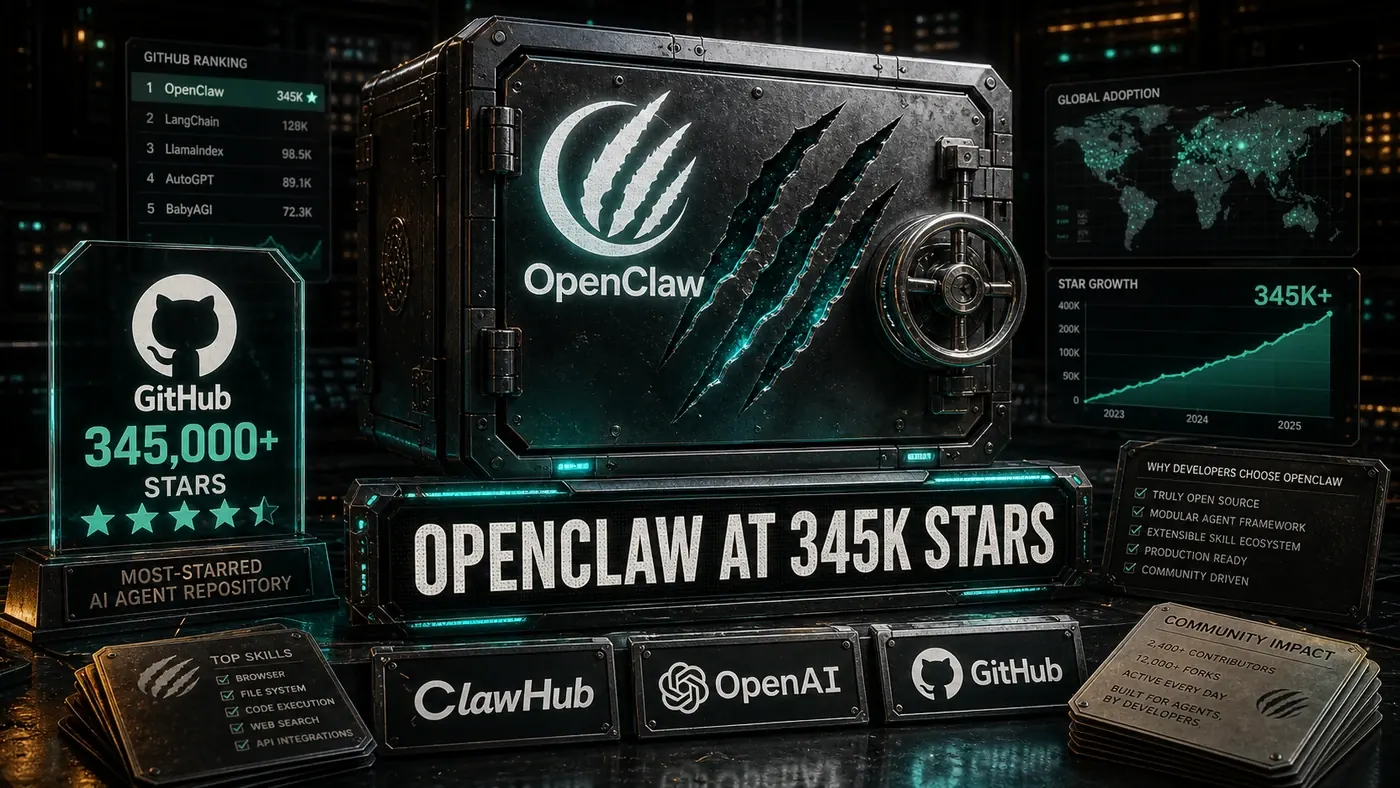
OpenClaw (opens in a new tab) is one of those open-source projects that has quietly become a big deal. It bills itself as a personal AI assistant that runs on any OS, built on Node.js and TypeScript, and it now sits among the most-starred repositories on GitHub, somewhere north of 345,000 stars and climbing (Source: github.com/openclaw/openclaw (opens in a new tab)). For a project that size, the surprising part isn't the popularity. It's that the maintainers have kept the door open for people who have never sent a pull request in their lives.
If you run a business team and someone on it wants to start contributing to a serious AI project, OpenClaw is a sensible place to learn the ropes. The work is real, the feedback is fast, and the first task can be as small as fixing a typo in the docs. None of that requires you to be a deep systems engineer.
This guide takes you from "I've heard of this thing" to your first merged change, with a few honest caveats along the way about where the project's published instructions and the version floating around online don't quite line up.
Understanding the Project
Before you touch any code, it helps to know what OpenClaw actually is. At its core it's a skill-based AI agent framework, and the idea behind it is refreshingly plain: agents get work done by composing skills, self-contained modules, each one wrapping a specific capability (Source: github.com/openclaw/openclaw (opens in a new tab)). Want the agent to do something new? You give it a new skill.
A few repositories worth knowing in the OpenClaw organisation (opens in a new tab):
- [openclaw/openclaw](https://github.com/openclaw/openclaw): the core framework, and where the built-in skills live.
- [openclaw/clawhub](https://github.com/openclaw/clawhub): the skill and plugin registry, hosted at clawhub.ai (opens in a new tab), where the wider community publishes skills.
- [openclaw/docs](https://github.com/openclaw/docs): the documentation and guides.
One correction worth flagging up front: older write-ups (including the draft this guide is based on) mention a separate openclaw/skills repo holding 100-plus built-in skills. That repo doesn't exist. Skills live inside the main repo and on ClawHub, where the community catalogue runs well into the thousands. If a tutorial points you at openclaw/skills, ignore it.
Finding Your First Issue
OpenClaw leans on GitHub's labels to point newcomers in the right direction. The one the project's own contributing guide tells you to look for is the `good-first-issue` label, simple bugs or small enhancements, deliberately scoped so you can finish one in a few hours (Source: openclaw CONTRIBUTING.md (opens in a new tab)).
Other labels get mentioned in various community guides, things like help-wanted, documentation, and skill-request for proposing new skills. Treat those as unconfirmed. The repo carries hundreds of labels, mostly for internal triage, and the only one the official docs actually steer beginners toward is good-first-issue. So start there, then browse the rest of the labels page (opens in a new tab) and see what fits.
Pick something that matches what you can do, and leave a comment saying you're picking it up. That last step saves two people doing the same work.
Setting Up Your Development Environment
Here's where the popular tutorials get it wrong, so pay attention to the commands. A lot of guides tell you to use npm. The project's own contributing guide uses pnpm (Source: openclaw CONTRIBUTING.md (opens in a new tab)). The documented flow looks more like this:
# Fork and clone
git clone https://github.com/YOUR_USERNAME/openclaw.git
cd openclaw

# Install dependencies
pnpm install

# Build, check, and run the test suite
pnpm build && pnpm check && pnpm test
The project is TypeScript, and you build, type-check, and test through pnpm. You'll see references elsewhere to Jest and ESLint as the specific testing and linting tools, but the contributing guide doesn't name them, and they don't line up cleanly with the documented pnpm commands, so don't assume that's the stack until you've checked the repo yourself. Run pnpm test and follow what the project actually does.
Types of Contributions
Bug Fixes: usually the easiest way in. Find a bug, write a test that reproduces it, fix the code, send the PR. Done in that order, it's hard to argue with.
Skills: new skills are genuinely useful here, because skills are the whole point of the framework. A skill is a TypeScript module that implements one capability, and the skills documentation includes a template to copy from.
Documentation: tidy up a README, add a worked example, rewrite a section that confused you. On a project this size, clear docs save more time than most code changes.
Tests: more test coverage is always welcome. You'll see a 90%-plus coverage target quoted around the place, but that figure isn't stated in the official docs, so take it as a community aspiration rather than a hard rule.
Translations: help translate docs and UI strings into other languages.
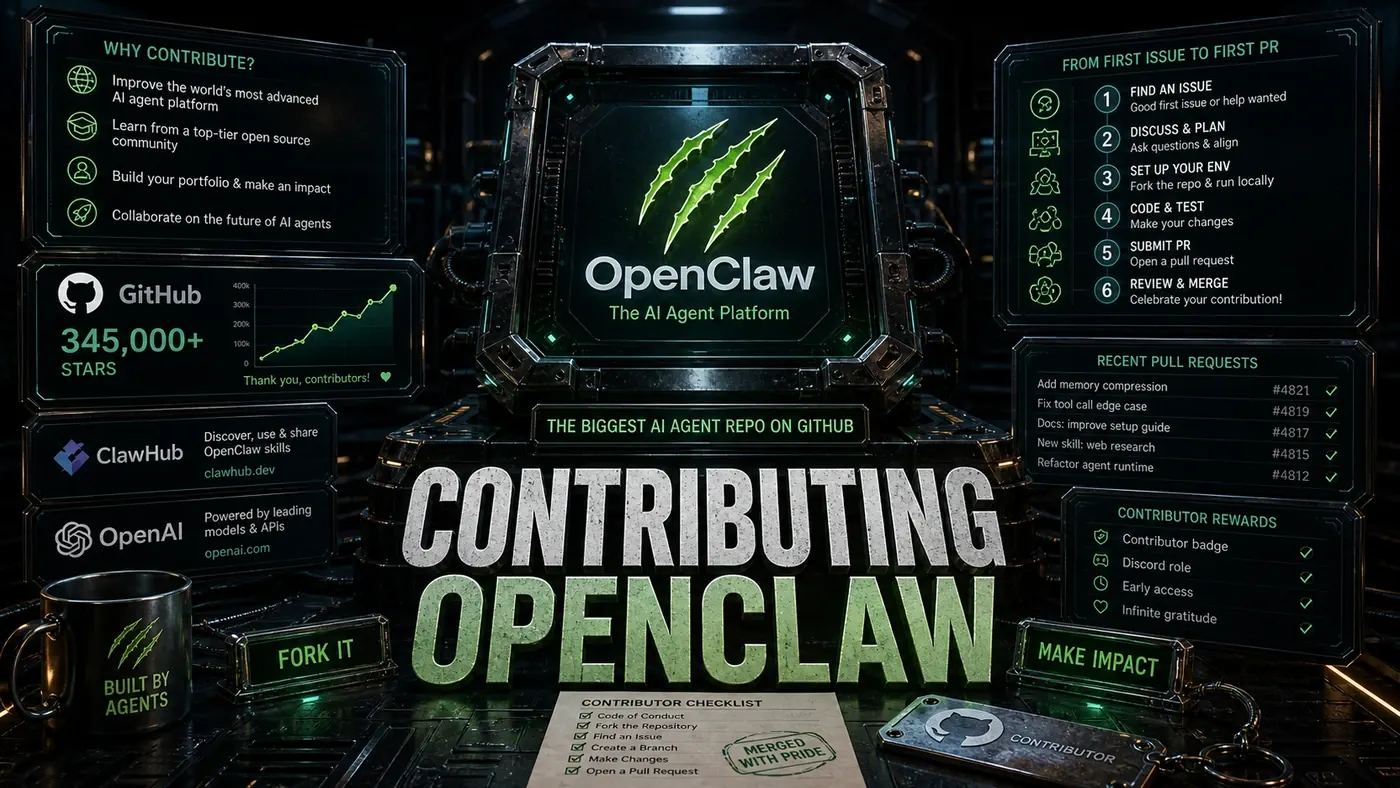
The Pull Request Process
The workflow is the standard GitHub fork-and-PR loop, and OpenClaw follows it closely (Source: openclaw CONTRIBUTING.md (opens in a new tab)):
- Fork the repository.
- Create a branch for your change:
git checkout -b fix/skill-description - Make your changes with tests.
- Run the test suite:
pnpm test - Commit with a clear message, following conventional commits.
- Push to your fork.
- Open a PR with a description that explains what and why.
- Respond to review feedback.
Some guides promise an initial review inside 48 hours. That's not a commitment the project publishes anywhere, so don't count on it as a deadline. What's true regardless: requested changes are normal, not a knock on your work. Iterating on a PR is the job, not a setback.
Community Resources
Discord: OpenClaw runs an official Discord, and it's the main place to ask questions. Worth a heads-up on channel names, community write-ups mention #contributing and #showcase, but the contributing guide actually points to #help, #users-helping-users, and #clawtributors (Source: openclaw CONTRIBUTING.md (opens in a new tab)). Go by the latter.
Community calls: some guides describe regular community calls where maintainers walk through the roadmap. That isn't documented in the official materials, so treat it as unconfirmed until you see it announced in Discord.
Mentorship: you'll also see talk of a formal mentorship programme that pairs newcomers with experienced contributors. Again, that's not described in the official docs, one secondary blog mentioned a community mentoring effort, but nothing official backs the application-via-Discord detail. If you want a mentor, the honest move is to just ask in the help channels.
What to Expect
OpenClaw's community has a reputation for being approachable, and no contribution is treated as too small. Your first PR might be a typo fix or a clearer paragraph in the docs, and that still counts. As you get familiar with the codebase, the bigger opportunities show up on their own.
The sheer scale, over 345,000 stars, can make the whole thing feel out of reach. It isn't. The contribution path is built to let people in. Start small, double-check the commands against the actual repo rather than third-party tutorials, and you'll find your footing in one of the more important open-source projects in AI right now.
Contributing to OpenClaw: answer-first summary
Contributing to OpenClaw matters because it can change how Founders and operators plan, build, or govern an tool evaluation workflow. Want to contribute to the biggest AI agent repo on GitHub?
The direct answer is this: do not treat the topic as a standalone trend. Treat it as a decision about inputs, outputs, review ownership, data exposure, and whether the workflow produces a result that is faster, safer, or more useful than the current process.
Contributing to OpenClaw: implementation checklist
- Define the user, job to be done, and success metric for the tool evaluation workflow.
- Collect real examples, policies, source files, customer questions, or search queries before writing prompts or choosing tools.
- Separate low-risk drafts from decisions that need approval, privacy checks, or senior review.
- Document what the AI is allowed to access, what it must not access, and who signs off before production use.
- Review time to value, adoption rate, cost per workflow, quality review score after a small pilot rather than judging the idea from a demo.
This keeps the work practical. It also gives search engines and AI answer engines a clean factual structure: what the topic is, who it helps, what to do next, and which risks matter before implementation.
Decision criteria for Contributing to OpenClaw
| Decision area | What to check | Production signal |
|---|---|---|
| Intent | Does Contributing to OpenClaw solve a real workflow problem? | The use case has a named owner and measurable outcome. |
| Data | Can the required data be used safely? | Sensitive data is classified and access is controlled. |
| Quality | Can a reviewer judge the output consistently? | Examples, rubrics, or acceptance criteria exist. |
| Scale | Can the workflow be repeated without hero effort? | The process is documented and can be handed to another team member. |
Practical example for Contributing to OpenClaw
A small business could use this article to choose one practical test. For example, a manager might take one customer-facing process, one internal document workflow, or one recurring content task and redesign only that step with AI support. The goal is not to automate the whole business at once; it is to learn where AI Tools creates reliable leverage.
The useful deliverable is a short operating note: the trigger, the source material, the prompt or tool, the review checklist, the escalation rule, and the metric. That note becomes the handover asset for staff training, SEO/GEO content, service delivery, or future agent work.
Risks and controls for Contributing to OpenClaw
The common failure pattern is moving too quickly from a promising idea into an unmanaged workflow. For Contributing to OpenClaw, the risk is not only bad output. It can also be unclear data permission, staff confusion, duplicate content, unreviewed customer advice, or a tool that quietly changes cost or capability.
- Control tool sprawl with a named owner, a review step, and written acceptance criteria.
- Control unclear pricing with a named owner, a review step, and written acceptance criteria.
- Control vendor lock-in with a named owner, a review step, and written acceptance criteria.
- Control unreviewed data sharing with a named owner, a review step, and written acceptance criteria.
Measurement plan for Contributing to OpenClaw
A useful AI or SEO initiative should leave evidence. Track time to value, adoption rate, cost per workflow, quality review score and compare the pilot against the current process. If the measure does not improve, keep the learning but avoid scaling the workflow.
For GEO readiness, the page should also answer the core question directly, define the entities involved, include implementation steps, explain tradeoffs, and link readers to the next relevant AI Kick Start service, guide, tool, or article.
Definitions and entities for Contributing to OpenClaw
For search, GEO, and staff handover, define the core entities in plain language. In this article the important entities are the workflow owner, the AI tool or model, the source material, the review process, the risk boundary, and the measurable business outcome. Clear definitions make the page easier for people to scan and easier for AI answer engines to quote accurately.
- Workflow owner: the person accountable for deciding whether Contributing to OpenClaw belongs in the business process.
- Source material: the documents, examples, policies, URLs, prompts, videos, or customer questions that ground the output.
- Review boundary: the point where a human checks accuracy, privacy, brand voice, or customer impact before the result is used.
- Success metric: the measure that proves whether the tool evaluation workflow is worth repeating.
Contributing to OpenClaw versus doing nothing
Doing nothing is also a decision. The cost may be slow manual work, weaker search visibility, inconsistent advice, duplicated effort, or staff using unmanaged AI tools without a shared process. The practical question is whether a controlled pilot can reduce that cost without creating a larger governance problem.
| Option | When it makes sense | What to watch |
|---|---|---|
| Do nothing | The workflow is rare, low value, or already reliable. | Competitors may improve speed, content depth, or service consistency first. |
| Run a small pilot | The task repeats often and has clear review criteria. | Keep scope tight and measure the result against the current process. |
| Build a production workflow | The pilot is repeatable and risk controls are documented. | Assign ownership, monitoring, training, and a rollback path. |
AI Kick Start handover package for Contributing to OpenClaw
A production handover should be concrete enough that another person can run it. For Contributing to OpenClaw, that means a short brief, a workflow map, approved prompts or tool settings, source material, a review checklist, internal links to supporting resources, and a simple measurement sheet. This is the difference between reading about AI and turning it into operational capability.
That packaging also strengthens E-E-A-T. It shows experience through implementation notes, expertise through decision criteria, authoritativeness through source-aware structure, and trust through risks, controls, and review steps. The article becomes useful even if the reader never buys a tool because it helps them make a better operational decision.