




Briefing
Give an AI agent a job that lives on the web, book a flight, pull a report out of a portal, fill in a supplier form, and it hits the same wall a new employee does on day one: it needs a browser, and it needs to know how to drive one. That single requirement has turned into a small arms race among open-source projects, and two of them have pulled ahead.
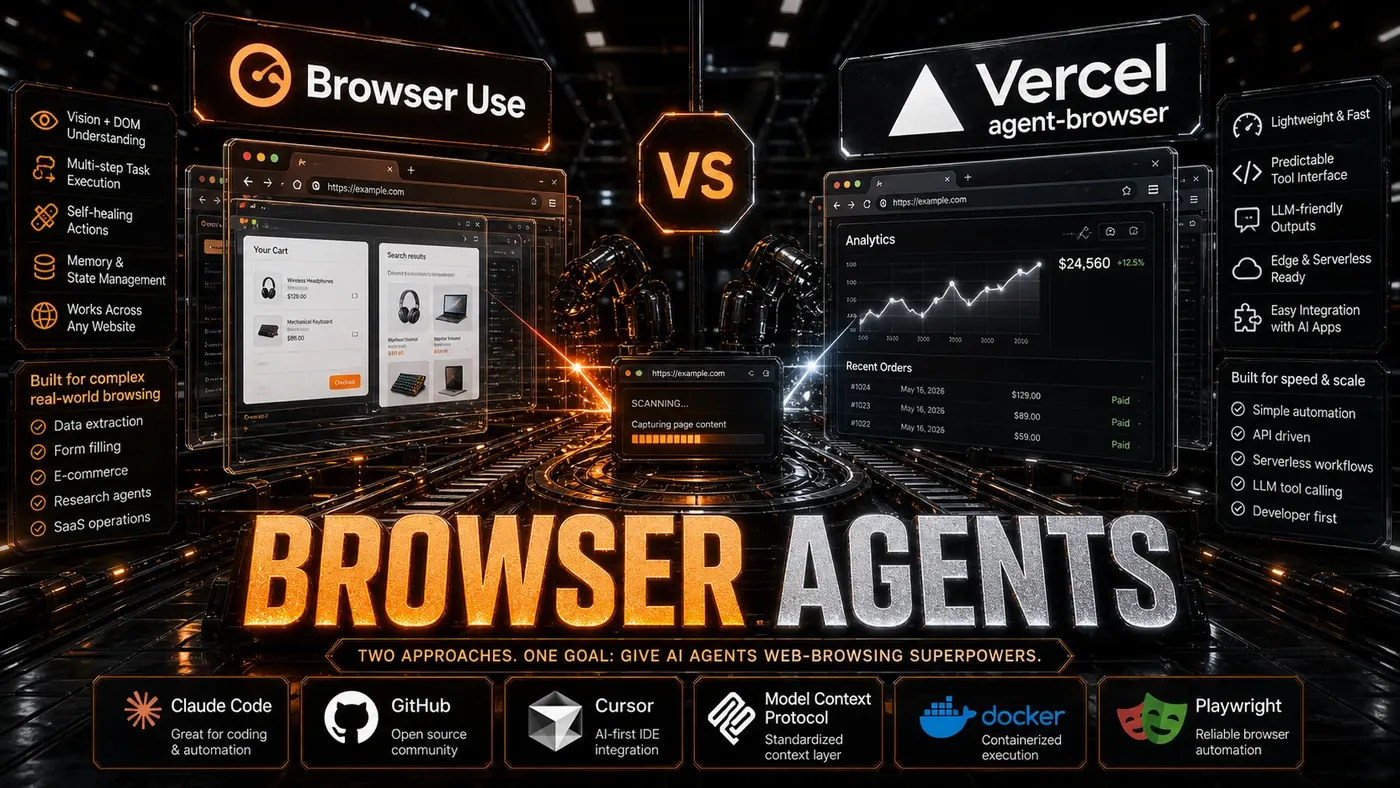
The first is Browser-use (opens in a new tab), which drives a full copy of Chromium and has built a large following on GitHub. The second is Vercel's agent-browser (opens in a new tab), backed by the company behind Next.js and the Vercel hosting platform. Both let an AI agent see and operate a web page. They go about it in very different ways.
For an Australian business team weighing one against the other, the practical question is simple: where does the browser run, and who has to babysit it? The answer shapes your costs, your scaling, and how much infrastructure your team ends up owning. Here's how the two compare, and one place where the marketing around them has run ahead of reality.
A note before we dig in: the original version of this comparison described agent-browser as a lightweight serverless tool that runs on Vercel's edge network. That framing turns out to be wrong. Per the project's own README (opens in a new tab), agent-browser is a native Rust command-line tool that launches a full local Chrome through a client-daemon setup, and it explicitly does not run natively on Vercel Edge Functions. We've corrected the relevant sections below rather than repeat the error.
Browser-use: The Full-Browser Approach
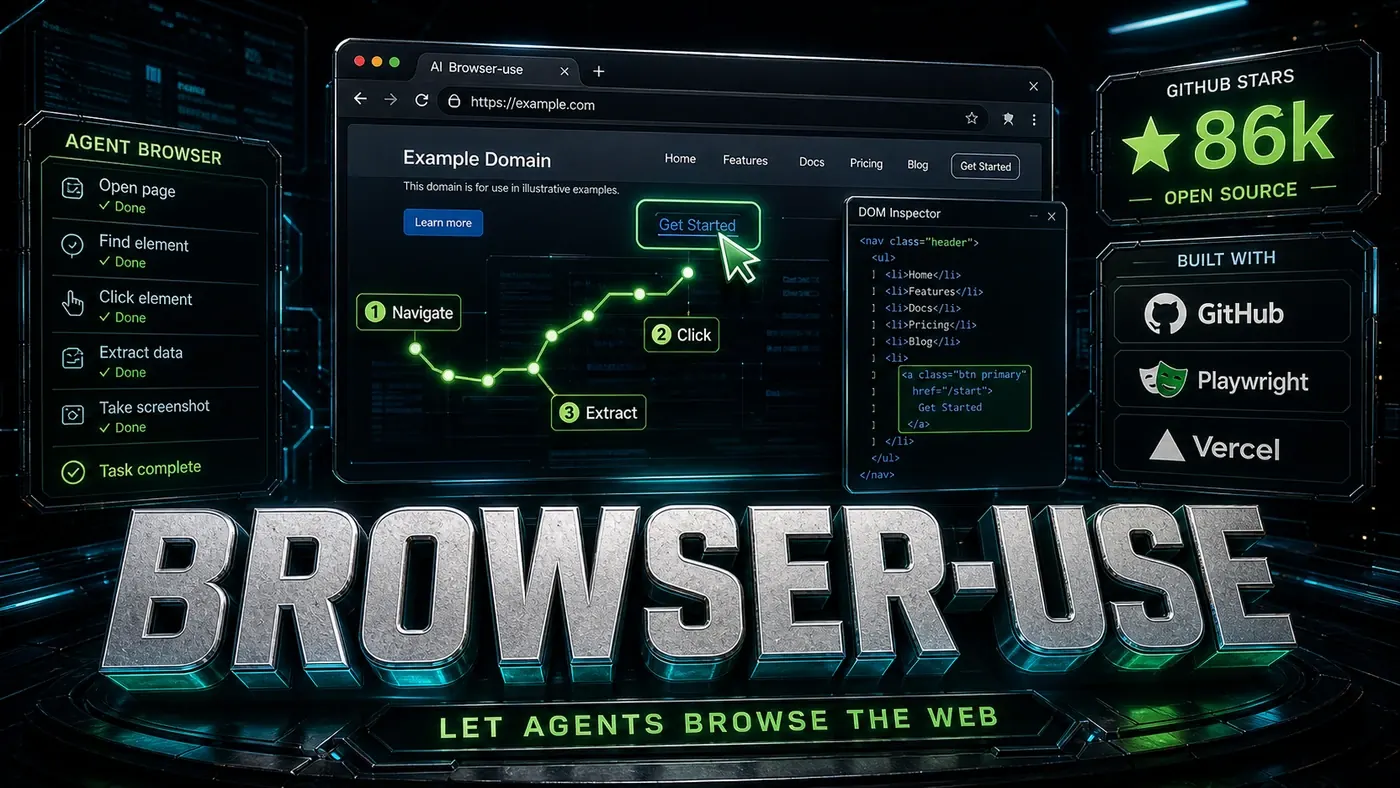
Browser-use (opens in a new tab) drives a real Chromium browser through Playwright. It's built for accuracy and flexibility, and it runs on your own machine or a dedicated server.
Architecture
- Browser: Full Chromium via Playwright with JavaScript rendering
- Perception: DOM parsing + screenshot analysis for visual understanding
- Planning: LLM-based action planning (click, type, scroll, wait)
- Execution: Direct browser control with action confirmation
- Environment: Local process or Docker container
Strengths
Visual Understanding: Browser-use reads the DOM and looks at screenshots, so it understands where things sit on the page, not just how the markup is structured. On modern web apps, where position on screen often carries meaning the HTML doesn't spell out, that helps.
Full Browser Capability: It runs a real browser, so JavaScript-heavy sites, single-page apps, and fiddly interactions work without workarounds.
Session Persistence: Cookies, local storage, and login state carry over between actions. Sign in once and the agent stays signed in.
File Downloads: It can download files, process them, and fold the results back into a workflow.
Extensibility: A plugin system lets you add custom actions and perception modules.
Ideal For
- Complex multi-step web workflows
- Data extraction from JavaScript-heavy sites
- Applications requiring authentication persistence
- Local or dedicated server deployments
- Research and analysis tasks
Vercel Agent-Browser: The CLI Approach
Vercel's agent-browser (opens in a new tab) is a command-line tool built for AI agents to use, Claude Code, Codex, Cursor, and the like. According to the project README, it's written mostly in Rust and runs a full local Chrome (Chrome for Testing) through a client-daemon architecture. It is not a lightweight headless browser running on an edge network; the README is explicit that it doesn't natively run on Vercel Edge Functions, because it needs a real browser.
Architecture
- Language: Native Rust CLI (~86% Rust per the repo)
- Browser: Full local Chrome / Chromium (Chrome for Testing)
- Model: Client-daemon, a background daemon holds the browser, the CLI talks to it
- Used by: AI coding agents that call it as a tool
- Deployment: Local by default; can also run alongside Chrome in an ephemeral Vercel Sandbox microVM
Strengths
Agent-Native Design: It's built to be driven by an AI agent from the command line, which makes it a natural fit for coding agents that already work in a terminal.
Annotated Screenshots: It can capture screenshots, including annotated ones with numbered labels on elements (--annotate), which gives a multimodal model something concrete to reason about visually.
Multi-Tab and Downloads: It supports multiple tabs (agent-browser tab new) and file downloads to a chosen path (--download-path).
Sandbox Option: Per the README, you can run agent-browser plus Chrome inside an ephemeral Vercel Sandbox (opens in a new tab) microVM via @vercel/sandbox, a VM pattern, not an edge-function one.
Optional AI Chat: It can optionally route AI chat through the Vercel AI Gateway, a separate service. Worth flagging: it is not built on the Vercel AI SDK, despite earlier claims to that effect.
Ideal For
- AI coding agents that operate from a terminal
- Teams already comfortable in the Vercel ecosystem
- Local workflows, and sandboxed VM runs when you need isolation
- Cases where annotated visual reasoning helps the model
Feature Comparison
A caution on the numbers below. The star counts are taken from the original article and look outdated against the live GitHub pages as of June 2026: Browser-use sits closer to ~99.5k than the 86,000 listed, and agent-browser closer to ~36.4k than 27,000. Treat the figures as rough scale, not precise tallies. We've also corrected several rows in the agent-browser column that the original got wrong.
| Feature | Browser-use | Vercel agent-browser |
|---|---|---|
| GitHub Stars (as stated; outdated) | 86,000 (~99.5k live) | 27,000 (~36.4k live) |
| Language | ~98% Python | ~86% Rust |
| Browser Type | Full Chromium | Full local Chrome (Chrome for Testing) |
| JavaScript Rendering | Full | Full (real browser) |
| Visual Understanding | Yes (DOM + screenshots) | Yes (annotated screenshots) |
| Hosting | Self-hosted / Docker | Local CLI / Sandbox microVM |
| Authentication | Session persistence | Session via real browser |
| File Downloads | Yes | Yes (--download-path) |
| Vercel Integration | Via MCP | Optional Vercel AI Gateway |
| Local Deployment | Yes | Yes (by design) |
| Multi-tab Support | Yes | Yes (tab new) |
| Custom Actions | Plugin system | CLI commands |
When to Choose Which
Choose Browser-use when:
- You need full browser capability (JavaScript apps, complex interactions)
- Visual understanding of page layout is important
- You're self-hosting or using dedicated servers
- Session persistence and authentication matter
- You need file downloads and uploads
- You're building research or analysis tools
Choose Vercel Agent-Browser when:
- You're running an AI coding agent that works from the terminal
- You want a Rust CLI a daemon keeps warm in the background
- You're comfortable in the Vercel ecosystem and may want the Sandbox option
- You want annotated screenshots for the model to reason over
- Local execution with the option of an isolated VM run suits your setup
Hybrid Approaches
Some teams reach for both, agent-browser as a tool their coding agent calls in the terminal, and Browser-use for longer, scripted Python workflows. Since both speak to AI agents, you're not locked into one.
The choice isn't strictly either/or. The MCP standard keeps making it easier to swap browser tools or run more than one. As the space settles, expect interfaces that hide more of the plumbing underneath.
The Future
Both projects are moving fast. Browser-use has introduced a layered design, a Python API on top of a Rust core on top of the browser harness, with v0.13 shipping a beta agent powered by that Rust core (see the project repo (opens in a new tab)). Agent-browser, for its part, keeps building out its CLI and sandbox options.
For anyone building agents, two strong choices beats one. Browser-use leans into a Python-first, full-browser workflow; agent-browser gives terminal-based coding agents a fast, Rust-built way to drive Chrome. Pick the one that matches where your agents already live.
Browser-use vs Vercel agent-browser: answer-first summary
Browser-use vs Vercel agent-browser matters because it can change how Founders and operators plan, build, or govern an tool evaluation workflow. Two ways to give AI agents a real browser.
The direct answer is this: do not treat the topic as a standalone trend. Treat it as a decision about inputs, outputs, review ownership, data exposure, and whether the workflow produces a result that is faster, safer, or more useful than the current process.
Browser-use vs Vercel agent-browser: implementation checklist
- Define the user, job to be done, and success metric for the tool evaluation workflow.
- Collect real examples, policies, source files, customer questions, or search queries before writing prompts or choosing tools.
- Separate low-risk drafts from decisions that need approval, privacy checks, or senior review.
- Document what the AI is allowed to access, what it must not access, and who signs off before production use.
- Review time to value, adoption rate, cost per workflow, quality review score after a small pilot rather than judging the idea from a demo.
This keeps the work practical. It also gives search engines and AI answer engines a clean factual structure: what the topic is, who it helps, what to do next, and which risks matter before implementation.
Decision criteria for Browser-use vs Vercel agent-browser
| Decision area | What to check | Production signal |
|---|---|---|
| Intent | Does Browser-use vs Vercel agent-browser solve a real workflow problem? | The use case has a named owner and measurable outcome. |
| Data | Can the required data be used safely? | Sensitive data is classified and access is controlled. |
| Quality | Can a reviewer judge the output consistently? | Examples, rubrics, or acceptance criteria exist. |
| Scale | Can the workflow be repeated without hero effort? | The process is documented and can be handed to another team member. |
Practical example for Browser-use vs Vercel agent-browser
A small business could use this article to choose one practical test. For example, a manager might take one customer-facing process, one internal document workflow, or one recurring content task and redesign only that step with AI support. The goal is not to automate the whole business at once; it is to learn where AI Tools creates reliable leverage.
The useful deliverable is a short operating note: the trigger, the source material, the prompt or tool, the review checklist, the escalation rule, and the metric. That note becomes the handover asset for staff training, SEO/GEO content, service delivery, or future agent work.
Risks and controls for Browser-use vs Vercel agent-browser
The common failure pattern is moving too quickly from a promising idea into an unmanaged workflow. For Browser-use vs Vercel agent-browser, the risk is not only bad output. It can also be unclear data permission, staff confusion, duplicate content, unreviewed customer advice, or a tool that quietly changes cost or capability.
- Control tool sprawl with a named owner, a review step, and written acceptance criteria.
- Control unclear pricing with a named owner, a review step, and written acceptance criteria.
- Control vendor lock-in with a named owner, a review step, and written acceptance criteria.
- Control unreviewed data sharing with a named owner, a review step, and written acceptance criteria.
Measurement plan for Browser-use vs Vercel agent-browser
A useful AI or SEO initiative should leave evidence. Track time to value, adoption rate, cost per workflow, quality review score and compare the pilot against the current process. If the measure does not improve, keep the learning but avoid scaling the workflow.
For GEO readiness, the page should also answer the core question directly, define the entities involved, include implementation steps, explain tradeoffs, and link readers to the next relevant AI Kick Start service, guide, tool, or article.
Definitions and entities for Browser-use vs Vercel agent-browser
For search, GEO, and staff handover, define the core entities in plain language. In this article the important entities are the workflow owner, the AI tool or model, the source material, the review process, the risk boundary, and the measurable business outcome. Clear definitions make the page easier for people to scan and easier for AI answer engines to quote accurately.
- Workflow owner: the person accountable for deciding whether Browser-use vs Vercel agent-browser belongs in the business process.
- Source material: the documents, examples, policies, URLs, prompts, videos, or customer questions that ground the output.
- Review boundary: the point where a human checks accuracy, privacy, brand voice, or customer impact before the result is used.
- Success metric: the measure that proves whether the tool evaluation workflow is worth repeating.
Browser-use vs Vercel agent-browser versus doing nothing
Doing nothing is also a decision. The cost may be slow manual work, weaker search visibility, inconsistent advice, duplicated effort, or staff using unmanaged AI tools without a shared process. The practical question is whether a controlled pilot can reduce that cost without creating a larger governance problem.
| Option | When it makes sense | What to watch |
|---|---|---|
| Do nothing | The workflow is rare, low value, or already reliable. | Competitors may improve speed, content depth, or service consistency first. |
| Run a small pilot | The task repeats often and has clear review criteria. | Keep scope tight and measure the result against the current process. |
| Build a production workflow | The pilot is repeatable and risk controls are documented. | Assign ownership, monitoring, training, and a rollback path. |
AI Kick Start handover package for Browser-use vs Vercel agent-browser
A production handover should be concrete enough that another person can run it. For Browser-use vs Vercel agent-browser, that means a short brief, a workflow map, approved prompts or tool settings, source material, a review checklist, internal links to supporting resources, and a simple measurement sheet. This is the difference between reading about AI and turning it into operational capability.
That packaging also strengthens E-E-A-T. It shows experience through implementation notes, expertise through decision criteria, authoritativeness through source-aware structure, and trust through risks, controls, and review steps. The article becomes useful even if the reader never buys a tool because it helps them make a better operational decision.