





Briefing
The web holds most of what your business needs to know, yet AI agents still struggle to actually use it. Reading a model's answer is one thing; getting software to log in, click through a booking flow, and pull the right number off a page is another problem entirely.
That gap is what browser-use (opens in a new tab) set out to close. It hands an agent a real browser and lets it work a website the way a person would: open the page, read it, click, type, move on. You tell it what you want in plain English and it figures out the steps.
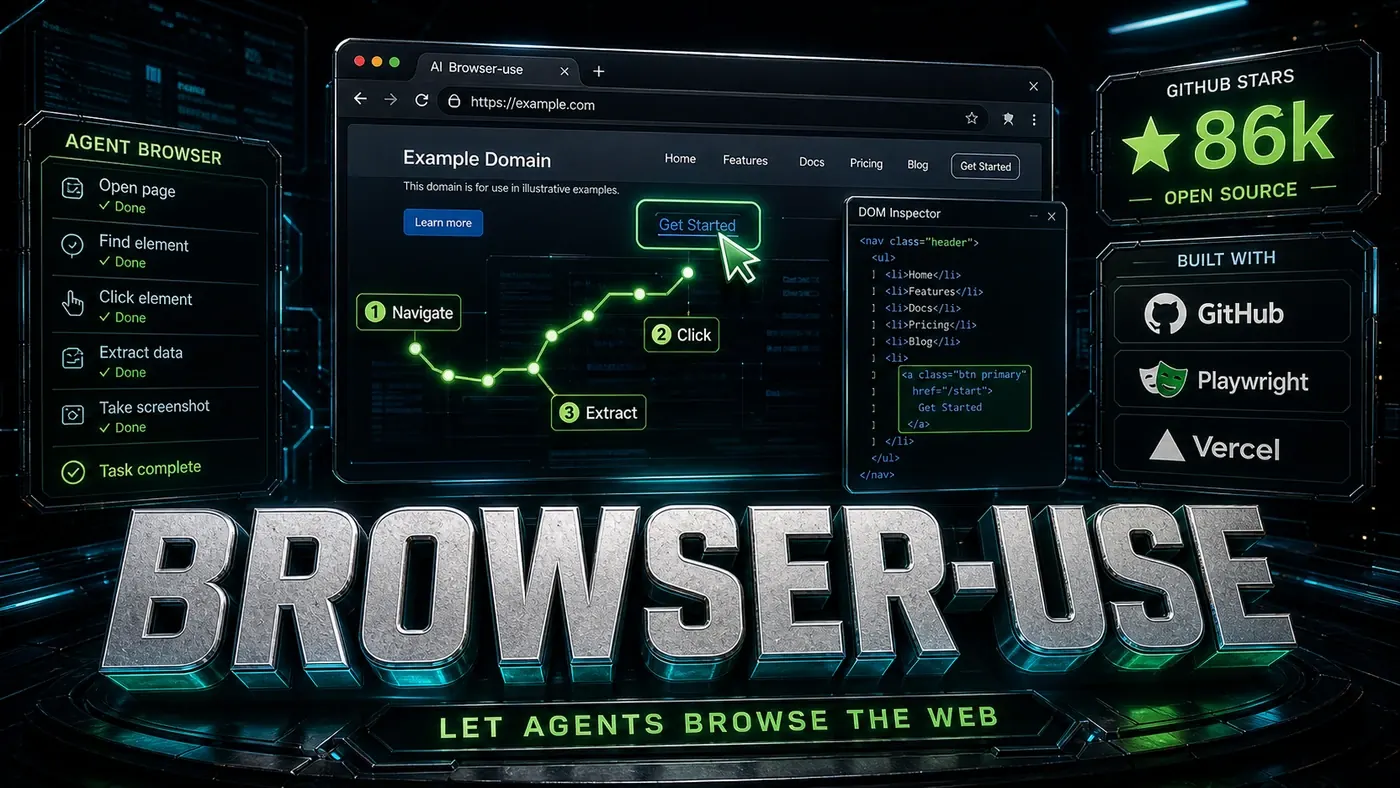
The project has caught on. The article we're working from cited roughly 86,000 GitHub stars, a real snapshot from around April 2026; the live repo has since climbed to about 99,500 stars as of June 2026 (browser-use/browser-use GitHub repository (opens in a new tab)). Either way, it sits among the most popular browser-automation tools built for AI agents. For Australian teams weighing whether agents can do real web work yet, it's worth understanding how this one operates.
Natural Language Browser Control
The thing that sets browser-use apart is the interface. You don't write Selenium-style scripts. You describe the job (browser-use/browser-use GitHub repository (opens in a new tab)):
from browser_use import Agent

agent = Agent()
result = agent.run("Find the cheapest flight from London to Tokyo on Skyscanner for next week")
From there the agent handles the navigation, fills the form, picks the dates, and pulls the result on its own. It reads the page through a mix of DOM parsing and visual understanding, then decides what to click, where to scroll, and what to actually read.
How It Works
Browser-use drives a real Chromium browser and runs each page through a few stages. (Historically it leaned on Playwright for this; as of version 0.13 the project moved to a Rust core and browser harness, so the older "via Playwright" description only half holds now.)
Perception: The page gets turned into a structured representation. Interactive elements are identified, text is pulled out, and the layout is read.
Planning: Given the goal, the agent works out a sequence of actions, things like click, type, scroll, and wait, to move forward.
Action: The chosen action runs in the browser. Screenshots and DOM updates confirm whether it landed.
Reflection: The agent checks whether the action did what it expected and adjusts if it didn't.
Key Features
Visual Understanding: It pairs DOM parsing with screenshot analysis, so it reads page layout, not just structure (browser-use/browser-use GitHub repository (opens in a new tab)).
Multi-tab Support: Agents can open tabs, switch between them, and close them as a workflow demands.
Authentication Handling: Login flows and session persistence are documented features. CAPTCHA solving is possible through external integration services rather than a guaranteed built-in.
Data Extraction: Structured extraction with schema validation, useful for pulling product listings, article content, or form data.
Error Recovery: When an action fails or a page changes unexpectedly, it retries with an adjusted approach.
By The Numbers
- ~99,500 GitHub stars as of June 2026, up from the ~86,000 snapshot in April 2026; among the leading browser-automation tools for agents (browser-use/browser-use GitHub repository (opens in a new tab))
- Chromium under the hood, originally driven via Playwright, now a Rust core and browser harness from v0.13 onward
- Multi-modal perception, DOM plus visual understanding
- Active development, frequent releases, including the v0.13 architecture change (browser-use releases page (opens in a new tab))
Comparison with Vercel Agent Browser
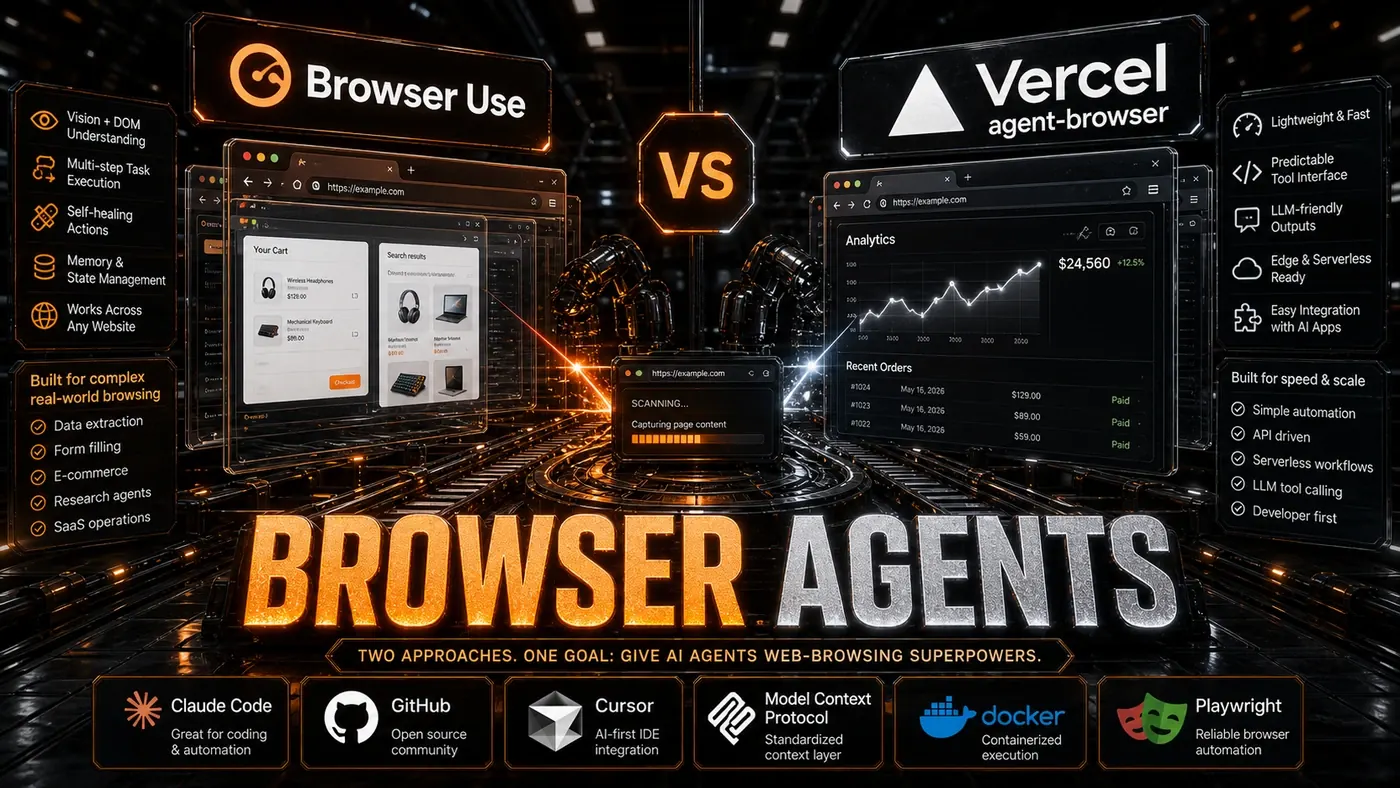
Vercel's agent-browser (opens in a new tab) takes a different tack. The article put its star count at 27,000; the actual repo (vercel-labs/agent-browser) shows around 36,400 as of June 2026. It's worth correcting the framing too: agent-browser isn't built specifically for Vercel's AI SDK. It's a standalone native Rust CLI for AI agents that you can run locally or on any server, with optional Vercel AI Gateway integration and support for serverless or ephemeral environments like Vercel Sandbox and AWS Lambda.
So the choice isn't local-versus-serverless so much as two general-purpose tools with different homes. Browser-use runs anywhere with a full browser environment and gives you a lot of control over multi-step tasks. Agent-browser is a lean CLI that slots neatly into Vercel's stack when that's where your deployments already live.
Use Cases
Data Collection: Scraping structured data from sites that change often or need interaction to reach.
Form Automation: Working through complex multi-page forms for applications, registrations, or orders.
Research: Systematic web research across several sources, with the results pulled together.
Testing: End-to-end testing of web apps written as plain-language test descriptions.
Monitoring: Watching sites for changes, price drops, or stock coming back.
The Future
The team has reportedly been working on sharper visual understanding, lower latency through browser pool management, and mobile web automation. These roadmap items aren't confirmed on the repo or official docs, so treat them as direction rather than commitments. The broader point holds regardless: as more agents need to reach the web, tools like browser-use matter more.
If you've got an agent that needs to use a website, browser-use is a sensible default, and the star count suggests plenty of other teams have reached the same conclusion. You can read the open-source docs (opens in a new tab) to see how it fits your own setup.
Browser-use: answer-first summary
Browser-use matters because it can change how Founders and operators plan, build, or govern an tool evaluation workflow. Browser-use gives AI agents the ability to navigate websites, fill forms, and extract data, all through a natural language interface with 86,000 stars.
The direct answer is this: do not treat the topic as a standalone trend. Treat it as a decision about inputs, outputs, review ownership, data exposure, and whether the workflow produces a result that is faster, safer, or more useful than the current process.
Browser-use: implementation checklist
- Define the user, job to be done, and success metric for the tool evaluation workflow.
- Collect real examples, policies, source files, customer questions, or search queries before writing prompts or choosing tools.
- Separate low-risk drafts from decisions that need approval, privacy checks, or senior review.
- Document what the AI is allowed to access, what it must not access, and who signs off before production use.
- Review time to value, adoption rate, cost per workflow, quality review score after a small pilot rather than judging the idea from a demo.
This keeps the work practical. It also gives search engines and AI answer engines a clean factual structure: what the topic is, who it helps, what to do next, and which risks matter before implementation.
Decision criteria for Browser-use
| Decision area | What to check | Production signal |
|---|---|---|
| Intent | Does Browser-use solve a real workflow problem? | The use case has a named owner and measurable outcome. |
| Data | Can the required data be used safely? | Sensitive data is classified and access is controlled. |
| Quality | Can a reviewer judge the output consistently? | Examples, rubrics, or acceptance criteria exist. |
| Scale | Can the workflow be repeated without hero effort? | The process is documented and can be handed to another team member. |
Practical example for Browser-use
A small business could use this article to choose one practical test. For example, a manager might take one customer-facing process, one internal document workflow, or one recurring content task and redesign only that step with AI support. The goal is not to automate the whole business at once; it is to learn where AI Tools creates reliable leverage.
The useful deliverable is a short operating note: the trigger, the source material, the prompt or tool, the review checklist, the escalation rule, and the metric. That note becomes the handover asset for staff training, SEO/GEO content, service delivery, or future agent work.
Risks and controls for Browser-use
The common failure pattern is moving too quickly from a promising idea into an unmanaged workflow. For Browser-use, the risk is not only bad output. It can also be unclear data permission, staff confusion, duplicate content, unreviewed customer advice, or a tool that quietly changes cost or capability.
- Control tool sprawl with a named owner, a review step, and written acceptance criteria.
- Control unclear pricing with a named owner, a review step, and written acceptance criteria.
- Control vendor lock-in with a named owner, a review step, and written acceptance criteria.
- Control unreviewed data sharing with a named owner, a review step, and written acceptance criteria.
Measurement plan for Browser-use
A useful AI or SEO initiative should leave evidence. Track time to value, adoption rate, cost per workflow, quality review score and compare the pilot against the current process. If the measure does not improve, keep the learning but avoid scaling the workflow.
For GEO readiness, the page should also answer the core question directly, define the entities involved, include implementation steps, explain tradeoffs, and link readers to the next relevant AI Kick Start service, guide, tool, or article.
Definitions and entities for Browser-use
For search, GEO, and staff handover, define the core entities in plain language. In this article the important entities are the workflow owner, the AI tool or model, the source material, the review process, the risk boundary, and the measurable business outcome. Clear definitions make the page easier for people to scan and easier for AI answer engines to quote accurately.
- Workflow owner: the person accountable for deciding whether Browser-use belongs in the business process.
- Source material: the documents, examples, policies, URLs, prompts, videos, or customer questions that ground the output.
- Review boundary: the point where a human checks accuracy, privacy, brand voice, or customer impact before the result is used.
- Success metric: the measure that proves whether the tool evaluation workflow is worth repeating.
Browser-use versus doing nothing
Doing nothing is also a decision. The cost may be slow manual work, weaker search visibility, inconsistent advice, duplicated effort, or staff using unmanaged AI tools without a shared process. The practical question is whether a controlled pilot can reduce that cost without creating a larger governance problem.
| Option | When it makes sense | What to watch |
|---|---|---|
| Do nothing | The workflow is rare, low value, or already reliable. | Competitors may improve speed, content depth, or service consistency first. |
| Run a small pilot | The task repeats often and has clear review criteria. | Keep scope tight and measure the result against the current process. |
| Build a production workflow | The pilot is repeatable and risk controls are documented. | Assign ownership, monitoring, training, and a rollback path. |
AI Kick Start handover package for Browser-use
A production handover should be concrete enough that another person can run it. For Browser-use, that means a short brief, a workflow map, approved prompts or tool settings, source material, a review checklist, internal links to supporting resources, and a simple measurement sheet. This is the difference between reading about AI and turning it into operational capability.
That packaging also strengthens E-E-A-T. It shows experience through implementation notes, expertise through decision criteria, authoritativeness through source-aware structure, and trust through risks, controls, and review steps. The article becomes useful even if the reader never buys a tool because it helps them make a better operational decision.