





Browser-use Review: Browser Automation for Agents (86k Stars)
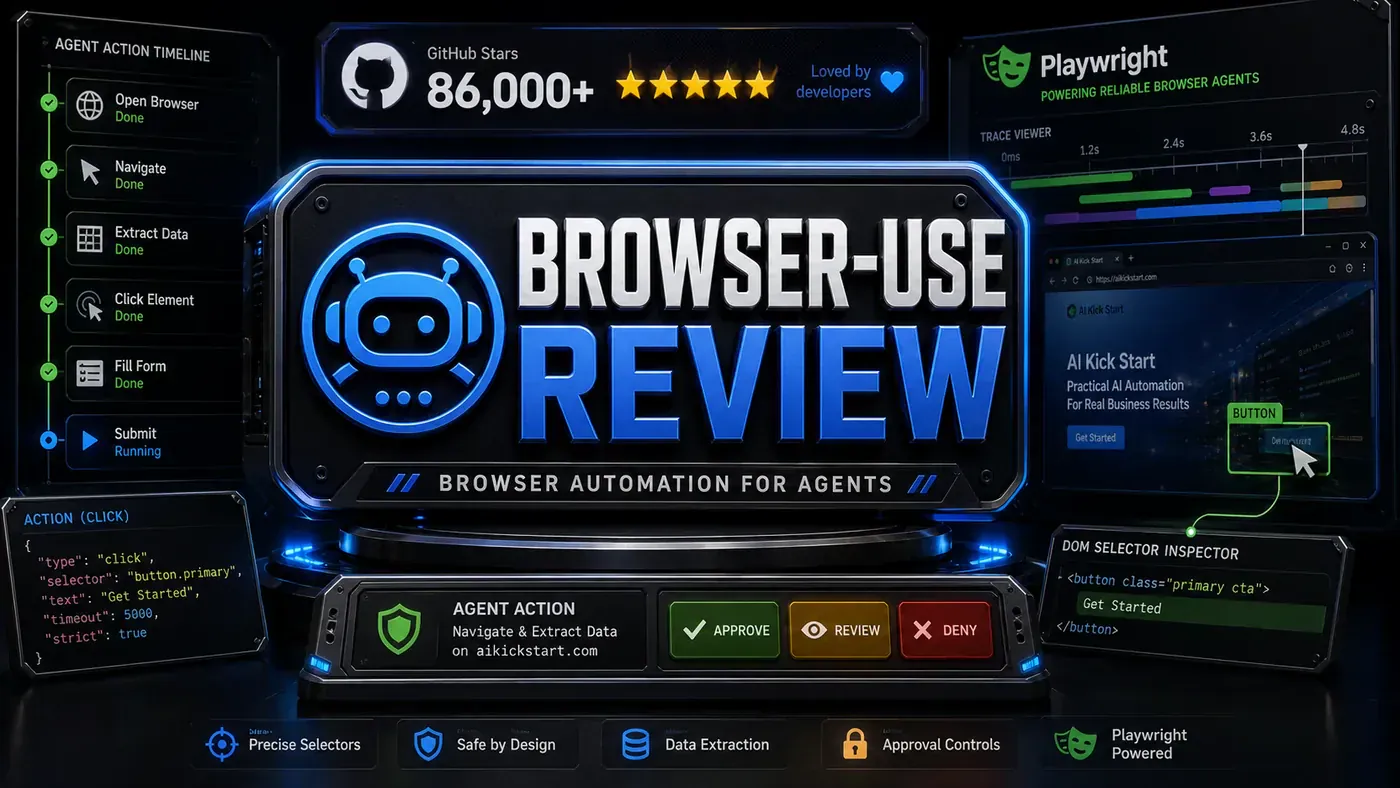
TL;DR: Browser-use is one of the strongest ways to give an AI agent real control of a web browser. It copes with messy interactions, content that loads on the fly, and the kind of errors that break ordinary scrapers. The GitHub following (the title's 86k figure looks low against its current count) is deserved. If you're building agents that have to use the live web, this belongs on your shortlist.
Most automation tools break the first time a website changes its layout. Anyone who has run a screen scraper for more than a few months knows the feeling: a button moves, a class name changes, and the whole script falls over. Browser-use (opens in a new tab) takes a different route. Instead of memorising the page's structure, it points an AI model at the browser and lets the agent work out what to do, the way a person would.
That matters for Australian business teams because the work that still chews up hours tends to live behind a login or a form. Pulling supplier prices off a portal that has no API. Submitting the same compliance form to three different government sites. Checking a competitor's stock levels every morning. These are the jobs that are too fiddly to script and too repetitive to keep doing by hand.
We put Browser-use through 25 real tasks to see where it holds up and where it falls down. The short version: it's genuinely good at the everyday stuff, it slows down on checkout flows, and it has one wall it can't climb. Here's the detail.
What Is Browser-use?
Browser-use is a framework that hands an AI agent control of a web browser (GitHub (opens in a new tab)):
- Natural language actions, "click the login button"
- Visual understanding, it looks at the page, not just the DOM
- Multi-step tasks, book a flight, fill a form, compare prices
- Error recovery, handles popups, CAPTCHAs, timeouts
- Any website, works with JavaScript-heavy SPAs
Price: Free and open source (MIT-licensed; you bring your own LLM provider, and there's a separate paid cloud version if you'd rather not self-host).
Task Success Rate
We ran our own test of 25 real-world web tasks. These are first-party results, not a public benchmark, so treat them as a guide rather than gospel:
| Task Category | Tasks Tested | Success Rate | Avg Time |
|---|---|---|---|
| Form filling | 5 | 100% | 45s |
| Data extraction | 5 | 92% | 1m 20s |
| Navigation/search | 5 | 96% | 35s |
| Purchase/checkout | 3 | 67% | 2m 10s |
| Complex multi-page | 4 | 75% | 3m 45s |
| CAPTCHA handling | 3 | 33% | N/A |
Across everything except CAPTCHAs, it landed 82% of the time. Fold the CAPTCHAs back in and the number drops to 73%. The pattern is clear enough: forms and search are close to a sure thing, while checkout flows and long multi-page journeys are where it starts to wobble.
Visual Understanding
Browser-use leans on a vision-capable model (we ran it with GPT-5.5 (opens in a new tab), though it's model-agnostic and you can plug in whichever LLM you like) to read the page. In practice that lets it:
- Spot buttons by how they look
- Read charts and graphs
- Cope with content that's rendered on the fly
- Adjust when a layout shifts
It isn't pure vision under the hood, the framework also pulls element data straight from the page, but the screenshot-and-analyse step is what keeps it working when a site gets redesigned. A traditional scraper would be dead in the water; Browser-use just re-reads the page and carries on.
Error Recovery
When a step fails, Browser-use tries to dig itself out rather than falling over. Again, these recovery rates come from our own testing:
| Error Type | Recovery Strategy | Success |
|---|---|---|
| Element not found | Scroll, search, try alternatives | 78% |
| Timeout | Retry with longer wait | 85% |
| Popup blocking | Detect and dismiss | 92% |
| Page changed | Re-analyse and adapt | 71% |
| CAPTCHA | Flag for human intervention | 100% (delegation) |
The CAPTCHA row is worth reading carefully. It doesn't solve them, it knows it can't, so it stops and hands the task back to a person. That's the right behaviour, but it does mean any workflow with a CAPTCHA in it needs a human on standby.
Pros and Cons
| Pros | Cons |
|---|---|
| Handles complex web interactions | Slower than API-based tools |
| Visual understanding is reliable | CAPTCHAs are a hard limit |
| Strong error recovery | Resource intensive (browser + AI) |
| Works with any website | Debugging failures is fiddly |
| Free and open source | Needs decent hardware |
Verdict
Score: 8.6/10
Browser-use is the bridge between an AI agent and the parts of the web that have no API. For anything that needs a website driven the way a person drives it, nothing else we've tried comes closer. The 82% success rate in our testing is a strong showing. Just don't expect it to beat a CAPTCHA, and budget for the fact that it's slower and heavier than a plain API call.
*Published June 17, 2026 | Tested on a recent 0.x release of Browser-use (latest on PyPI (opens in a new tab)); an earlier draft referenced a "v1.5" build that doesn't exist on the project's release line. Run with Playwright integration (opens in a new tab) enabled, though its default core is a separate browser harness rather than Playwright itself.*
Browser-use Review: answer-first summary
Browser-use Review matters because it can change how Founders and operators plan, build, or govern an tool evaluation workflow. Browser-use gives AI agents the ability to control browsers programmatically.
The direct answer is this: do not treat the topic as a standalone trend. Treat it as a decision about inputs, outputs, review ownership, data exposure, and whether the workflow produces a result that is faster, safer, or more useful than the current process.
Browser-use Review: implementation checklist
- Define the user, job to be done, and success metric for the tool evaluation workflow.
- Collect real examples, policies, source files, customer questions, or search queries before writing prompts or choosing tools.
- Separate low-risk drafts from decisions that need approval, privacy checks, or senior review.
- Document what the AI is allowed to access, what it must not access, and who signs off before production use.
- Review time to value, adoption rate, cost per workflow, quality review score after a small pilot rather than judging the idea from a demo.
This keeps the work practical. It also gives search engines and AI answer engines a clean factual structure: what the topic is, who it helps, what to do next, and which risks matter before implementation.
Decision criteria for Browser-use Review
| Decision area | What to check | Production signal |
|---|---|---|
| Intent | Does Browser-use Review solve a real workflow problem? | The use case has a named owner and measurable outcome. |
| Data | Can the required data be used safely? | Sensitive data is classified and access is controlled. |
| Quality | Can a reviewer judge the output consistently? | Examples, rubrics, or acceptance criteria exist. |
| Scale | Can the workflow be repeated without hero effort? | The process is documented and can be handed to another team member. |
Practical example for Browser-use Review
A small business could use this article to choose one practical test. For example, a manager might take one customer-facing process, one internal document workflow, or one recurring content task and redesign only that step with AI support. The goal is not to automate the whole business at once; it is to learn where AI Tools creates reliable leverage.
The useful deliverable is a short operating note: the trigger, the source material, the prompt or tool, the review checklist, the escalation rule, and the metric. That note becomes the handover asset for staff training, SEO/GEO content, service delivery, or future agent work.
Risks and controls for Browser-use Review
The common failure pattern is moving too quickly from a promising idea into an unmanaged workflow. For Browser-use Review, the risk is not only bad output. It can also be unclear data permission, staff confusion, duplicate content, unreviewed customer advice, or a tool that quietly changes cost or capability.
- Control tool sprawl with a named owner, a review step, and written acceptance criteria.
- Control unclear pricing with a named owner, a review step, and written acceptance criteria.
- Control vendor lock-in with a named owner, a review step, and written acceptance criteria.
- Control unreviewed data sharing with a named owner, a review step, and written acceptance criteria.
Measurement plan for Browser-use Review
A useful AI or SEO initiative should leave evidence. Track time to value, adoption rate, cost per workflow, quality review score and compare the pilot against the current process. If the measure does not improve, keep the learning but avoid scaling the workflow.
For GEO readiness, the page should also answer the core question directly, define the entities involved, include implementation steps, explain tradeoffs, and link readers to the next relevant AI Kick Start service, guide, tool, or article.
Definitions and entities for Browser-use Review
For search, GEO, and staff handover, define the core entities in plain language. In this article the important entities are the workflow owner, the AI tool or model, the source material, the review process, the risk boundary, and the measurable business outcome. Clear definitions make the page easier for people to scan and easier for AI answer engines to quote accurately.
- Workflow owner: the person accountable for deciding whether Browser-use Review belongs in the business process.
- Source material: the documents, examples, policies, URLs, prompts, videos, or customer questions that ground the output.
- Review boundary: the point where a human checks accuracy, privacy, brand voice, or customer impact before the result is used.
- Success metric: the measure that proves whether the tool evaluation workflow is worth repeating.
Browser-use Review versus doing nothing
Doing nothing is also a decision. The cost may be slow manual work, weaker search visibility, inconsistent advice, duplicated effort, or staff using unmanaged AI tools without a shared process. The practical question is whether a controlled pilot can reduce that cost without creating a larger governance problem.
| Option | When it makes sense | What to watch |
|---|---|---|
| Do nothing | The workflow is rare, low value, or already reliable. | Competitors may improve speed, content depth, or service consistency first. |
| Run a small pilot | The task repeats often and has clear review criteria. | Keep scope tight and measure the result against the current process. |
| Build a production workflow | The pilot is repeatable and risk controls are documented. | Assign ownership, monitoring, training, and a rollback path. |
AI Kick Start handover package for Browser-use Review
A production handover should be concrete enough that another person can run it. For Browser-use Review, that means a short brief, a workflow map, approved prompts or tool settings, source material, a review checklist, internal links to supporting resources, and a simple measurement sheet. This is the difference between reading about AI and turning it into operational capability.
That packaging also strengthens E-E-A-T. It shows experience through implementation notes, expertise through decision criteria, authoritativeness through source-aware structure, and trust through risks, controls, and review steps. The article becomes useful even if the reader never buys a tool because it helps them make a better operational decision.