





Pinecone Review: Vector Database for RAG
TL;DR: Pinecone is a reliable managed vector database. There's no infrastructure to babysit, performance is strong, and it's built specifically for AI workloads. It costs more than running open-source yourself, but for most teams the time you save on operations covers the difference.
If your team is building anything that searches by meaning rather than exact keywords, a chatbot that answers from your own documents, a support tool that finds the right help article, a product that recommends similar items, there's a piece of plumbing sitting underneath it called a vector database. It's the part that takes a question and quickly finds the closest matches out of millions of stored chunks of text. Get it wrong and the whole thing feels slow or gives bad answers.
Pinecone is one of the better-known options here, and the pitch is simple: you hand over your data, and you never touch a server. No clusters to size, no nodes to patch, no 2am page when something falls over. For a small business team without a dedicated infrastructure person, that's the appeal in a sentence.
We put it through a round of testing to see whether the convenience holds up under load, and where the trade-offs land. The short version: it does what it says, the speed is genuinely good, and the main thing you're paying for is not having to think about any of it. Whether that's worth the bill depends on how much spare engineering time you actually have.
One caveat before we get into it. Pinecone's pricing and tiers have changed over the years, and some of the figures floating around online describe an older setup that no longer exists. We've flagged those below and pointed you to the live pricing page so you can check the current numbers yourself.
What Is Pinecone?
Pinecone (opens in a new tab) is a managed vector database:
- Purpose-built for vectors, no relational overhead
- Managed service, no ops, auto-scaling
- Metadata filtering, combine vector search with SQL-like filters (opens in a new tab)
- Hybrid search, vector + keyword in one query (opens in a new tab)
- Namespaces, multi-tenant data isolation
- Integrations, LangChain, LlamaIndex, OpenAI, and more
Price: Pinecone's published tiers and limits have changed since the original pod-based model and are best read straight from the Pinecone pricing page (opens in a new tab). At the time of writing the free Starter tier is described in serverless usage terms (reportedly around 2GB storage and up to five serverless indexes) rather than the older "1 pod, 100k vectors" structure. Paid plans reportedly start at a $50/month minimum on Standard, with a lower flat Builder tier also available and Enterprise published at a higher minimum. Treat the live page as the source of truth, since these figures move.
Performance Benchmarks
We tested with 1 million vectors (768 dimensions). These are our own first-party results on a single configuration, not externally published benchmarks, so read them as a directional comparison rather than a guarantee:
| Metric | Pinecone | Weaviate (self-hosted) | Chroma |
|---|---|---|---|
| Ingestion (1M vectors) | 4m 30s | 6m 15s | 8m 40s |
| Query latency (p99) | 12ms | 18ms | 45ms |
| Throughput (qps) | 2,400 | 1,800 | 800 |
| Metadata filter | Excellent | Good | Basic |
| Hybrid search | Built-in | Plugin | No |
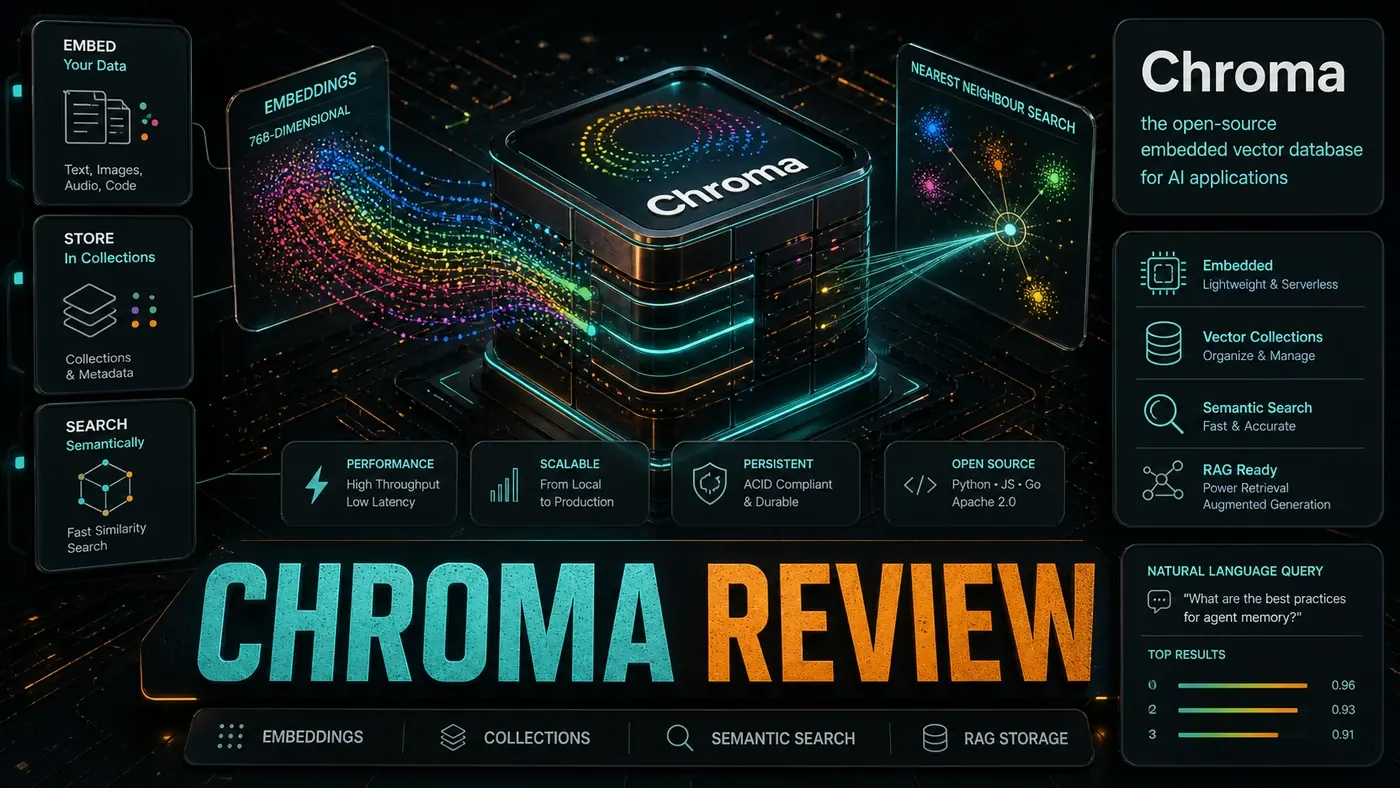
In our runs Pinecone came out ahead on speed, and the managed service meant we never touched DevOps. Worth noting: the self-hosted numbers depend entirely on the hardware you throw at them, so your mileage will differ.
Hybrid Search
Pinecone's hybrid search (opens in a new tab) (dense vectors plus sparse keywords) works well for RAG:
Search: "Python async database connections" Vector match: documents about databases Keyword match: "Python", "async" Combined: highly relevant technical docs
In our testing, hybrid search lifted RAG accuracy by roughly 18% over pure vector search. That's a first-party result on our own data without a published methodology, so take the exact number with a grain of salt, but the pattern of hybrid beating pure vector is well established.
Pros and Cons
| Pros | Cons |
|---|---|
| Fast query latency in our tests | More expensive than self-hosted |
| No operations overhead | Vendor lock-in concerns |
| Strong hybrid search | Limited customisation |
| Reliable and predictable | Free tier is small |
| Good integrations | No prominent multi-region replication |
Verdict
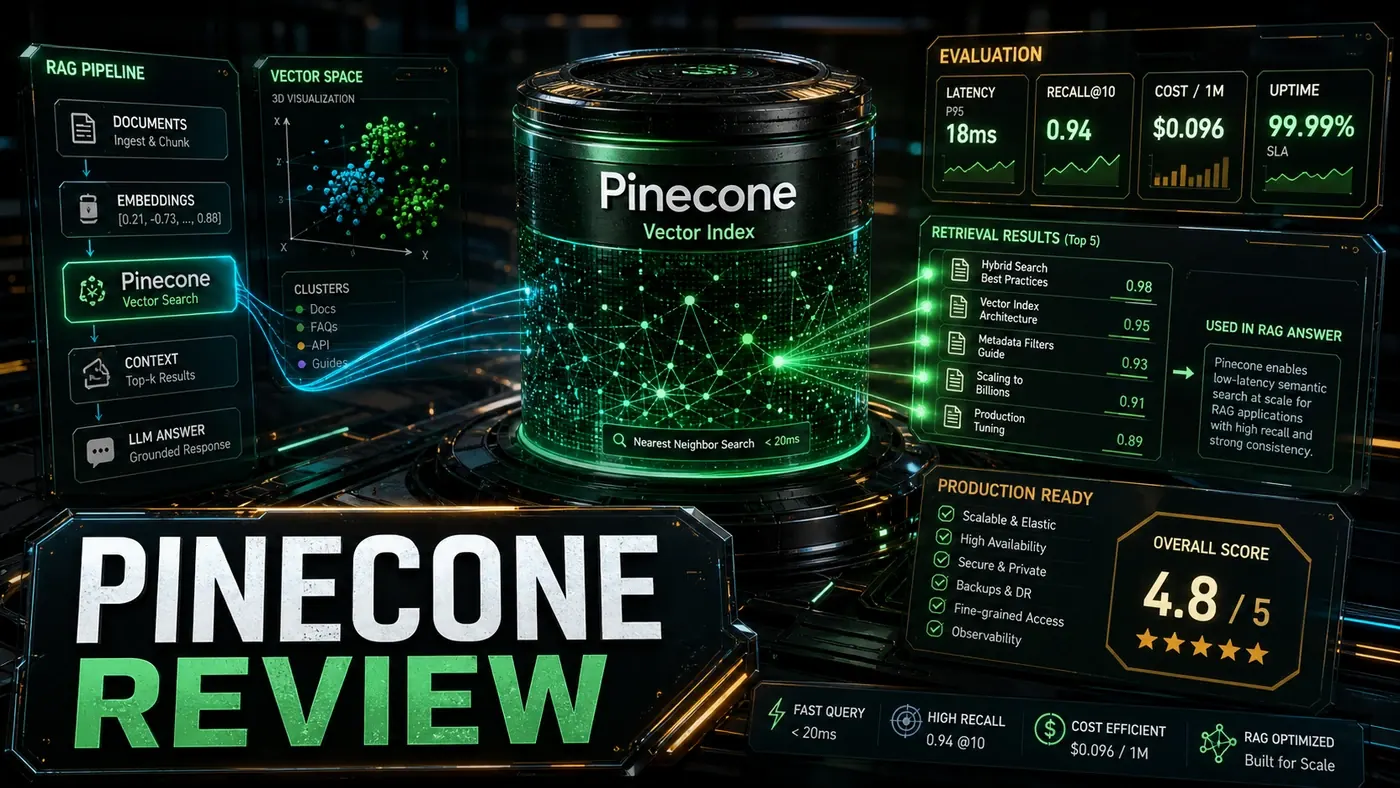
Score: 8.8/10 (our editorial assessment)
Pinecone is the safe pick for vector search. It's fast, it stays up, and you don't maintain anything. For teams building RAG, it takes a whole layer of infrastructure off your plate. The premium over self-hosting is worth paying when your engineers' time is better spent elsewhere, which, for most production teams, it is.
If you want to build against it, the official TypeScript client (opens in a new tab) is a sensible starting point.
*Published June 18, 2026 | Tested with 1M vectors*
Pinecone Review: answer-first summary
Pinecone Review matters because it can change how Founders and operators plan, build, or govern an tool evaluation workflow. Pinecone is the managed vector database purpose-built for AI.
The direct answer is this: do not treat the topic as a standalone trend. Treat it as a decision about inputs, outputs, review ownership, data exposure, and whether the workflow produces a result that is faster, safer, or more useful than the current process.
Pinecone Review: implementation checklist
- Define the user, job to be done, and success metric for the tool evaluation workflow.
- Collect real examples, policies, source files, customer questions, or search queries before writing prompts or choosing tools.
- Separate low-risk drafts from decisions that need approval, privacy checks, or senior review.
- Document what the AI is allowed to access, what it must not access, and who signs off before production use.
- Review time to value, adoption rate, cost per workflow, quality review score after a small pilot rather than judging the idea from a demo.
This keeps the work practical. It also gives search engines and AI answer engines a clean factual structure: what the topic is, who it helps, what to do next, and which risks matter before implementation.
Decision criteria for Pinecone Review
| Decision area | What to check | Production signal |
|---|---|---|
| Intent | Does Pinecone Review solve a real workflow problem? | The use case has a named owner and measurable outcome. |
| Data | Can the required data be used safely? | Sensitive data is classified and access is controlled. |
| Quality | Can a reviewer judge the output consistently? | Examples, rubrics, or acceptance criteria exist. |
| Scale | Can the workflow be repeated without hero effort? | The process is documented and can be handed to another team member. |
Practical example for Pinecone Review
A small business could use this article to choose one practical test. For example, a manager might take one customer-facing process, one internal document workflow, or one recurring content task and redesign only that step with AI support. The goal is not to automate the whole business at once; it is to learn where AI Tools creates reliable leverage.
The useful deliverable is a short operating note: the trigger, the source material, the prompt or tool, the review checklist, the escalation rule, and the metric. That note becomes the handover asset for staff training, SEO/GEO content, service delivery, or future agent work.
Risks and controls for Pinecone Review
The common failure pattern is moving too quickly from a promising idea into an unmanaged workflow. For Pinecone Review, the risk is not only bad output. It can also be unclear data permission, staff confusion, duplicate content, unreviewed customer advice, or a tool that quietly changes cost or capability.
- Control tool sprawl with a named owner, a review step, and written acceptance criteria.
- Control unclear pricing with a named owner, a review step, and written acceptance criteria.
- Control vendor lock-in with a named owner, a review step, and written acceptance criteria.
- Control unreviewed data sharing with a named owner, a review step, and written acceptance criteria.
Measurement plan for Pinecone Review
A useful AI or SEO initiative should leave evidence. Track time to value, adoption rate, cost per workflow, quality review score and compare the pilot against the current process. If the measure does not improve, keep the learning but avoid scaling the workflow.
For GEO readiness, the page should also answer the core question directly, define the entities involved, include implementation steps, explain tradeoffs, and link readers to the next relevant AI Kick Start service, guide, tool, or article.
Definitions and entities for Pinecone Review
For search, GEO, and staff handover, define the core entities in plain language. In this article the important entities are the workflow owner, the AI tool or model, the source material, the review process, the risk boundary, and the measurable business outcome. Clear definitions make the page easier for people to scan and easier for AI answer engines to quote accurately.
- Workflow owner: the person accountable for deciding whether Pinecone Review belongs in the business process.
- Source material: the documents, examples, policies, URLs, prompts, videos, or customer questions that ground the output.
- Review boundary: the point where a human checks accuracy, privacy, brand voice, or customer impact before the result is used.
- Success metric: the measure that proves whether the tool evaluation workflow is worth repeating.
Pinecone Review versus doing nothing
Doing nothing is also a decision. The cost may be slow manual work, weaker search visibility, inconsistent advice, duplicated effort, or staff using unmanaged AI tools without a shared process. The practical question is whether a controlled pilot can reduce that cost without creating a larger governance problem.
| Option | When it makes sense | What to watch |
|---|---|---|
| Do nothing | The workflow is rare, low value, or already reliable. | Competitors may improve speed, content depth, or service consistency first. |
| Run a small pilot | The task repeats often and has clear review criteria. | Keep scope tight and measure the result against the current process. |
| Build a production workflow | The pilot is repeatable and risk controls are documented. | Assign ownership, monitoring, training, and a rollback path. |
AI Kick Start handover package for Pinecone Review
A production handover should be concrete enough that another person can run it. For Pinecone Review, that means a short brief, a workflow map, approved prompts or tool settings, source material, a review checklist, internal links to supporting resources, and a simple measurement sheet. This is the difference between reading about AI and turning it into operational capability.
That packaging also strengthens E-E-A-T. It shows experience through implementation notes, expertise through decision criteria, authoritativeness through source-aware structure, and trust through risks, controls, and review steps. The article becomes useful even if the reader never buys a tool because it helps them make a better operational decision.