

Briefing
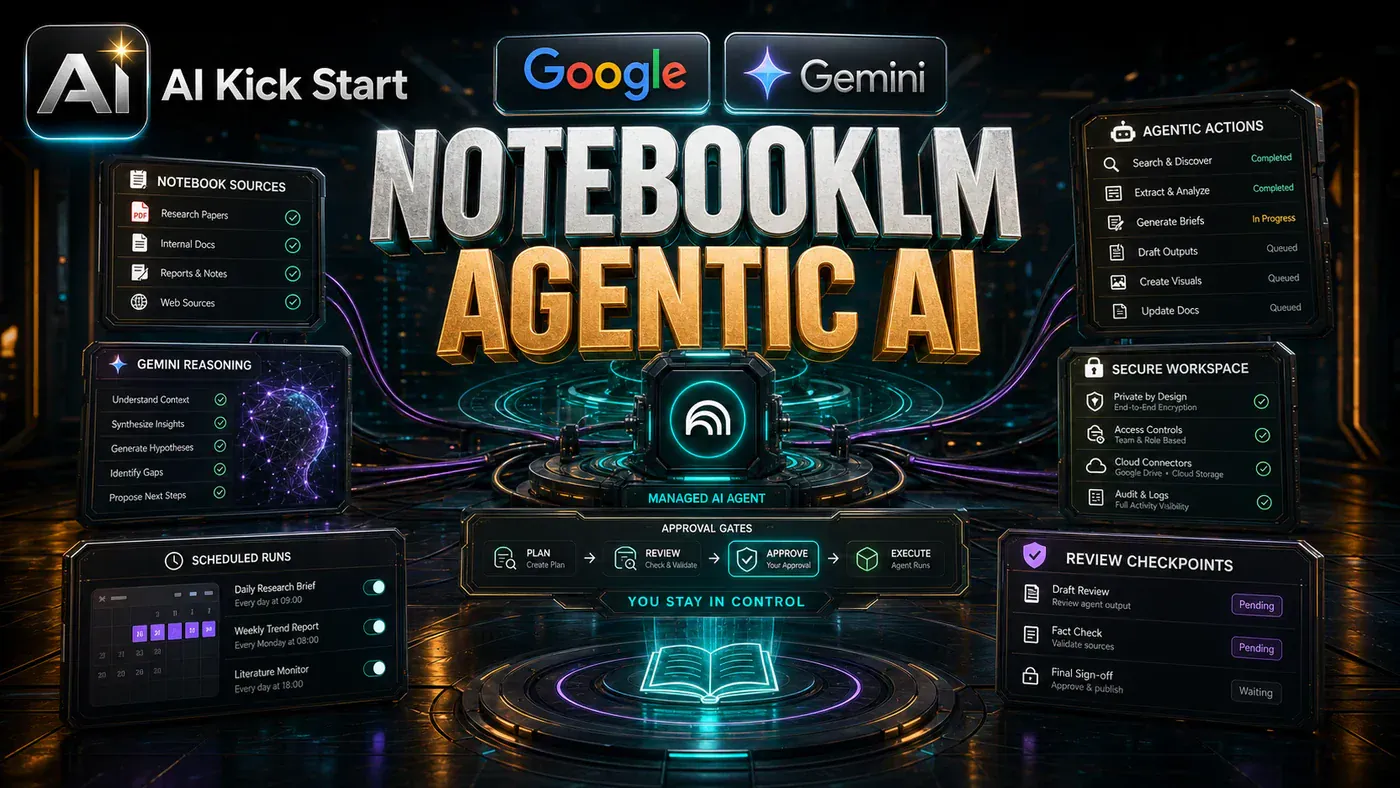
Three years ago, NotebookLM began as a modest experiment inside Google Labs - a simple tool that would read your uploaded documents and help you make sense of them. Fast forward to June 2025, and that same tool has just received the most significant single upgrade in its history, transforming it from a passive research assistant into an active, code-writing, report-building, source-hunting AI partner that could fundamentally change how small businesses and solo operators handle information.
For the millions of Google AI Ultra subscribers worldwide, this update is already live. And it is not merely an incremental improvement - it represents a fundamental shift in what NotebookLM can actually *do*. Where the old version could read your documents and discuss them intelligently, the new version reads your documents, writes its own software, performs real calculations, constructs presentation decks, and ventures out onto the open web to find sources you never even knew existed - all before you upload a single file.
Google's own internal testing pitted the new version against the old across five separate evaluation categories. In the most striking result, when tested on its ability to find high-quality sources on the web, the new NotebookLM won nearly eight times out of ten - a staggering leap for a single update. The message is clear: Google is no longer content for NotebookLM to be a clever document reader. It wants it to be an autonomous research and production assistant.
From Passive Reader to Active Agent: What Just Changed
To understand why this update matters, it helps to look at where NotebookLM stood just six months ago. In late 2024, Google folded the tool into its premium AI Ultra subscription plan, giving those users roughly ten times the daily limits on chats, audio overviews, and reports. That was a generous capacity boost, but it was still fundamentally the same tool doing the same things - just more often.
This update is different. It is not about doing the same tasks faster. It is about the tool doing categorically different things altogether. As Tron Wner, who leads product for NotebookLM, and engineer Usama bin Shafkat noted in their joint announcement, the tool has grown from a small labs project into a research partner used by millions to organise their thinking and spot connections across documents.
The core philosophy has remained constant: you feed it your material, and it helps you understand it faster. What has changed is everything around that core. Previously, you had to arrive already organised, with sources prepared and uploaded before you could accomplish anything. Today, you can open an entirely blank notebook with nothing more than a question in your head, and NotebookLM will search the web, pull in solid, relevant sources, and deposit them straight into your notebook - already properly cited.
This shift from "bring your own sources" to "let me find them for you" is transformative. NotebookLM is no longer bound by the limits of what you already know to upload. It can expand your research horizon before you have lifted a finger.
The Twin Engines: Gemini 3.5 and Anti-Gravity
The technological underpinnings of this leap rest on two key components: Google's Gemini 3.5 model family and a tool called Anti-Gravity.
Gemini 3.5 is Google's newest generation of AI models, serving as the brain powering the entire NotebookLM experience. But the truly revolutionary addition is Anti-Gravity - Google's own internal coding engine, the very same system its software engineering teams use to build real Google products. By embedding it inside NotebookLM, Google has given every user access to professional-grade software engineering capabilities that operate behind the scenes without requiring any coding knowledge.
Anti-Gravity is not some simplified script generator. It is production-grade tooling that powers Google's own development. Paired with Gemini 3.5's reasoning capabilities, it moves NotebookLM past merely *talking* about your information into actually *doing something productive* with it.
The Secure Cloud Computer: Your Notebook's Private Brain
Perhaps the most technically significant aspect of this update is what Google calls the "secure cloud computer." Every notebook now comes equipped with its own isolated, fully locked-down computing environment that exists solely for that notebook's use.
Think of it as your notebook receiving its own dedicated miniature laptop, invisible to you but entirely under its control. When you ask NotebookLM to crunch numbers or build a chart, it does not estimate or guess - the way many large language models have historically done, often with embarrassing mathematical errors. Instead, it opens that private cloud computer, writes real executable code, runs it, verifies the output, checks its own work, and only then presents you with the result.
This distinction matters enormously. Hand an older AI model a sprawling spreadsheet of sales figures, and it might predict what the answer *probably* looks like based on pattern recognition - sometimes right, sometimes catastrophically wrong. This new version performs the actual mathematics every single time. If you feed it a spreadsheet tracking how many new members joined your community last quarter, broken down by which video or post attracted them, it does not estimate. It calculates.
The security architecture deserves particular attention. Each notebook's cloud computer is completely isolated from every other notebook. Your customer lists, your sales figures, your private call notes - none of it sits commingled with anyone else's data while code executes. For business owners who would never paste sensitive numbers into a random online tool, this isolation provides a genuinely meaningful layer of protection.
A Toolbox of Over 100 Ready-Made Skills
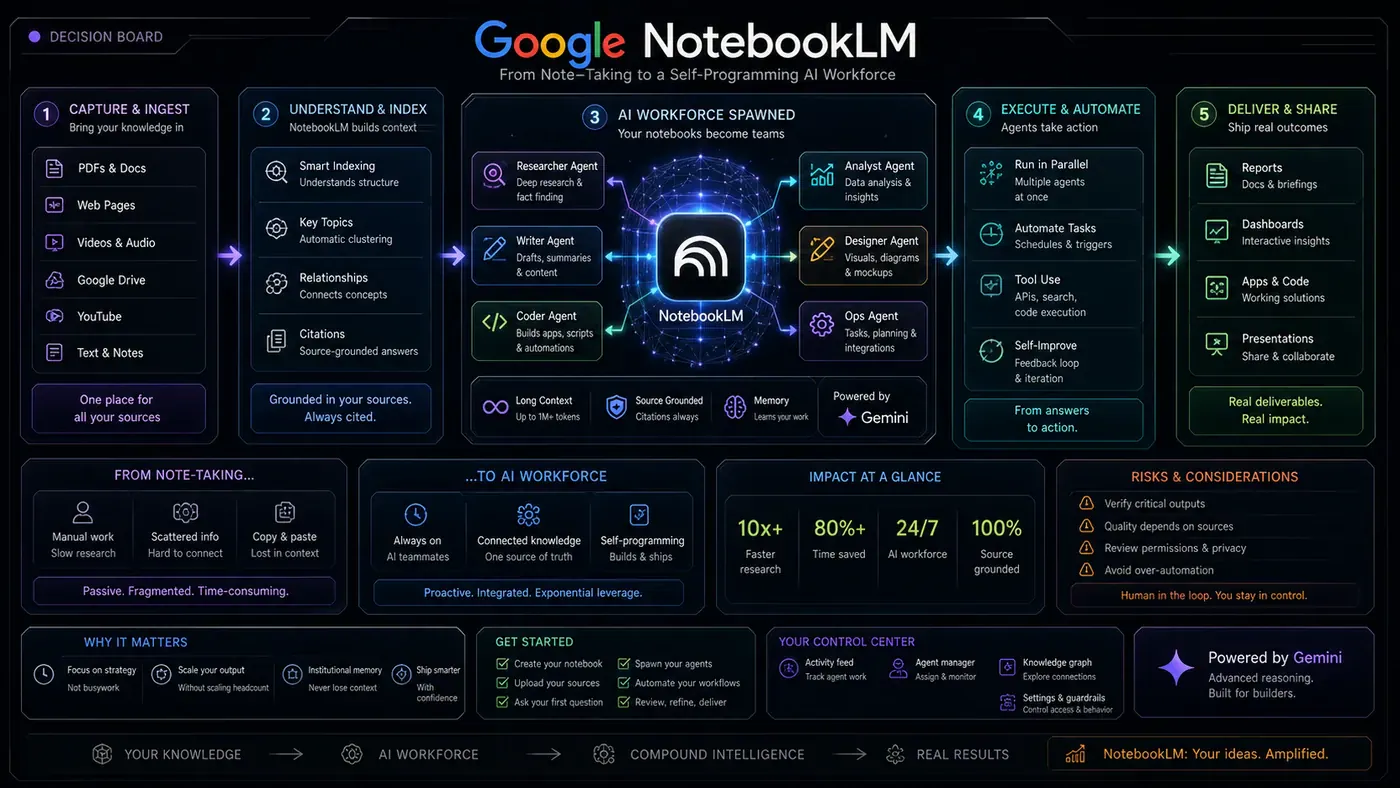
Sitting atop the secure cloud computer is a library of more than 100 pre-built skills - a well-organised, expertly curated toolbox that NotebookLM draws from automatically based on what you ask.
These skills cover a remarkably broad range: reading messy spreadsheets, comparing documents in different formats, extracting numerical data from lengthy PDFs, and building clean visual reports from raw data. You do not manually select which skill to apply - NotebookLM analyses your request and deploys the appropriate tools automatically.
Consider what this replaces. Previously, turning disorganised notes into a polished chart might require one app to clean data, a second to build the visualisation, and a third to write the analysis. Now, that entire sequence happens inside a single NotebookLM conversation, with the secure cloud computer handling every intermediate step without you touching another piece of software.
An Expanded Universe of Output Formats
Where the old NotebookLM primarily delivered text responses or audio summaries, the new version generates actual finished files - tangible work products you can immediately use.
The available formats are genuinely impressive: polished PDF reports with charts and tables, Microsoft Word documents, clean Markdown files, fully functional spreadsheets with formulas already in place, presentation slide decks, raw data files in CSV or JSON, and even charts as images or graphics using Google's built-in Nano Banana image generation tool.
That image generation capability deserves attention. Because Nano Banana sits directly inside the notebook environment, you can take a notebook full of community feedback or survey responses and ask NotebookLM to convert key findings into a visual graphic ready for social media - rather than writing a dense paragraph most people will scroll past.
The iterative refinement capability matters too. Once NotebookLM generates a file, you can request edits conversationally, the same way you might ask a colleague to adjust one slide. This brings NotebookLM much closer to a genuine collaborative assistant than a one-shot generator.
Finding Sources Autonomously: The Research Revolution
Projects inside NotebookLM now begin fundamentally differently. The old model required sources collected and organised upfront. The new model flips that entirely.
You can start with nothing more than a vague idea, and NotebookLM will actively help you build a source list as you converse. Need material in another language for a different perspective? It can find that. Want to explore an author's other work? It will locate it. The system leans on Google Search to discover solid, relevant sources and deposits them into your notebook - fully cited - sparing you hours of manual research.
For businesses looking to expand into new markets, this is transformative. Rather than spending weekends digging through foreign-language forums, you can describe what you need and NotebookLM will construct a research folder - complete with sources in relevant languages, translated and contextualised.
Real-World Applications: Google's Own Examples
Google provided specific, concrete examples when announcing this update - and these are worth examining because they are drawn from real use cases rather than marketing fantasy.
In one example, a data analyst receives sales figures from multiple countries, all in different formats - some tracking weekly, others monthly, different currencies, inconsistent categorisation. NotebookLM searches the web for contextual information about each country's reporting standards, writes code to clean and standardise everything, and hands back both a finished chart and a written report explaining what changed and why.
In another, a programme manager receives dense technical specifications - the kind most people open once and quietly avoid. Instead of reading every line, they ask NotebookLM to transform those specs into a clean guide and presentation slide deck the entire team can use - without requiring a follow-up meeting just to explain what the documents mean.
The pattern is consistent: NotebookLM excels at taking complex, messy, time-consuming information tasks and converting them into clean, actionable, shareable outputs.
Practical Applications: Where to Start
If you are a solo operator or running a small team, the applications are immediate. Start by feeding NotebookLM your messiest information pile first - not your cleanest. That is where it saves the most time. Six months of disorganised client call notes is precisely the material that would take hours to manually sort but that NotebookLM can now structure and summarise in minutes.
For managers, hand it your driest documents - policy files, long process documentation - and ask for a one-page guide your team will actually read. For e-commerce operators, drop in months of order and refund data and ask which products genuinely deserve more marketing investment, replacing gut instinct with data-backed insight.
Content creators can feed it past videos or call transcripts and ask it to extract the questions people keep asking, then build a guide answering them all - turning scattered conversations into structured, reusable content. Customer support teams can input a month's worth of support messages and receive a clean FAQ document ready for new hires.
If you are simply curious, open a blank notebook, type one genuine question you want answered, and let NotebookLM find the sources for you.
The Bigger Picture: Where This Is Heading
Google has already stated that more output formats are coming. Additionally, Gemini's separate Notebooks feature now syncs directly with NotebookLM, meaning sources added in one environment appear automatically in the other.
The strategic direction is clear: Google is systematically stitching its AI products into one interconnected ecosystem, and NotebookLM is rapidly becoming a primary entry point into that broader system. Each update widens the gap between professionals who leverage these tools daily and those who have not begun exploring them. In small businesses where one person typically wears multiple hats, that gap compounds quickly.
The pace of change in AI tooling has become genuinely difficult to keep up with alone. Every few weeks brings another significant update. Having a community of practitioners actively testing these tools inside real businesses, sharing what works and what does not, has become more valuable than ever - especially when the tools themselves will look substantially different again in another month or two.
Conclusion
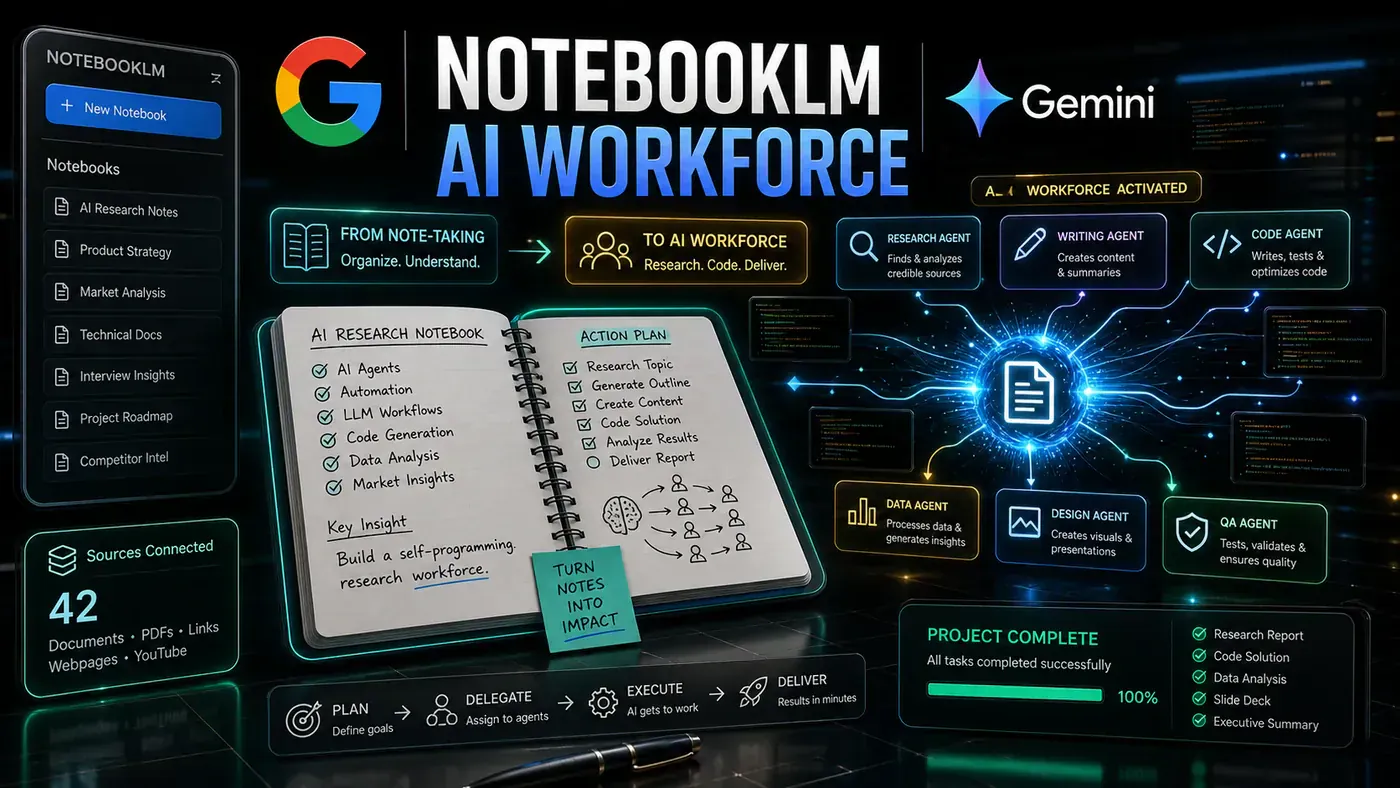
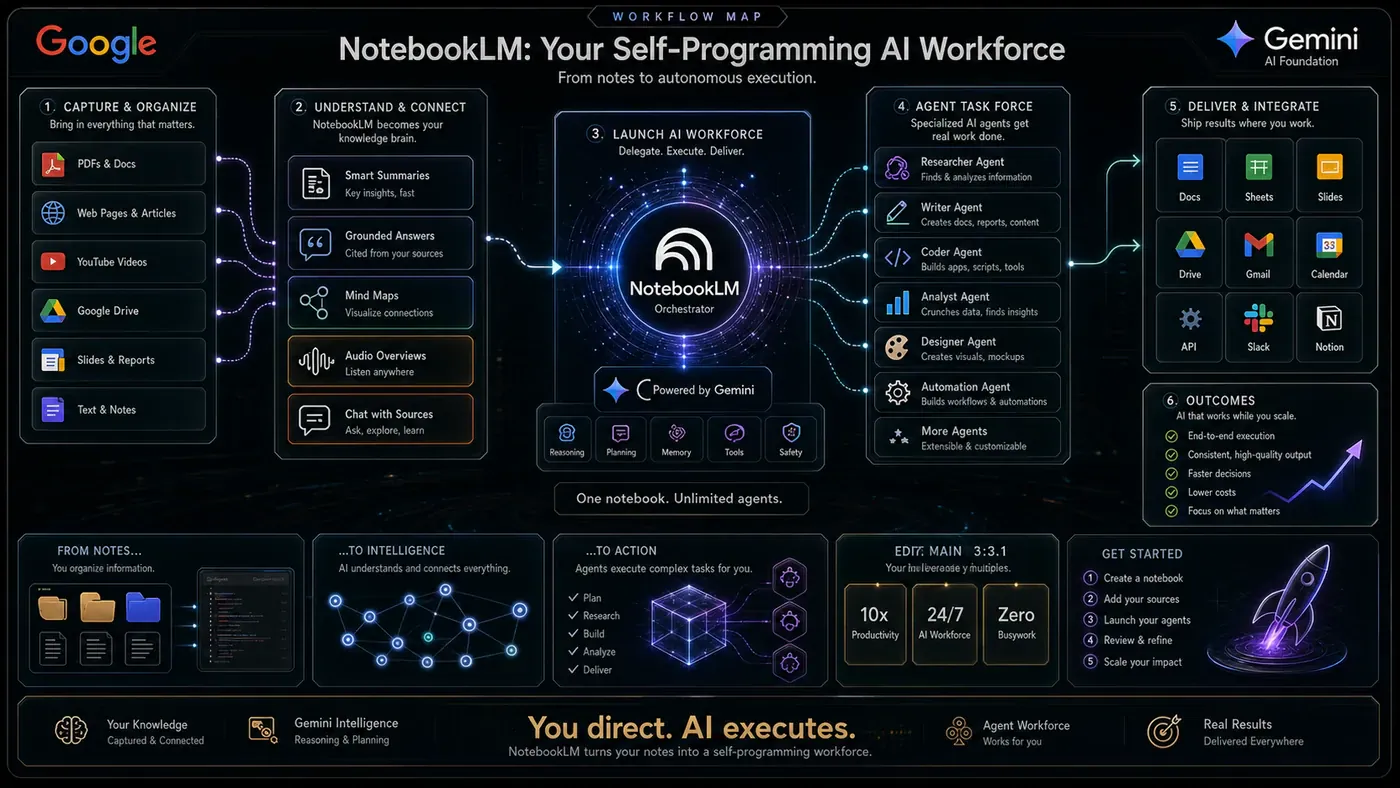
This NotebookLM update represents far more than a feature release. It signals a fundamental repositioning of what the tool is and who it serves. By combining Gemini 3.5's reasoning with Anti-Gravity's production-grade code generation, wrapping everything in a secure, isolated computing environment, and adding over 100 pre-built skills with multiple output formats, Google has transformed NotebookLM from a clever document reader into something approaching a genuine AI workforce for knowledge work.
For small businesses, solo operators, content creators, and anyone who regularly wrestles with large volumes of information, the practical value is immediate. The ability to hand a messy pile of data to an AI and receive back clean reports, working spreadsheets, presentation-ready slide decks, and properly cited source collections - all without writing a single line of code - is the kind of capability that genuinely changes how work gets done.
The update is live now for Google AI Ultra subscribers worldwide. If you have access, the most productive thing you can do is open it, feed it your most disorganised project, and watch what comes back.
Helpful Resources
- Google NotebookLM - https://notebooklm.google.com - The official NotebookLM platform where you can create notebooks, upload sources, and explore all the new features covered in this article.
- Google AI Ultra - https://gemini.google.com/ultra - Google's premium AI subscription plan that includes access to the updated NotebookLM with its full feature set and expanded usage limits.
- Google Gemini 3.5 - https://deepmind.google/technologies/gemini - Official information about the Gemini 3.5 model family powering the new NotebookLM capabilities.
- Google DeepMind - https://deepmind.google - Google's AI research division responsible for developing the underlying models and technologies behind this update.
- AI Profit Boardroom - https://aiprofitboardroom.com - A paid community for business owners focused on practical AI implementation, offering weekly live coaching calls, daily tutorials, and prompt libraries.
- AI Success Lab (Free Community) - https://www.skool.com/ai-profit-lab-7462/about - A free community with over 75,000 members sharing AI use cases, processes, and implementation notes for tools including NotebookLM.
- Julian Goldie SEO Community - https://www.skool.com/ai-seo-with-julian-goldie-1553/about - Community focused on AI-powered SEO strategies and tools.