



Briefing
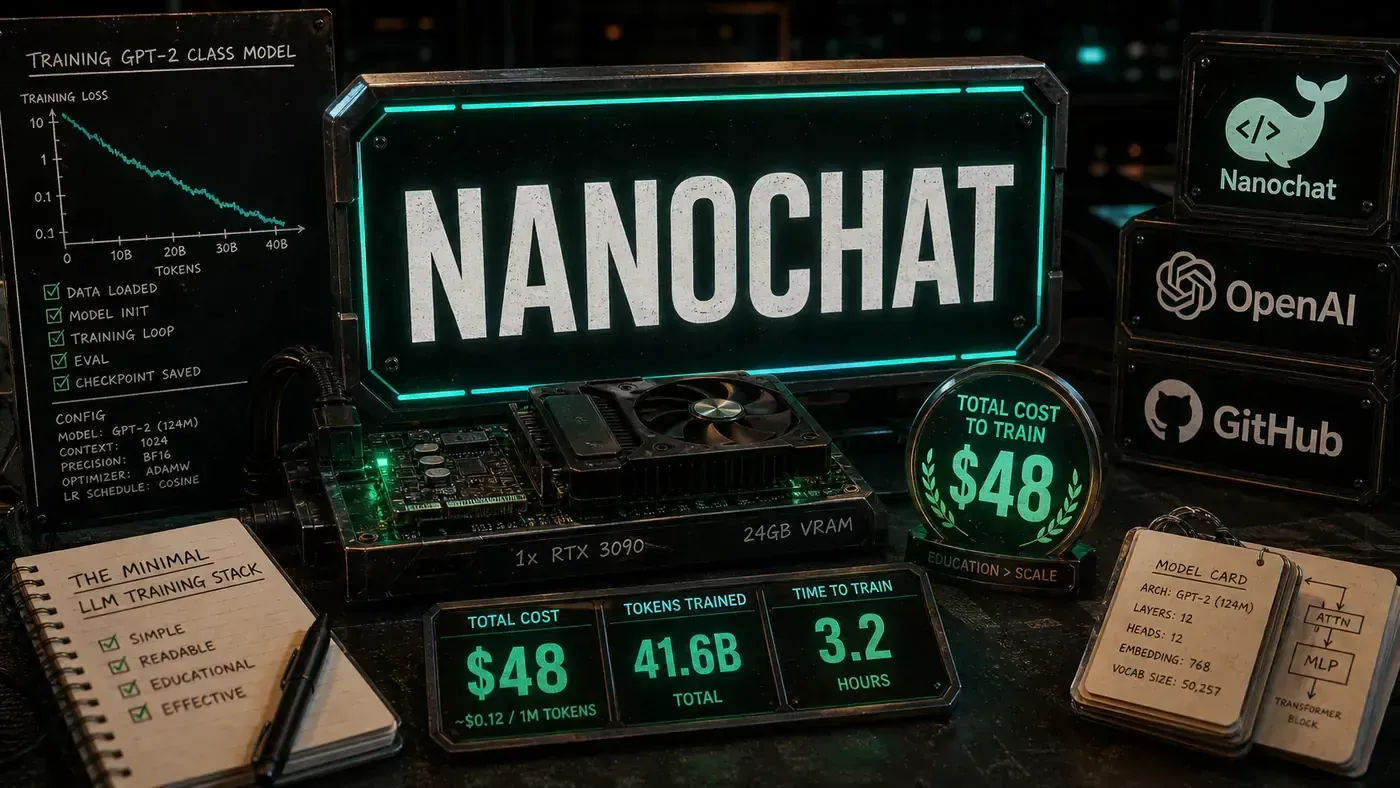
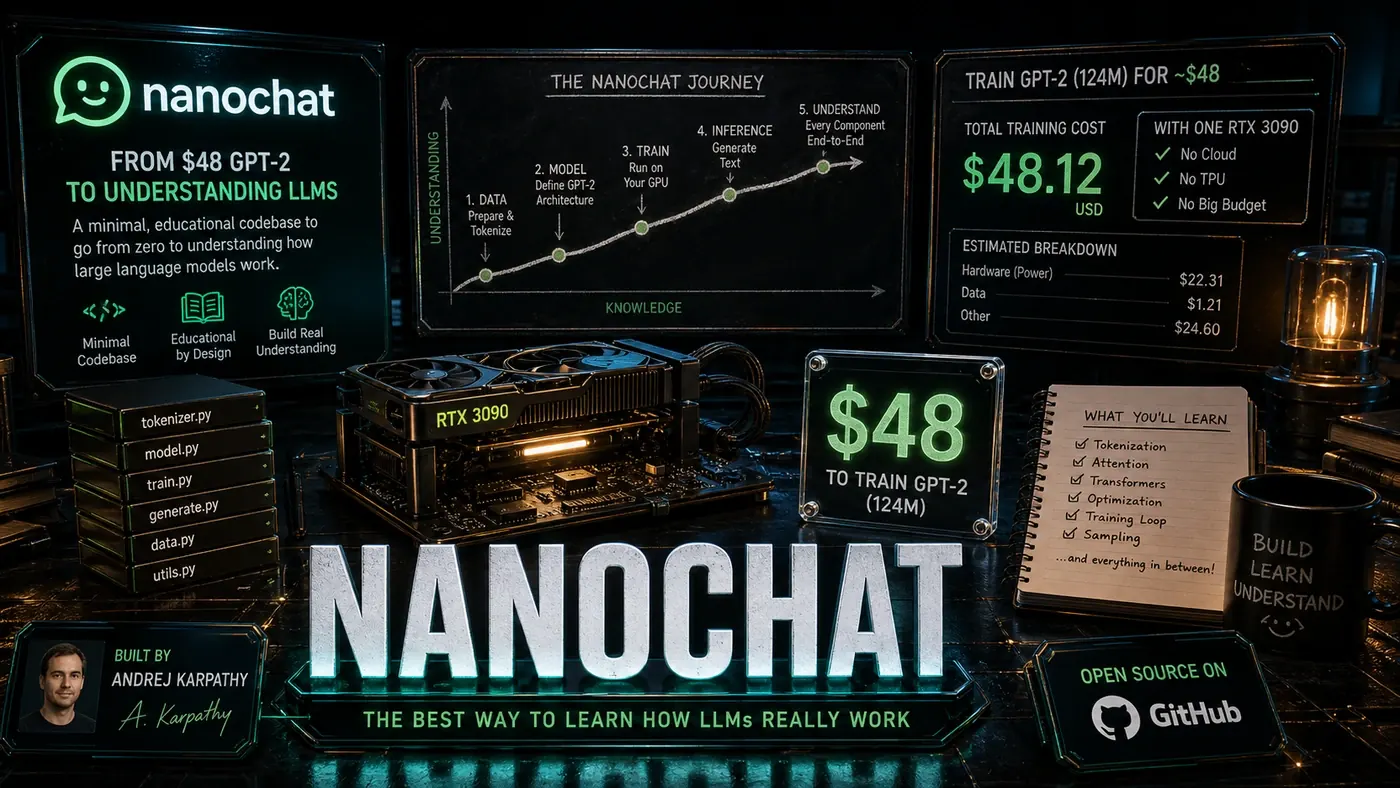
The best way to understand something is to build it. nanochat (opens in a new tab), Andrej Karpathy's minimal LLM training stack, is built on that idea. It takes you from "what's a transformer?" to training your own GPT-2 class model for about $48. With roughly 55,000 GitHub stars, it has become one of the most widely used teaching projects in AI.
Analysis
For most people, large language models are a black box. You type something in, an answer comes out, and the machinery in between stays hidden. Karpathy's bet with nanochat is that the box stops being scary the moment you build a small version of it yourself.
That's the story here. A single developer, a few hours of rented GPU time, and roughly $48 gets you a complete training run for a GPT-2 class model. Not a toy that prints "hello world," but a real pipeline: raw text in, a chatting model out. The thing that used to cost tens of thousands of dollars and a research lab now fits on a hobbyist's budget.
The repo has pulled in around 55,000 stars on GitHub (source (opens in a new tab)), which tells you something about the appetite. People don't just want to use AI anymore. They want to understand what's actually happening under the hood. For a business team, that matters more than it sounds: the people who can explain why a model behaves the way it does are the ones who make sensible calls about where to use it.
The Educational Arc
Nanochat is laid out as a learning path. Each part of the code maps to a concept you need to grasp:
Data Pipeline → How do LLMs learn from text? Tokenisation → How is text converted to numbers? Architecture → What are transformers and how do they work? Training Loop → How do models actually learn? Inference → How do trained models generate text?
The harness covers tokenisation, pretraining, finetuning, evaluation, inference, and a chat UI, with the tokeniser trained in Rust and pretraining done on the FineWeb dataset (source (opens in a new tab)). When you build each piece yourself with Karpathy's guidance, you pick up an intuition that reading papers never quite gives you.
The $48 Breakdown
The $48 figure is real, but it's worth being precise about where it comes from. The README's marquee number is "the best ChatGPT that $100 can buy." The $48 is the cheaper GPT-2 tier estimate further down, and it covers roughly two hours on an 8XH100 GPU node, with spot instances bringing it closer to $15 (source (opens in a new tab)).
A common retelling of the breakdown gets the details wrong. It's sometimes described as a single RTX 4090 at about $2/hour running for 24 hours on a 124M-parameter GPT-2 small. That isn't accurate. The official run uses an 8XH100 node at roughly $24/hour, and the speedrun model is around 561M parameters, not 124M. The dollar total happens to land in the same place, but the hardware, the hours, and the parameter count are all different.
If you have your own multi-GPU hardware, the cost drops to electricity. Some people have suggested cheaper hobbyist paths, such as a free Colab tier, but that isn't a supported or documented route. Nanochat is designed and tested for an 8XH100/8XA100 node, so a single free-tier GPU would be impractical for a full run. The point of the number isn't the exact dollar amount anyway. It's that training a real LLM is now within reach of an individual.
For context, the README itself notes that the original GPT-2 cost around $43,000 to train back in 2019 (source (opens in a new tab)). That's the contrast worth sitting with.
Code as Curriculum
Nanochat's code is written to be read. The whole project is about 8,000 lines, mostly Python with PyTorch, plus a little Rust for the tokeniser (source (opens in a new tab)). Each file works like a lesson:
# train.py, The training loop, heavily commented
# Each section explains WHY, not just HOW

# 1. Forward pass: predict the next token
# 2. Compute loss: how wrong were we?
# 3. Backward pass: how do we improve?
# 4. Update weights: apply the learning
The comments don't stop at what the code does. They explain the concepts behind it. Reading the source feels less like decoding a repo and more like sitting next to a patient tutor who explains every step.
What You Learn
Working through nanochat leaves you with a real grasp of:
Tokenisation: Byte-pair encoding, how a vocabulary gets built, and why it shapes model performance.
Embeddings: How words turn into vectors, positional encoding, and why context matters.
Attention: The core transformer mechanism. Self-attention, multi-head attention, and why it works as well as it does.
Training Dynamics: Gradient descent, learning rate schedules, overfitting, and convergence.
Generation Strategies: Temperature, top-k, top-p, and how each one shapes the output.
Distributed Training: How to scale across multiple GPUs when one isn't enough.
Beyond the Basics
For anyone who wants to push further, nanochat touches on heavier topics. Because it runs on a multi-GPU node and uses PyTorch, distributed training and mixed precision come with the territory. The README doesn't itemise every one of these as a separate teaching module, but the foundations are there to build on:
- Mixed precision training: Faster training with lower memory use
- Gradient checkpointing: Trade compute for memory
- Model parallelism: Split models across devices
- Custom architectures: Adapt the standard transformer for specific tasks
The Community Effect
The nanochat community has a distinct feel. The issue tracker and discussions tend to draw a mix of people:
- Beginners asking fundamental questions, and getting welcomed rather than mocked
- Experienced practitioners sharing optimisations
- Researchers comparing architectural variants
- Educators using the project as course material
That mix is part of what makes it work. A beginner's question often turns into clearer documentation that helps everyone who comes after.
From nanochat to Production
Nanochat never claims to be production infrastructure. It's for learning. But the ideas carry straight across:
- The data pipeline principles still apply to billion-parameter models
- The training loop has the same shape, just at a larger scale
- The generation strategies are identical
- The debugging skills are exactly what you'll need
Plenty of people have used it as a stepping stone toward working on production LLM systems, and many credit it for the groundwork.
Why 55,000 Stars Matter
The star count says something about reach, not just hype. Nanochat is the capstone project for LLM101n, a course from Karpathy's company Eureka Labs that runs through the full LLM lifecycle from data prep to reinforcement learning (source (opens in a new tab)). That's the documented educational backbone.
Beyond the course, it's reportedly turned up in self-study by people across the field and in research teams poking at architectural variants. You'll sometimes see claims that universities like Stanford and MIT, or corporate training programmes at big tech firms, use it directly. Those aren't confirmed, so treat them as unverified word of mouth rather than fact.
In a market where pricey courses promise to teach you AI, nanochat hands a lot of it over for free. The stars read like a thank-you from people who learned something that stuck.
nanochat: answer-first summary
nanochat matters because it can change how Founders and operators plan, build, or govern an tool evaluation workflow. How Andrej Karpathy's nanochat takes you from complete beginner to understanding every component of a large language model.
The direct answer is this: do not treat the topic as a standalone trend. Treat it as a decision about inputs, outputs, review ownership, data exposure, and whether the workflow produces a result that is faster, safer, or more useful than the current process.
nanochat: implementation checklist
- Define the user, job to be done, and success metric for the tool evaluation workflow.
- Collect real examples, policies, source files, customer questions, or search queries before writing prompts or choosing tools.
- Separate low-risk drafts from decisions that need approval, privacy checks, or senior review.
- Document what the AI is allowed to access, what it must not access, and who signs off before production use.
- Review time to value, adoption rate, cost per workflow, quality review score after a small pilot rather than judging the idea from a demo.
This keeps the work practical. It also gives search engines and AI answer engines a clean factual structure: what the topic is, who it helps, what to do next, and which risks matter before implementation.
Decision criteria for nanochat
| Decision area | What to check | Production signal |
|---|---|---|
| Intent | Does nanochat solve a real workflow problem? | The use case has a named owner and measurable outcome. |
| Data | Can the required data be used safely? | Sensitive data is classified and access is controlled. |
| Quality | Can a reviewer judge the output consistently? | Examples, rubrics, or acceptance criteria exist. |
| Scale | Can the workflow be repeated without hero effort? | The process is documented and can be handed to another team member. |
Practical example for nanochat
A small business could use this article to choose one practical test. For example, a manager might take one customer-facing process, one internal document workflow, or one recurring content task and redesign only that step with AI support. The goal is not to automate the whole business at once; it is to learn where AI Tools creates reliable leverage.
The useful deliverable is a short operating note: the trigger, the source material, the prompt or tool, the review checklist, the escalation rule, and the metric. That note becomes the handover asset for staff training, SEO/GEO content, service delivery, or future agent work.
Risks and controls for nanochat
The common failure pattern is moving too quickly from a promising idea into an unmanaged workflow. For nanochat, the risk is not only bad output. It can also be unclear data permission, staff confusion, duplicate content, unreviewed customer advice, or a tool that quietly changes cost or capability.
- Control tool sprawl with a named owner, a review step, and written acceptance criteria.
- Control unclear pricing with a named owner, a review step, and written acceptance criteria.
- Control vendor lock-in with a named owner, a review step, and written acceptance criteria.
- Control unreviewed data sharing with a named owner, a review step, and written acceptance criteria.
Measurement plan for nanochat
A useful AI or SEO initiative should leave evidence. Track time to value, adoption rate, cost per workflow, quality review score and compare the pilot against the current process. If the measure does not improve, keep the learning but avoid scaling the workflow.
For GEO readiness, the page should also answer the core question directly, define the entities involved, include implementation steps, explain tradeoffs, and link readers to the next relevant AI Kick Start service, guide, tool, or article.
Definitions and entities for nanochat
For search, GEO, and staff handover, define the core entities in plain language. In this article the important entities are the workflow owner, the AI tool or model, the source material, the review process, the risk boundary, and the measurable business outcome. Clear definitions make the page easier for people to scan and easier for AI answer engines to quote accurately.
- Workflow owner: the person accountable for deciding whether nanochat belongs in the business process.
- Source material: the documents, examples, policies, URLs, prompts, videos, or customer questions that ground the output.
- Review boundary: the point where a human checks accuracy, privacy, brand voice, or customer impact before the result is used.
- Success metric: the measure that proves whether the tool evaluation workflow is worth repeating.
nanochat versus doing nothing
Doing nothing is also a decision. The cost may be slow manual work, weaker search visibility, inconsistent advice, duplicated effort, or staff using unmanaged AI tools without a shared process. The practical question is whether a controlled pilot can reduce that cost without creating a larger governance problem.
| Option | When it makes sense | What to watch |
|---|---|---|
| Do nothing | The workflow is rare, low value, or already reliable. | Competitors may improve speed, content depth, or service consistency first. |
| Run a small pilot | The task repeats often and has clear review criteria. | Keep scope tight and measure the result against the current process. |
| Build a production workflow | The pilot is repeatable and risk controls are documented. | Assign ownership, monitoring, training, and a rollback path. |
AI Kick Start handover package for nanochat
A production handover should be concrete enough that another person can run it. For nanochat, that means a short brief, a workflow map, approved prompts or tool settings, source material, a review checklist, internal links to supporting resources, and a simple measurement sheet. This is the difference between reading about AI and turning it into operational capability.
That packaging also strengthens E-E-A-T. It shows experience through implementation notes, expertise through decision criteria, authoritativeness through source-aware structure, and trust through risks, controls, and review steps. The article becomes useful even if the reader never buys a tool because it helps them make a better operational decision.