




Analysis
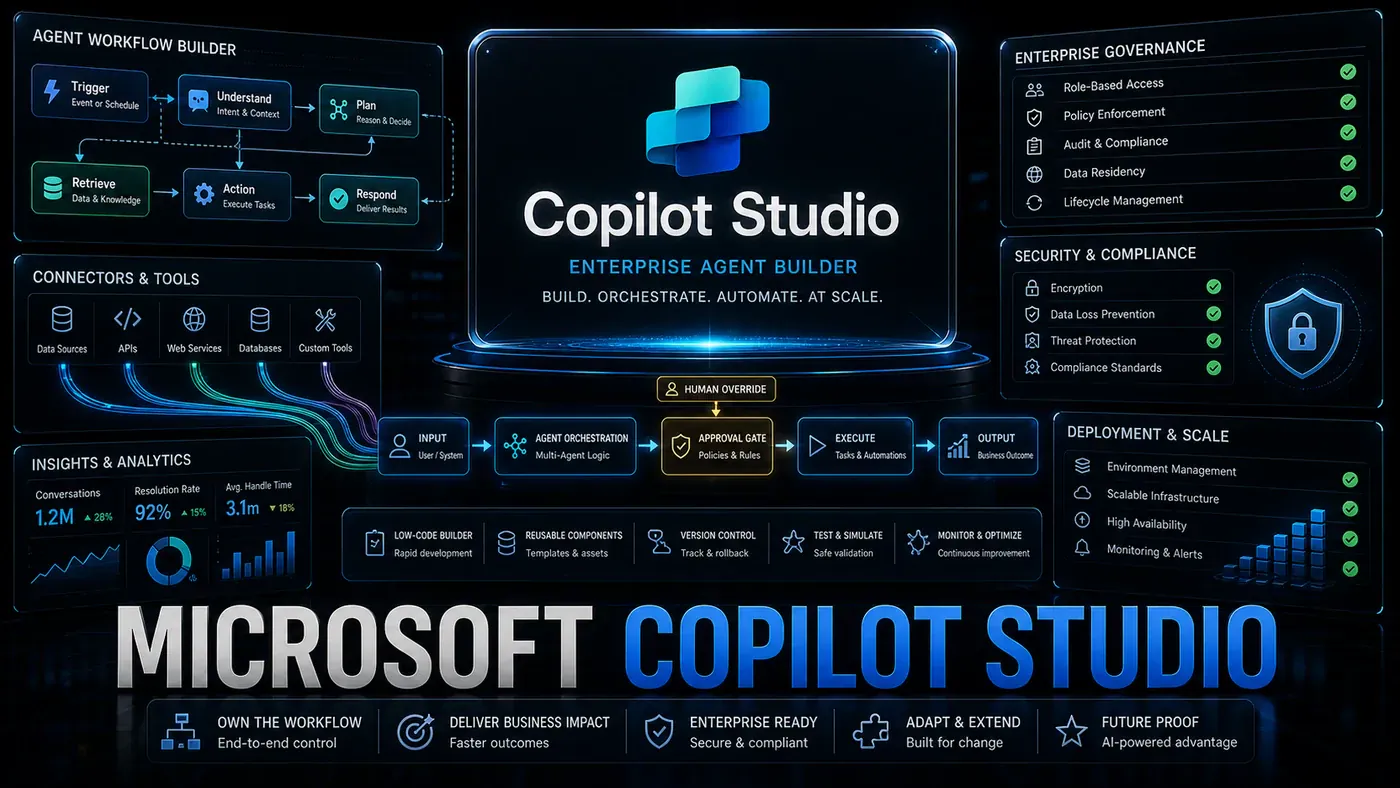
Most of Microsoft's AI playbook comes down to one idea: meet people where they already work. OpenAI builds the models; Microsoft wires them into Outlook, Teams, Word, and the rest of the software a billion-plus office workers open every morning. Copilot Studio, the low-code tool for building custom AI agents inside that world, is the clearest example yet.
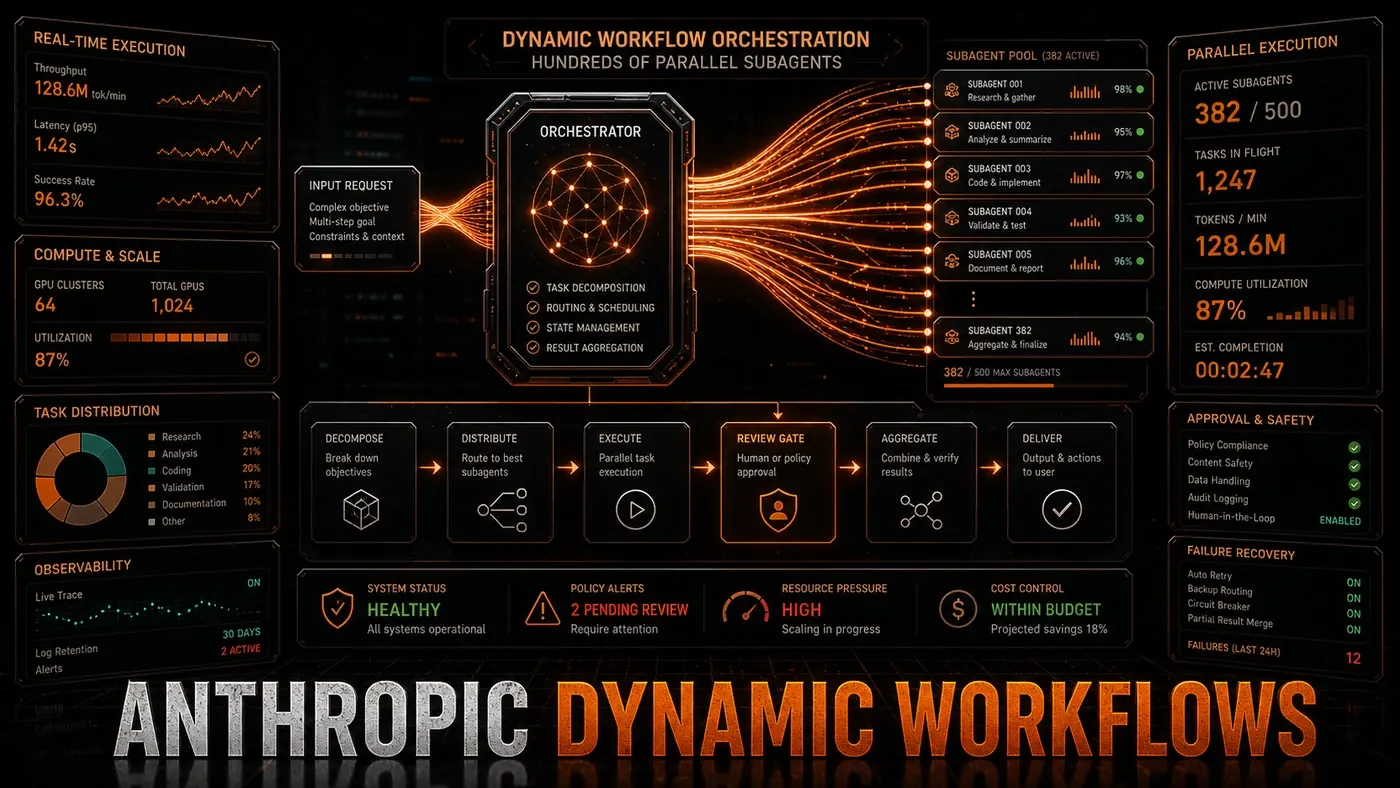
The June 2026 release is the version worth paying attention to. What started as a way to spin up a basic bot now does enough that it lines up against the likes of OpenClaw (opens in a new tab), Anthropic's Dynamic Workflows, and Google's Agents CLI. (Those three aren't strict apples-to-apples competitors, mind you, Dynamic Workflows is a Claude Code feature rather than a standalone platform.) But Copilot Studio has a card none of them hold: it already lives inside the apps your team uses all day.
For an Australian business, the practical question isn't whether the technology is clever. It's whether you can hand it to a capable operations or finance person and get something useful out the other end without hiring engineers. That's the bet Microsoft is making, and it's the lens worth keeping in mind as we go through what the platform actually does.
The Platform Capabilities
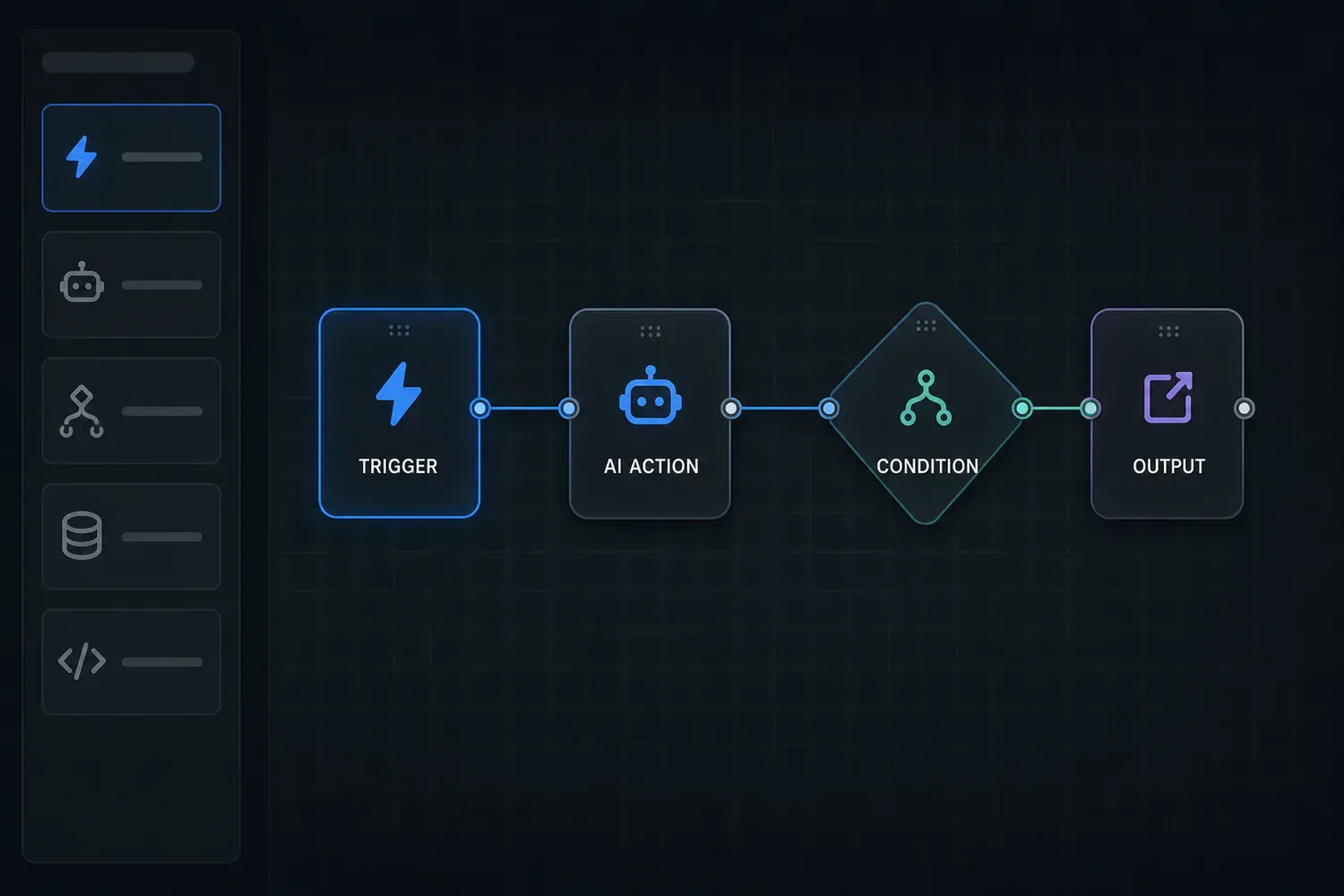
The core idea behind Copilot Studio is letting non-developers build agents that work. You get a visual designer where you describe what the agent should do using plain-language instructions, some conditional logic, and ready-made action templates. Basic agents need no code at all. Power users who want more control can drop into Power Fx (opens in a new tab), a formula language built on the same logic as Excel formulas.
Microsoft groups agents along a couple of lines: conversational agents that answer questions and run tasks, and autonomous agents that sit in the background watching data and acting on it. The article framing here adds a third "hybrid" category that mixes both, though that three-way split is a useful description rather than Microsoft's official taxonomy. Either way, it covers most of what businesses ask for, from customer service to IT operations to sales support.
The June 2026 update brought a few changes worth calling out. Multi-agent orchestration (opens in a new tab) lets several Copilot agents work together on a job, with one agent kicking off others when certain conditions are met. Custom tool integration through Power Platform connectors (opens in a new tab) opens the door to more than 1,200 external services (Microsoft's own docs now cite over 1,400, so the figure is conservative). And the governance features give IT administrators a way to see and control every agent running across the organisation.
The Microsoft 365 Advantage
The integration with Microsoft 365 (opens in a new tab) is where Copilot Studio pulls ahead. Agents built in it can read and act on data in Outlook, Teams, SharePoint, OneDrive, Excel, and Dynamics 365, with permissions handled through Microsoft Entra ID (the service formerly known as Azure Active Directory). That unlocks jobs that are awkward or near-impossible on a standalone platform:
- An agent that watches your Outlook inbox, spots emails that need a reply, drafts responses in your usual writing style, and hands them to you for approval
- An agent that reads Excel files in SharePoint, flags anomalies or trends, and writes up a summary in Word
- An agent that follows Teams conversations, pulls out action items, and creates tasks in Planner with the right people and deadlines attached
You could build all of this on other platforms using APIs and custom code. The difference is that Copilot Studio gives it to you ready to go, with security, compliance, and permission management that would otherwise take months to stand up.
Adoption and Revenue
Adoption numbers here come with a caveat. The figures originally circulated for this story put usage at over 350,000 agents since launch, with 120,000 in Q2 2026. Those numbers don't line up with anything Microsoft has said publicly. In its own earnings reporting, Microsoft claimed more than one million custom agents and 230,000-plus organisations (opens in a new tab) using Copilot Studio, well above the smaller figures, so treat the 350,000/120,000 numbers as unconfirmed.
Pricing is where it pays to read the fine print. Standalone Copilot Studio starts at $200 per month (opens in a new tab) for organisations without an eligible Microsoft subscription, though that's per 25,000-credit capacity pack on a tenant-wide licence rather than a flat per-user fee, with a pay-as-you-go option alongside it. Reports that the platform comes bundled into a $20/month Copilot Pro plan are out of date: Microsoft retired standalone Copilot Pro in late 2025, and Copilot Studio's internal use now rides with the Microsoft 365 Copilot add-on (around $30 per user per month). Claims that it's "effectively free" through Microsoft 365 E5 don't hold up either, Copilot is an add-on, not part of E5.
On revenue, the picture is fuzzy because Copilot Studio is bundled with other Microsoft AI products. One estimate put the whole Copilot family, Studio, M365 Copilot, and GitHub Copilot, at $5-6 billion in annual revenue, but that sits at the high end and isn't clearly sourced; other analysts land closer to $2.5-3.5 billion after enterprise discounting. What's not in doubt is that Microsoft's broader AI business is running at roughly a $37 billion annual rate (opens in a new tab).
Limitations
The trade-offs follow from who the platform is for. Because it's built for non-developers, it doesn't give engineers the flexibility they'd want for genuinely complex applications. Model choice has historically been limited to what Microsoft ships through its OpenAI partnership, though by 2026 the platform has added model-choice and bring-your-own-model options, so the old "you get one model, take it or leave it" framing no longer quite fits. Anything that needs to reach well outside the Microsoft ecosystem still calls for workarounds. And the visual designer, easy as it is to start with, gets unwieldy once an agent's logic grows.
Microsoft Copilot Studio: answer-first summary
Microsoft Copilot Studio matters because it can change how Founders and operators plan, build, or govern an AI implementation workflow. Microsoft Copilot Studio has grown from a chatbot builder into a full enterprise agent platform.
The direct answer is this: do not treat the topic as a standalone trend. Treat it as a decision about inputs, outputs, review ownership, data exposure, and whether the workflow produces a result that is faster, safer, or more useful than the current process.
Microsoft Copilot Studio: implementation checklist
- Define the user, job to be done, and success metric for the AI implementation workflow.
- Collect real examples, policies, source files, customer questions, or search queries before writing prompts or choosing tools.
- Separate low-risk drafts from decisions that need approval, privacy checks, or senior review.
- Document what the AI is allowed to access, what it must not access, and who signs off before production use.
- Review time saved, quality score, review effort, business outcome after a small pilot rather than judging the idea from a demo.
This keeps the work practical. It also gives search engines and AI answer engines a clean factual structure: what the topic is, who it helps, what to do next, and which risks matter before implementation.
Decision criteria for Microsoft Copilot Studio
| Decision area | What to check | Production signal |
|---|---|---|
| Intent | Does Microsoft Copilot Studio solve a real workflow problem? | The use case has a named owner and measurable outcome. |
| Data | Can the required data be used safely? | Sensitive data is classified and access is controlled. |
| Quality | Can a reviewer judge the output consistently? | Examples, rubrics, or acceptance criteria exist. |
| Scale | Can the workflow be repeated without hero effort? | The process is documented and can be handed to another team member. |
Practical example for Microsoft Copilot Studio
A small business could use this article to choose one practical test. For example, a manager might take one customer-facing process, one internal document workflow, or one recurring content task and redesign only that step with AI support. The goal is not to automate the whole business at once; it is to learn where AI News creates reliable leverage.
The useful deliverable is a short operating note: the trigger, the source material, the prompt or tool, the review checklist, the escalation rule, and the metric. That note becomes the handover asset for staff training, SEO/GEO content, service delivery, or future agent work.
Risks and controls for Microsoft Copilot Studio
The common failure pattern is moving too quickly from a promising idea into an unmanaged workflow. For Microsoft Copilot Studio, the risk is not only bad output. It can also be unclear data permission, staff confusion, duplicate content, unreviewed customer advice, or a tool that quietly changes cost or capability.
- Control unclear use case with a named owner, a review step, and written acceptance criteria.
- Control weak data quality with a named owner, a review step, and written acceptance criteria.
- Control missing governance with a named owner, a review step, and written acceptance criteria.
- Control no measurement with a named owner, a review step, and written acceptance criteria.
Measurement plan for Microsoft Copilot Studio
A useful AI or SEO initiative should leave evidence. Track time saved, quality score, review effort, business outcome and compare the pilot against the current process. If the measure does not improve, keep the learning but avoid scaling the workflow.
For GEO readiness, the page should also answer the core question directly, define the entities involved, include implementation steps, explain tradeoffs, and link readers to the next relevant AI Kick Start service, guide, tool, or article.
Definitions and entities for Microsoft Copilot Studio
For search, GEO, and staff handover, define the core entities in plain language. In this article the important entities are the workflow owner, the AI tool or model, the source material, the review process, the risk boundary, and the measurable business outcome. Clear definitions make the page easier for people to scan and easier for AI answer engines to quote accurately.
- Workflow owner: the person accountable for deciding whether Microsoft Copilot Studio belongs in the business process.
- Source material: the documents, examples, policies, URLs, prompts, videos, or customer questions that ground the output.
- Review boundary: the point where a human checks accuracy, privacy, brand voice, or customer impact before the result is used.
- Success metric: the measure that proves whether the AI implementation workflow is worth repeating.
Microsoft Copilot Studio versus doing nothing
Doing nothing is also a decision. The cost may be slow manual work, weaker search visibility, inconsistent advice, duplicated effort, or staff using unmanaged AI tools without a shared process. The practical question is whether a controlled pilot can reduce that cost without creating a larger governance problem.
| Option | When it makes sense | What to watch |
|---|---|---|
| Do nothing | The workflow is rare, low value, or already reliable. | Competitors may improve speed, content depth, or service consistency first. |
| Run a small pilot | The task repeats often and has clear review criteria. | Keep scope tight and measure the result against the current process. |
| Build a production workflow | The pilot is repeatable and risk controls are documented. | Assign ownership, monitoring, training, and a rollback path. |
AI Kick Start handover package for Microsoft Copilot Studio
A production handover should be concrete enough that another person can run it. For Microsoft Copilot Studio, that means a short brief, a workflow map, approved prompts or tool settings, source material, a review checklist, internal links to supporting resources, and a simple measurement sheet. This is the difference between reading about AI and turning it into operational capability.
That packaging also strengthens E-E-A-T. It shows experience through implementation notes, expertise through decision criteria, authoritativeness through source-aware structure, and trust through risks, controls, and review steps. The article becomes useful even if the reader never buys a tool because it helps them make a better operational decision.