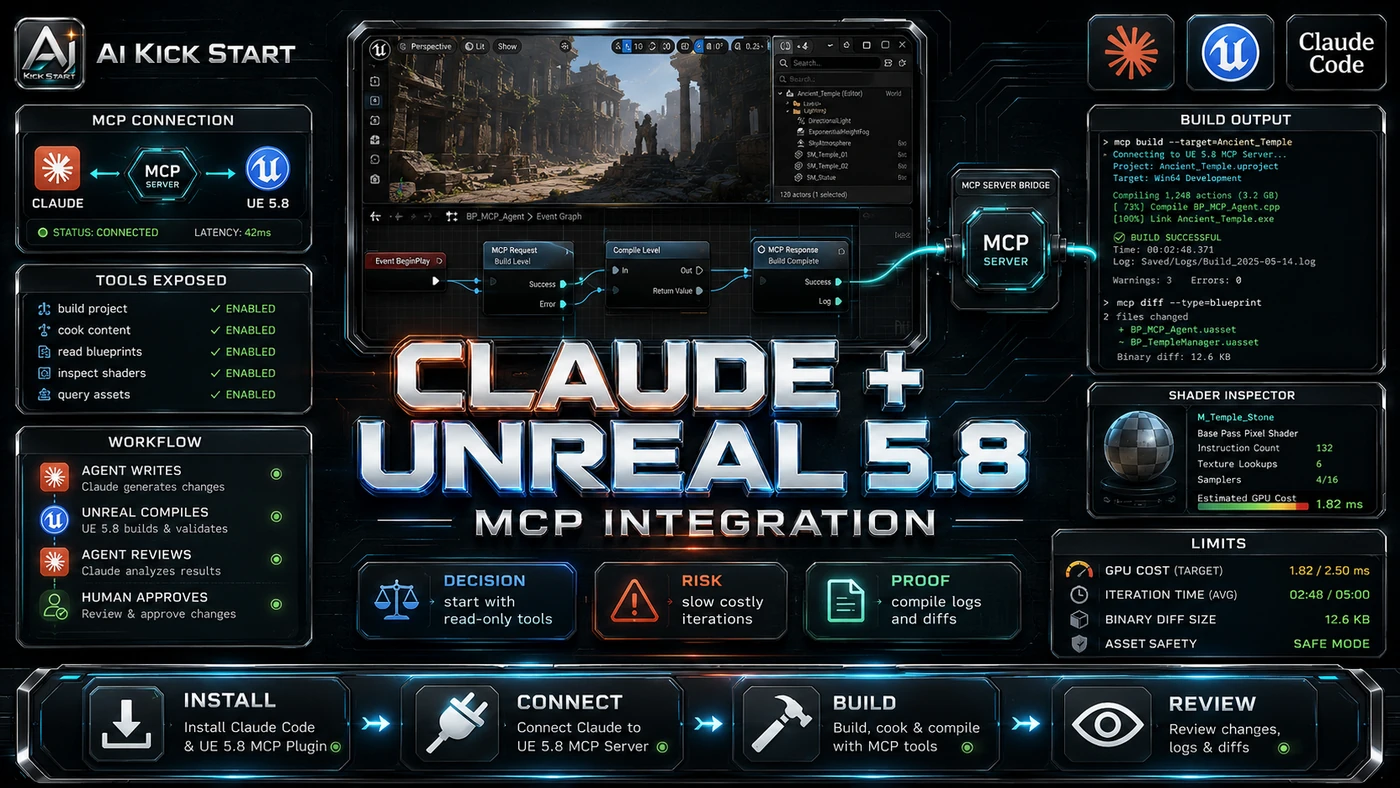


Introduction: Why This One Belongs on the Watchlist
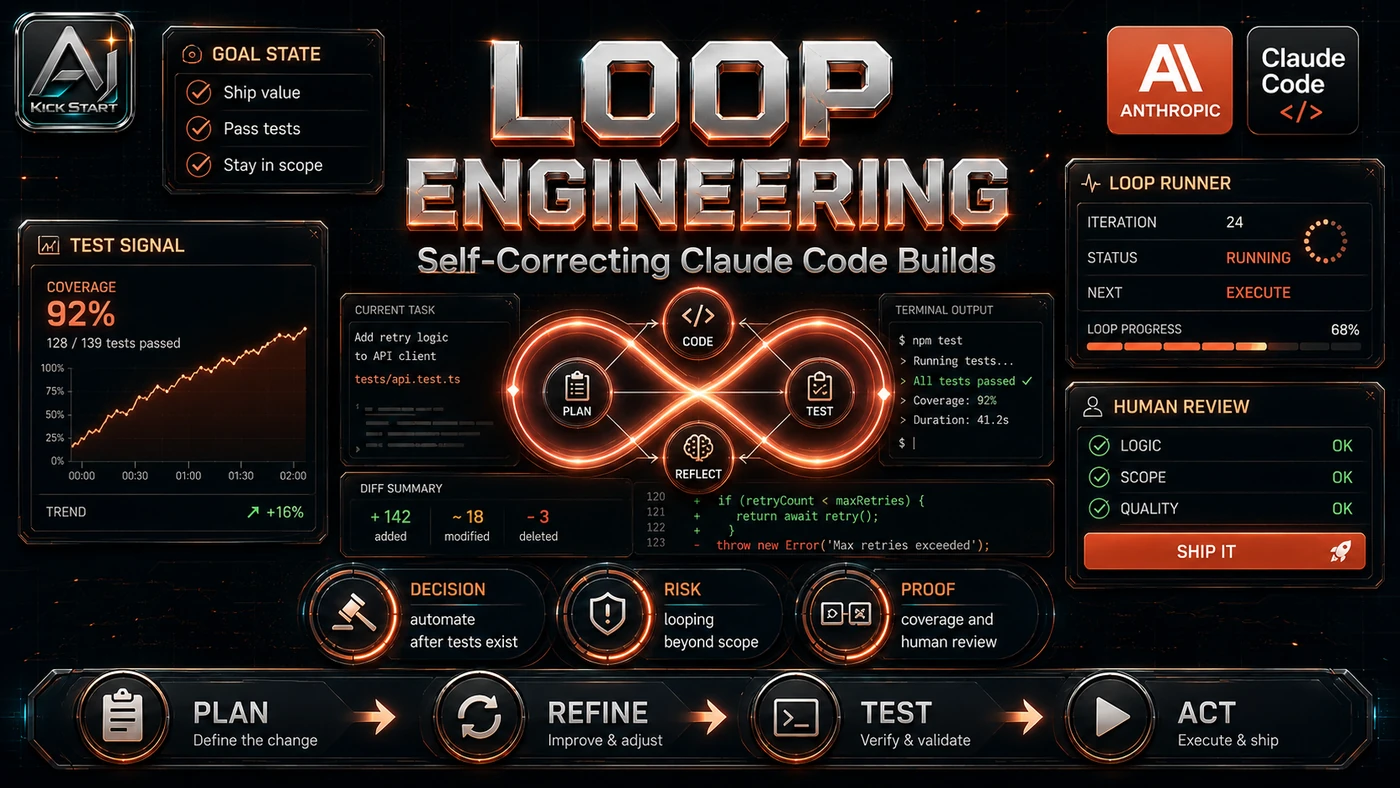
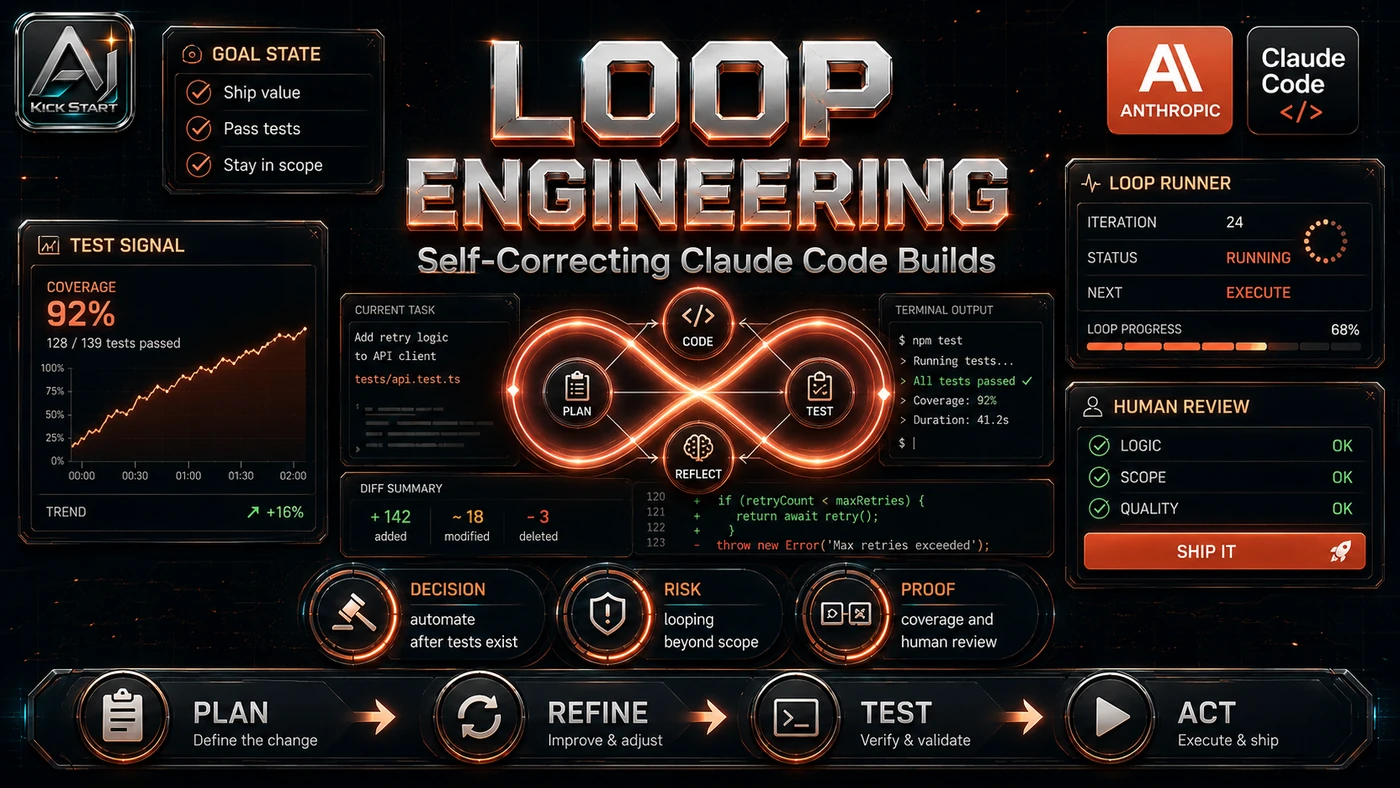
The video tests "loop engineering" by using Claude Code's auto mode to build a landing-page hero from a mock-up, looping until tests pass. The reason it matters for AI Kick Start readers is practical: this is not just another launch to admire from a distance. It changes how founders, operators, and technical teams should think about AI-assisted software delivery work over the next few months. The source transcript repeatedly centres on Claude Code auto mode, loop engineering, and image-to-code reproduction, with the video framing the topic as a practical workflow rather than a detached product announcement. That is the useful lens. The video is worth treating as implementation intelligence: what should be tested, what should be ignored for now, and what should become part of a repeatable operating system. For Australian small businesses and technical teams, the right question is not "is this impressive?" The right question is "where does this reduce friction without creating a larger governance, security, or maintenance problem?"
What the Video Actually Shows
The Build In Public video runs just under fourteen minutes. The core pattern is simple: generate a hero-section mock-up with GPT Image 2, feed it into Claude Code with a replication instruction, add a loop command to test, fix, and rerun, switch to auto mode with Shift + Tab, and let it iterate until the suite is green. In practice, that means the update sits inside a broader shift from isolated AI prompts to managed systems. A tool, model, or method only becomes valuable when it has clear inputs, a measurable output, a review path, and a way to repeat the result next week. The video's most useful signal is the workflow shape. The moving parts can be summarised as: image reference prompt and spec test harness auto-mode loop. That is the level at which teams should evaluate it. A demo can be entertaining, but a workflow must survive messy source files, staff handoff, data boundaries, and real deadlines.
The Implementation Pattern
The first implementation lesson is to narrow the scope. Start with one narrow, visual, testable task such as a landing-page hero section, an internal tool component, or a repetitive fix cycle; broad adoption is usually where AI systems fail first because nobody knows which decision the tool is allowed to make and which decision still belongs to a human. The second lesson is to create a test harness. Keep the agent's tool permissions small. A useful harness does not have to be complicated. It can be a short brief, a fixed sample dataset, a few expected outputs, and one person responsible for judging whether the result is good enough. The third lesson is to capture the process. Document how the agent is started, stopped, and reviewed. When the process is documented, it can become a reusable skill, checklist, prompt pack, repo pattern, or operating procedure. When it is not documented, the team is back to improvising in chat.
Research Update: What To Correct
This update adds a current-source pass rather than treating the original video summary as enough. The important corrections are the product surface, plan or pricing constraints, and what should be verified before a team depends on the workflow. The claim that "prompting is going away" is overstated: the demo begins with two prompts, so loop engineering moves prompting up to system design. Loops are not new; LangGraph, CrewAI, AutoGen, and OpenAI Codex CLI's /goal already offer plan-execute-verify loops, so Claude Code's value is packaging the loop in a terminal agent with a smooth auto-mode toggle. Claude Opus 4.8 costs USD $5/$25 per million input/output tokens with 2× fast mode, so a twelve-minute session can cost several dollars; "24/7 loops" without a cap is not serious business advice. The "faithful match" claim is subjective; the speaker notes the first image was not his preferred style and calls the final page "almost to the tea," fine for a v1 prototype but not a substitute for design-system governance or accessibility review. GPT Image 2 is strong but not pixel-perfect; OpenAI notes brand-colour matching can be approximate, so treat generated images as references unless verified against design tokens.
Practical Setup and How-To
The useful next step is a controlled pilot with a named owner, fixed inputs, a measurable output, and a review point. Use the sequence below as the first implementation path before expanding the workflow. Install Claude Code via Homebrew, WinGet, or the install scripts and ensure you have Claude Pro or an Anthropic API key. Write a CLAUDE.md with stack, styling conventions, and test commands. Prepare a test harness of component tests, type checking, linting, and build; untested layout or colour gaps will not be fixed. Supply a design reference and spec covering layout, copy, call-to-action behaviour, and responsive breakpoints. Switch to auto mode with Shift + Tab and write an explicit loop prompt, for example: "Build src/components/Hero.tsx to match the attached mock-up. Run npm run test && npm run lint && npm run typecheck && npm run build. If anything fails, read the error, fix the root cause, and rerun. Stop when all commands pass or after ten attempts. Do not check in with me during the loop." Run in a feature branch and watch the terminal for repeated errors or unexpected file changes. Review the diff before merging and serve locally; green tests do not guarantee correct or accessible output.
Pricing, Access, and Comparison Notes
Pricing and access should be checked at implementation time because AI products change quickly. The safer decision is to compare the tool against the job-to-be-done, not against launch hype. Claude Code is included in Claude Pro at USD $20 per month and in Max, Team, and Enterprise plans, or via an Anthropic API key; check claude.com/pricing (opens in a new tab) for current details. On the API, Opus 4.8 is $5/$25 per million input/output tokens, Sonnet 4.6 is $3/$15, and Haiku 4.5 is $1/$5; route simpler iterations to Sonnet and reserve Opus for first passes or stubborn failures. GPT Image 2 is token-based; one aggregator reports roughly $5/$10 per million input/output tokens and per-image estimates from $0.006 to about $0.21, so confirm on openai.com/pricing (opens in a new tab) before budgeting. OpenAI Codex CLI has a similar /goal loop and GPT Image 2 built in, while Cursor, Windsurf, and other agentic IDEs offer comparable auto modes; choose the tool your team already uses. Access Plan, preview status, region, account type, admin controls, and rate limits. Cost Subscription, credits, API tokens, retries, hardware, review time, and support burden. Fit Workflow reliability, data handling, output quality, observability, and human approval needs.
Implementation Notes for Teams
For AI Kick Start readers, this is the production filter: keep the first rollout narrow, make the evidence visible, and do not let the tool cross a business boundary until the review model is clear. Use feature branches only and never run an unattended loop on main, set spend caps in the Anthropic Console, require a reviewer for every change even if tests pass, keep the test suite fast because a slow suite multiplies loop cost, log agent steps to spot repeats, limit file-system and command execution, and runbook the prompt by documenting the loop instruction, test command, and expected output.
Screenshot and Visual Guidance
The second inline image for this article should make the implementation concrete:  Look for a clear goal prompt, a fast verifier, and a diff a human can review before production. If the team is documenting a real rollout, capture setup screens, before/after outputs, permission settings, cost meters, and review evidence rather than decorative screenshots.
Where It Fits for Real Teams
For founders, the opportunity is speed with evidence. This kind of workflow can reduce the time between idea and first useful output for a narrow landing-page refresh, internal tool, or prototype scaffold, but it should still produce artefacts that a customer, manager, or developer can inspect. For operators, the value is consistency. If the same task is done slightly differently every time, AI can either make the inconsistency worse or help standardise the path; the difference is whether the workflow has rules, examples, and review checkpoints. For technical teams, the value is leverage. A strong setup lets agents, models, or creative systems take on repeatable work while engineers keep control over architecture, security, deployment, and final judgement. The practical fit is strongest when the task has clear source material, a known output format, and a low-cost way to verify quality. It is weaker when the task is vague, politically sensitive, legally risky, or built on uncheckable facts.
Trade-offs and Risks
The main risk is runaway cost on an expensive model. That risk can be managed, but only if it is named before the workflow becomes normal. A second risk is brittle code or quality atrophy. AI systems often look better in a screen recording than they feel inside a production workflow. The test is whether the result is repeatable when the source material changes, the operator changes, and the deadline is real. A third risk is false confidence in a green test suite. This is why AI Kick Start generally recommends a staged rollout: sandbox first, internal use second, customer-facing deployment last. Other risks include a wider security surface from command execution, maintenance debt from unreviewed generated code, and the temptation to let speed mask weak product definition.
The Next Sensible Test
The next sensible test is a small controlled implementation. Pick one workflow, one owner, one expected output, and one acceptance check. Run it twice. If the second run is easier than the first, the pattern is worth keeping. Do not judge the workflow by the best possible demo. Judge it by the worst acceptable production case. Ask: what happens when the source file is incomplete, the tool is unavailable, the output is wrong, or a staff member needs to explain the result to a customer? If those answers are clear, this belongs in the roadmap. If they are not, it belongs in the lab until the operating model catches up.