



Introduction: Why This One Belongs on the Watchlist
Most coding agents are excellent inside a repository and mediocre at everything outside it. Agent-Reach, demonstrated by Better Stack, collapses that wiring into one install step by picking upstream tools for each platform, installing them and health-checking them. The reason it matters for AI Kick Start readers is practical: this is not just another launch to admire from a distance. It changes how founders, operators, and technical teams should think about AI Agent Infrastructure work over the next few months. The source transcript repeatedly centres on Agent-Reach, coding agents and external platforms, with the video framing the topic as a practical workflow rather than a detached product announcement. That is the useful lens. The video is worth treating as implementation intelligence: what should be tested, what should be ignored for now, and what should become part of a repeatable operating system. For Australian small businesses and technical teams, the right question is not "is this impressive?" The right question is "where does this reduce friction without creating a larger governance, security, or maintenance problem?"
What the Video Actually Shows
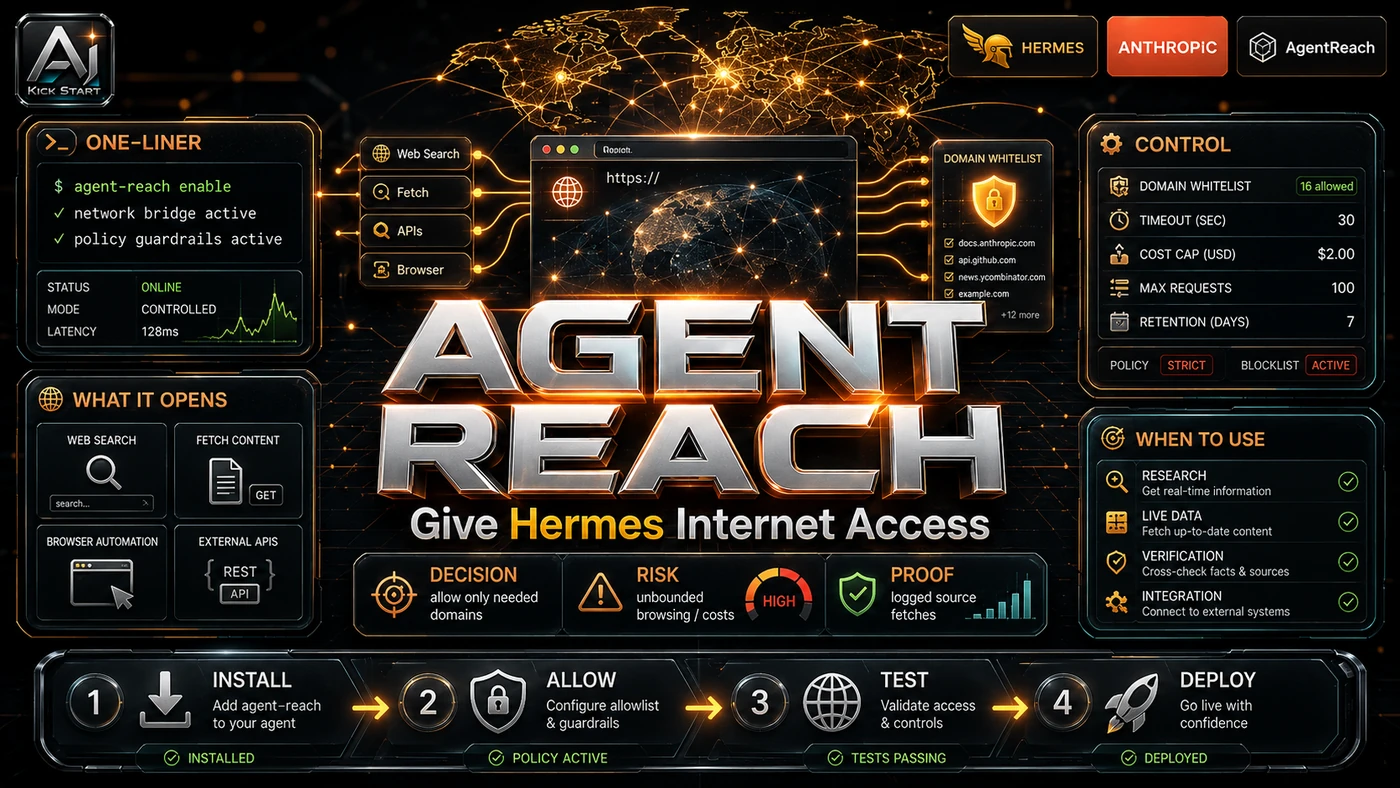
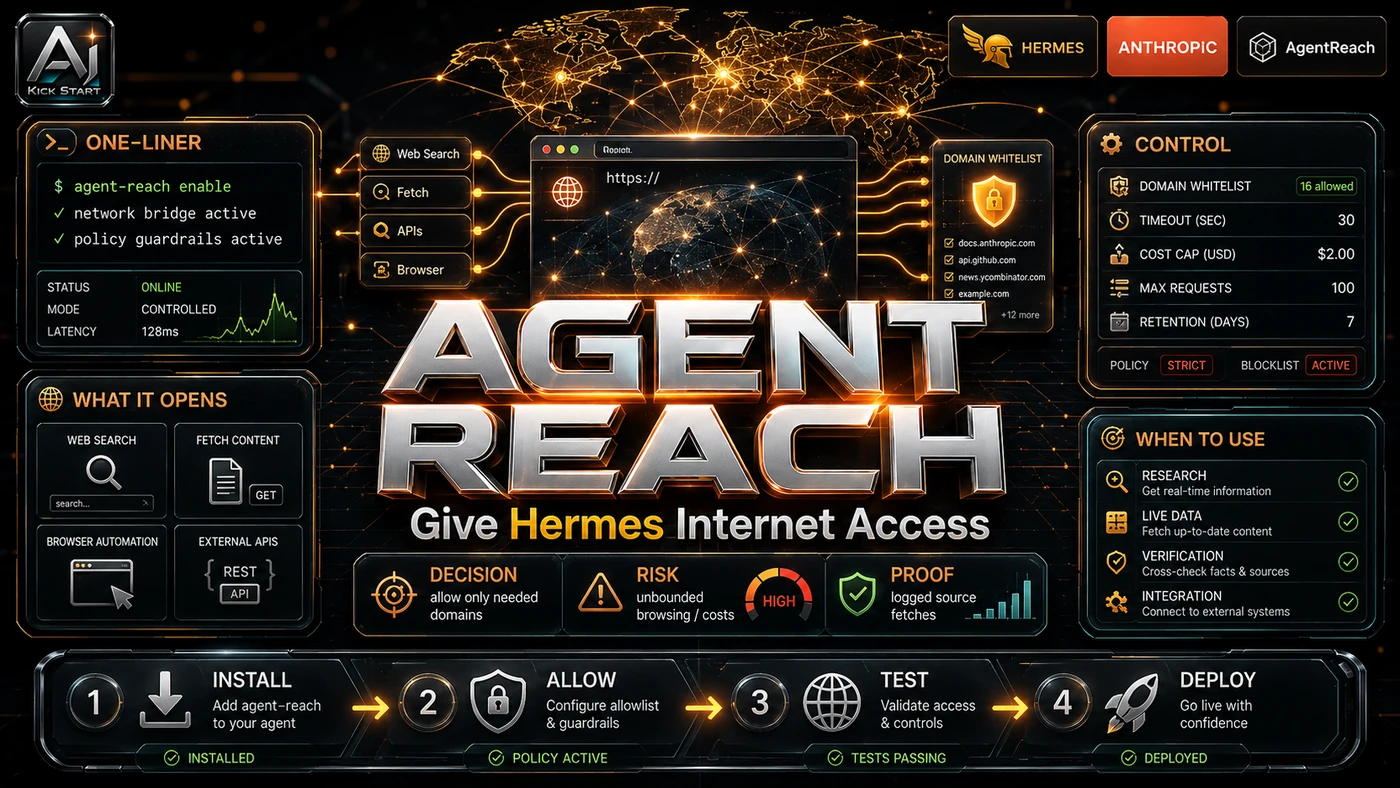
The Better Stack host runs the demo inside VS Code with Claude Code, and the same pattern works in Cursor, Windsurf, OpenClaw and any agent that can execute shell commands. The core pattern is simple: the user pastes one install sentence into the agent, the agent fetches the script, runs pip, registers the skill and runs agent-reach doctor, then asks a multi-platform research question and receives a sourced summary without opening a browser tab. The host flags the limits: read/search/extract only, not full browser automation, some agents need execution permissions, and some platforms need cookies or a login session. In practice, that means the update sits inside a broader shift from isolated AI prompts to managed systems. A tool, model, or method only becomes valuable when it has clear inputs, a measurable output, a review path, and a way to repeat the result next week. The video's most useful signal is the workflow shape. The moving parts can be summarised as: Install prompt Channel router Upstream CLI Sourced summary. That is the level at which teams should evaluate it. A demo can be entertaining, but a workflow must survive messy source files, staff handoff, data boundaries, and real deadlines.
The Implementation Pattern
The first implementation lesson is to narrow the scope. Start with one platform or one research question rather than turning every agent loose on the whole internet. Broad adoption is usually where AI systems fail first because nobody knows which decision the tool is allowed to make and which decision still belongs to a human. The second lesson is to create a test harness. A useful harness does not have to be complicated. It can be a short brief, a fixed sample dataset, a few expected outputs, and one person responsible for judging whether the result is good enough. Agent-Reach uses a channel-and-backend model where each platform gets a Python channel file that knows which upstream CLI or service to call and in what order, falling back to the next option if the primary backend breaks; current examples include Jina Reader, twitter-cli, yt-dlp, bili-cli, OpenCLI/rdt-cli, gh, Exa and feedparser. The agent calls the upstream tool directly, so the burden of "which tool still works today" moves from your project into the Agent-Reach channel files. The third lesson is to capture the process. Document the active backend list, chosen channels, credential locations, and review path. When the process is documented, it can become a reusable skill, checklist, prompt pack, repo pattern, or operating procedure. When it is not documented, the team is back to improvising in chat.
Research Update: What To Correct
This update adds a current-source pass rather than treating the original video summary as enough. The important corrections are the product surface, plan or pricing constraints, and what should be verified before a team depends on the workflow. The repository now sits at 41,432 stars, 3,283 forks and 106 open issues as of late June 2026, not the video's "over 28,000 stars," and it is MIT-licensed by Panniantong (Neo Reid), created in February 2026, with no company, SLA or commercial support behind it. The "one command" install is really one prompt to a remote shell script fetched from GitHub that runs pip install, installs dependencies and registers a SKILL.md, so treat it like any other remote installer. "Zero API fees" is mostly true, with caveats: most backends are free open-source CLIs, but Twitter/X search needs exported cookies, Reddit needs a logged-in session, XiaoHongShu needs a browser session or QR login, and Exa web search needs a free API key, while the optional proxy is advertised at roughly $1 per month. Finally, the Bilibili backend has already changed, with the project noting that yt-dlp is now 412-blocked and switched to bili-cli, which proves the fallback model works but also shows how fast access paths rot.
Practical Setup and How-To
The useful next step is a controlled pilot with a named owner, fixed inputs, a measurable output, and a review point. Use the sequence below as the first implementation path before expanding the workflow. Start with a manual install in a disposable environment rather than letting an agent run a remote script unsupervised: with Python 3.10 plus, Git and pip or pipx, run pip install from the GitHub archive followed by agent-reach install --env=auto, or for agents that support Skills run npx skills add Panniantong/Agent-Reach@agent-reach. Run agent-reach doctor to see which channels work, enable execution permissions in the agent, configure only needed channels such as Twitter/X cookies, Reddit or XiaoHongShu sessions, and a free Exa key for web search, and use the --safe flag for a first audit so the tool reports what it would install rather than installing it.
Pricing, Access, and Comparison Notes
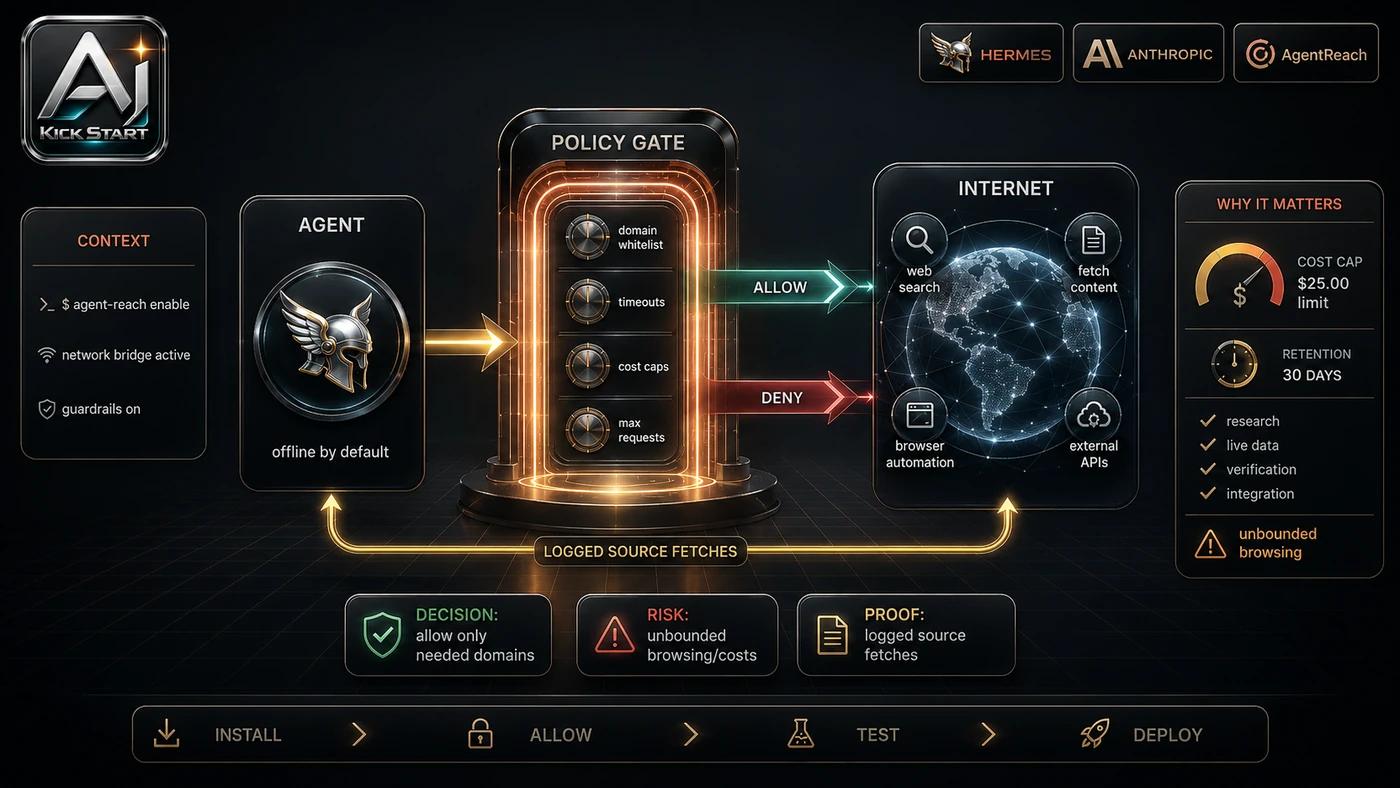
Pricing and access should be checked at implementation time because AI products change quickly. The safer decision is to compare the tool against the job-to-be-done, not against launch hype. Agent-Reach itself is free and MIT-licensed, platform APIs are largely avoided through cookie or session-based CLIs, the optional proxy costs roughly $1 per month, Exa search has a free tier, and the real cost is keeping cookies fresh, re-running doctor, and reviewing outputs. For general web pages only, Jina Reader or Firecrawl may be simpler; for official APIs, X's paid API and Reddit's API can be more reliable and compliant but carry monthly fees and approval gates, with the video quoting roughly $215 per month for moderate X usage that should be verified against current tiers; for browser automation, pair it with Playwright or BrowserAct if you need form submission or multi-step UI workflows; for enterprise compliance, remember that no managed service, audit logs, SSO or support contract exists here. Access Plan, preview status, region, account type, admin controls, and rate limits. Cost Subscription, credits, API tokens, retries, hardware, review time, and support burden. Fit Workflow reliability, data handling, output quality, observability, and human approval needs.
Implementation Notes for Teams
For AI Kick Start readers, this is the production filter: keep the first rollout narrow, make the evidence visible, and do not let the tool cross a business boundary until the review model is clear. Run it in an isolated environment first such as a clean container, VM or developer laptop, not on a production server with stored secrets. Treat the install script as untrusted code: fetch it, read it, pin the commit hash, then run it, and never let agents pull and execute main.zip blindly in CI. Document the active backend list from agent-reach doctor so the next person knows what changed when something breaks. Pin yt-dlp, twitter-cli, bili-cli and the Agent-Reach package to known working versions and update them on a schedule. Centralise credentials in a secrets manager while keeping browser cookies on the user's machine or in a controlled environment rather than a shared repo. Add a review gate for outputs and set an acceptable-use policy, because agent-summarised web content can misquote, miss satire, or synthesise outdated posts, so require a human check before any output feeds into product decisions or code changes.
Screenshot and Visual Guidance
The second inline image for this article should make the implementation concrete: a clean terminal showing the agent-reach doctor report with colour-coded platform status, active backend, and configuration gaps, alongside a simple flow diagram from user prompt to agent reads SKILL.md to channel router picks the platform and backend to upstream CLI runs to clean Markdown or links returning. If the team is documenting a real rollout, capture setup screens, before/after outputs, permission settings, cost meters, and review evidence rather than decorative screenshots.
Where It Fits for Real Teams
For founders, the opportunity is speed with evidence. This workflow can reduce the time between idea and first useful output for competitive monitoring on Reddit and Twitter/X, technical research on GitHub issues and YouTube or Bilibili tutorials, and non-English market research on XiaoHongShu and Bilibili for APAC markets, but it should still produce artefacts that a customer, manager, or developer can inspect. For operators, the value is consistency. If the same task is done slightly differently every time, AI can either make the inconsistency worse or help standardise the path, and the difference is whether the workflow has rules, examples, and review checkpoints. For technical teams, the value is leverage. A strong setup lets agents, models, or creative systems take on repeatable work while engineers keep control over architecture, security, deployment, and final judgement. The practical fit is strongest when the task has clear source material, a known output format, and a low-cost way to verify quality. It is weaker when the task is vague, politically sensitive, legally risky, or dependent on facts that cannot be checked, so do not use it to automate posts, submit forms, scrape private profiles or build a regulated data pipeline.
Trade-offs and Risks
The main risk is platform churn and access-path rot. That risk can be managed, but only if it is named before the workflow becomes normal. A second risk is credential hygiene, because cookie-based access means the tool is acting as you and a leaked cookie file is roughly as bad as a leaked password. AI systems often look better in a screen recording than they feel inside a production workflow. The test is whether the result is repeatable when the source material changes, the operator changes, and the deadline is real. A third risk is terms-of-service exposure from using unofficial access paths. This is why AI Kick Start generally recommends a staged rollout: sandbox first, internal use second, customer-facing deployment last. Output quality varies because scraped text is only as good as the extraction, sarcasm and outdated comments can mislead an agent, and there is no vendor support when a channel breaks.
The Next Sensible Test
The next sensible test is a small controlled implementation. Pick one workflow, one owner, one expected output, and one acceptance check. Run it twice. If the second run is easier than the first, the pattern is worth keeping. Do not judge the workflow by the best possible demo. Judge it by the worst acceptable production case. Ask: what happens when the source file is incomplete, the tool is unavailable, the output is wrong, or a staff member needs to explain the result to a customer? If those answers are clear, this belongs in the roadmap. If they are not, it belongs in the lab until the operating model catches up. A practical first pilot is a two-week test with one engineer and two narrow use cases, one zero-config such as GitHub or YouTube and one cookie-dependent such as Twitter/X or Reddit, tracking reliability, latency, hallucination rate and output usage, then confirming agent-reach doctor passes on a second machine, queries stay consistent, outputs are reviewed, and a rollback plan exists before assigning a maintenance owner.