




Introduction: Why This One Belongs on the Watchlist
Agent Skills turn ad-hoc prompting into documented configuration by packaging team conventions into a portable markdown file that coding agents load only when the task is relevant. The reason it matters for AI Kick Start readers is practical: this is not just another launch to admire from a distance. It changes how founders, operators, and technical teams should think about coding-assistant work over the next few months. The source transcript repeatedly centres on SKILL.md, agentskills.io and GitHub Copilot, with the video framing the topic as a practical workflow rather than a detached product announcement. That is the useful lens. The video is worth treating as implementation intelligence: what should be tested, what should be ignored for now, and what should become part of a repeatable operating system. For Australian small businesses and technical teams, the right question is not "is this impressive?" The right question is "where does this reduce friction without creating a larger governance, security, or maintenance problem?"
What the Video Actually Shows
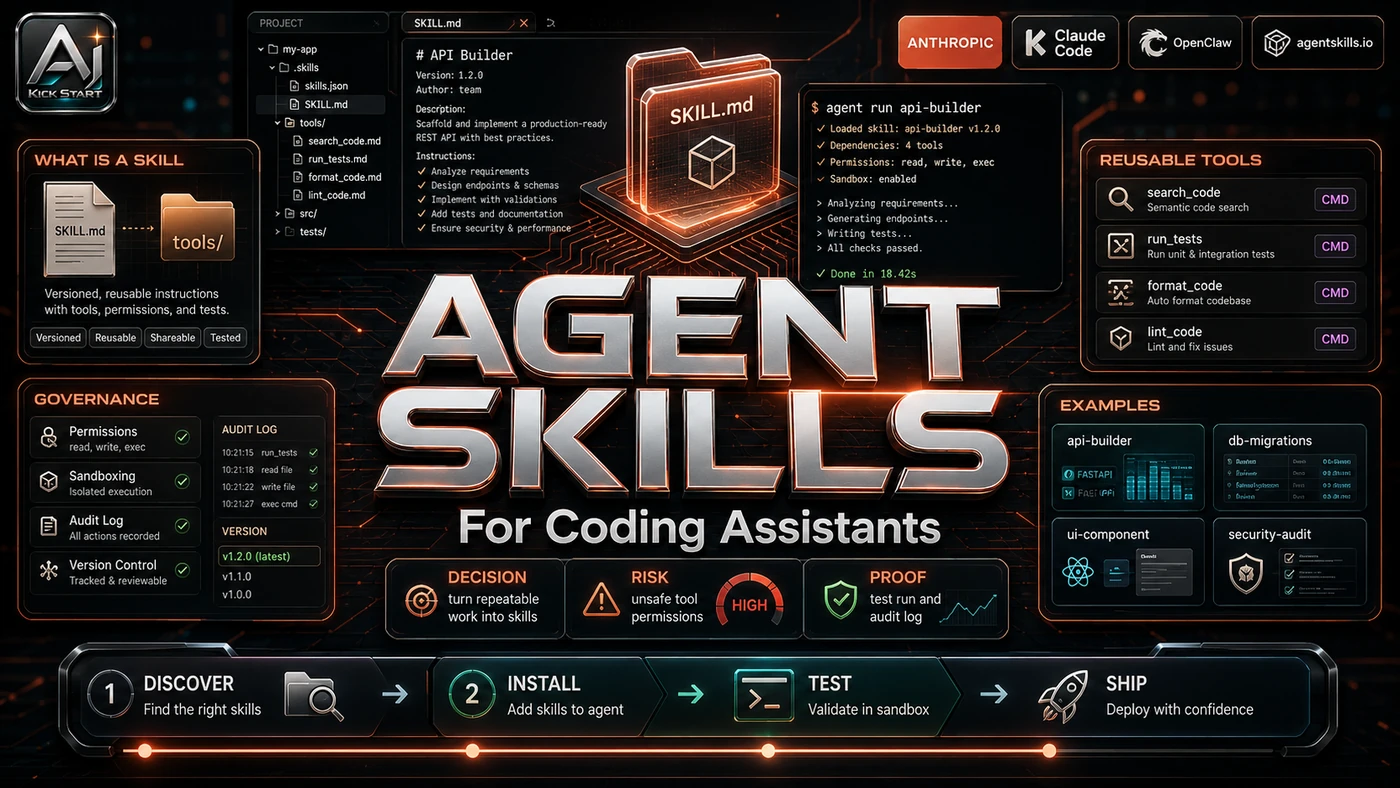
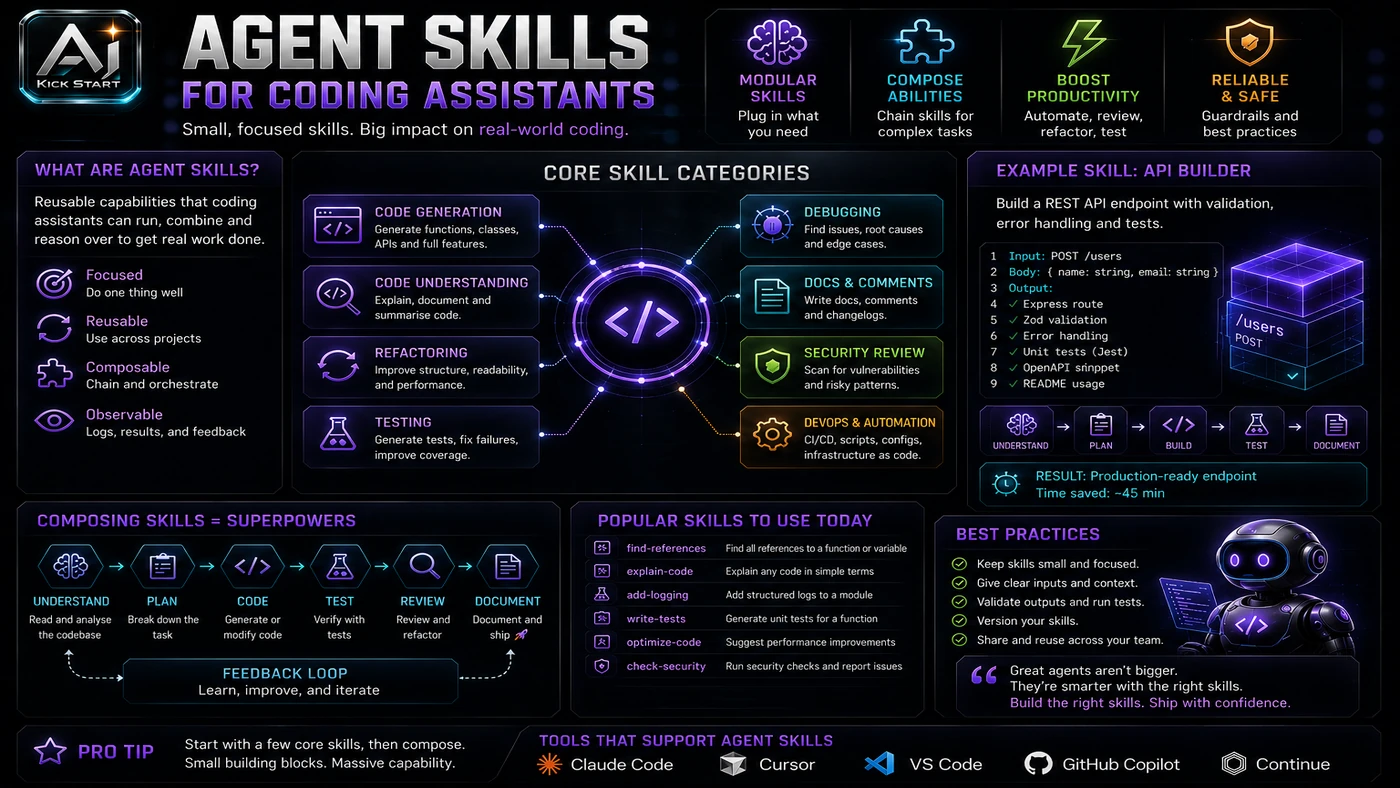
Web Dev Simplified's Kyle walks through the Agent Skills lifecycle in "How To Use AI Skills Like A Senior Developer" (June 2026), covering SKILL.md structure, skills.sh discovery, the npx skills CLI, Copilot's /create-skill, and a refiner skill that compares AI drafts against manual edits. The core pattern is simple: Treat skill instructions as reviewable configuration rather than chat history. Load the full skill only when the agent's routing rule decides it is relevant. Move long references and examples out of the main file so they are pulled on demand. Refine the skill after every bad output instead of retyping the same correction. In practice, that means the update sits inside a broader shift from isolated AI prompts to managed systems. A tool, model, or method only becomes valuable when it has clear inputs, a measurable output, a review path, and a way to repeat the result next week. The video's most useful signal is the workflow shape. The moving parts can be summarised as: Skill folder Routing rule References/assets Refinement loop That is the level at which teams should evaluate it. A demo can be entertaining, but a workflow must survive messy source files, staff handoff, data boundaries, and real deadlines.
The Implementation Pattern
The first implementation lesson is to narrow the scope. Pick one repetitive coding task and avoid broad mandates like "make our codebase better". Broad adoption is usually where AI systems fail first because nobody knows which decision the tool is allowed to make and which decision still belongs to a human. The second lesson is to create a test harness. Start the skill in a feature branch, run it against a fixed sample task, and inspect the diff before sharing it with the team. A useful harness does not have to be complicated. It can be a short brief, a fixed sample dataset, a few expected outputs, and one person responsible for judging whether the result is good enough. The third lesson is to capture the process. Document how the skill is invoked, whether it auto-loads or needs a slash command, where it is stored, and how it is reviewed. When the process is documented, it can become a reusable skill, checklist, prompt pack, repo pattern, or operating procedure. When it is not documented, the team is back to improvising in chat.
Research Update: What To Correct
This update adds a current-source pass rather than treating the original video summary as enough. The important corrections are the product surface, plan or pricing constraints, and what should be verified before a team depends on the workflow. Treat the claim that "skills work in Pi" as a slip; current adopters are GitHub Copilot in VS Code, Copilot CLI, Copilot cloud agent, Claude Code, Cursor and OpenAI Codex. Use Microsoft's documented paths (.github/skills/, .claude/skills/ or .agents/skills/) and test any symlinked .skills/ directory for discovery. Treat the "skills lock file" as a skills.sh CLI feature, not part of the open specification, and read every SKILL.md before installing because install counts and risk ratings on skills.sh are conveniences, not guarantees. Finally, GitHub Copilot moved to AI Credits on 1 June 2026, so chat, agent mode, code review and Copilot CLI now draw from a credit pool.
Practical Setup and How-To
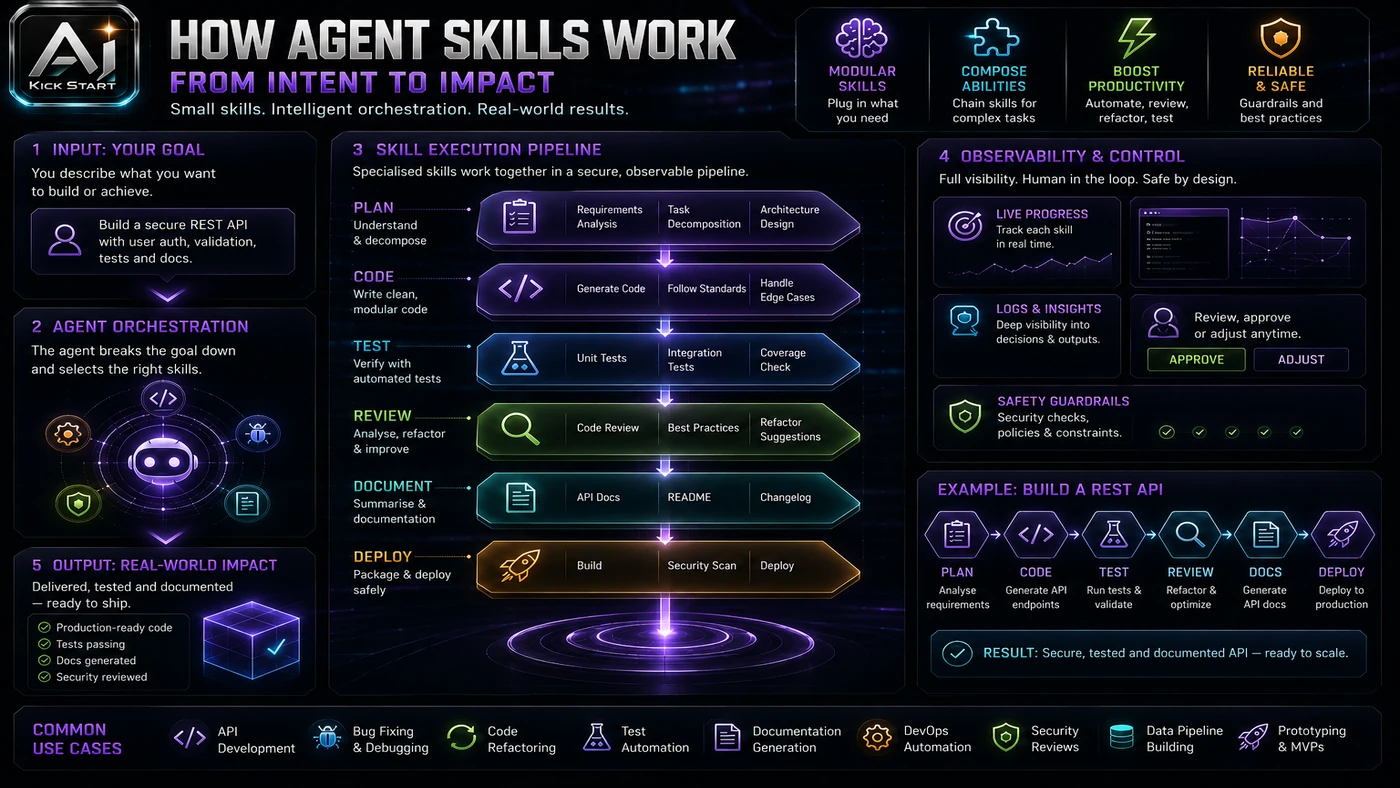
The useful next step is a controlled pilot with a named owner, fixed inputs, a measurable output, and a review point. Use the sequence below as the first implementation path before expanding the workflow. First, pick a narrow repetitive task and create the skill folder under the appropriate project path such as .github/skills/, .claude/skills/ or .agents/skills/. Second, write the SKILL.md frontmatter description as a routing rule using "Use when..." and "Do not use when..." language so the agent knows when to load it. Third, keep the body concise, move long examples and lookup tables into references/ and assets/, and add a "what not to do" section that captures the mistakes the model keeps making. Fourth, commit the skill folder to the repo, require pull-request review for changes, and test the skill in a branch against a small isolated task before rolling it out to the team.
Pricing, Access, and Comparison Notes
Pricing and access should be checked at implementation time because AI products change quickly. The safer decision is to compare the tool against the job-to-be-done, not against launch hype. GitHub Copilot remains the most accessible entry point for teams already on GitHub. As of June 2026, pricing runs from Free with limited completions and agent use, through Pro at $10 with $15 AI Credits, Pro+ at $39, Business at $19/user and Enterprise at $39/user. Code completions do not consume credits on paid plans, so the cost risk sits in agent-mode sessions and chat, which is exactly where skills are used; an undisciplined rollout can burn a monthly Pro credit pool quickly. Compared with Cursor at $20 per user or Windsurf at $15 per user, Copilot's free tier is more generous and its team tier is cheaper, though Cursor still leads on model breadth, and skills are portable across tools if you stick to the core specification. Access Plan, preview status, region, account type, admin controls, and rate limits. Cost Subscription, credits, API tokens, retries, hardware, review time, and support burden. Fit Workflow reliability, data handling, output quality, observability, and human approval needs.
Implementation Notes for Teams
For AI Kick Start readers, this is the production filter: keep the first rollout narrow, make the evidence visible, and do not let the tool cross a business boundary until the review model is clear. Treat skills as shared infrastructure rather than personal productivity settings: own each skill in code review, scope it tightly to one task or domain, prefer project skills over global ones in ~/.copilot/skills/ or similar paths, document whether a skill auto-loads or needs a slash command, use the experimental allowed-tools field cautiously, and keep a change log of bad outputs, prompts and fixes.
Screenshot and Visual Guidance
The second inline image for this article should make the implementation concrete: a clean project bench showing a labelled skill folder under .github/skills/ or .claude/skills/, a SKILL.md file with routing frontmatter, a references/ subfolder, and a v0 checklist pinned next to a graded output diff. The video highlights three interfaces: the skills.sh registry, VS Code Copilot chat with /skills and /create-skill, and the project sidebar showing the skill folder and its optional subdirectories. If the team is documenting a real rollout, capture setup screens, before/after outputs, permission settings, cost meters, and review evidence rather than decorative screenshots.
Where It Fits for Real Teams
For founders, the opportunity is speed with evidence. Agent Skills can reduce the time between idea and first useful output, but artefacts should still be inspectable. For operators, the value is consistency. If the same task is done slightly differently every time, AI can either make the inconsistency worse or help standardise the path, and the difference is whether the workflow has rules, examples and review checkpoints. For technical teams, the value is leverage. A strong setup lets agents, models or creative systems take on repeatable work while engineers keep control over architecture, security, deployment and final judgement. The practical fit is strongest when the task has clear source material, a known output format, and a low-cost way to verify quality. It is weaker when the task is vague, politically sensitive, legally risky, or dependent on facts that cannot be checked. They suit teams with repeatable tasks, stable conventions and review coverage; they suit greenfield exploration or inconsistent teams less well.
Trade-offs and Risks
The main risk is prompt injection via third-party skills. A malicious skill can instruct the agent to exfiltrate code or run harmful scripts, and that risk can be managed, but only if it is named before the workflow becomes normal. A second risk is skill rot. AI systems often look better in a screen recording than they feel inside a production workflow. The test is whether the result is repeatable when the source material changes, the operator changes, and the deadline is real. A third risk is hidden context costs and false confidence. Long SKILL.md bodies load into every relevant request and an authoritative-sounding skill can produce authoritative-looking garbage, which is why AI Kick Start generally recommends a staged rollout: sandbox first, internal use second, customer-facing deployment last.
The Next Sensible Test
The next sensible test is a small controlled implementation. Pick one workflow, one owner, one expected output, and one acceptance check. Run it twice. If the second run is easier than the first, the pattern is worth keeping. Do not judge the workflow by the best possible demo. Judge it by the worst acceptable production case. Ask: what happens when the source file is incomplete, the tool is unavailable, the output is wrong, or a staff member needs to explain the result to a customer? If those answers are clear, this belongs in the roadmap. If they are not, it belongs in the lab until the operating model catches up.