






Briefing
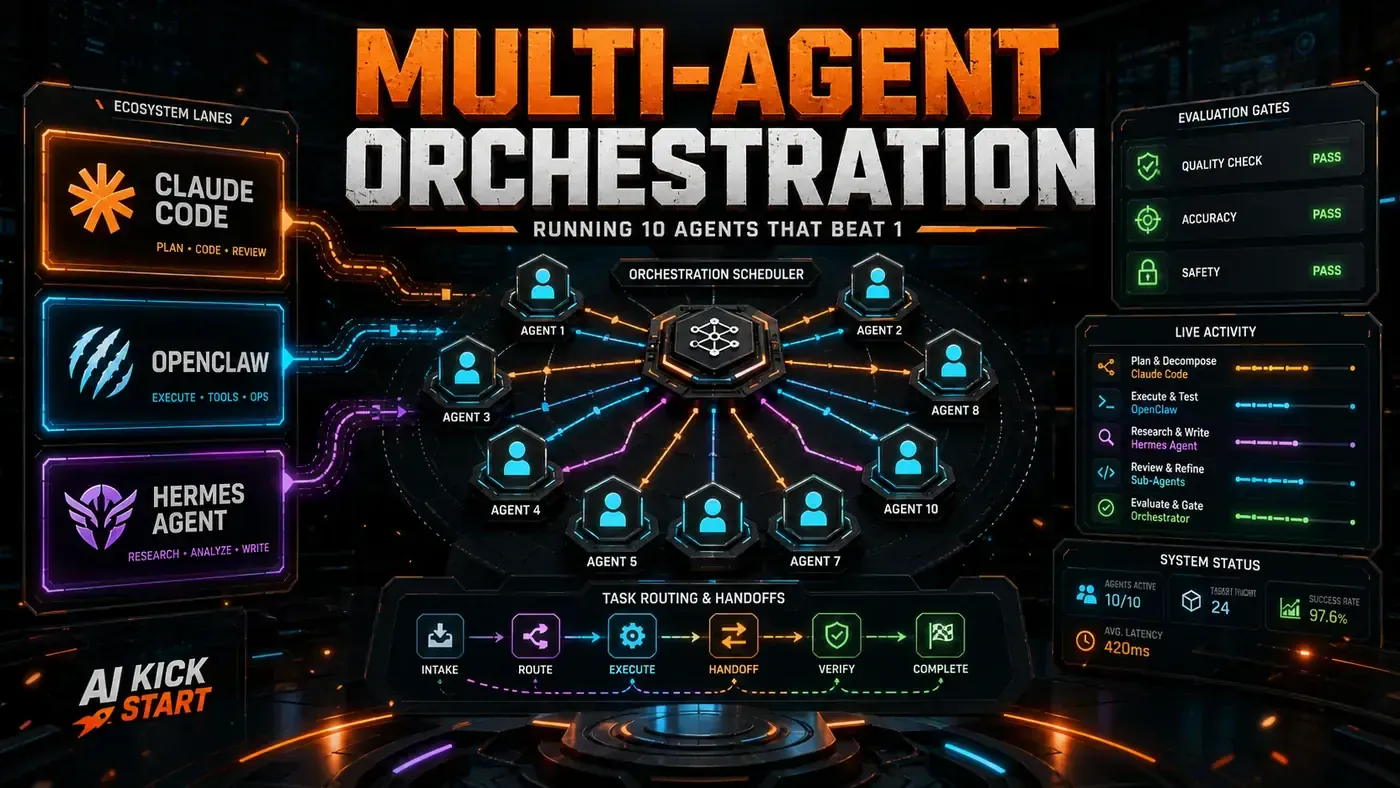
For most of the last two years, "multi-agent AI" was the sort of thing you read about in a research paper and quietly filed under "not yet". That has changed. By the middle of 2026, running several AI agents together on real work has stopped being an experiment and started looking like plumbing: unglamorous, increasingly standard, and worth getting right.
The shift matters for any business team weighing up where AI fits. One agent doing one job is easy to reason about. The moment you put several of them on the same project, you have to decide who is in charge, who talks to whom, and what happens when two of them disagree. Get that wrong and you do not get smarter software. You get a committee.
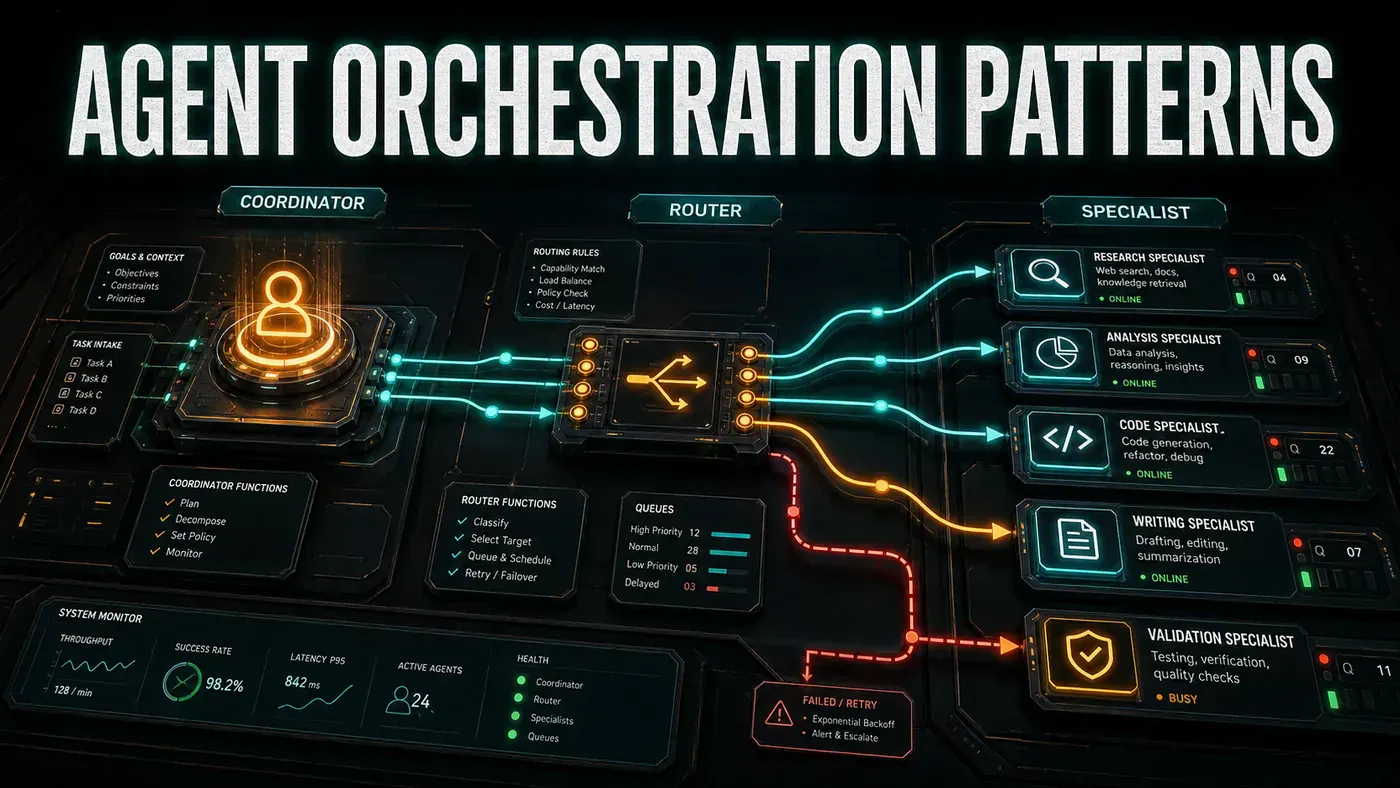
Three setups have become the common reference points for teams building this way: the Coordinator, the Router, and the Specialist. They are not competing products. They are different shapes for different jobs, and the useful skill is knowing which shape fits the work in front of you. Below is how each one behaves, where it earns its keep, and where it tends to fall over.
Pattern 1: The Coordinator
The Coordinator pattern runs one agent that holds the overall state and hands sub-tasks down to worker agents. It is the most straightforward way to wire up multiple agents, and it suits jobs that break cleanly into pieces.
Coordinator (maintains state, makes decisions)
 ├── Worker A (executes sub-task 1)
 ├── Worker B (executes sub-task 2)
 └── Worker C (executes sub-task 3)
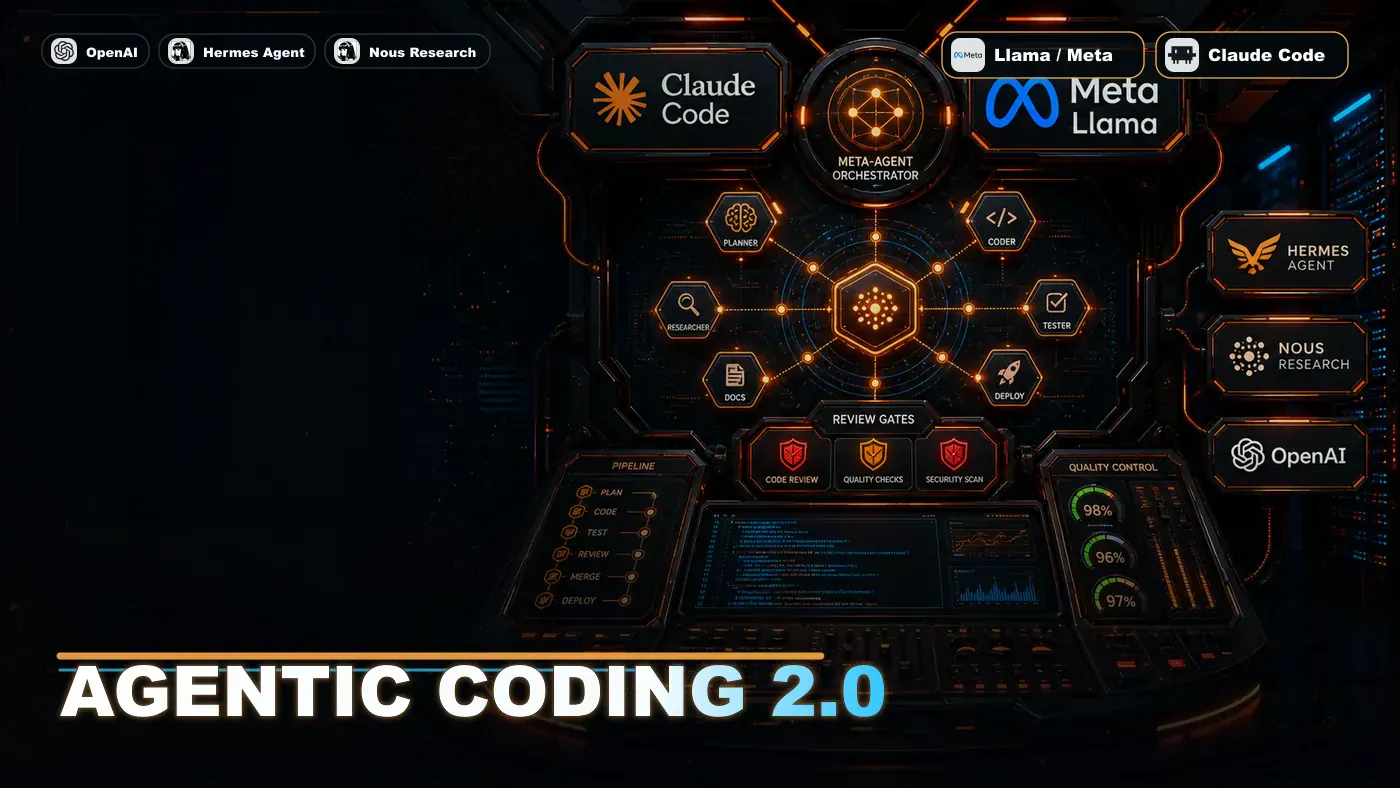
Claude Code's Dynamic Workflows (opens in a new tab) run this pattern out of the box. The coordinator (Claude Opus 4.8 (opens in a new tab)) keeps the task graph and parcels work out to specialist sub-agents. Hermes (opens in a new tab) does something similar through its learning loop: the coordinator agent routes tasks based on skill signatures it has picked up over time.
Best for: Jobs that split cleanly into sequential or parallel steps. Migrations, refactors, generating documentation. Trade-off: The coordinator is one point of failure and one bottleneck. If it goes down, the whole thing stops with it.
Pattern 2: The Router
The Router pattern puts a middleman between incoming requests and the agents doing the work. The router reads each request, classifies it, and sends it to the right specialist. Unlike the coordinator, it holds no global state. It is stateless, which means it scales out sideways without much fuss.
Request -> Router (classifies and dispatches)
 ├── Code Agent (implementation tasks)
 ├── Test Agent (test generation and validation)
 ├── Review Agent (code review and quality)
 └── Docs Agent (documentation generation)
OpenClaw's sub-agent setup fits this shape. A parent agent passes messages to the right child agent. Worth a caveat here: OpenClaw's own multi-agent docs (opens in a new tab) describe routing as binding-based (it matches on peer, thread, or role, with the most specific match winning) rather than the looser "content analysis" framing you sometimes see. OpenHuman reportedly takes a comparable line with its multi-model routing (opens in a new tab), sending different request types to different models.
Best for: High-volume settings with a wide mix of request types. Support bots, team assistants, CI/CD pipelines. Trade-off: With no shared state, individual agents can make choices that are sensible on their own but poor for the job as a whole.
Pattern 3: The Specialist
The Specialist pattern is the most involved of the three. Several agents, each with real depth in one domain, work together through shared protocols. Every specialist keeps its own memory, tools, and standards for judging good work. They hand off to each other, push back, and critique each other's output.
API Specialist <-> Database Specialist <-> Frontend Specialist
 | | |
 └------------------┴-----------------------┘
 |
 Integration Tests
Hermes builds this on its agentskills.io ecosystem. According to the project's own framing, specialist agents draw on independent Honcho (opens in a new tab) memory models while sharing skill signatures, though the per-specialist memory detail leans more on interpretation than on documented behaviour. The idea is that each one owns its patch: the API specialist knows REST design, the database specialist knows query optimisation, and they meet in the middle through shared schemas and contracts.
Best for: Complex projects that need genuine depth across several areas at once. Platform engineering, full-stack work, system architecture. Trade-off: Heavy coordination cost. Specialists can disagree, and resolving that often needs a meta-coordinator sitting above them.
Choosing the Right Pattern
| Factor | Coordinator | Router | Specialist |
|---|---|---|---|
| Task complexity | Medium | Low-Medium | High |
| Request diversity | Low | High | Medium |
| Team size | Small | Large | Medium-Large |
| Domain depth | Medium | Low | High |
| Latency tolerance | High | Low | Medium |
| Coordination overhead | Medium | Low | High |
Implementation with tmux
If you live in the terminal, Claude Code can run agents across tmux panes (opens in a new tab), one agent per pane (this needs the CLAUDE_CODE_EXPERIMENTAL_AGENT_TEAMS flag set and tmux installed). The illustrative commands below show the three patterns side by side. Note that these are conceptual examples rather than shipping CLI commands: in practice, Claude Code's agent teams are started by describing your teammates in plain language, not via a claude multi-agent --pattern subcommand.
# Launch coordinator with 3 workers
claude multi-agent --pattern coordinator --workers 3

# Launch router with 4 specialists
claude multi-agent --pattern router --specialists code,test,review,docs

# Launch specialist pattern with 3 domain experts
claude multi-agent --pattern specialist --domains api,database,frontend
Anti-Patterns to Avoid
- The recursive delegation spiral: Agent A hands off to Agent B, which hands off to Agent C, which hands back to Agent A. Cap it with a maximum delegation depth.
- The echo chamber: Specialists harden each other's mistakes because nobody checks the work from the outside. Add a dedicated critic agent.
- The coordination explosion: Too many agents talking, nobody working. As a rough heuristic, some practitioners suggest watching the share of effort spent on coordination and keeping it modest (one rule of thumb floated is under 25%), though this is a working guideline rather than an established benchmark.
- The single-model fallacy: Using one model for every role. Coordinators usually need a large model; workers often do not. Match the model to the job.
Multi-agent orchestration is not a numbers game. Piling on more agents does not buy you more capability. What pays off is the right agents, arranged sensibly, talking to each other in a way that suits the work. The three patterns here are well worn at this point, and the anti-patterns are the mistakes people keep making. Pick the one that matches your job, not the one that sounds most impressive.
Agent Orchestration: answer-first summary
Agent Orchestration matters because it can change how Australian business teams plan, build, or govern an agent workflow. A practical guide to three multi-agent orchestration patterns, when to reach for the Coordinator, the Router, or deep Specialist agents.
The direct answer is this: do not treat the topic as a standalone trend. Treat it as a decision about inputs, outputs, review ownership, data exposure, and whether the workflow produces a result that is faster, safer, or more useful than the current process.
Agent Orchestration: implementation checklist
- Define the user, job to be done, and success metric for the agent workflow.
- Collect real examples, policies, source files, customer questions, or search queries before writing prompts or choosing tools.
- Separate low-risk drafts from decisions that need approval, privacy checks, or senior review.
- Document what the AI is allowed to access, what it must not access, and who signs off before production use.
- Review successful task completion, review time, fallback rate, operator corrections after a small pilot rather than judging the idea from a demo.
This keeps the work practical. It also gives search engines and AI answer engines a clean factual structure: what the topic is, who it helps, what to do next, and which risks matter before implementation.
Decision criteria for Agent Orchestration
| Decision area | What to check | Production signal |
|---|---|---|
| Intent | Does Agent Orchestration solve a real workflow problem? | The use case has a named owner and measurable outcome. |
| Data | Can the required data be used safely? | Sensitive data is classified and access is controlled. |
| Quality | Can a reviewer judge the output consistently? | Examples, rubrics, or acceptance criteria exist. |
| Scale | Can the workflow be repeated without hero effort? | The process is documented and can be handed to another team member. |
Practical example for Agent Orchestration
A small business could use this article to choose one practical test. For example, a manager might take one customer-facing process, one internal document workflow, or one recurring content task and redesign only that step with AI support. The goal is not to automate the whole business at once; it is to learn where Code creates reliable leverage.
The useful deliverable is a short operating note: the trigger, the source material, the prompt or tool, the review checklist, the escalation rule, and the metric. That note becomes the handover asset for staff training, SEO/GEO content, service delivery, or future agent work.
Risks and controls for Agent Orchestration
The common failure pattern is moving too quickly from a promising idea into an unmanaged workflow. For Agent Orchestration, the risk is not only bad output. It can also be unclear data permission, staff confusion, duplicate content, unreviewed customer advice, or a tool that quietly changes cost or capability.
- Control unclear tool permissions with a named owner, a review step, and written acceptance criteria.
- Control silent failures with a named owner, a review step, and written acceptance criteria.
- Control prompt drift with a named owner, a review step, and written acceptance criteria.
- Control weak audit trails with a named owner, a review step, and written acceptance criteria.
Measurement plan for Agent Orchestration
A useful AI or SEO initiative should leave evidence. Track successful task completion, review time, fallback rate, operator corrections and compare the pilot against the current process. If the measure does not improve, keep the learning but avoid scaling the workflow.
For GEO readiness, the page should also answer the core question directly, define the entities involved, include implementation steps, explain tradeoffs, and link readers to the next relevant AI Kick Start service, guide, tool, or article.
Definitions and entities for Agent Orchestration
For search, GEO, and staff handover, define the core entities in plain language. In this article the important entities are the workflow owner, the AI tool or model, the source material, the review process, the risk boundary, and the measurable business outcome. Clear definitions make the page easier for people to scan and easier for AI answer engines to quote accurately.
- Workflow owner: the person accountable for deciding whether Agent Orchestration belongs in the business process.
- Source material: the documents, examples, policies, URLs, prompts, videos, or customer questions that ground the output.
- Review boundary: the point where a human checks accuracy, privacy, brand voice, or customer impact before the result is used.
- Success metric: the measure that proves whether the agent workflow is worth repeating.
Agent Orchestration versus doing nothing
Doing nothing is also a decision. The cost may be slow manual work, weaker search visibility, inconsistent advice, duplicated effort, or staff using unmanaged AI tools without a shared process. The practical question is whether a controlled pilot can reduce that cost without creating a larger governance problem.
| Option | When it makes sense | What to watch |
|---|---|---|
| Do nothing | The workflow is rare, low value, or already reliable. | Competitors may improve speed, content depth, or service consistency first. |
| Run a small pilot | The task repeats often and has clear review criteria. | Keep scope tight and measure the result against the current process. |
| Build a production workflow | The pilot is repeatable and risk controls are documented. | Assign ownership, monitoring, training, and a rollback path. |
AI Kick Start handover package for Agent Orchestration
A production handover should be concrete enough that another person can run it. For Agent Orchestration, that means a short brief, a workflow map, approved prompts or tool settings, source material, a review checklist, internal links to supporting resources, and a simple measurement sheet. This is the difference between reading about AI and turning it into operational capability.
That packaging also strengthens E-E-A-T. It shows experience through implementation notes, expertise through decision criteria, authoritativeness through source-aware structure, and trust through risks, controls, and review steps. The article becomes useful even if the reader never buys a tool because it helps them make a better operational decision.