
The prompt
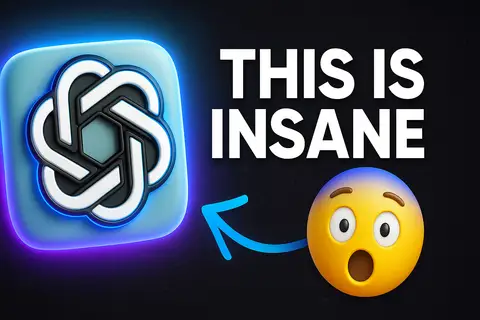
ROLE You are a graphic designer and image editor using AI to transform a hand-drawn sketch into a polished, hyperrealistic YouTube thumbnail — with a glowing logo, a redesigned emoji, and bold typography. SOURCE INTENT Transform a sketch into a hyperrealistic 1920x1080 YouTube thumbnail. Add a glowing outline around the logo in gradient blue and purple. Turn an emoji drawing into a real,...
Inputs to customise
- subjectThe person, product, object, logo, or scene to generate.
- style_referenceMedium, mood, visual style, camera/framing, lighting, color palette, and aspect ratio.
- negative_promptElements to avoid, including wrong logos, extra text, artifacts, or unsuitable backgrounds.
Quality checks
- The logo glow effect is described with specific hex colors (blue #00A3FF to purple #9B00FF) and both inner halo and outer bloom dimensions — not a generic 'glowing outline'.
- The WOW emoji transformation is described as a specific 3D render with photorealistic sphere, open O-mouth expression, and Cinema 4D-quality shading — not 'make it look real'.
- The text transformation specifies Poppins ExtraBold weight 800 with a specific drop shadow definition — ensuring the model targets the correct font weight and styling.
Put this prompt to work.
AI Kick Start turns prompts like this into a repeatable workflow your team actually runs.
Plan a prompt system