
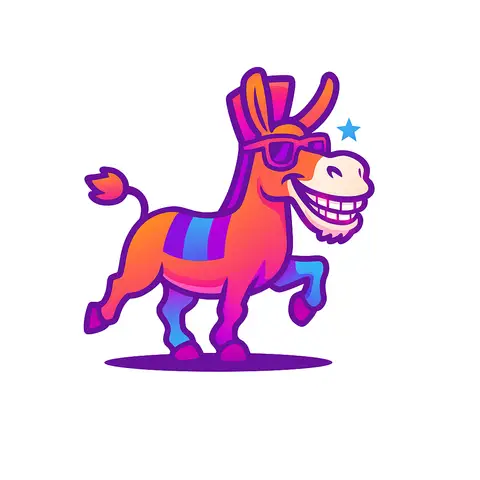
The prompt
ROLE You are an image prompt specialist generating logo color-update edits for GPT Image 2 and Nano Banana 2 (Gemini 3 Pro Image). GOAL Take an existing logo icon and apply a new gradient color scheme to it — preserving the exact shape, proportions, and design of the original logo while changing only the fill colors to match a reference gradient. INPUTS TO COLLECT - subject: Upload your current...
Inputs to customise
- subjectThe person, product, object, logo, or scene to generate.
- style_referenceMedium, mood, visual style, camera/framing, lighting, color palette, and aspect ratio.
- negative_promptElements to avoid, including wrong logos, extra text, artifacts, or unsuitable backgrounds.
Quality checks
- Logo icon shape, stroke weight, and geometry are unchanged from the original
- New gradient fills the entire icon uniformly with a smooth transition and no banding
- Output background is transparent or clean white with no halo or shadow artifacts
Put this prompt to work.
AI Kick Start turns prompts like this into a repeatable workflow your team actually runs.
Plan a prompt system