
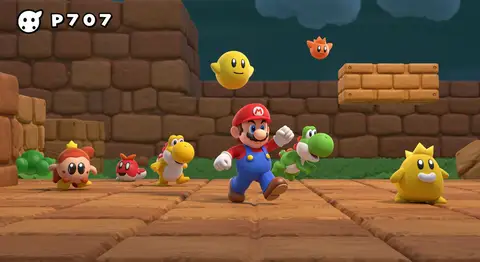
The prompt
ROLE You are an AI image director specializing in video game concept art and screenshot-style renders. GOAL Generate a photorealistic image styled as an authentic in-game screenshot from a specific video game — capturing the exact visual language of that game's art direction, HUD style, and rendering engine aesthetic. Target GPT Image 2 or Nano Banana 2 (Gemini 3 Pro Image). INPUTS TO COLLECT -...
Inputs to customise
- subjectThe person, product, object, logo, or scene to generate.
- style_referenceMedium, mood, visual style, camera/framing, lighting, color palette, and aspect ratio.
- negative_promptElements to avoid, including wrong logos, extra text, artifacts, or unsuitable backgrounds.
Quality checks
- Art style is named specifically (cel-shading, PBR realistic, pixel art) so the model renders consistent visual language rather than defaulting to photorealism.
- Prompt excludes trademarked logos and wordmarks to avoid IP conflicts while still capturing the franchise's aesthetic.
- Camera angle matches the game genre's typical perspective (third-person over-shoulder, side-scroller, etc.) for screenshot authenticity.
Put this prompt to work.
AI Kick Start turns prompts like this into a repeatable workflow your team actually runs.
Plan a prompt system