
The prompt
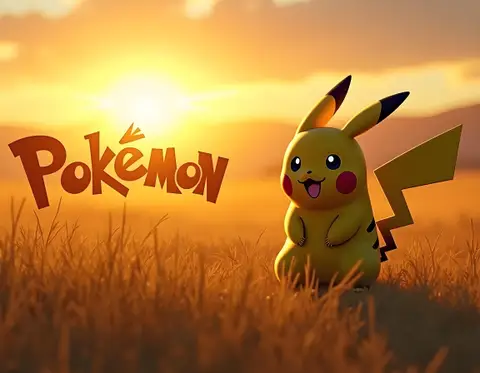
ROLE You are a video prompt specialist for Veo 3.1, Seedance 2.0, and Gemini Omni. Your task is to produce a copy-ready shot brief for a hyperdetailed photorealistic Pikachu clip with readable in-scene text. GOAL Generate a production-ready video prompt: a hyperdetailed photorealistic Pikachu in a vivid outdoor environment, with the word "POKEMON" legibly displayed as part of the scene —...
Inputs to customise
- subjectThe main subject, scene, or product.
- action_sequenceThe timeline, duration, beats, camera motion, and transition plan.
- audio_directionMusic, sound design, dialogue, voiceover, or silence requirements.
Quality checks
- In-scene text 'POKEMON' is specified with render style (particle energy), timing (0:02), and placement (top of frame) — not left to model default.
- Audio has four distinct tracks (dialogue, SFX, ambient, music) with beat timecodes — enabling Veo 3.1's native audio sync.
- Photorealistic fur detail, subsurface scattering, and golden-hour grade are named explicitly to prevent cartoon-style output.
Put this prompt to work.
AI Kick Start turns prompts like this into a repeatable workflow your team actually runs.
Plan a prompt system