
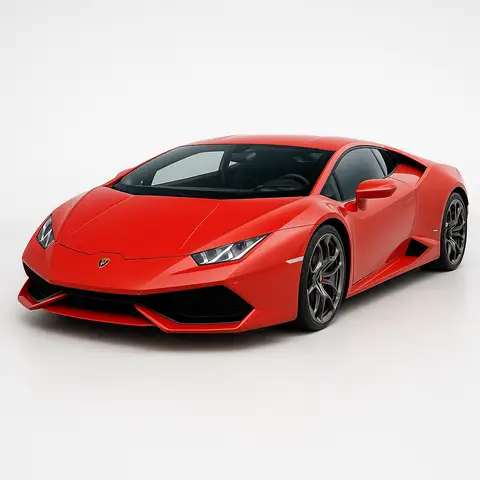
The prompt
ROLE You are an image prompt specialist generating clean vehicle background-removal and isolation edits for GPT Image 2 and Nano Banana 2 (Gemini 3 Pro Image). GOAL Take an uploaded photo and extract the car from its background — producing a clean, isolated vehicle on a transparent or neutral background, with precise edge masking and no background residue. INPUTS TO COLLECT - subject: Upload the...
Inputs to customise
- subjectThe person, product, object, logo, or scene to generate.
- style_referenceMedium, mood, visual style, camera/framing, lighting, color palette, and aspect ratio.
- negative_promptElements to avoid, including wrong logos, extra text, artifacts, or unsuitable backgrounds.
Quality checks
- Car edges are precisely masked with no jagged pixels, fringing, or background residue in wheel arches or mirrors
- Vehicle color, panel reflections, and chrome details are unchanged from the original photo
- Ground treatment (shadow or reflection) is present if a non-transparent background is used
Put this prompt to work.
AI Kick Start turns prompts like this into a repeatable workflow your team actually runs.
Plan a prompt system